

Limb Fit(リムフィット)|アバターの腕・脚の長さ調整ツール
- Digital500 JPY
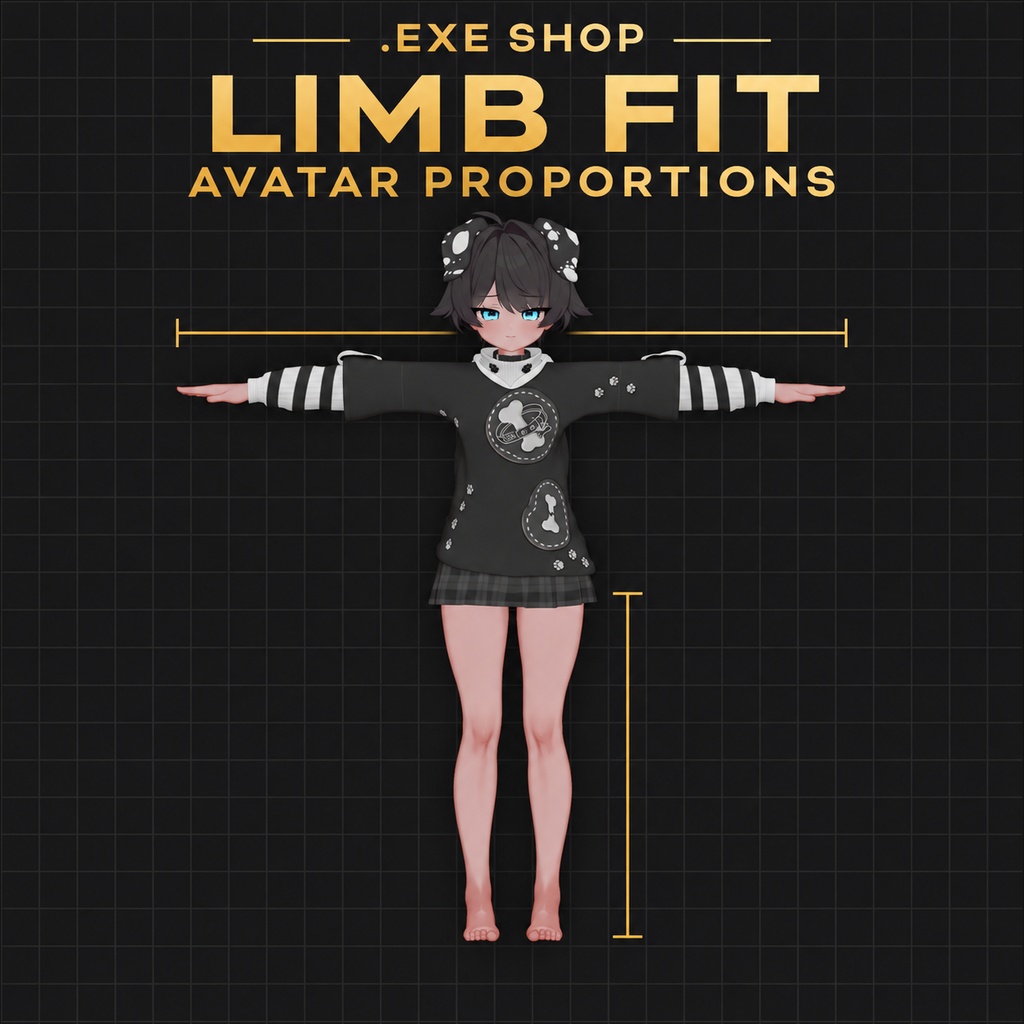
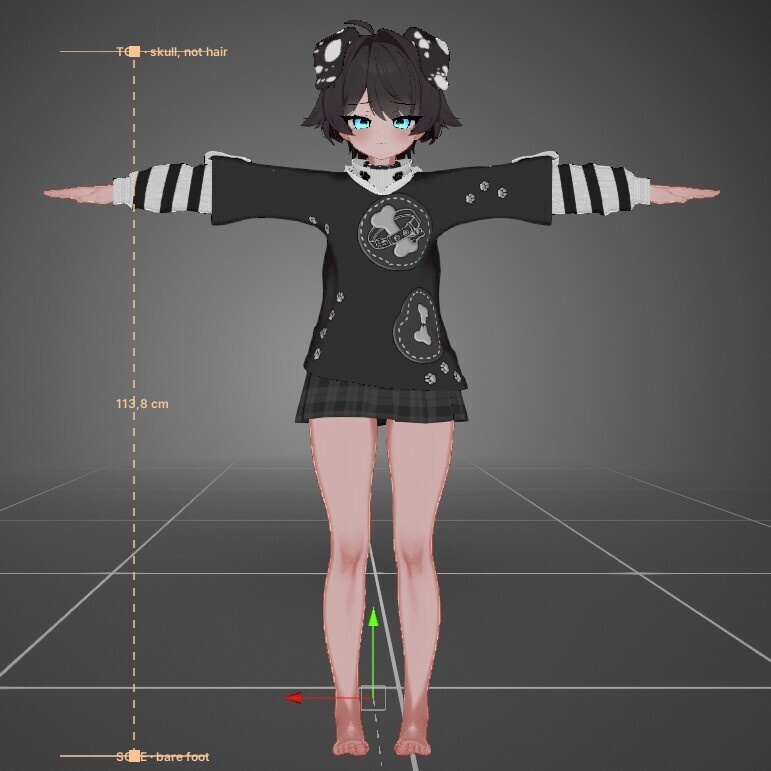
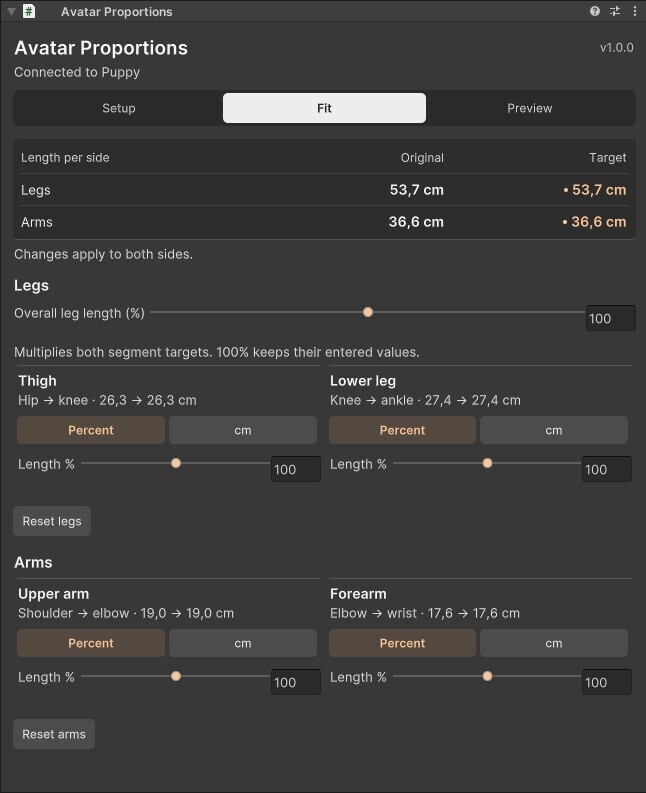


## 商品説明 / 日本語 「腕をもう少し短くしたい」「太ももの長さはそのままで、膝から下だけ伸ばしたい」。Limb Fitは、VRChatアバターの腕や脚を部位ごとに調整するUnityツールです。 上腕・前腕・太もも・すねの長さを、元の長さに対する割合(%)か、関節から関節までの長さ(cm)で指定できます。脚全体を伸ばしたり縮めたりしたいときは、太ももとすねをまとめて調整できます。左右には同じ倍率がかかるので、もともとの左右差は残ります。 自分の体型に近づけたい場合は、身長と腕・脚の実測値を入力してみてください。アバターの身長に合わせて比率を反映するか、実測した長さをそのまま使うか選べます。アバターの身長は、Sceneビューで頭頂と足裏のガイドを動かして指定できます。 ### 使い方 1. .unitypackageをインポートし、アバターのルートか、その下の空のGameObjectに「Avatar Proportions」を1つ追加します。 2. 「Fit」で元の長さを見ながら調整します。実測値を使う場合は「Setup」から入力します。 3. 「Preview」でビルド後のアバターを確認します。衣装や靴、手首や足首の見た目を確認したら、設定を追加した元のアバターをアップロードしてください。 設定はビルド時に反映され、元のモデルデータは直接書き換わりません。脚の長さを変えたときに足首の平均の高さを保つ補正と、頭の移動に合わせて視点を動かす補正もあります。 ### 動作環境 想定環境はUnity 2022.3.22f1、VRChat Avatars SDK、NDMF 1.14.8、Modular Avatar 1.18.7です。Humanoid AnimatorとVRChat Avatar Descriptorが必要です。アバターのルートはXYZすべて同じ正のスケールに設定してください。各部位の最終倍率は50〜150%です。 衣装の追従や関節の見た目は、モデルのウェイトによって変わります。調整後はプレビューとVRChat内でご確認ください。PhysBoneやコライダーは手動調整が必要な場合があります。 ダウンロードにはUnityツール(.unitypackage)が含まれます。画像のアバターや衣装は使用例です。 ### 利用規約 - 購入者は、個人・商用を問わずLimb Fitを使用できます。購入者本人が使うためにツールを改変することもできます。 - 調整したアバターは、元のアバターや衣装などの利用規約に従う範囲で、VRChatへの公開アップロード、配信・動画制作、有償の改変依頼などに利用できます。 - Limb Fit本体(パッケージ、スクリプト、その他の同梱ファイル)は、改変の有無を問わず、第三者への共有、再配布、転売を禁止します。配布・販売するUnityプロジェクトやアバターパッケージにツール本体を同梱しないでください。 ## Description / English Limb Fit is a Unity tool for adjusting arm and leg lengths on VRChat Humanoid avatars. Set the upper arm, forearm, thigh and lower leg separately. You can enter a percentage of the original length or the distance between joints in centimetres. There’s also a single control for both leg segments. The left and right sides use the same ratio, so any existing asymmetry stays in proportion. If you’re fitting the avatar to yourself, enter your height and limb measurements. You can match your proportions at the avatar’s scale or use the exact lengths you entered. Drag the head and sole guides in Scene view to set the avatar’s reference height. ### How to use it 1. Import the .unitypackage and add one **Avatar Proportions** component to the avatar root or an empty child. 2. Open **Fit** to see the original lengths and adjust them. To work from your measurements, start in **Setup**. 3. Build a copy from **Preview** and check how your clothes, shoes, wrists and ankles look. Upload the original avatar with the component attached. The changes apply at build time, so your source model files stay intact. You can also keep the ankles at the same average height when changing leg length, and have the VRChat viewpoint follow the head. ### Requirements Target environment: Unity 2022.3.22f1, VRChat Avatars SDK, NDMF 1.14.8 and Modular Avatar 1.18.7. The avatar needs a Humanoid Animator, a VRChat Avatar Descriptor and the same positive scale on all three root axes. Each segment can end up between 50% and 150% of its original length. Clothing fit and joint deformation depend on the model’s skin weights. Check the preview and test the result in VRChat. PhysBones and colliders may need manual adjustment. The download contains the Unity tool (.unitypackage). The avatars and outfits in the images are examples. ### Terms of use - Buyers may use Limb Fit for personal and commercial work and modify the tool for their own use. - You may upload adjusted avatars publicly to VRChat, use them in streams or videos, and use the tool for paid avatar commissions, subject to the licenses of the original avatars, outfits and other assets. - Do not share, redistribute or resell Limb Fit or its files, including modified copies. Keep the tool files out of Unity projects or avatar packages you distribute or sell.