

CUBE LAB V2.0|天窓から光が差す白い撮影空間|VRChat World
- Digital250 JPY


♡ HEZ STUDIO | WORLD ASSET ♡
JP
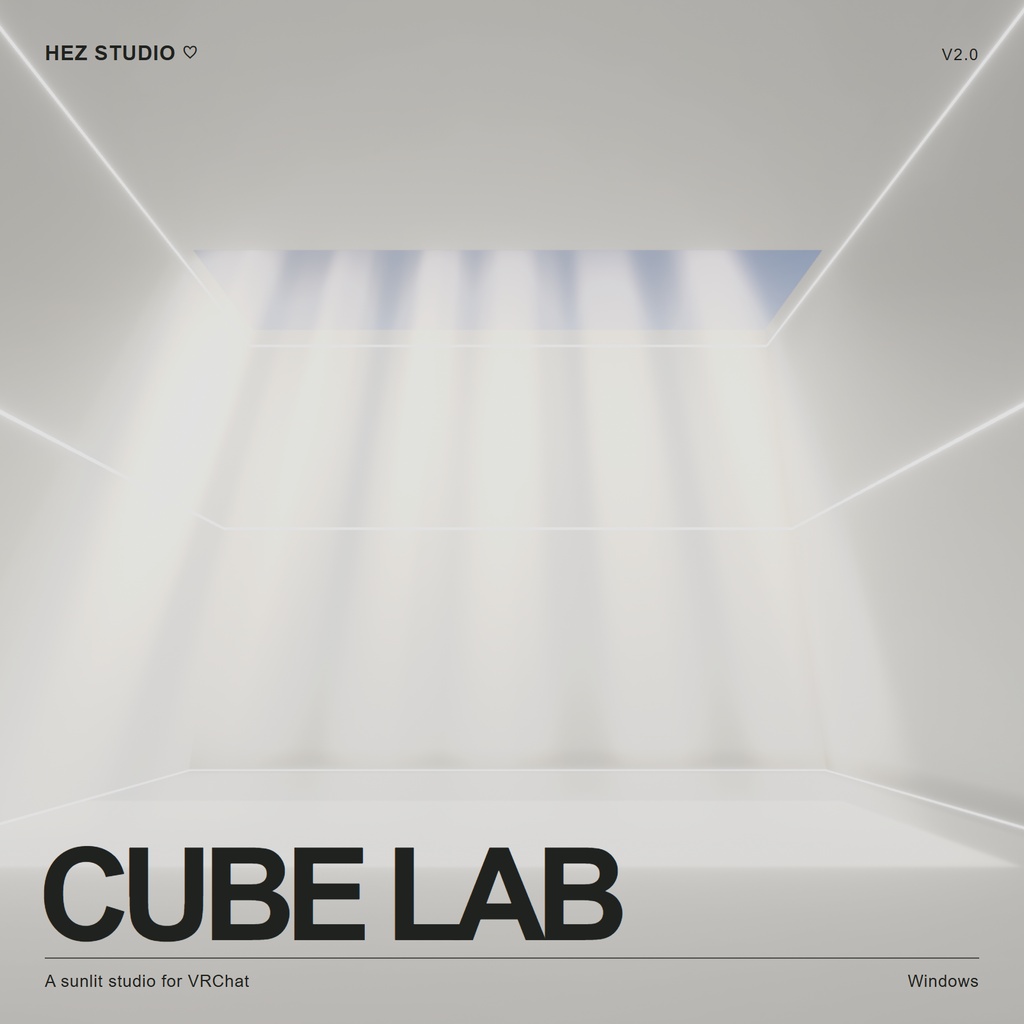
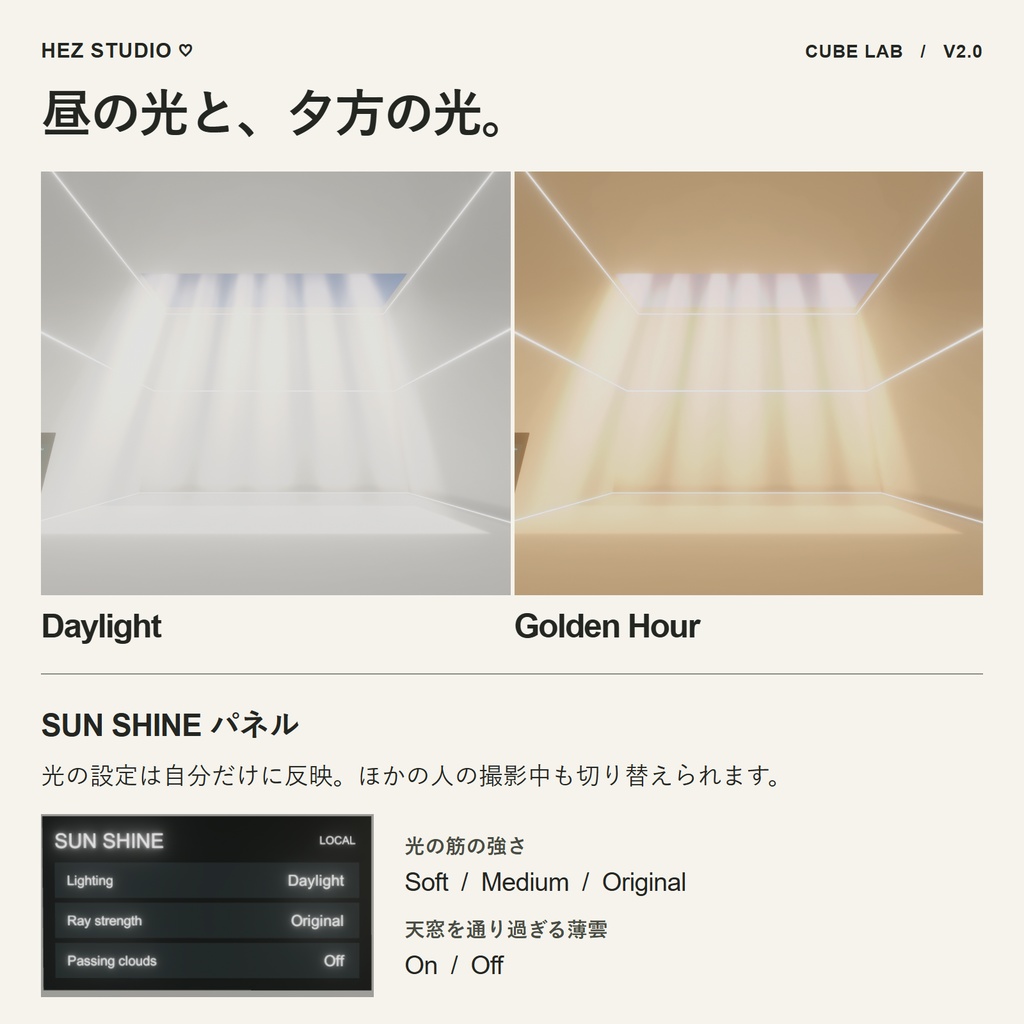
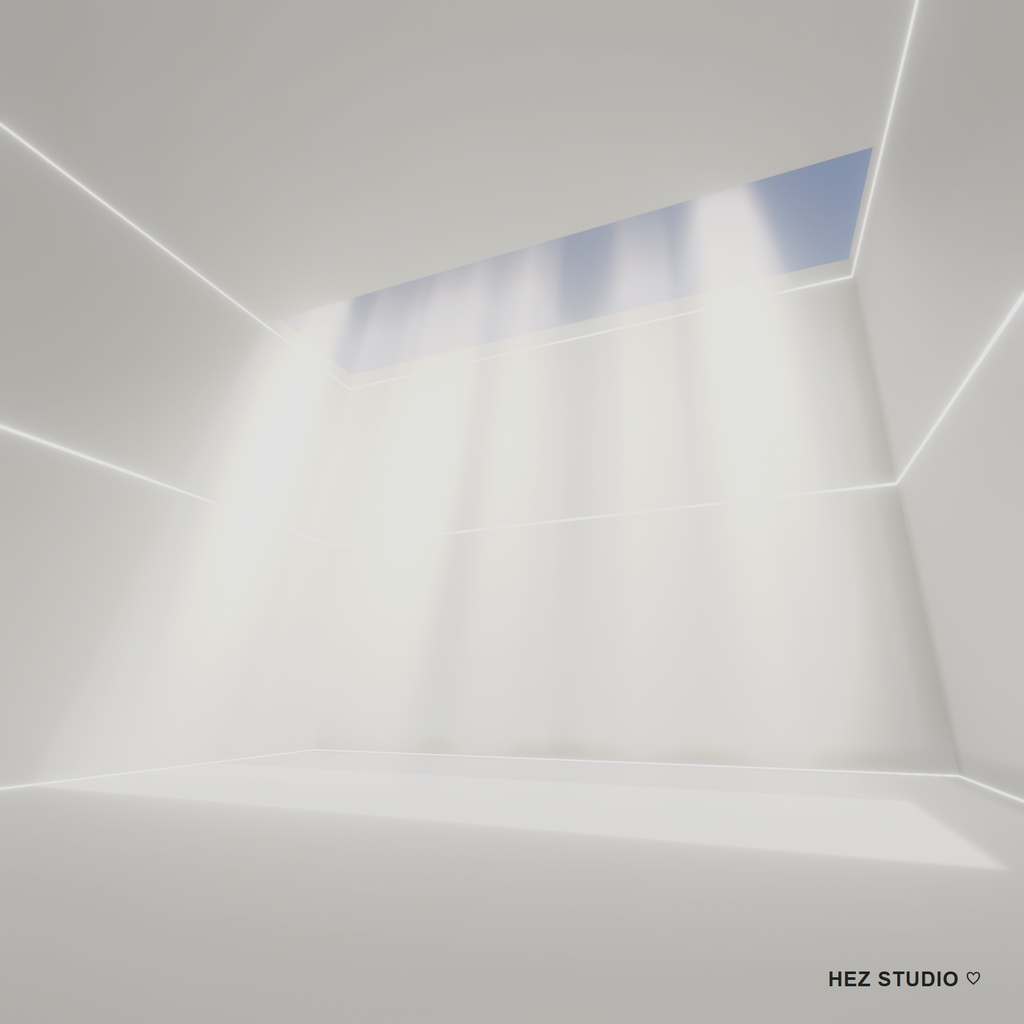
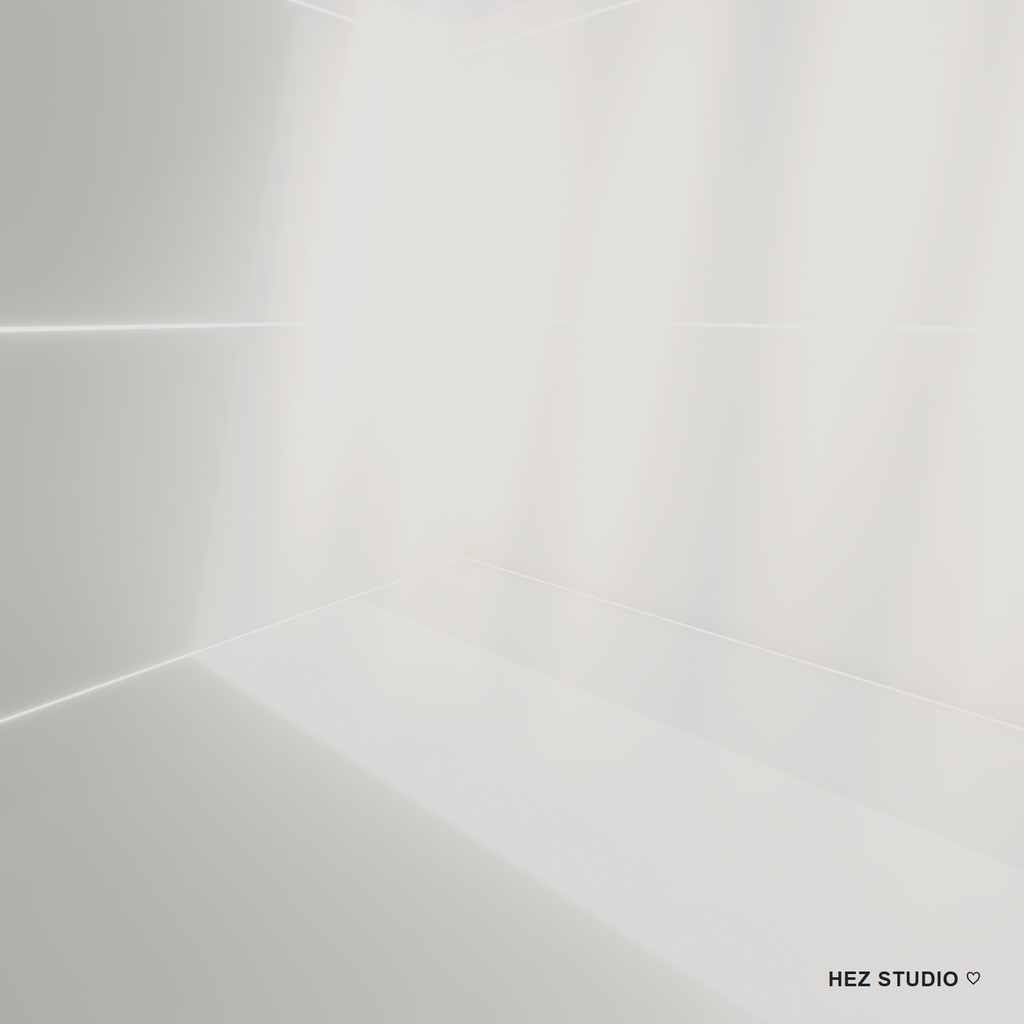
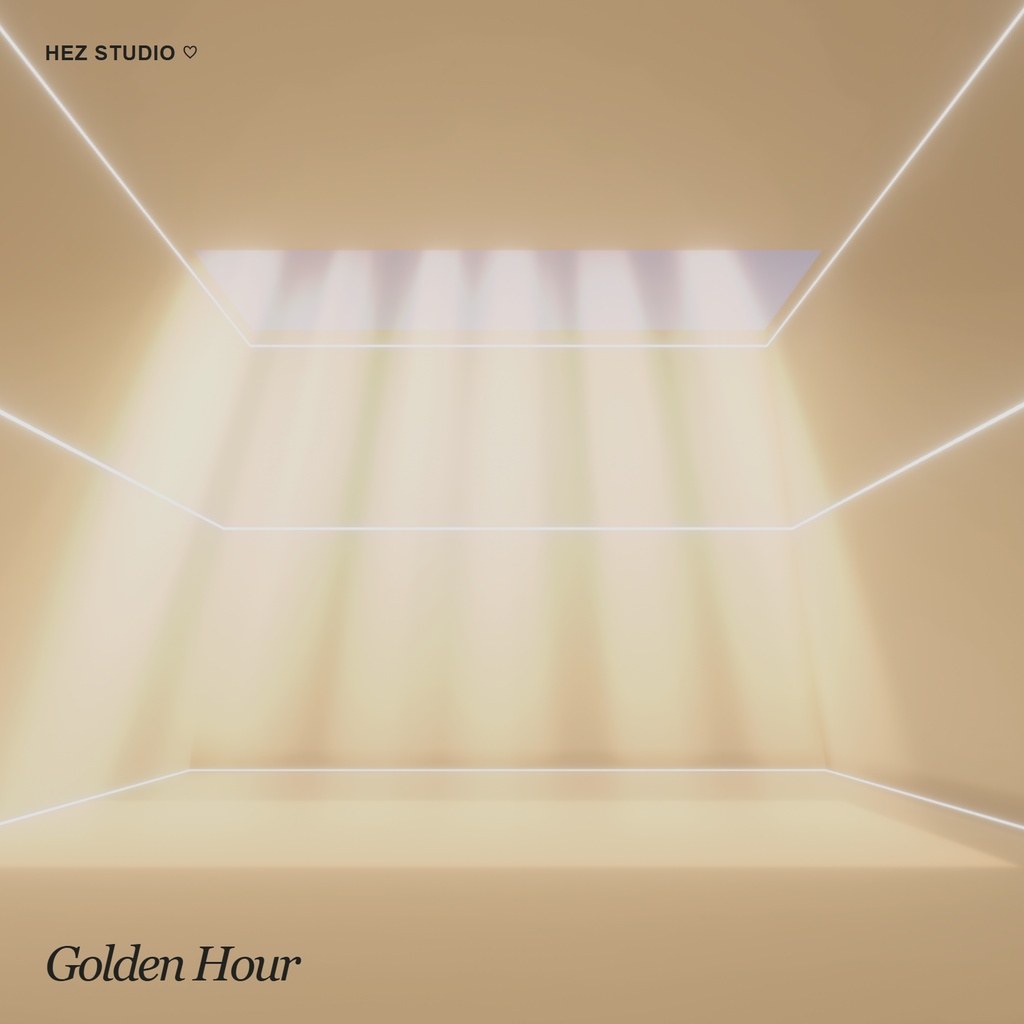
CUBE LAB V2.0|天窓から光が差す白い撮影空間|VRChat World HEZ STUDIO ♡ 白い部屋を見上げると、四角い天窓から幾筋もの光が差し込んでいます。CUBE LAB は、この「SUN SHINE」を主役にした VRChat 用ワールドです。 光の下でアバターを撮るときは、少し離れて天窓までフレームに。壁の近くから斜めに構えると、白い床に落ちた光と、部屋の輪郭に沿う細いラインが引き立ちます。ご購入前にサンプルワールドで、お気に入りのアングルを探してみてください。 ■ 光の調整 スポーン地点近くの壁にある「SUN SHINE」パネルで、白い昼光(Daylight)と夕方の暖かな光(Golden Hour)を切り替えられます。光の筋の強さは Soft / Medium / Original の3段階。Passing clouds をオンにすると、薄雲が天窓を横切り、光の筋が順にやわらぎます。 設定は自分の画面にだけ反映されます。入室時は Daylight・Original・雲なしで始まります。 ■ サンプルワールド hez cube lab https://vrchat.com/home/world/wrld_69d82f85-d831-4f19-a890-d9a51a583715 ■ 制作・ビルド確認環境 ・Unity 2022.3.22f1 / Windows 向けワールドビルド確認済み ・VRChat Creator Companion(VCC)の Worlds プロジェクト ・VRChat SDK - Base / Worlds 3.10.6(UdonSharp 同梱) ・シーン:Assets/hez_cube_lab.unity ■ 更新履歴 V2.0 光のプリセット、3段階の光量調整、薄雲の演出を追加。 V1.1 SDK 3.10.6 のレイヤー・衝突設定に対応。ペンとスイッチで使用するテクスチャ設定を見直しました。 V1.0 2022.11.28 初版公開
EN
CUBE LAB V2.0 | A Sunlit Studio for VRChat HEZ STUDIO ♡ Look up. A square opening in the ceiling frames the sky, and shafts of light fall into a quiet white room. This is SUN SHINE, the signature of CUBE LAB. For an avatar portrait, stand your subject beneath the skylight and step back until the opening enters the frame. For a wider shot, try a corner of the room and let the thin lines along the walls lead the eye toward the light. Lighting controls Find the SUN SHINE panel on the wall near spawn. Choose Daylight or Golden Hour, then cycle the ray strength through Soft, Medium and Original. Turn on Passing clouds to watch a thin cloud drift across the skylight and soften each shaft in turn. The controls are local to you. Each visit starts in Daylight with the original ray strength and a clear sky. Visit the sample world hez cube lab https://vrchat.com/home/world/wrld_69d82f85-d831-4f19-a890-d9a51a583715 Project environment • Unity 2022.3.22f1. World build verified for Windows. • A Worlds project in VRChat Creator Companion (VCC). • VRChat SDK – Base and Worlds 3.10.6. UdonSharp is included in the Worlds SDK. • Open Assets/hez_cube_lab.unity. Version history V2.0 — Added local lighting presets, three ray strengths and optional passing clouds. V1.1 — Updated the project layers and collision matrix for SDK 3.10.6 and optimized texture settings for the pen and switches. V1.0 — First released on November 28, 2022.
KR
CUBE LAB V2.0 | 햇살이 드는 VRChat 촬영 스튜디오 HEZ STUDIO ♡ 하얀 방 한가운데 서서 위를 올려다보세요. 네모난 천창으로 하늘이 보이고, 그 사이로 CUBE LAB의 대표 조명인 SUN SHINE이 내려옵니다. 아바타를 천창 아래에 세우면 빛줄기를 배경으로 인물 사진을 찍을 수 있습니다. 방 모서리로 물러나면 벽을 따라 이어지는 가느다란 선과 천창을 한 화면에 담을 수 있습니다. SUN SHINE 조명 패널 스폰 지점 근처 벽에 있는 패널에서 촬영 분위기를 바꿔 보세요. • 시간대 — Daylight(낮)와 Golden Hour(해 질 무렵) 중에서 선택합니다. • 빛줄기 세기 — Soft, Medium, Original 세 단계로 조절합니다. • Passing clouds — 얇은 구름이 천창을 지나면서 빛줄기가 차례로 옅어집니다. 조명 설정은 조작한 사람에게만 적용됩니다. 월드에 들어오면 맑은 낮, Original 세기로 시작합니다. 샘플 월드 hez cube lab https://vrchat.com/home/world/wrld_69d82f85-d831-4f19-a890-d9a51a583715 설치 환경과 필수 에셋 • Unity 2022.3.22f1 및 VRChat Creator Companion(VCC)의 Worlds 프로젝트 • VRChat SDK – Base 및 Worlds 3.10.6 (UdonSharp 포함) • ProBuilder 5.2.2 — Unity Package Manager의 Unity Registry에서 설치 • QvPen 3.3.15 — https://vpm.ureishi.net/install • SUN SHINE 빛줄기에는 Mariya의 유료 조명 에셋이 필요합니다. 별도로 구매해 CUBE LAB보다 먼저 임포트해 주세요. https://booth.pm/ko/items/4143364 • 위 항목을 설치한 다음 ZIP 안의 .unitypackage를 임포트하고 Assets/hez_cube_lab.unity를 엽니다. 버전 기록 V2.0 — 개인별 조명 프리셋, 빛줄기 세기 3단계, 구름 통과 효과 추가 V1.1 — SDK 3.10.6에 맞춰 레이어와 충돌 설정 갱신, 펜과 스위치 텍스처 최적화 V1.0 — 2022년 11월 28일 첫 출시
credit
【VRCSDK3用】【無料】デジタル時計 https://booth.pm/ko/items/4143364 Lura's Switch【SDK2/SDK3】 https://booth.pm/ko/items/1969082 QvPen https://booth.pm/ko/items/1555789