


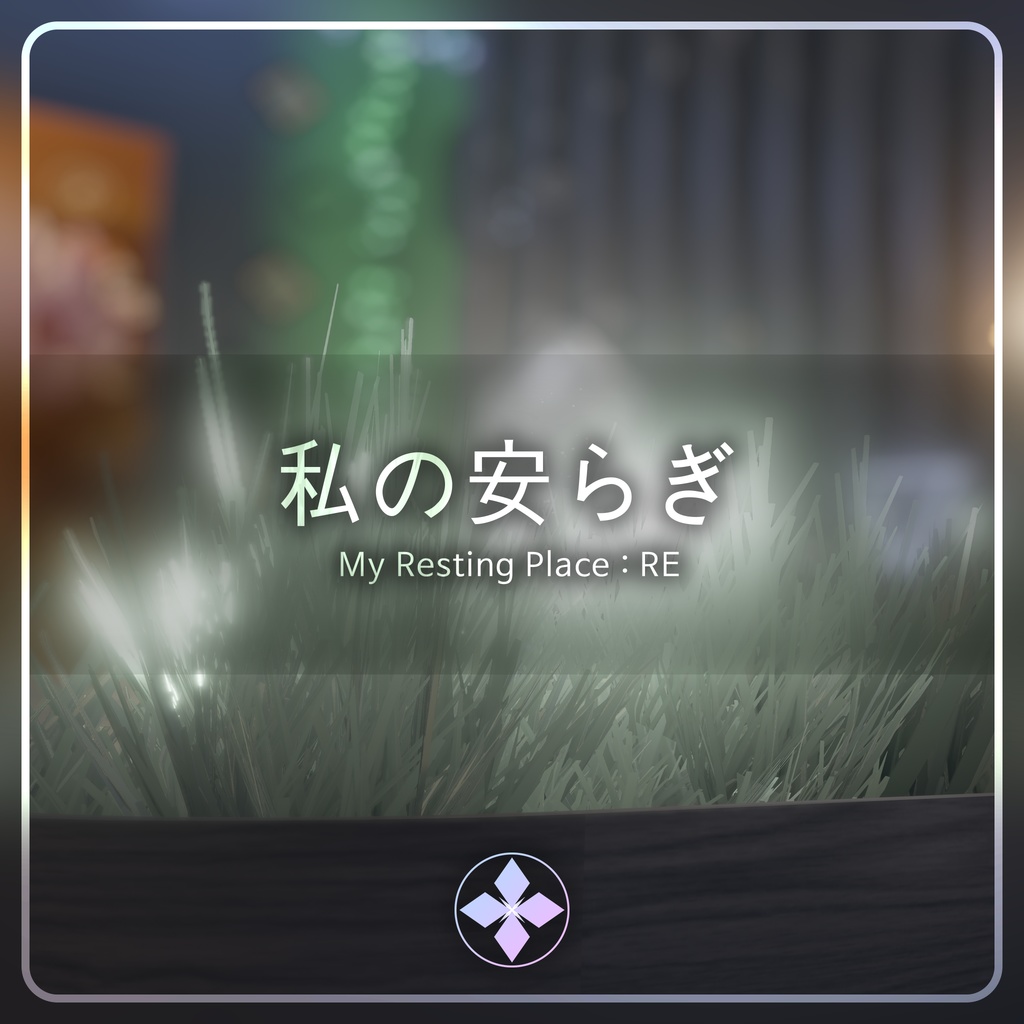
私の安らぎ | My Resting Place : RE
- Digital3,800 JPY
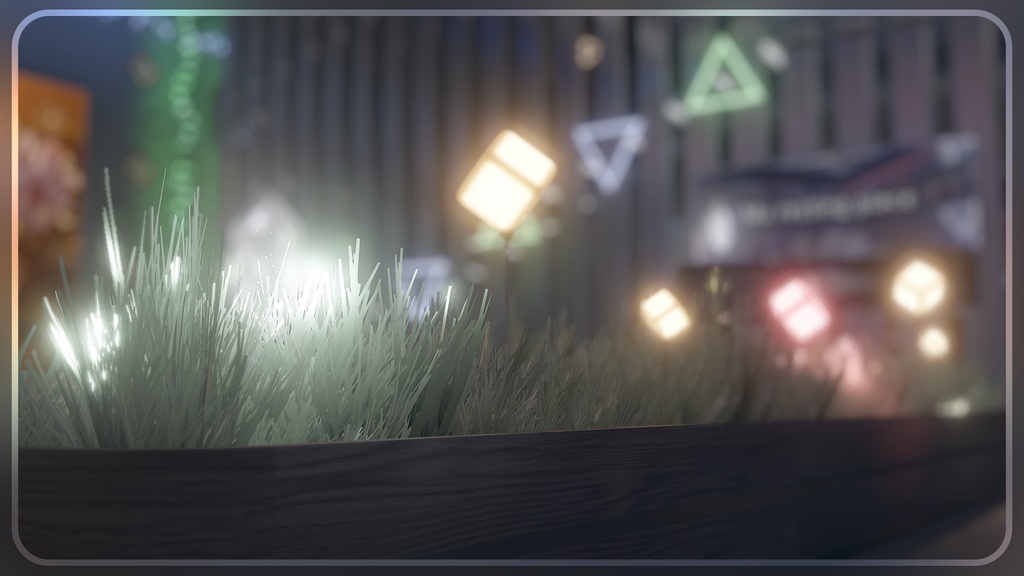
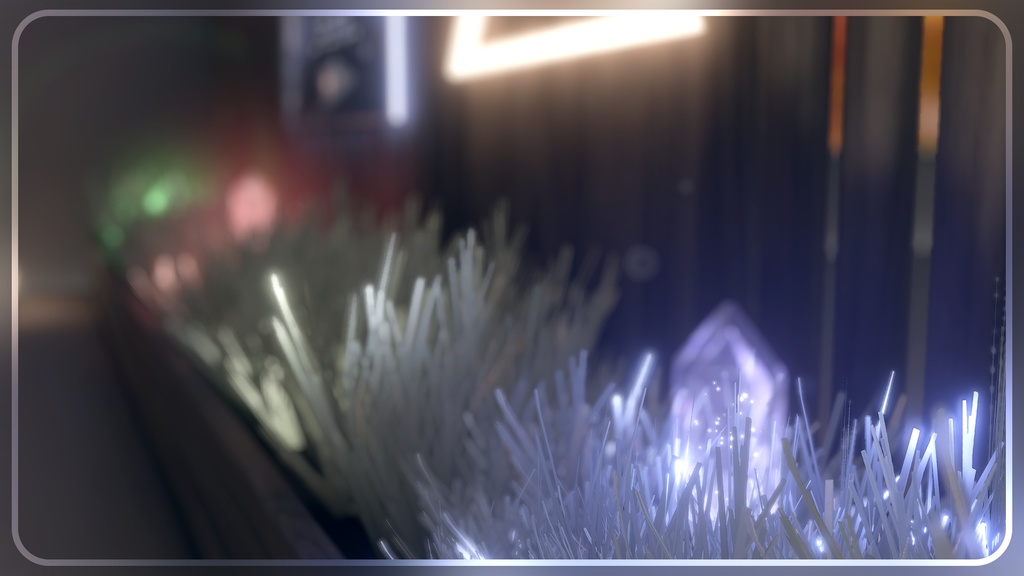


- Sample World Link https://vrchat.com/home/launch?worldId=wrld_c4bf7d5d-c079-4a3c-aa73-59f68c312470 - 3200 Sale ~ 26. 4. 3
JP
VRChatで使用可能なワールドアセットです。 個人用ギミックが用意されているため、必ずご自身のVRChatユーザー名を「World Setting (Name, Color)」に登録して使用してください。 - 推奨環境 本アセットを利用するための推奨環境は以下の通りです。 Unity 2022.3.22f1 VRChat SDK - Worlds 3.10.x 以上 ※これ以外の環境での動作は保証いたしかねます。 - 使用方法 1. VCC(VRChat Creator Companion)を使用して、空のWorld Projectを作成します。 2. アセットに含まれているPackageを順番にインポートします。 3. `IruaAtelier - MyRestingPlace_RE` 内にあるSceneファイルをダブルクリックして開きます。 - その他注意事項 Unity内蔵のLightmapperを使用しています。必要に応じて、Unityメニューの **Window > Rendering > Lighting** からライトマップを再度ベイクしてください。 AndroidおよびiOS環境に対応しています。SDKでビルドターゲットを追加してアップロードすれば、そのまま使用できる設定になっています。 - 利用規約 本アセットは、VRChat内での「Public」設定でのアップロードを許可します。 https://drive.google.com/file/d/1FGdy7UR_9WUWnmo_eBoCMaq0s9eRwIa2/view?usp=sharing
KR
VRChat 에서 사용 가능한 World 에셋입니다. 개인용 기믹이 준비되어있기때문에, 꼭 본인의 VRChat 이름을 "World Setting (Name, Color)" 에 등록하여 사용해주세요. - 에셋을 이용하기 위한 권장환경은 아래와 같습니다. Unity 2022.3.22f1 VRChat SDK - Worlds 3.10.x 이상 * 이 외의 환경에서 작동을 보증하기 어렵습니다. - 에셋의 사용방법 1. VCC를 사용하여 비어있는 World Project를 생성합니다. 2. 에셋에 포함된 Package를 차례대로 Import 합니다. 3. IruaAtelier - MyRestingPlace_RE 내에 있는 Scene 파일을 더블클릭하여 오픈합니다. - 기타참고사항 Unity의 내장 Lightmapper를 사용합니다. 필요시, 유니티의 메뉴바 - Window - Rendering - Lighting 에서 라이트맵을 다시 베이크 해주십시오. Android 및 iOS 환경을 대응합니다. SDK에서 빌드타켓을 추가하여 업로드하면 그대로 사용이 가능하게 세팅되어있습니다. - 이용약관 해당 에셋은 VRC Public의 업로드가 허용됩니다. https://drive.google.com/file/d/15VbBzka4yW2Ir0B3ubHzYVW8UX7DmHop/view?usp=sharing
EN
This is a world asset ready for use in VRChat. Personalized gimmicks are included. Please make sure to register your VRChat username in "World Setting (Name, Color)" before use. - Recommended Environment The following environment is recommended for using this asset: Unity 2022.3.22f1 VRChat SDK - Worlds 3.10.x or higher Note: Operation in other environments cannot be guaranteed. - How to Use 1. Create a new empty World Project using VCC (VRChat Creator Companion). 2. Import the packages included in the asset in order. 3. Open the scene file located in IruaAtelier - MyRestingPlace_RE. - Additional Notes This asset uses Unity’s built-in Lightmapper. If necessary, please re-bake the lightmaps via Window > Rendering > Lighting in the Unity menu bar. Android and iOS compatible. The settings are pre-configured so that you can upload them directly by adding the build target in the SDK. - Terms of Use Uploading this asset as a Public World in VRChat is permitted. https://drive.google.com/file/d/1MTd1PTs5R7eMmw-MvuT7V2B0CMgPlovB/view?usp=sharing
Credit
Mochies Unity Shaders - MochiesCode (MIT License) https://github.com/MochiesCode/Mochies-Unity-Shaders YamaPlayer - VRChat向け動画プレイヤー【Video Player】 https://yamadev.booth.pm/items/4768863 VRCLightVolumes - REDSIM (MIT License) https://github.com/REDSIM/VRCLightVolumes
Update Log
2026. 3. 30 2.00 | 私の安らぎ | My Resting Place : RE 2026. 4. 9 2.01 | Resolve Udon-related errors that may occur when importing other World Asset