

VirtualLens2対応 カスタムカメラギミック VR169 (3D Model)
- Digital1,900 JPY
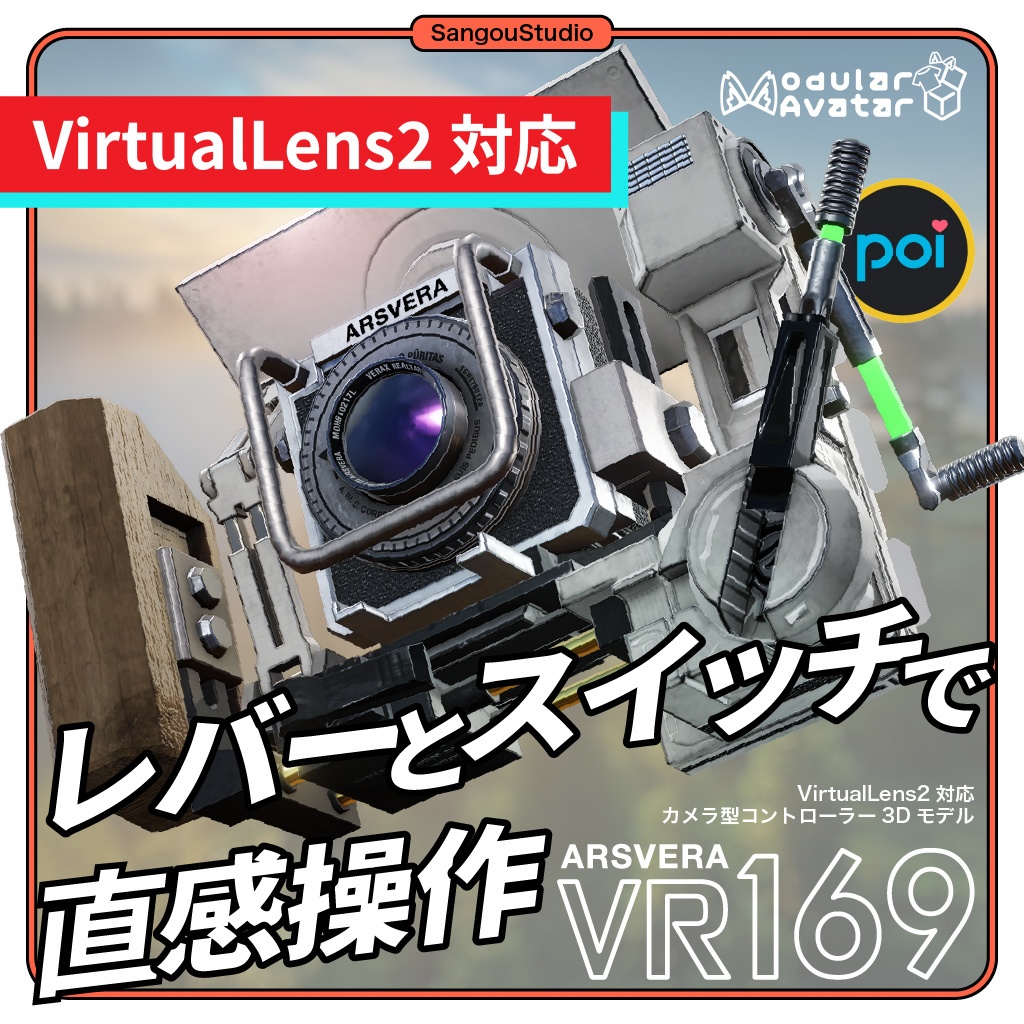
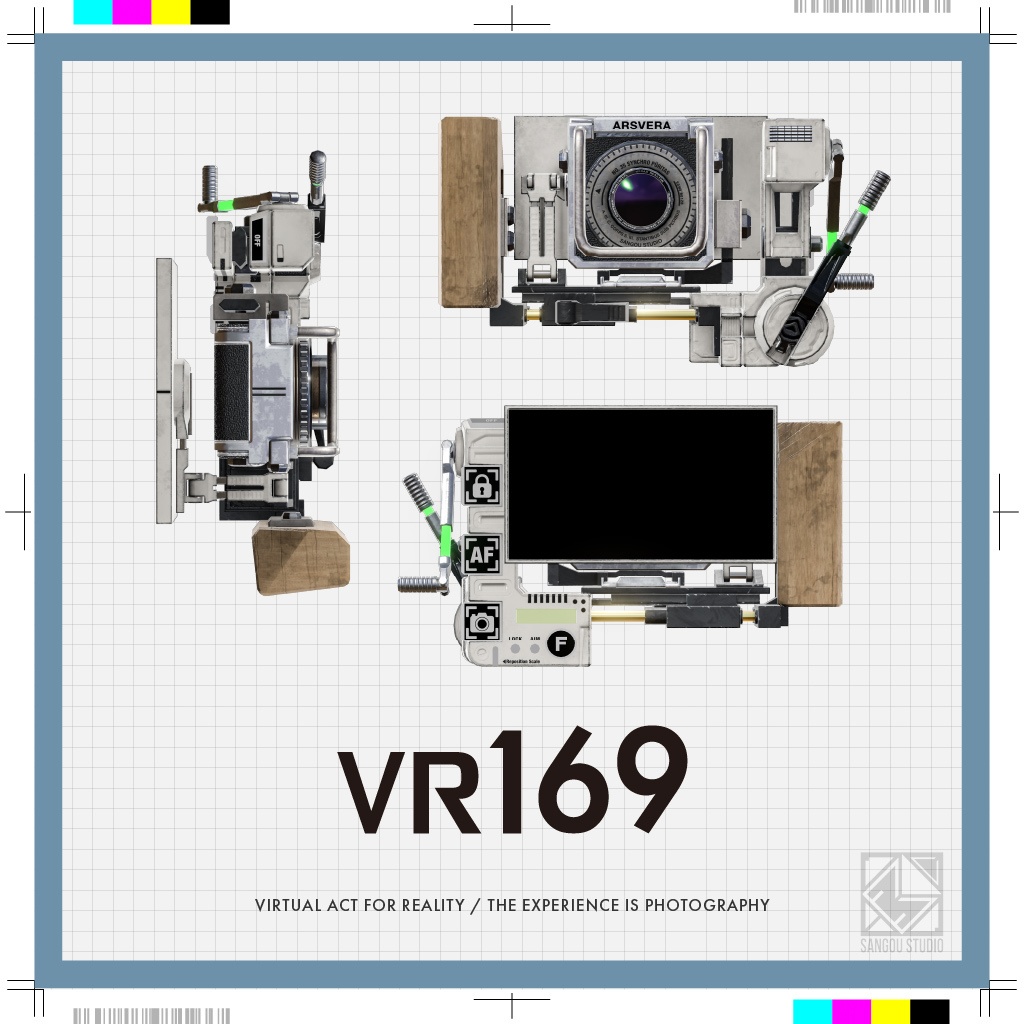
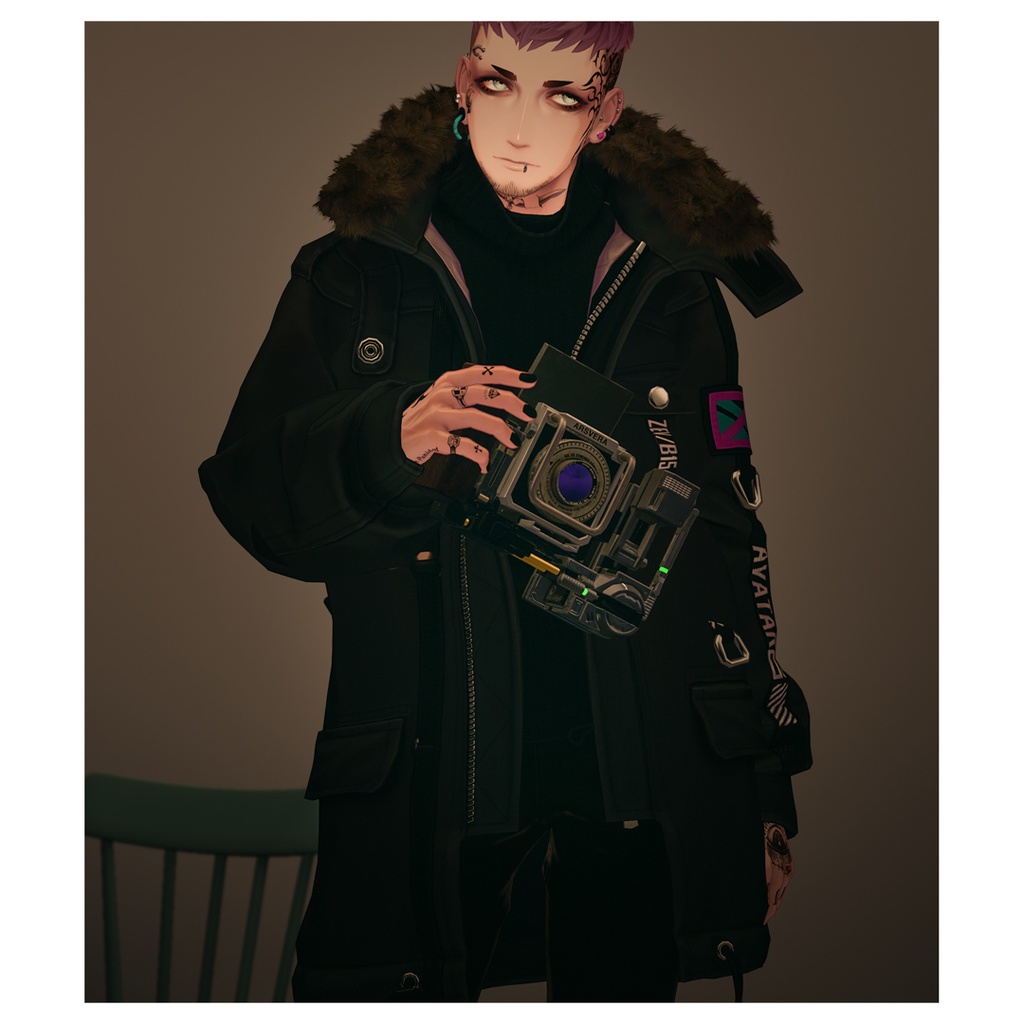
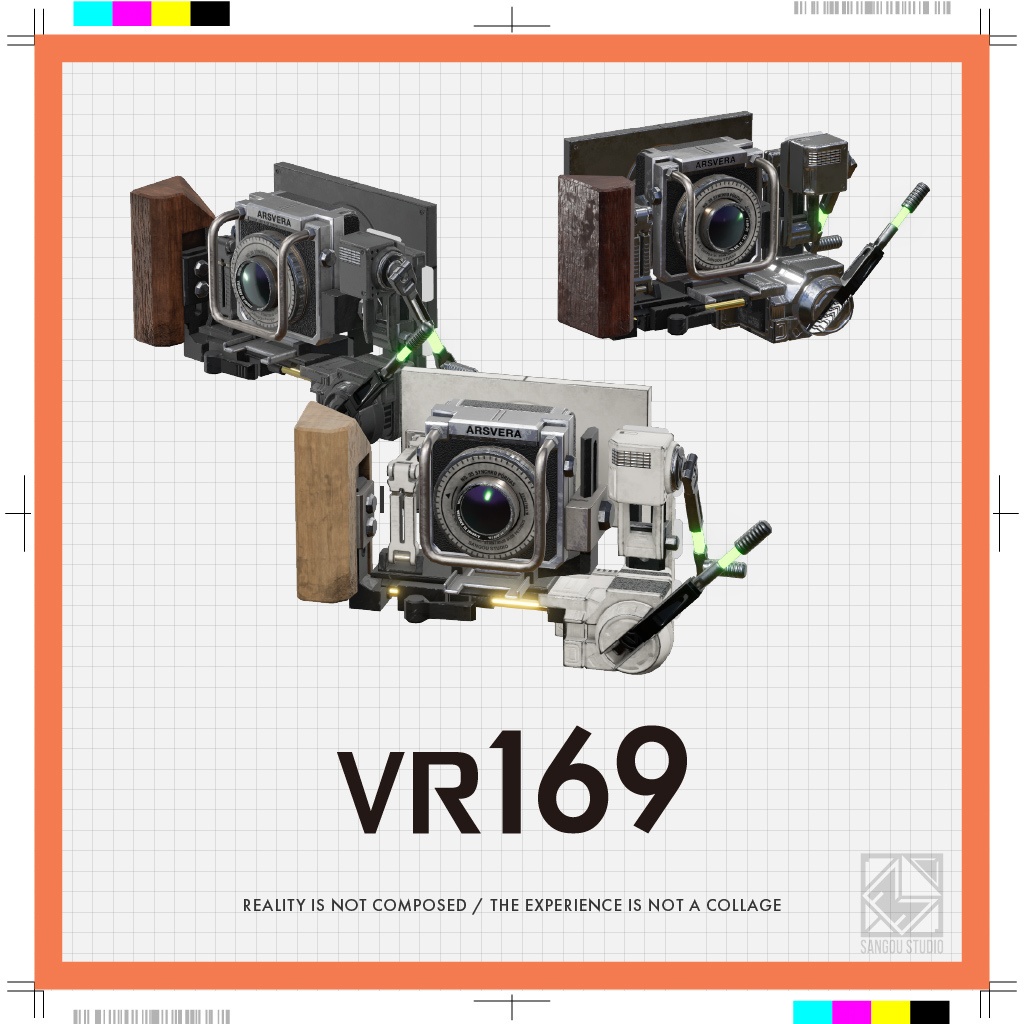
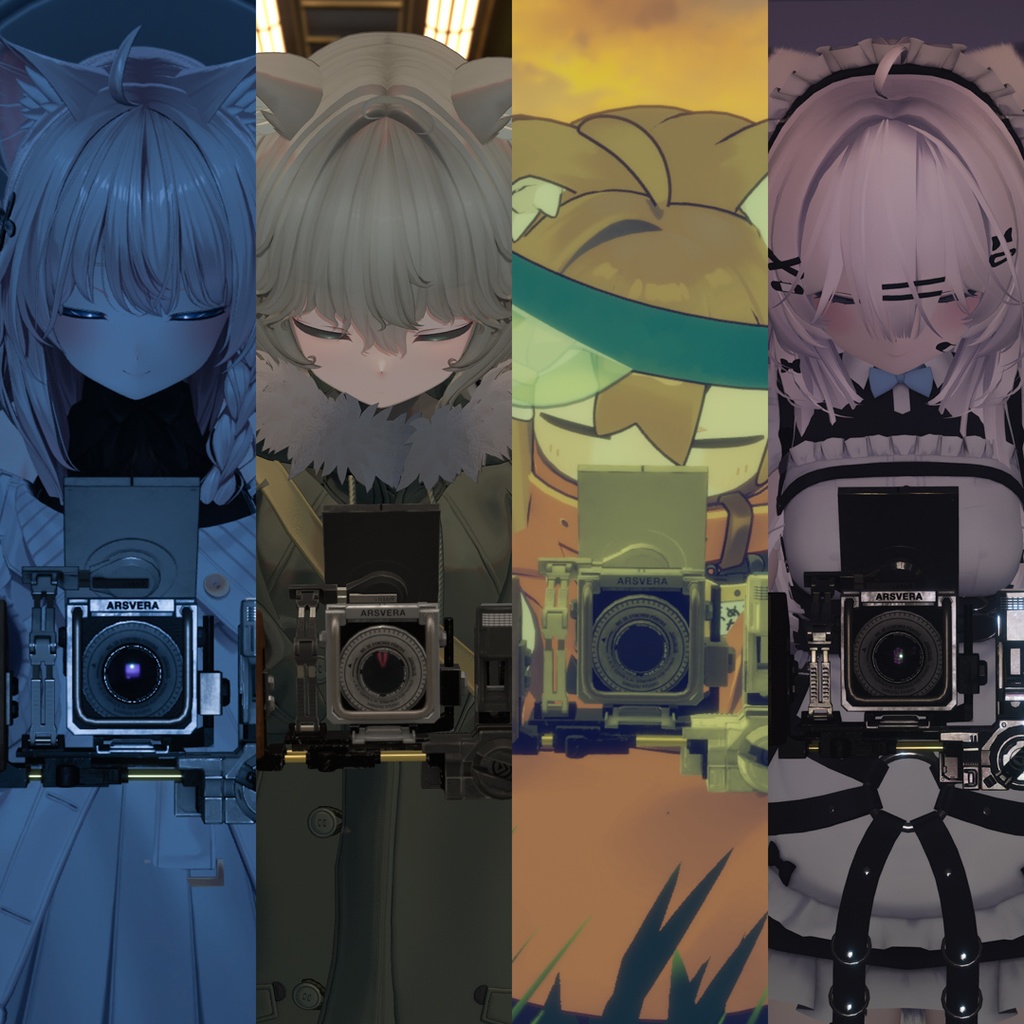
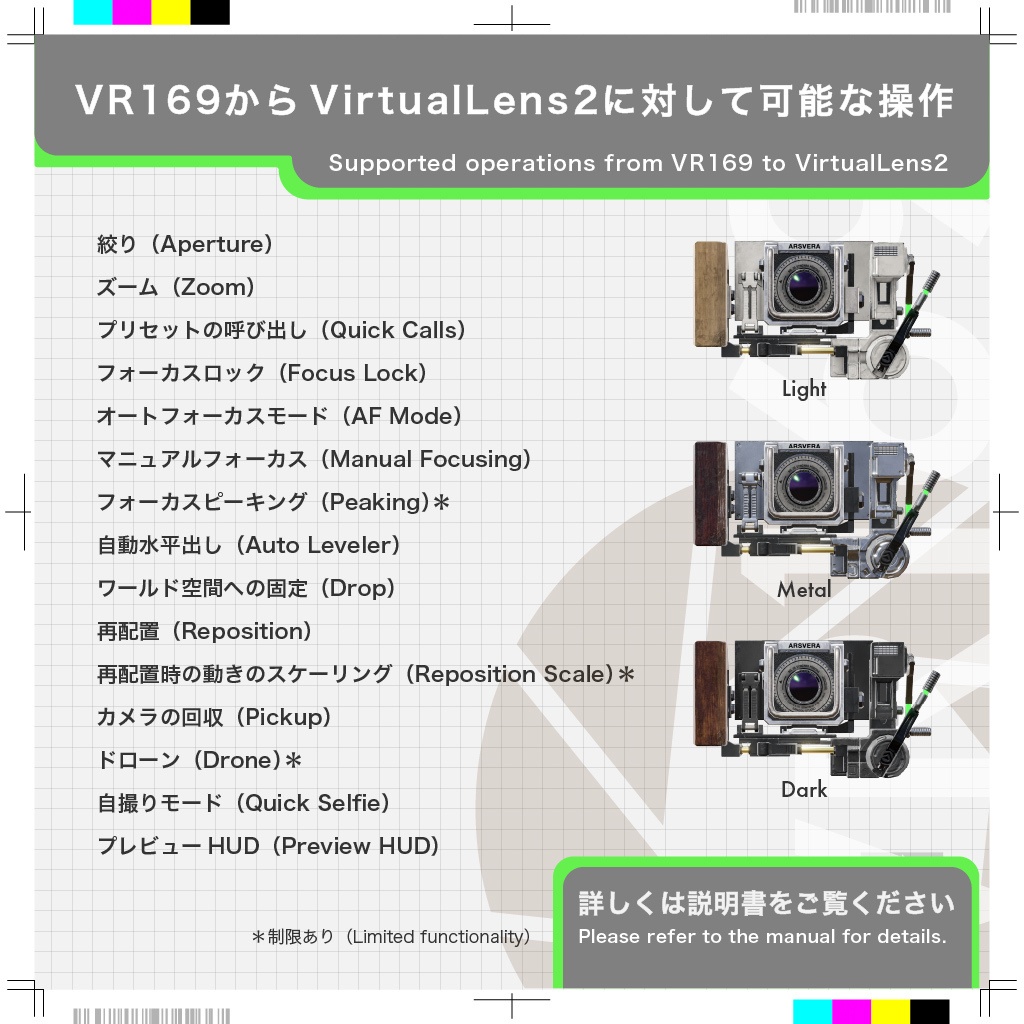


📸 VirtualLens2を「触れて」操る 🌍 English below 「VR169 VL2」はVRChat向け高機能カメラアセット「VirtualLens2」による撮影を直感的なものへと引き上げるための拡張カスタムギミックです。 ExMenuを見つめる日々は終わりにしましょう。 カメラを2つ握る必要はもうありません。 3Dモデル上に備わったレバーを掴んでズームや絞りを操作。 人差し指でスイッチを押して設定を切り替え。 ジェスチャー操作でシャッターを切る。 「写真という体験」を、VR空間に持ち込みます。 📝 独自機能 ・ジェスチャーでVRChat標準カメラのシャッターを切る ・VRChat標準カメラの起動・終了と連動する ・顔の向きでピントを合わせる「疑似視線制御AF」 ・フォーカスロックを操作する ・フォーカスポイントの「中央固定」 ・構図を瞬時に縦・横へ回転させる「レボルビング機能」 ・ウエストレベルでの撮影 ・フォーカスピーキングの自動ON/OFF ⚙️ ExMenuを開かずにアクセスできる主な機能 ・ズーム(Zoom) / 絞り(Aperture) ・マニュアルフォーカス(Manual Focus) ・フォーカスロック(Focus Lock) ・オートフォーカスモードの切り替え(AF Mode) ・クイックコールの呼び出し(QuickCall)* ・自動水平出し(Auto Leveler) ・グリッド切り替え(Grid) ・ワールド空間への固定 / 手持ち復帰(Fix / Hand) ・ドローンモード(Drone)* / 自撮りモード(Selfie) ・再配置(Reposition) / 移動量スケーリングの切り替え(Scale)* ・プレビューHUDの表示切り替え(Preview HUD) *一部機能に連動の制限・仕様制限があります。詳細は説明書をご確認ください。 ━━━━━━━━━━━━━━━━━━━━━━━━━━━━━━ ⚠ 本商品は「VirtualLens2」専用の拡張システム(3Dモデル&ギミック)です。本商品単体では撮影機能はありません。動作には別途「VirtualLens2」が必要です。 ※VRChat(PC版・VRモード)での使用のみを想定しています。 ━━━━━━━━━━━━━━━━━━━━━━━━━━━━━━
📌 主な機能・特徴
■ 触れるバーチャルUI(レバー&スイッチ) アバターのExMenuに頼ることなく、カメラ本体のレバーやスイッチをアバターの手で触れて、ズーム・絞り・フォーカス・カメラ配置モードを直感的に切り替えられます。 ■ 疑似視線制御AF ピントを合わせるカーソルを「顔の向き」で直感的にコントロール。制限されたHMDの視界の中で、自然に見つめた場所にスッとピントが合います。 ■ レボルビング機能(縦位置・横位置切り替え) 手首を無理に捻る必要はありません。楽な姿勢のまま、モニターとセンサーだけを回転させて瞬時に縦構図・横構図を切り替えられます。 ■ 外部アプリ連動(VR169 Companion) VRChat標準カメラの起動・終了を検知してアセットが自動展開。さらにハンドジェスチャーでVRChat標準カメラのシャッターを切ることができます。 ■ プロ向けのAF駆動モード 設定次第で一眼レフの「親指AF」に近い感覚を再現。特定のジェスチャーをしている間だけオートフォーカスを追従させ、手を離すとその位置でピントをカチッと固定できます。
✨ 連動アプリ「VR169 Companion」同梱
■ アバターギミックの限界を超えるWindows専用の外部連動アプリ 通常のアバターギミック単体では制御できなかった「VRChatシステム機能」との連携を、OSC通信を介して実現する専用アプリを同梱。 インストーラーによるシステムへの書き込みやレジストリ変更、管理者権限を要求しないポータブル仕様です。 ■ 自動連携機能 【連携起動・終了】 VRChat標準カメラを起動するだけで、アバターの手元に自動でVR169が展開。 閉じれば自動で格納されます。 もうカメラを出すためにExMenuの階層をカチカチ探す必要はありません。 【シャッターが切れる】 ジェスチャー操作に連動して、VRChat標準カメラが撮影を実行します。 もうVRChat標準カメラを別で握っておく必要はありません。 VR空間での撮影が「写真を撮るという体験」へと進化します。 【他のOSCアプリと共存可能】 ポートの転送機能を搭載しているため、他のOSC連動アプリも並行して運用できます。 ※ネットワーク環境や外部アプリの仕様によっては、正常に並行運用できない場合があります。 ━━━━━━━━━━━━━━━━━━━━━━━━━━━━━━ ※「VR169 Companion」はWindows11環境専用のアプリケーションです。 ━━━━━━━━━━━━━━━━━━━━━━━━━━━━━━
🖥️ 動作環境・必要なアセット
■ 必須アセット ・VRChat SDK (Avatars 3.0 / Humanoid専用) ・Modular Avatar ・lilToon ・VirtualLens2 (※本商品の動作に必須となる有料アセットです) ■ 動作確認環境 ・Windows 11 ・VRChat(PC / Windows / VRモード専用) ・Unity 2022.3.22f1 ・VRChat SDK 3.10.4 ・Modular Avatar 1.17.1 ・VirtualLens2 2.12.4 ・lilToon 2.3.4 ・Poiyomi Toon Shader 9.3.64
📁 製品内容・仕様
・カメラ本体とギミック一式(Unityパッケージ) ・連動用のシステム MotionTrigger(Unityパッケージ) ・Windows専用の連動アプリ VR169 Companion
⚠️ ご購入前の注意
【 必ずお読みください 】 ■ 本商品単体では撮影できません ・有料アセット「VirtualLens2」の操作用ギミックです。本商品そのものに撮影機能はありません。 ■ 動作環境の制限 ・PC版VRChat(VRモード必須)、および Humanoid形式アバター専用です。デスクトップモードや手足の極端なアバターはサポート対象外です。 ■ 100%の通信同期は保証いたしかねます ・付属アプリ(VR169 Companion)はOSC(UDP)通信を利用しているため、ネットワーク環境等によるパケットロスが発生する可能性があります。 ■ お問い合わせ ・不具合報告はBOOTHのメッセージ機能からお願いします。 ・全てに対応できるとは限りません。あらかじめご了承ください。 ・ツール・アプリケーションの使用方法や改変に関する個別の質問にはお答えできません。 ■ その他 ・本商品はダウンロード販売です。返品・返金・交換には対応できません。 ・多言語で表現されている場合、日本語版を優先します。 ・導入前にUnityプロジェクトを必ずバックアップしてください。 ━━━━━━━━━━━━━━━━━━━━━━━━━━━━━━ ※必ず事前に『利用規約』と『説明書』をご確認いただき、同意の上でご購入ください。 ━━━━━━━━━━━━━━━━━━━━━━━━━━━━━━
🗒️ 導入・操作手順
■ 説明書 https://docs.sangoustudio.com/VR169/ ■ 解説動画(YouTube) ・導入方法 (Installation Guide) https://youtu.be/pRUT7W4DFlc ・クイックスタート (Quick Start Guide) https://youtu.be/YmkkYrfky-M ※YouTube動画は英語字幕に対応しています。 ※The YouTube videos include English subtitles.
📄 利用規約 / Terms of Use
アセットと同梱アプリケーションで、2本に分かれます。 三号スタジオ アバター向けアセット利用規約 第1.0版 https://legal.sangoustudio.com/asset/ 三号スタジオ アプリケーション利用規約(同梱アプリケーション「VR169 Companion」) https://legal.sangoustudio.com/app/ アセット利用規約は、あしやまひろこ(@hiroko_TB)氏が作成したVN3ライセンス(https://www.vn3.org/ )のテンプレートを使用しています。
🕰️ 更新履歴
2026/09/15 1.2.3、同梱物を整理、説明書をウェブページへ移行(日本語・英語) 2026/09/01 商品情報の一部変更(規約変更を告知など) 2026/07/11 1.2.1、アプリ不具合修正 2026/07/10 1.2.0、システムなど大幅更新、アプリ同梱開始 2025/12/09 動作確認環境を更新 2025/10/24 1.1.0、ギミックの不具合を修正 2025/10/20 添付書類・テキストの修正 2025/10/18 1.0.0、販売開始 ※各バージョンの詳細なアップデート内容や、説明書の細かい修正履歴については、同梱のテキストまたは『説明書』をご確認ください。
🏷️ 推奨するハッシュタグ
#VR169 #SangouStudio
🌐 English
【Overview】 VR169 VL2 is a custom camera gimmick for VRChat that extends the paid asset "VirtualLens2". Instead of digging through the Expressions Menu, you grab the levers on the 3D camera model to control zoom and aperture, press a switch with your index finger to change settings, and release the shutter with a hand gesture. 【Key features】 ■ Controls you can touch Levers and switches on the camera body let you set zoom, aperture, focus and camera placement mode with your avatar's hands, without opening the Expressions Menu. ■ Face Aim AF (head-direction autofocus) The focus cursor follows the direction your head is facing, so focus lands where you look. Inside the narrow field of view of an HMD, this is far more natural than pointing. * This reads head direction. It is not eye tracking. ■ Revolving mechanism (portrait / landscape) Only the monitor and sensor rotate, so you can switch between portrait and landscape composition without twisting your wrist. ■ External app linking (VR169 Companion) The camera deploys automatically when you open the VRChat camera, and a hand gesture releases its shutter. ■ Back-button AF mode Autofocus tracks only while you hold a gesture, and locks where it was when you let go. Close to the feel of back-button AF on a DSLR. 【Other functions】 ・Release the VRChat camera shutter with a gesture ・Deploy and stow together with the VRChat camera ・Face Aim AF ・Focus lock ・Lock the focus point to the center ・Instant portrait / landscape rotation (Revolving) ・Waist-level shooting ・Automatic focus peaking on / off 【Reachable without opening the Expressions Menu】 Zoom / Aperture, Manual Focus, Focus Lock, AF Mode, QuickCall*, Auto Leveler, Grid, Fix / Hand, Drone* / Selfie, Reposition / Scale*, Preview HUD *Some of these have linking or specification limits. See the manual for details. 【Bundled Windows app: VR169 Companion】 The app connects the gimmick to VRChat system functions over OSC — functions an avatar gimmick alone cannot reach. ・The camera deploys when you open the VRChat camera, and stows when you close it. You no longer have to hunt through the Expressions Menu to bring it out. ・A hand gesture makes the VRChat camera take the picture. You no longer have to hold the VRChat camera separately. ・OSC ports are forwarded, so other OSC apps can run alongside it. * Depending on your network or on the other application, running them together may not work. It is portable: no installer, no writes to the system, no registry changes, and no administrator rights. ※ VR169 Companion runs on Windows 11 only. 【Required assets】 ・VRChat SDK (Avatars 3.0, Humanoid only) ・Modular Avatar ・lilToon ・VirtualLens2 — a paid asset, sold separately. This product does not work without it. 【Tested environment】 ・OS: Windows 11 ・Unity: 2022.3.22f1 ・VRChat: PC version, Windows, VR mode only 【What you get】 ・Camera body and gimmicks (Unity package) ・The linking system, MotionTrigger (Unity package) ・The companion app for Windows, VR169 Companion 【Please read before purchase】 ■ This product cannot take pictures on its own It is a control gimmick for the paid asset "VirtualLens2". It has no camera function of its own. ■ Environment limits ・PC version of VRChat, VR mode required, and Humanoid avatars only. Desktop mode and avatars with extreme limb proportions are not supported. ■ Full synchronisation cannot be guaranteed ・VR169 Companion uses OSC (UDP), so packet loss can occur depending on your network. ■ Other ・This is a digital download. Returns, refunds and exchanges are not available. ・Where several languages are given, the Japanese version takes precedence. Please read the terms of use and the manual before you buy. 【Manual and videos】 https://docs.sangoustudio.com/VR169/en/ Both videos include English subtitles. See "🗒️ 導入・操作手順" above for the links. 【Terms of Use】 Two documents apply — one for the asset, one for the bundled application. Asset (3D model and gimmick) https://legal.sangoustudio.com/asset/ Bundled application "VR169 Companion" https://legal.sangoustudio.com/app/ In both, the Japanese version is the official text. Versions in other languages (for reference) are on each page.
📋 クレジット
VirtualLens2 ろじらぼ https://booth.pm/ja/items/2280136 オリジナル3Dモデル「しなの」@ぽんでろ https://booth.pm/ja/items/6106863 VRChat向けオリジナル3Dモデル「Nemo」Quest対応 FLASTORE https://booth.pm/ja/items/6855392 まめひなた Mamehinata / オリジナル3Dモデル ©もち山金魚 https://booth.pm/ja/items/4340548 オリジナル3Dモデル『Zev/ゼヴ』 ©佐藤芋蔵/珍飯亭 https://booth.pm/ja/items/6717995 メカヘッドパーツ「NovaVultus」【3Dモデル衣装・装飾品】 [SpeQ:utako] https://booth.pm/ja/items/5665503 【素材・再配布可能】宝石・金属モチーフ MatCap 2 https://tabimal.booth.pm/items/5415498
ぶいあーる いちろくきゅう いちろくきゅー イチロクキュウ イチロクキュー