

『コロコロ』 Korokoro | 3D Accessories for VRChat Avatar
- 『コロコロ』 KorokoroDigital600 JPY
- 🥭サポート🍡 Support ❤️Digital700 JPY
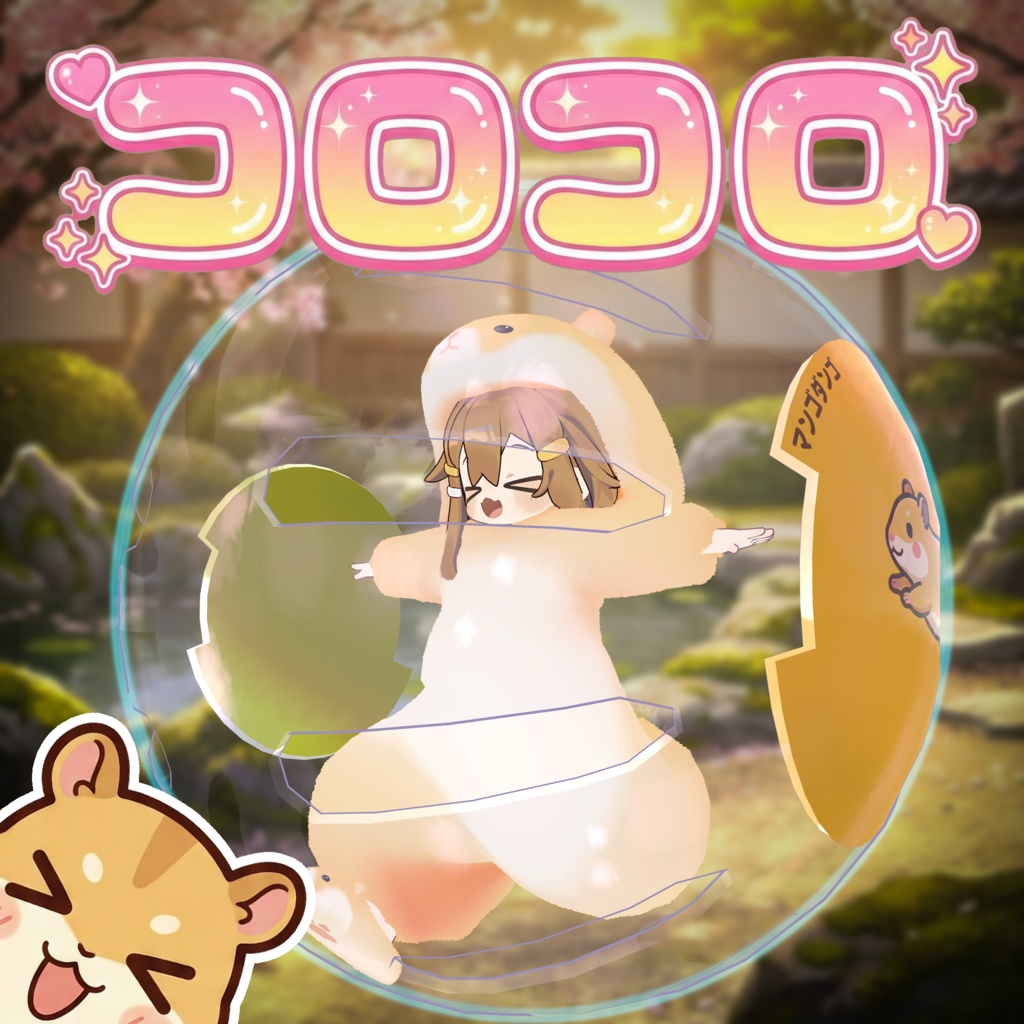
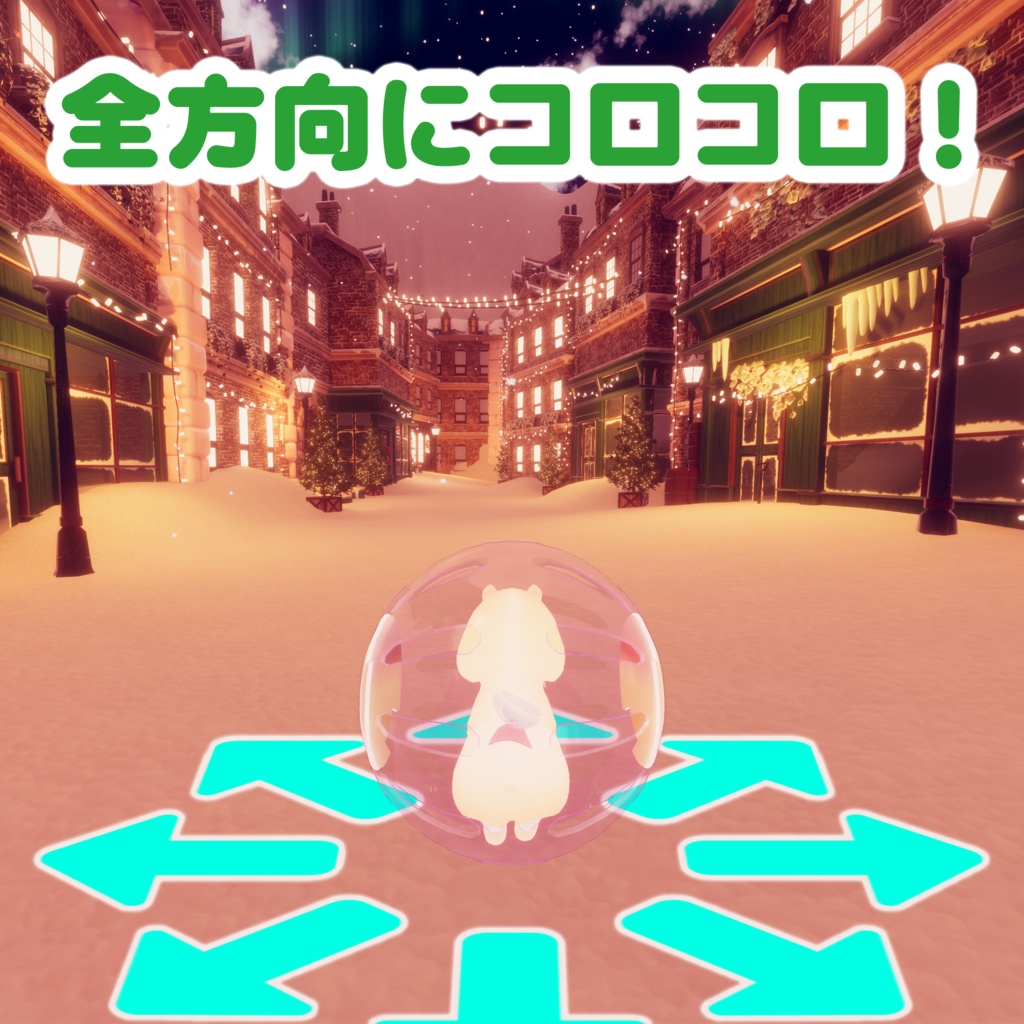


転がって遊ぼう!ボールギミック『コロコロ』 あなたのアバターがボールの中に入って転がる!? 移動に合わせてコロコロ回転する、見た目も楽しい移動エフェクトギミックです。 Modular Avatar 対応なので、アバターの直下に置くだけで【サクッと導入(ポン置き)】できます!
✨ 推しポイント
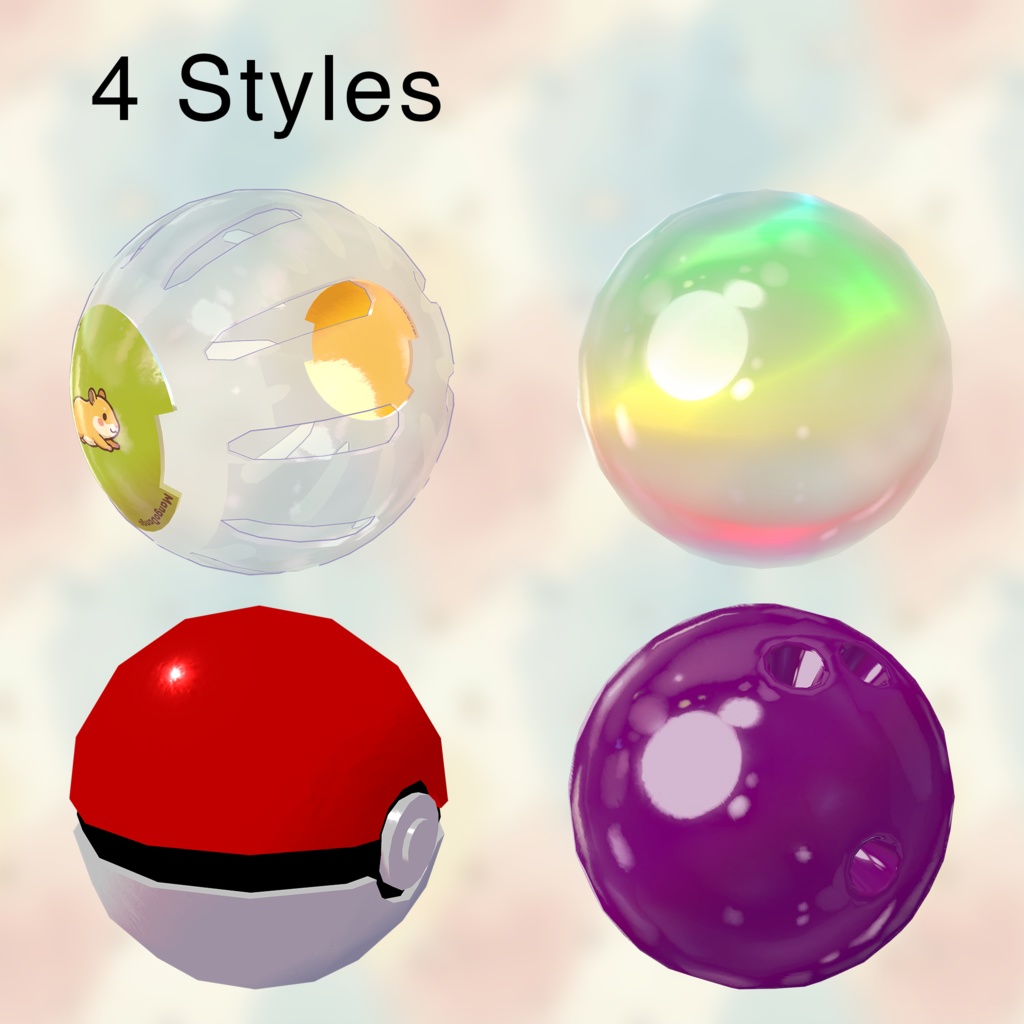
・気分で選べる4つのスタイル: ハムスターボール、シャボン玉、ボウリング、モンスターボールの4種類を収録。 ・サイズ調整は自由自在:ラジアルメニューからいつでも大きさを変更可能。小柄なアバターから大型アバターまで、どんな子にもフィットします! ・透明度コントロール:ボールの透明度(不透明度)もメニューからグラデーション調整できます。 ・視界も快適(ローカルハイド):「自分からだけ見えなくする」機能を搭載。周りの人にはボールが見えますが、自分の視界はクリアなまま遊べます✨
🔧 導入方法
本製品は Modular Avatar を使用して導入します。 また、前提として lilToon が必要です。あらかじめプロジェクトにインポートしてください。 https://modular-avatar.nadena.dev/ https://lilxyzw.github.io/lilToon/ アバターのルート(一番上)に Korokoro プレハブをドラッグ&ドロップしてください。 アップロードすれば完了です!✨
🕹️ 操作方法
Expressions Menuに「MangoDango」カテゴリが追加されます。 ・Type Switch: デザインの切り替え(4種) ・Size: ボールの大きさ調整 ・Opacity: ボールの透明度調整 ・Local Hide: 自分視点からのみボールを消す(視界確保用)
📜 利用規約
本製品は VN3ライセンス を採用しています。 詳細はこちら: https://drive.google.com/drive/folders/1uieVTAyUAg4v0EhQDLE0hcbFd7qVJ55w?usp=sharing
⚠️ 動作環境 / 免責事項
以下の環境で動作確認済みです。 ・VRChat SDK:3.10.1 ・Unity:2022.3.22f1 ・Modular Avatar:1.15.1 ・lilToon: 2.3.2 ※他のバージョンでも動作する可能性はありますが、保証はできません。 ※サムネイル画像に使用されているアバターおよび衣装は商品に含まれません。 【透明表現に関するご注意】 VRChatの描画仕様上、ボールの中から他の半透明オブジェクト(メガネ、パーティクル、水面など)を見ると、それらが消えてしまったり、重なり順が正しく表示されない場合があります。 これはゲームエンジンの仕様による制限となりますので、あらかじめご了承ください。
📌 更新履歴
2025/12/19 ・バージョン1.00リリース 不具合報告やご質問は、ショップのメッセージ(DM)までお気軽にご連絡ください!
🌐 English
『Korokoro』 - Rolling Ball System Introducing Korokoro! A fun gimmick that lets your avatar roll around inside a ball. Whether you want to be a hamster or float in a bubble, this system adds dynamic rolling animations to your movement! Compatible with Modular Avatar for an easy "Drag-and-Drop" installation. ✨ Key Features ・4 Unique Styles: Choose from Hamster Ball, Soap Bubble, Bowling Ball, and Monster Ball depending on your mood. ・Universal Fit: One size fits all! Includes a Radial Puppet that lets you scale the ball from tiny to huge in-game, regardless of your avatar's size. ・Adjustable Opacity: Use the Radial Puppet to fade the ball's transparency perfectly to your liking. ・Smart Local Hide: Hide the ball ONLY FROM YOU! Your view stays clear and unblocked, while everyone else still sees you rolling inside the ball. 🔧 Installation Requirements Please ensure you have Modular Avatar and lilToon installed in your project. https://modular-avatar.nadena.dev/ https://lilxyzw.github.io/lilToon/ 1. Drag and drop the Korokoro prefab onto your avatar's root in the Hierarchy. 2. That's it! (You can upload now). 🕹️ How to Use ・Type Switch: Toggle between the 4 ball styles ・Size: Adjust ball scale (Radial Puppet) ・Opacity: Adjust transparency (Radial Puppet) ・Local Hide: Hides the ball for you (so it doesn't block your view) while keeping it visible to others. 📜 Terms of Use This product uses the VN3 License. Please refer to the full terms here: https://drive.google.com/drive/folders/1uieVTAyUAg4v0EhQDLE0hcbFd7qVJ55w?usp=sharing ⚠️ System Requirements Tested with: ・VRChat SDK:3.10.1 ・Unity:2022.3.22f1 ・Modular Avatar:1.15.1 ・lilToon: 2.3.2 Other versions may work, but are not guaranteed. Note: The avatar and costume shown in the thumbnail are NOT included in this product. [Important Note on Transparency] Due to VRChat rendering limitations, looking at other transparent objects (glasses, particles, water) through the ball may cause them to disappear or render incorrectly. This is a known engine limitation and cannot be fixed. 📌 Changelog 2025/12/19 ・Version 1.00 released If you encounter any issues or have questions, please feel free to DM me!


