


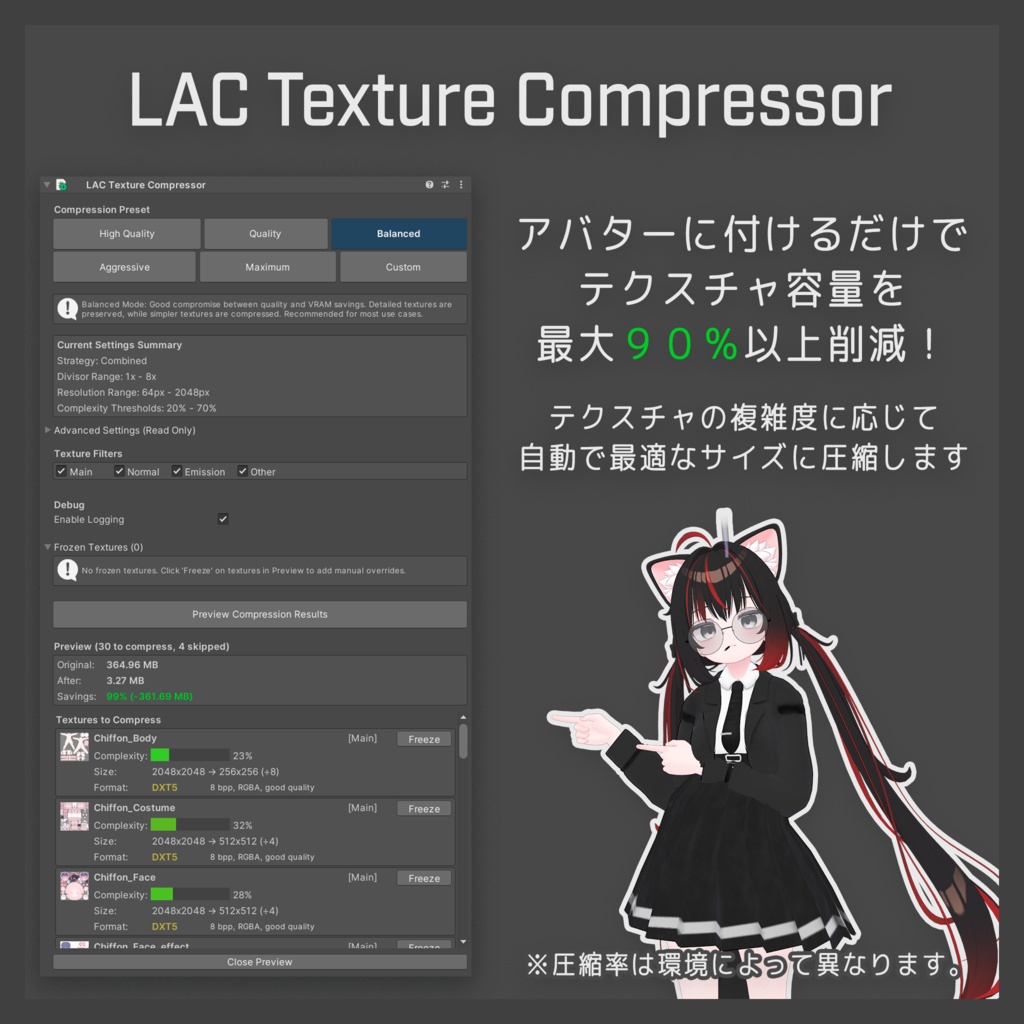
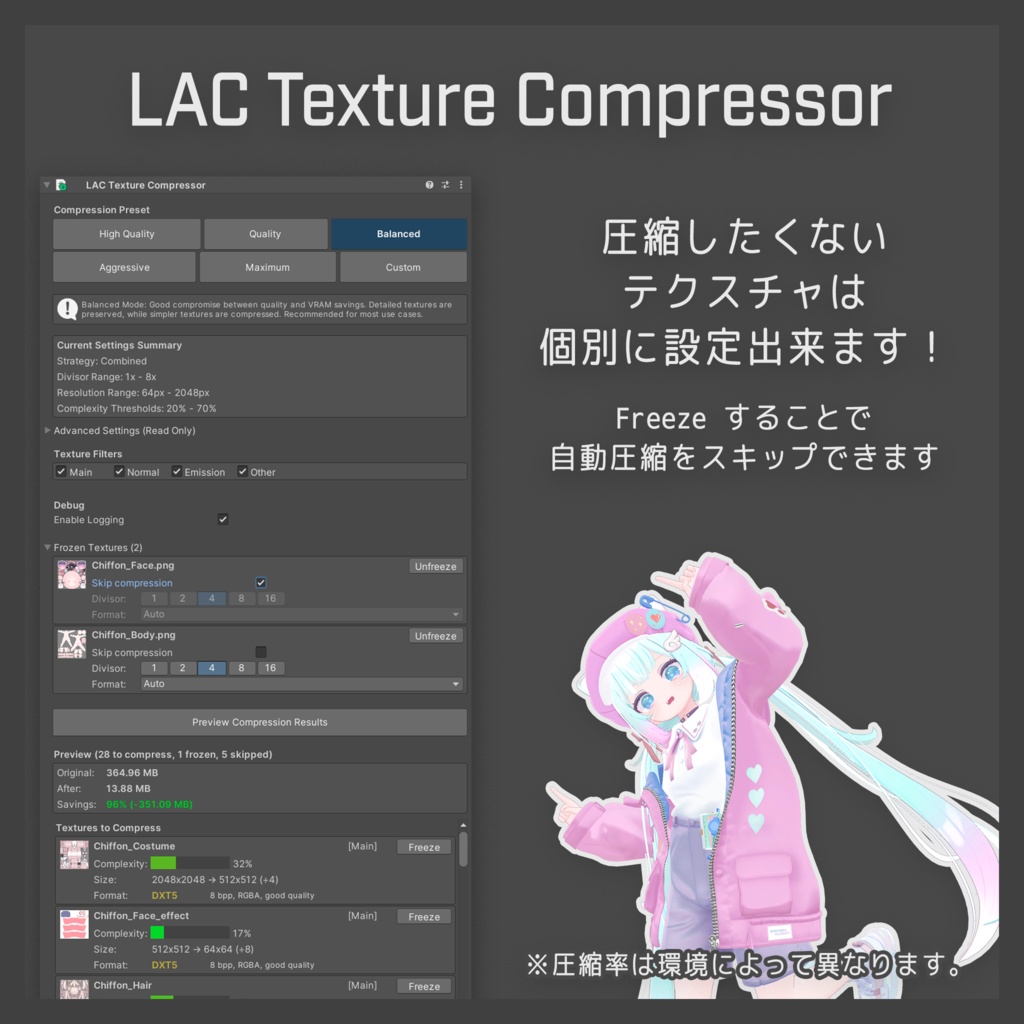

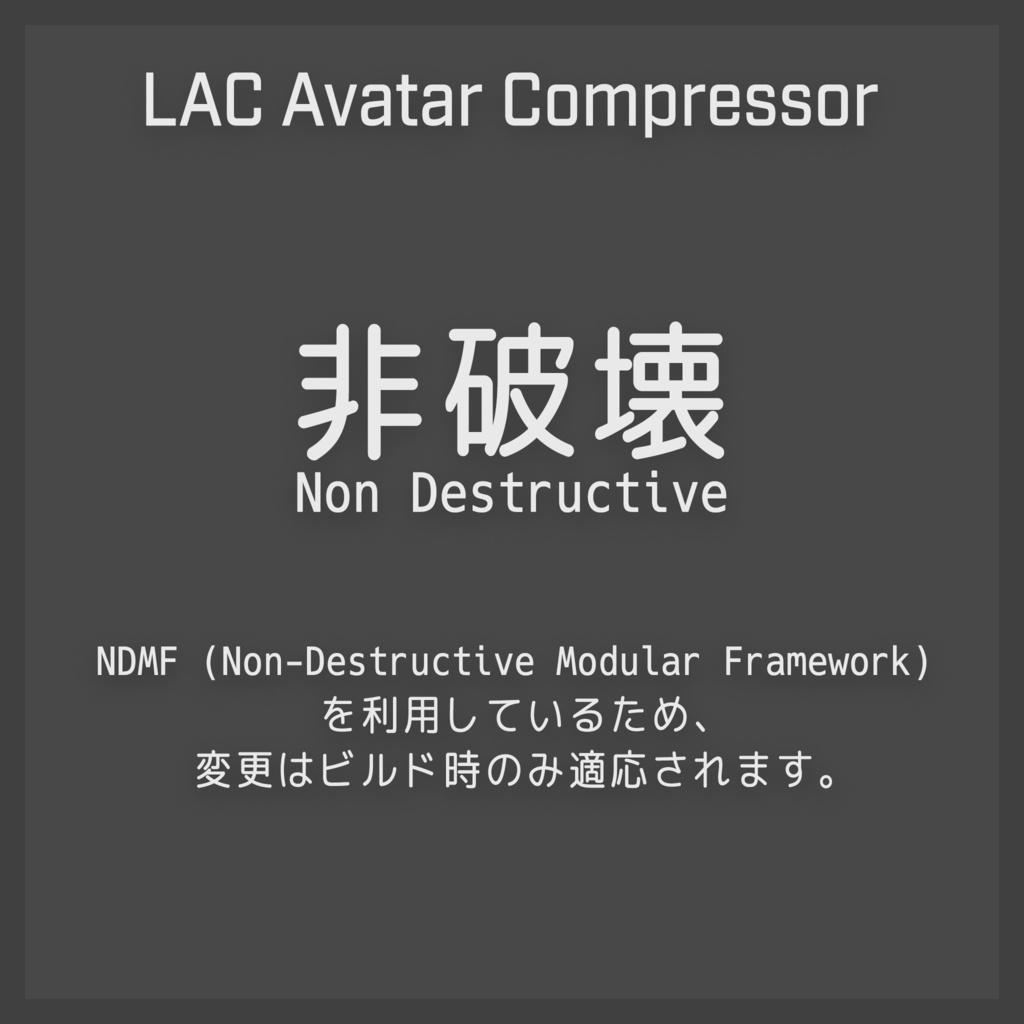
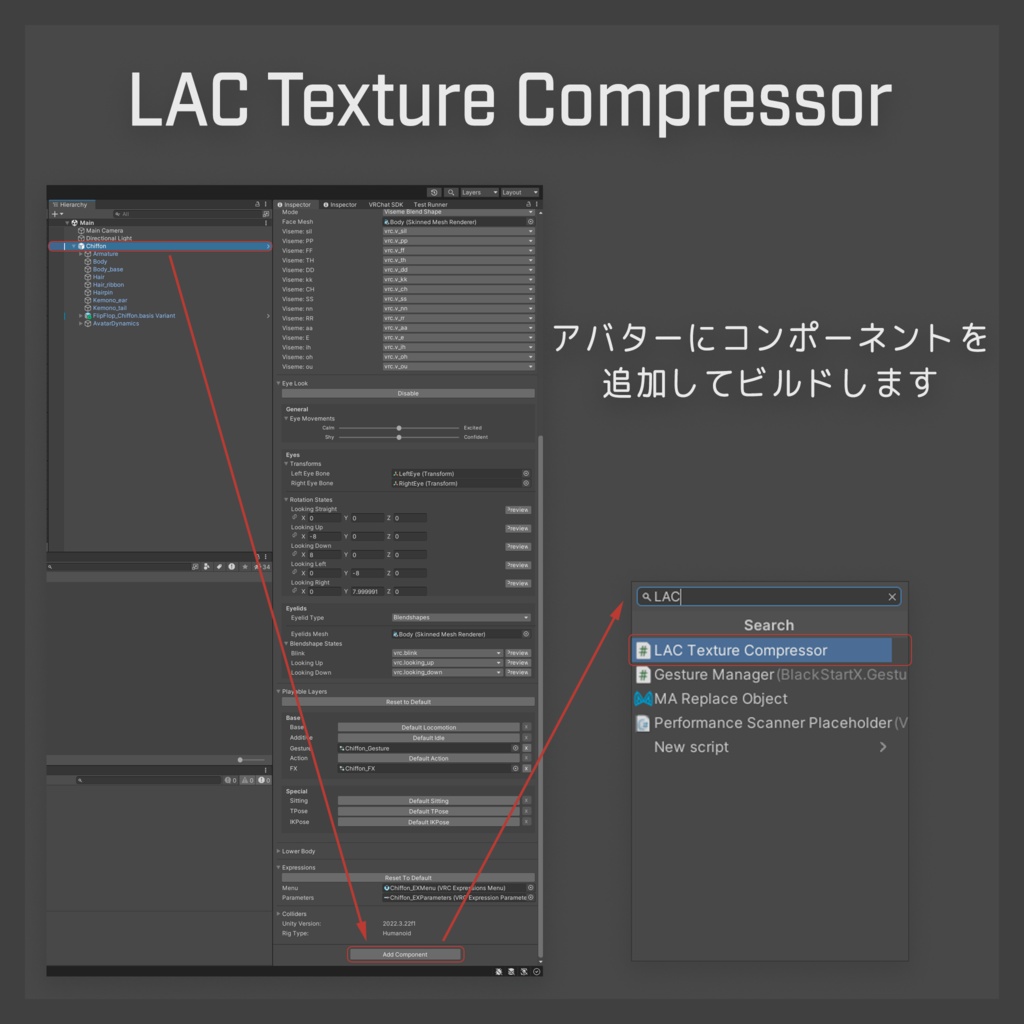


LAC: Avatar Compressor は、軽量な VRChat アバターを作成するためのNDMFユーティリティです。 アバターのアセットを分析し、ビルド時に複雑さに応じた圧縮を適用します。元のファイルは変更されません。 Modular Avatar, Avatar Optimizerと併用可能です。 For English description, please scroll down to the bottom of this page.
公式サイト
詳細な使い方、インストール等は公式サイトを参照ください。 - English - https://lac.limitex.dev/en/docs/ - 日本語 - https://lac.limitex.dev/ja/docs/
インストール方法(ALCOM, VCC)(推奨)
0. ALCOM, VCC等依存関係をアップデートしてください。 1. こちらのページを開き、「ALCOMに追加」を押してください。 - https://lac.limitex.dev/ja/docs/installation/ 2. 指示に従って追加してください。 3. 利用するプロジェクトで、Avatar Compressorを検索して追加します。
インストール方法(UnityPackage)
0. ALCOM, VCC等依存関係をアップデートしてください。 1. ダウンロードした zip を展開し、avatar-compressor-0.x.x-installer.unitypackage をインポートしてください。 2. インストールするか尋ねられるのでInstallをクリックしてください。
UnityPackageについて
このBoothに設置しているunitypackageは、anatawa12氏の開発しているVPAIを利用して生成しています。 - https://github.com/anatawa12/VPMPackageAutoInstaller こちらのリンクで生成しています。 - https://api.anatawa12.com/create-vpai/?repo=https%3A%2F%2Fvpm.limitex.dev%2Findex.json&package=dev.limitex.avatar-compressor&version=0.x.x&name=avatar-compressor-{}-installer.unitypackage
サポート・質問・バグ報告・リクエストについて
以下のいずれかでお願います。 1. GitHub (推奨) 上記事項はGitHub上でお願いします。 1. バグ報告・機能追加リクエスト - https://github.com/Limitex/avatar-compressor/issues 2. 質問、サポート - https://github.com/Limitex/avatar-compressor/discussions 2. X 2. DM 等でお聞きください。 バグ報告等は、起きている現状の環境やエラーメッセージ、期待値との差異など詳細に報告いただけると幸いです。
License
MIT License (c) Limitex https://opensource.org/license/mit
English Description
LAC: Avatar Compressor is an NDMF utility for creating lightweight VRChat avatars. It analyzes your avatar's assets and applies compression based on complexity during the build process. This process is non-destructive, meaning your original files remain unchanged. It can be used alongside Modular Avatar and Avatar Optimizer. ### Official Website & Documentation For detailed usage instructions and installation guides, please refer to the official documentation. - English Docs: https://lac.limitex.dev/en/docs/ - Japanese Docs: https://lac.limitex.dev/ja/docs/ ### Installation You can install this tool via ALCOM (VCC) or UnityPackage. Method 1: ALCOM / VCC (Recommended) 1. Open the following page and click the "Add to ALCOM" button. https://lac.limitex.dev/en/docs/installation/ 2. Follow the instructions to add the repository. 3. In your project, search for "Avatar Compressor" and add it. Method 2: UnityPackage 1. Extract the downloaded zip file and import `avatar-compressor-0.x.x-installer.unitypackage`. 2. When asked to install `dev.limitex.avatar-compressor`, please proceed with the installation. About the UnityPackage The UnityPackage available on this BOOTH page is generated using VPAI developed by anatawa12. https://github.com/anatawa12/VPMPackageAutoInstaller ### Support & Bug Reports Please use the following channels for support. 1. GitHub (Recommended) Please submit bug reports and feature requests here. - Bug Reports / Feature Requests: https://github.com/Limitex/avatar-compressor/issues - Questions / Support: https://github.com/Limitex/avatar-compressor/discussions 2. X (Twitter) You can also contact me via DM. When reporting bugs, please provide detailed information about your environment, error messages, and the difference between the expected and actual behavior. ### License MIT License (c) Limitex https://opensource.org/license/mit


