
GPU Infinite Grass - 軽量高速GPU草描画システム
- Standard UseDigital2,500 JPY
- Commercial UseDigital9,000 JPY
- LicenseDigital0 JPY
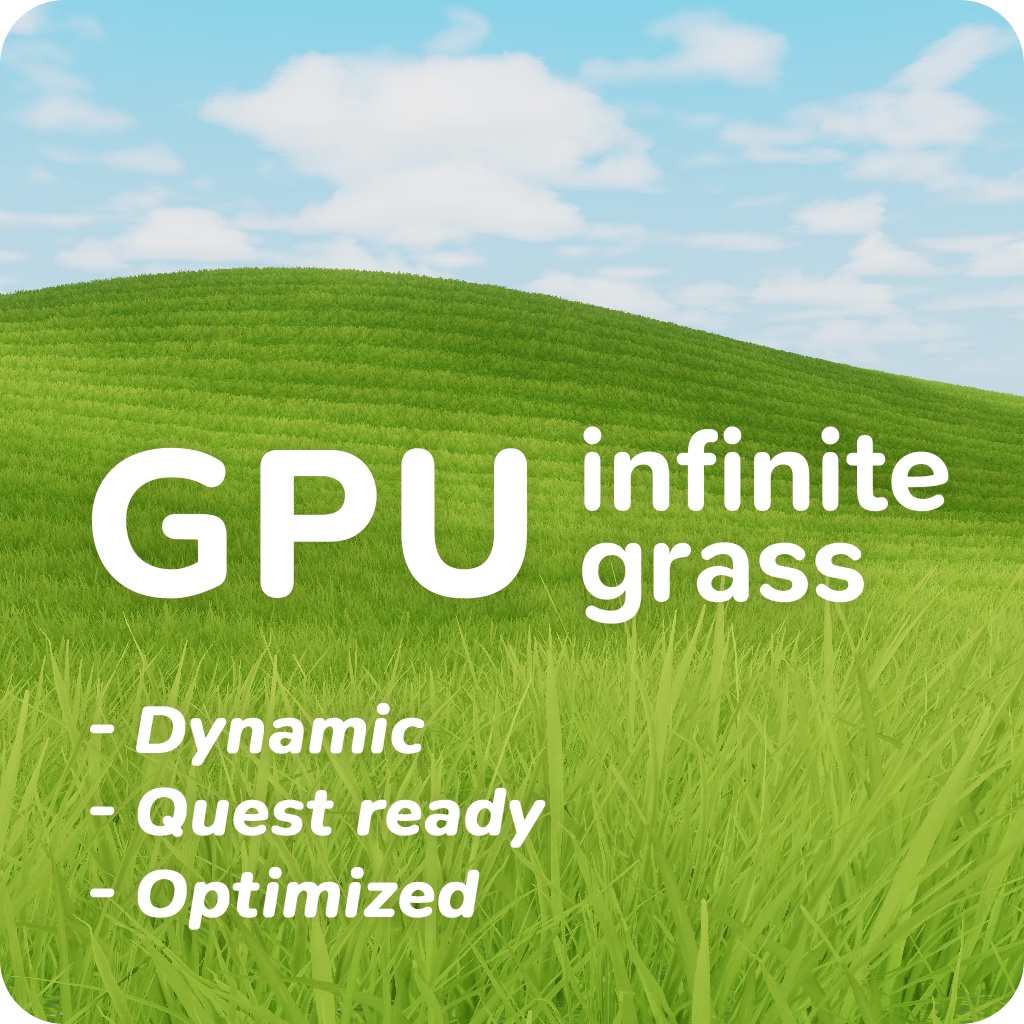
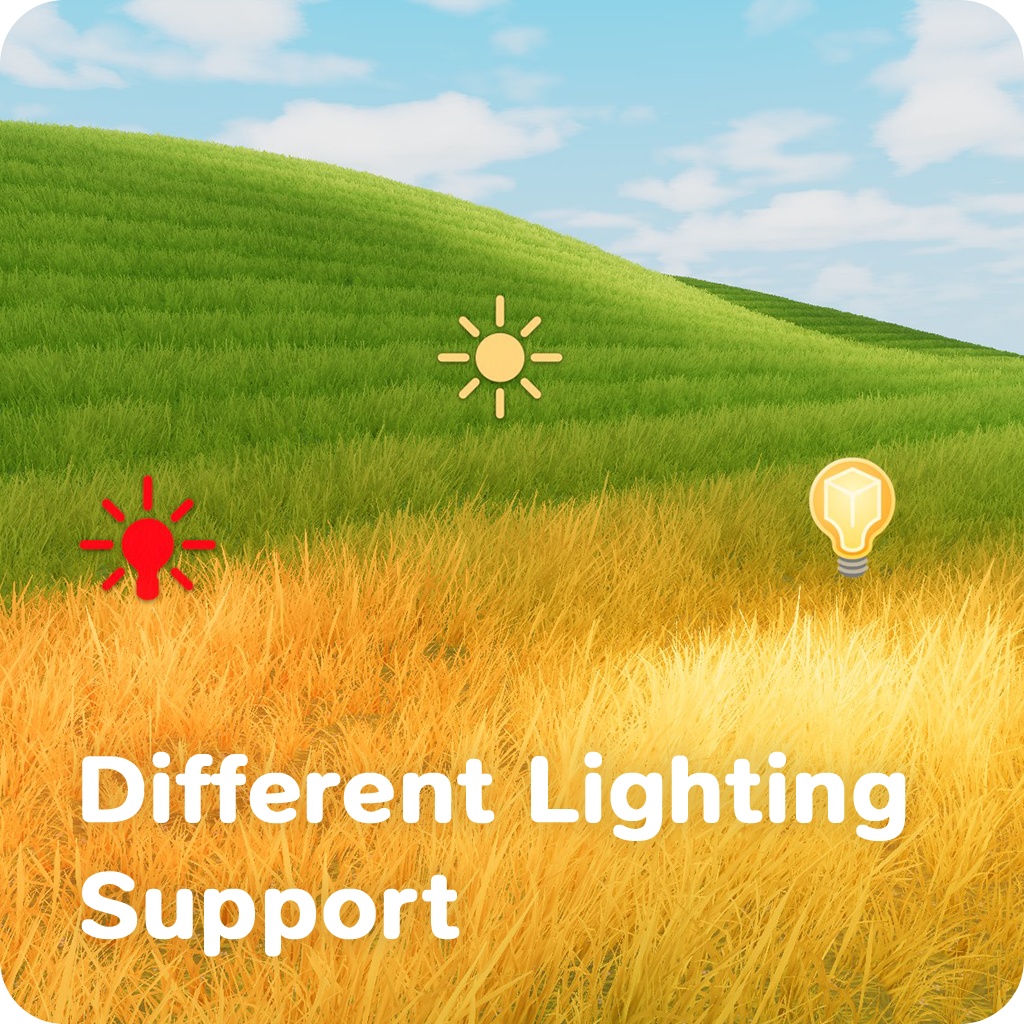
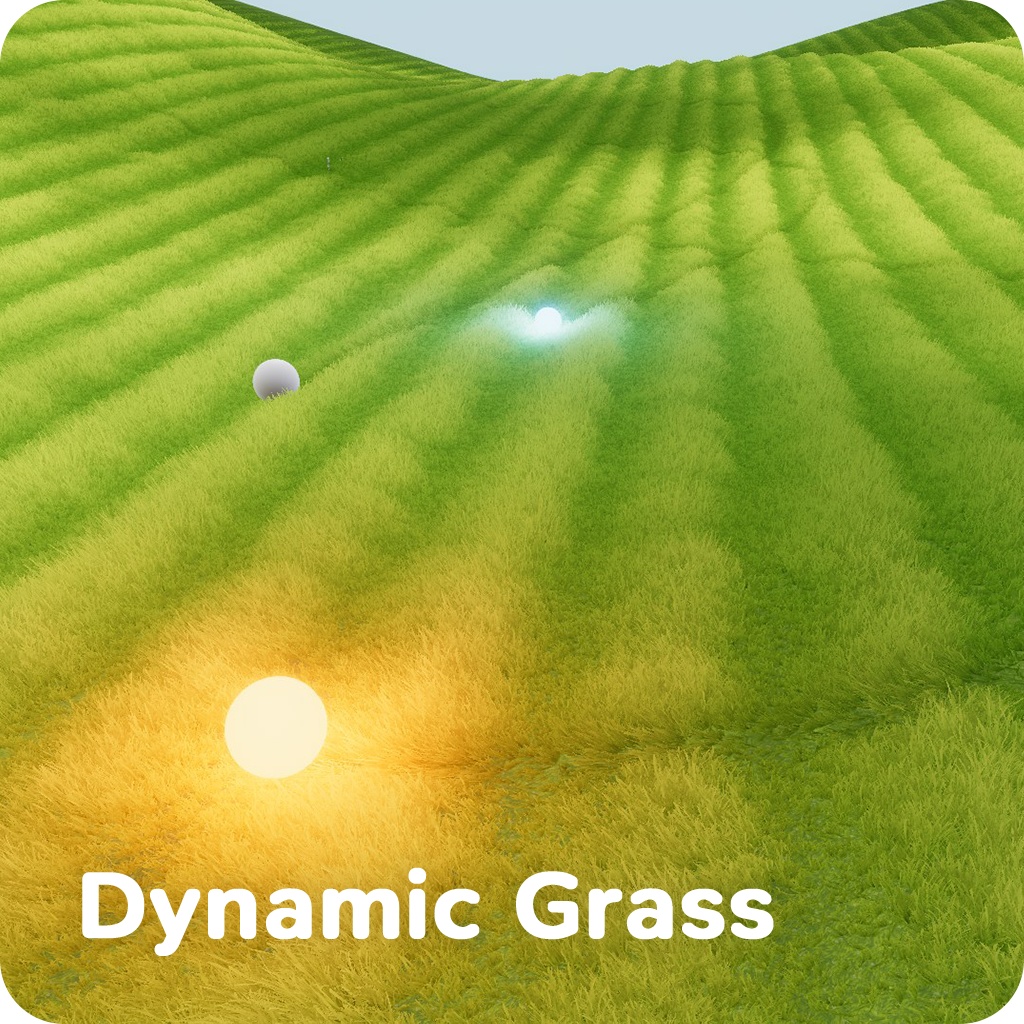
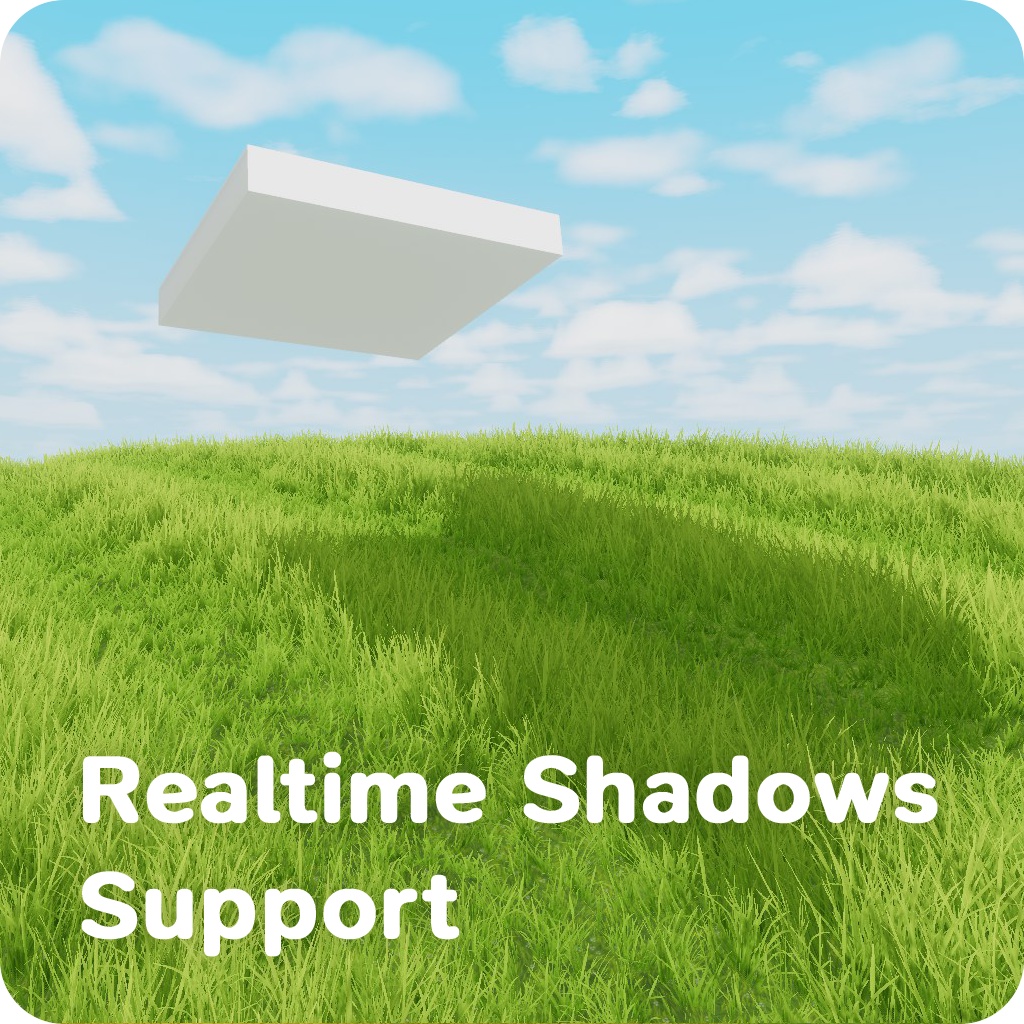
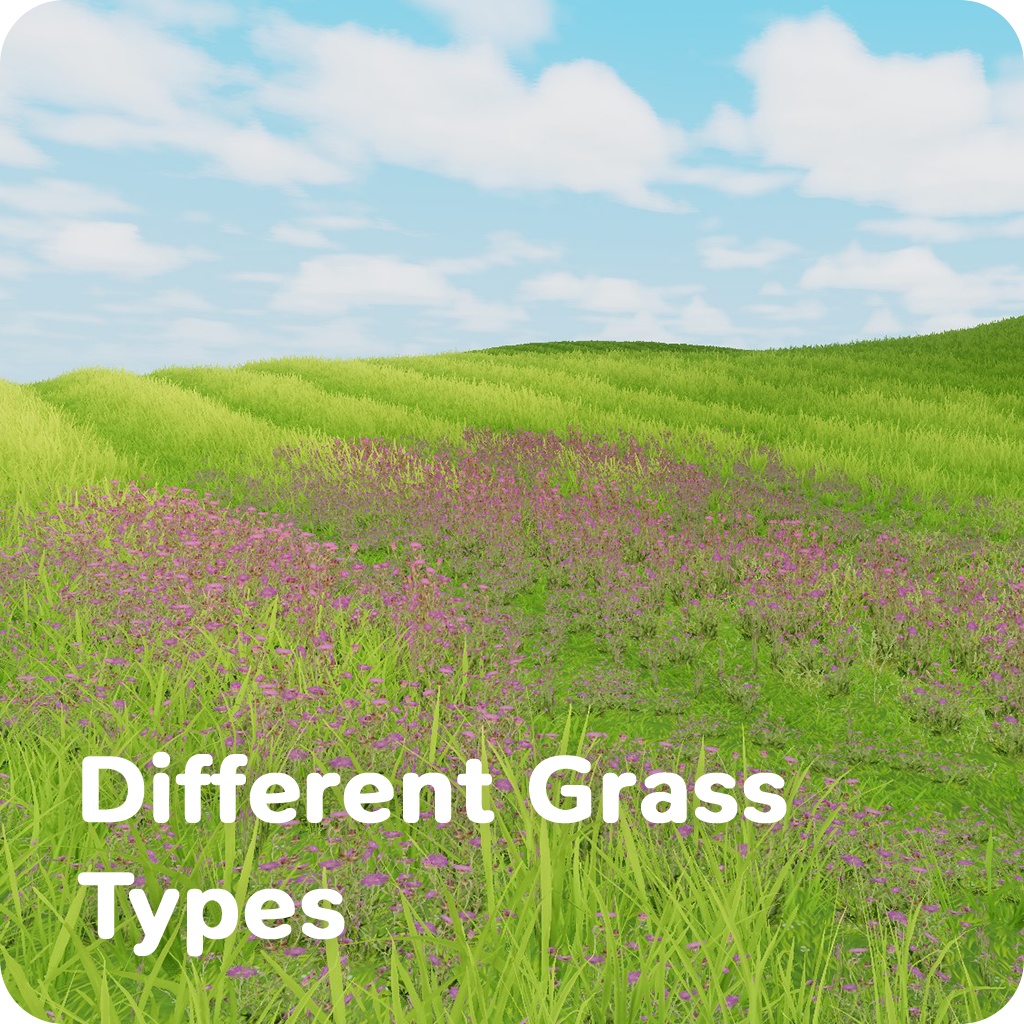
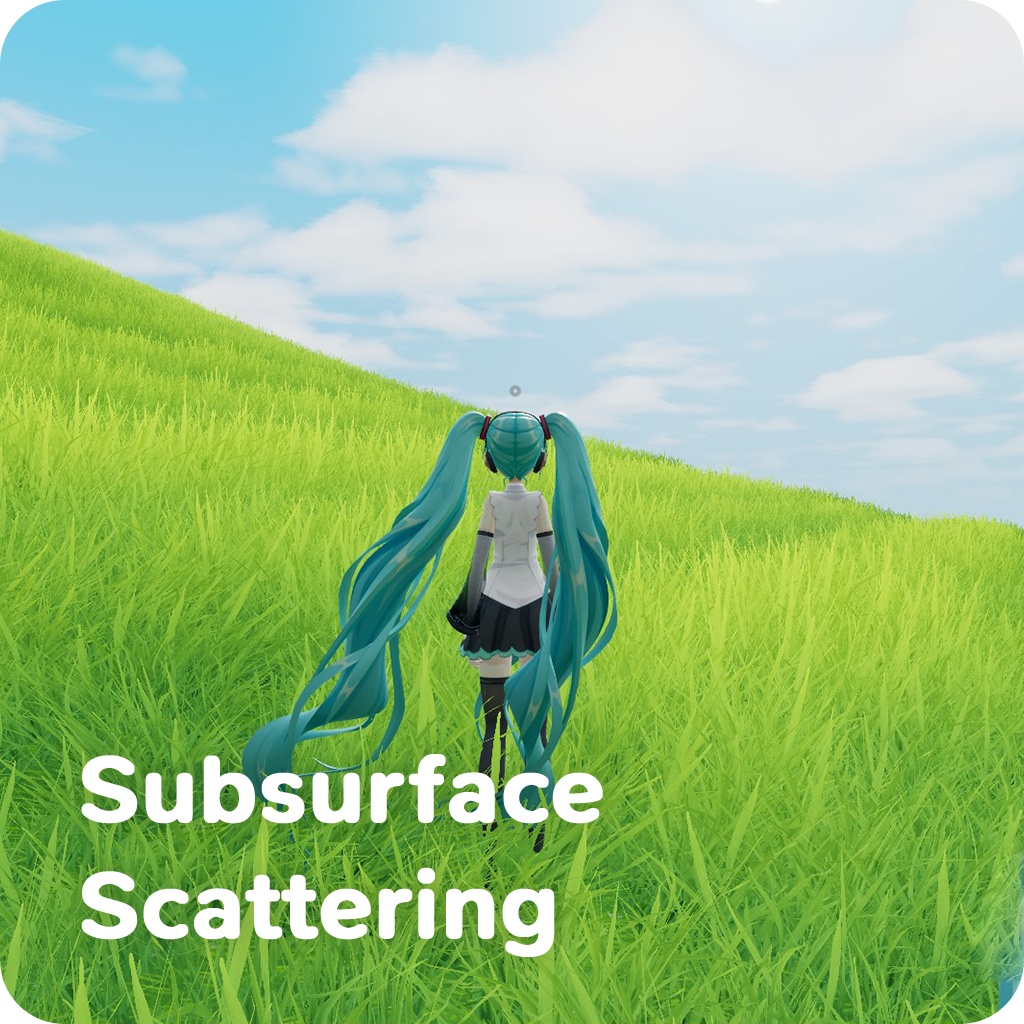
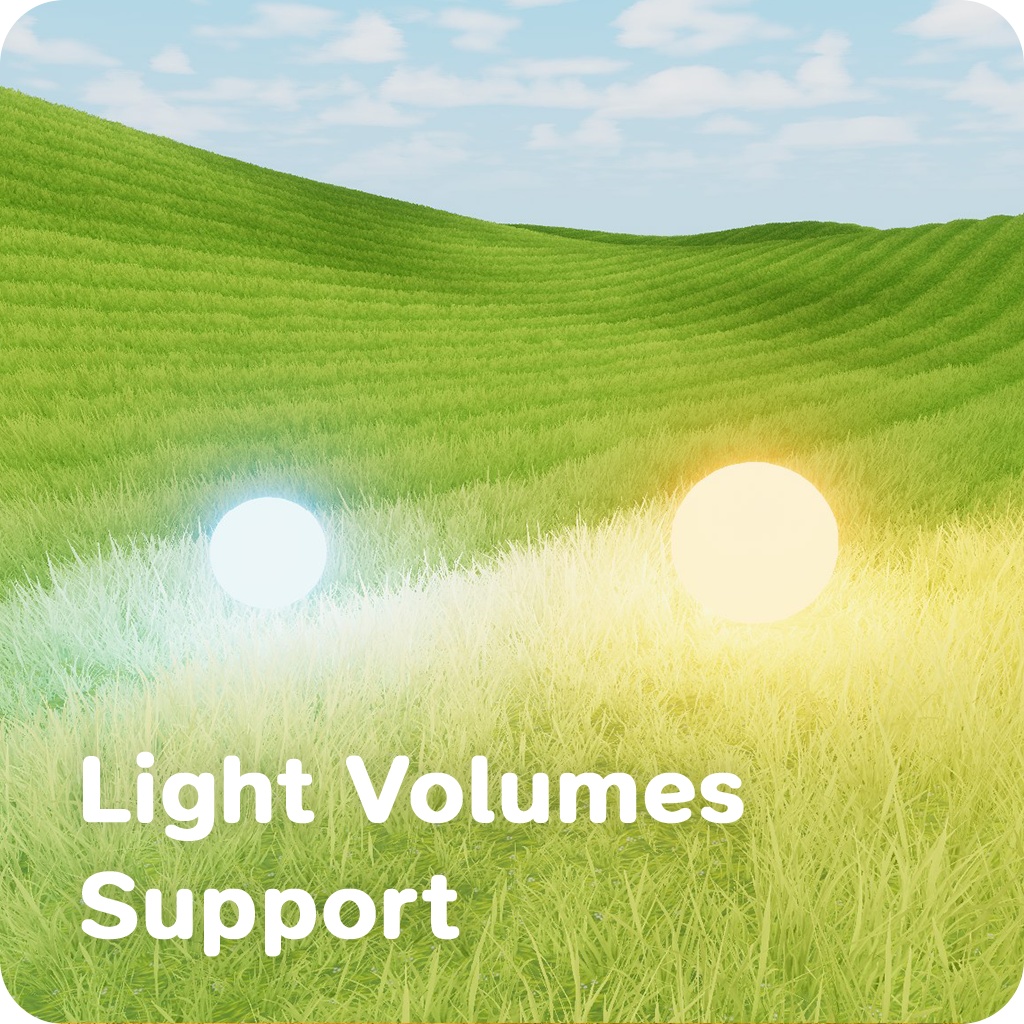
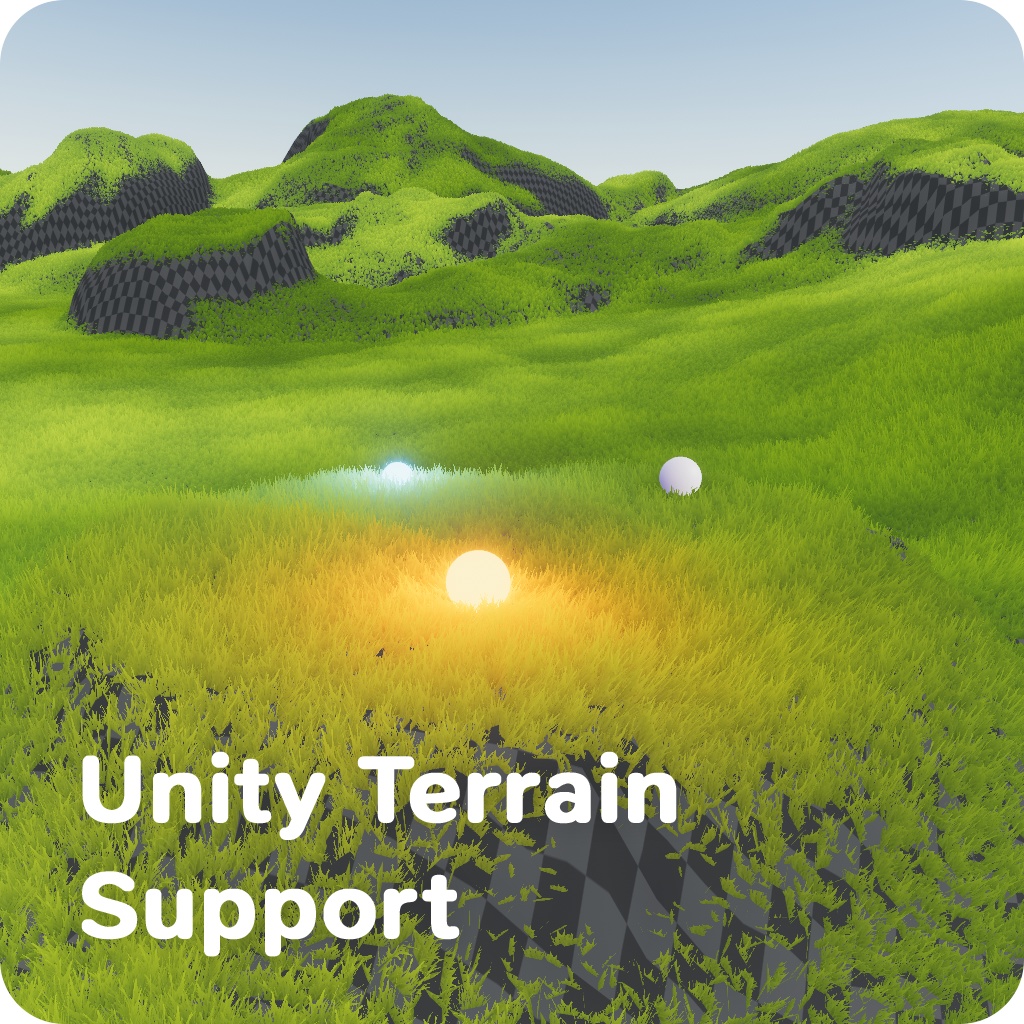
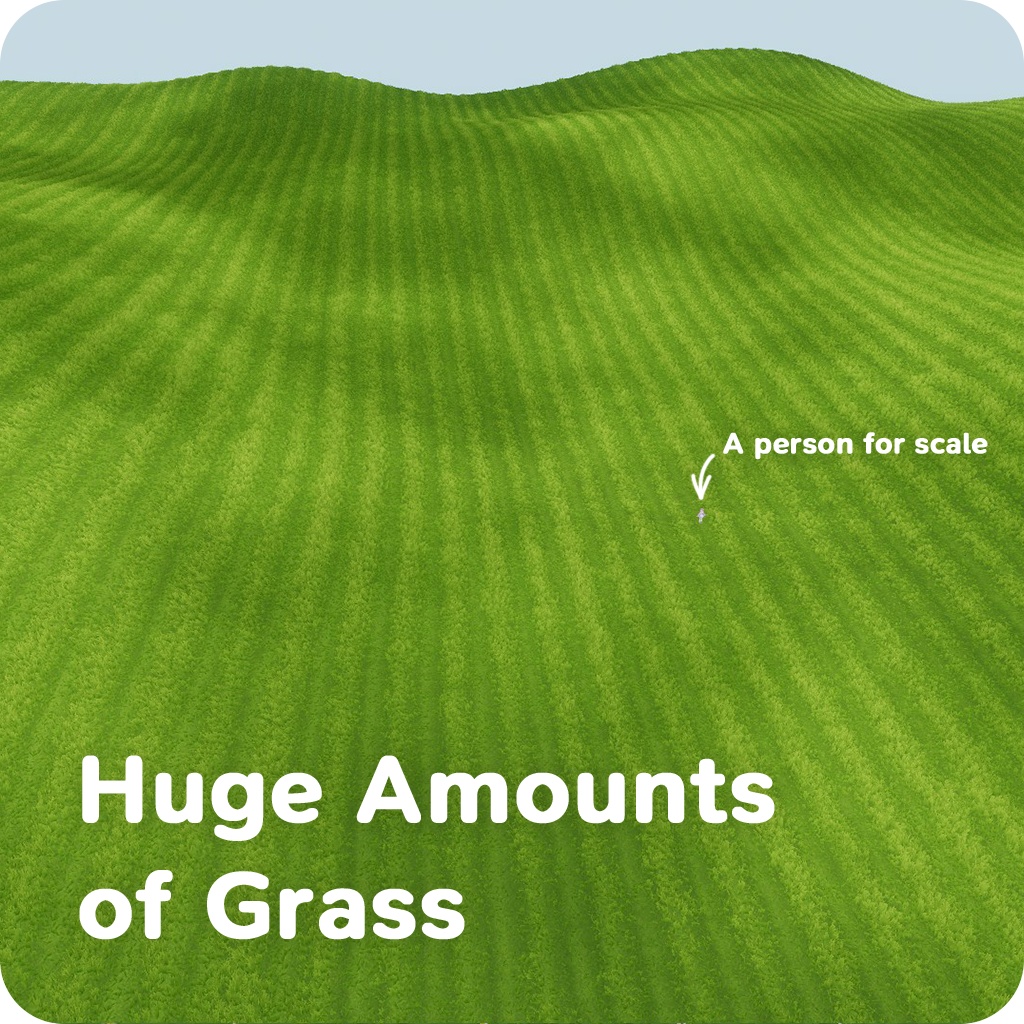
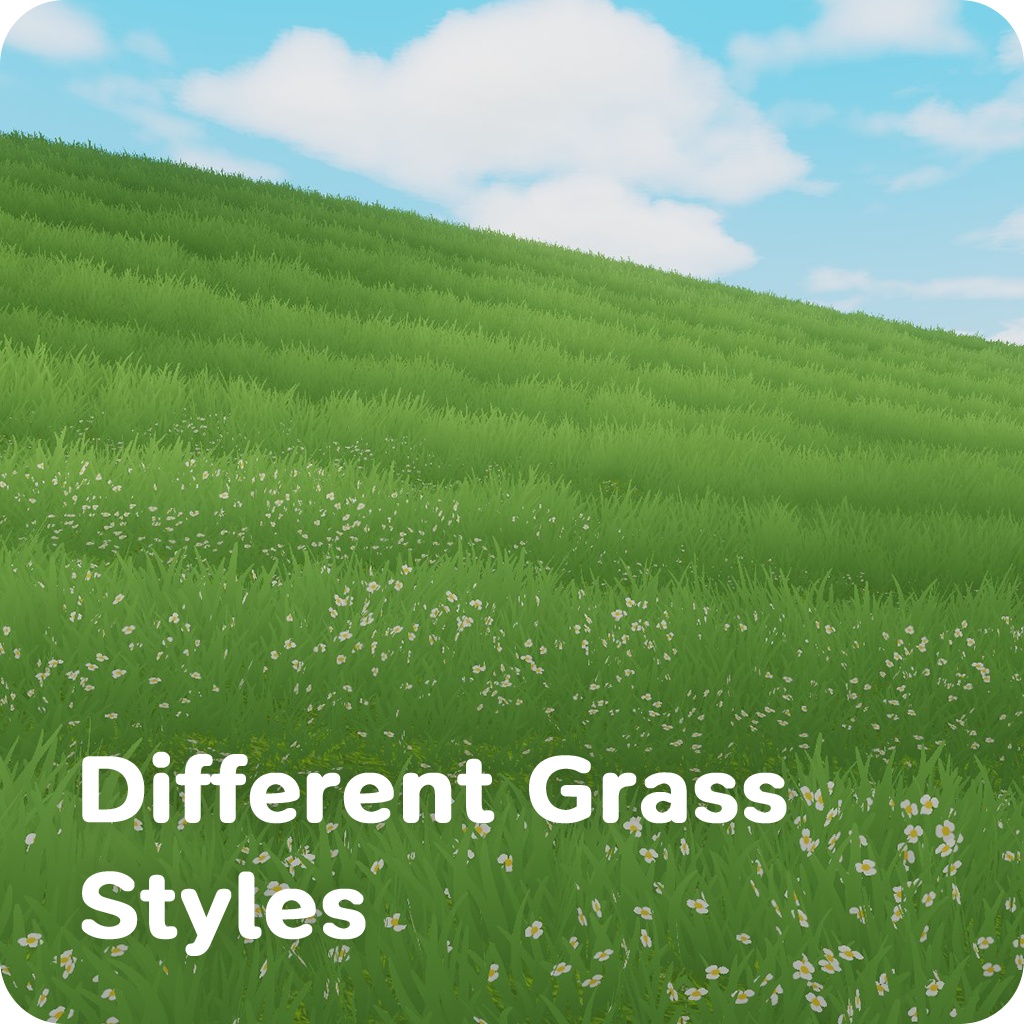
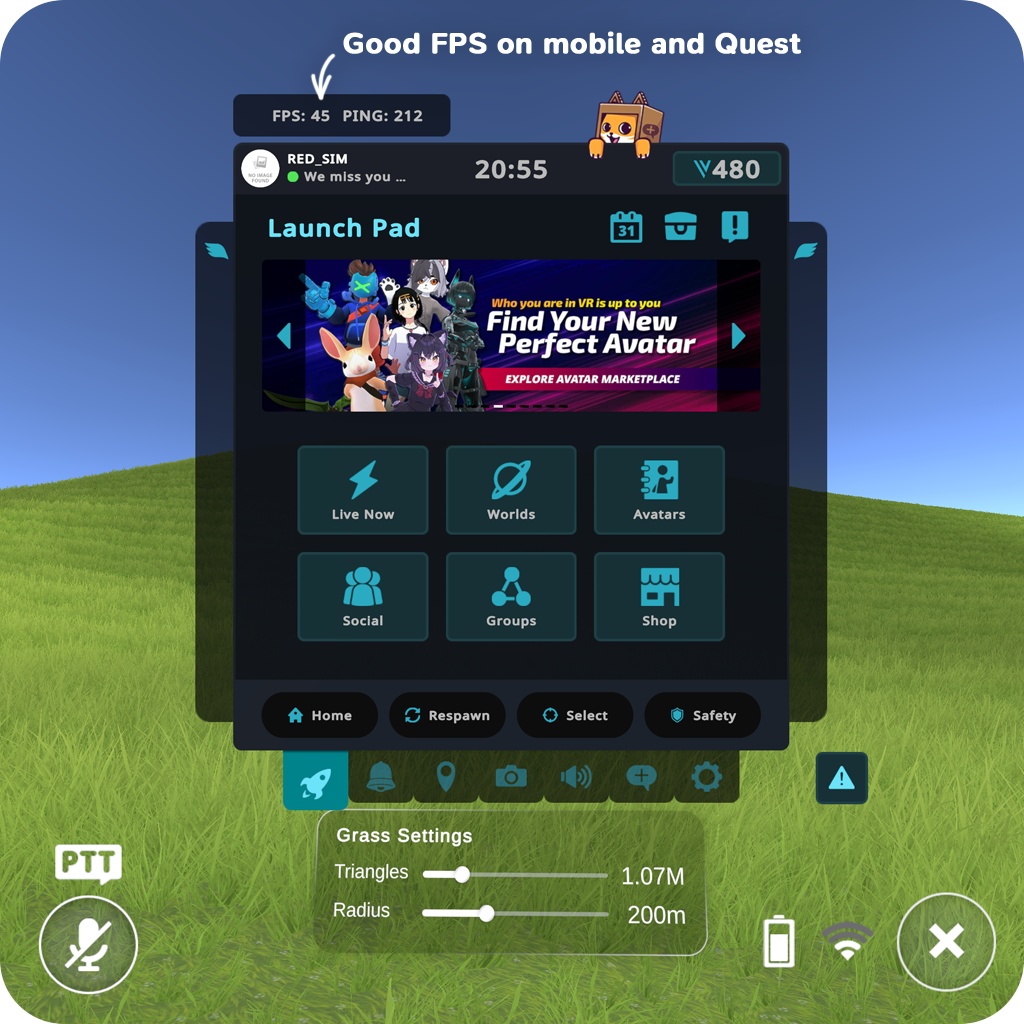
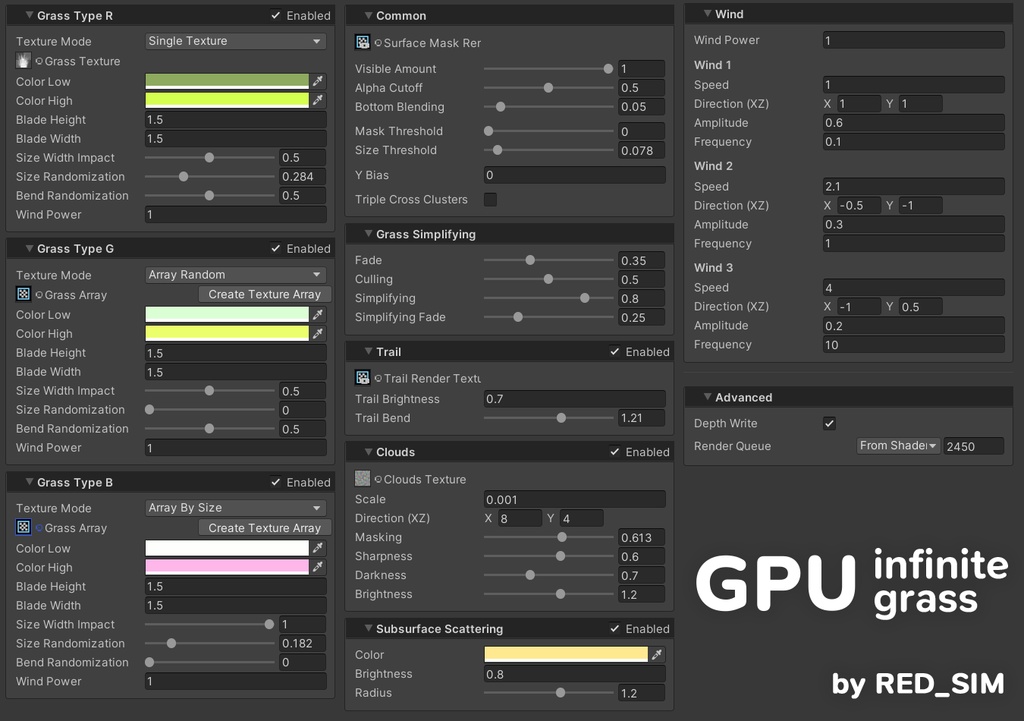
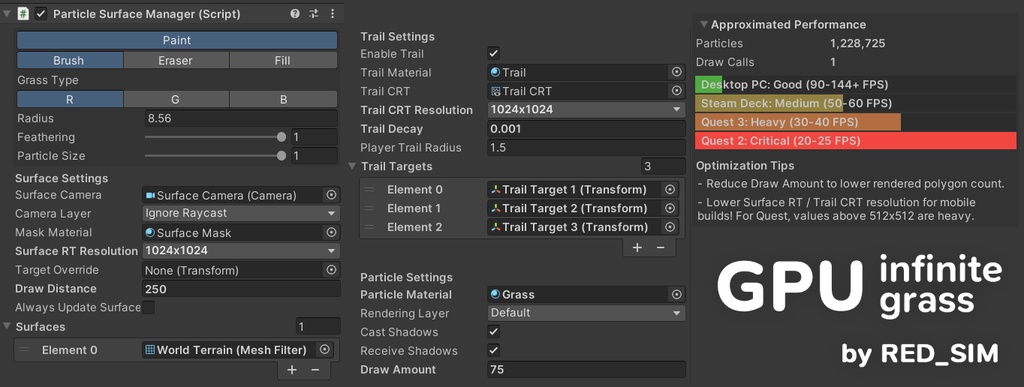


==================== Japanese ==================== 「GPU Infinite Grass」は、VRChat ワールドおよび Unity Built-in Render Pipeline の他プロジェクト向け草レンダリングシステムです。 単なるシェーダーではなく、GPU Instancing を使って草バッチを非常に高効率に描画するシステムです。 VRChat ワールド向けに設計されており、広大なオープン環境から小規模ワールドまで対応できます。 PC ではラグなく数百万の草インスタンスを描画できます。 YouTube demo: https://youtube.com/watch?v=wI8aGxh_uHU VRChatテストワールド: https://vrchat.com/home/launch?worldId=wrld_2f580adc-02f5-47ce-be5a-2567d86eb834 主な機能: 1. 高速バッチインスタンシング描画 - GPU Instancing で大量の草を描画 - Mesh と Unity Terrain の両方に対応 - 複数の Mesh Surface を同時サポート 2. VRC Light Volumes と Unity ライティング対応 - ベイク済み Light Volumes をサポート(Light Maps ベイクの代替として使用) - Point Light Volumes をサポート - Unity のリアルタイムライティングとシャドウをサポート 3. ペイントベース草配置 - Surface を指定し、Brush で草分布を直接ペイント - Eraser と Fill ツールを搭載 - 最大 3 タイプの草に対応 4. インタラクション - プレイヤーや移動オブジェクトで草が倒れる - Trail と草の曲がりは、巨大ワールドでも無限かつシームレスに動作 5. 巨大ワールドから小規模ワールドまで対応 - プレイヤー中心の描画範囲で広大な地形風スペースに対応 - 「Target Override」で静的な草エリアを作成でき、小規模ワールドの調整が容易 6. PC と Quest 向け最適化 - Draw Amount 制限、距離ベース草簡略化、カリングで負荷を制御 - カメラフラスタムカリングを含むスマートカリングを使用 - PC と Mobile/Quest ワークフローに適合 7. ビジュアル調整 - 3 タイプ草の個別コントロール - サイズ、幅、ランダム化、風、Trail 反応、ランダム草テクスチャに対応 - Cloud shadows や Subsurface Scattering など高度機能を搭載 8. Examples 同梱 - セットアップと調整に役立つ Example シーンを同梱 - シーンにドラッグアンドドロップするだけで使えるプレハブを同梱 使い方 (短縮版) 1. Grass Particle Surface Manager プレハブをシーンへドラッグアンドドロップ 2. ペイントしたい Mesh を Surfaces リストに設定 3. Paint ツールで草をペイント 4. Grass マテリアル/シェーダー設定で見た目と最適化を調整 5. 必ずゲーム内でパフォーマンステストしてください。GPU Infinite Grass は非常に最適化されていますが、コストはゼロではありません。 主要パラメータにはすべて Tooltip があり、Inspector 上で挙動を確認しながら調整できます。 短縮ライセンス: - 本アセットは有料のシングルユーザーライセンスです - 本体および改変版を含む共有、再配布、譲渡は禁止です - VRChat ワールド/アバターでの利用は可能です - 依頼制作ではクライアント本人の購入が必要です - ソースファイルの共有は不可、ビルド済み配布のみ可能です - VRChat 外の商用利用は Commercial License が必要です - 本アセットは現状のまま提供され、無保証です ==================== English ==================== "GPU Infinite Grass" is a grass rendering system for VRChat worlds and other projects on Unity Built-in Render Pipeline. It's not just a shader, but a system that uses GPU Instancing to render grass batches in a very performant way. It is designed for VRChat worlds and can be used for both large open environments and small worlds. Can render millions grass instances on PC with no lags. YouTube demo: https://youtube.com/watch?v=wI8aGxh_uHU VRChat test world: https://vrchat.com/home/launch?worldId=wrld_2f580adc-02f5-47ce-be5a-2567d86eb834 Main features: 1. Fast batched instancing rendering - Renders a large amount of grass using GPU instancing - Works with meshes and Unity Terrain - Supports multiple mesh surfaces at the same time 2. Supports VRC Light Volumes and Unity lighting - Supports baked Light Volumes (Use it instead of baking Light Maps) - Supports point Light Volumes - Supports Unity realtime lighting and shadows 3. Paint-based grass placement - Assign surfaces and paint grass distribution directly with a brush - Includes Eraser and Fill tools - Supports up to 3 grass types 4. Interaction - Grass bends from players and moving objects - Trails and grass bending works infinitely and seamless even in huge worlds 5. Scales from huge to small worlds - Player-centered rendering area supports large open terrain-like spaces - "Target Override" allows to create static grass zones for easier tuning in small worlds 6. Optimized for PC and Quest - Performance can be controlled by limiting Draw Amount, distance-based grass simplification and culling - Uses smart culling including camera frustum culling - Suitable for PC and Mobile/Quest workflows 7. Visual customization - Per-type controls for 3 grass types - Size, width, randomization, wind, trail response, and random grass textures support - Advanced features such as Cloud shadows and Subsurface Scattering 8. Examples included - Includes an example scene to help with setup and tuning - Includes a prefab that can just be drag and dropped into your scene How to use (quick) 1. Drag and drop the Grass Particle Surface Manager prefab into your scene 2. Assign the meshes you want to paint in the Surfaces list 3. Paint grass with the Paint tools 4. Tune look and performance in the grass material/shader settings 5. Please, test the performance in game! GPU Infinite Grass is very optimized, but not free. All major parameters include tooltips, so you can read how everything works directly in the inspector. Short license summary: - This is a paid single-user asset license - Sharing, redistribution, or transferring the asset (including modified versions) is prohibited - Use in your own VRChat worlds/avatars is allowed - For commissions, the client must purchase their own copy - Source file sharing is not allowed, compiled distribution only - Commercial use outside VRChat requires a Commercial License - Provided as-is without warranty
