
【Live2D】あみこみ地雷ハートツイン / JiraiHearTwin
- Personal priceDigital980 JPY
- Corporate priceDigital3,000 JPY
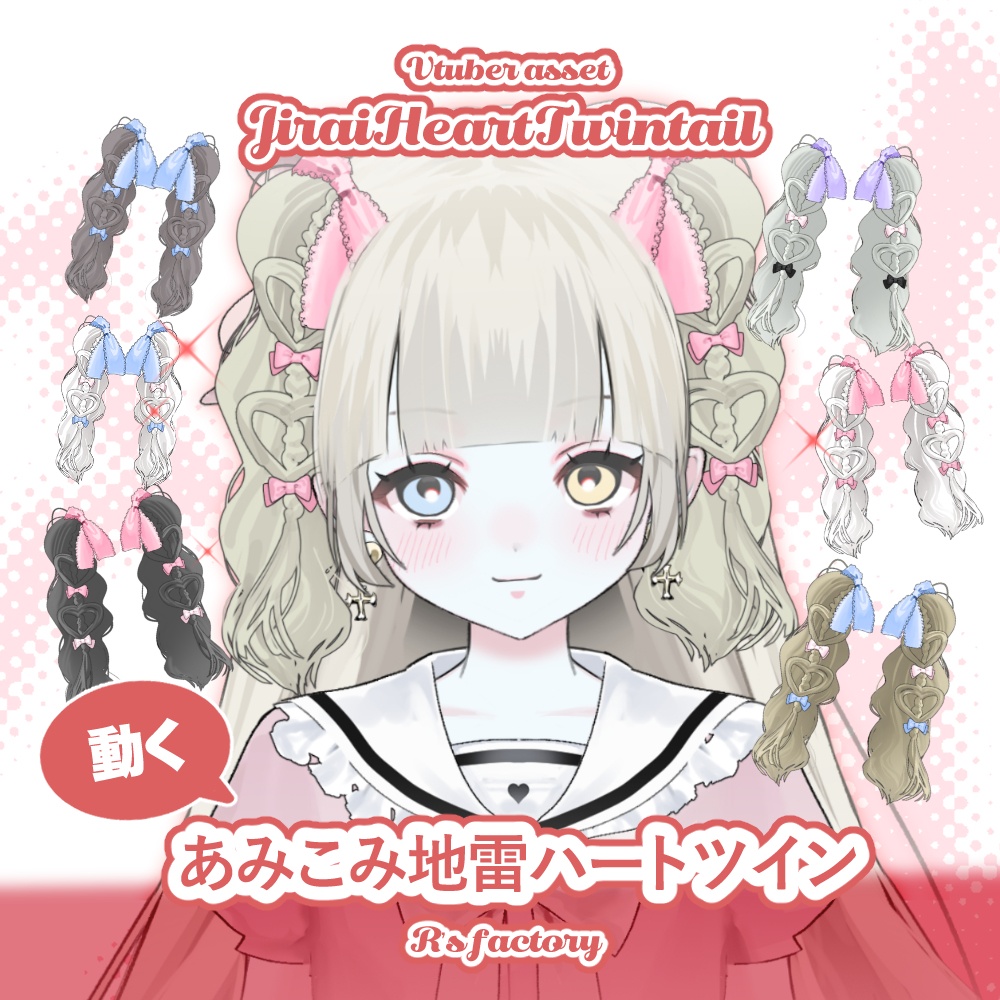
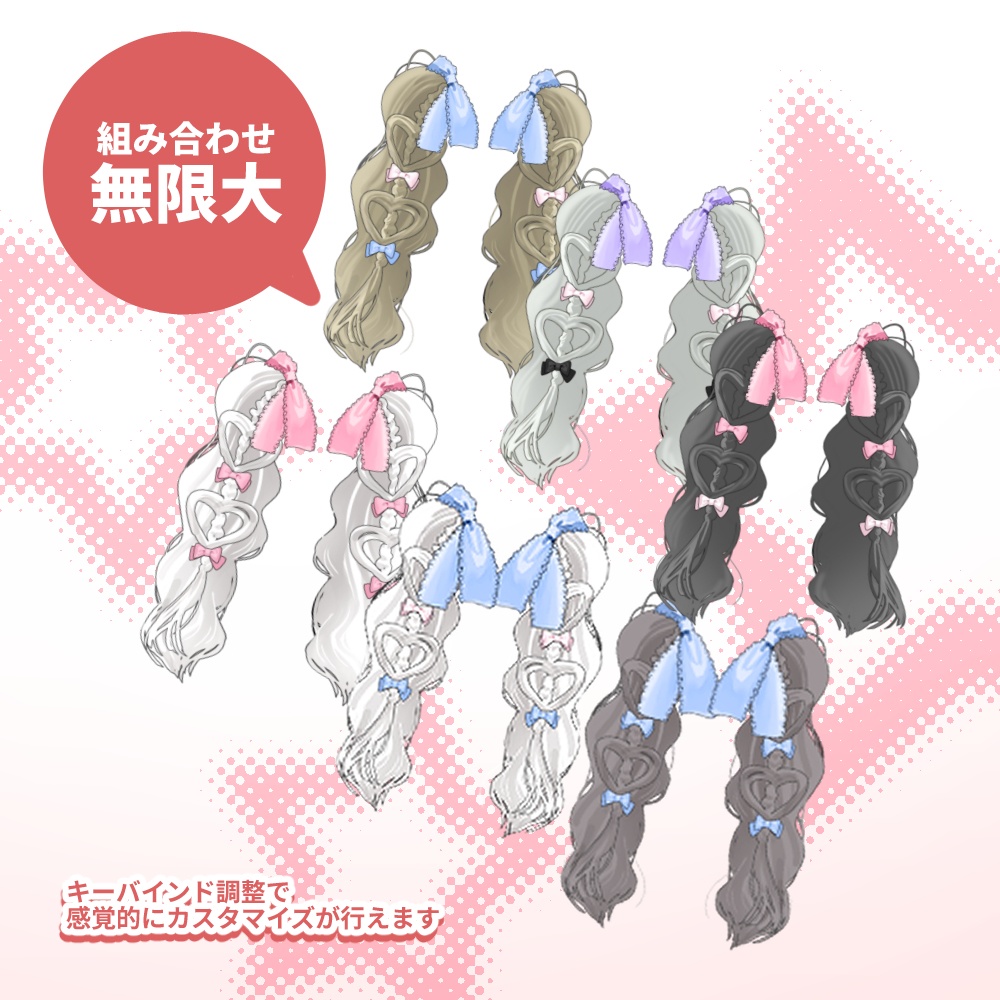
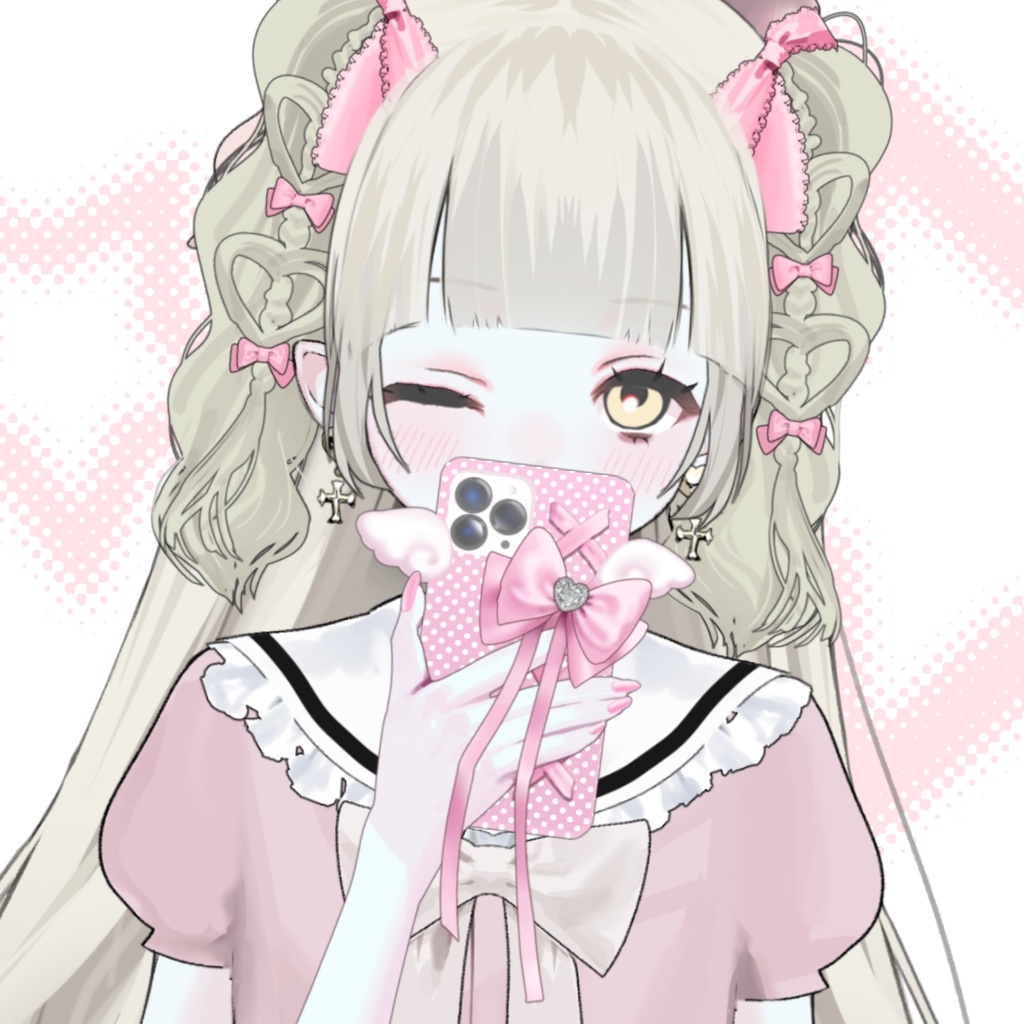


VTS専用。キーバインドでカラー、サイズ、デザイン等のカスタマイズ無限大♡ レイヤー調整による色変更もOKです♡ 配信のほんの彩りとして楽しんでご利用いただけたら光栄です。 ■AssetJiraiHeartTwin [Live2d] 組み込み用フォルダデータ VTS内用アイコン画像を含みます。 キーバインドによるデザイン調整可能。 VTS内レイヤー調整による色変可。 DL後データは解凍して任意のフォルダにドロップしてください。 ■アイテムカスタマイズ&導入方法 1)VTSにフォルダデータを導入 2)上から一つ目のボタン「VTSモデルを変更」を選択し、該当モデルを選択 3)一番上から4つ目のボタン「設定」を選択 4)一番右のボタン「キーバインド設定」を選択 5)「表情ファイルエディター」を選択 6)「新規表情ファイル作成」を選択 7)★マークの付いたキーバインドを自由にカスタマイズ 8)カスタマイズが完成したら「保存する」を選択 9)「すべての未使用の表情ファイル用の新しいキーバインドを作成する」を選択 10)追加されたキーバインドタブの「キーコンビネーション」キーを割り当てます。これで該当キーをクリックすることでいつでもカスタマイズデザインに変更が可能になります。 11)ホームにもどり、一番上から二番目のボタン「背景を変える」の横の星マークのボタン「アイテム設定」を選択 12)「現在のモデルをlive2dアイテムとしてロードする」を選択 13)保存するといつでも「アイテム設定」タブから該当アイテムをアセットとしてご利用いただけます。 ■キーバインド初期設定 A…カスタムサンプル デザイン調整のサンプルになっております。 ご不要の場合は削除してください。 ■モデル画像使用物 カスタムフォン https://rnyado.booth.pm/items/8037477 吸血地雷少女 https://rnyado.booth.pm/items/5825988 ■ご利用前にご確認ください ・ご利用の際のクレジット記載は任意ですが、ご報告いただけると活動の励みになります。ご利用くださりありがとうございます。 ・アイテムを使用して第三者とトラブルが発生した場合、当方は一切の責任を負いません。 ・収益を伴う配信活動にはご利用頂けますが、著作権は譲渡しておりません。ご利用の際はご注意ください。 ・モデルは実績として公開する可能性がございます。 ・トラッキング導入に対するサポートは料金に含まれておりません。ですが万が一データに不足があった場合はDMにてご連絡ください。 ■収益について 当アイテムを用いた配信での収益の獲得は、問題なくご利用いただけます。 その他ご不明点またはご質問等ございましたら、お気兼ねなくお問い合わせ下さいませ。 mail / r.infmation.leoleo@gmail.com twitter(X) / https://x.com/NYADO16 For VTS exclusive use. Customize colors, sizes, designs, and more infinitely with key bindings♡ Color changes via layer adjustments are also possible♡ We'd be honored if you enjoy using this as a little accent for your streams. ■AssetJiraiHeartTwin [Live2d] Embedded folder data Includes icon images for use within VTS. Design adjustments possible via key bindings. Color changes possible via layer adjustments within VTS. After downloading, extract the data and drop it into any folder. ■Item Customization & Installation Method 1) Import the folder data into VTS 2) Select the first button from the top, “Change VTS Model,” and choose the relevant model 3) Select the fourth button from the top, “Settings” 4) Select the rightmost button, “Keybind Settings” 5) Select “Expression File Editor” 6) Select “Create New Expression File” 7) Freely customize the keybinds marked with ★ 8) Select “Save” when customization is complete 9) Select “Create New Keybinds for All Unused Expression Files” 10) Assign the “Key Combination” key in the added keybinds tab. Clicking this key will now allow you to change to your customized design anytime. 11) Return to the home screen and select the star-marked “Item Settings” button next to the second button from the top, “Change Background”. 12) Select “Load Current Model as Live2D Item”. 13) Once saved, you can use the corresponding item as an asset anytime from the “Item Settings” tab. ■Key Bindings Default Settings A... Custom Sample This serves as a sample for design adjustments. Delete if not needed. ■Model Image Credits Custom Font https://rnyado.booth.pm/items/8037477 Bloodsucking Landmine Girl https://rnyado.booth.pm/items/5825988 ■Please Confirm Before Use ・Credit attribution is optional when using this item, but reporting your use encourages our activities. Thank you for using it. ・We assume no responsibility for any disputes arising from using this item with third parties. ・You may use this item for monetized streaming activities, but copyright is not transferred. Please be mindful of this when using it. ・Models may be publicly displayed as part of our portfolio. ・Support for implementing tracking is not included in the fee. However, if you encounter any data gaps, please contact us via DM. ■Regarding Revenue You may freely earn revenue through streaming using this item. If you have any other questions or concerns, please feel free to contact us. mail / r.infmation.leoleo@gmail.com twitter(X) / https://x.com/NYADO16