

オリジナル3Dモデル『フロギー』追加髪型あり
- 製品版Digital500 JPY
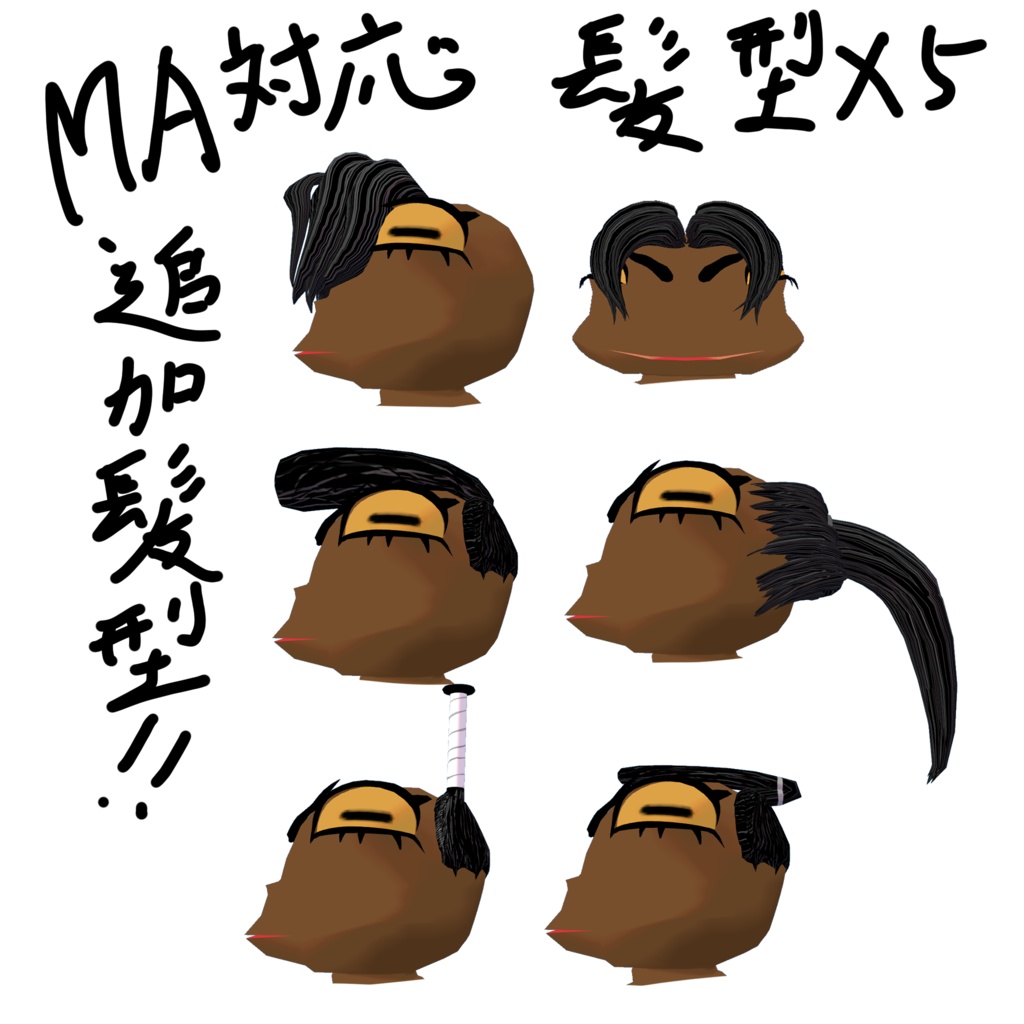
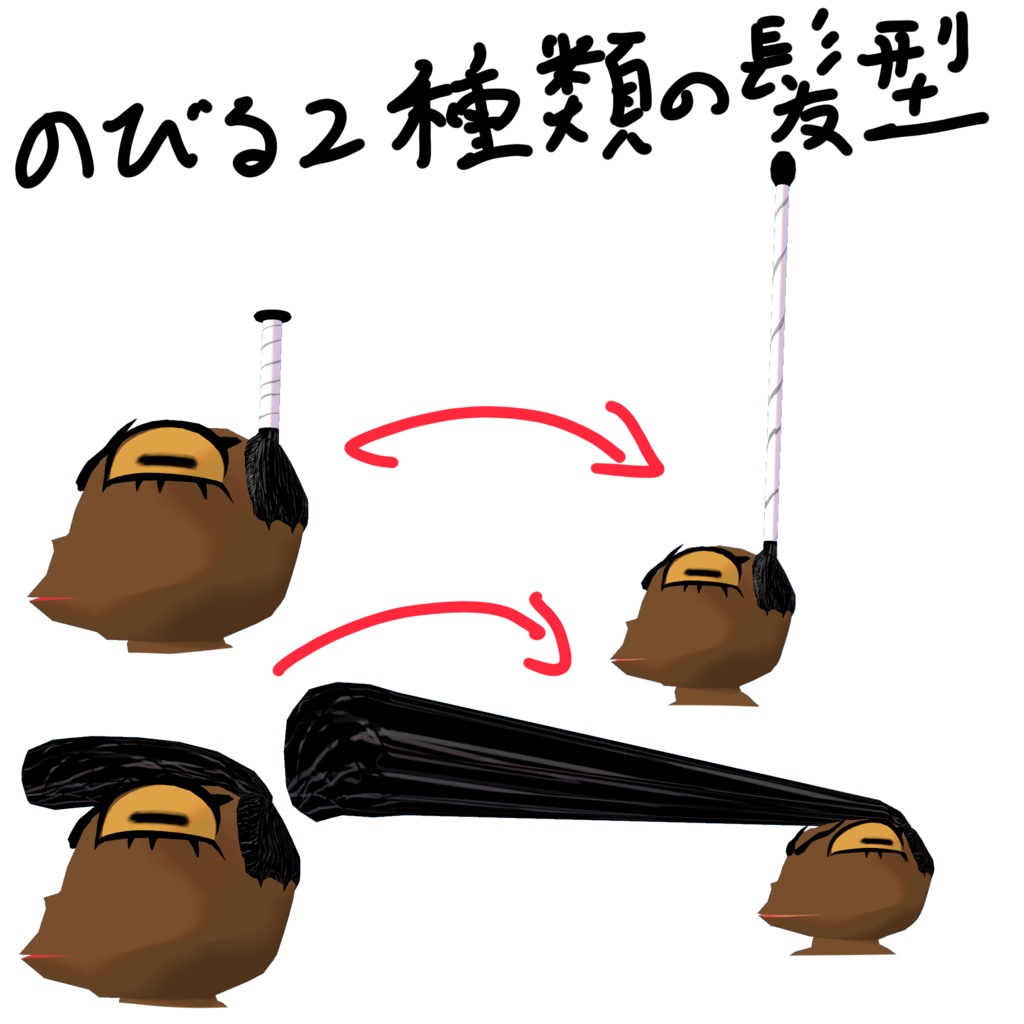
- 追加髪型Digital200 JPY
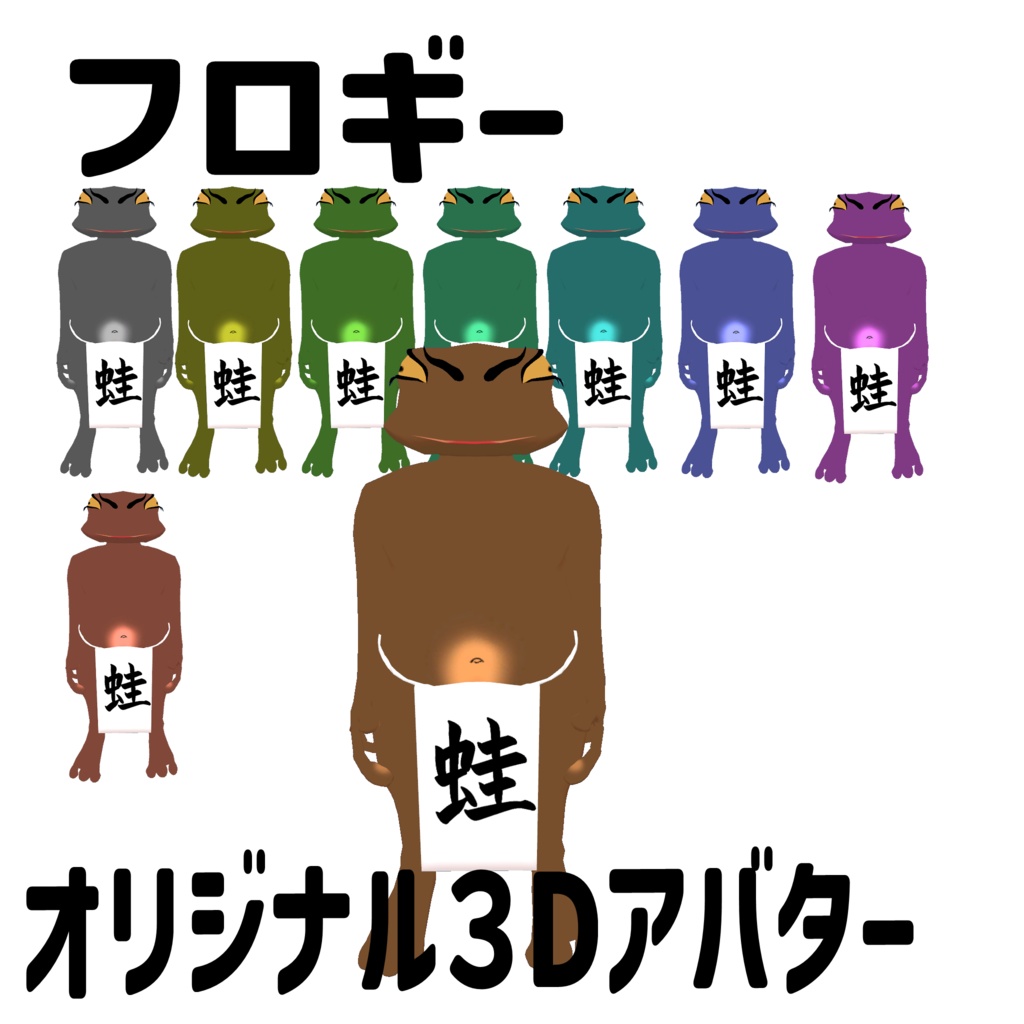
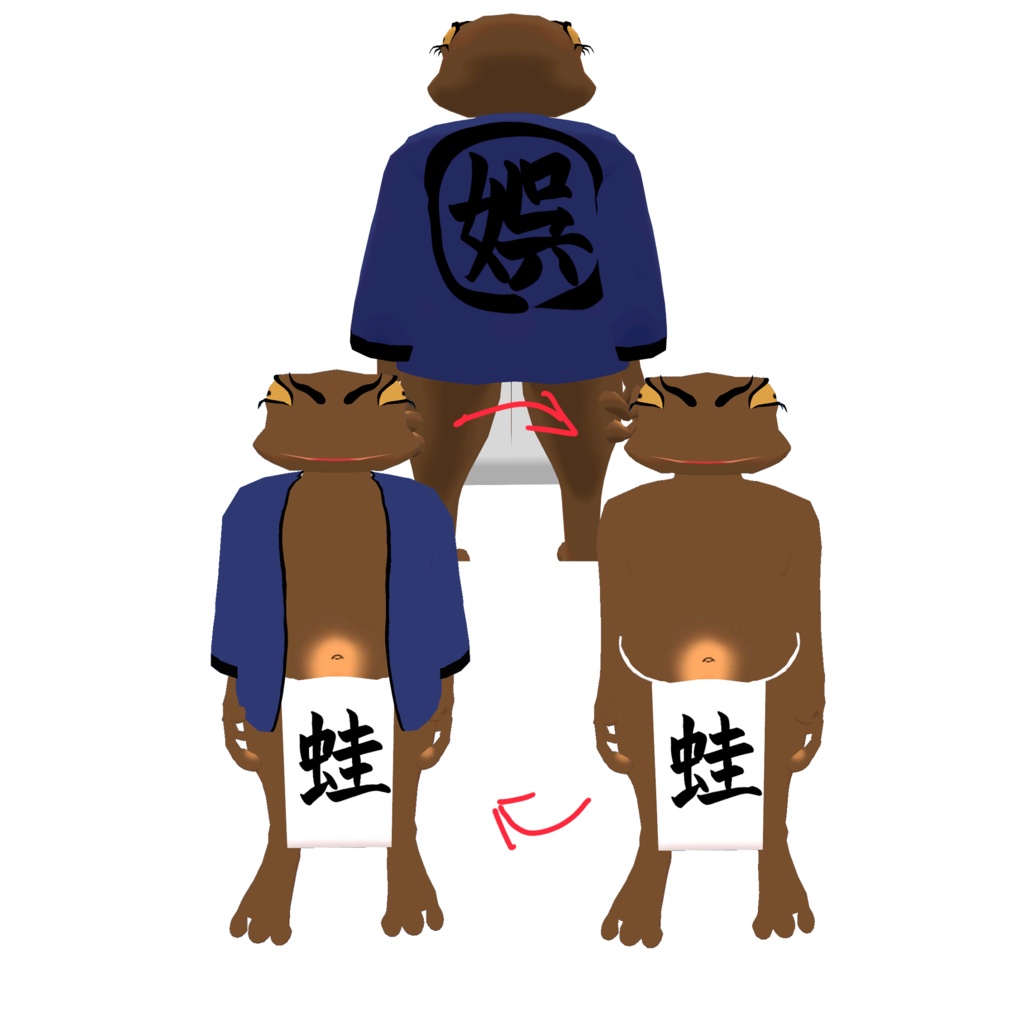
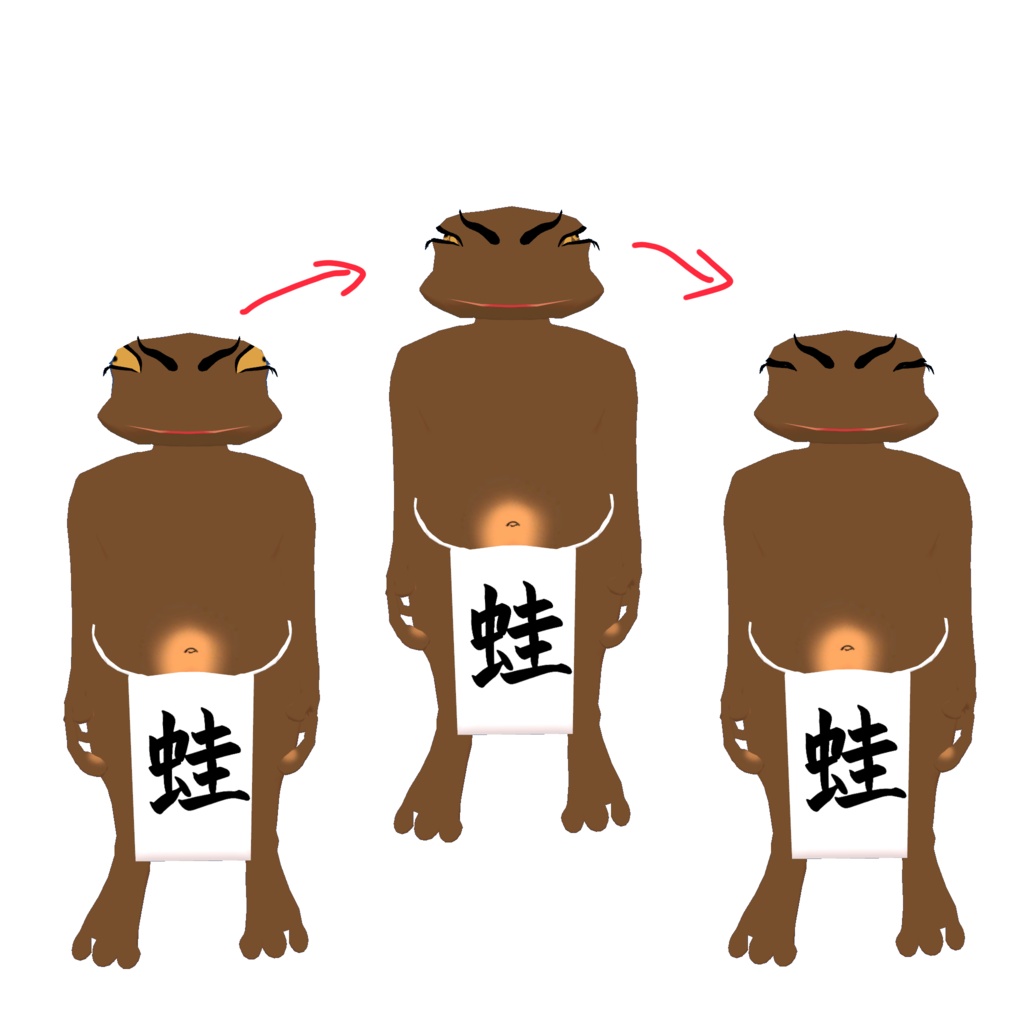
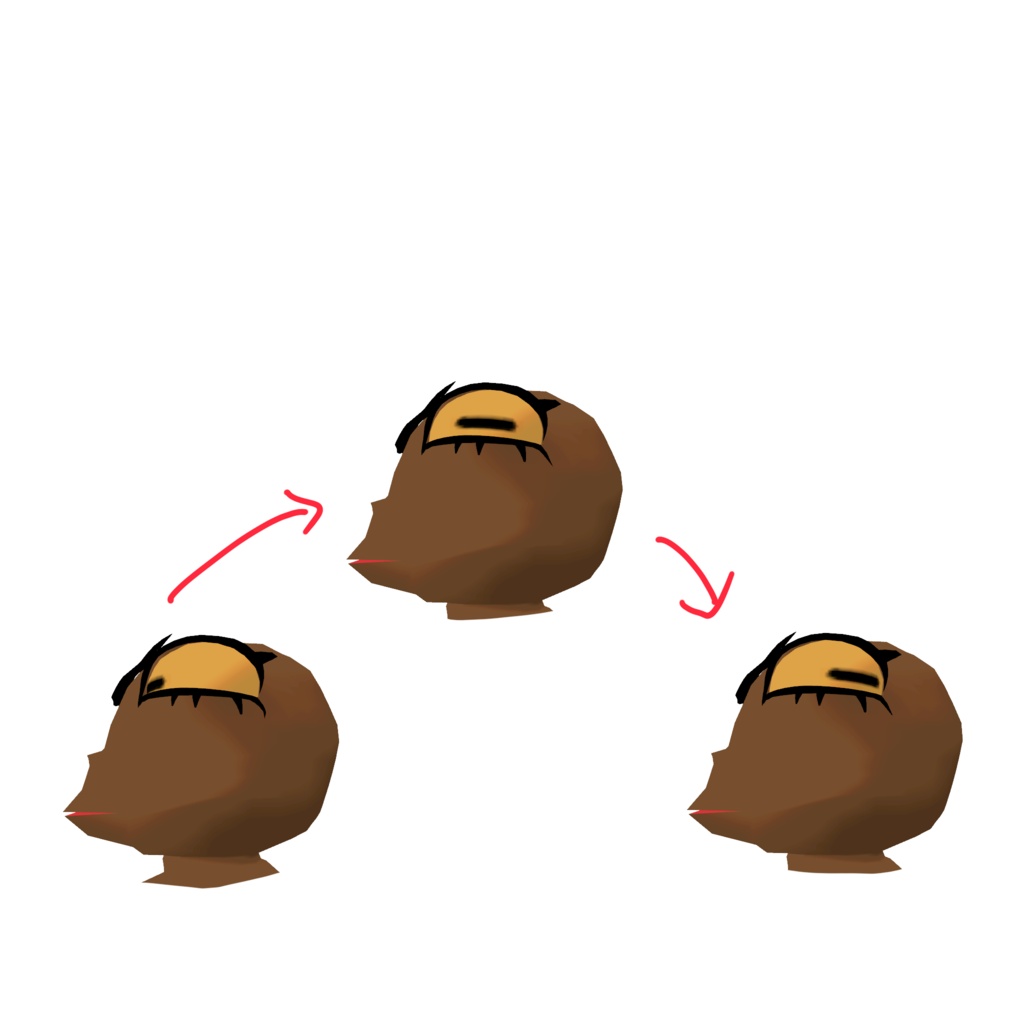


【日本語】 【商品説明】 VRChat専用アバターです。 私の名前をカエルの鳴き声と間違われるので蛙アバターを作ってみました。 Expression Menuに四種類のギミックを追加しています。 1.見た目チェンジ ・見た目を9択から変更できます。 ・また高速でからチェンジを行うゲーミングカラーモードがあります。 2.衣装の着脱ギミック ・上着を着脱可能にしています。 3. 瞳の向き変更ギミック ・リアルさ重視の蛙の瞳孔の方向から自身で前方から後方まで変更可能です。 4. 瞬きギミック ・蛙のような瞬きを可能にしました。 その他 ・お腹とおしり、ふんどしをPhysboneで揺れるように設定しています。 素敵なアバター同士の交流や、その他写真撮影などでお楽しみください。 【内容】 ・froggy_0006 mobile UnityPackage ・froggy_0006 PC UnityPackage (Prefab/テクスチャ/マテリアルなどを含みます。) ・license(利用規約) ・read_me.txt(導入方法) ・credit.txt ・froggy_sample.png 【仕様/Specifications】 ・フルトラッキング未確認 (作者がコントローラーを所持していないので、フルトラの優しい方がいらっしゃいましたら、ご連絡ください。) ・PC対応 ・Quest対応 ・IOS対応 【導入方法】 1.Unityでプロジェクトを開く 2.UnityPackageをインポート 3.VRChat SDKでアップロード 【対応環境】 ・Unity2022.3 ・VRChat SDK3 【利用規約】 ・個人利用:OK ・改変:OK ・再配布:禁止 ・本データ単体での再販売:禁止 【注意】 ・不具合があればBOOTHメッセージにてご連絡ください。 [English] [Product Description] This is an avatar designed exclusively for VRChat. Since people often mistake my name for a frog’s croak, I decided to create a frog avatar. I’ve added four types of interactive features to the Expression Menu. 1. Appearance Change ・You can choose from 9 different appearances. ・There is also a “Gaming Color Mode” that allows for rapid appearance changes. 2. Costume On/Off Feature ・The top layer of clothing can be put on or taken off. 3. Eye Direction Adjustment Feature ・You can adjust the direction of the frog’s pupils—from a realistic default position to looking forward or backward—to your liking. 4. Blinking Feature ・We’ve enabled frog-like blinking. Other Features ・We’ve configured the belly, buttocks, and loincloth to sway using Physbone. Please enjoy interacting with other wonderful avatars and taking photos. 【Contents】 ・froggy_0006 mobile UnityPackage ・froggy_0006 PC UnityPackage (Includes Prefabs, textures, materials, etc.) ・license (Terms of Use) ・read_me.txt (Installation Instructions) ・credit.txt ・froggy_sample.png 【Specifications】 ・Full tracking not verified (The author does not own a controller, so if anyone with full tracking experience could test this, please contact me.) ・PC compatible ・Quest compatible ・iOS compatible 【Installation Instructions】 1. Open the project in Unity 2. Import the UnityPackage 3. Upload via the VRChat SDK 【Supported Environments】 ・Unity 2022.3 ・VRChat SDK 3 【Terms of Use】 ・Personal use: OK ・Modification: OK ・Redistribution: Prohibited ・Resale of this data alone: Prohibited 【Note】 ・If you encounter any issues, please contact us via BOOTH messages.