

【V2】 【Kipfel キプフェル】 Skintones 肌の色 + Tanlines 日焼け跡 + Aesthetic hue
- SKINTONES+TANLINES+AESTHETIC HUE (300OFF)Digital1,000 JPY
- 5 ALL SKINTONESDigital700 JPY
- 2 SKINTONES DARKDigital400 JPY
- 3 SKINTONES LIGHTDigital400 JPY
- TANLINES ONLYDigital200 JPY
- AESTHETIC HUE (HAIR)Digital300 JPY
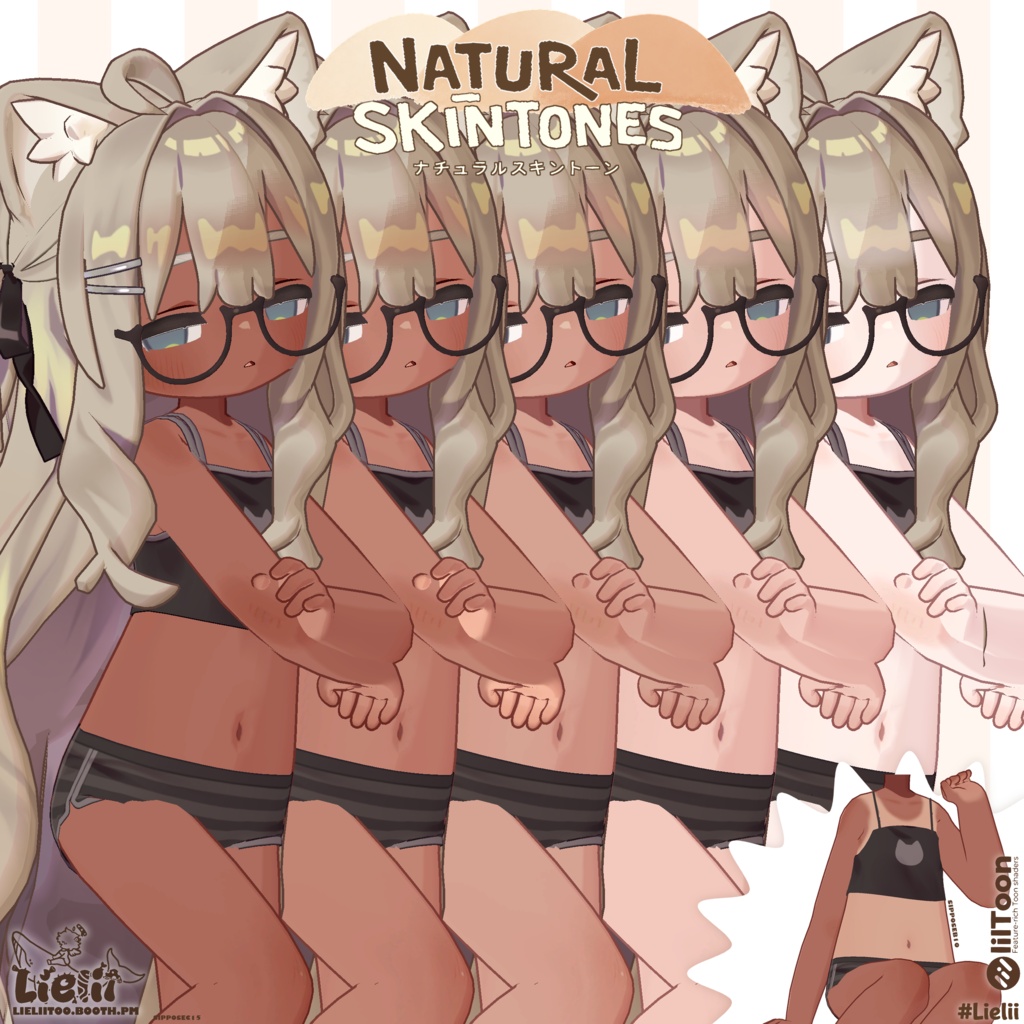
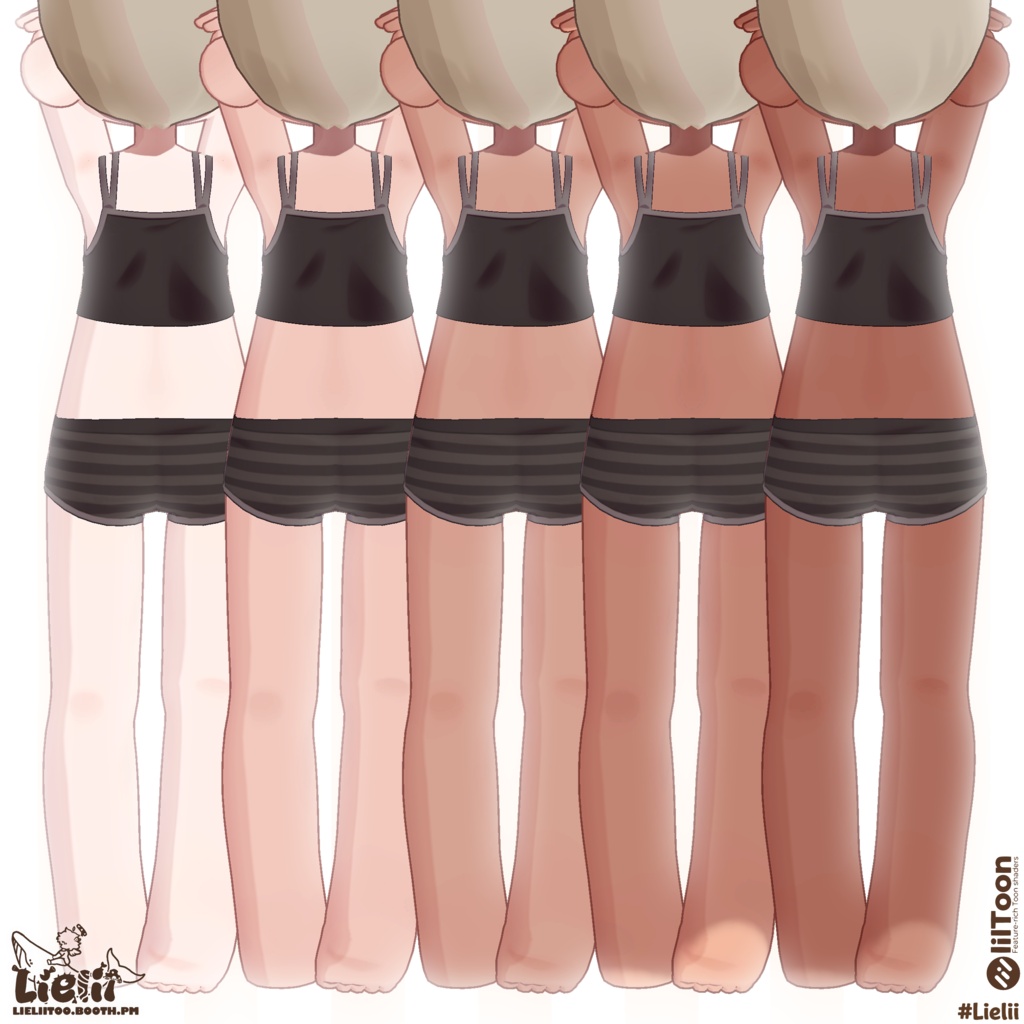
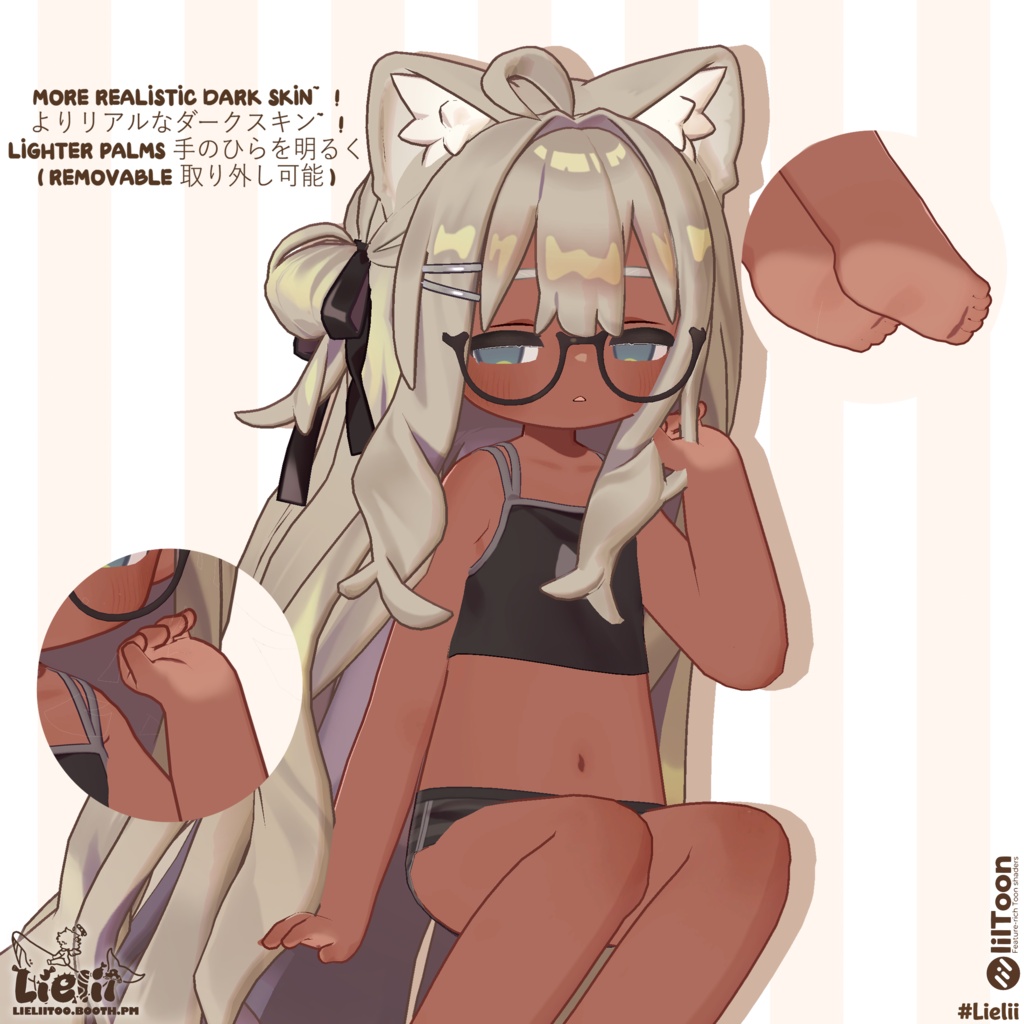
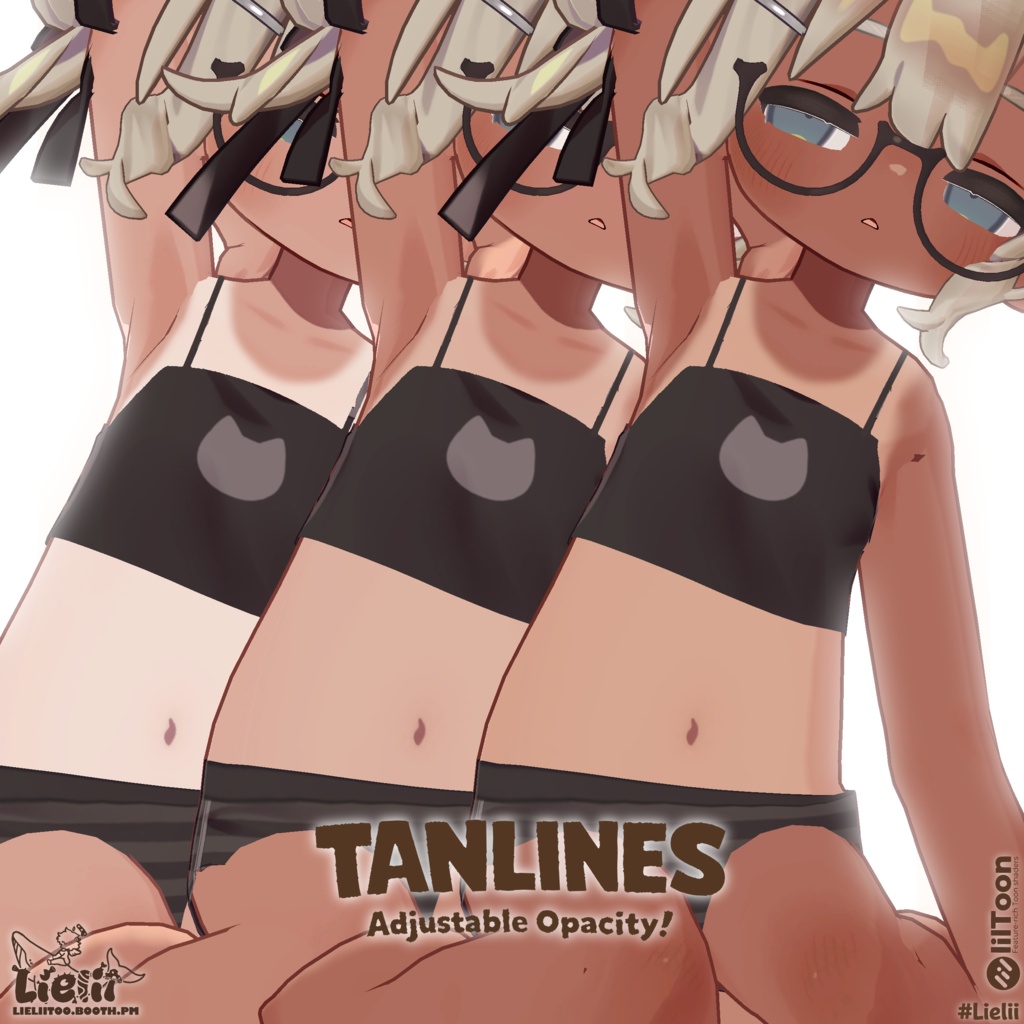
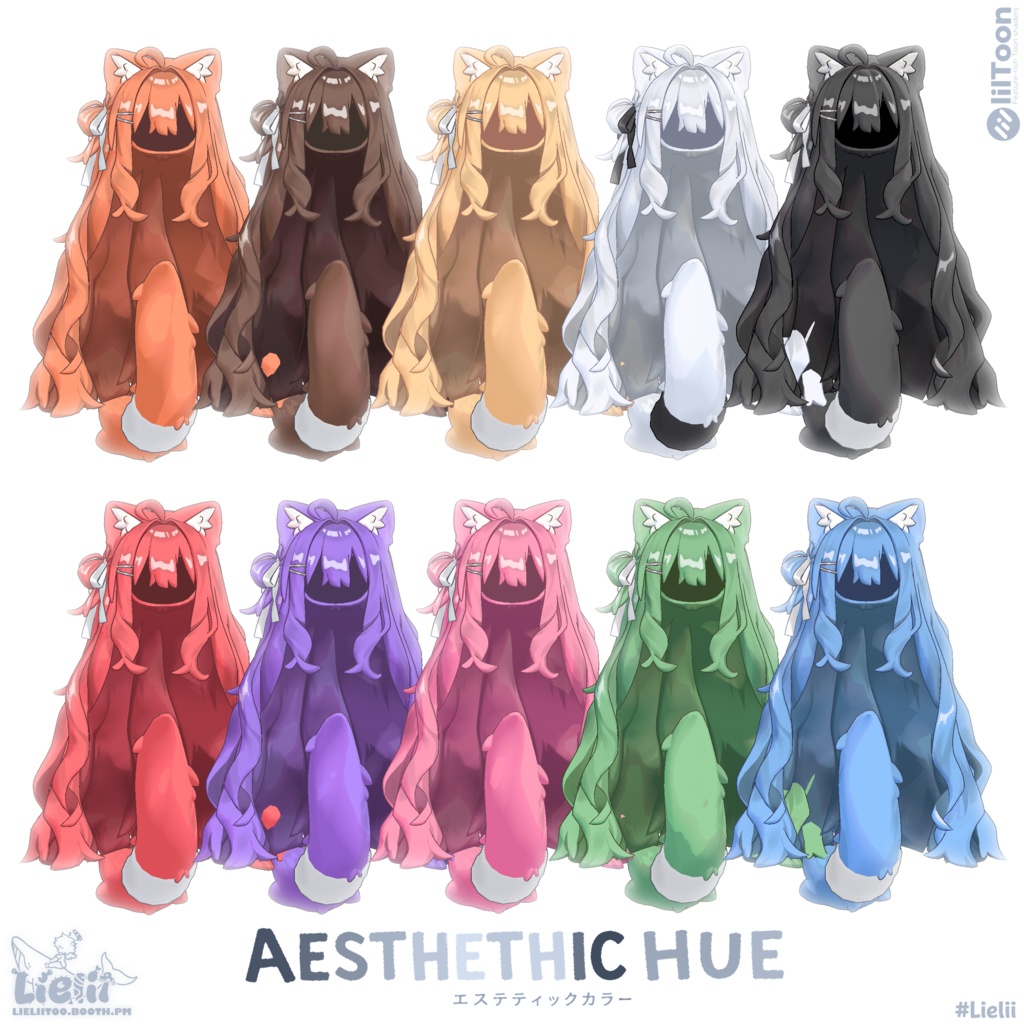
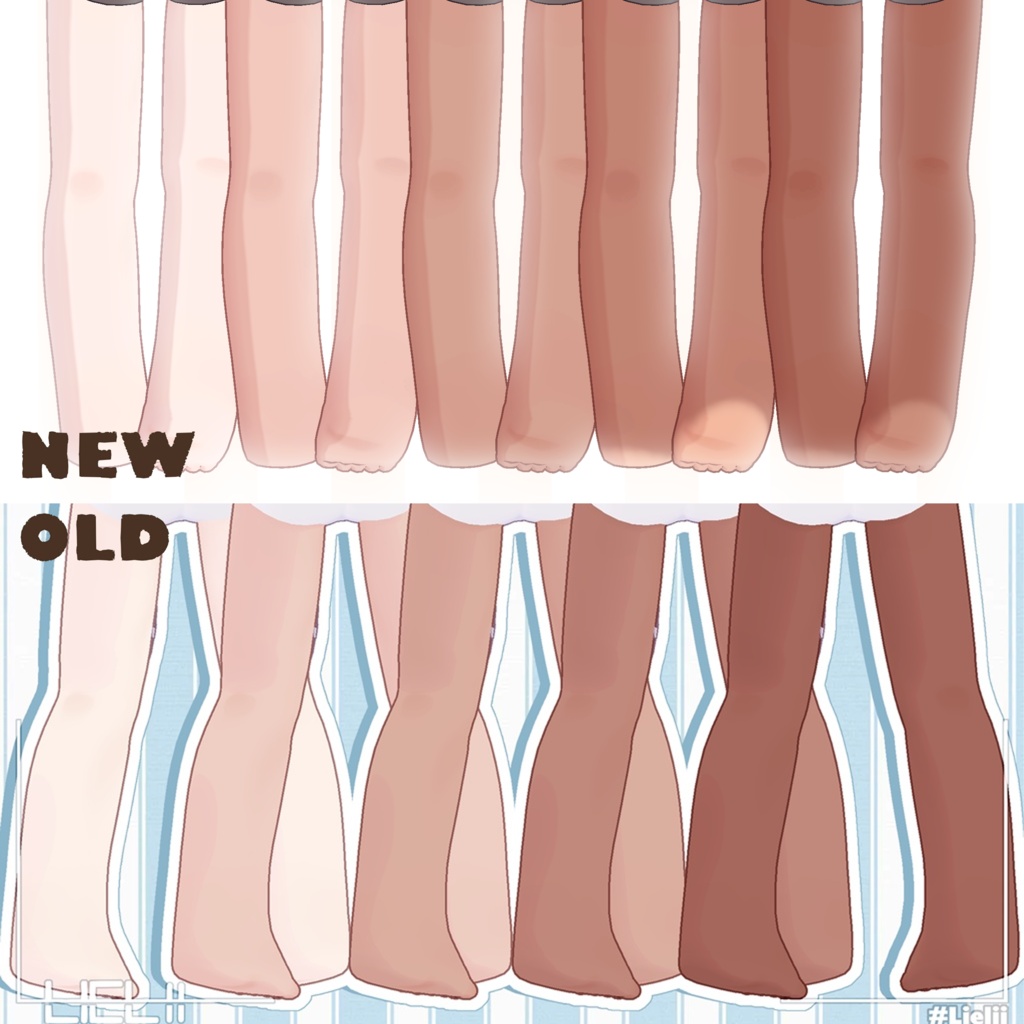


╭────────────────────────────────────────.‧ ꩜‧.°─╮ [EN] textures for the 【Kipfelキプフェル】 model to help you customize your characters. Enjoy the new skin tones <3 More compatible avatars and colors coming soon! [JP] 【Kipfelキプフェル】 モデル用のテクスチャで、キャラクターをカスタマイズできます。新しい肌の色をお楽しみください<3 互換性のあるアバターとカラーが近日公開予定です! ╰─.‧ ꩜‧.°────────────────────────────────────────╯
🎁 IMPORTANT 重要
🎁 If you previously purchased this item in the Main Shop, please message the Main Shop to receive the updated V2 version. (This applies only to items you already bought. Old version will be removed from the Main Shop & Remain here.) 🎁 以前メインショップでこのアイテムをご購入いただいた方は、メインショップまでメッセージをお送りください。更新版V2をお送りいたします。 (既にご購入いただいたアイテムのみが対象となります。旧バージョンはメインショップから削除され、こちらに残ります。)
💡 V2 Update アップデート
• Added Tanlines • Added Aesthetic Hue. • ADDED Lighter Palms mask for darker tones. • Updated PNG → PSD for full editability. • Improved all skin tone variations Texture, Tone and quality. • Redone materials.
🍃Setup 設定
To apply the darker tones, simply drag your own texture layer beneath the PSD layer "Your Texture". Once positioned, save the file, and your texture is ready~! 暗いトーンを適用するには、お手持ちのテクスチャレイヤーをPSDレイヤー「Your Texture」の下にドラッグするだけです。配置したらファイルを保存すれば、テクスチャの完成です!
🍃Avatars Compatible 対応アバター
Kipfel キプフェル - https://booth.pm/ja/items/5813187
🍃contents 内容
・Unitypackage ∟Textures 4K [PSD] ∟Materials
🍃RECOMMENDED 推奨
↓ This asset Uses Liltoon Shaders! ~ Use It for maximum quality ↓ ↓このアセットはLiltoonシェーダーを使用しています!〜最高の品質を得るにはこれを使ってください↓ https://lilxyzw.github.io/lilToon
🍃Links リンク
(Discord} For any questions, support or suggestions! ~ https://discord.gg/JfsgwZRsHV X (Twitter) https://x.com/_Lielii_ (Other links in Store Bio)