

Lightning Sorcery | 雷魔術
- Digital1,500 JPY
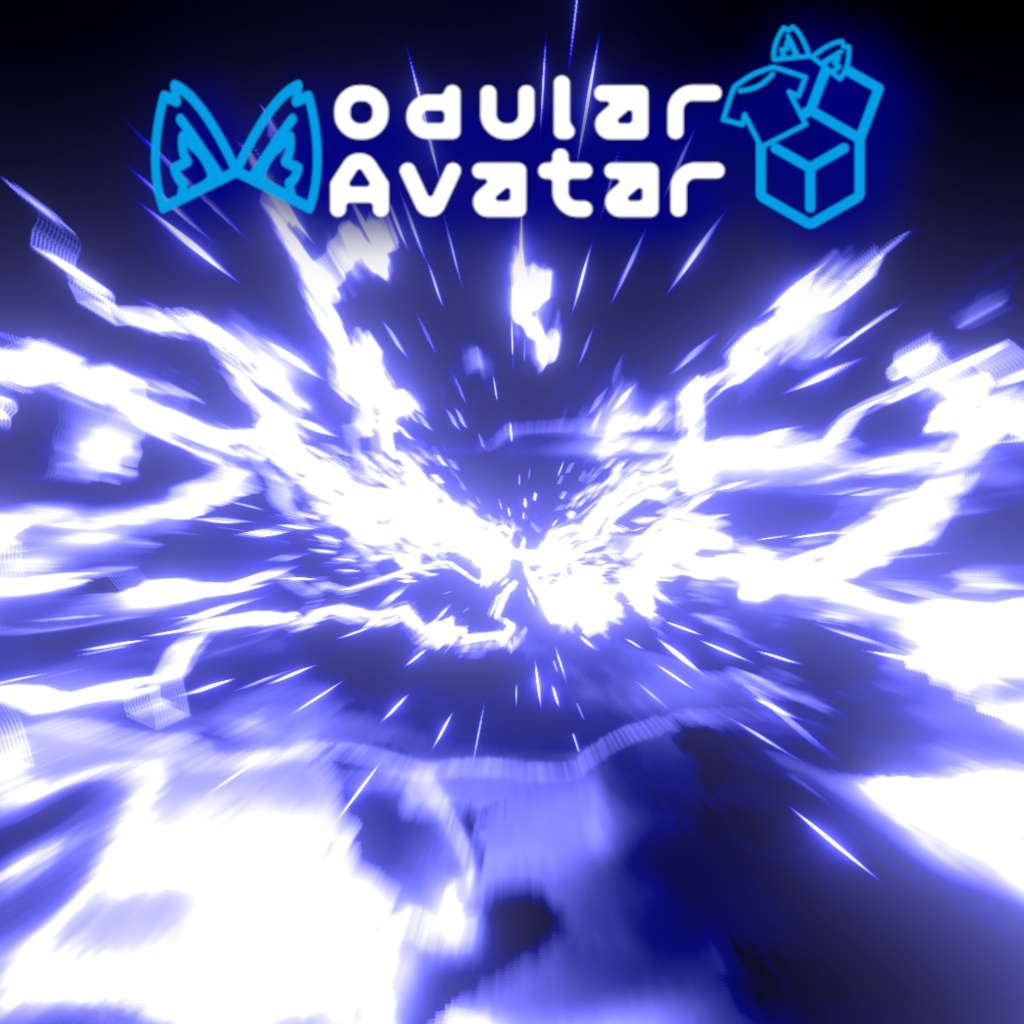
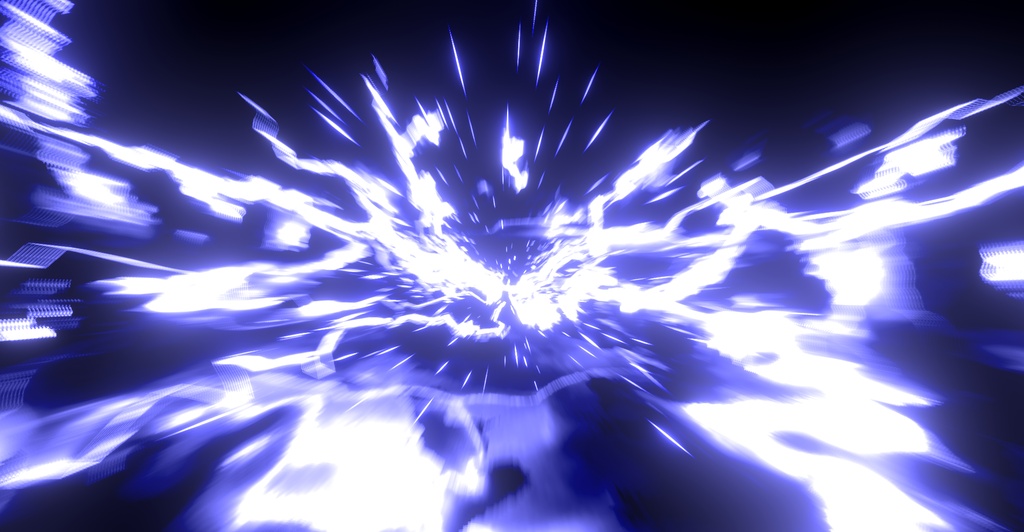


Call upon the God of Thunder and bring the power of lightning under your control. **Features:** 1.) Gesture-activated Effects 2.) Left and right hand options 3.) Desktop mode options 4.) Aiming reticle 5.) Collision-activated impact 6.) Sound and screen effects 7.) Custom Shaders **How To Use:** **VR** 1.) Open your hand to summon lightning. 2.) Put hands together and make a fist with each to shoot. 3.) Reach above your head and make a fist, then pull down to the ground to summon lightning from the sky. **Desktop** 1.) Enable the main asset, then in Desktop mode select "Enable." 2.) Click the effect you want to activate. **Info:** 1.) **PC Only:** This effect works on PC VRChat only. It will not function on Quest or Mobile. 2.) **Parameter Usage:** Uses 6 synced bits of parameter data. 3.) This effect may not function properly in some worlds due to how those worlds are created. 4.) Created and tested in a Unity 2022 Avatar Project. Outdated projects may not function as intended. 5.) Looks best when used in a world with bloom. **How To Install:** 1.) Install Modular Avatar to your project: [https://modular-avatar.nadena.dev/docs/intro](https://modular-avatar.nadena.dev/docs/intro) 2.) Import the asset and drag the prefab onto your avatar. 3.) Done! **DISCLAIMER** 1.) This effect uses 2 prototype shaders. These shaders are still experimental and may break under certain conditions if not used correctly. I do not recommend using these shaders in your own personal projects until they are further developed. 2.) This effect contains flashing lights, and those who are sensitive to that or have epilepsy should not use this asset. 3.) When uploading, the VRChat SDK will ask you to remove all lights from the particles. Do not click "Auto Fix," as this will remove all the lights and change the intended look of the effect. **Terms Of Use:** * Use on public avatars is allowed. Credit is appreciated, but not required. * Do not redistribute or resell. * Do not split payment with others. * Do not use any of the assets, particles, textures, or shaders for any commissioned or commercial avatars, worlds, or projects. * Do not claim this work as your own. **Discord:** [https://discord.gg/y2ajwDmUrt](https://discord.gg/y2ajwDmUrt) Join the community to report bugs, ask for help, share suggestions, get sneak peeks of upcoming projects, hang out, and more! 雷神の力を呼び起こし、雷をその手に支配せよ。 **機能:** 1.) ジェスチャーで発動するエフェクト 2.) 左手・右手の両方に対応 3.) デスクトップモード対応 4.) 照準レティクル 5.) 衝突時に発動するインパクトエフェクト 6.) サウンド&画面エフェクト 7.) カスタムシェーダー **使用方法:** **VR** 1.) 手を開くと雷を召喚します 2.) 両手を合わせ、それぞれの手を握りこぶしにすると雷を発射します 3.) 頭上に手を伸ばして握りこぶしを作り、そのまま下へ振り下ろすと空から雷を召喚します **デスクトップ** 1.) メインアセットを有効にした後、Desktop Mode で「Enable」を選択します 2.) 発動したいエフェクトをクリックします **情報:** 1.) **PC専用:** このエフェクトはPC版VRChatでのみ動作します。Questおよびモバイルでは動作しません。 2.) **パラメータ使用量:** 同期パラメータを6ビット使用します。 3.) ワールドの作り方によっては、一部のワールドで正常に動作しない場合があります。 4.) Unity 2022のAvatar Projectで制作・テストされています。古いプロジェクトでは正常に動作しない場合があります。 5.) Bloomが有効なワールドで最も綺麗に見えます。 **インストール方法:** 1.) Modular Avatarをプロジェクトにインストールします: [https://modular-avatar.nadena.dev/docs/intro](https://modular-avatar.nadena.dev/docs/intro) 2.) アセットをインポートし、Prefabをアバターにドラッグ&ドロップします 3.) 完了です! **免責事項** 1.) このエフェクトでは2つのプロトタイプシェーダーを使用しています。これらのシェーダーは現在も実験段階であり、正しく使用しない場合や特定の条件下では正常に動作しない可能性があります。さらに開発が進むまでは、これらのシェーダーを個人プロジェクトで使用することはおすすめしません。 2.) このエフェクトには点滅する光が含まれています。光の点滅に敏感な方や、てんかんのある方はこのアセットを使用しないでください。 3.) アップロード時、VRChat SDKからパーティクルに含まれるすべてのライトを削除するよう求められます。「Auto Fix」はクリックしないでください。クリックするとすべてのライトが削除され、エフェクト本来の見た目が変わってしまいます。 **利用規約:** * パブリックアバターでの使用は許可されています。クレジット表記は歓迎しますが、必須ではありません。 * 再配布・再販売は禁止です。 * 他の人との割り勘購入は禁止です。 * 本アセットに含まれるアセット、パーティクル、テクスチャ、シェーダーを、コミッション作品や商用のアバター、ワールド、その他のプロジェクトに使用することは禁止です。 * 本作品を自分が制作したものとして主張することは禁止です。 **Discord:** [https://discord.gg/y2ajwDmUrt](https://discord.gg/y2ajwDmUrt) コミュニティに参加して、バグ報告、質問、提案、今後のプロジェクトの先行公開、交流などをお楽しみください!