
Blender addon NovaBone Dynamics
- Digital800 JPY
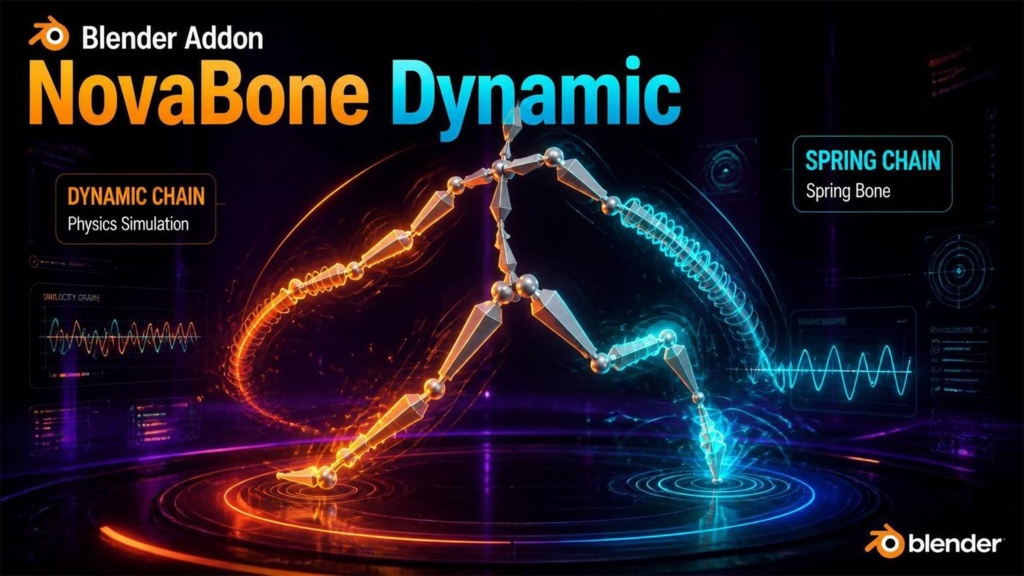
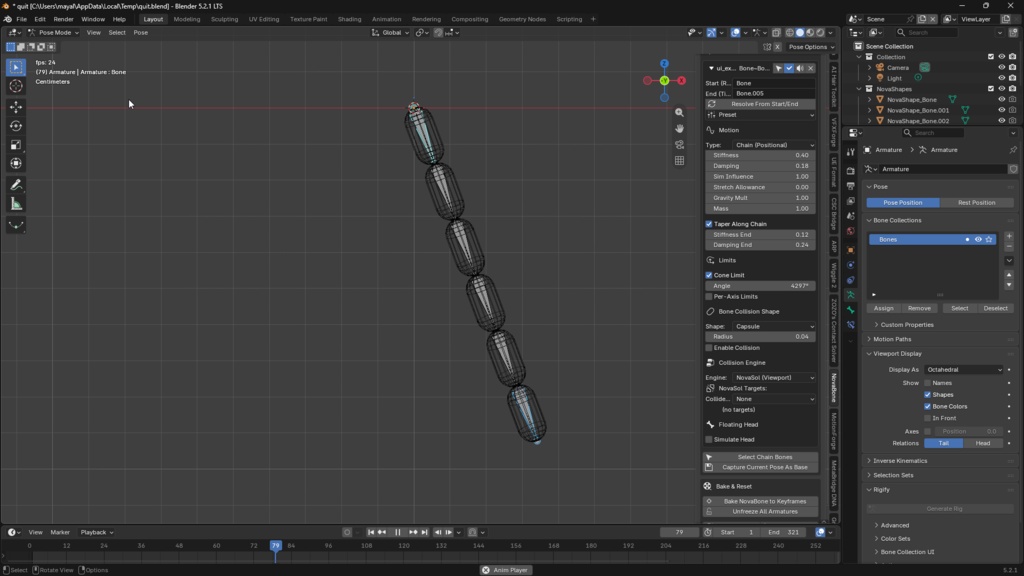
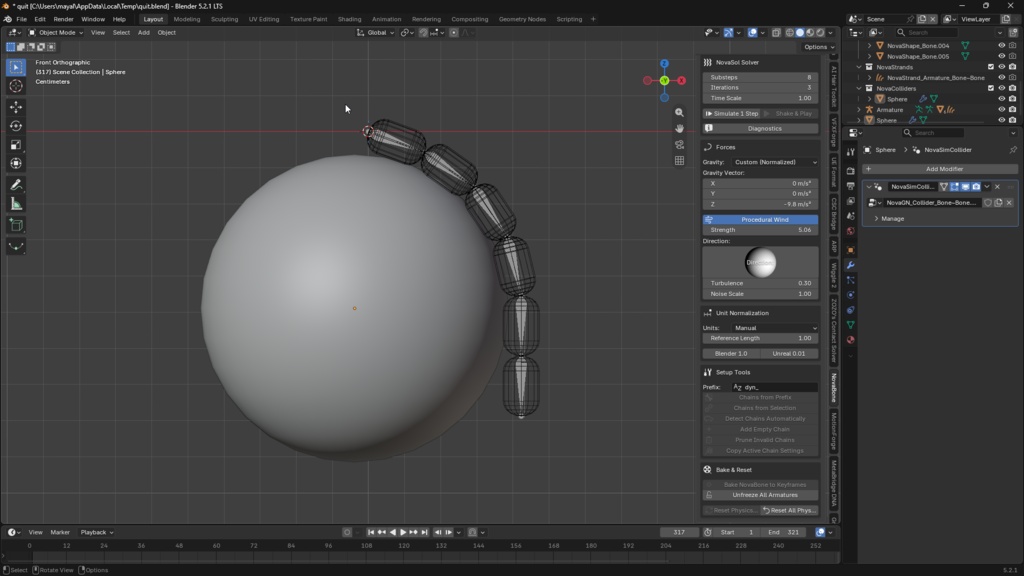
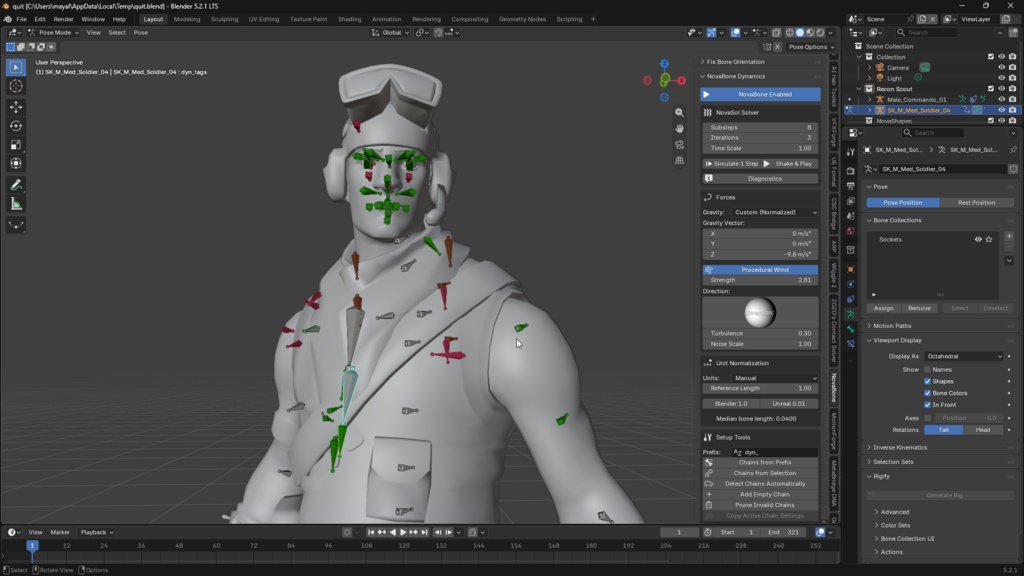
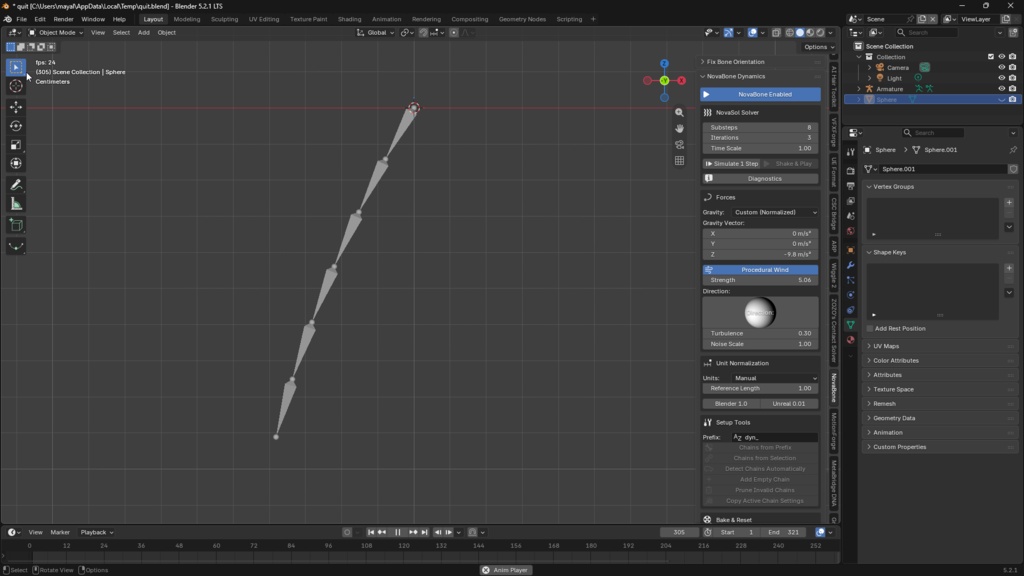


Bone-chain physics simulation add-on — turn hair, tails, skirts, accessories and jiggle bones into automatic physics animation with a few clicks. ✨ Features ✅ Setup in seconds — select the start & end points of your hierarchy, and the simulation works instantly. ✅ Scale-independent — experience identical motion whether you are using 1.0 native rigs or 0.01 imported setups. ✅ Interactive collision tuning — fine-tune your boundaries visually with real-time viewport overlays. ✅ Volumetric accuracy — primitives like Capsules, Cylinders, and Boxes are calculated as actual volumes, featuring multi-point resolution and continuous collision detection (CCD) to prevent clipping. ✅ Premium stability — advanced algorithms eliminate structure folding and unnatural kinking, ensuring smoothly draped chains. ✅ Dual simulation modes — features both standard chain physics and interactive secondary motion (dynamics) modes. ✅ Built-in interaction — functions natively as a collider for standard hair and fabric simulations. ✅ Production ready — bake your results directly to keyframes for seamless integration into game engines. ▲ The NovaJoint N-panel — every control lives in this single, unified sidebar. NovaBone Guide 🆕 What's New in v1.3.0 Everything since v1.2.0 is listed here. The numbers are measured on test rigs (a chain over a sphere, a chain touching near its root, the same chain with a keyed root bone), each run from a clean cache. Fix Bones: master bones are aimed, and only real animation blocks a bone A bone whose child sits on its head is now aimed along that child. Unreal rigs pair a short master bone (MSTR_hair_back_r) with its first link at the very same joint. There is no gap to close and no direction to point at, so these bones used to be left alone, still pointing the way the exporter left them. They now follow the child's own axis, the line the chain actually runs along. Length does not change, and Fix Bones still checks that the skinned mesh did not move. Only keys on a bone's own pose channels (location, rotation, scale) block it. A keyed custom property or constraint influence does not move the mesh when the bone is re-aimed, but it used to mark the whole bone as animated. Check lists the bones it left alone because of keys, by name, instead of only counting them.