

Phantom Animation IK JP/EN
- Digital700 JPY
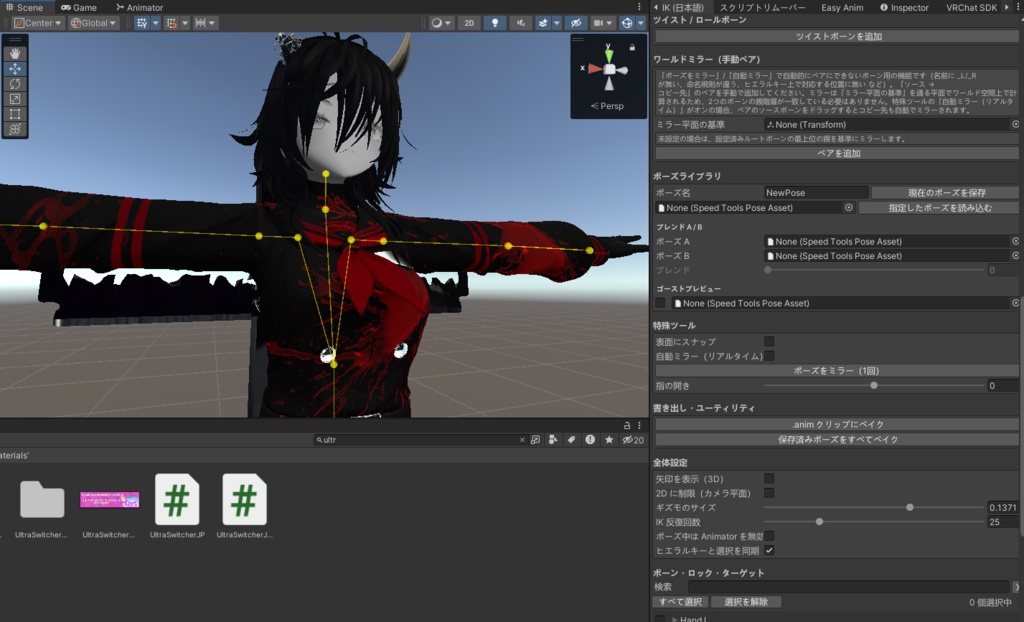
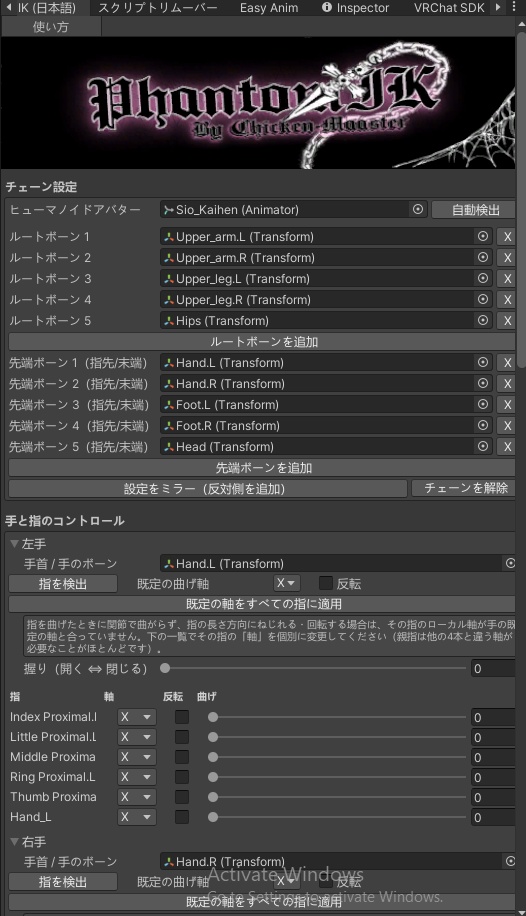
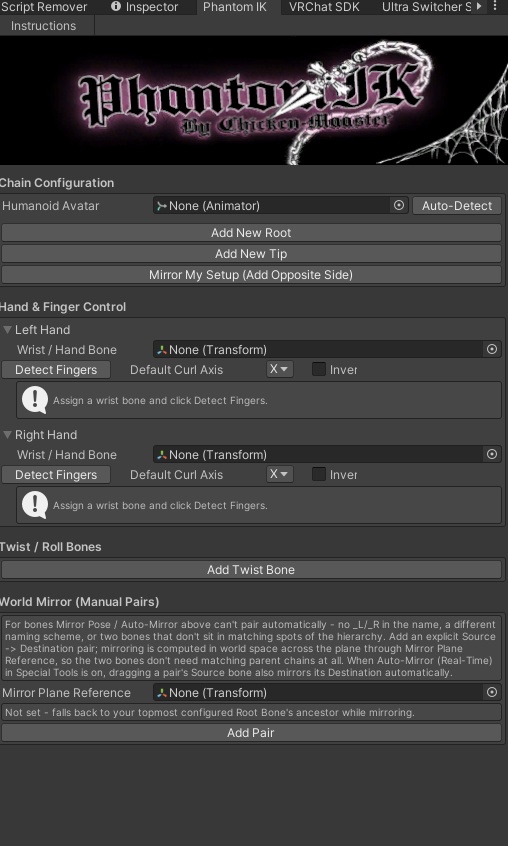
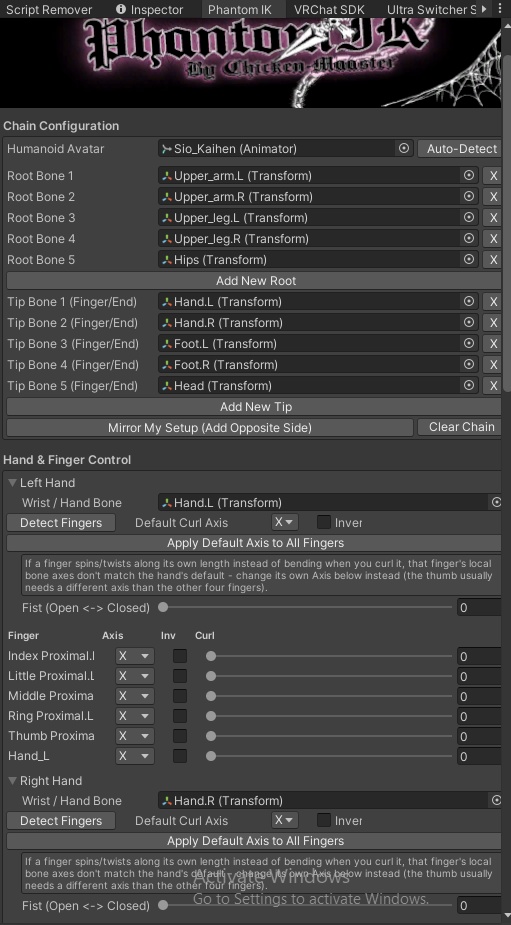


【Phantom IK】ボーンをドラッグするだけでポーズが付けられる Unity エディタ用 IK ツール シーンビューでボーンをつかんで引っぱるだけで、腕・脚・指・しっぽなどに直感的にポーズを付けられる Unity エディタ拡張です。 ヒューマノイドアバターなら、ワンクリックで両腕・両脚・背骨・両手の指を自動でセットアップできます。 作ったポーズは保存して呼び出したり、.anim クリップとして書き出したりできます。 ■ 主な機能 ・ドラッグで動かせる IK(CCD 方式)… 複数のチェーンを同時に操作可能 ・ヒューマノイド自動検出 … 両腕・両脚・背骨・指をワンクリックで設定 ・手と指のコントロール … 「握り」スライダー1本でグー⇔パー、指ごとの微調整も可能 ・ターゲット追従 / ピン留め / 回転軸ロック / ポールターゲット(肘・膝の向き) ・回転制限 / 接地ロック(足の高さを固定) ・左右ミラー … 1回ミラー、リアルタイム自動ミラー、名前が対応していないボーン用の「ワールドミラー」 ・ツイスト / ロールボーン用スライダー ・ポーズライブラリ … 保存・読み込み・2つのポーズのブレンド・半透明のゴーストプレビュー ・.anim クリップへのベイク(保存済みポーズの一括ベイクにも対応) ・ポーズ付け中は Animator を一時的に無効化 ・ボーン名の検索、複数ボーンの一括ロック/ピン留め ・すべての操作が Undo(元に戻す)に対応 ■ 同梱物 ・Phantom IK(英語版) ・Phantom IK(日本語版) ※ 両方を同じプロジェクトに入れても競合しません。メニューは別々に表示されます。 ■ 導入方法 1. 「Phantom IK JP」フォルダ(英語版は「Phantom IK」フォルダ)を、Unity プロジェクトの Assets 内にドラッグ&ドロップします。 2. 上部メニューの「ChickenMaaster > Phantom IK (日本語)」からウィンドウを開きます。 3. ウィンドウ上部の「使い方」ボタンから、すべての機能の詳しい説明が見られます。 ■ 動作環境 ・Unity 2022.3.22F1 ・エディタ専用ツールです。ビルドやアバターのアップロードには含まれません。 ■ 制作 Chicken-Maaster Phantom IK] Pose bones by dragging them, right inside the Unity Editor Phantom IK is a Unity Editor tool that lets you pose arms, legs, fingers, tails and more just by grabbing a bone in the Scene view and dragging it. For Humanoid avatars, one click sets up both arms, both legs, the spine and both hands' fingers automatically. Save your poses, load them back later, or export them as .anim clips. - Main Features ・Drag-to-pose IK (CCD solver) with support for several chains at once ・Humanoid Auto-Detect: arms, legs, spine and fingers set up in one click ・Hand & finger control: one "Fist" slider for open/closed hands, plus fine-tuning for each finger ・Target tracking, pinning, per-axis rotation locks, and pole targets (elbow/knee direction) ・Rotation limits and Ground Lock (keeps feet at a fixed height) ・Mirroring: one-shot mirror, real-time auto-mirror, and World Mirror for bones whose names don't match ・Twist / roll bone sliders ・Pose library: save, load, blend between two poses, and a translucent ghost preview ・Bake to .anim clip, including batch-baking every saved pose ・Temporarily disables the Animator while you pose ・Bone search and bulk lock/pin for multiple bones ・Every action supports Undo - Included ・Phantom IK (English) ・Phantom IK (Japanese) Both versions can be installed in the same project without conflicts. Each has its own menu entry. - Setup 1. Drag the "Phantom IK" folder (or "Phantom IK JP" for Japanese) into your Unity project's Assets folder. 2. Open the window from the top menu: ChickenMaaster > Phantom IK. 3. Click the "Instructions" button at the top of the window for a full guide to every feature. - Requirements ・Unity 2022.3.22F1 ・Editor-only tool. It isn't included in builds or avatar uploads. - Made by Chicken-Maaster