
【OBS】エンドロール&エンドカード|配信の締めに視聴者名を流す・次回告知カード付き【7デザイン/背景透明/日英対応】
- Digital500 JPY
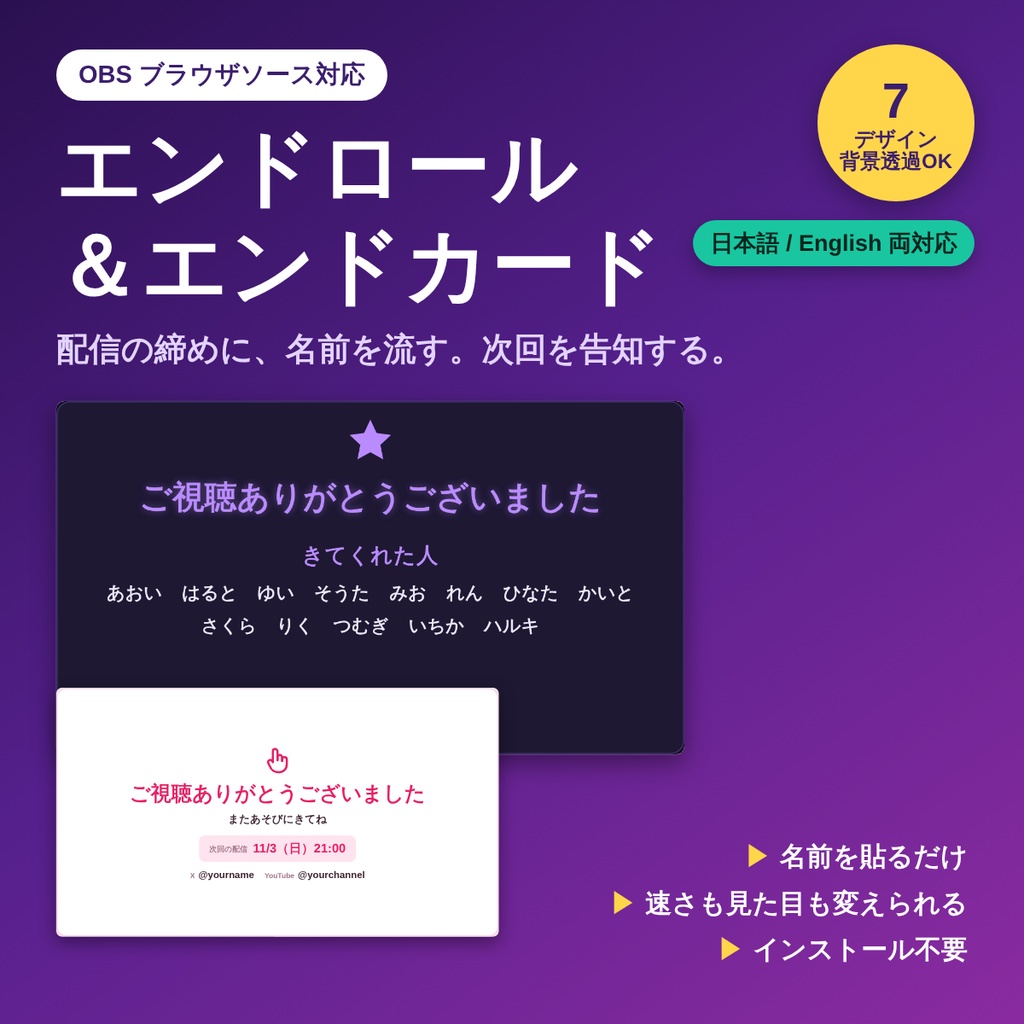
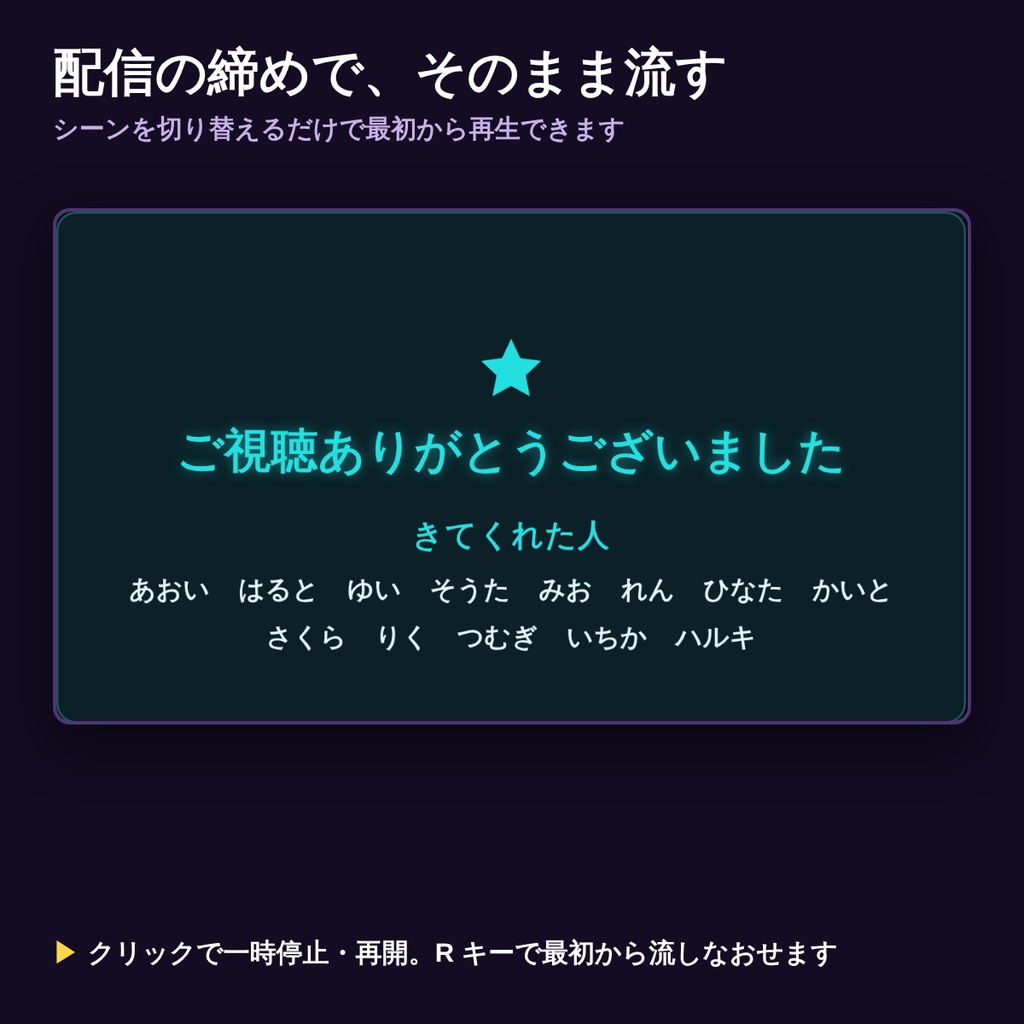
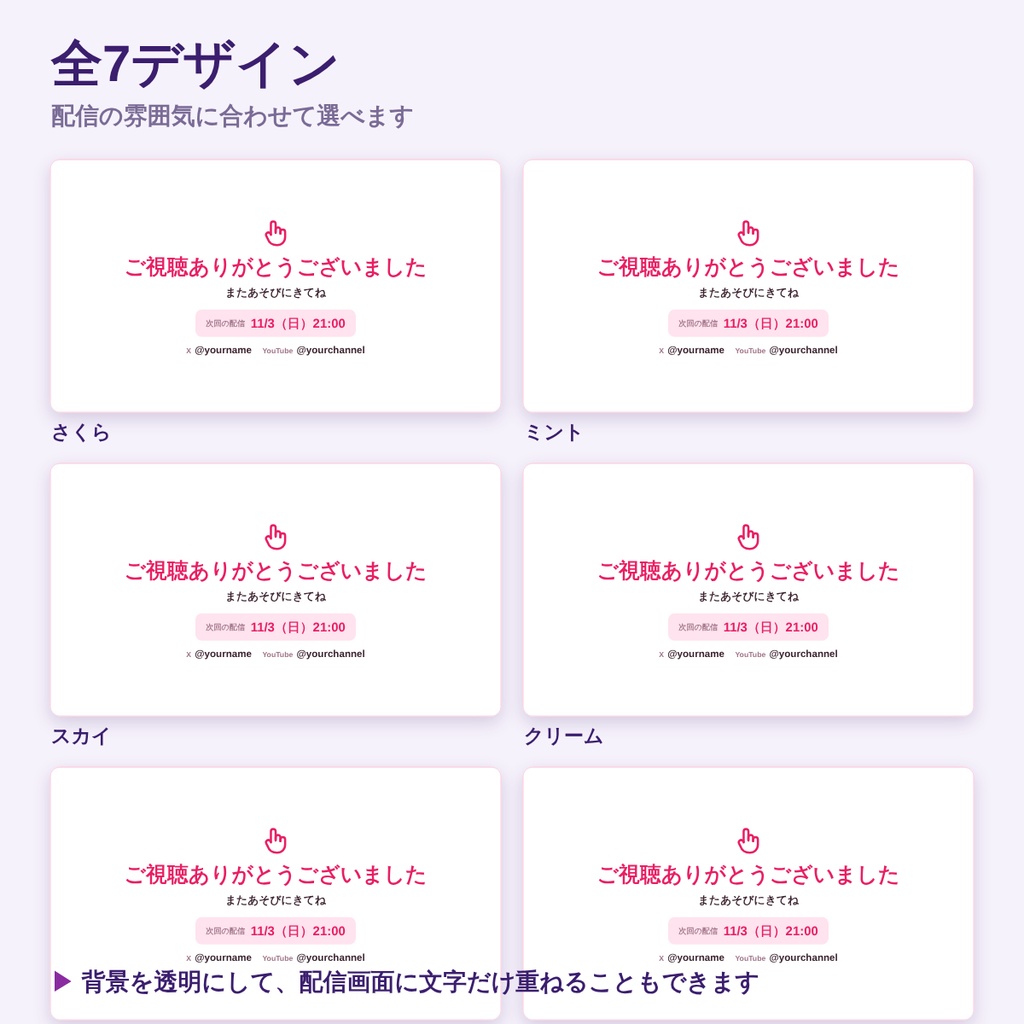
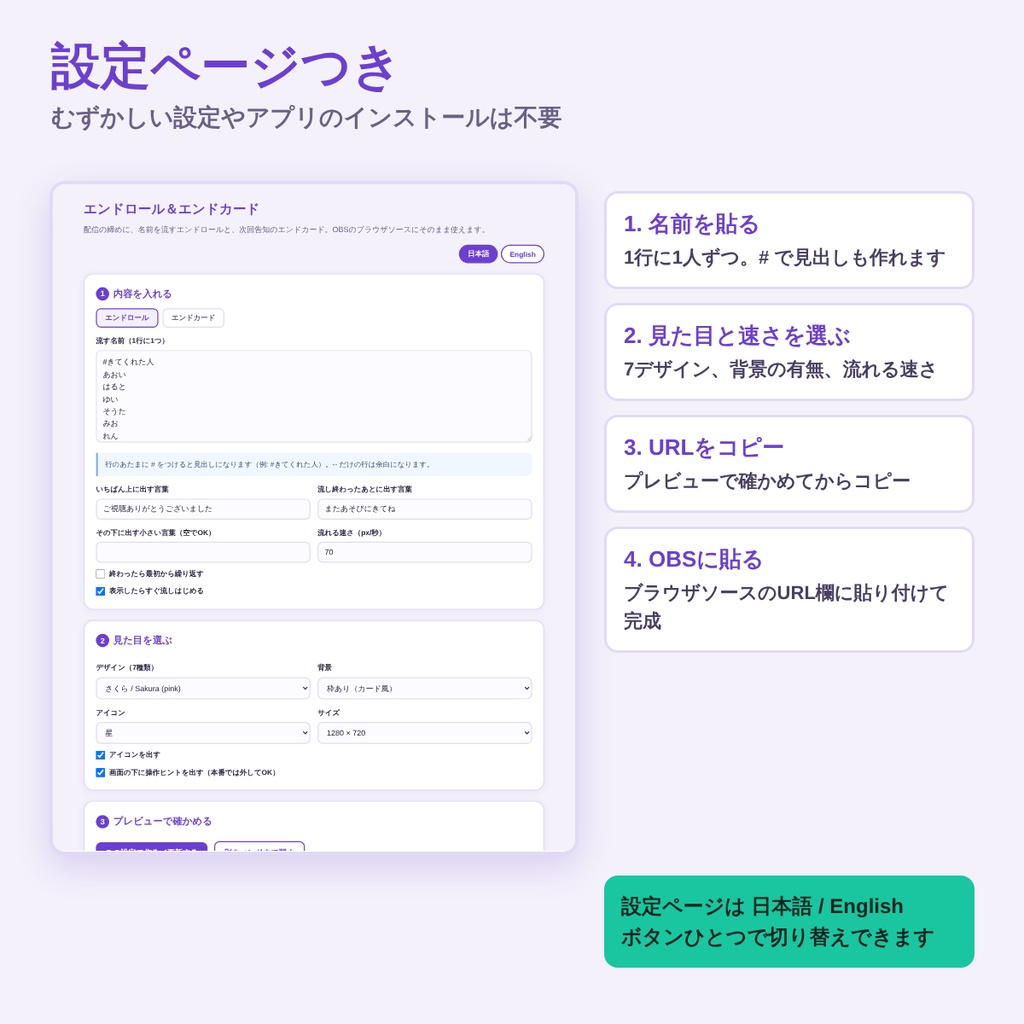


配信の締めに使う、OBS用のエンドロールとエンドカードのセットです。 名前を貼り付けてURLを作るだけ。映画のエンドロールのように、下から上へ名前が流れます。 ■ 入っているもの ・START_HERE.html … 設定ページ(名前を貼る → URL作成 → プレビュー) ・tools/roll.html … エンドロール(名前が下から上に流れる) ・tools/endcard.html … エンドカード(次回の配信・IDを出す静止画面) ・readme.txt … かんたんな説明 ■ できること ・名前を1行ずつ貼るだけ。件数に制限はありません ・行のあたまに # をつけると見出しになります(例: #きてくれた人/#スパチャ) ・流れる速さを自由に変えられます ・流し終わったあとに「またあそびにきてね」などの言葉を出せます ・繰り返し再生にもできます ・エンドカードは次回の配信日時とSNSのIDを並べて出せます ・全7デザイン(さくら・ミント・スカイ・クリーム・ナイト・サイバー・モノトーン) ・背景透明モードで配信画面に重ねられます ・サイズは 1280×720/1920×1080/960×540 から選べます ・クリックで一時停止・再開、Rキーで最初から ■ 日本語と英語、どちらでも使えます 設定ページも画面に出る言葉も、ボタンひとつで日本語と英語を切り替えられます。 海外の視聴者がいる配信でもそのまま使えます。 ■ 使い方 1. zipを解凍して START_HERE.html を開く 2. 名前を1行ずつ貼り付け、デザインと速さを選ぶ 3. 「URLをコピー」を押す 4. OBS → ソース+ → ブラウザ → URL欄に貼り付け ※ むずかしい設定やアプリのインストールは不要です。わんコメなどの外部ツールも使いません。 ※ 「ページが表示されていないときにソースをシャットダウンする」にチェックを入れておくと、 配信の締めでシーンを切り替えるだけで最初から流れます。 ■ 動作環境 ・OBS Studio 28以降のブラウザソース(Windows 11/Chromiumで動作確認) ・解凍したフォルダの中だけで動きます。入力した内容が外部に送信されることはありません。 ・画面の文字には、お使いのパソコンに入っている日本語フォントを使います。 ・zip形式(解凍してお使いください) ■ ご利用について ・配信・録画での利用OK/クレジット表記は不要です ・個人・法人、収益化の有無を問わずご利用いただけます ・ファイルの再配布・転売・素材としての二次配布は禁止です ・ご自身の配信用に改変するのは自由です ───────────────────────────── English Scrolling end credits and an end card for the close of your stream, as an OBS browser source. Paste your viewers' names, copy the URL, and the names scroll up like movie credits. What's inside ・START_HERE.html … settings page (paste names, build the URL, preview) ・tools/roll.html … the scrolling end roll ・tools/endcard.html … end card showing your next stream and handles ・readme.txt … short guide Features ・One name per line, any number of names ・Start a line with # to make a heading (e.g. #Thanks to / #Supporters) ・Adjustable scroll speed, optional looping ・A closing message after the roll finishes ・End card with your next stream time and your social handles ・7 designs (Sakura / Mint / Sky / Cream / Night / Cyber / Mono) ・Transparent background mode to overlay on your scene ・Sizes: 1280x720, 1920x1080, 960x540 ・Click to pause and resume, R to restart The settings page and the on-screen wording switch between Japanese and English with one button. How to use 1. Extract the ZIP and open START_HERE.html 2. Paste your names, choose a design and speed 3. Press "Copy this URL" 4. In OBS: Sources + → Browser → paste into the URL field No installation and no external tools required. Requirements ・OBS Studio 28+ browser source (tested on Windows 11 / Chromium) ・Runs entirely from the extracted folder. Nothing you type is sent anywhere. ・Uses the fonts installed on your computer. License ・Fine for streaming and recording, personal or commercial, monetized or not. No credit required. ・Please do not redistribute or resell the files themselves. ・You may modify them for your own stream.