

【VRChat】【MA対応】Argentum Strata|等高線スライスシェーダーセット(マテリアル+スクリーン)【PC用】
- Digital1,000 JPY
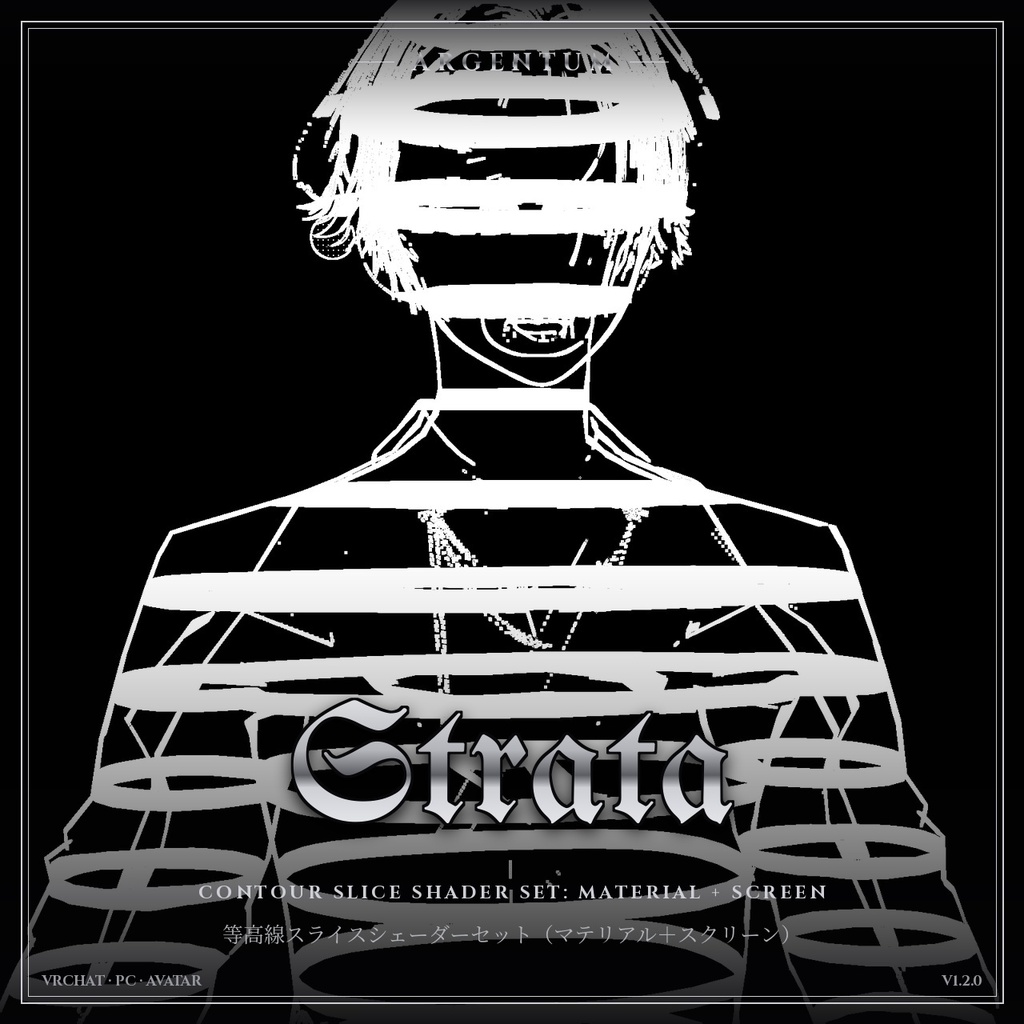
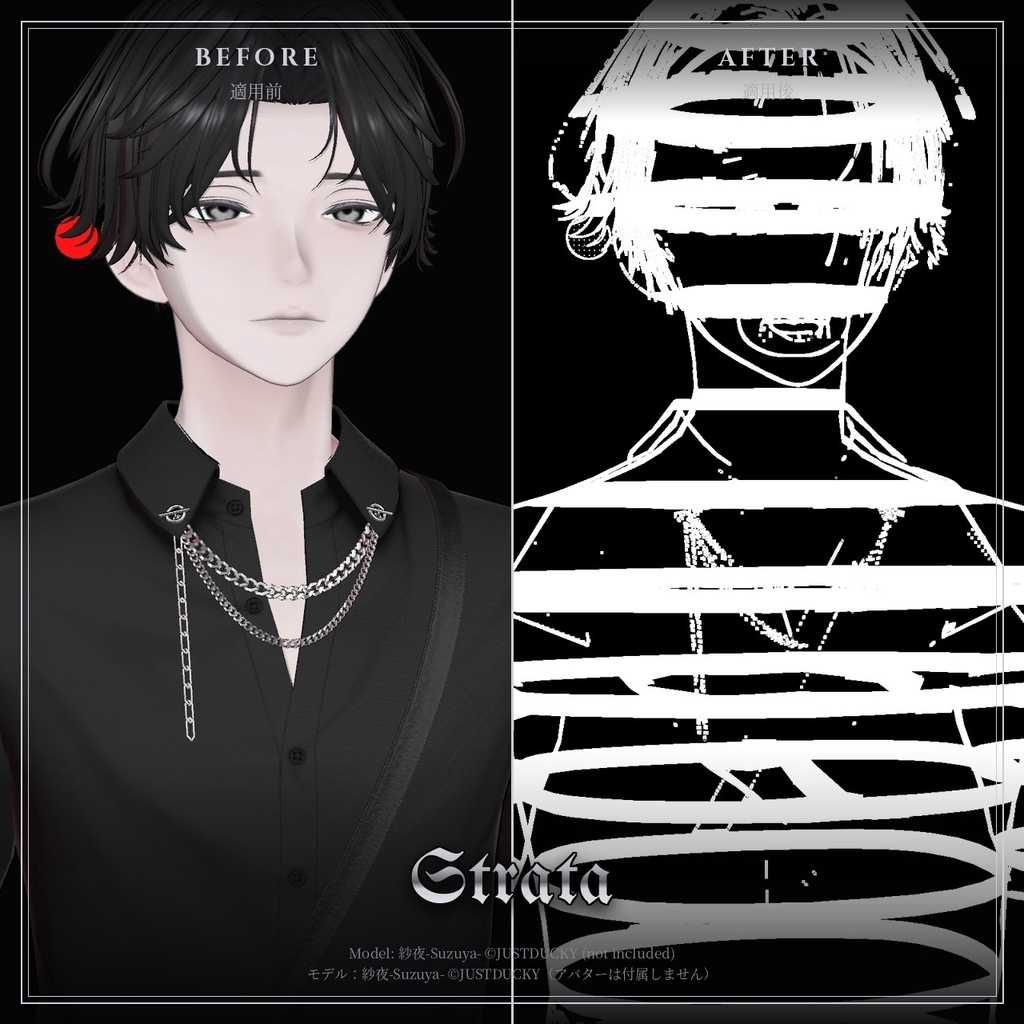
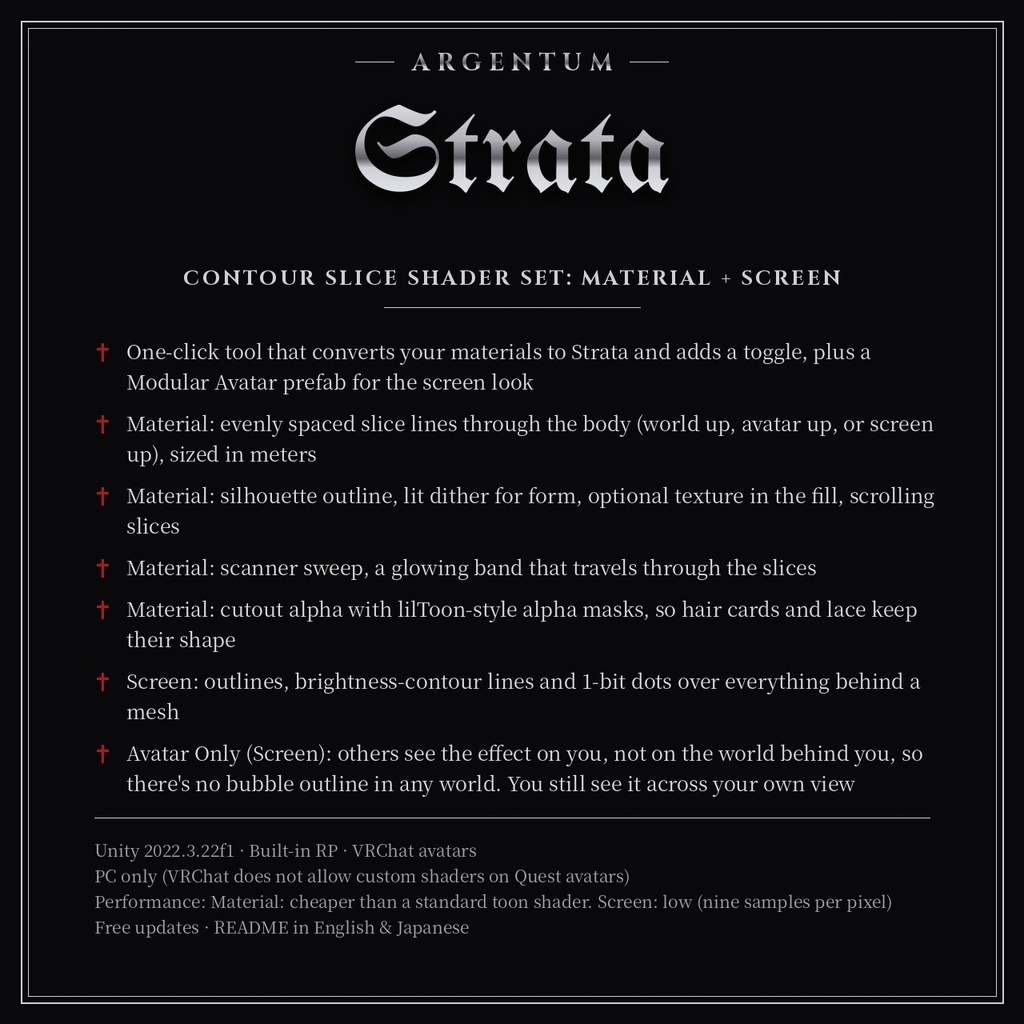
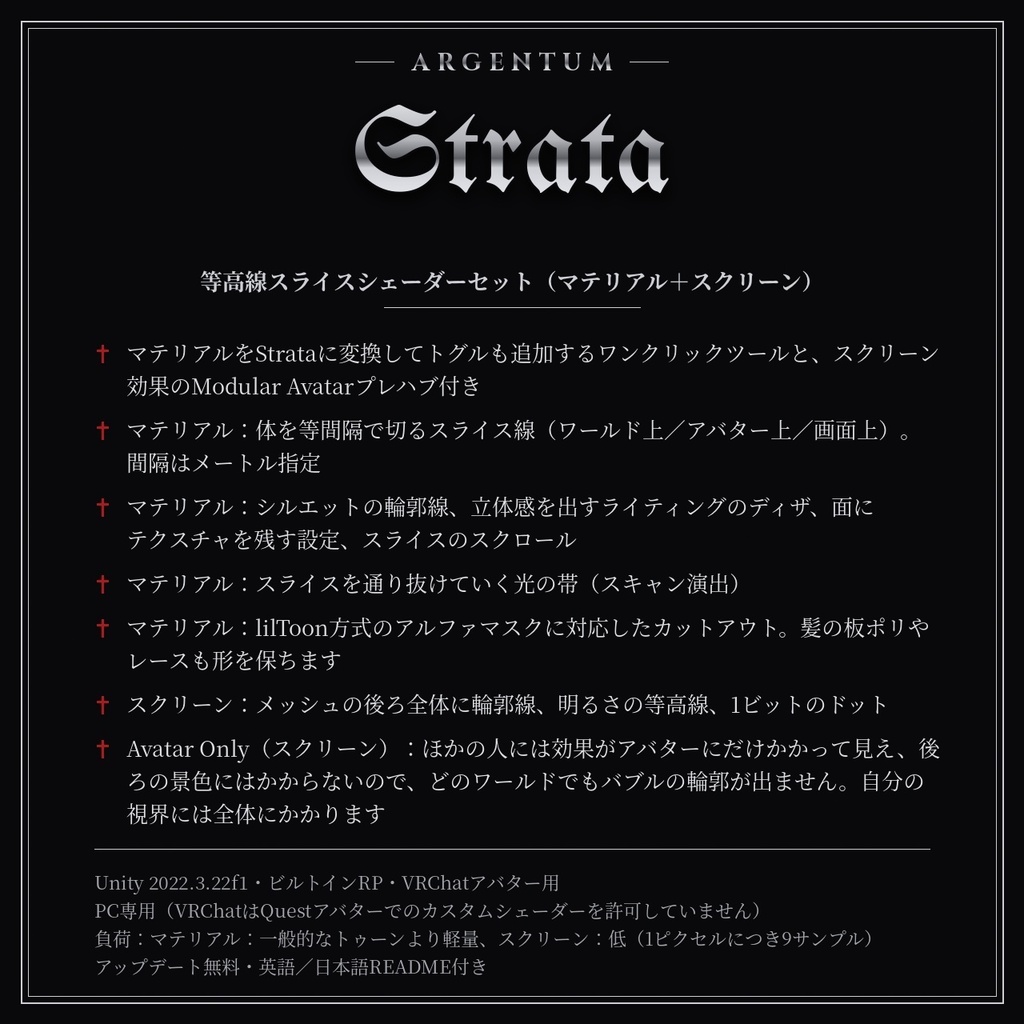
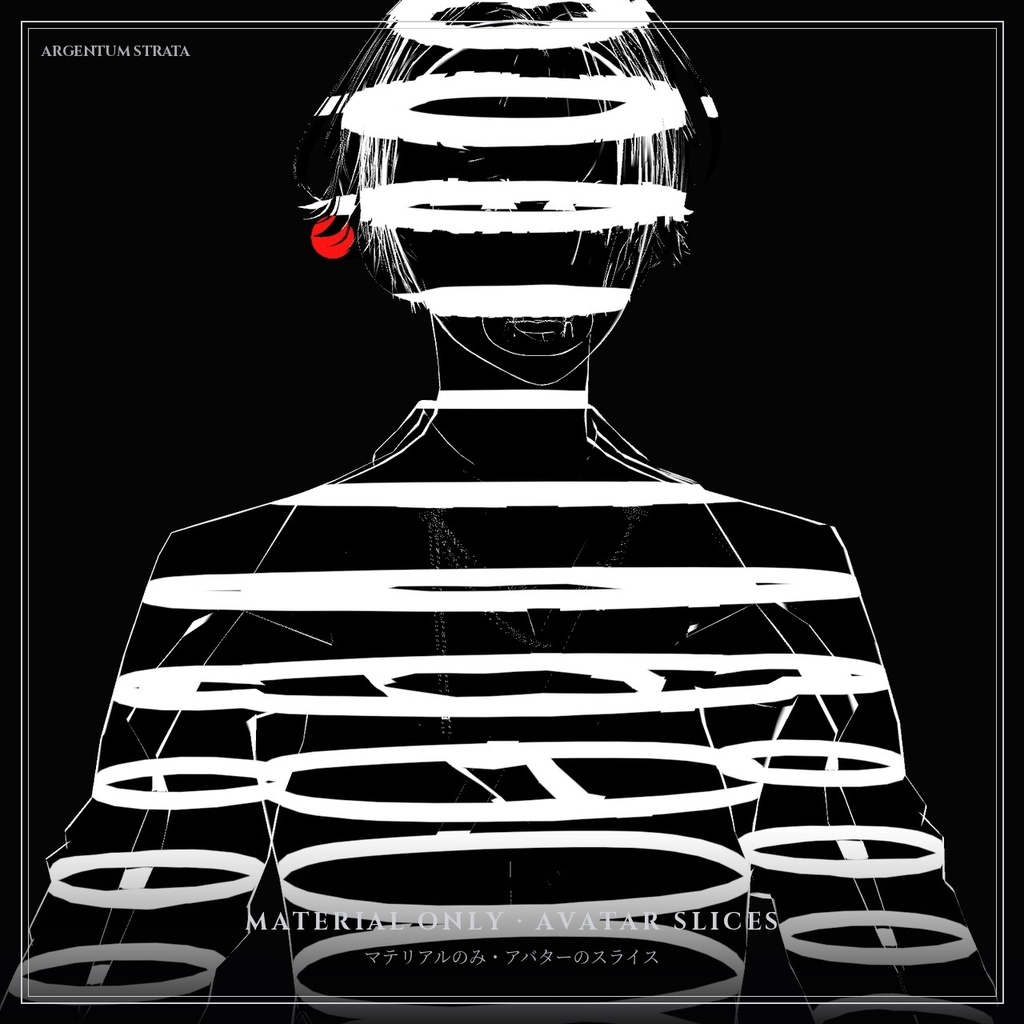
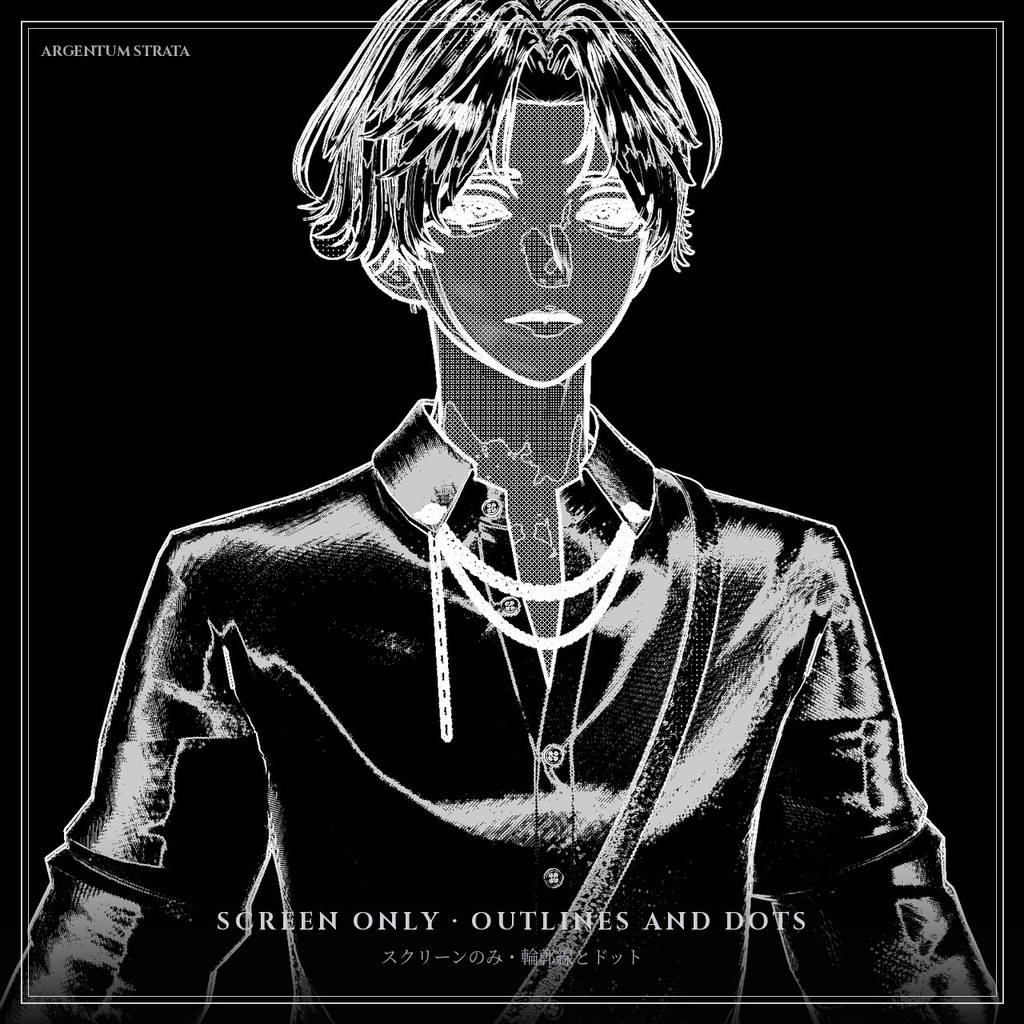
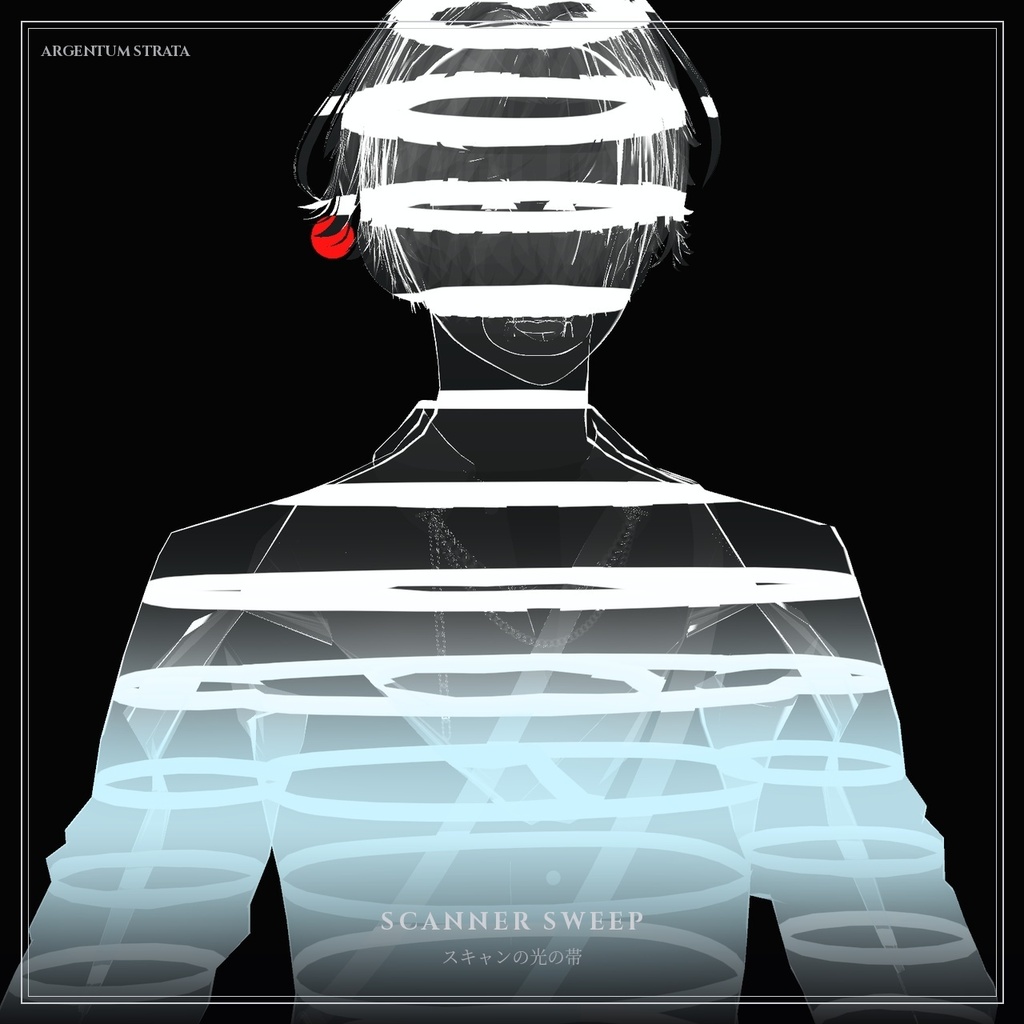
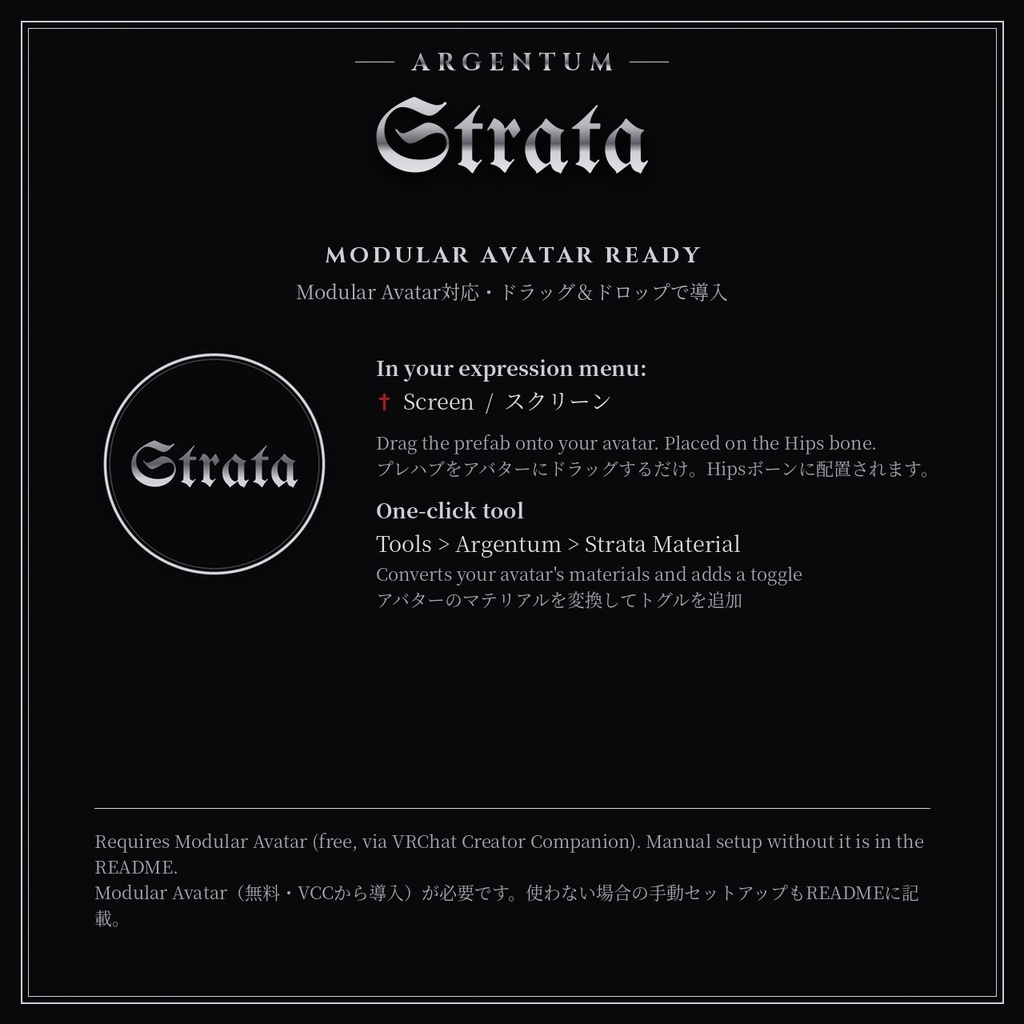
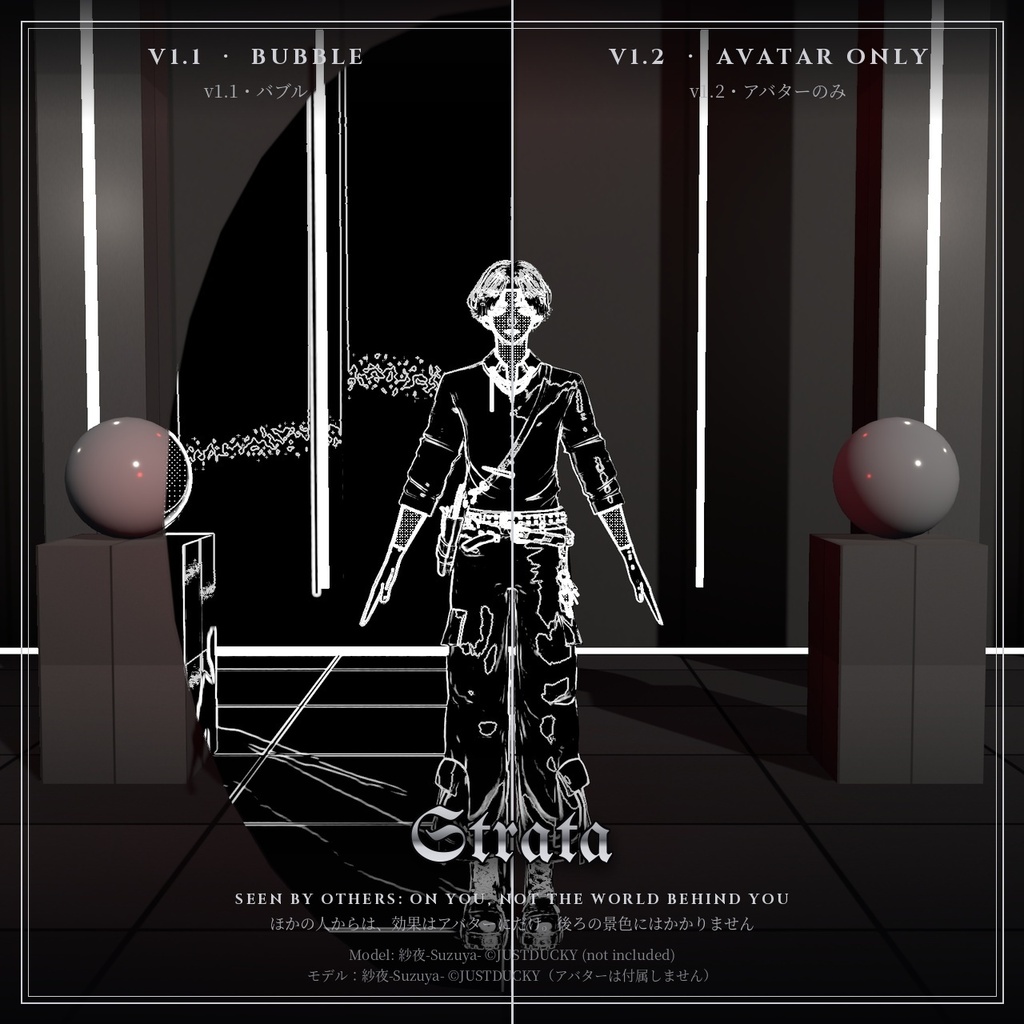
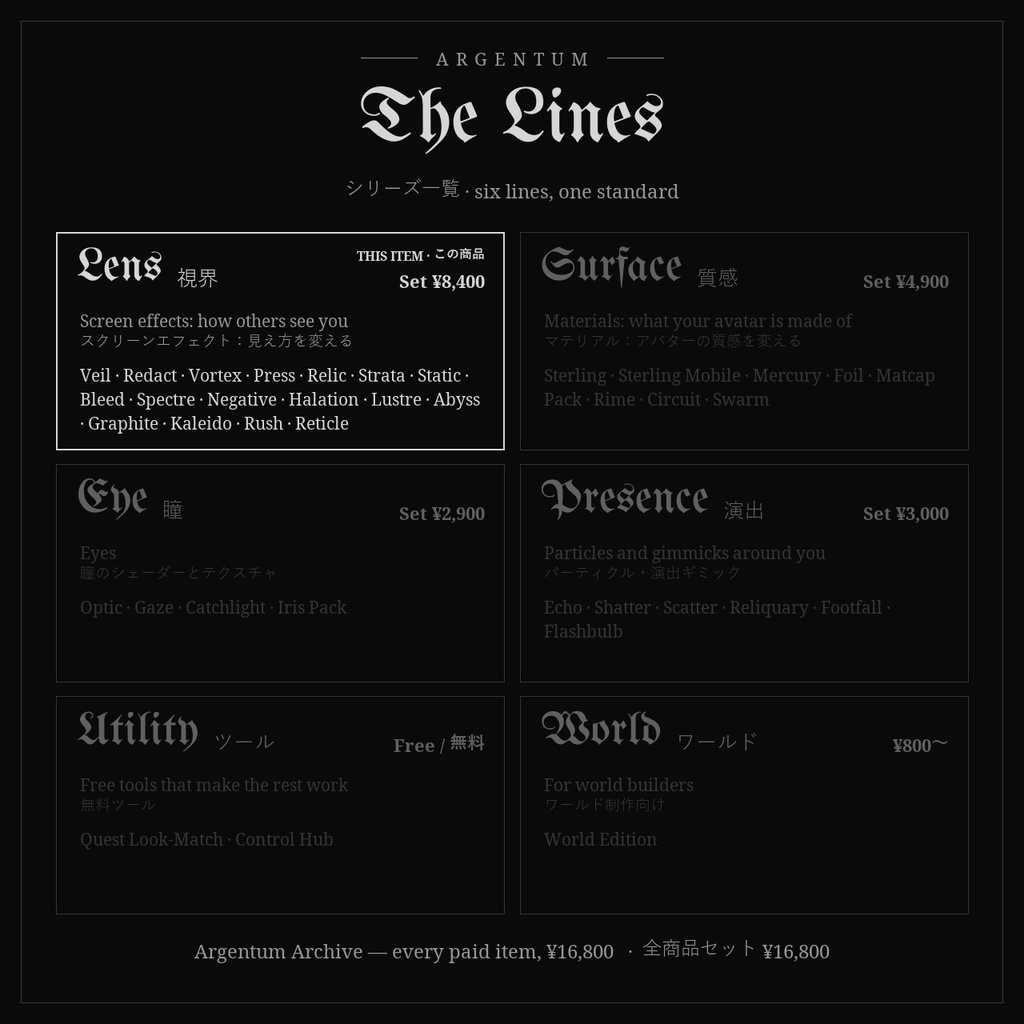


アバターは光るスライスの積み重ねに、または黒地の輪郭線とドットに。 ■ 特長 ・マテリアルをStrataに変換してトグルも追加するワンクリックツールと、スクリーン効果のModular Avatarプレハブ付き ・マテリアル:体を等間隔で切るスライス線(ワールド上/アバター上/画面上)。間隔はメートル指定 ・マテリアル:シルエットの輪郭線、立体感を出すライティングのディザ、面にテクスチャを残す設定、スライスのスクロール ・マテリアル:スライスを通り抜けていく光の帯(スキャン演出) ・マテリアル:lilToon方式のアルファマスクに対応したカットアウト。髪の板ポリやレースも形を保ちます ・スクリーン:メッシュの後ろ全体に輪郭線、明るさの等高線、1ビットのドット ・Avatar Only(スクリーン):ほかの人には効果がアバターにだけかかって見え、後ろの景色にはかからないので、どのワールドでもバブルの輪郭が出ません。自分の視界には全体にかかります ■ こんな用途に ワイヤーフレーム風・ホログラム風、SFのスキャン演出、3Dプリントや等高線図のような見た目、MV風の演出。 ■ 対応環境 ・Unity 2022.3.22f1(VRChatの現行バージョン)、ビルトインレンダーパイプライン ・VRChatアバター用、PC専用(VRChatはQuest / Androidのアバターでカスタムシェーダーを許可していません) ・アバターを問わず使用でき、他のシェーダーにも依存しません ・シングルパスステレオのVR、ミラー、VRChatカメラに対応 ・ドラッグ&ドロップのプレハブ/トグルにはModular Avatarが必要です(未使用の場合の手動セットアップもREADMEに記載) ■ 内容物 ・Argentum_Strata_v1.2.0.unitypackage ・Argentum/Strata/Material, Argentum/Strata/Screen シェーダー ・Modular Avatarプレハブ:アバターにドラッグするだけでExpressionメニューのトグルが付きます(Screen(スクリーン)) ・ワンクリックセットアップツール(Tools > Argentum > Strata Material — Convert Avatar Materials)。Modular Avatarのトグルも自動で追加 ・プリセットマテリアルとメニュー用アイコン ・README(英語・日本語)、利用規約、更新履歴 ■ 負荷 マテリアル:一般的なトゥーンより軽量、スクリーン:低(1ピクセルにつき9サンプル) ■ アップデート 購入者は無料でアップデートを受け取れます。BOOTHのライブラリから再ダウンロードしてください。 画像のアバター:紗夜-Suzuya-(JUSTDUCKY様)※アバターは付属しません ──────────────────── English ──────────────────── Argentum Strata: Contour Slice Shader Set: Material + Screen [VRChat / PC / Modular Avatar] The avatar as a stack of glowing slices, or traced in outlines and dots on black. ■ Features ・One-click tool that converts your materials to Strata and adds a toggle, plus a Modular Avatar prefab for the screen look ・Material: evenly spaced slice lines through the body (world up, avatar up, or screen up), sized in meters ・Material: silhouette outline, lit dither for form, optional texture in the fill, scrolling slices ・Material: scanner sweep, a glowing band that travels through the slices ・Material: cutout alpha with lilToon-style alpha masks, so hair cards and lace keep their shape ・Screen: outlines, brightness-contour lines and 1-bit dots over everything behind a mesh ・Avatar Only (Screen): others see the effect on you, not on the world behind you, so there's no bubble outline in any world. You still see it across your own view ■ Use it for Wireframe and hologram looks, sci-fi scans, 3D-print and topographic aesthetics, music videos. ■ Compatibility ・Unity 2022.3.22f1 (VRChat's current version), Built-in Render Pipeline ・VRChat avatars, PC only. VRChat does not allow custom shaders on Quest / Android avatars. ・Works with any avatar and doesn't depend on any other shader. ・Supports single-pass stereo VR, mirrors and the VRChat camera. ・Modular Avatar is needed for the drag-and-drop prefab / toggle. Manual setup without it is covered in the README. ■ What's included ・Argentum_Strata_v1.2.0.unitypackage ・Argentum/Strata/Material, Argentum/Strata/Screen shaders ・Modular Avatar prefab: drag onto your avatar for an expression-menu toggle (Screen) ・One-click setup tool (Tools > Argentum > Strata Material — Convert Avatar Materials) that adds a Modular Avatar toggle ・Preset materials and a menu icon ・README (English / Japanese), terms of use, changelog ■ Performance Material: cheaper than a standard toon shader. Screen: low (nine samples per pixel) ■ Updates Free for buyers. Re-download from your BOOTH library. Avatar in the images: 紗夜-Suzuya- by JUSTDUCKY (not included) ━━━━━━━━━━ ▼ シリーズ / Line: Argentum LENS(視界) スクリーンエフェクト:見え方を変える / Screen effects: how others see you 同じシリーズ / Same line: Veil・Redact・Vortex・Press・Relic・Static・Bleed・Spectre・Negative・Halation・Lustre・Abyss・Graphite・Kaleido・Rush・Reticle https://booth.pm/ja/items?tags%5B%5D=Argentum%20LENS ▼ セット / Bundles LENS Complete:Lensシリーズ全17種 ¥8,400(単品合計 ¥12,400) All 17 Lens products, ¥8,400 instead of ¥12,400 https://argentumdesigns.booth.pm/items/9056024 Argentum Archive:全商品(有料35種)¥16,800 Every paid item, ¥16,800 https://argentumdesigns.booth.pm/items/9140406 ▼ 最新情報 / Updates https://x.com/argentumdesigns
Terms of Service
・○ アップロードするアバター・ワールドでの使用(個人・商用、配信・動画を含む) ・○ 自分用の改変。依頼で制作したアバターへの使用と代理アップロード(ファイルを渡さない場合) ・× ファイルの再配布・転売(改変の有無を問わず、アバターやワールドのパッケージへの同梱を含む) ・規約の全文はダウンロードデータに同梱しています ──────────────────── ・OK: use on avatars and worlds you upload, personal or commercial, including streams and videos. ・OK: modify for your own use; use on commissioned avatars you upload for a client, as long as the files aren't handed over. ・Not OK: redistributing or reselling the files, modified or not, including inside avatar or world packages. ・Full terms are included in the download.
Update information
・1.2.0 (2026-11-07) - スクリーン:Avatar Only:ボリュームの外にいる人には、効果がアバターにだけかかって見えるようになり、バブルの輪郭が出なくなりました。深度テクスチャのあるワールドでは足元の床も除外され、ないワールドでは効果の下の部分がやわらかくフェードします。初期値はオンで、マテリアルでオフにすると以前のバブルの見た目に戻せます。 - スクリーン:エフェクトの範囲が床と接するあたりに、周りの人から細い点線状に効果が見えることがある問題を修正しました。 - マテリアル:変換したlilToonのマテリアルの色が元と一致するようになりました(lilToonと同じ計算の色調補正・グラデーションマップ・補正マスクを引き継ぎ、Texture In Fillで表示されます)。 - ツール:両面描画のマテリアルは両面のまま。もう一度実行すると前回のセットアップを置き換え(トグルは常に1つ)、同じ名前の別々のマテリアルも上書きし合いません。シェーダーがブロックされたとき、カットアウトのマテリアルはUnlit Cutoutで表示され、髪の板ポリの形が崩れません。 ・1.1.0 (2026-11-03) - マテリアル:スキャンの光の帯を追加しました(Scanner Sweep、Sweep Color、Speed、Width、Repeats Every)。スライスに沿って光の帯が進みます。 - スクリーン:「Wearer Sees It」(装着者にも表示)を追加しました。自分の視界にも効果がかかります(以前はほかの人・ミラー・カメラにだけ表示)。バブルの外から見る人には、これまでどおり1層だけ表示されます。初期値はオンで、マテリアルごとにオフにできます。 - スクリーン:マテリアルの「Cull」設定は「Wearer Sees It」に置き換わったため削除しました。 ・1.0.0 (2026-10-28): 初回リリース ・1.2.0 (2026-11-07) - Screen: Avatar Only: people outside the effect volume now see the effect only on your avatar, not on the world behind you, so the bubble outline is gone. In worlds with a depth texture the floor under you is left out; in worlds without one the lower part fades out softly. On by default; turn it off on the material for the old bubble look. - Screen: fixed a faint dotted line of the effect that others could see on the floor where the effect's area meets it. - Material: converted lilToon materials keep their colors. Tone correction, gradation map and adjust mask now carry over with lilToon's own math (they show when Texture In Fill is above 0). - Tool: double-sided materials stay double-sided; running it again replaces the earlier setup (still exactly one toggle); two materials with the same name no longer overwrite each other; with shaders blocked, cutout materials fall back to Unlit Cutout, so hair cards keep their shape. ・1.1.0 (2026-11-03) - Material: new scanner sweep (Scanner Sweep, Sweep Color, Speed, Width, Repeats Every): a glowing band that travels along the slices. - Screen: added Wearer Sees It. You now see the effect in your own view too; before, it only showed to other people, mirrors and cameras. Everyone outside the bubble still sees exactly one layer. On by default, and it can be switched off per material. - Screen: the Cull setting was removed from the material; Wearer Sees It replaces it. ・1.0.0 (2026-10-28): First release.