

「Fluff」 アバター用 追従ペット
- Digital1,200 JPY
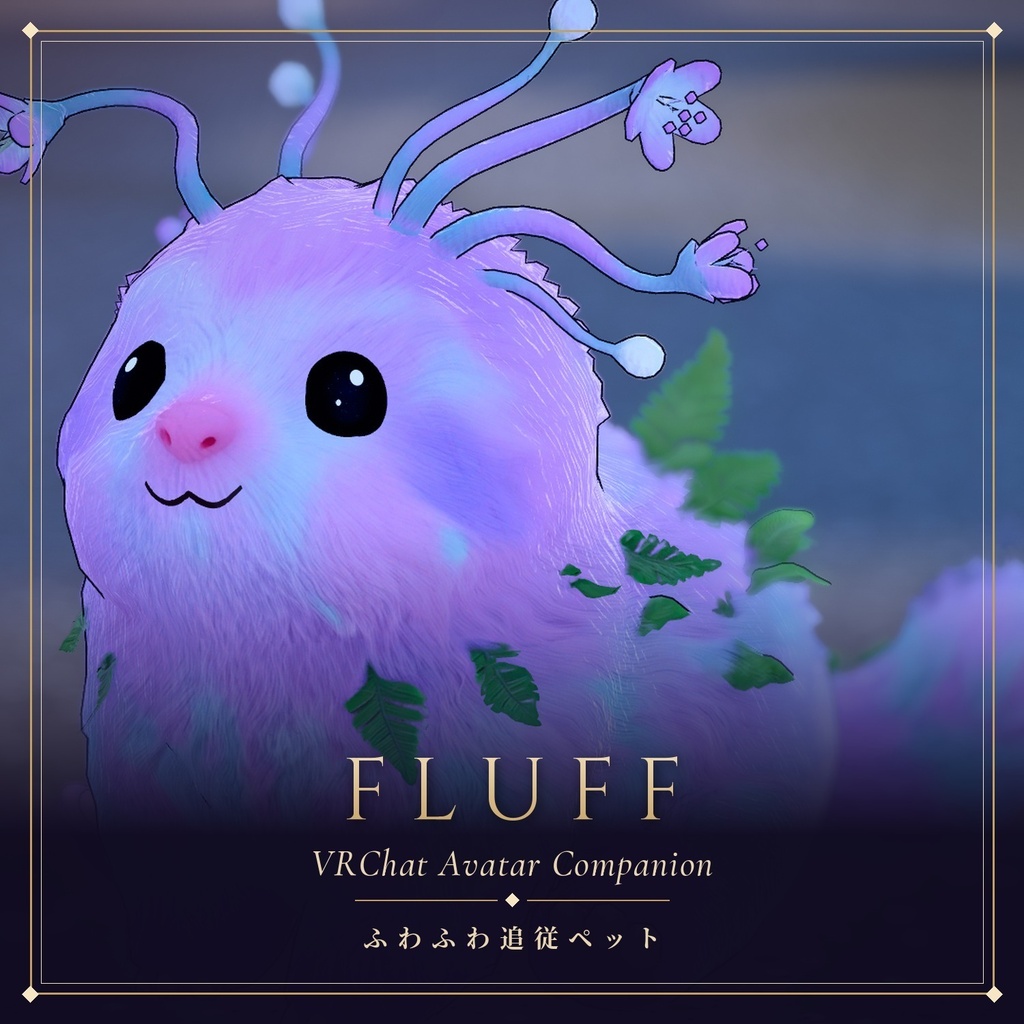


長い時間をひとりで過ごすうちに、寂しさを紛らわすため、周囲の星屑やふかふかの雲を集めて自分の姿を形作ったと言われています。 旅人の足音を聞きつけると、「やっと見つけた!」とばかりに、とことこ後ろをついて歩くようになりました。 疲れたときはいつでもどこでも眠ってしまう気まぐれ屋ですが、あなたのそばにいるときだけは、なんだかとても安心した顔をします。 今日もあなたの背中を追いかけて、ふんわりと世界を旅しています。
🐾 こんなペットです
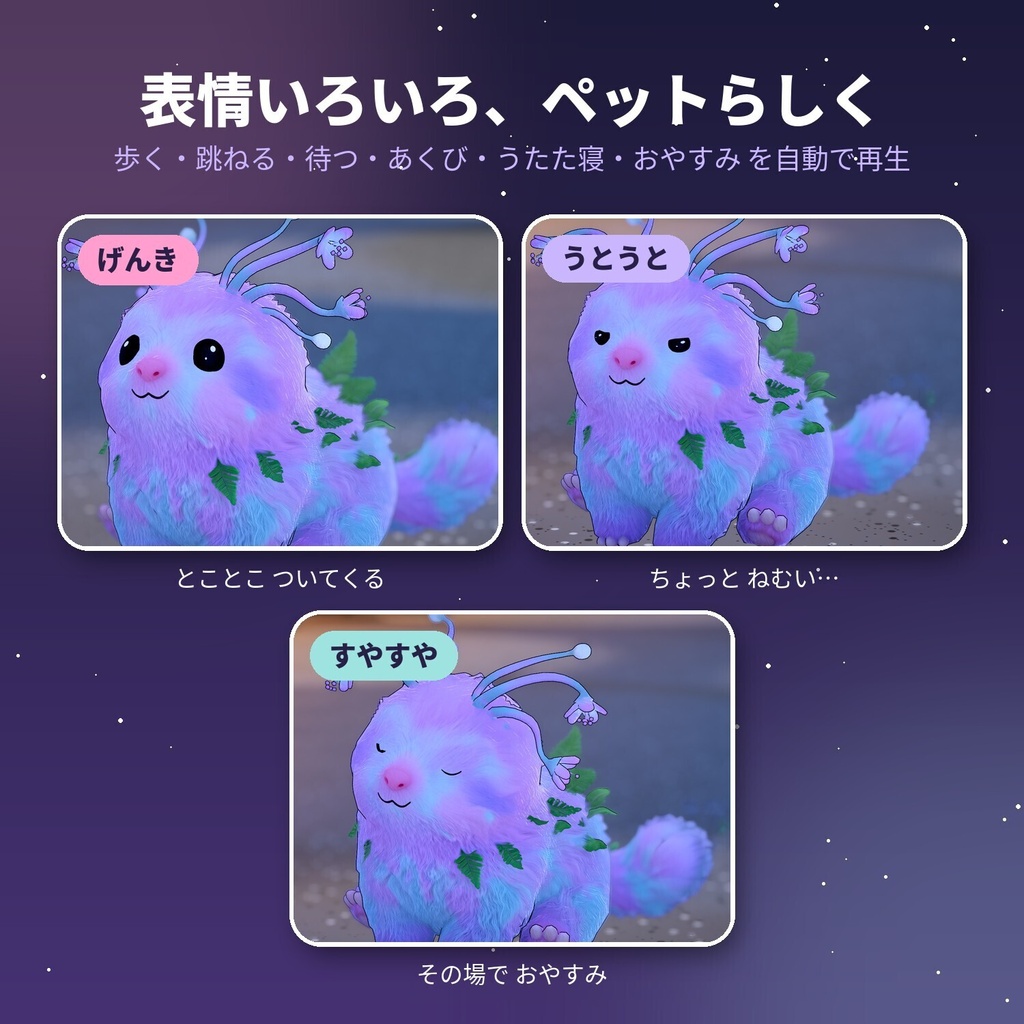
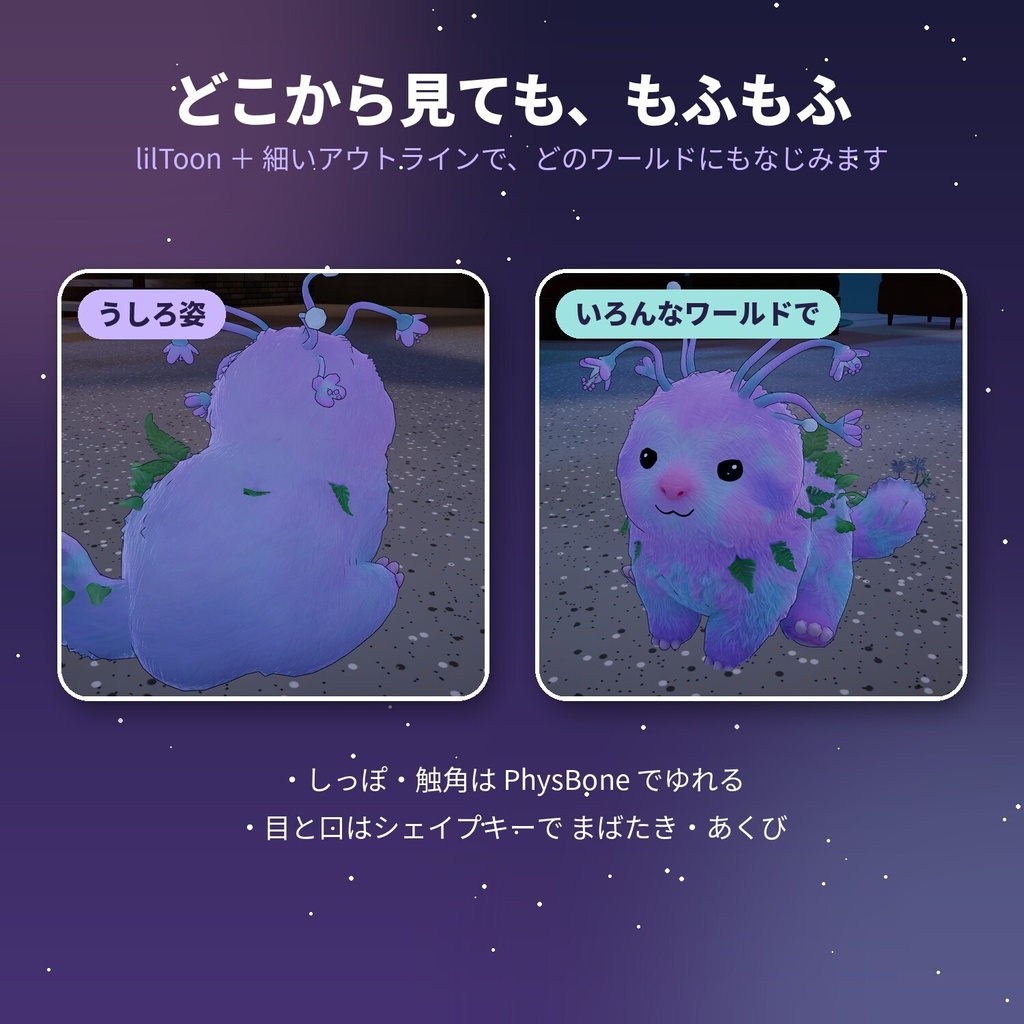
・アバターのうしろの定位置まで、自分で歩いてついてきます。遠くに離れると、ぴょんぴょん跳ねて追いかけます。 ・しばらく止まっていると、あくび → うとうと → すやすや と、ひとりで眠りはじめます。 ・目と口はシェイプキーで動き、まばたき・あくびの表情がつきます。 ・しっぽと触角は PhysBone でふわっと揺れます。 ・lilToon と細いアウトラインで、どんなワールドにもなじむ見た目です。
🎮 メニューでかんたん操作
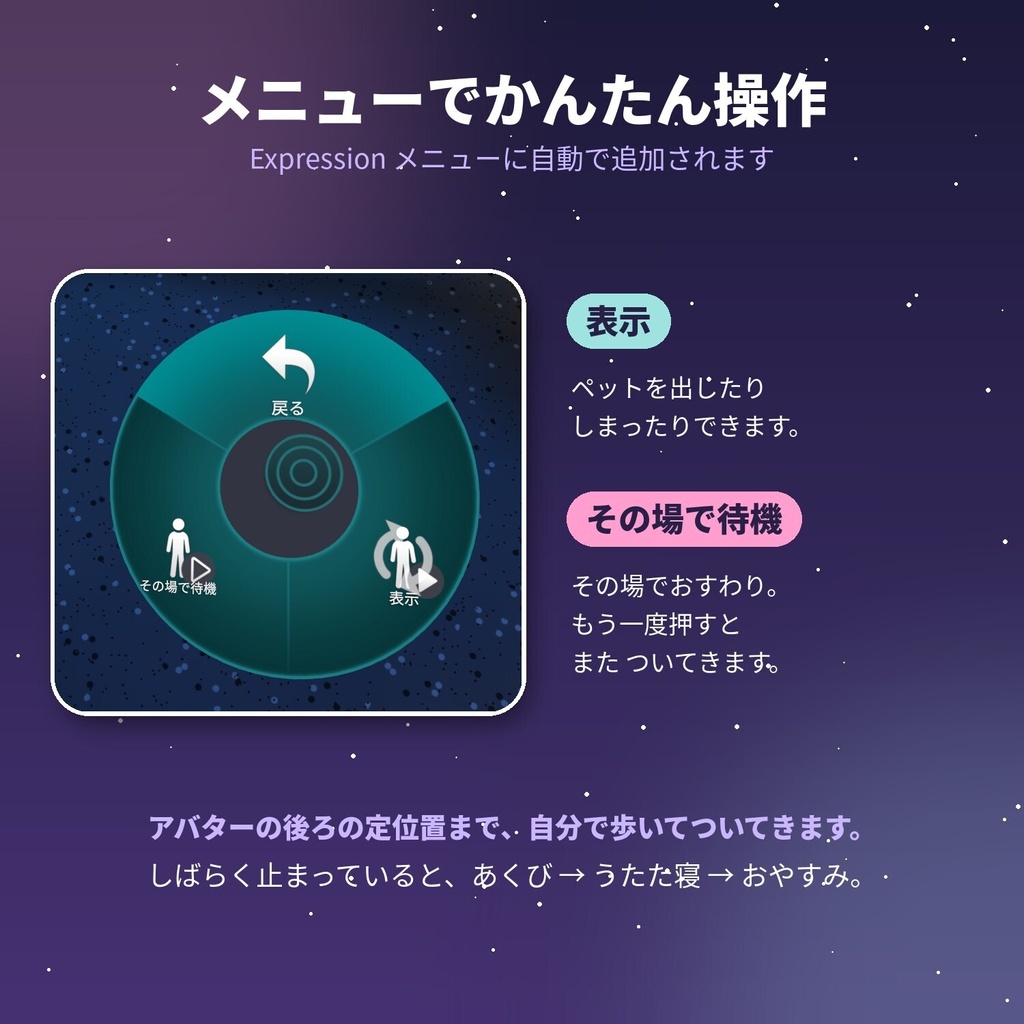
Expression メニューに「FluffPet」が自動で追加されます。 ・表示:ペットを出したり、しまったりできます。 ・その場で待機:その場でおすわりして、ついてこなくなります。もう一度押すと、またついてきます。
🛠️ 導入手順
事前に、Unity プロジェクトへ VRChat SDK3 - Avatars・Modular Avatar・lilToon を入れておいてください。 1. ダウンロードした unitypackage をダブルクリックして、プロジェクトにインポートします。 2. FluffPet.prefab を、Hierarchy のアバターの中(アバターの子)にドラッグ&ドロップします。位置はそのままで大丈夫です。 3. アバターをアップロードします。VRChat で Expression メニューの表示をオンにすると、ペットが出てきます。 アニメーター・パラメータ・メニューの設定は、Modular Avatar がアップロード時に自動で組み込みます。手作業での編集は必要ありません。
💻 動作環境
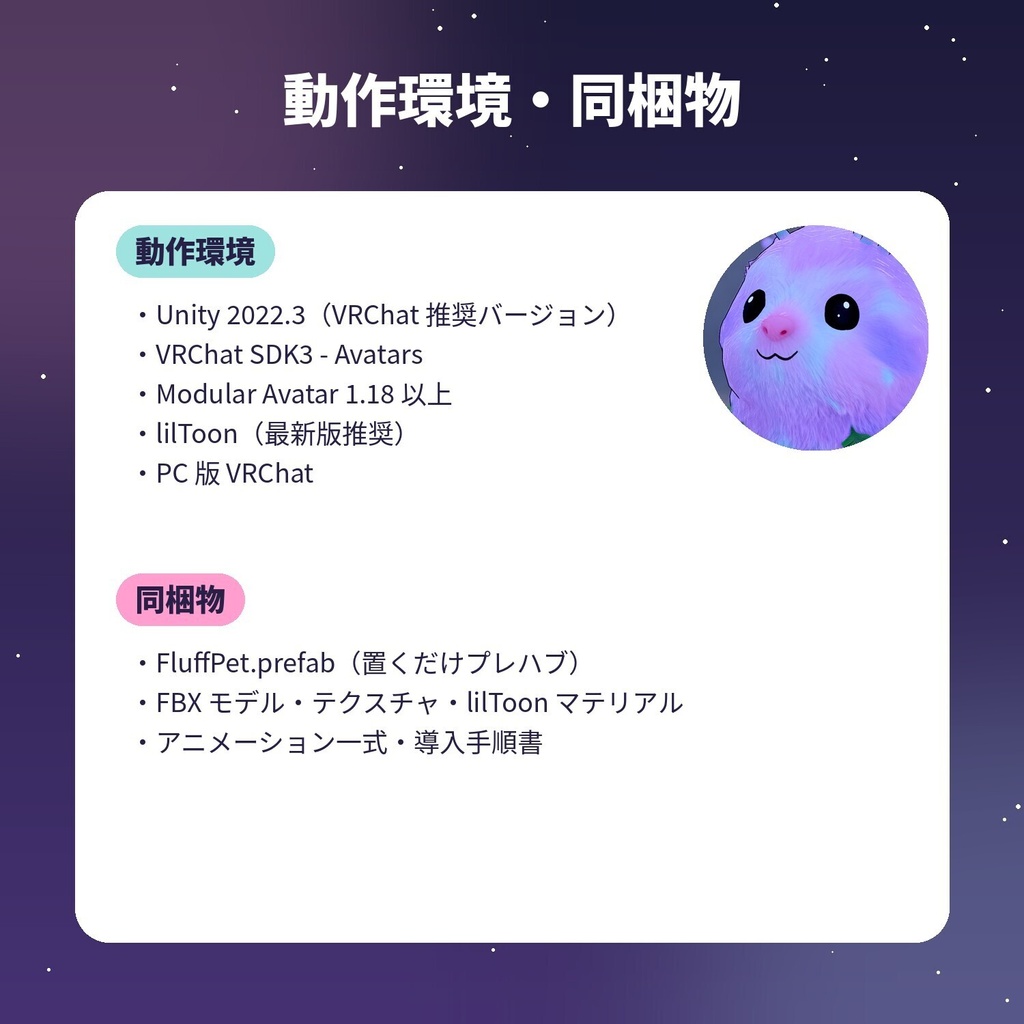
・Unity 2022.3(VRChat 推奨バージョン) ・VRChat SDK3 - Avatars ・Modular Avatar 1.18 以上 ・lilToon(最新版推奨) ・PC 版 VRChat(Quest / Android 版は動作確認していません)
📦 同梱物
・FluffPet.prefab(アバターに置くだけのプレハブ) ・FBX モデル、テクスチャ、lilToon マテリアル ・アニメーション一式(待機・歩き・ホップ・あくび・うとうと・おやすみ)とアニメーターコントローラー ・導入手順書
📜 利用規約
・購入者ご本人の VRChat アバターに組み込んで使うことができます。 ・モデル・テクスチャ・アニメーションの改変は自由です。 ・データの再配布、および改変データの配布・販売は禁止です。 ・アバター本体に組み込んだ状態での配布・販売をご希望の場合は、事前にご相談ください。 ・本データの使用によって生じたトラブルについて、作者は責任を負いかねます。 ・ご不明な点や不具合は、BOOTH のメッセージからお気軽にご連絡ください。
🌍 About Fluff
It is said that, spending long hours all alone, it gathered the stardust and fluffy clouds around it to shape its own body and chase away the loneliness. The moment it hears a traveler's (avatar's) footsteps, it toddles along behind them as if to say, "I finally found you!" It is a moody little thing that falls asleep anytime, anywhere when it gets tired, but only when it is by your side does it wear such a peaceful face. Today, too, it chases after your back, wandering the world softly and gently.
🐾 What this pet is like
・It walks by itself to its spot behind your avatar. If you get far away, it hops along to catch up. ・When you stand still for a while, it yawns, gets drowsy, and falls fast asleep on its own. ・The eyes and mouth move with shape keys, giving it blinking and yawning expressions. ・The tail and antennae sway softly with PhysBone. ・With lilToon and thin outlines, it blends into any world.
🎮 Easy controls from the menu
"FluffPet" is automatically added to your Expression Menu. ・Show: Summon or put away the pet. ・Stay in place: The pet sits down where it is and stops following you. Press again and it follows you once more.
🛠️ Setup
Before you start, please import VRChat SDK3 - Avatars, Modular Avatar, and lilToon into your Unity project. 1. Double-click the downloaded unitypackage to import it into your project. 2. Drag and drop FluffPet.prefab into your avatar in the Hierarchy (as a child of the avatar). You can leave the position as it is. 3. Upload your avatar as usual. In VRChat, turn on "Show" in the Expression Menu and the pet will appear. The animator, parameters, and menu are set up automatically by Modular Avatar at upload time. No manual editing is needed.
💻 Requirements
・Unity 2022.3 (the version recommended by VRChat) ・VRChat SDK3 - Avatars ・Modular Avatar 1.18 or later ・lilToon (latest version recommended) ・VRChat on PC (not tested on Quest / Android)
📦 Included files
・FluffPet.prefab (a prefab you just place on your avatar) ・FBX model, textures, and lilToon materials ・A full set of animations (idle, walk, hop, yawn, drowsy, sleep) and the animator controller ・Setup guide
📜 Terms of use
・You may use it on your own VRChat avatar, as the purchaser. ・You are free to modify the model, textures, and animations. ・Redistribution of the data, and distribution or sale of modified data, is prohibited. ・If you would like to distribute or sell it built into an avatar, please contact me in advance. ・The author is not responsible for any trouble arising from the use of this data. ・If you have any questions or find any issues, please feel free to contact me through BOOTH messages.