

【VRChat・MA対応】天翼の誓いステッキ(仮) / Seraphic Vow Wand (working title) — 魔法少女ステッキ・呼び出し・ボタン/グーで光る魔法陣・ステッキなしモード・大きさ/距離調整・6色
- Digital300 JPY
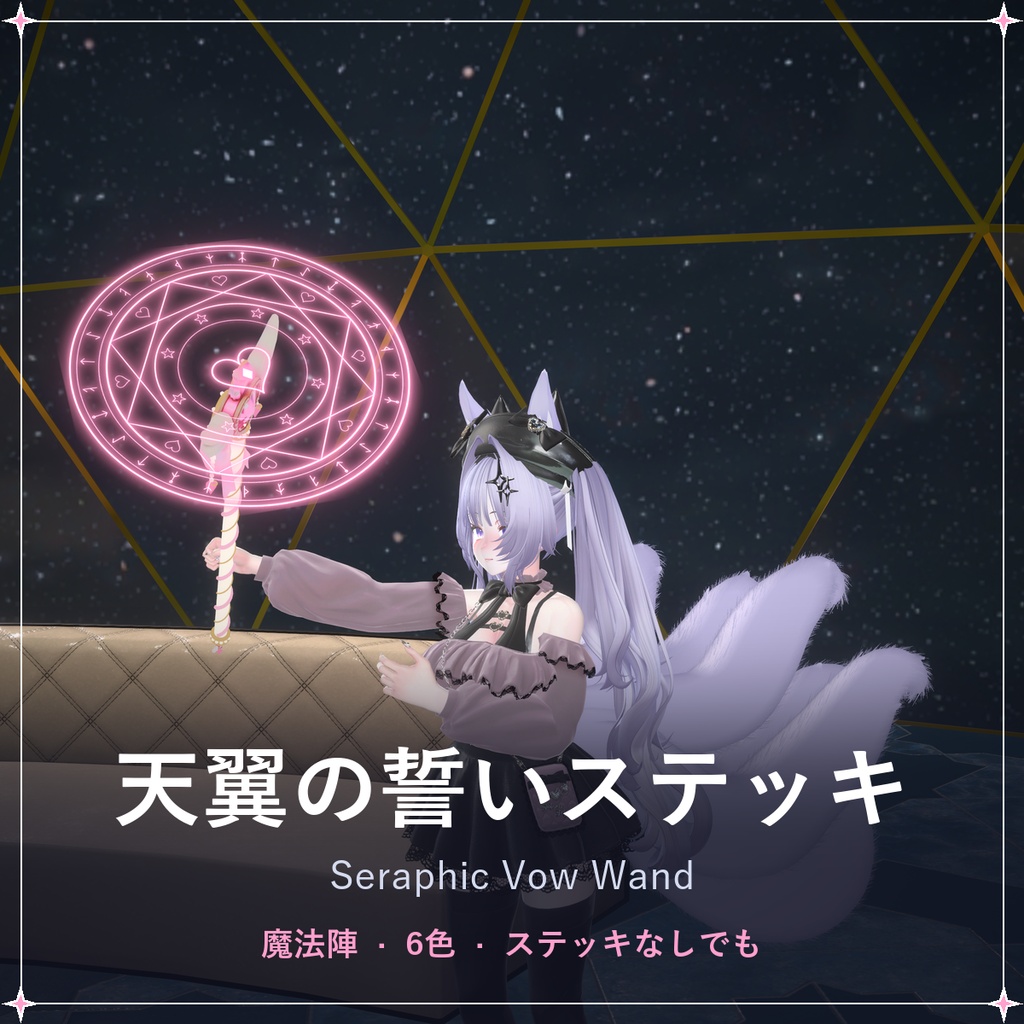
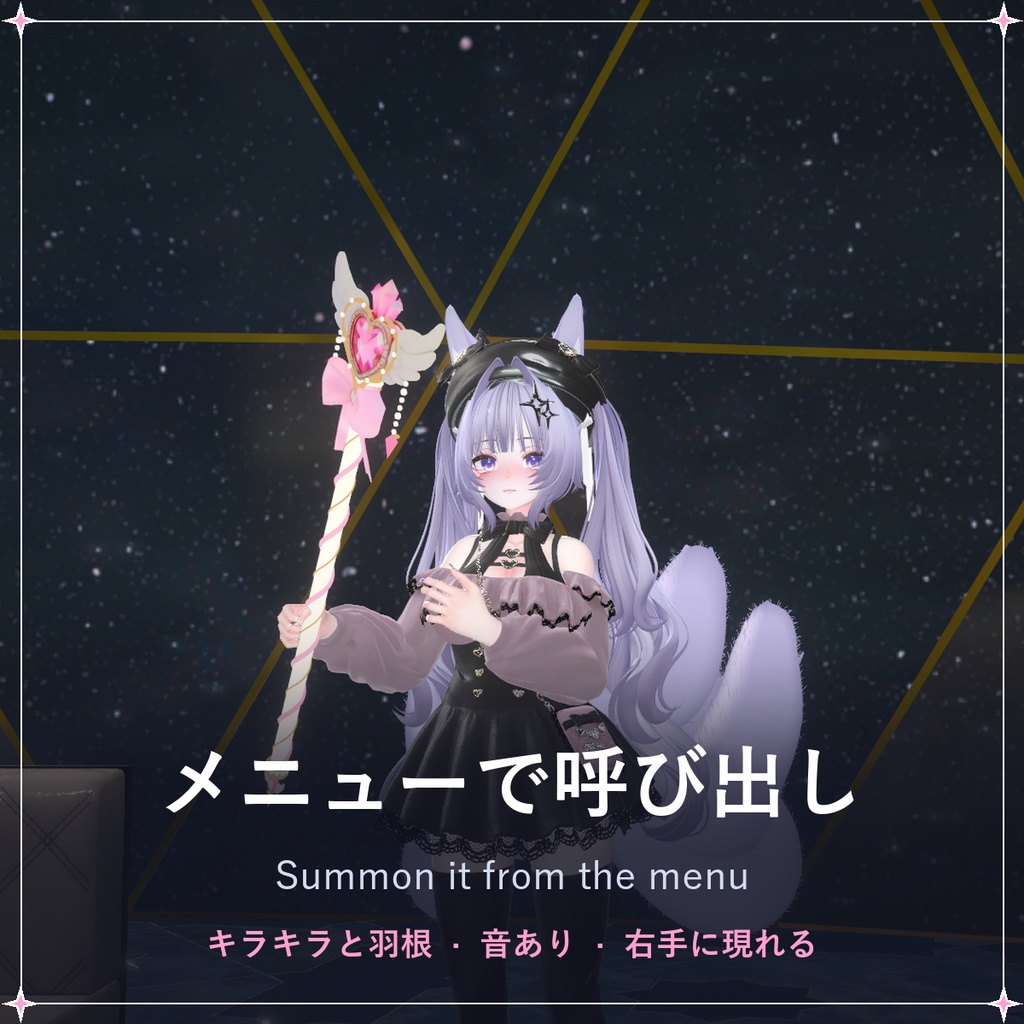
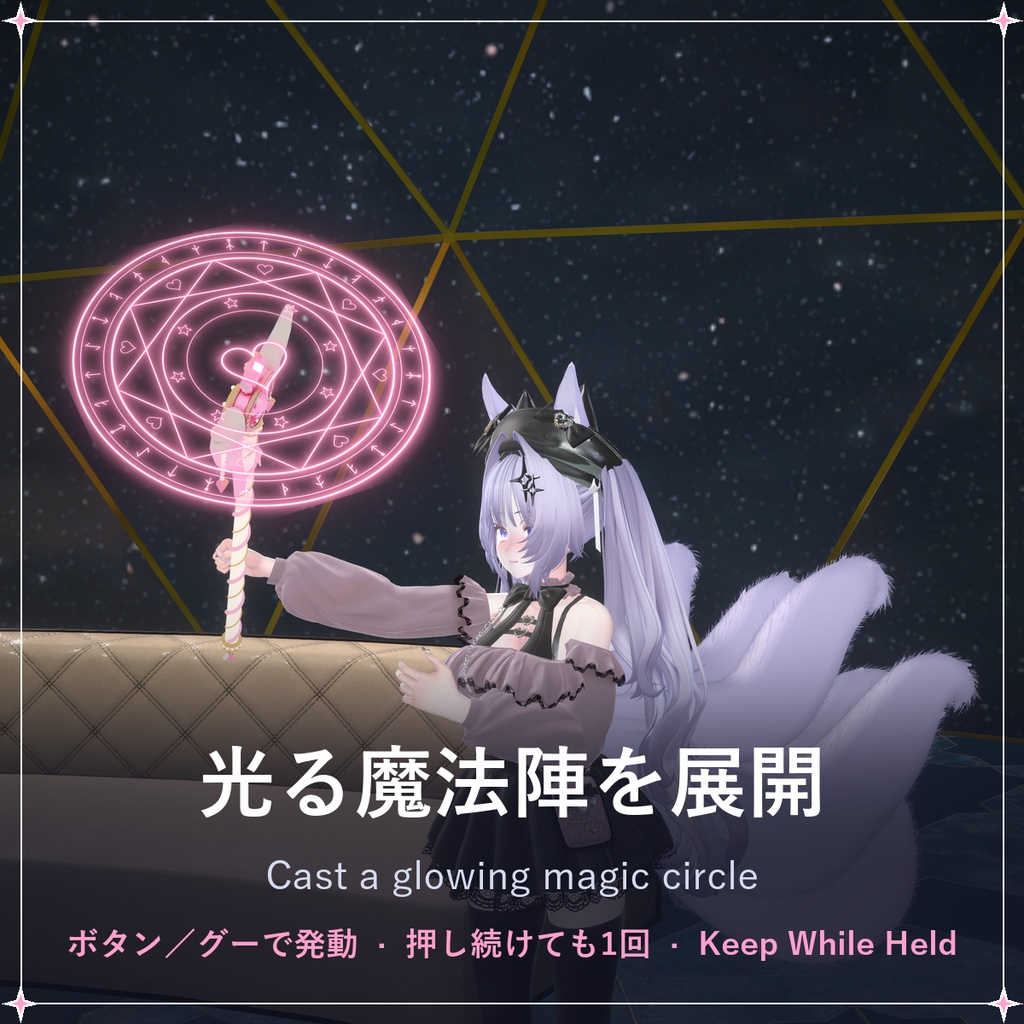
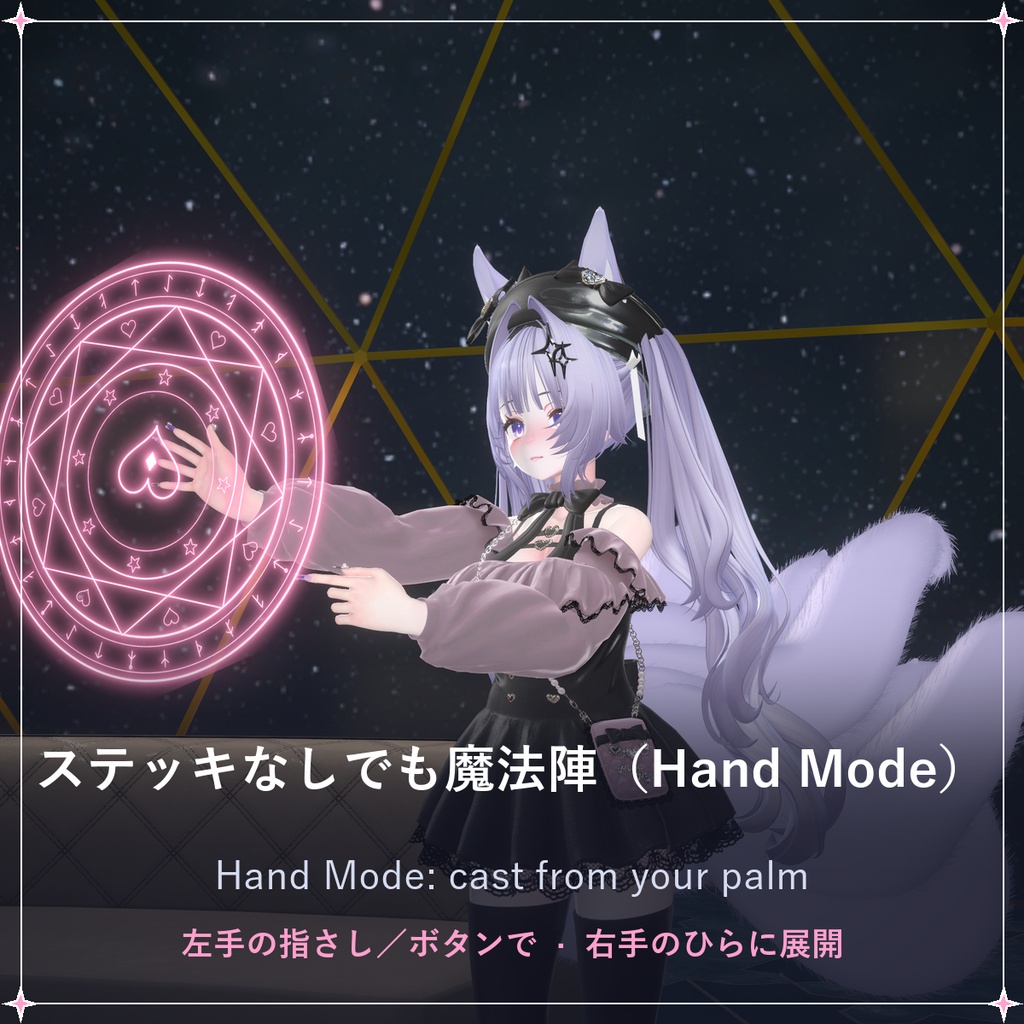
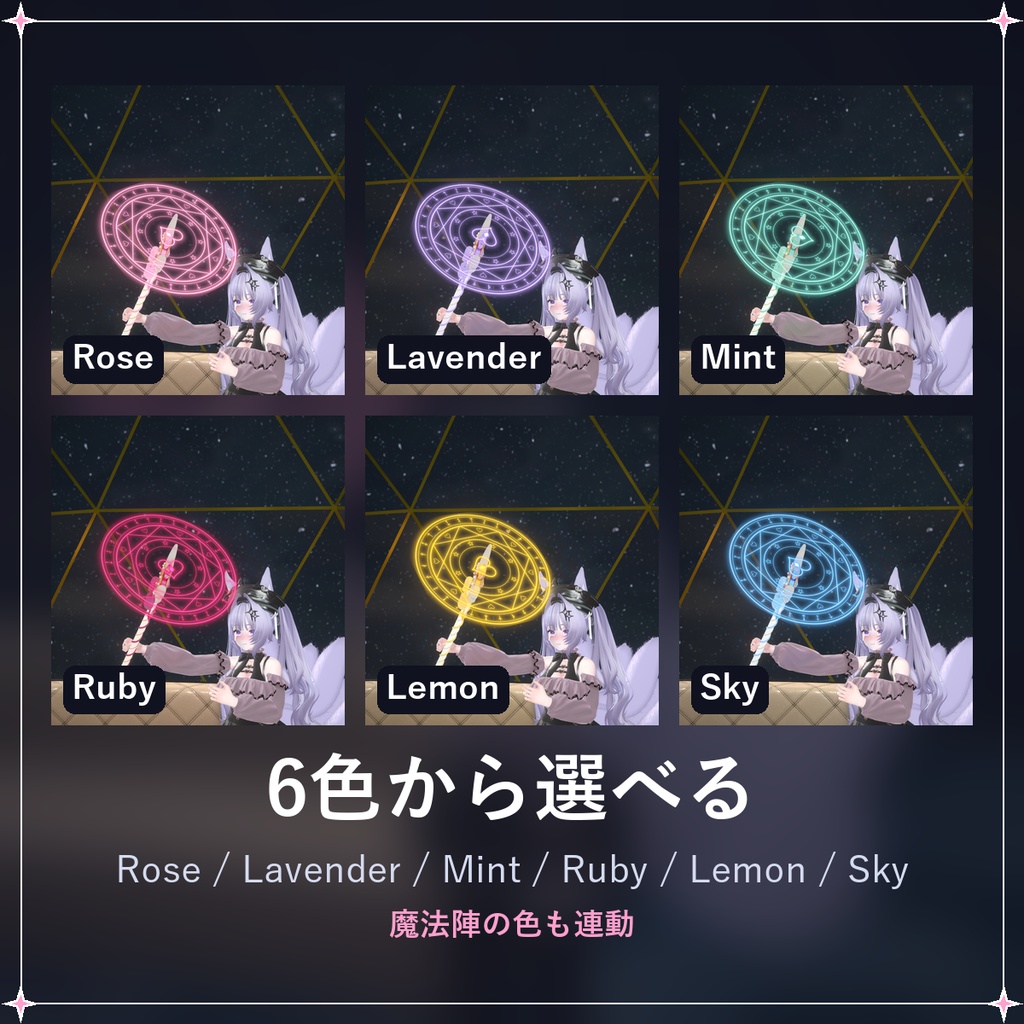
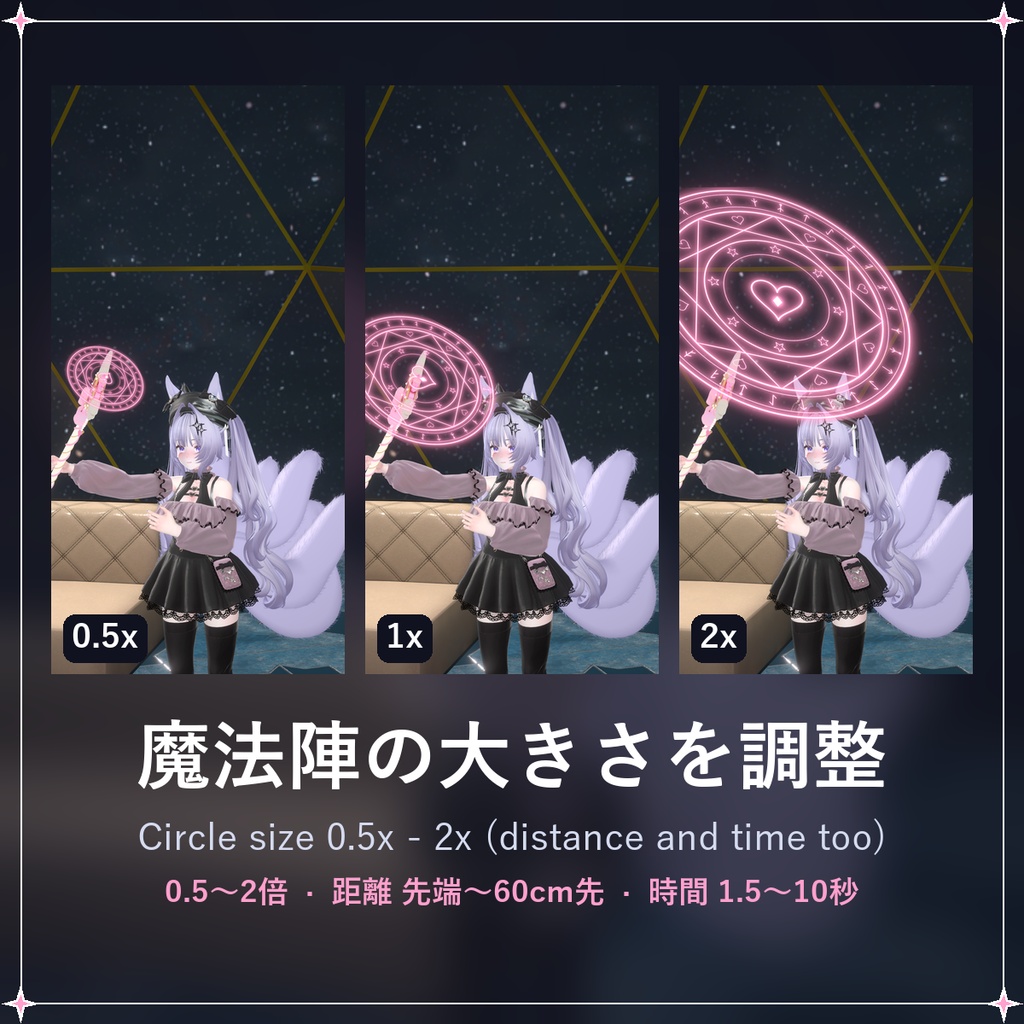
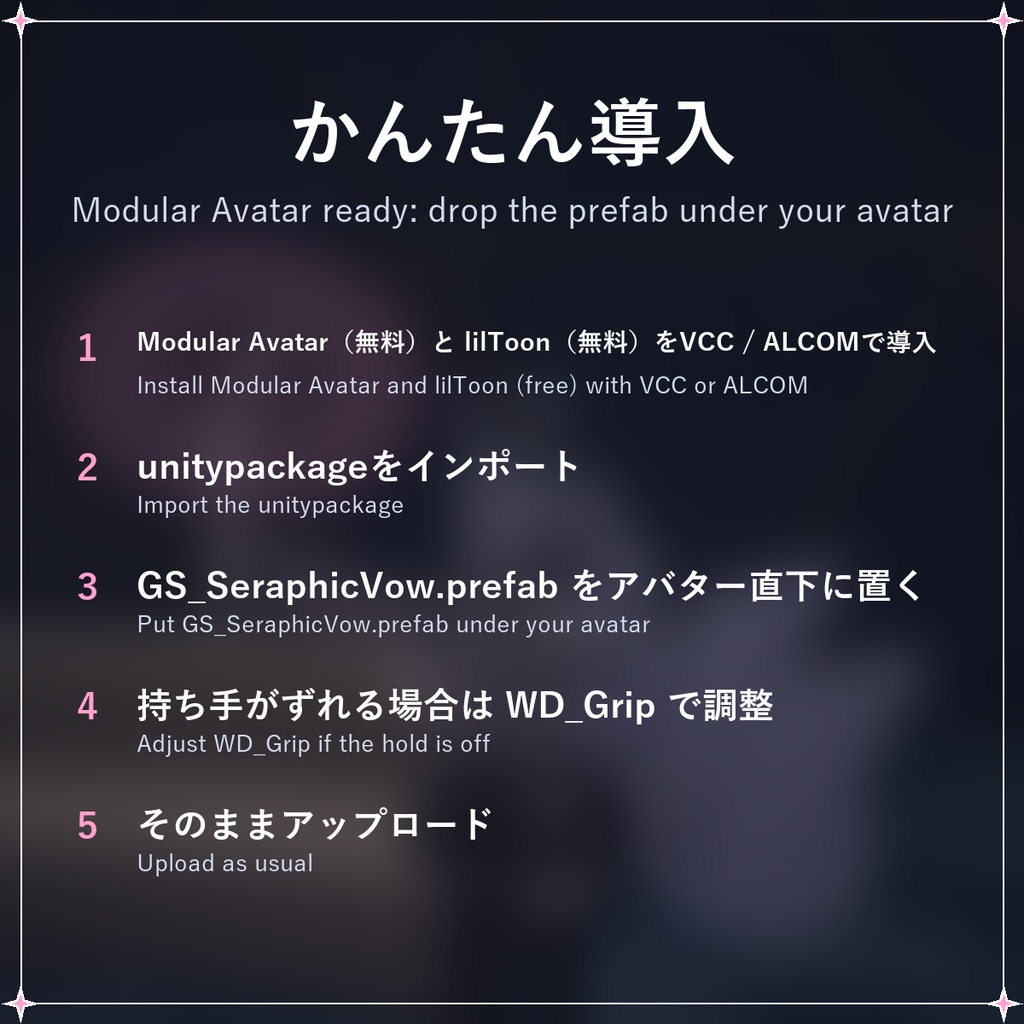
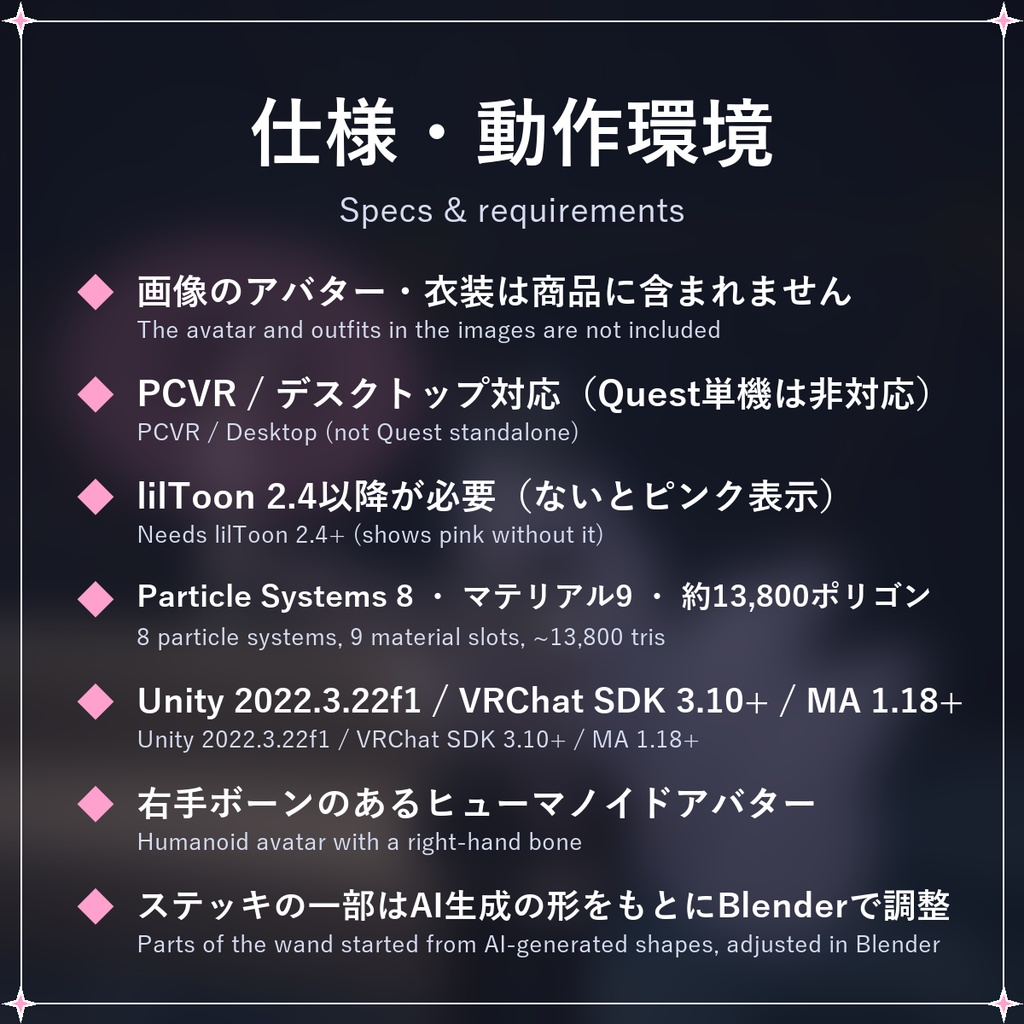


メニューから呼び出して、ボタンやステッキを持つ手のグーで魔法を放てる、魔法少女ステッキのVRChat用アバターギミックです。 Modular Avatar対応。プレハブをアバターの直下に置くだけで導入できます。 ━━━━━━━━━━━━━━ ◆ 呼び出し・しまう メニューの Wand で、キラキラと羽根が舞いながらステッキが右手に現れます。もう一度押すとしまえます。 ◆ 魔法を放つ Cast を押すと、ハートの宝石が光り、ステッキの先に魔法陣が回りながら広がって、羽根ときらめきが舞います(音あり)。 効果音はメニューの Sound でOFFにできます(周りの人にも聞こえなくなります)。 Gesture Cast をONにすると、ステッキを持っている手をグー(Fist)にしても魔法を放てます。 押し続けても、グーを続けても魔法は1回だけ。もう一度放つときは、いったん離してください。 ◆ ステッキなしでも(Hand Mode) Hand Mode をONにするとステッキが消え、左手で指さしすると右手のひらの前に魔法陣が広がります。 ◆ 6色 Rose / Lavender / Mint / Ruby / Lemon / Sky。光る魔法陣の色もステッキに合わせて変わります。 ◆ 魔法陣の大きさ・距離を調整 メニューの Circle Size(0.5倍〜2倍)と Circle Distance(先端〜60cm先)で、好みの魔法陣にできます。 Circle Time(1.5秒〜10秒)で魔法陣が出ている時間を選べます。Keep While Held をONにすると、グーを続けている間ずっと魔法陣が回り続けます。 ━━━━━━━━━━━━━━ 【設置】 1. Modular Avatar と lilToon(どちらも無料)をVCCまたはALCOMで導入 2. unitypackageをインポート 3. Assets/LukamiFX/SeraphicVow/GS_SeraphicVow.prefab をアバター直下(Armatureと同じ階層)に置く 4. 持ち手がずれる場合は WD_Hand > WD_Grip で位置・回転・大きさを調整(同梱READMEに手順あり) 5. そのままアップロード 【ご注意】 ・PCVR / デスクトップ対応です(Quest単機は非対応)。 ・サンプル画像・動画のアバターは「しなの」(ポンデロニウム研究所)です。アバター・衣装・背景は商品に含まれません。 ・lilToon 2.4以降が必要です(入っていないとステッキがピンク色で表示されます)。 ・右手のボーンが設定されたヒューマノイドアバターが必要です(左手で持つ方法もREADMEに記載)。 ・右手のグーに表情が設定されている場合、Gesture Cast 使用時に表情も一緒に変わります。 ・Hand Mode の指さし(左手)に表情が設定されている場合や、シャボン玉ギミックと併用している場合は、それらも一緒に動きます。 ・パフォーマンスへの影響:Particle Systems 8、マテリアルスロット 9、ポリゴン約13,800(ステッキを出していない時も数えられます)。 ・ステッキの一部(ハートの宝石と翼、リボン、持ち手の飾り)は、AI(Roblox Studioのメッシュ生成)で作成した形をもとに、Blenderで調整・組み立てたものです。 【動作環境】 Unity 2022.3.22f1 / VRChat SDK Avatars 3.10以降 / Modular Avatar 1.18以降 / lilToon 2.4以降 【ライセンス】 VN3ライセンスに基づいて提供されます。利用規約は同梱のPDFをご確認ください。 ──────────────── English Seraphic Vow Wand (working title) for VRChat avatars: a magical-girl wand you summon from the menu and cast spells with, by button or by making a fist with the wand hand. Modular Avatar ready: drop the prefab under your avatar and upload. - Summon / put away: the wand appears in your right hand with sparkles and feathers. - Cast: the heart gem lights up, a spinning magic circle unfolds at the wand's tip and feathers and sparkles burst out (with sound - switch Sound off in the menu to mute it). Turn on Gesture Cast to cast by making a fist with the wand hand too. Holding the button or the fist casts once; release to cast again. - Hand Mode: no wand - point with your left hand and the circle unfolds in front of your right palm. - 6 colours: Rose / Lavender / Mint / Ruby / Lemon / Sky - the glowing magic circle takes the wand's colour. - Circle Size (0.5x-2x) and Circle Distance (tip to 60 cm out) radials in the menu; Circle Time picks how long the circle stays (1.5-10 s), and Keep While Held keeps it spinning for as long as you keep the fist. Images and video show the avatar Shinano (Ponderonium Lab); the avatar, outfits and backgrounds are not included. Notes: PCVR / Desktop only (not Quest standalone). Requires lilToon 2.4+ (the wand shows pink without it) and a humanoid avatar with a right-hand bone (the README shows how to hold it in the left hand). Adjust the grip with WD_Hand > WD_Grip. Performance: Particle Systems 8, Material slots 9, about 13,800 polygons (counted even when the wand is put away). Parts of the wand (the heart gem with wings, the ribbon, the end ornament) started as shapes generated with AI (Roblox Studio mesh generation) and were adjusted and assembled in Blender. Requires Unity 2022.3.22f1, VRChat SDK Avatars 3.10+, Modular Avatar 1.18+, lilToon 2.4+. Licensed under VN3 (see the included PDF).