

Oopsie-Daisy Nurse - VRChat Men's Clothing / CP3
- Full Pack: ALL INCLUDED!Digital2,500 JPY
- Shizune CompatibleDigital1,400 JPY
- Bokusei (PlusHead Body) CompatibleDigital1,400 JPY
- Kuuta CompatibleDigital1,400 JPY
- Komano CompatibleDigital1,400 JPY
- Turanari (Tinmeshitei Body) CompatibleDigital1,400 JPY
- Shidou / Rei CompatibleDigital1,400 JPY
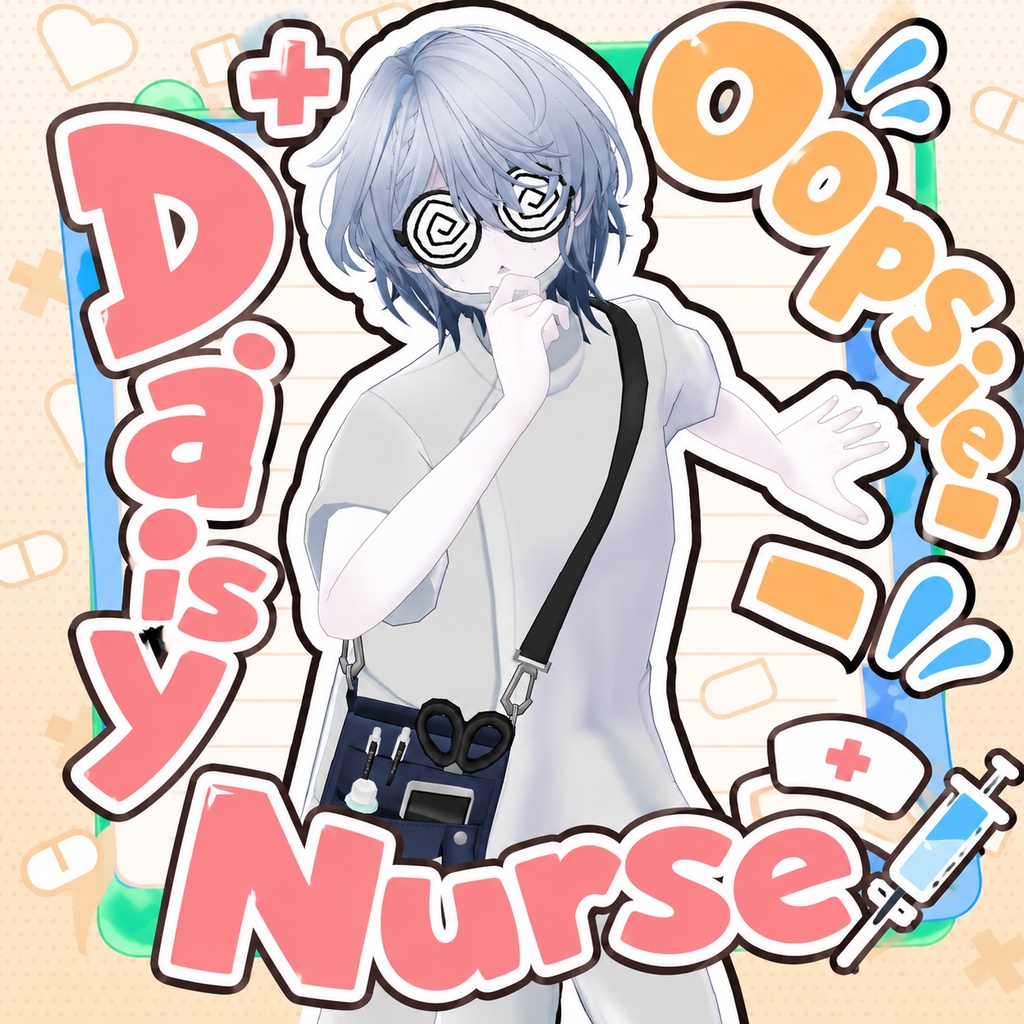
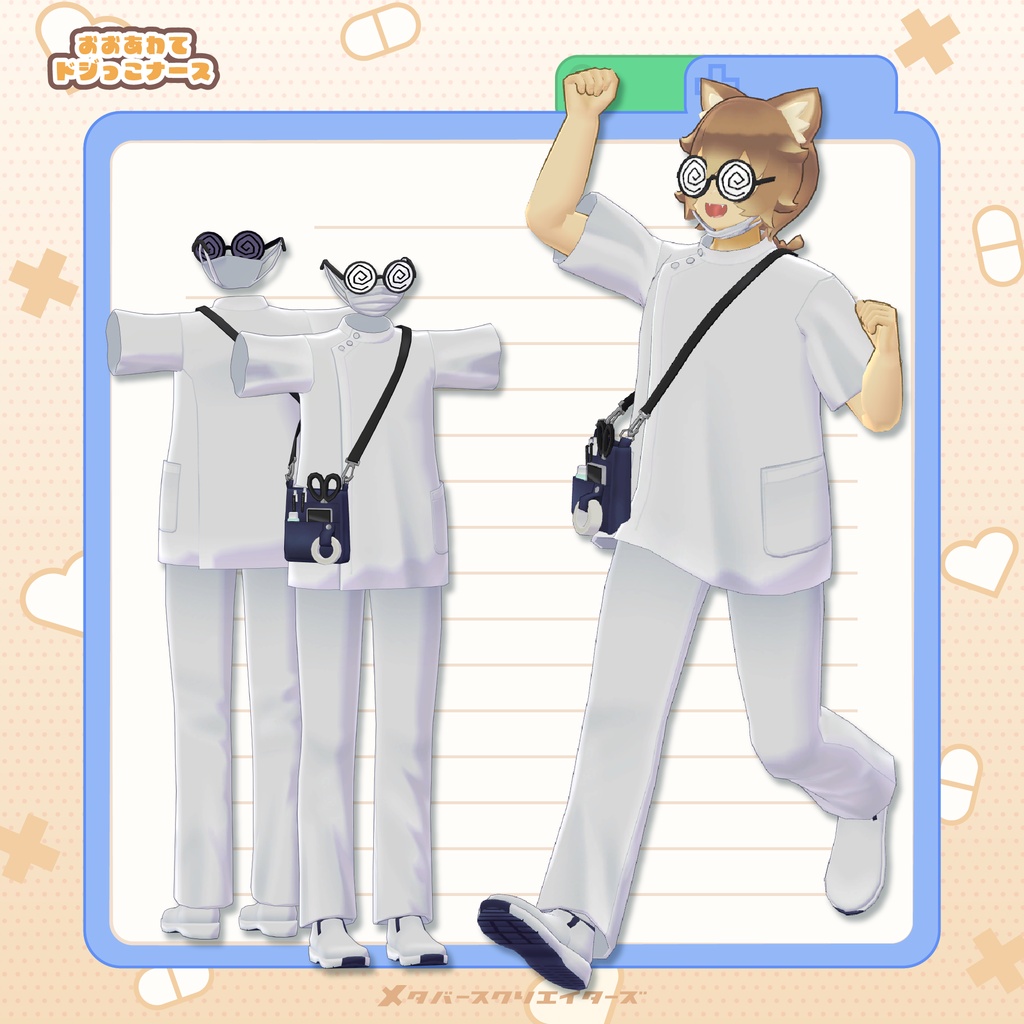
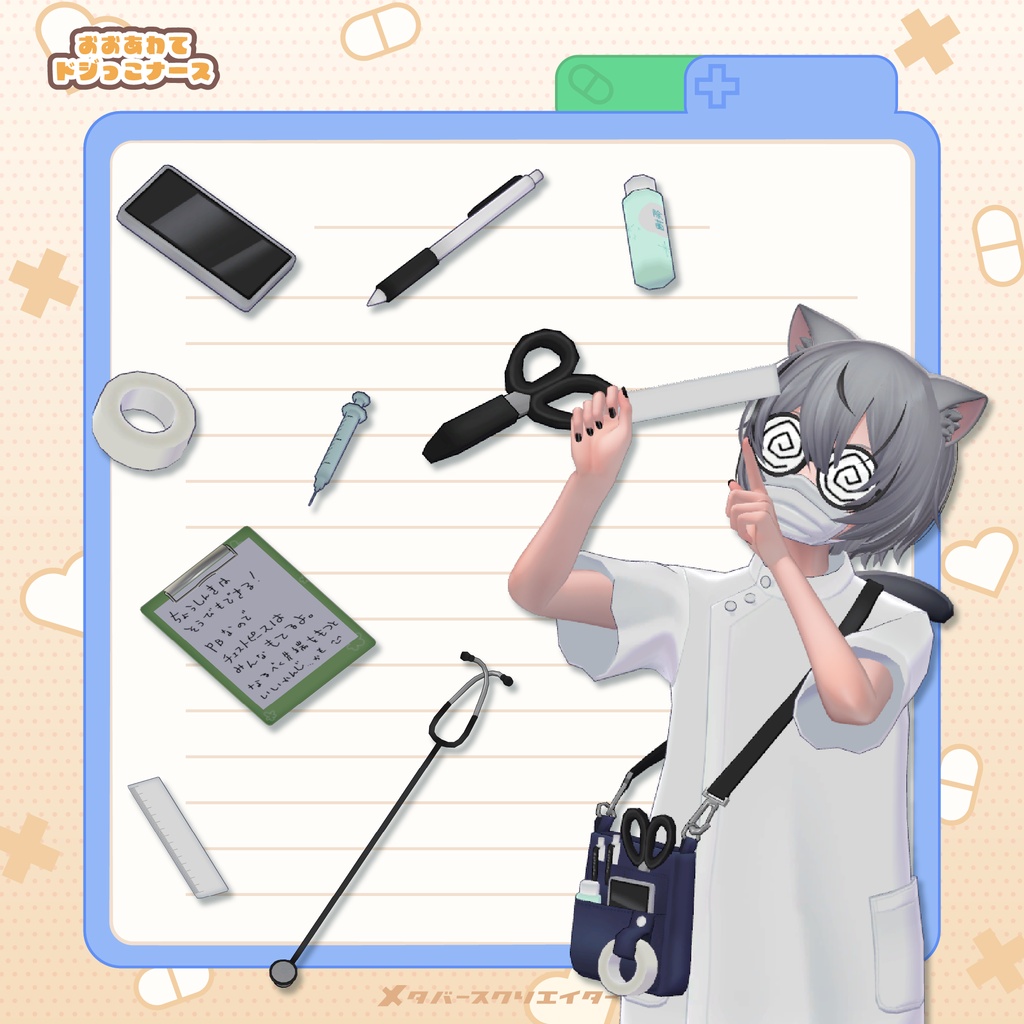
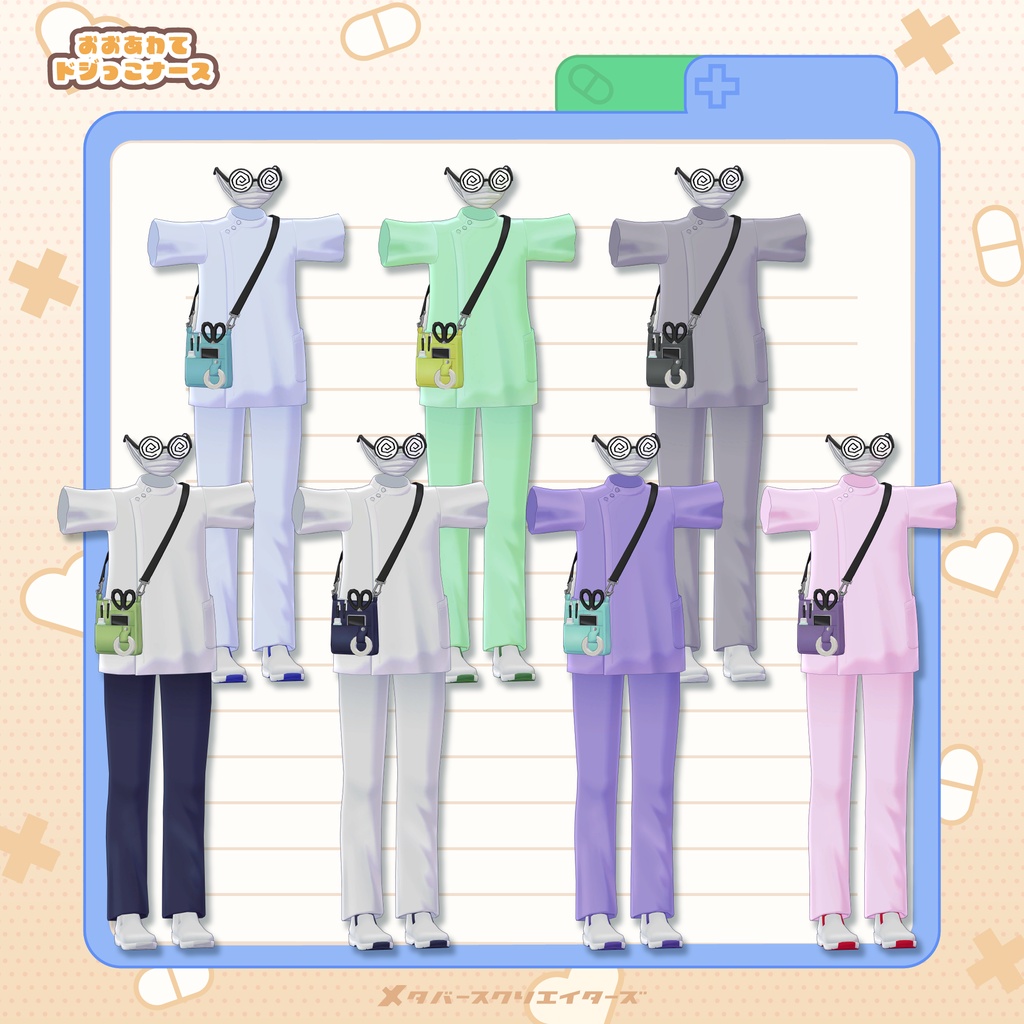
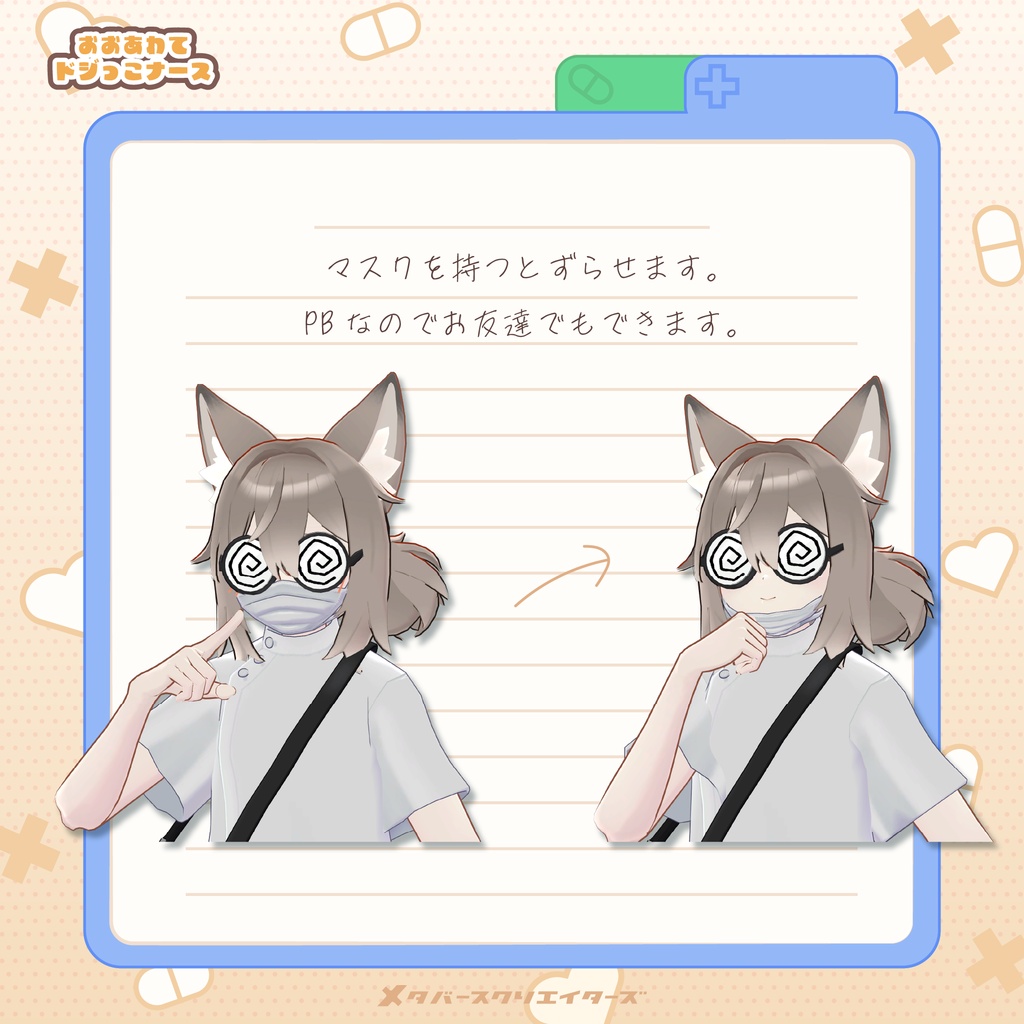
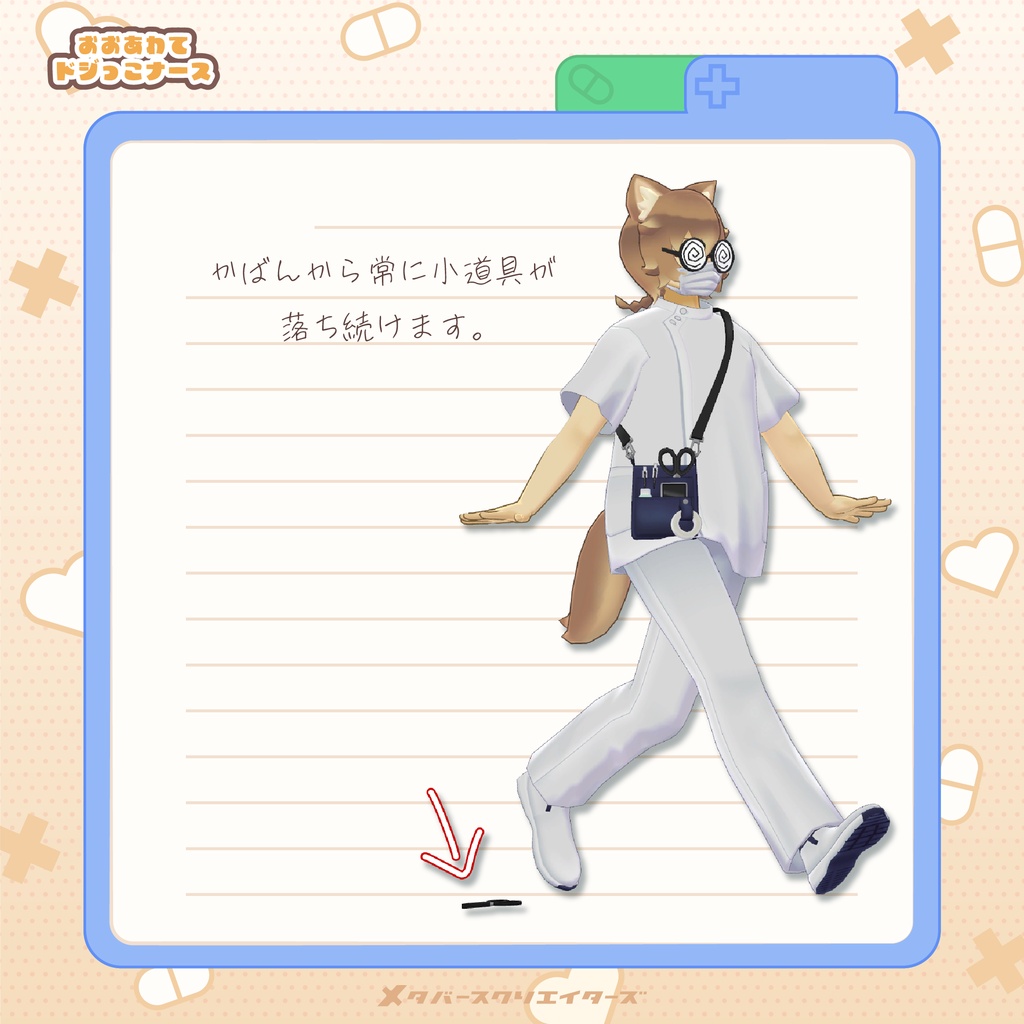
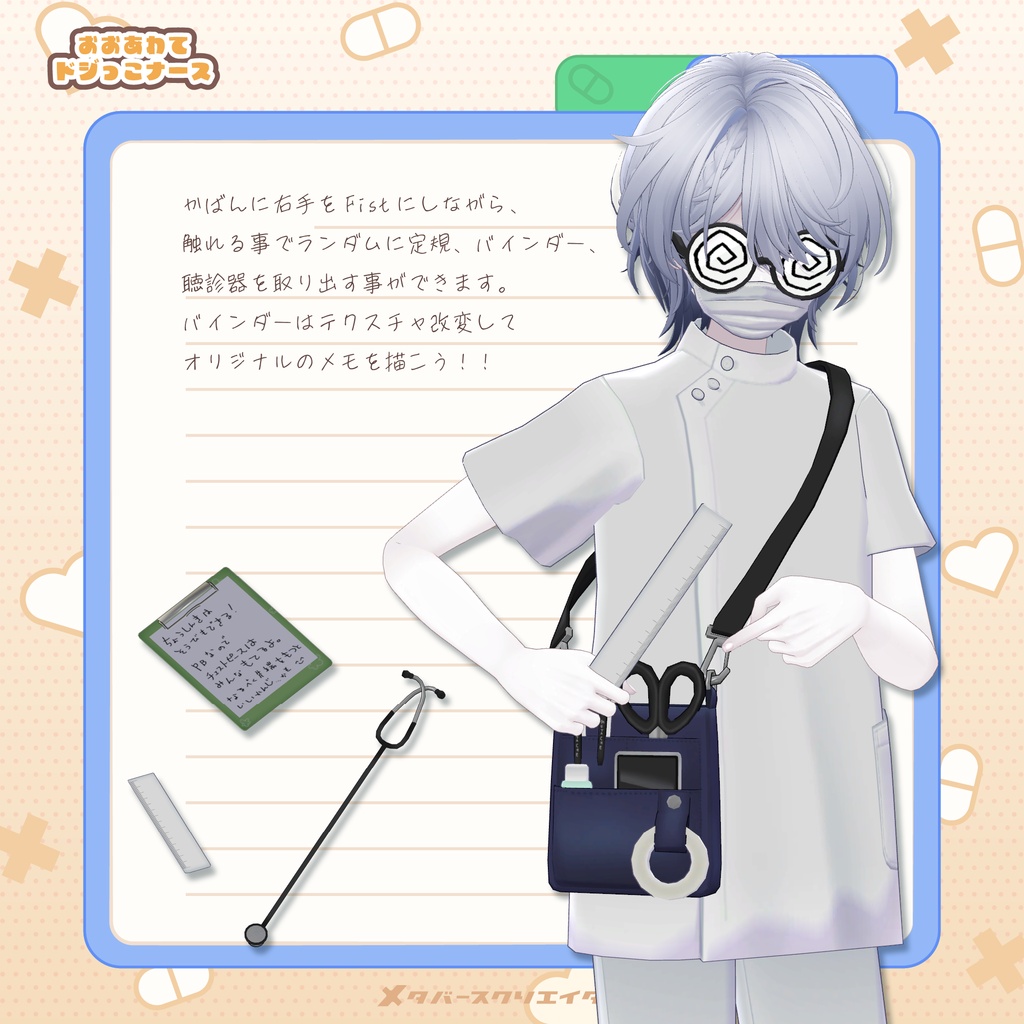
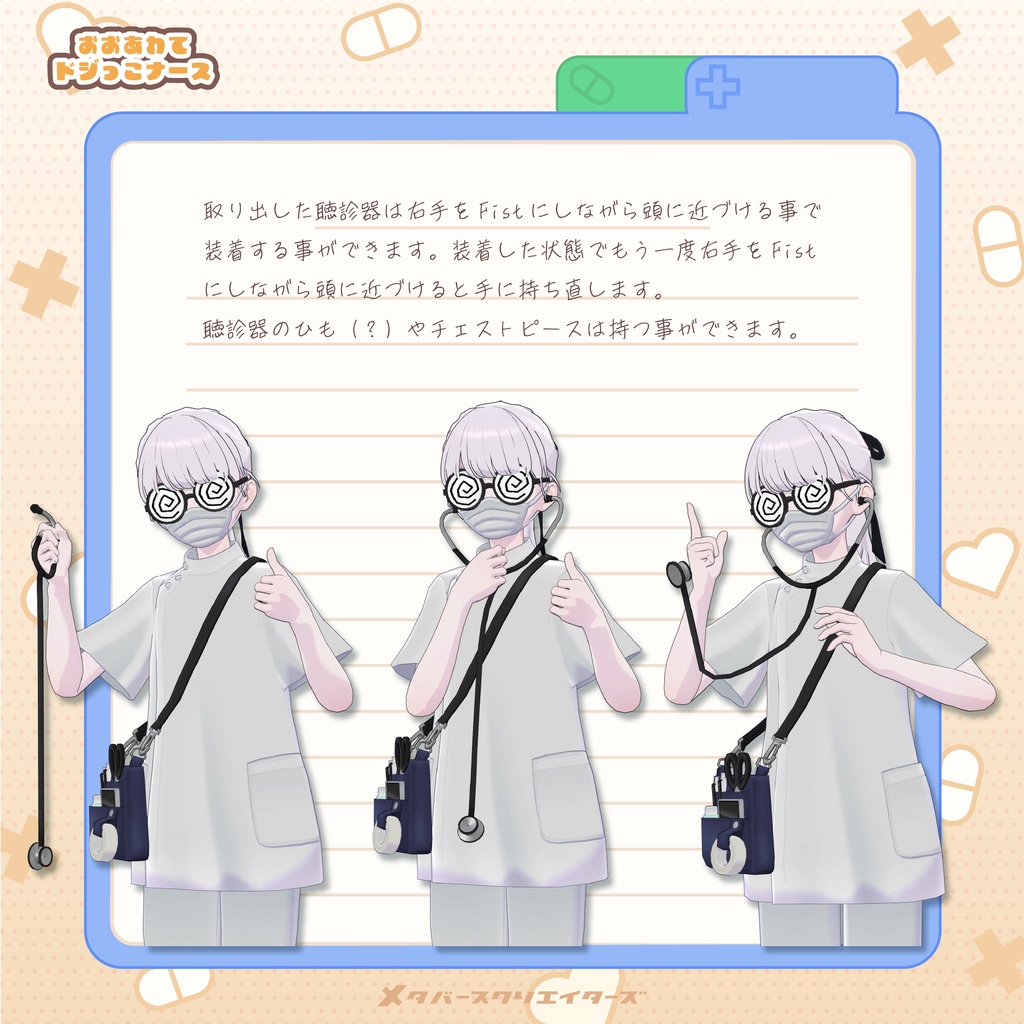
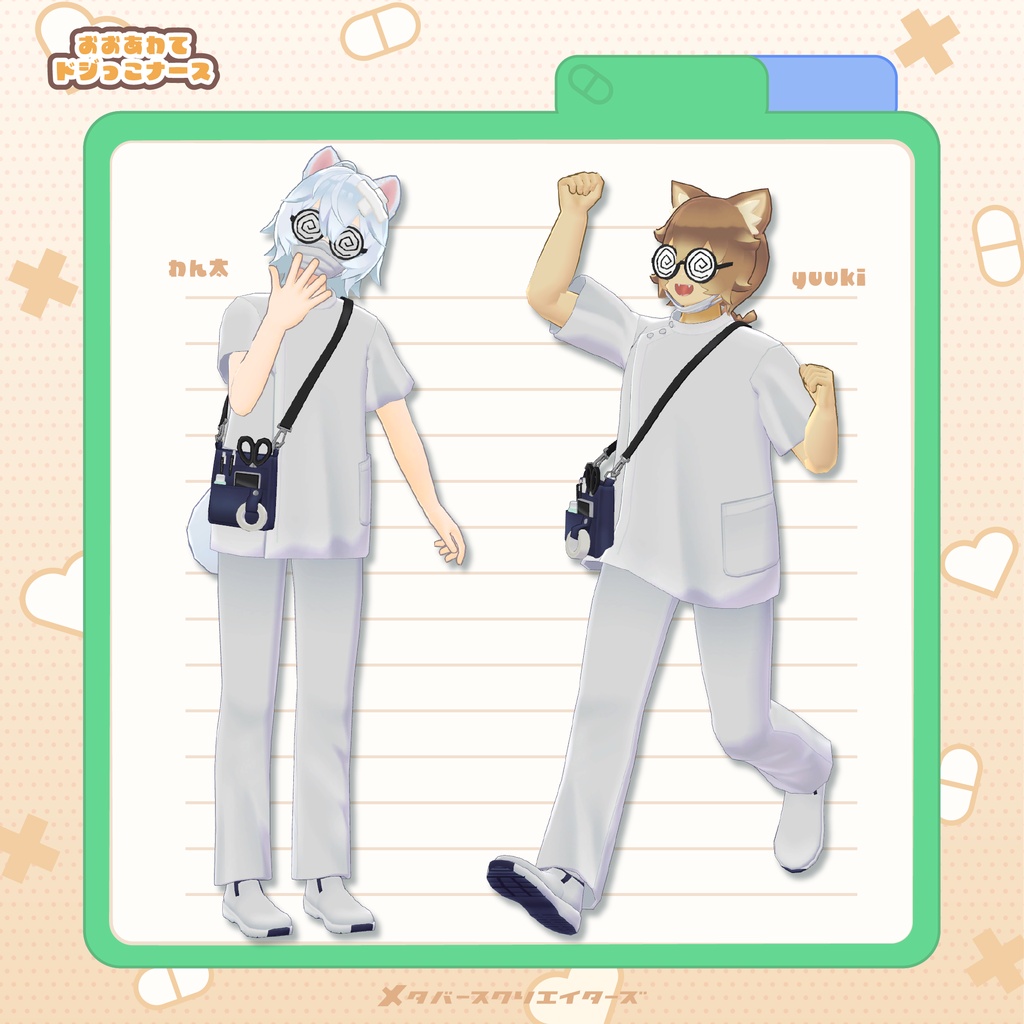
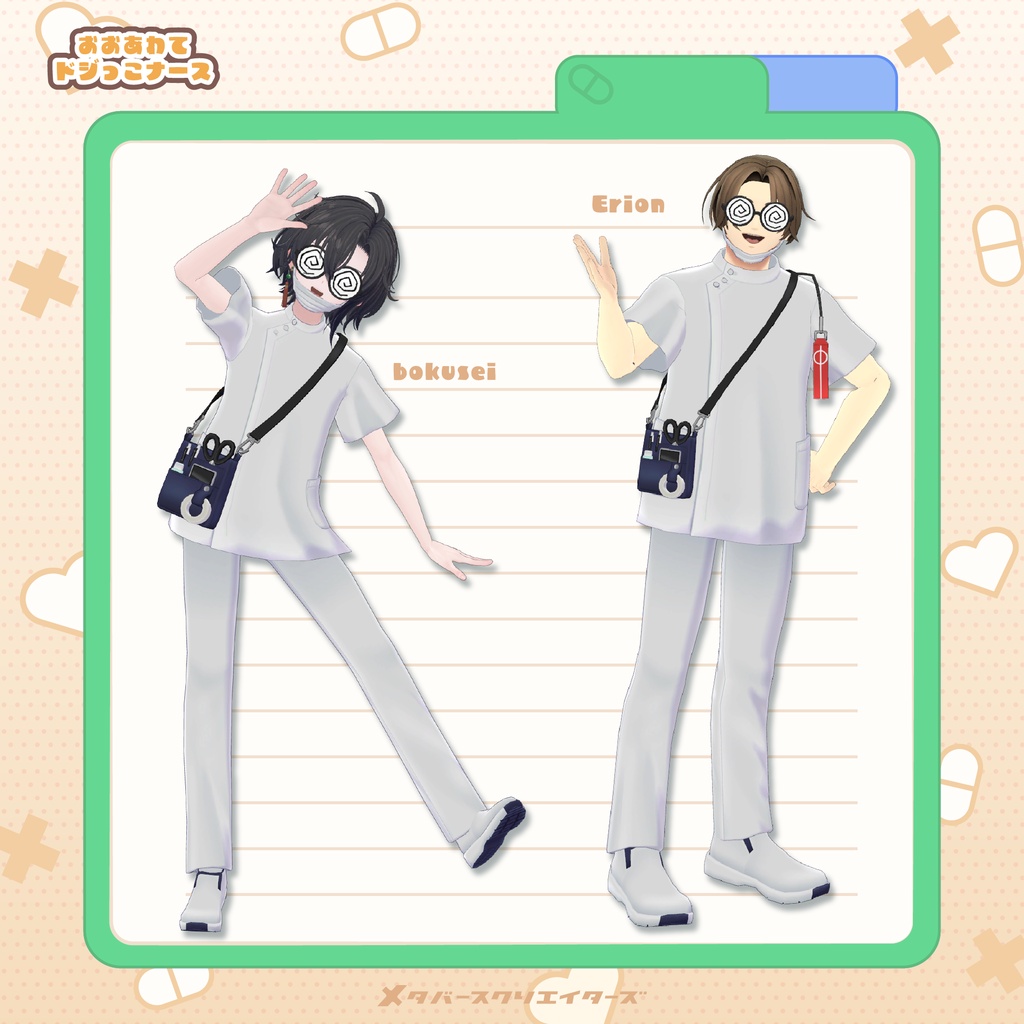
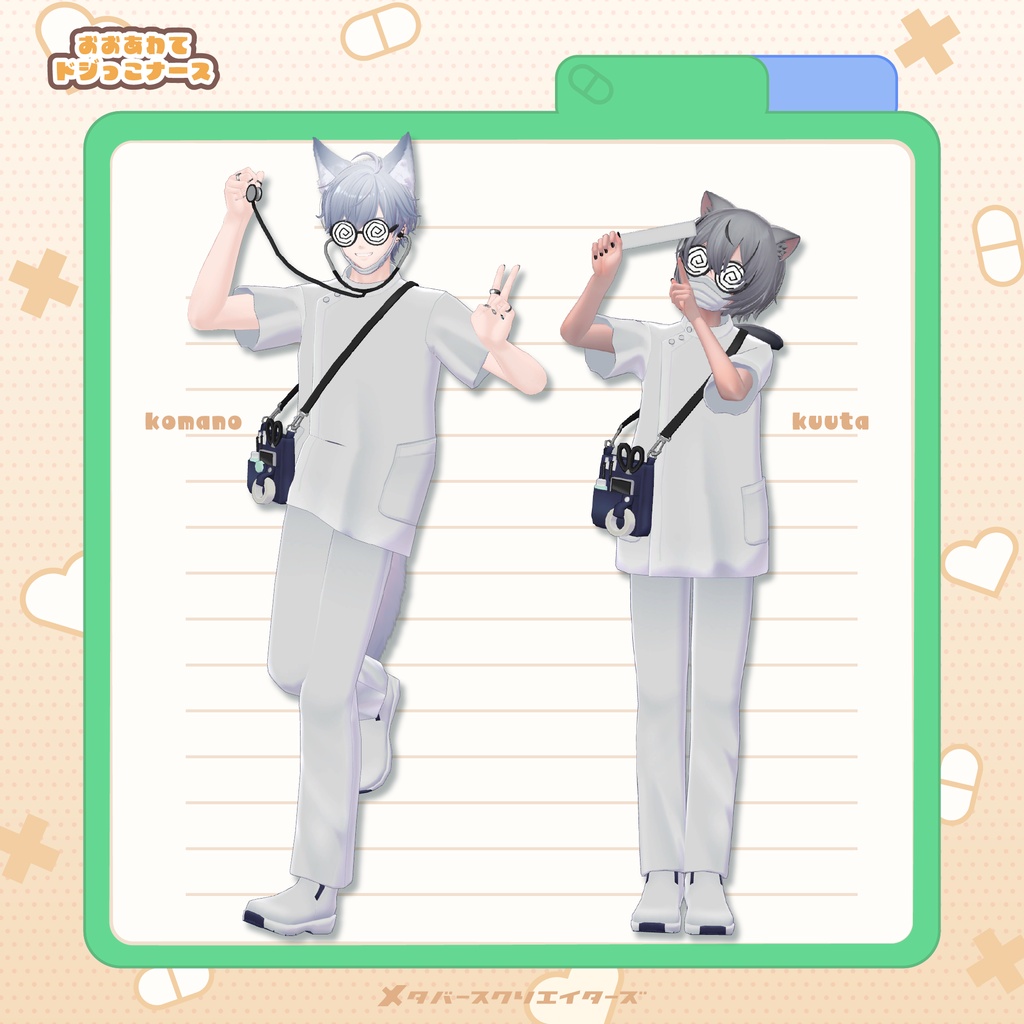
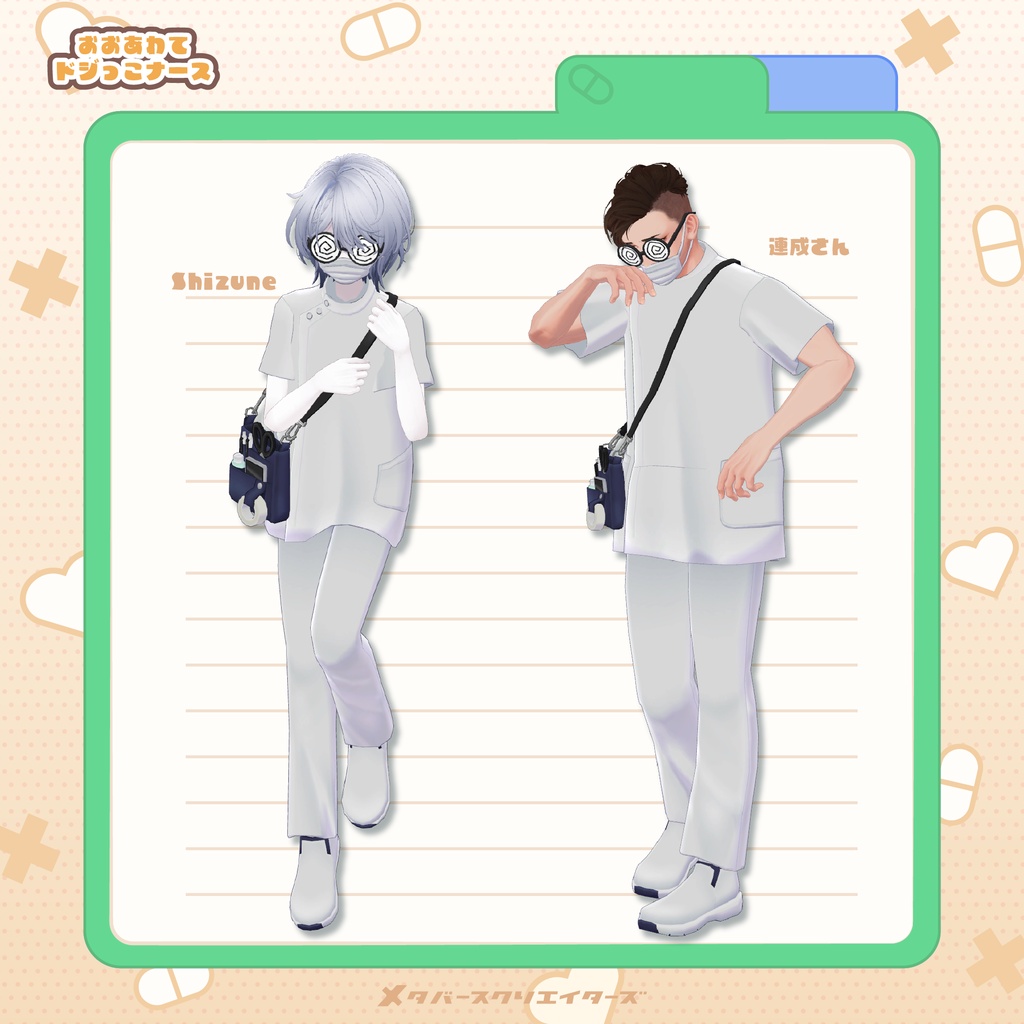
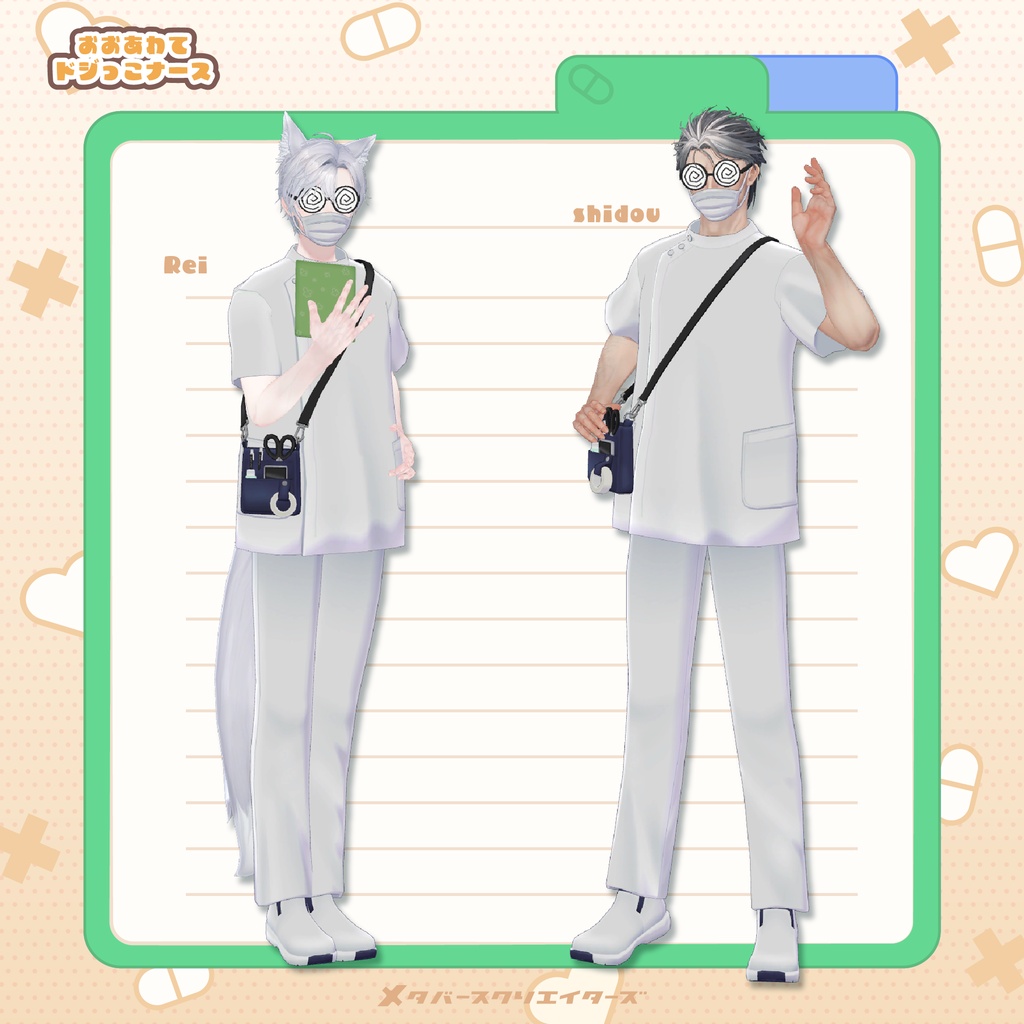


"Where did I put my tools!? They're gone!! Did I drop them somewhere!?" A cute, clumsy nurse outfit perfect for Halloween costumes and cosplay! Designed for both male and female avatars, this outfit features fun interactive gimmicks: - Pull down and adjust the face mask. - Small work tools continuously spill out of the bag! - Take out a random ruler, clipboard, or stethoscope. - Wear the stethoscope around your neck. It even stretches! - Toggle the glasses, mask, and bag ON/OFF. 🌟 **Female Avatar Version:** https://metacre-girls.booth.pm/items/8991429 **Please Note:** - This product is a clothing model for VRChat avatars. The avatar itself is not included. - All purchases are final and non-refundable. Please read the product description and Terms of Use before purchasing. ## ◆ Product Details **Included Files** - `DojikkoNurse_◯◯.Unitypackage` (avatar-specific package) - `DojikkoNurse_Material.Unitypackage` - FBX files - Textures - PSD files for customization - ReadMe.txt **Required Assets** - lilToon: https://lilxyzw.booth.pm/items/3087170 - Modular Avatar: https://modular-avatar.nadena.dev/ja/docs/intro **Model Specifications** - Polygons: 8,616 - Meshes: 5 - Materials: 1 - PhysBone Components: 4 **Import Folder:** `Assets > MetaverseCreators_CP > 663_chanSHOP > Dojikko_Nurse` ## ◆ Interactive Features **Mask** - Grab and pull down the mask to adjust its position. - Uses PhysBones, so other players can interact with it too! **Bag & Tools** - Small props continuously fall out of the bag. - Touch the bag while holding your right hand in a Fist gesture to randomly retrieve a ruler, clipboard, or stethoscope. **Stethoscope** - Bring it close to your head to wear it around your neck. - While wearing it, bring your right hand close to your head with the Fist gesture to retrieve it. - You can grab the tubing and chest piece. - Uses PhysBones, so handling may take some practice. All features can also be controlled through the Expression Menu. ## ◆ Supported Avatars - **Shizune (雫峰):** https://metacreatorstyo.booth.pm/items/7684873 - **Bokusei (墨惺 / PlusHead Body):** https://booth.pm/ja/items/5727810 - **Kuuta (くうた):** https://booth.pm/ja/items/4897493 - **Komano (狛乃):** https://hyuuganatu.booth.pm/items/5260363 - **Tsuranari (連成さん):** https://booth.pm/ja/items/5498540 - **Shidou (士堂):** https://metacreatorstyo.booth.pm/items/8086741 - **Rei (怜):** https://studioyono.booth.pm/items/5788427 - **Erion (エリオン):** https://booth.pm/ja/items/4640002 - **Sasato Yuki (佐々斗勇輝):** https://663-chanshop.booth.pm/items/4351466 - **Wanta (わん太):** https://663-chanshop.booth.pm/items/6712612 **Note:** Body-hiding shape keys are used to prevent clipping between the avatar and outfit. The outfit itself is not Quest-compatible. ## ◆ Supported Shape Keys **Hanka Shared Body** - MassiveALL - Neck ## ◆ Installation Instructions 1. Set up the latest VRChat SDK through VCC. 2. Install lilToon and Modular Avatar through VCC. 3. Import the latest package for your avatar. 4. Import `DojikkoNurse_Material.Unitypackage`. 5. Import the corresponding avatar-specific package. 6. Drag your avatar into the Scene Hierarchy. 7. Hide unwanted default clothing or set it to Editor Only if necessary. 8. Drag the outfit prefab directly under your avatar. 9. Upload your avatar through the VRChat SDK. **Important Notes:** - The outfit uses Modular Avatar's **MA Shape Changer** and **MA Mesh Cutter** to automatically apply body shape keys and hide overlapping body meshes. - If you only want to use certain outfit parts, you can customize the MA Shape Changer settings. - If any body parts become unexpectedly slimmed down, reset the corresponding shape keys to 0. - To adjust glasses or mask positioning, modify the `Mask_root` or `Megane_root` bones under Head. - To adjust the stethoscope position, modify `Const > Tyosinki_Head_Proxy`. - Customization support is not provided. ## ◆ Color Customization Replace the color variation materials in `Common > Material` to change the outfit's colors. You can also customize the included PSD files. **About the PSD:** - Base colors are separated into clearly defined regions. - Use the Magic Wand or similar selection tools to select individual areas and fill them with your preferred colors. - Clipping mask layers are provided for recoloring shadows and other details. - Individual clothing parts are not separated into their own layers. ## ◆ Terms of Use https://drive.google.com/drive/folders/1qRMXoIxM1ZgacBPfwOigQRtXP1vCbNMn?usp=sharing Please follow the original avatar's Terms of Use when using this product. ## ◆ Development Environment - Modeling: Blender 4.5 - Texturing: CLIP STUDIO PAINT - Unity: 2022.3.22f1 - VRChat SDK - Avatars: 3.10.5 - lilToon: 2.3.4 - Modular Avatar: 1.18.7 ## ◆ Credits **Creator:** Virtual Garou Roromi https://twitter.com/vgaro663 BOOTH: https://663-chanshop.booth.pm/ **Thumbnail Artist:** Aasaa https://x.com/rakusaa_VRC For inquiries or support, please contact us via BOOTH Messages.