

Scholars Mate - VRChat Women's Clothing / CP2
- Full Pack: ALL INCLUDED!Digital2,500 JPY
- Shinano CompatibleDigital1,400 JPY
- Manuka CompatibleDigital1,400 JPY
- SiuSiu CompatibleDigital1,400 JPY
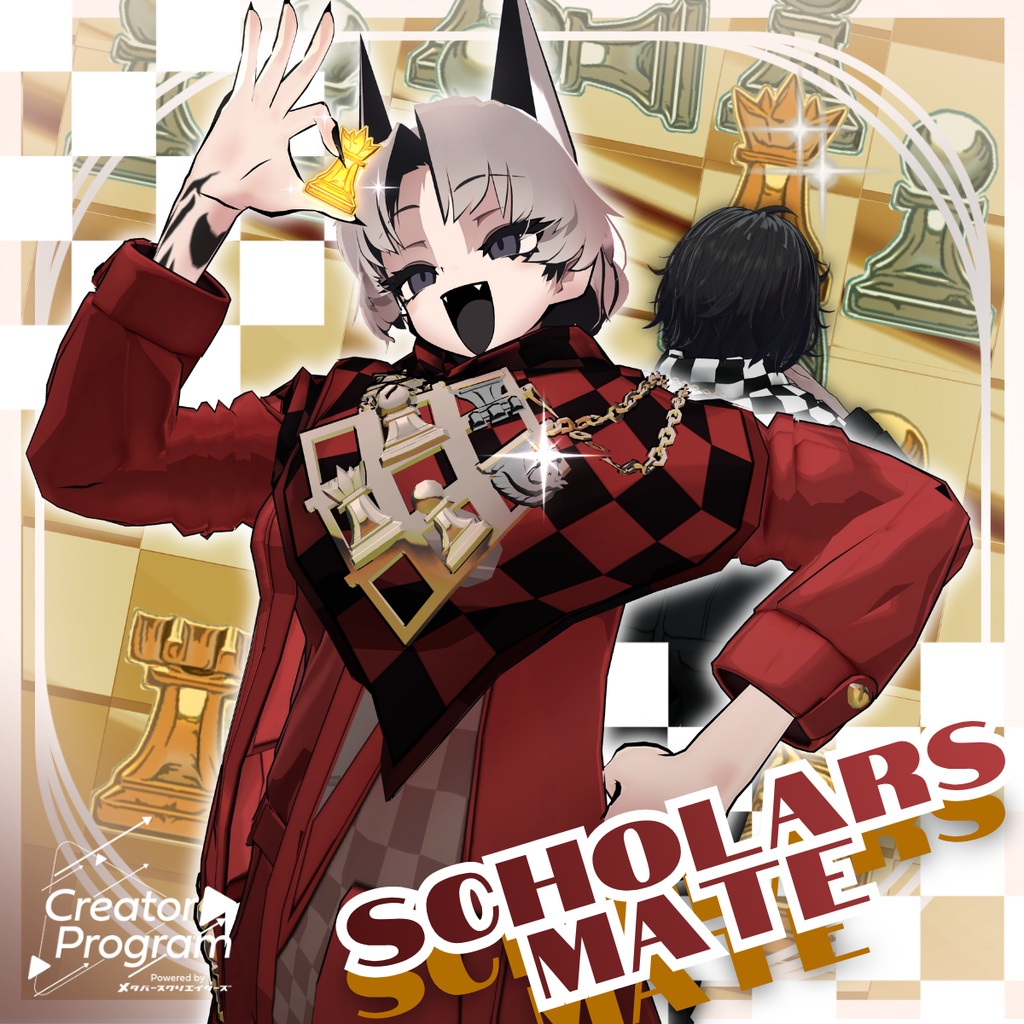
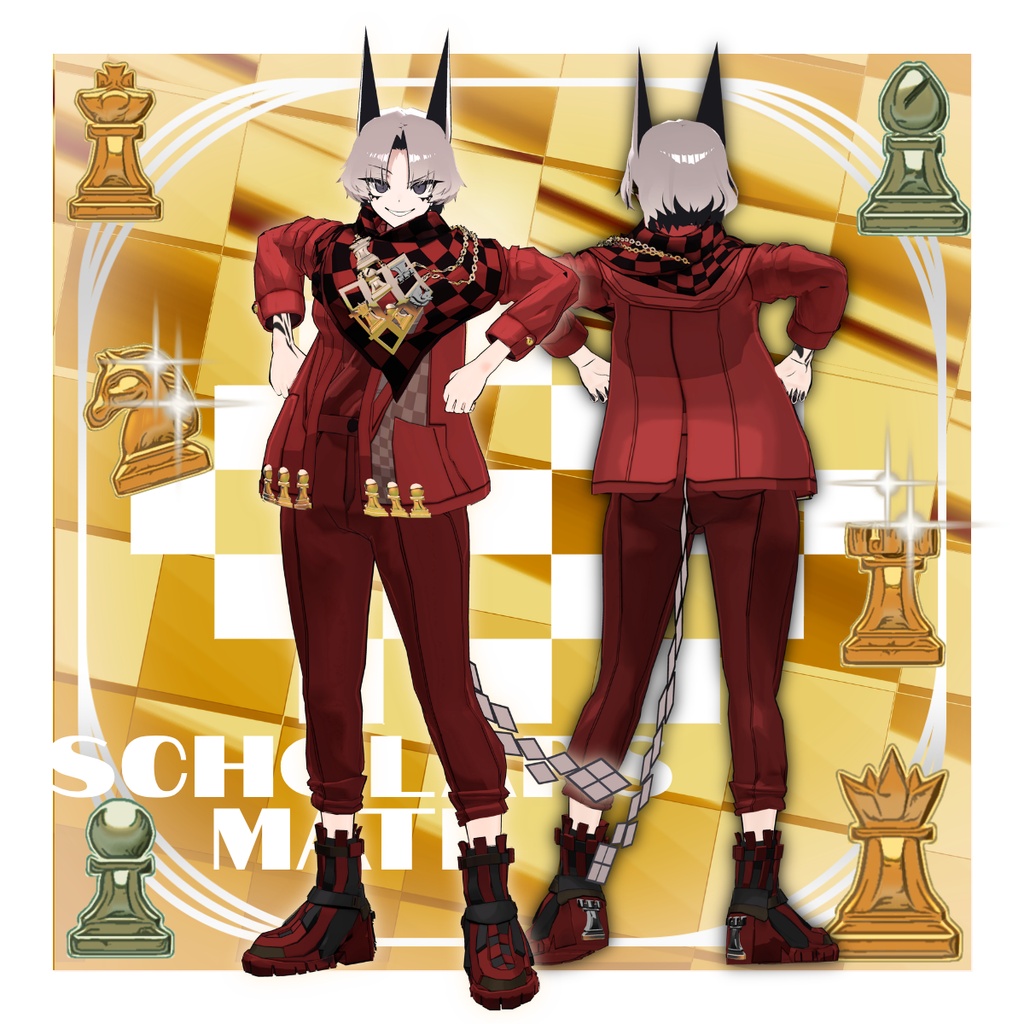
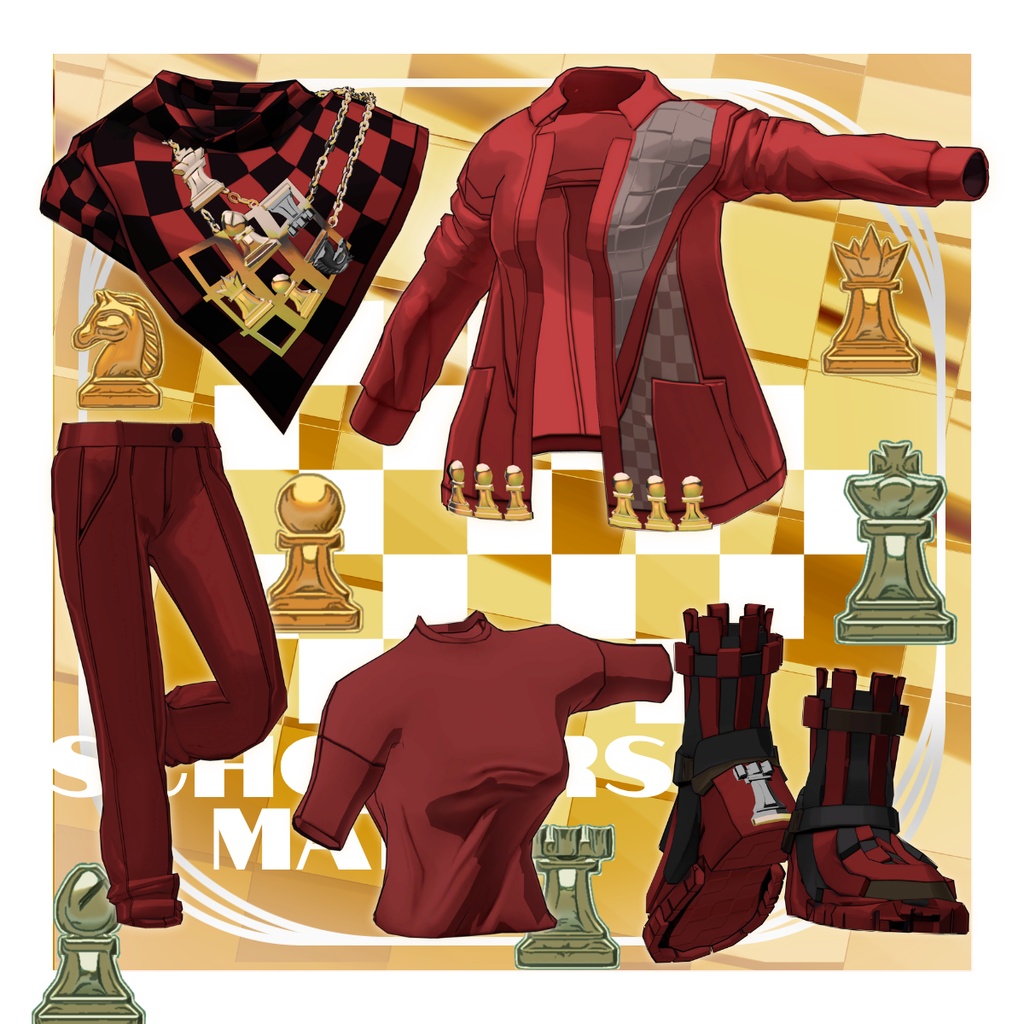
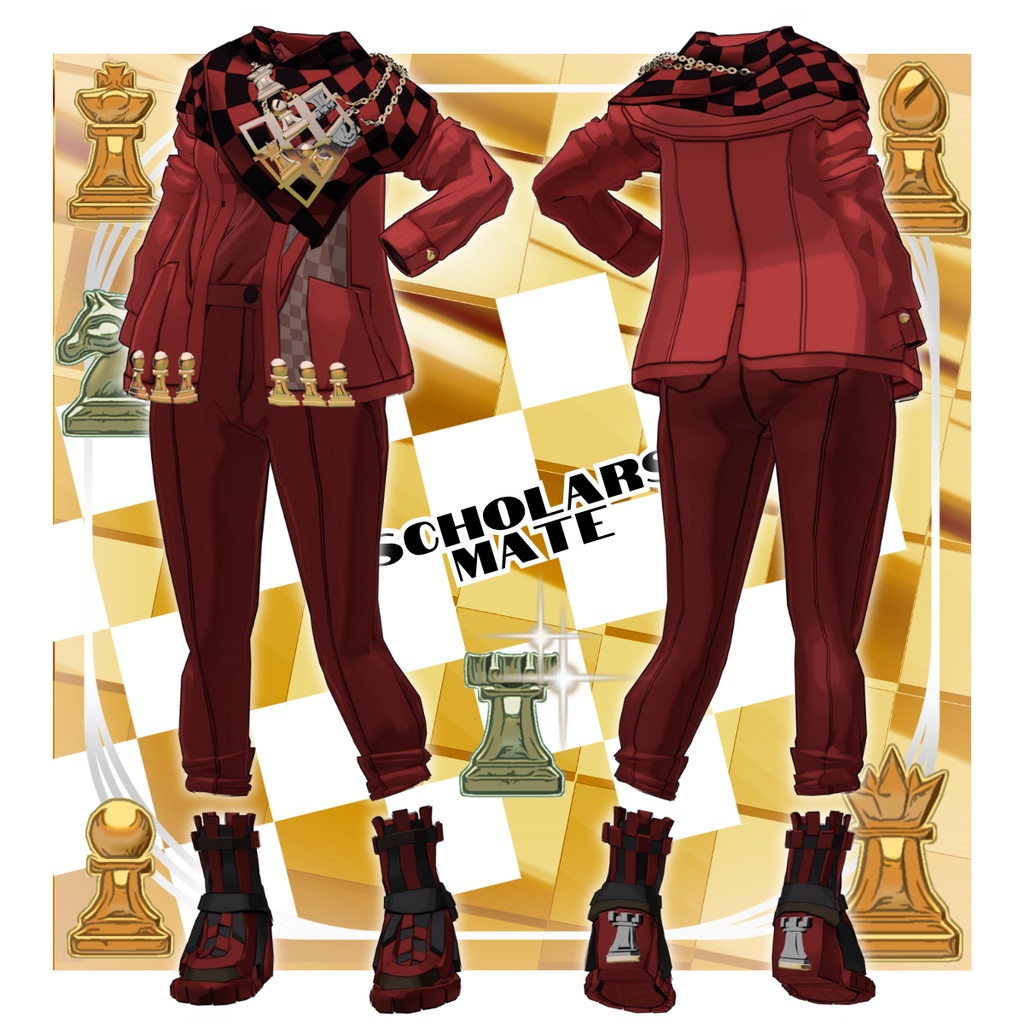
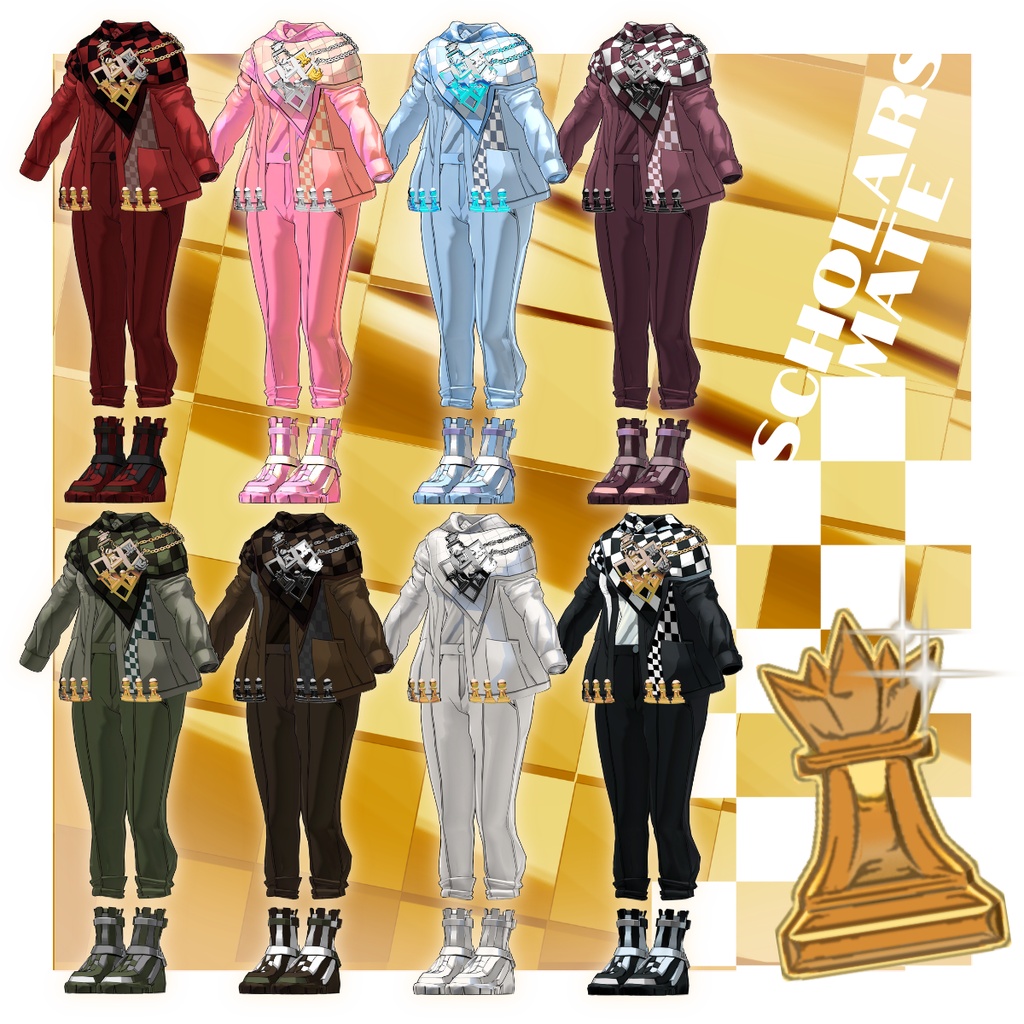
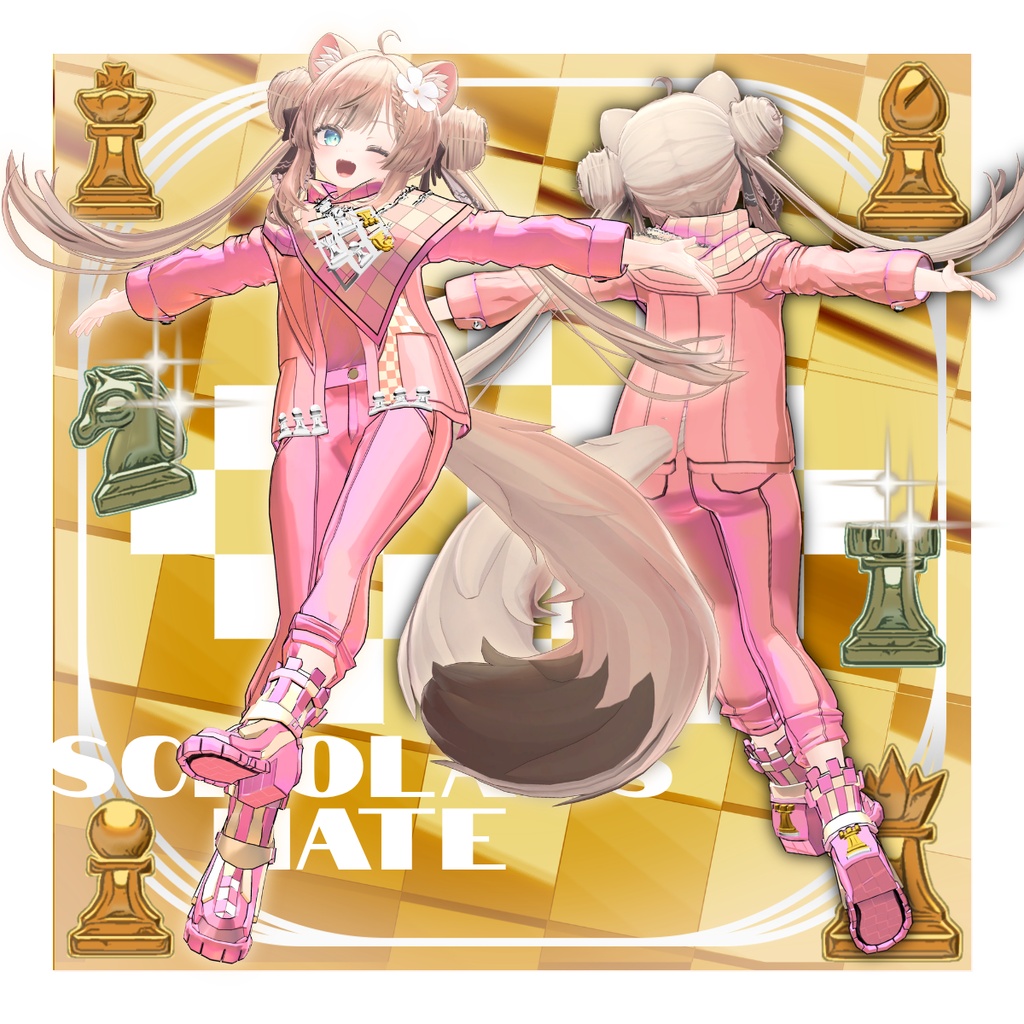
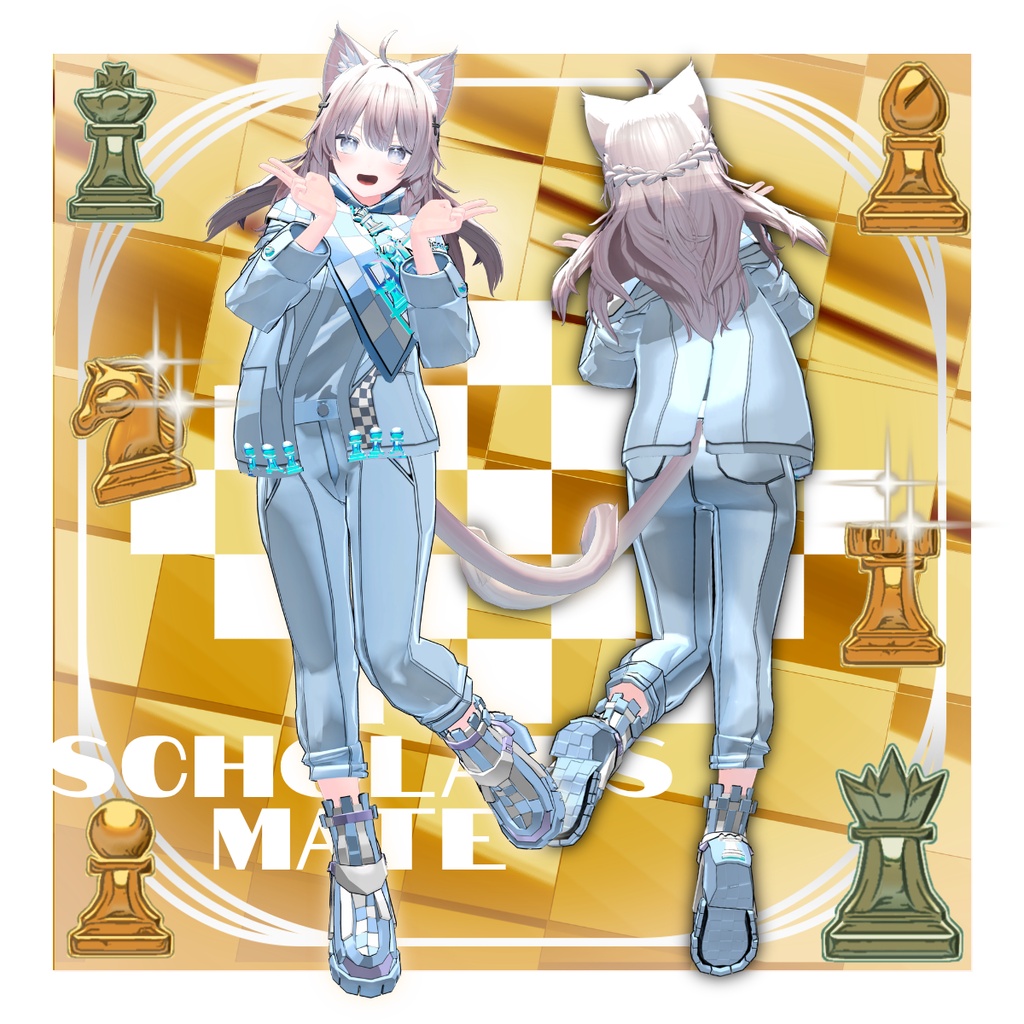


A stylish outfit perfect for making a clear-cut statement, whether you're going for a checkmate-inspired look or simply want to keep things sharp and monochromatic. Great for everyday wear, too! ⭐ **Male Avatar Version Available Here:** https://metacreatorstyo.booth.pm/items/8946965 ※ This product is a clothing model for VRChat avatars. The avatar itself is not included. ※ Due to the digital nature of this product, refunds and returns are not accepted. Please read and agree to the product description and Terms of Use before purchasing. ## ◆ Product Information **Included Files** - `Scholars_Mate_◯◯.Unitypackage` (◯◯ represents the variation name) - `ReadMe.txt` (this document) **Shader** - lilToon https://lilxyzw.booth.pm/items/3087170 **Required Asset** - Modular Avatar https://modular-avatar.nadena.dev/docs/intro **Model Specifications** - Total Polygon Count: 26,096 - SM_Jackets: 6,151 polygons - SM_Metalic: 9,934 polygons - SM_Pants: 2,494 polygons - SM_Scarf: 693 polygons - SM_Shoes: 4,838 polygons - SM_shuts: 1,986 polygons - Meshes: 6 - Materials: 6 - PhysBone Components: 1 **Import Folder Location** `Assets > MetaverseCreators_CP > demitassstore > Scholars_Mate` ## ◆ Supported Avatars - Original 3D Model "Shinano" https://booth.pm/ja/items/6106863 - Original 3D Model "Manuka" https://booth.pm/ja/items/5058077 - SiuSiu / Original 3D Model https://adpx.booth.pm/items/8426340 ※ When fitting the outfit, shape keys that hide parts of the avatar's body (making the body appear simplified or stick-like) are used. ## ◆ Installation Guide 1. Set up the latest version of the VRChat SDK through VCC. 2. Install the required assets (lilToon and Modular Avatar) through VCC. 3. Import the latest package for the avatar you wish to dress. 4. Import the Common package included with this product. 5. Import the corresponding avatar-specific package. 6. Drag and drop your avatar (or its customization/prefab version, if available) into the Scene Hierarchy. 7. If necessary, hide any unwanted default avatar clothing, such as default outfits or underwear, or set them to Editor Only. 8. Drag and drop `AvatarName_Scholars_Mate.Prefab` directly under the avatar in the Hierarchy. 9. Upload your avatar through the VRChat SDK. **About MA Shape Changer** This outfit uses Modular Avatar's "MA Shape Changer" feature. When you drag and drop the outfit directly under your avatar in the Hierarchy, the corresponding body shape keys are automatically enabled. This may slim down certain body parts or hide mesh sections affected by the shape keys, preventing clipping between the outfit and the avatar's body. If you do not need the preconfigured MA Shape Changer components on the outfit meshes, you can delete them or adjust the settings to suit your preferences. ※ Regarding MA Shape Changer for +Head-compatible avatars: Depending on the avatar, the component may not function correctly if the body mesh has a different name. The mesh name in this package is configured as `PlusHead`. If you encounter this issue, please adjust the body mesh name or manually modify the relevant shape keys. ※ After fitting the outfit, if any part of the avatar's body appears unintentionally slimmed down, set the corresponding body shape key back to 0 and check whether the body mesh is displayed correctly. ## ◆ Customizing Colors You can change the outfit's colors by replacing the corresponding color variation materials in the `Common > Material` folder. You can also use the included PSD files to customize the textures to your liking. ※ No PSD file is included for `Chess_Charm_Tex`. ## ◆ Terms of Use https://drive.google.com/drive/folders/1qRMXoIxM1ZgacBPfwOigQRtXP1vCbNMn?usp=sharing ※ Please make sure to follow the Terms of Use of the original avatar when using this product. ## ◆ Development Environment - **Modeling:** Blender Ver. 4.5.11 LTS - **Texturing:** CLIP STUDIO PAINT - **Setup:** Unity Ver. 2022.3.22f1 - **VRChat SDK - Avatars:** Ver. 3.10.5 (VCC) - **lilToon:** Ver. 2.3.4 - **Modular Avatar:** Ver. 1.18.7 ## ◆ Credits **Creator:** DEMITASS-KUN Website: https://demitassdemitass.wixsite.com/demitass-kun-portal Personal BOOTH Store: https://demitass.booth.pm/ **Support & Inquiries:** https://discord.gg/bmw3PWE37M