


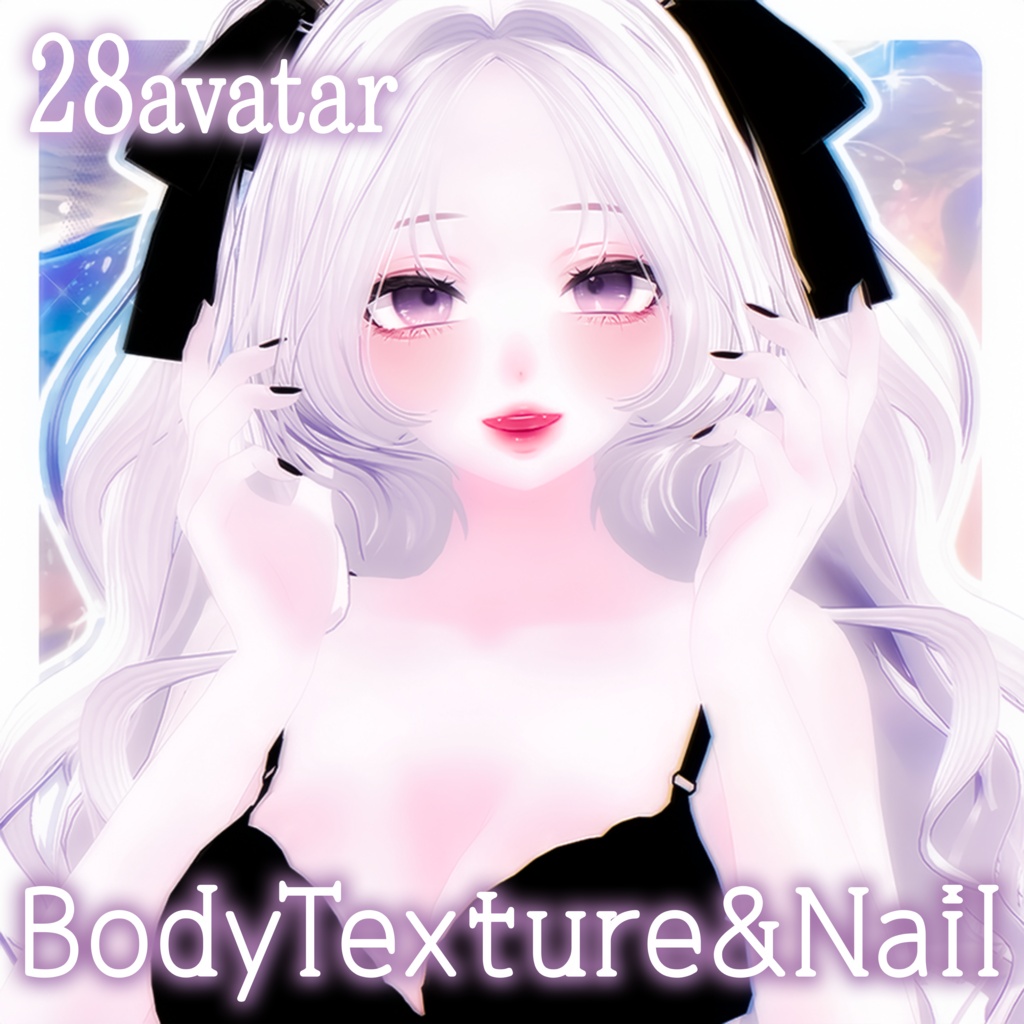
🩵【 28avatar - FullPack 】3COLOR BodyTexture & Nail
- ダウンロード商品¥ 2,000
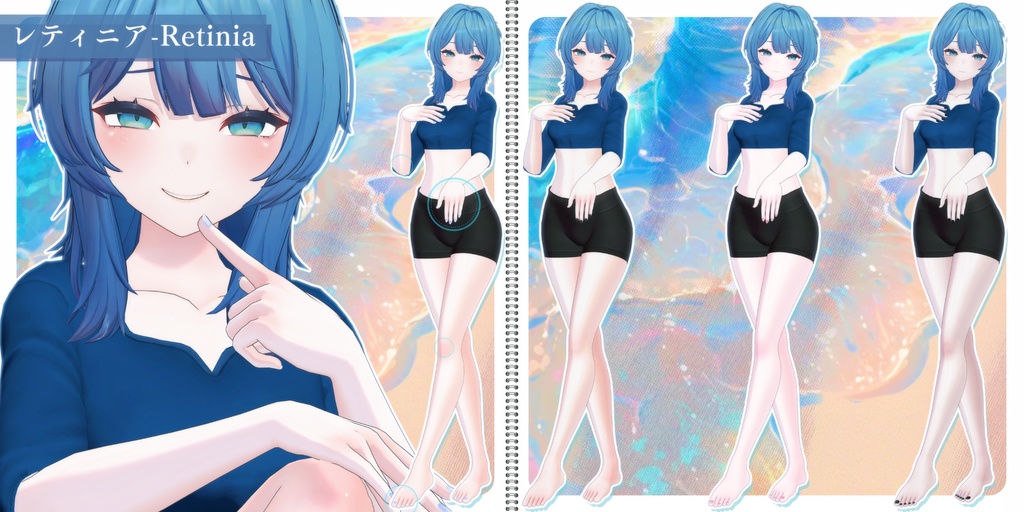
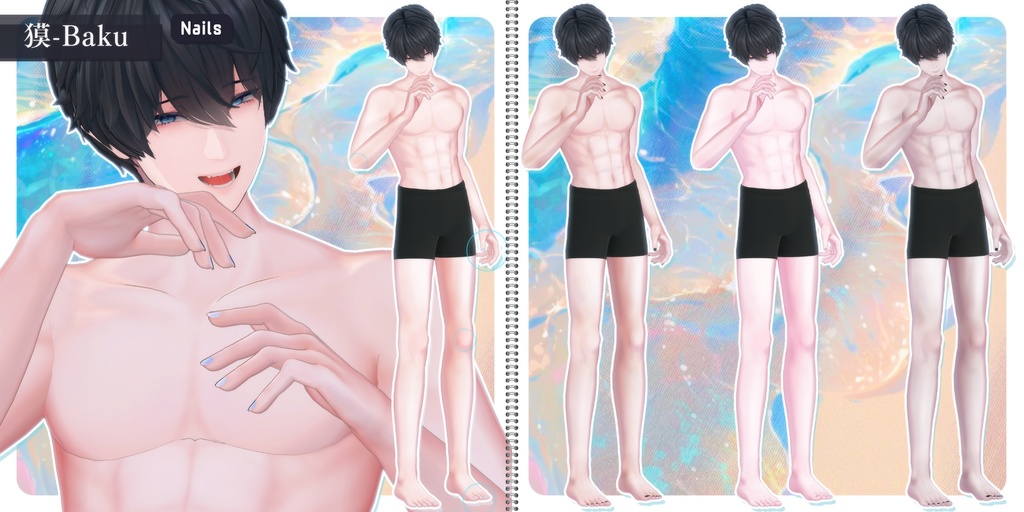
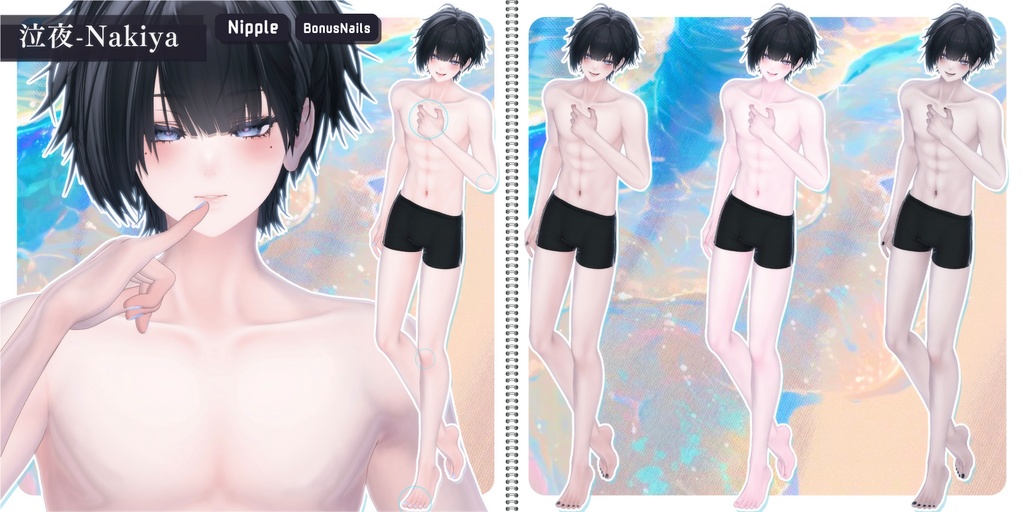
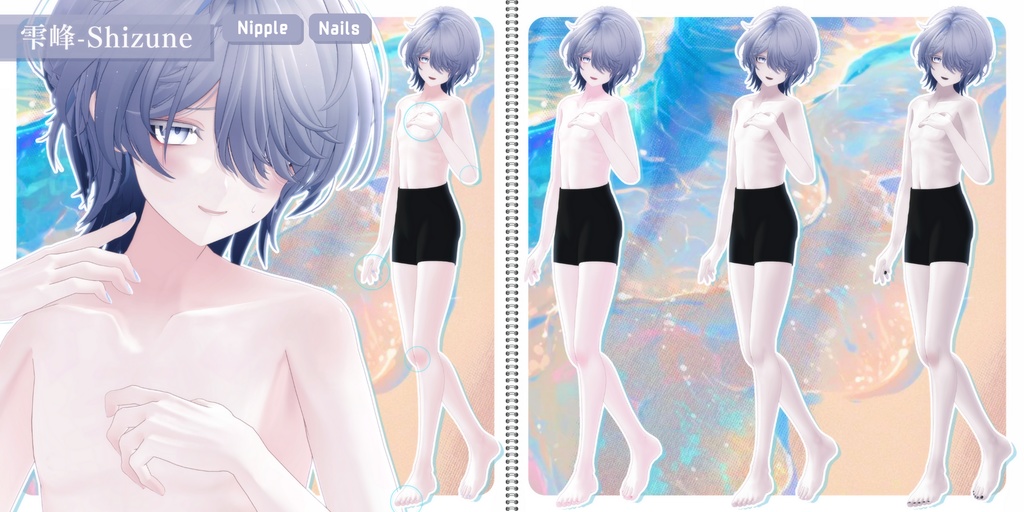
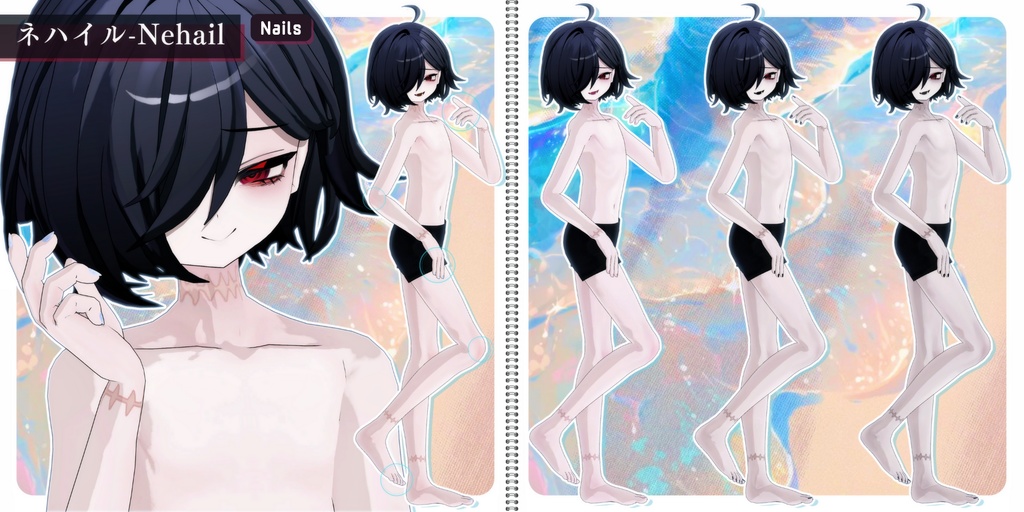
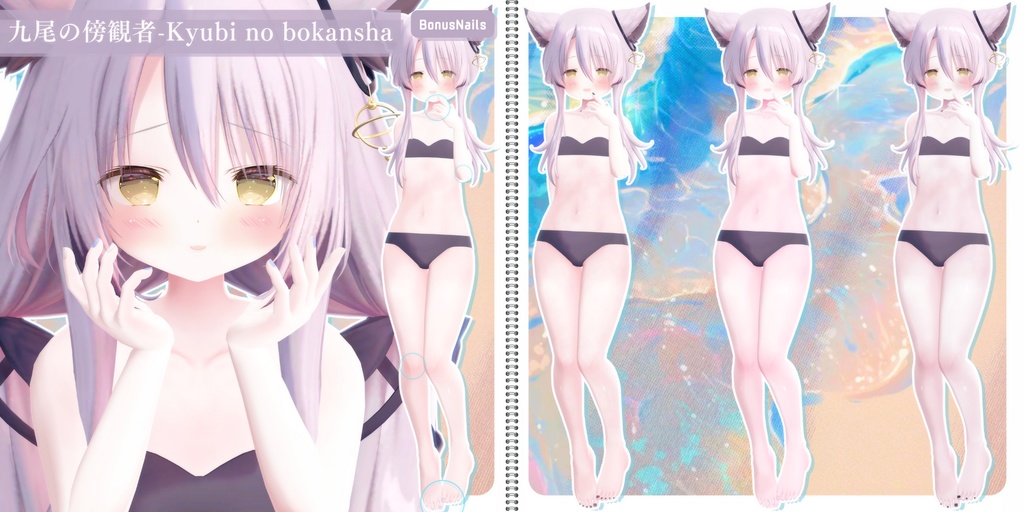
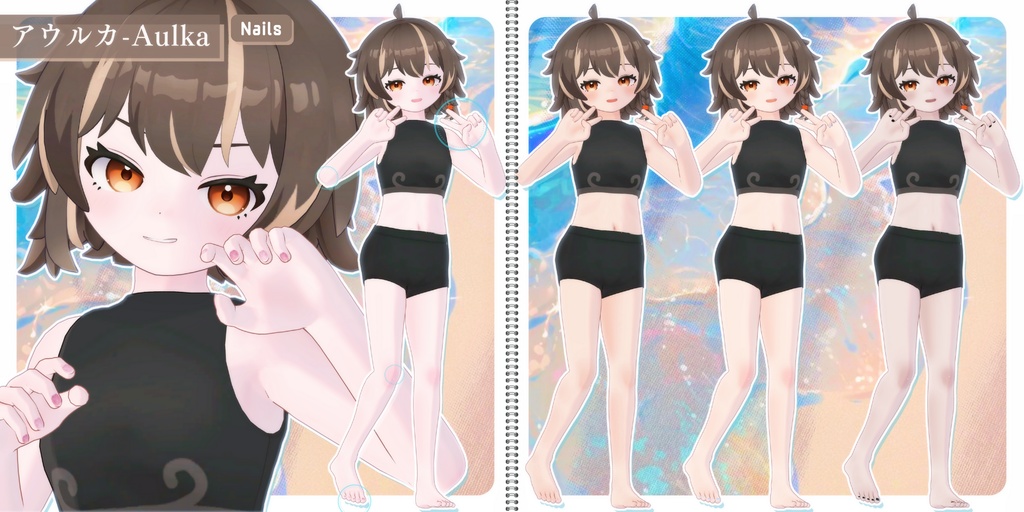
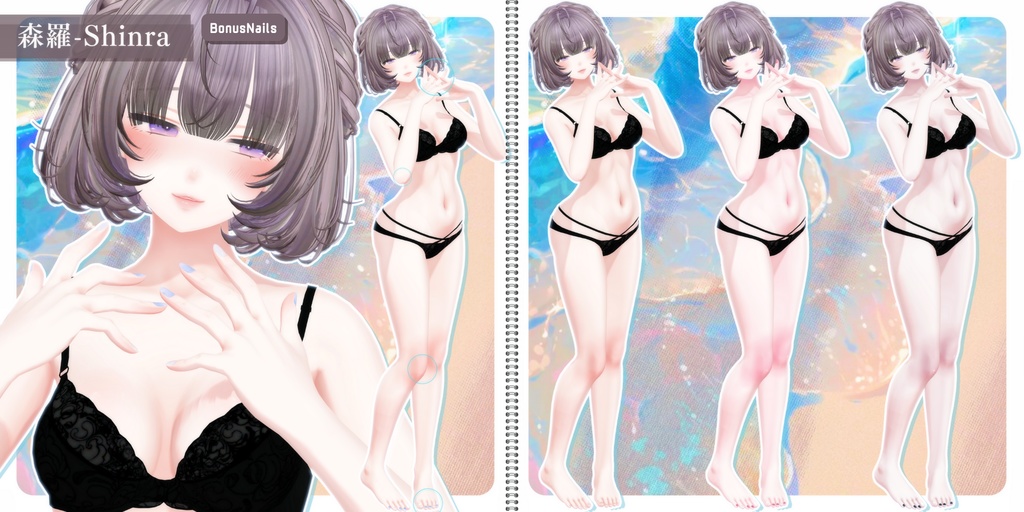
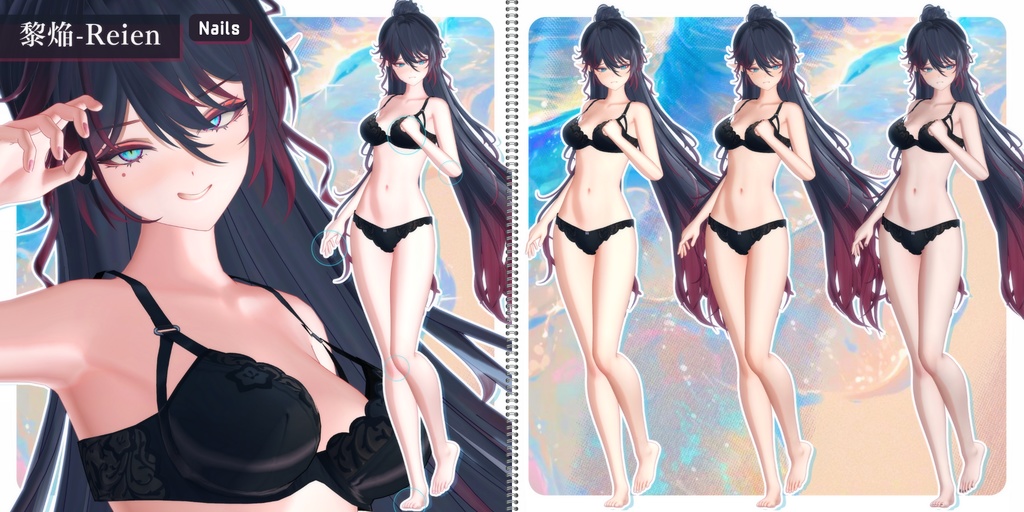
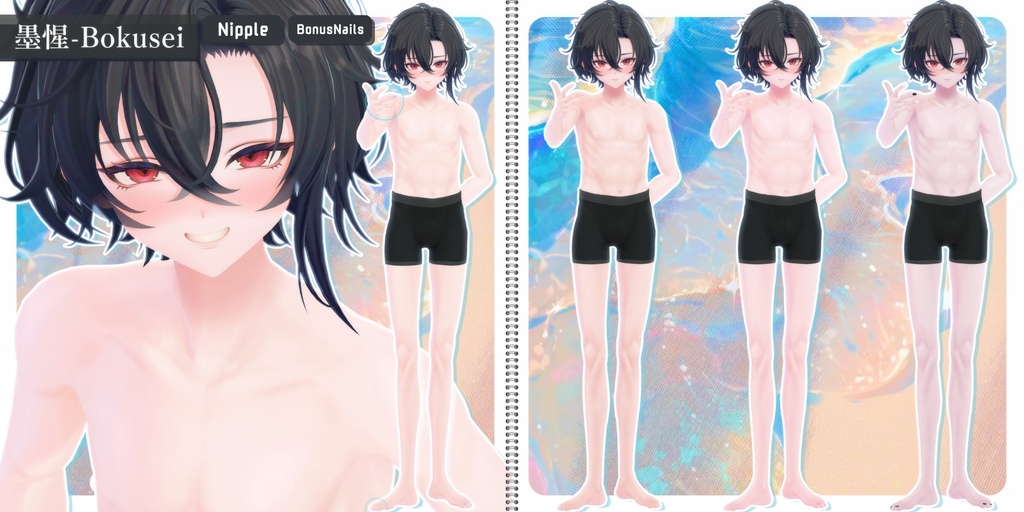
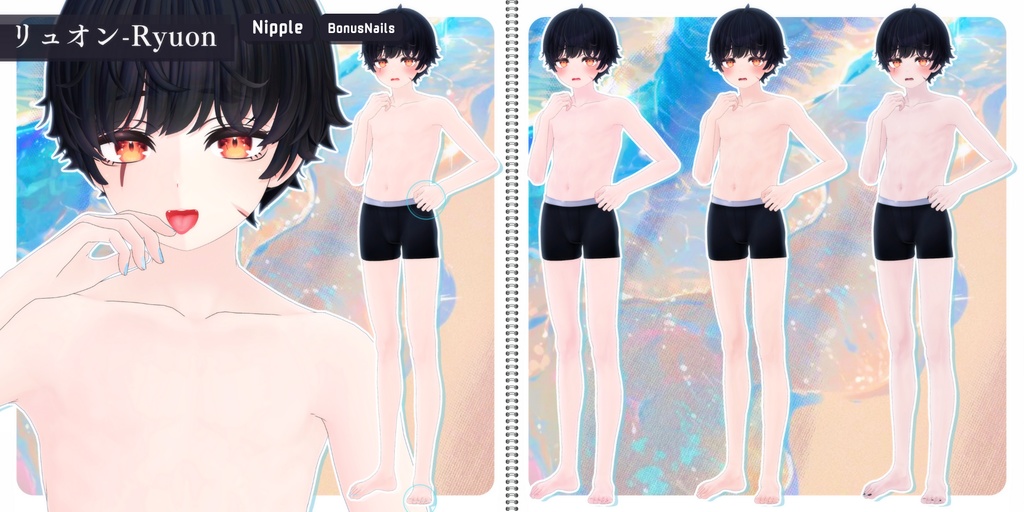
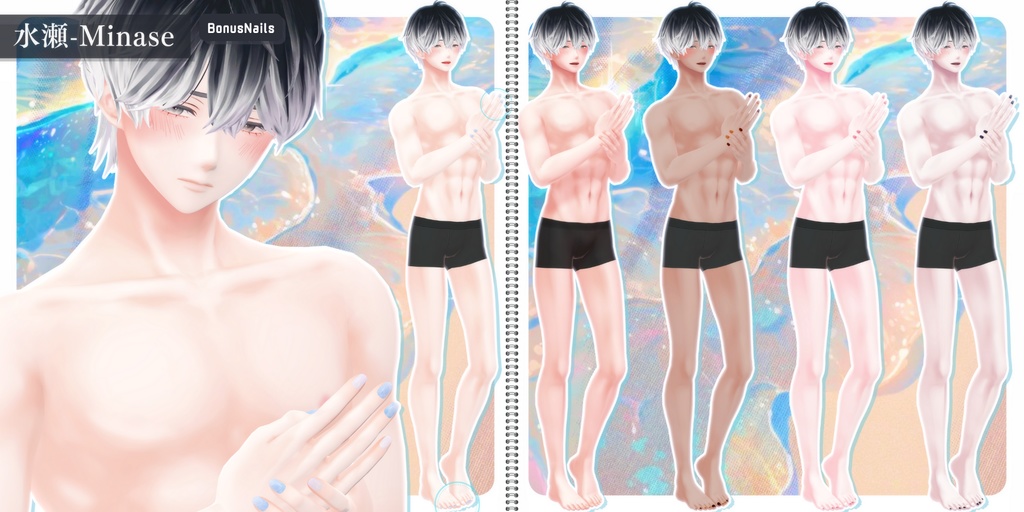
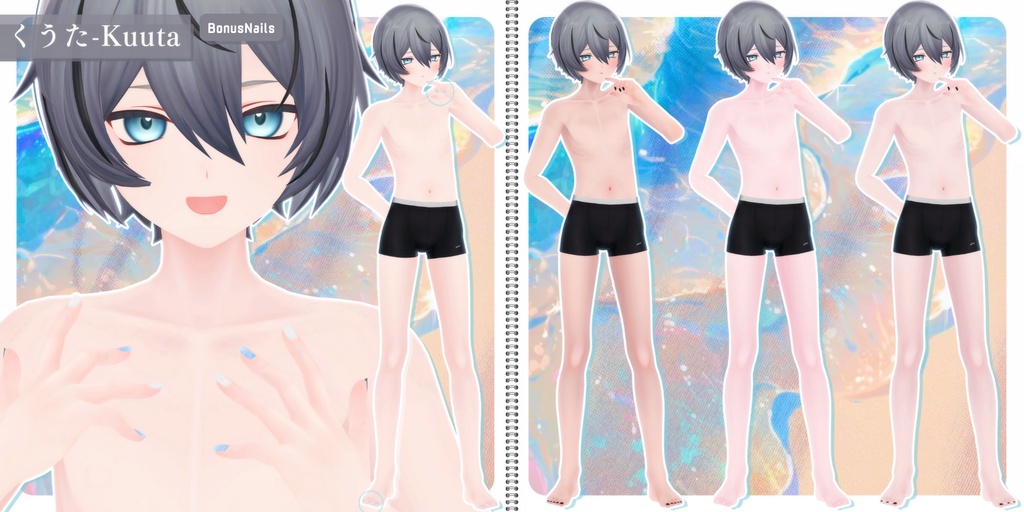
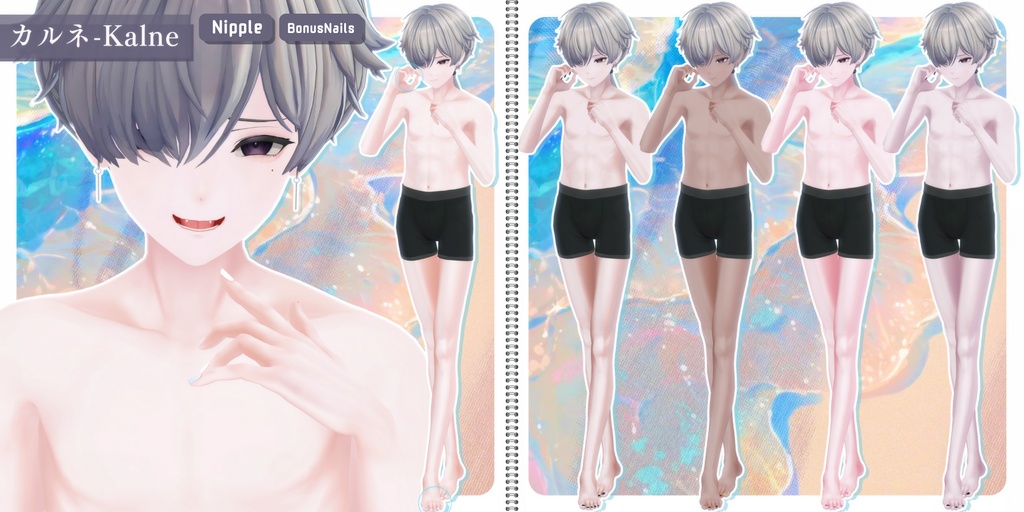
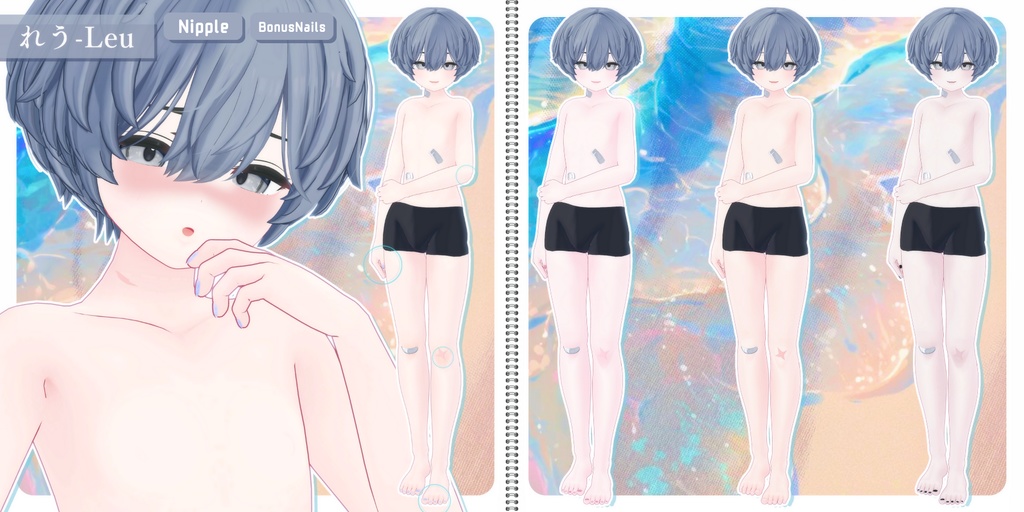
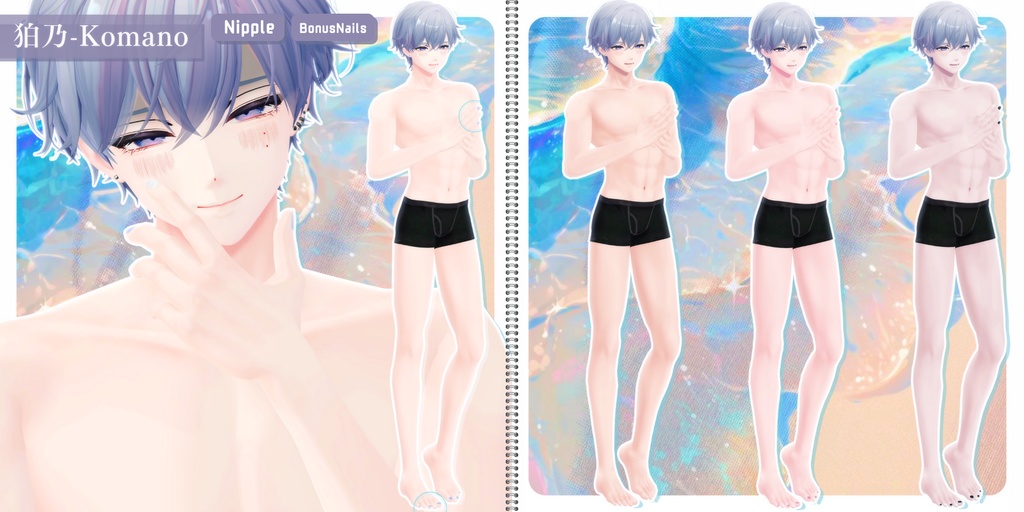
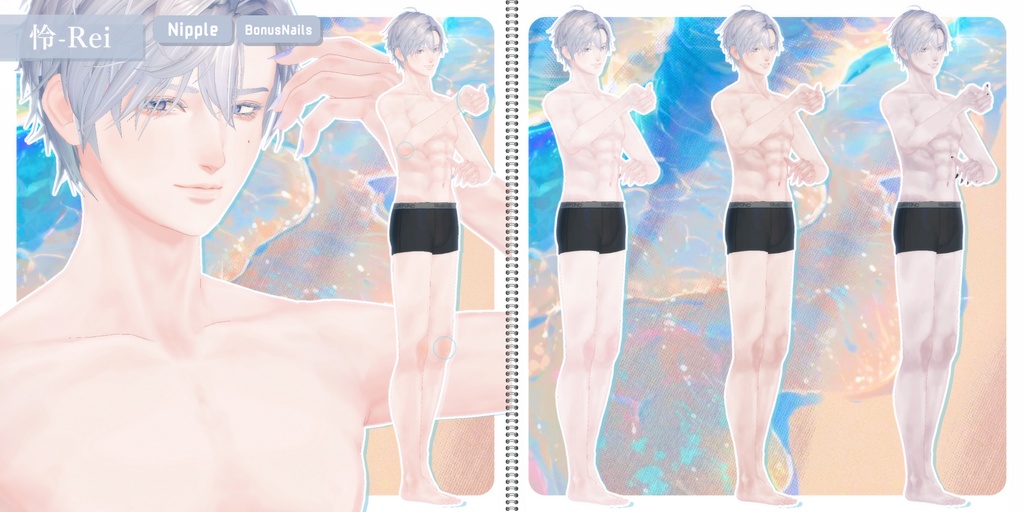
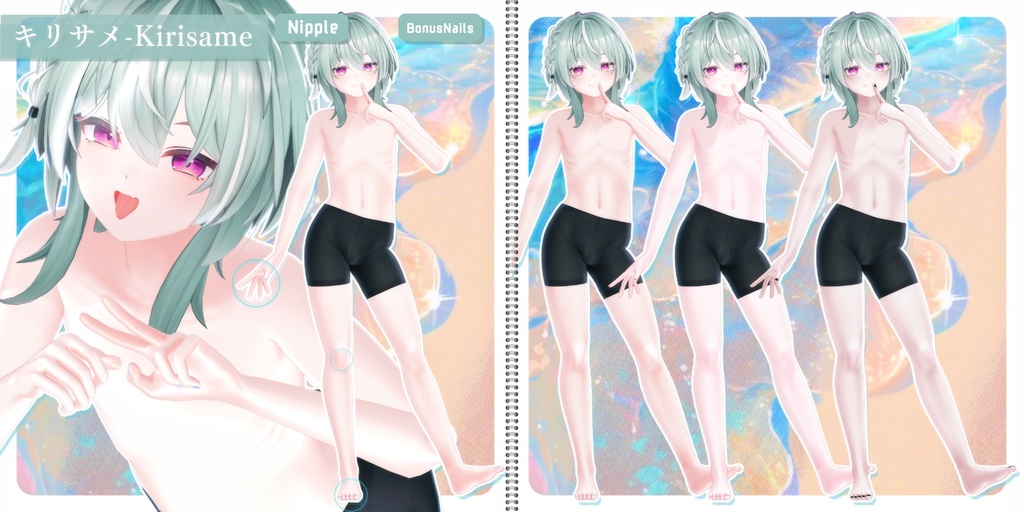
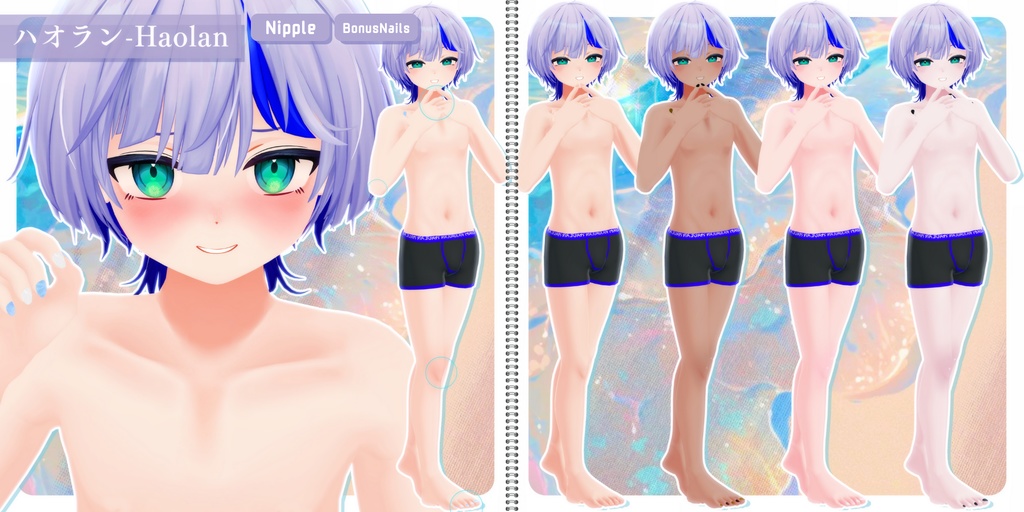
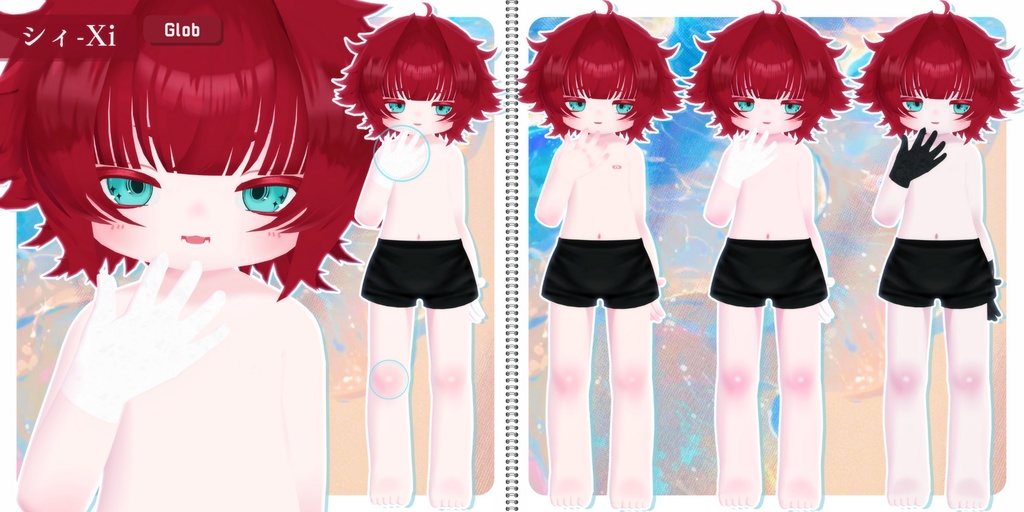
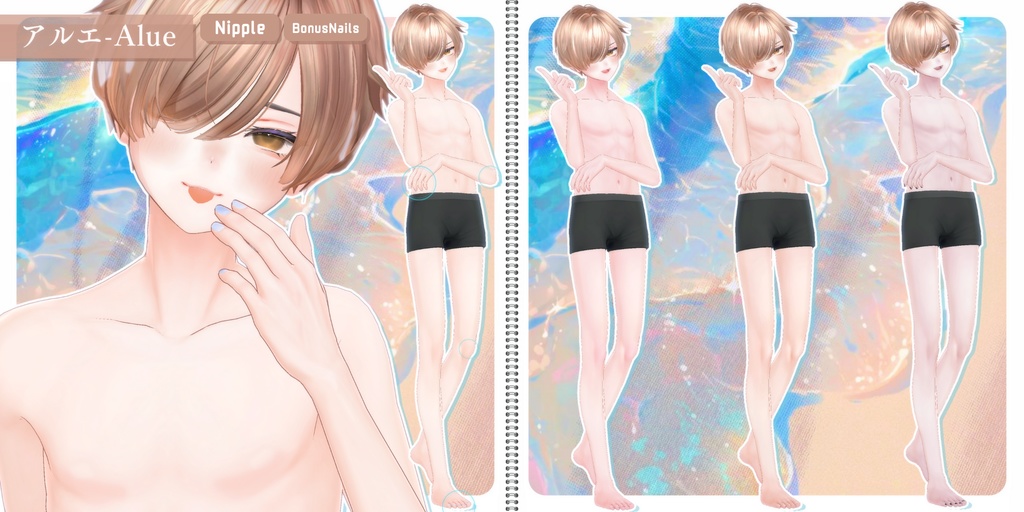
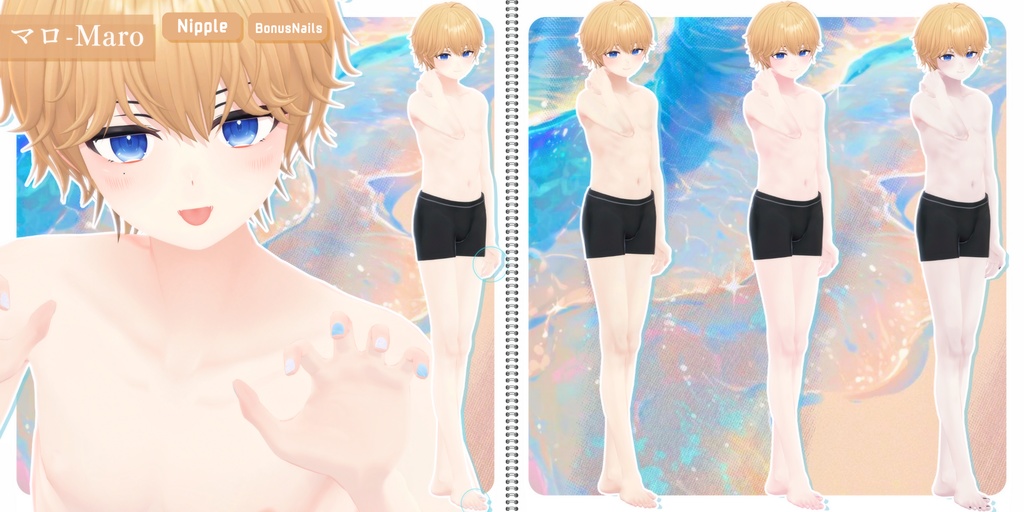
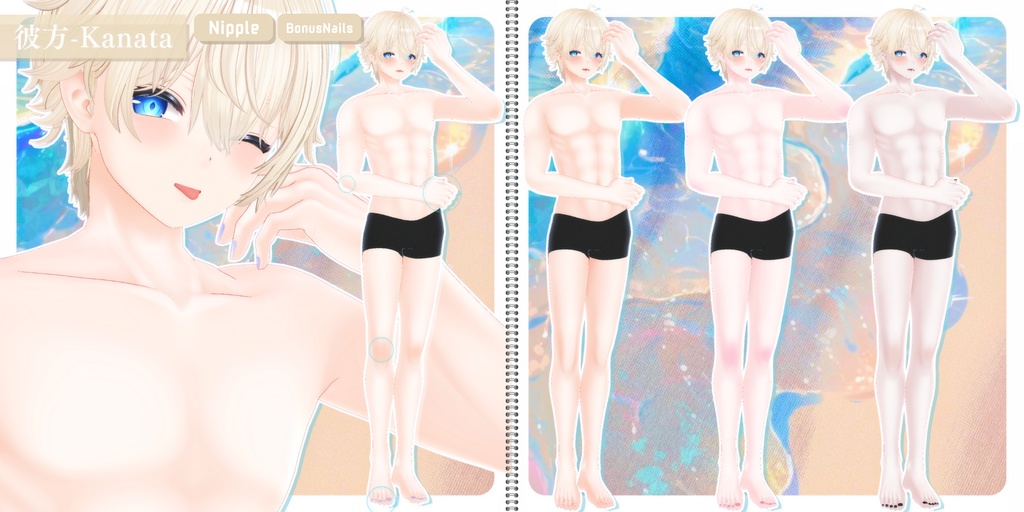
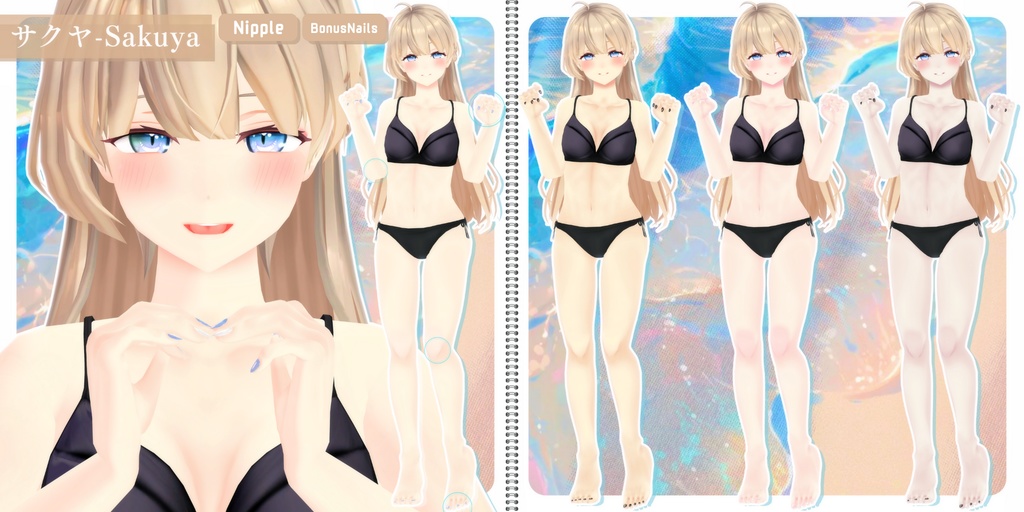
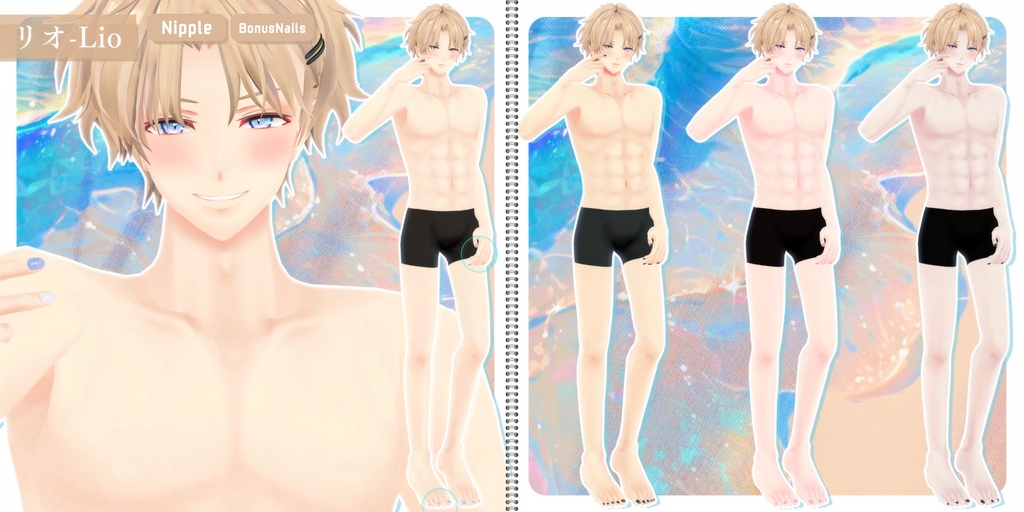
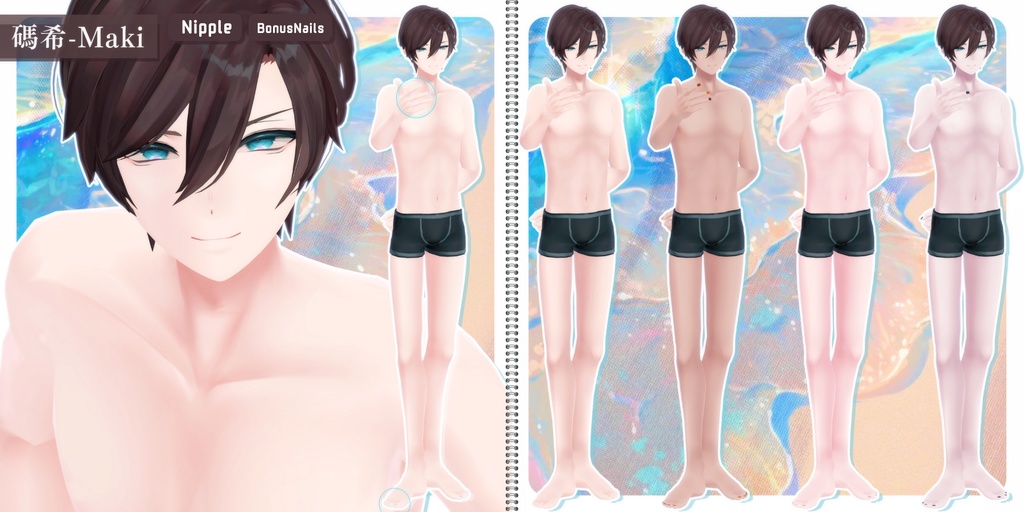
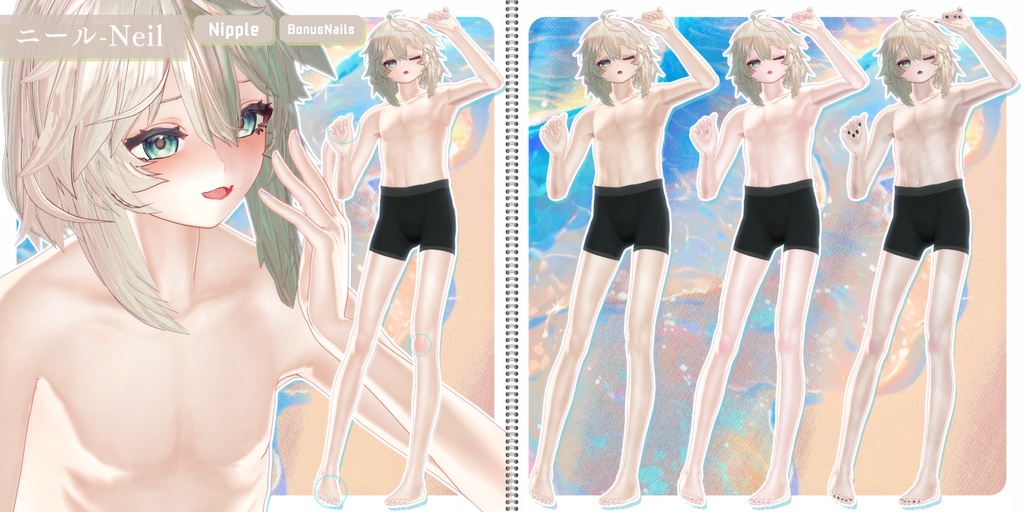


════════════════════════════════════════ ✦【 𝐍𝐞𝐱𝐭 𝐅𝐫𝐞𝐞 𝐁𝐨𝐧𝐮𝐬 】✦ SALE条件 対応アバター追加ごとに“1週間SALE”2000→1800JPY ※「“FullAvatar"」購入者は引き続きDL可能です。 ──────────────────────────────────────── ✦【 𝐀𝐝𝐝𝐞𝐝 𝐀𝐯𝐚𝐭𝐚𝐫𝐬 】✦ 8/8:キリサメ-Kirisame(JST 20:30) ════════════════════════════════════════
🩵 収録内容について 🩵
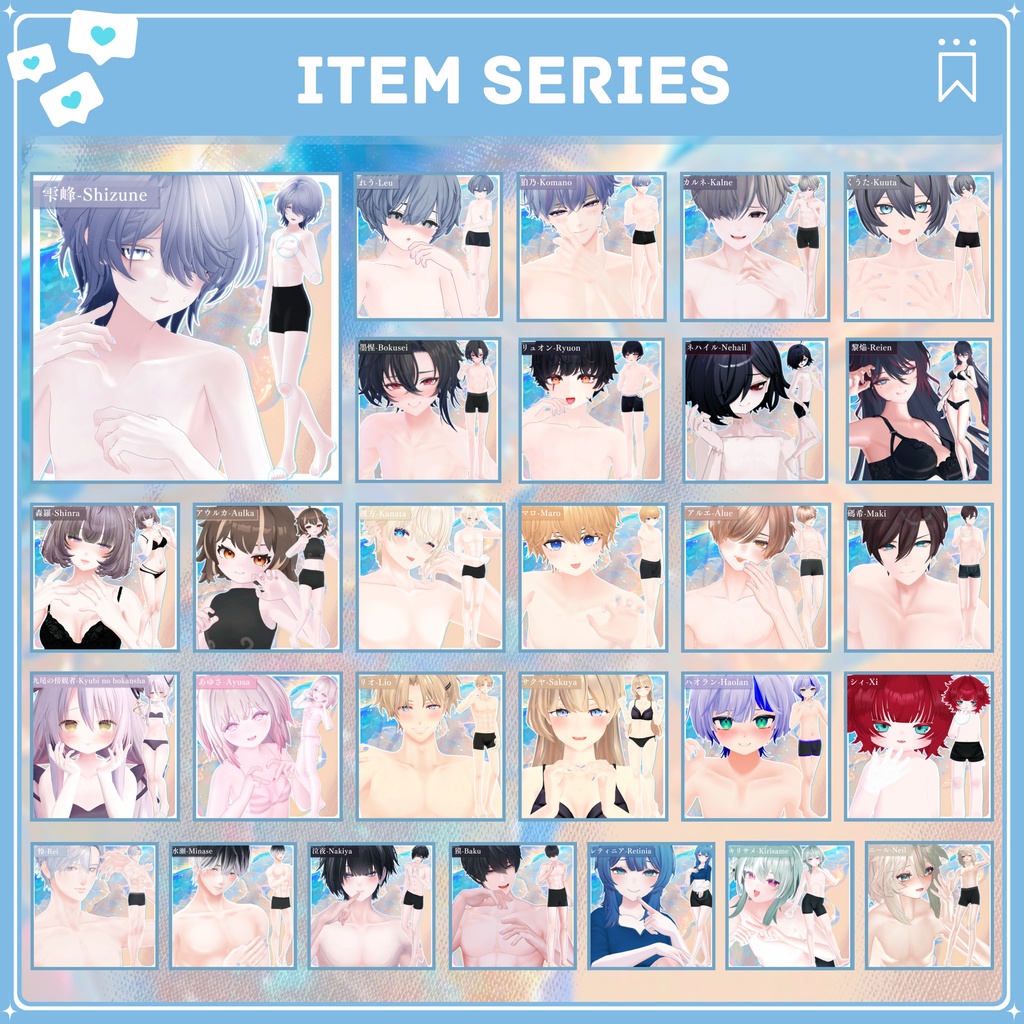
本商品は買い切り制で、今後も順次コンテンツを追加予定です。 現在、「28種類」のアバター対応テクスチャーを収録しています。 ・BonusNails表記のアバターには、おまけネイルが付属します。 ・規約上センシティブ表現がNGのアバターには、乳首テクスチャーは含まれません。 単体データは Sub SHOP にてお取り扱いしております。 🔜 https://select-ssc.booth.pm/ 商品数の増加に伴い、現在はフルパックのみの販売 となっております。 ご購入済でダウンロードできない場合は、ショップまでご連絡ください。 確認後、単体データをギフト対応にてお渡しします。
🩵 JP 🩵
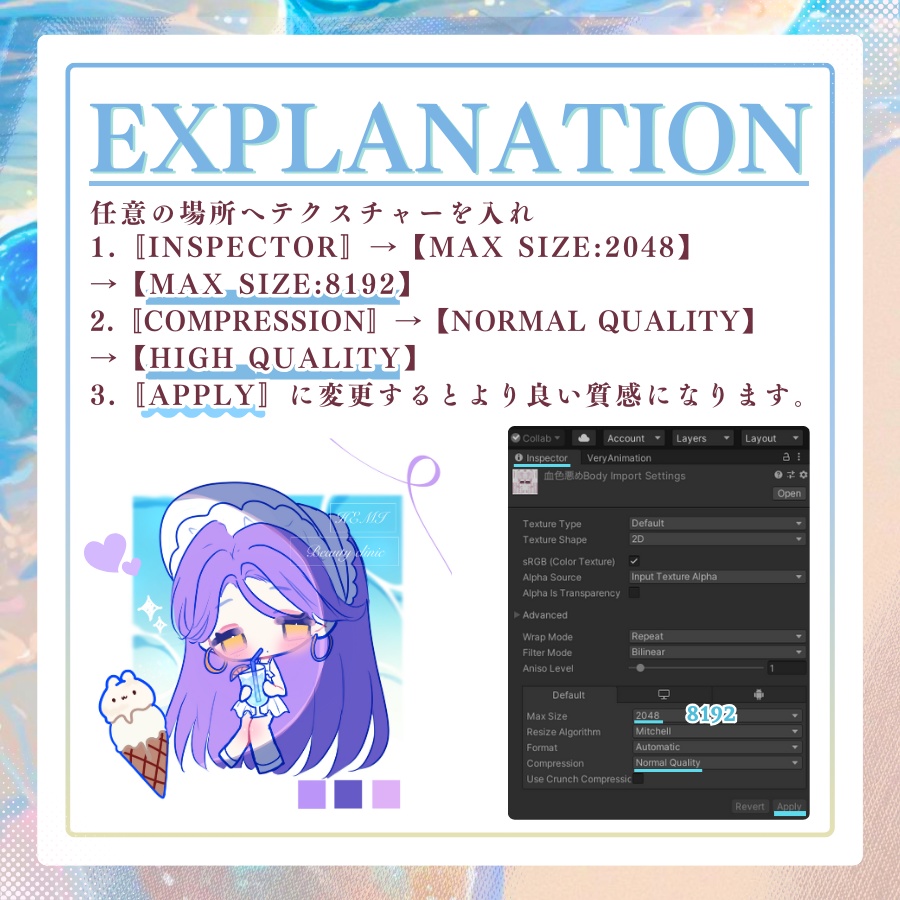
▌ 導入方法-Texture 1. PSD編集ソフトで、適用したいアバターのFaceまたはBodyの最上層、もしくはSkin(肌)の上に購入したPSD内の【Original】フォルダをコピー&ペーストしてください。 ※ 色を変更したくない部分がある場合は、【Original】フォルダの上に移動させてください。 2. "乳首(Chikubi)"を非表示にしたい場合は、PSD編集ソフトでそのレイヤーを非表示にしてください。 ~ Nailについて ~ 1. [2Way 大理石 Nail]Nail TOP 非表示でワンカラーになります。 2. [GlossyNail]パールが歪む場合は、BonusNails対応アバターのGlossyNail内の該当レイヤーをオフにしてください。 ~ Unity上の設定~ 任意の場所にテクスチャーを配置し、Inspectorで以下の設定を行ってください。 1.Max Size: 2048 → 8192 2.Compression: Normal Quality → High Quality 3.Apply マテリアル設定で輪郭をオフにすると、より自然な仕上がりになります。 乳首&乳シェイプキーを使用して、テクスチャーが自然に見えるよう調整してください。 ※より良い質感を得るには、本ページ内の画像をご参照ください。 ~ “Question”~ 身体と首の繋ぎ目の色が合わないと感じたら... 1.メインカラー以外のチェックを全て外す。 2.影設定をFACE&BODY同じ色になるようコピー&ペースとして揃えると解消される場合がございます。 ~内容物~ 💝𝐅𝐮𝐥𝐥𝐀𝐯𝐚𝐭𝐚𝐫💝 現在提供されている全てのアバターテクスチャが同梱されたパックです。 新しいテクスチャが追加された場合、DL更新で利用可能になります。 ▌利用規約 改変可・二次配布・転売禁止 本データの使用により生じたいかなるトラブル、損失、損害に対しても製作者は一切の責任を負いません。 ご質問やバグ報告は、“∔Shapeshifter Clinic∔”トップページのメッセージ機能からお問い合わせください。
🩵 KR 🩵
▌도입 방법-Texture 1. PSD 편집 프로그램에서 적용할 아바타의 Face 또는 Body 상단, 혹은 Skin(피부) 위에 구매한 PSD 내 【Original】 폴더를 복사 & 붙여넣기 합니다. ※ 색상을 변경하지 않으려는 부분이 있다면, 【Original】 폴더를 그 위로 이동시키세요. 2. "유두" 레이어를 숨기고 싶다면 PSD 편집 프로그램에서 해당 레이어를 비활성화하세요. ~ 네일 안내 ~ 1. [2Way 마블 네일] Nail TOP 레이어를 숨기면 원컬러 네일로 사용할 수 있습니다. 2. [Glossy Nail] 펄이 왜곡되어 보이는 경우, BonusNails 지원 아바타의 GlossyNail 내 해당 레이어를 비활성화해 주세요. ~Unity 상의 설정~ 텍스처를 원하는 위치에 배치하고, Inspector에서 다음과 같이 설정하세요. 1. Max Size: 2048 → 8192 2. Compression: Normal Quality → High Quality 3. Apply Material 설정에서 윤곽선을 끄면 더 자연스럽게 표현됩니다. 유두 & 가슴 Shape Key를 사용하여 텍스처가 자연스럽게 보이도록 조정하세요. ※ 더 나은 질감을 얻으려면, 본 페이지 내 이미지를 참고하세요. ~“Question”~ 몸과 목의 경계 색이 맞지 않는다고 느껴진다면… 1. 메인 컬러 이외의 체크를 모두 해제 2. 그림자 설정을 FACE & BODY가 같은 색이 되도록 복사 & 붙여넣기 하면 해결되는 경우가 있습니다. ~내용물~ 💝𝐅𝐮𝐥𝐥𝐀𝐯𝐚𝐭𝐚𝐫💝 현재 제공되는 모든 아바타 텍스처가 포함된 패키지입니다. 새로운 텍스처가 추가되면, 다운로드 갱신을 통해 이용할 수 있습니다. ▌이용 규약 변경 가능 / 2차 배포·재판매 금지 본 데이터를 사용하여 발생한 어떠한 문제, 손실, 손해에 대해서도 제작자는 책임을 지지 않습니다. 문의나 버그 제보는 “∔Shapeshifter Clinic∔” 메인 페이지의 메시지 기능을 통해 연락해 주세요.
🩵 EN 🩵
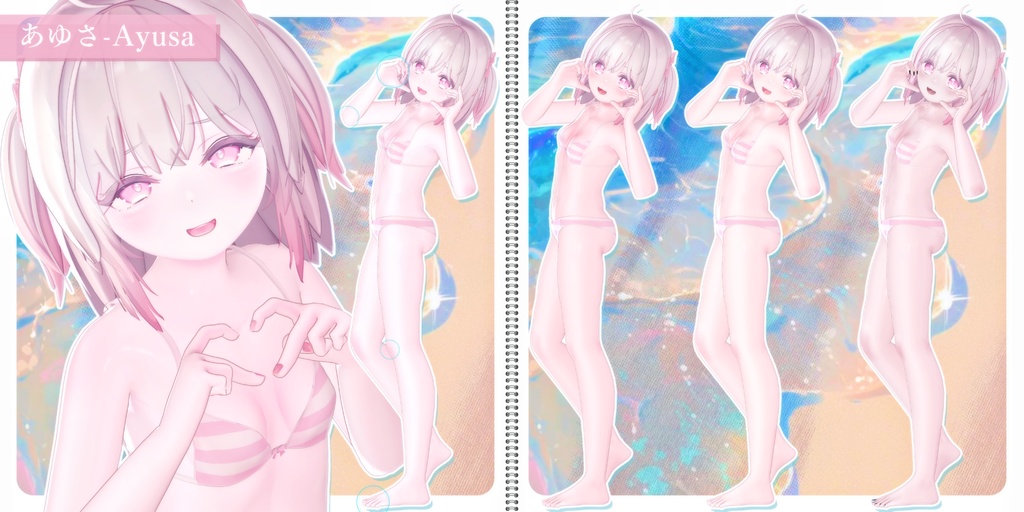
▌Texture Installation 1. In your PSD editing software, copy & paste the 【Original】 folder from the purchased PSD onto the top layer of your avatar’s Face or Body, or above the Skin layer. ※ If there are parts you do not want to recolor, move the 【Original】 folder above those areas. 2. If you want to hide the “Nipple (Chikubi)” layer, simply turn off its visibility in your PSD software. ~About Nails~ 1. [2Way Marble Nail] Hiding the Nail TOP layer will switch the nail to a solid color style. 2. [Glossy Nail] If the pearl effect appears distorted, please turn off the corresponding layer inside GlossyNail for BonusNails-supported avatars. ~Unity Settings~ Place the texture anywhere you like and configure the following in the Inspector: 1. Max Size: 2048 → 8192 2. Compression: Normal Quality → High Quality 3. Apply For a more natural look, disable the outline in the material settings. Use the nipple & breast shape keys to adjust the texture so it looks natural. ※ For best quality results, please refer to the sample images on this page. ~“Question”~ If you notice that the color between the body and neck doesn’t match… 1. Uncheck all options except the Main Color. 2. Copy & paste the shadow settings so that FACE & BODY share the same color. This often resolves the issue. ~Contents~ 💝𝐅𝐮𝐥𝐥𝐀𝐯𝐚𝐭𝐚𝐫💝 This is a pack containing all avatar textures currently available. When new textures are added, they will be accessible through updated downloads. ▌Terms of Use ・ Modification allowed ・ Redistribution & reselling prohibited ・ The creator takes no responsibility for any issues, losses, or damages arising from the use of this data. For inquiries or bug reports, please use the message function on the “∔Shapeshifter Clinic∔” main page.
🩵 𝐎𝐰𝐧𝐞𝐫'𝐬 𝐂𝐡𝐨𝐢𝐜𝐞 🩵
▌𝐅𝐑𝐄𝐄 𝟐𝟎𝟎 𝐈𝐭𝐞𝐦𝐬 ⬆ ✦【 𝚂𝚎𝚕𝚎𝚌𝚝 】✦✦ https://select-ssc.booth.pm/ ✦【 𝙼𝚊𝚒𝚗 】✦✦ https://shapeshiftercl.booth.pm/ ▌𝐓𝐚𝐭𝐭𝐨𝐨 ✦【 FREE - 商用OK 】✦✦ 悪&光堕ち∔3TouchMysticTattoo↝《MA対応》 https://shapeshiftercl.booth.pm/items/6660949 ▌𝐏𝐎𝐒𝐄 ✦【 FREE - 商用OK 】✦✦ 撮影向けPoseAnimation ❮ ⁺Max1500 ❯ ├ 第1弾【女性-Female】 https://shapeshiftercl.booth.pm/items/6485829 ├ 第2弾【女性-Female】 https://shapeshiftercl.booth.pm/items/8064843 └ 第3弾【男性-Male】 https://shapeshiftercl.booth.pm/items/8751702 ≫ Pair Pose / Hand Pose / Motion...Coming in 2027 ▌𝐌𝐚𝐭𝐂𝐚𝐩-𝐈𝐥𝐥𝐮𝐬𝐭 ✦【FREE - 商用CC0】✦✦ 手描き⁺500種-Liltoon MatCap ❮ ⁺Max1000 ❯ ├ 第1弾 https://shapeshiftercl.booth.pm/items/7100790 └ 第2弾 https://shapeshiftercl.booth.pm/items/7614401
🩵 Avatars 🩵
✦【 𝐆𝐢𝐫𝐥𝐬 】✦✦ ├ アウルカ-Aulka┊ https://booth.pm/ja/items/7502523 ├ サクヤ-Sakuya┊ https://booth.pm/ja/items/4168378 ├ 黎焔-Reien┊ https://booth.pm/ja/items/7697824 ├ 森羅-Shinra┊ https://booth.pm/ko/items/4707634 ├ 九尾の傍観者-Kyubi no bokansha┊ https://booth.pm/ja/items/5250102 ├ レティニア-Retinia┊ https://booth.pm/ja/items/6517448 └ あゆさ-Ayusa┊ https://booth.pm/ja/items/7879930 ✦【 𝐁𝐨𝐲𝐬 】✦✦ ├ 怜-Rei┊ https://booth.pm/ja/items/5788427 ├ 墨惺-Bokusei┊ https://booth.pm/ja/items/5727810 ├ 雫峰-Shizune┊ https://booth.pm/ja/items/7684873 ├ 彼方-Kanata┊ https://booth.pm/ja/items/6813995 ├ 狛乃-Komano┊ https://booth.pm/ja/items/5260363 ├ 碼希-Maki┊ https://booth.pm/ja/items/3162696 ├ 水瀬-Minase┊ https://booth.pm/ja/items/4013951 ├ れう-Leu┊ https://booth.pm/ja/items/4789903 ├ くうた-Kuuta┊ https://booth.pm/ja/items/4897493 ├ シィ-Xi┊ https://booth.pm/ja/items/5805166 ├ マロ-Maro┊ https://booth.pm/ja/items/5694723 ├ リオ-Lio┊ https://booth.pm/ja/items/4168378 ├ アルエ-Alué┊ https://booth.pm/ja/items/6957623 ├ カルネ-Kalne┊ https://booth.pm/ja/items/5142722 ├ ハオラン-Haolan┊ https://booth.pm/ja/items/3818504 ├ リュオンーRyuon┊ https://booth.pm/ja/items/6540623 ├ ネハイル-Nehail┊ https://booth.pm/ja/items/7425658 ├ 泣夜-Nakiya┊ https://booth.pm/ja/items/7924603 ├ 獏-Baku┊ https://booth.pm/ja/items/8017433 ├ ニール-Neil┊ https://booth.pm/ja/items/1780665 └ キリサメ-Kirisame┊ https://booth.pm/ja/items/8596249 etc...順次追加