
モンスターボール2種
- ダウンロード商品¥ 0
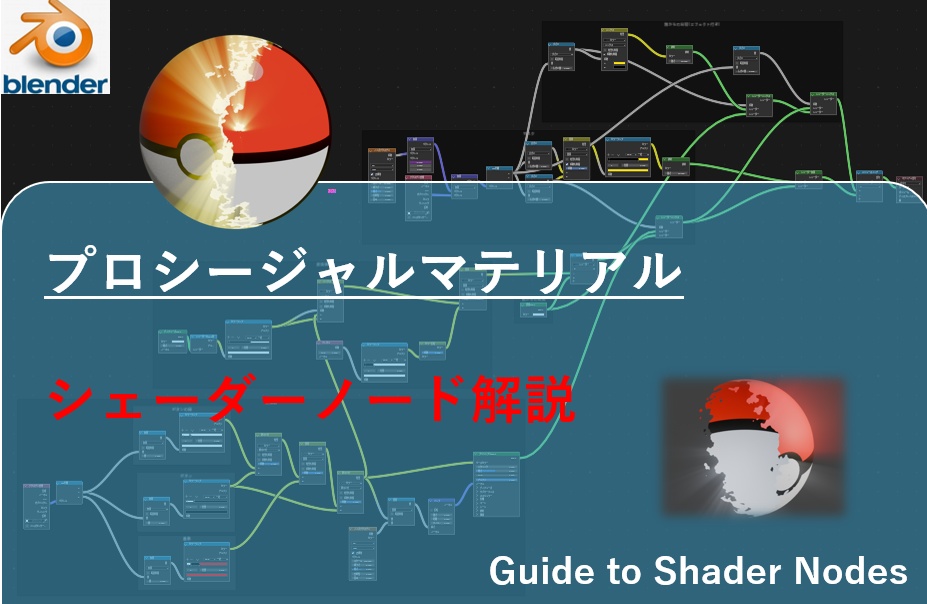
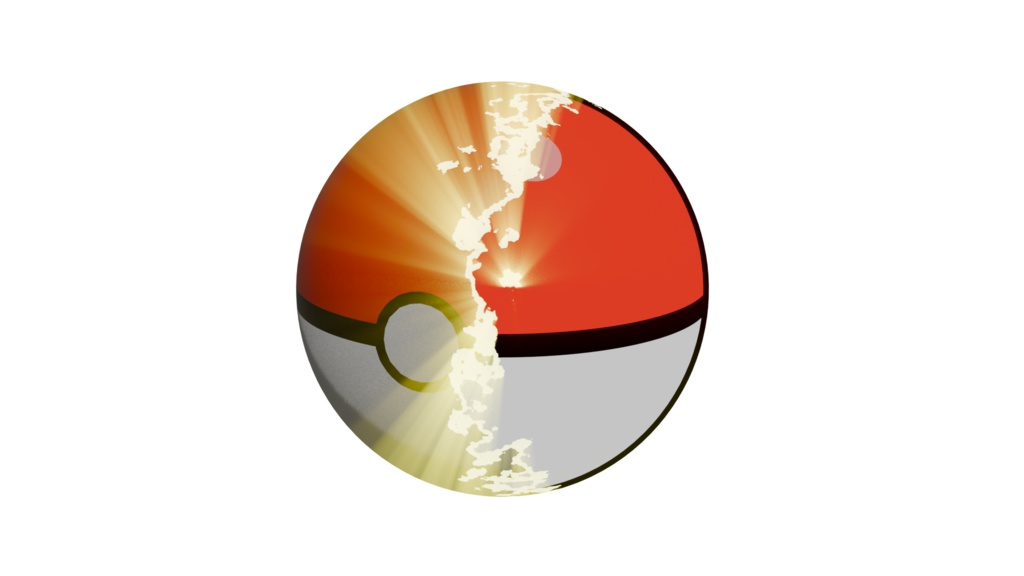
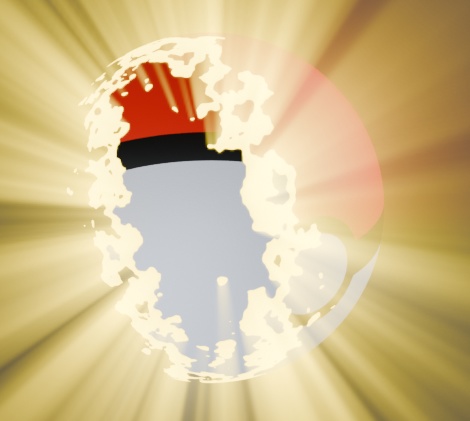
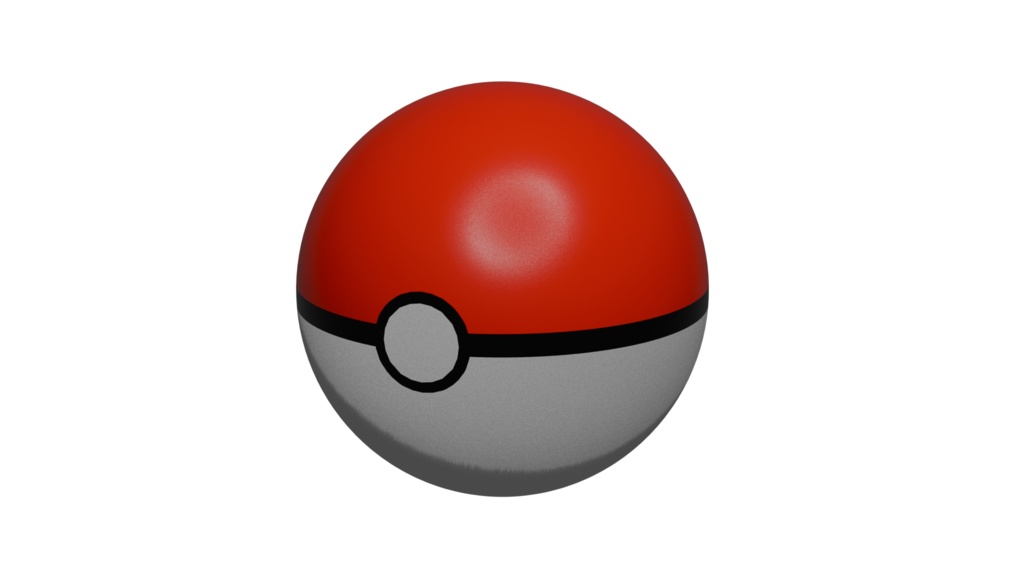
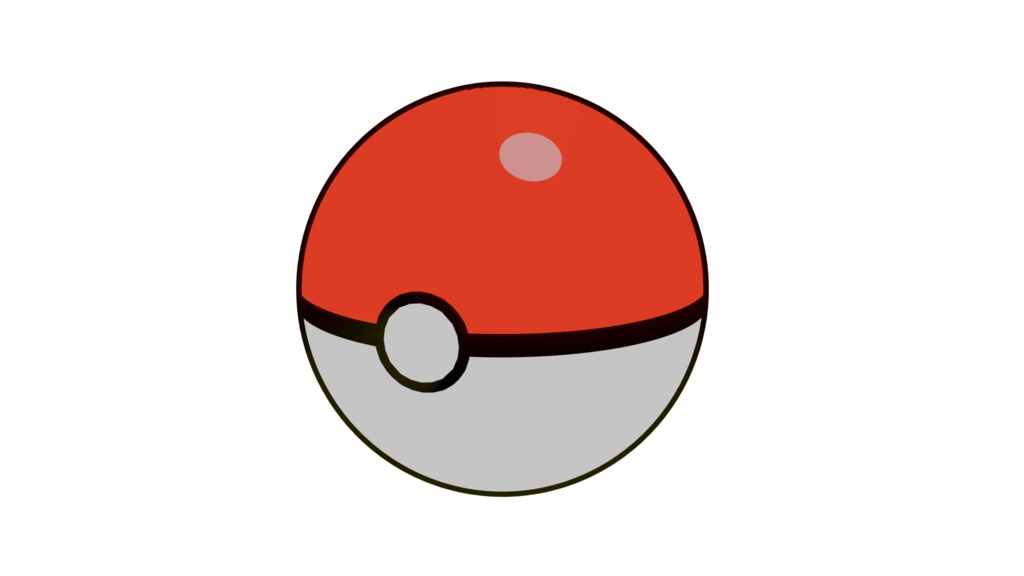
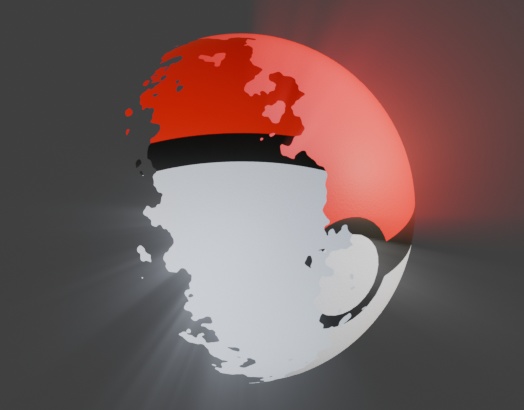


初めてシェーダーノードを学ぶ人でもゼロから構成できるように細かく、かつ多くの画像付きで説明しています。 リアルな見た目のモンスターボールとアニメ調のモンスターボールをシェーダーノードで作成し、その切り替えもシェーダーノードで作成し、アニメーションができるように解説しています。また、切り替えを理解できるとサムネイル画像に示したように無からの出現などへ応用できます。 加えて、1つ1つのシェーダーノードに関する説明も加えているため、どうしてこのモードを使ったのか、なぜこう組んだのか等が理解できるようにしています。 この商品は無料で公開していますので、ノード理解への一助になれば幸いです。 無料公開であるため、今回は説明書のみですし、日本語以外の説明書は付属しておりません。ご了承ください。 本教材を利用して発生した、いかなる損害・損失・その他不利益等について、当方は一切責任を負いません。 ご不明な点があればお気軽にお問い合わせください。 This guide provides a detailed, step-by-step explanation of Blender shader nodes, allowing complete beginners to build shader node setups from scratch. Each process is carefully explained with numerous images, so even those new to shader nodes can follow along with confidence. In this guide, you will learn how to create both a realistic-style Poké Ball and a toon-style Poké Ball using shader nodes. You will also learn how to switch between these two styles entirely within the shader node system, and how to animate that transition. Once you understand this switching technique, you can apply it to more advanced effects, such as objects appearing from nothing, as shown in the thumbnail image. In addition, this guide includes explanations for each individual shader node, covering not only how to use them, but also why they are used and why the node setup is structured in a particular way. This approach helps deepen your understanding of shader logic rather than simple imitation. This product is released for free, and I hope it will serve as a helpful resource for learning and understanding shader nodes. Please note that, as this is a free release, only the written guide is included, and no non-Japanese versions of the guide are provided. Terms of Use The author assumes no responsibility for any damages, losses, or disadvantages resulting from the use of this material. If you have any questions, please feel free to contact me.