

Sweet Petal - VRChat Women's Clothing / CP40
- Kipfel Compatibleダウンロード商品¥ 1,400
- Usasaki Compatibleダウンロード商品¥ 1,400
- Hyakko Compatibleダウンロード商品¥ 1,400
- Full Pack: ALL INCLUDED!ダウンロード商品¥ 2,600
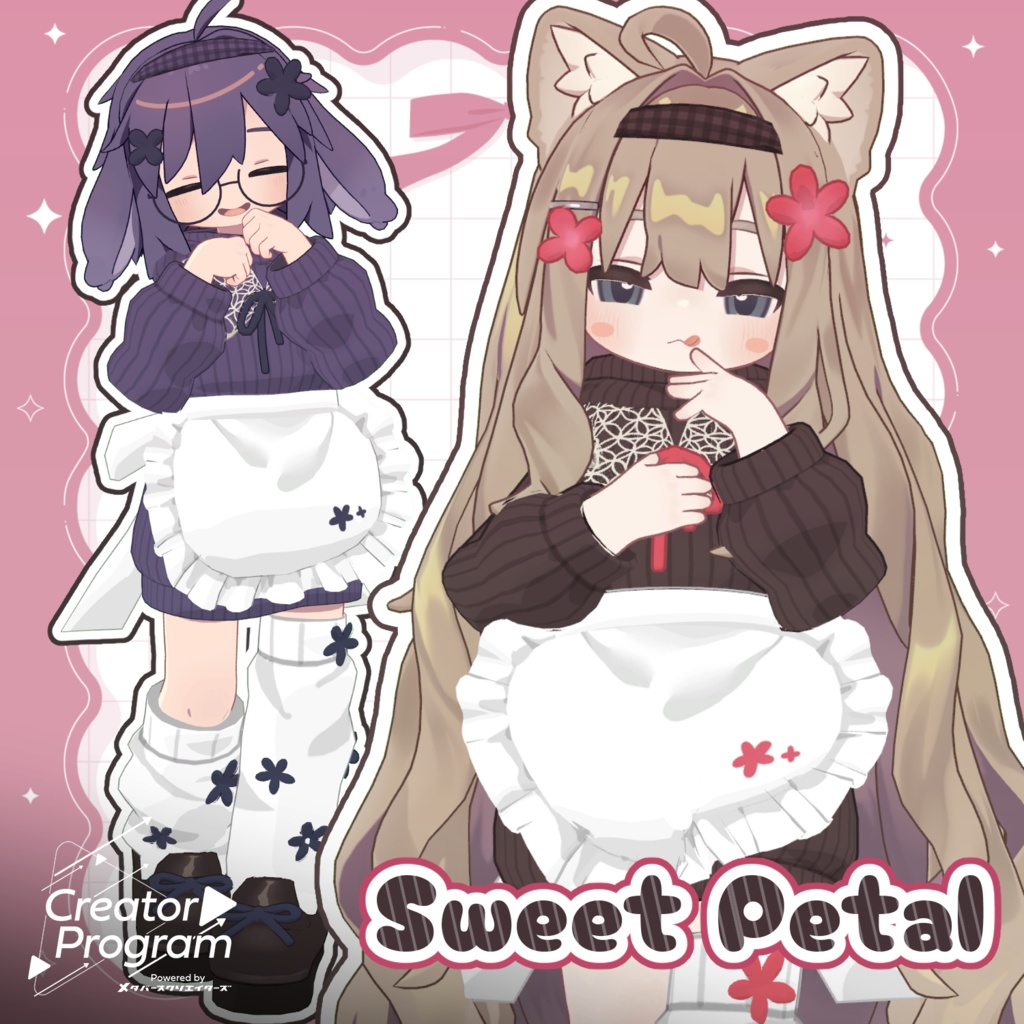
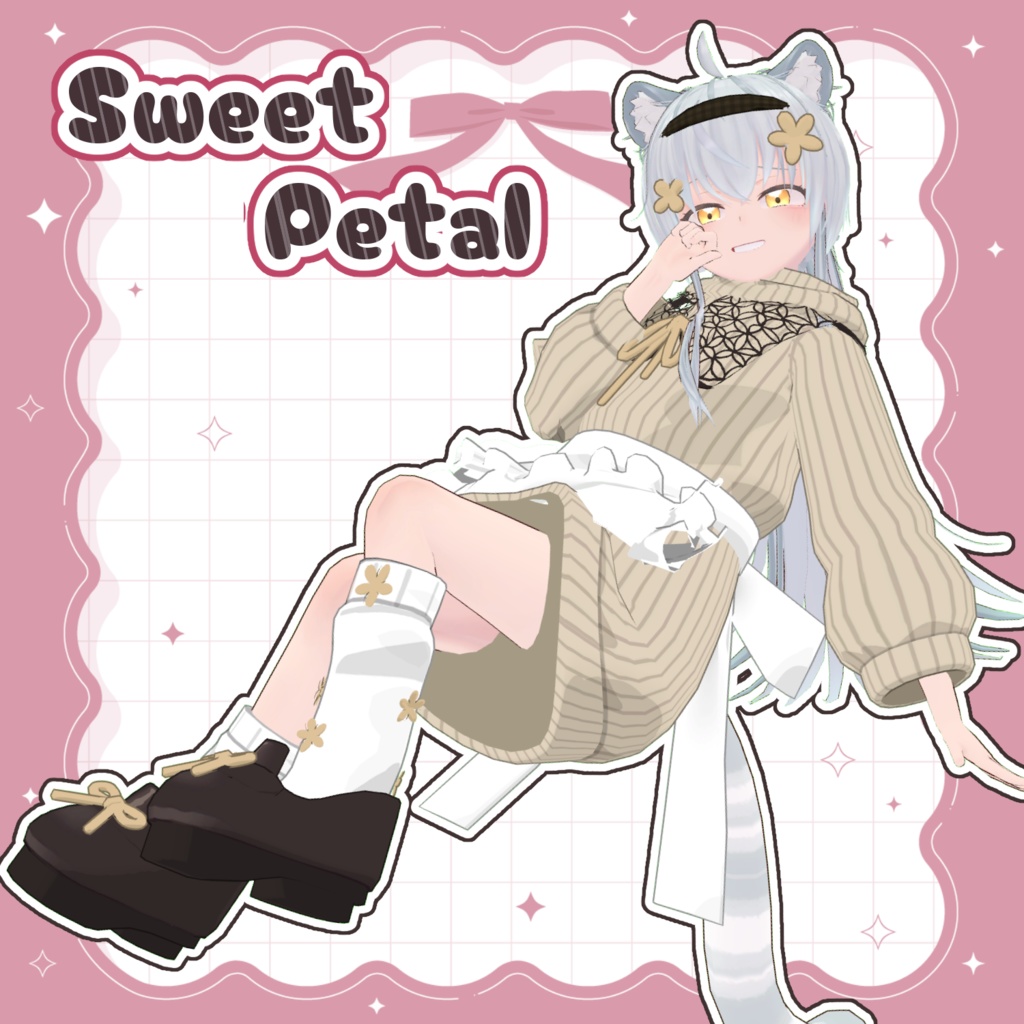
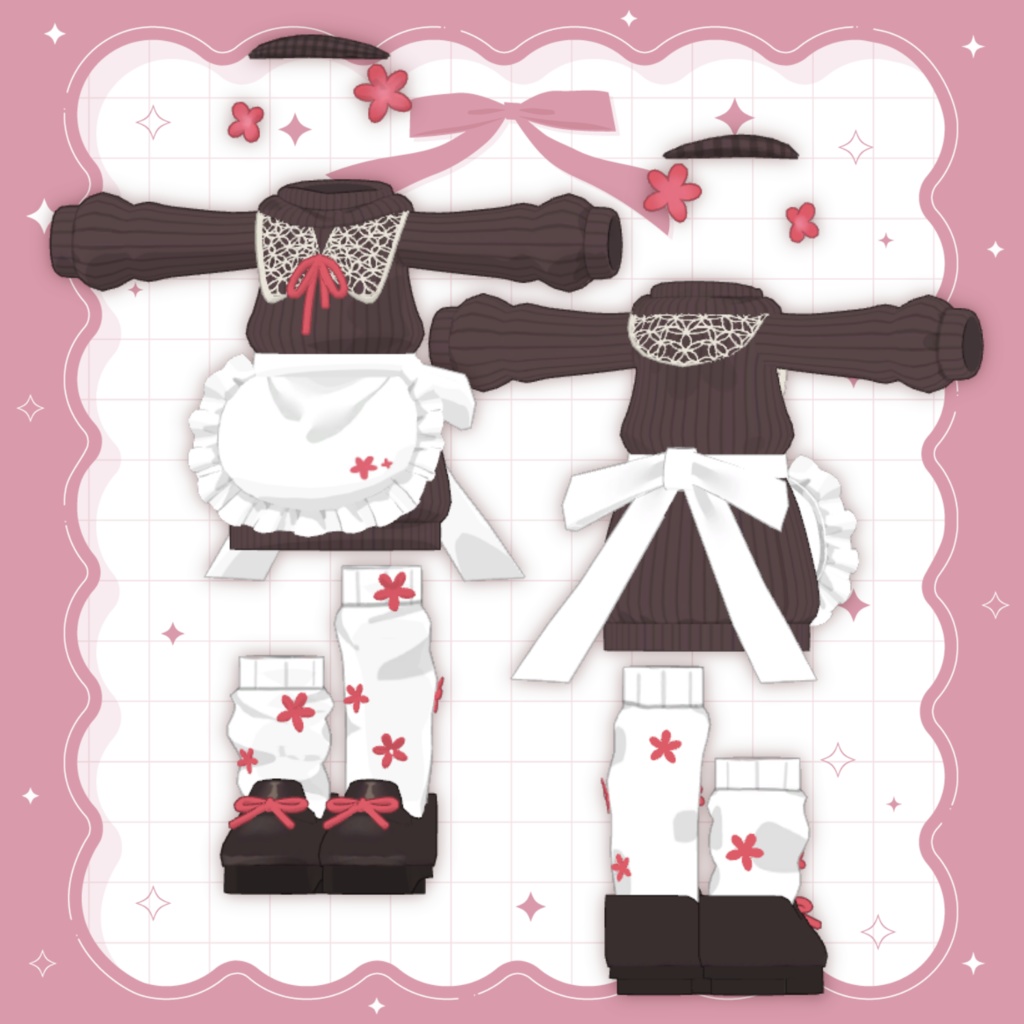
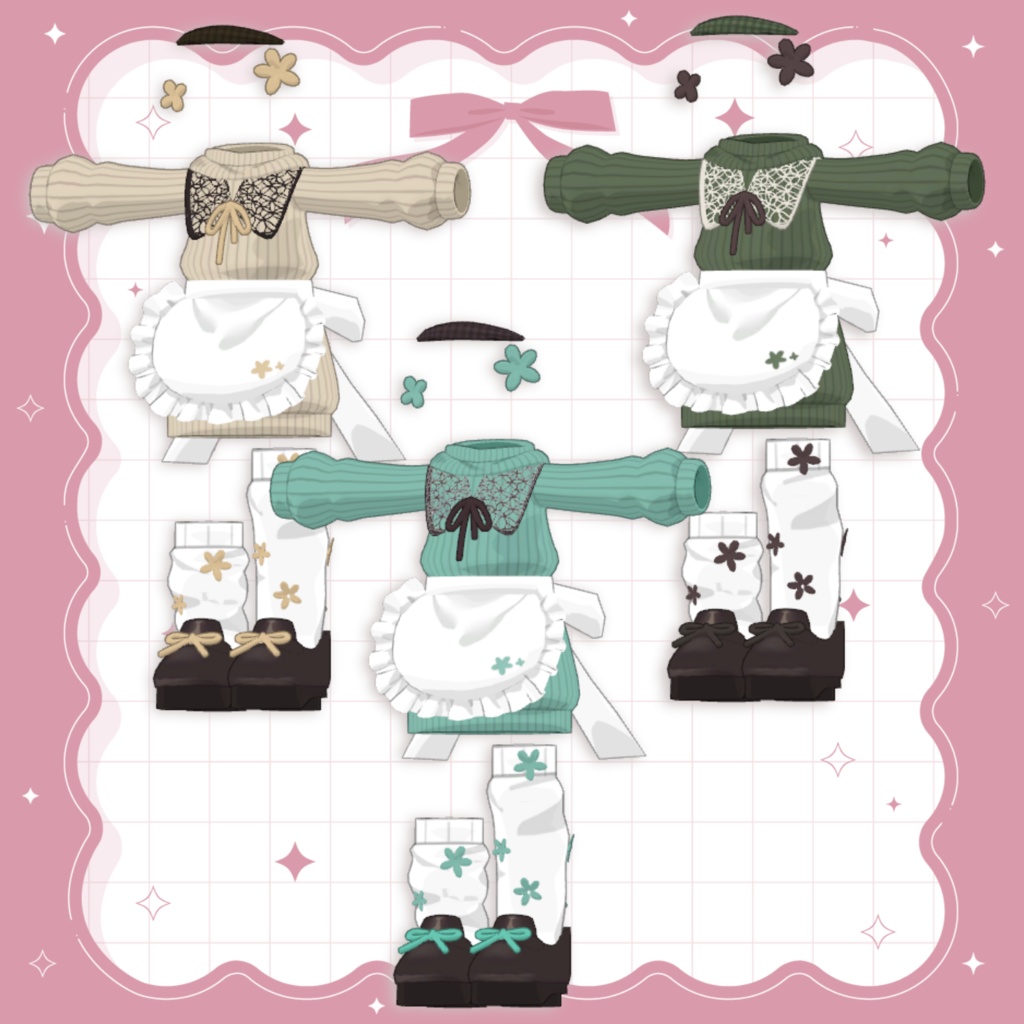
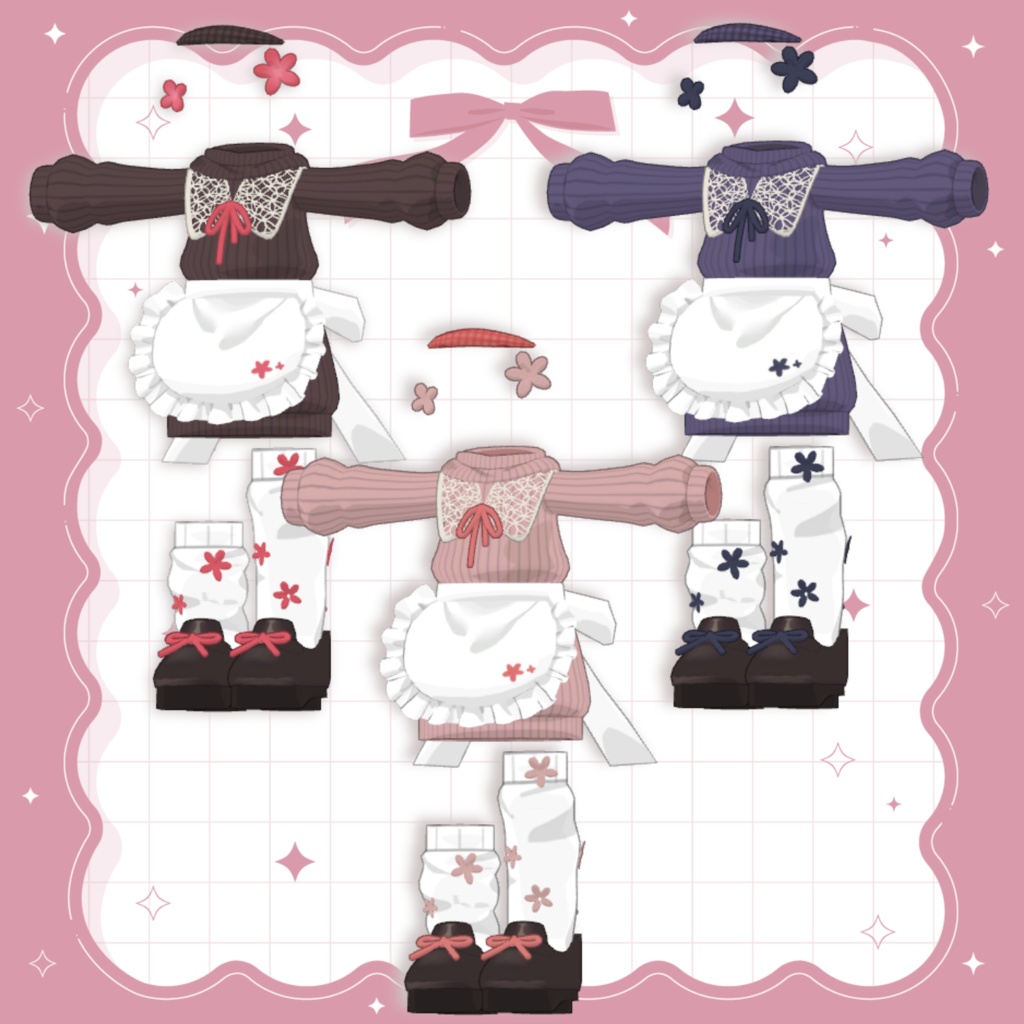


◆ Sweet Petal ◆ Creator: Mochinoko A cute knit outfit featuring a lace collar and apron. Soft, gentle details give it a charming and cozy look. ※ This product is an avatar outfit model. Avatar data is not included. ※ Due to the nature of digital products, refunds and returns are not available. Please review the product description and terms of use before purchasing. ■ Item Overview Contents Sweet Petal.Unitypackage FBX Textures PSD / CLIP files for customization ReadMe.txt Shader Used liltoon https://lilxyzw.booth.pm/items/3087170 Required Assets Modular Avatar https://modular-avatar.nadena.dev/ja/docs/intro ■ Model Data Total Polygon Count: 15,406 Apron: 1,744 polygons Collar: 1,368 polygons Head Accessory: 920 polygons Shoes: 3,408 polygons Socks: 4,402 polygons Tops: 3,024 polygons Underwear: 864 polygons Mesh Count: 7 Material Count: 2 PhysBone Components: 2 ■ Import Folder Assets > MetaverseCreators_CP > mochinoko > Sweet Petal ■ Compatible Avatars Kipfel – Original 3D Model https://booth.pm/ja/items/5813187 Usasaki – Original 3D Model https://booth.pm/ja/items/3550881 Hyakko – by Niyami https://booth.pm/ja/items/6328134 ※ When equipping this outfit, please use the avatar’s body-hiding shapekey (the one that turns the body into a thin rod). ■ Setup Instructions Set the latest VRC SDK in VCC Install required assets (liltoon, Modular Avatar) via VCC Import the latest package of the avatar Import this product’s package Drag and drop the avatar (or outfit/modification prefab, if applicable) into the Scene Hierarchy Hide unnecessary avatar clothing (default outfits, underwear, etc.) or set them to Editor Only Drag “OutfitName_AvatarName.Prefab” directly under the avatar Upload the avatar via the VRC SDK ※ This outfit uses Modular Avatar’s MA Shape Changer. When placed under the avatar, the avatar’s body shapekeys will automatically activate or hide conflicting meshes to prevent clipping. If you do not need this function, you may remove the MA Shape Changer component as desired. ※ If any part of the avatar body becomes unintentionally thin after setup, reset the corresponding body shapekey to 0 and confirm the body is visible. ■ Color Customization Replace materials in: Common > Material You can also freely customize colors using the included PSD or CLIP files. ■ Terms of Use https://drive.google.com/drive/folders/1qRMXoIxM1ZgacBPfwOigQRtXP1vCbNMn?usp=sharing ※ Please follow the terms of use of the original avatar. ■ Production Environment Modeling: Blender 5.0.1 Texturing: CLIP STUDIO PAINT Setup: Unity 2022.3.22f1 VRChat SDK – Avatars 3.9.0 (VCC) liltoon 2.3.2 Modular Avatar 1.15.1 ■ Credits Creator: Mochinoko https://mochinokoshop.booth.pm/ Support: https://discord.gg/bmw3PWE37M