
「Outfit Assets」マンガ風 x 風紀委員📋🔍| JK 制服スーツ /学園風 /2 カラー|少女漫画|VTuber向け|Live2d付き|【VTS】配信用素材/Live2D衣装アクセサリー
- ▸Outfit Assets+UI◂ダウンロード商品¥ 1,580
- ▸Free(Live2D): ID Card◂ダウンロード商品¥ 0
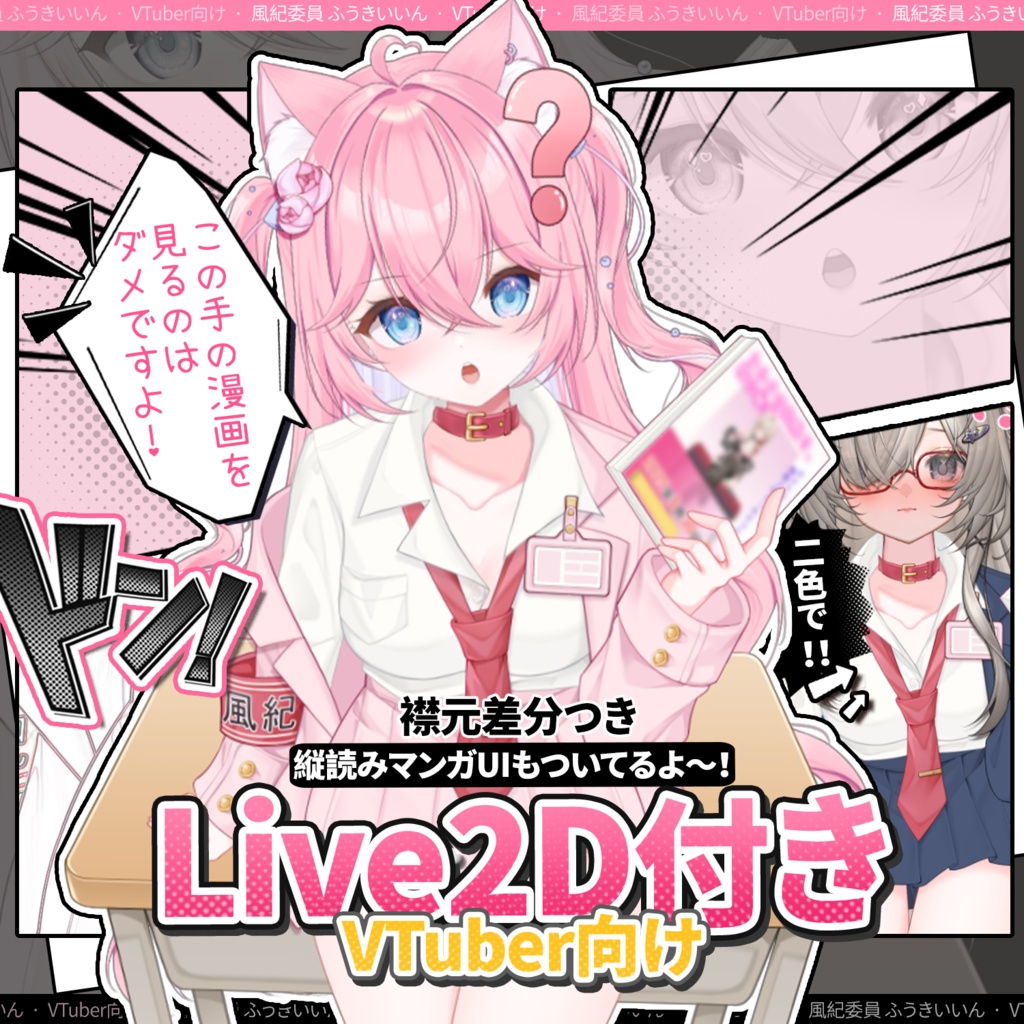
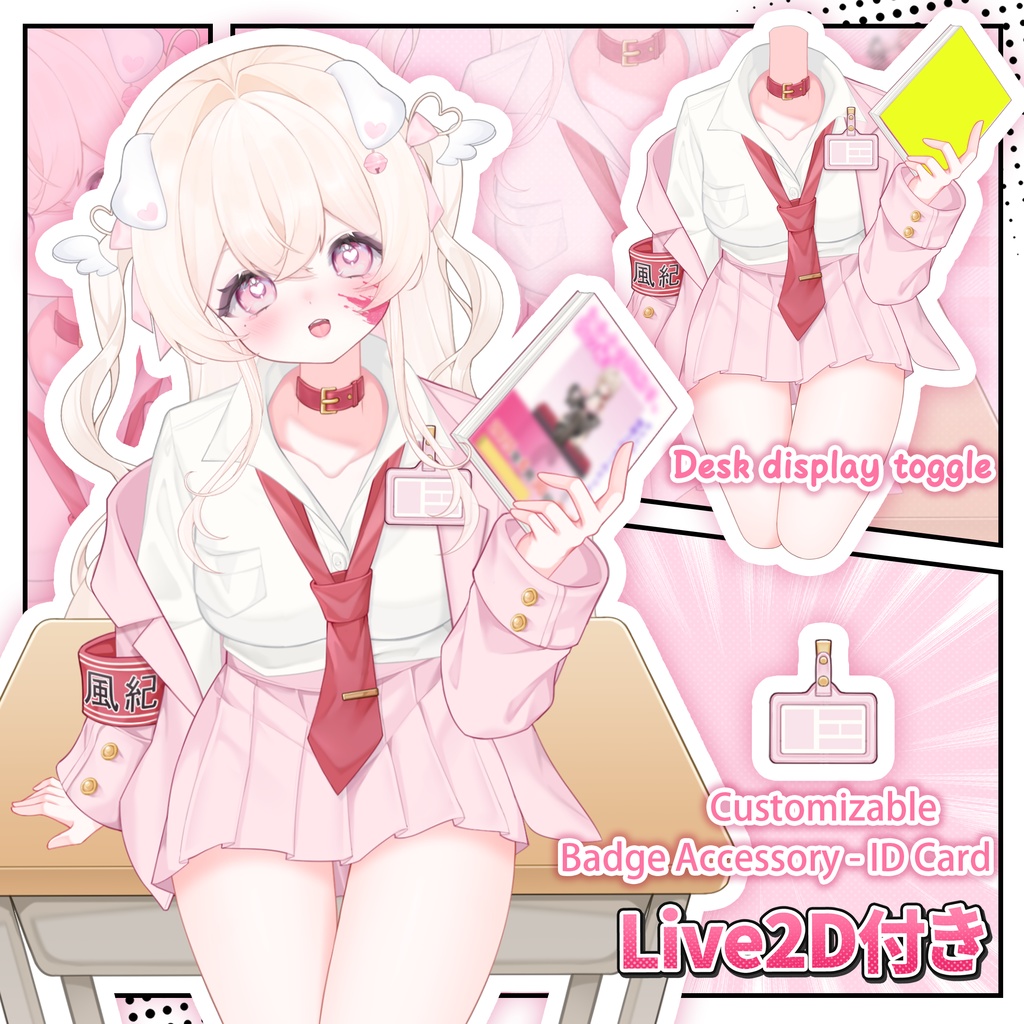
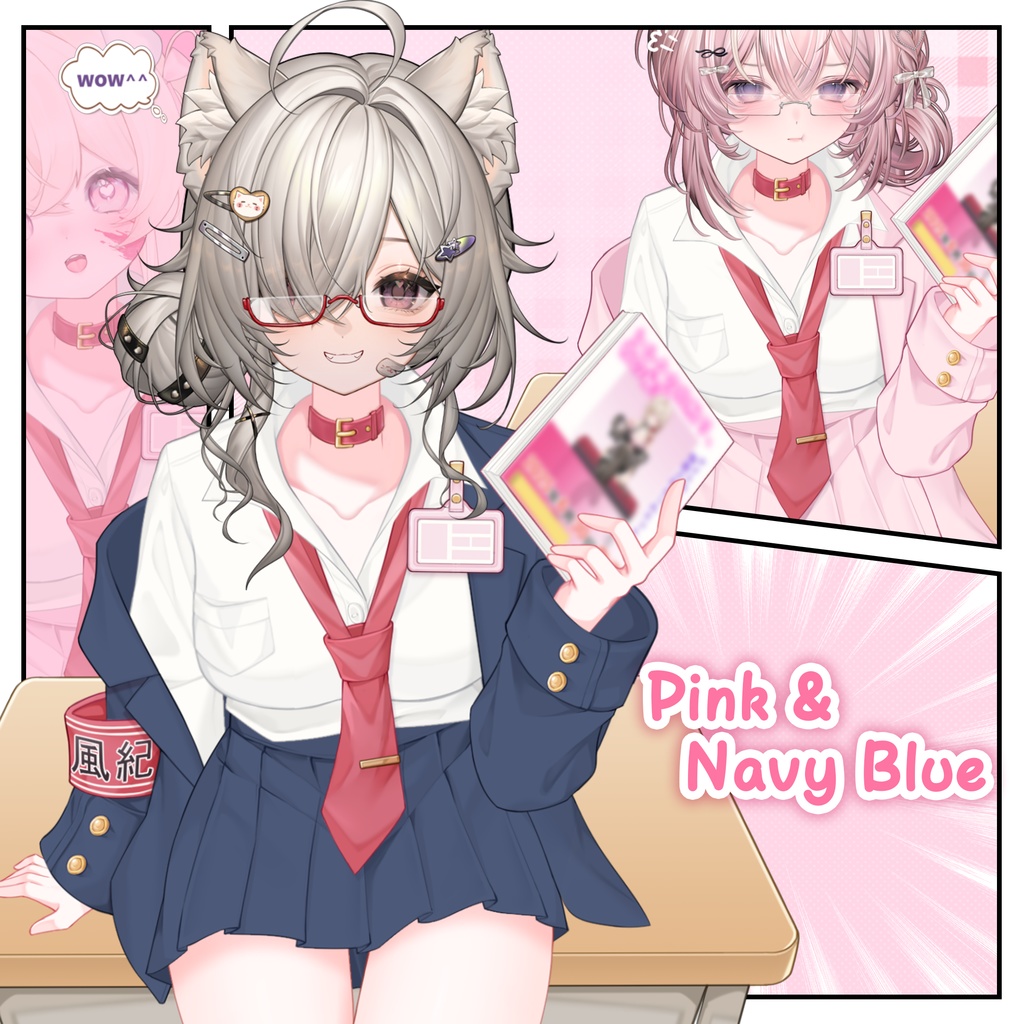
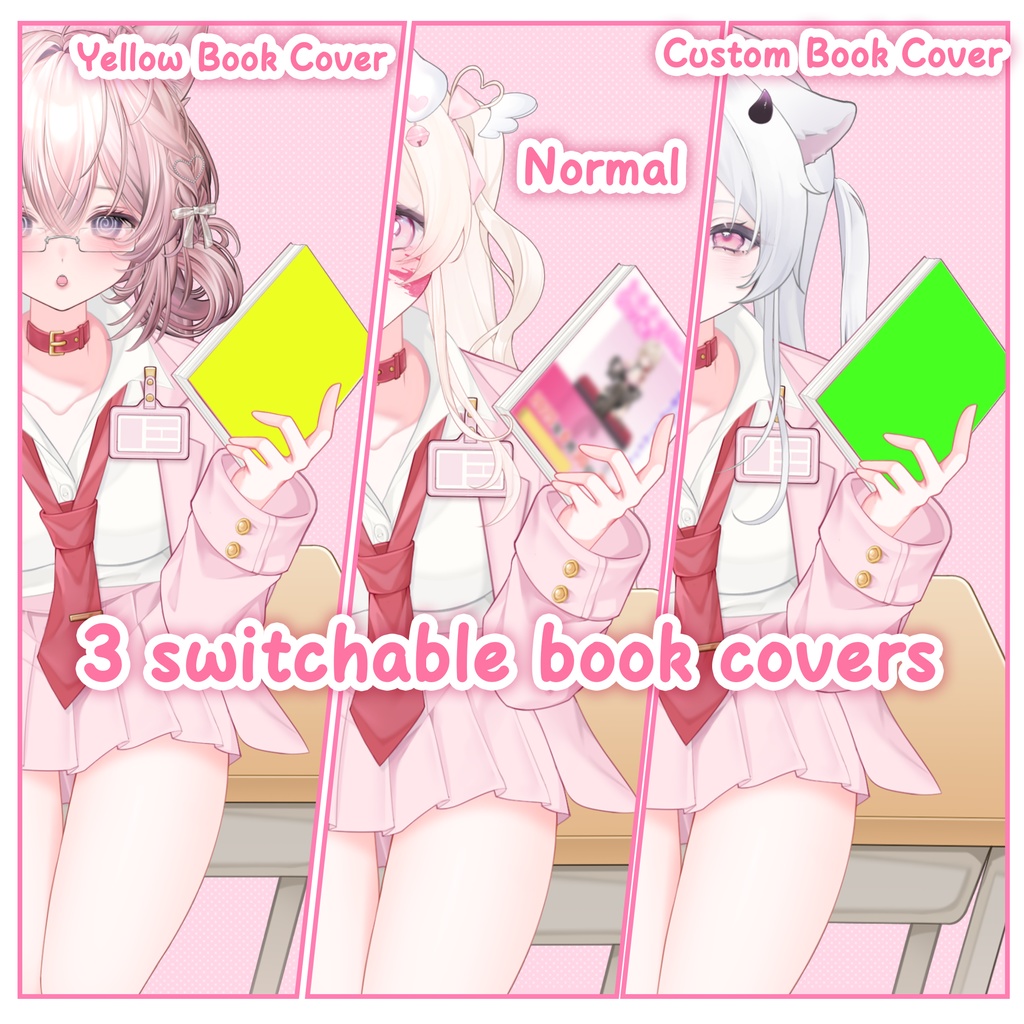
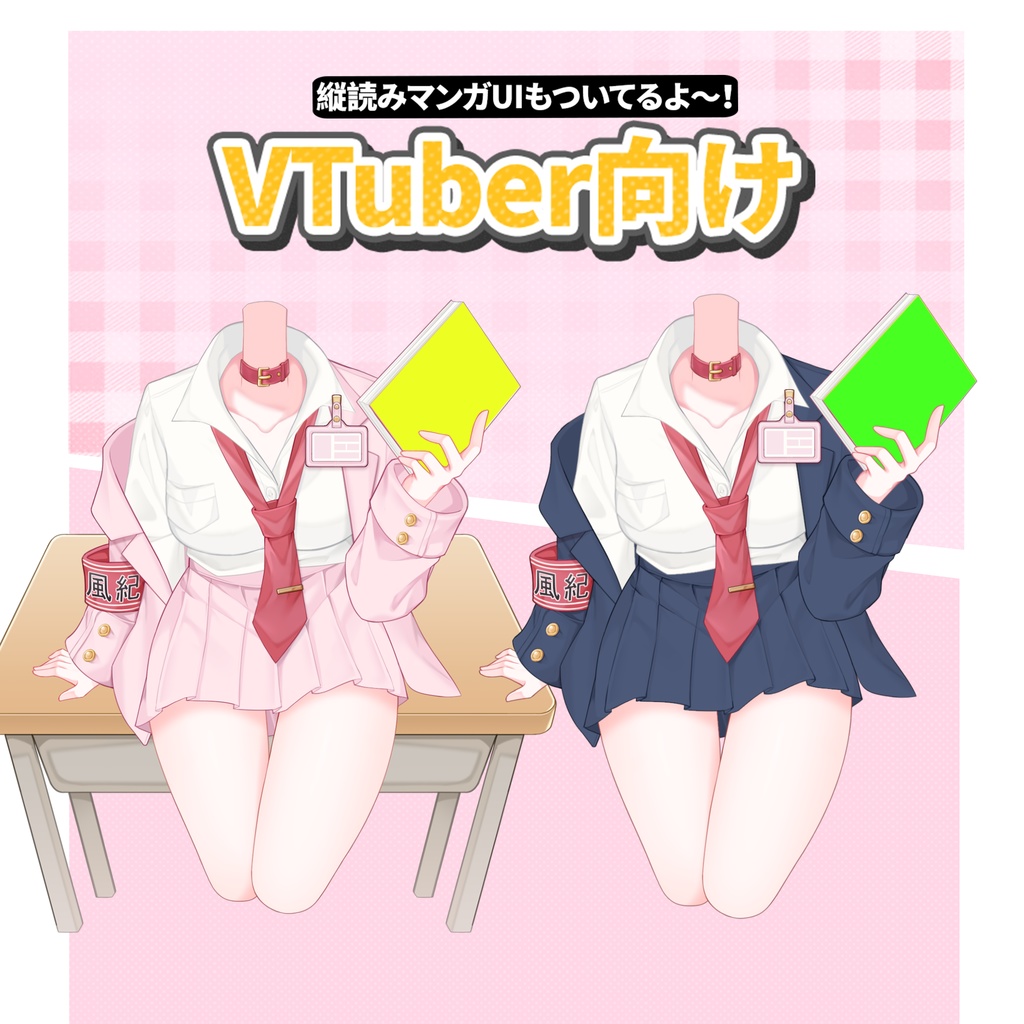
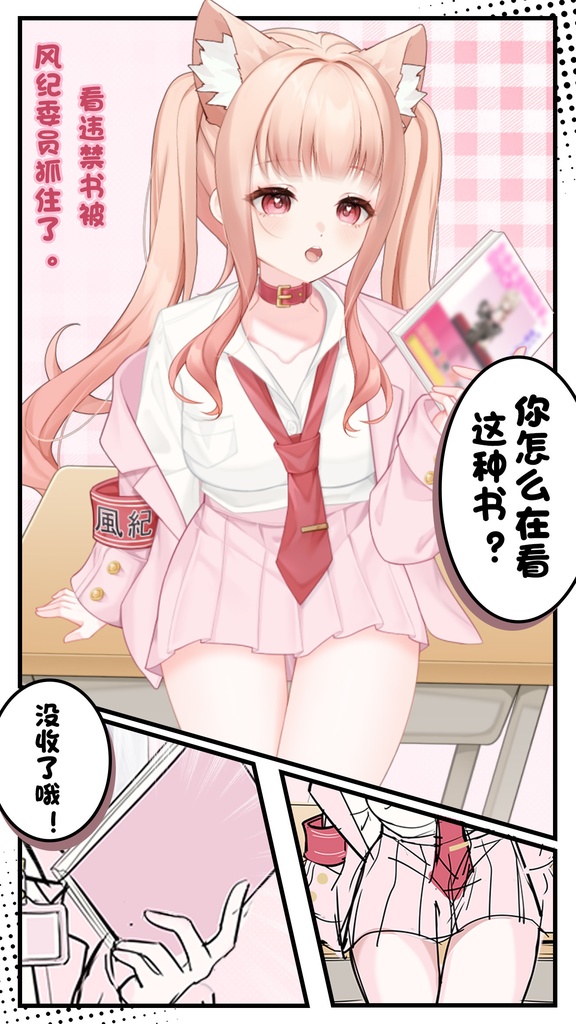
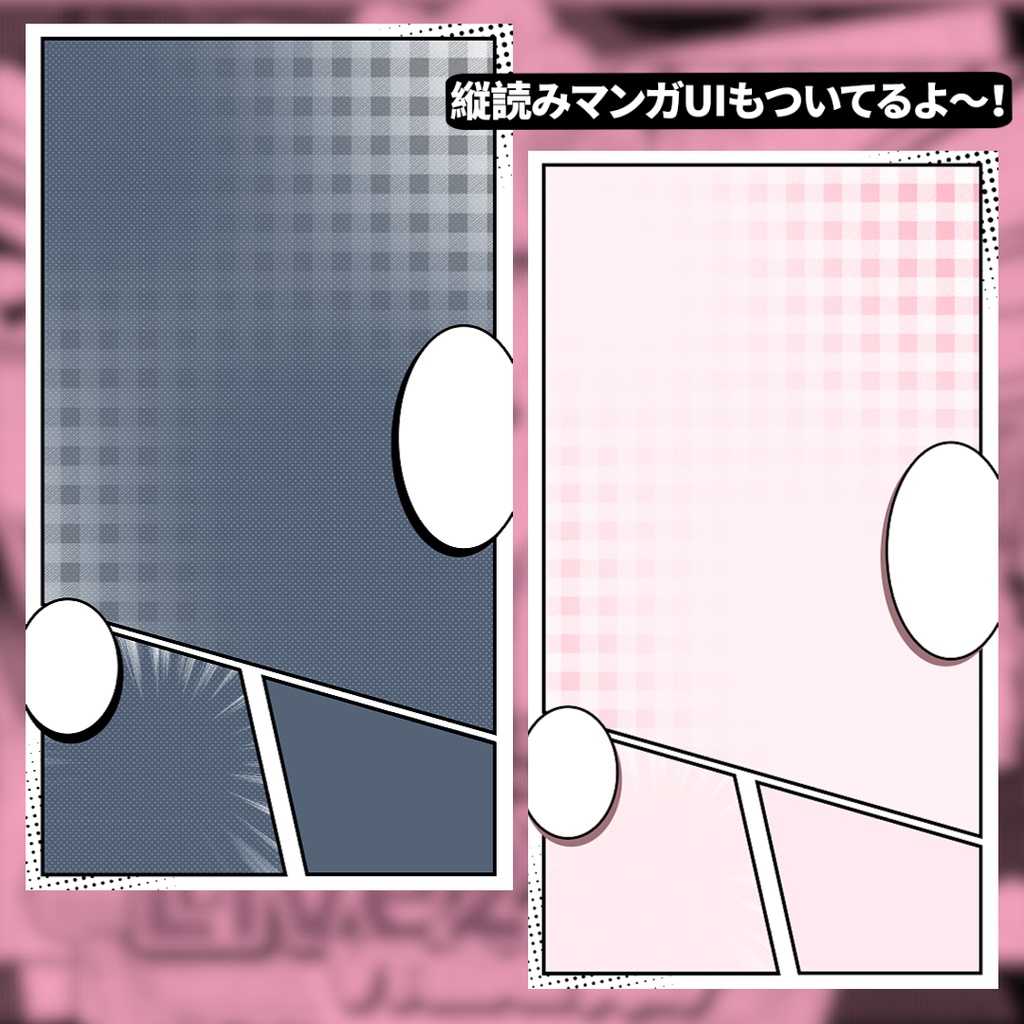
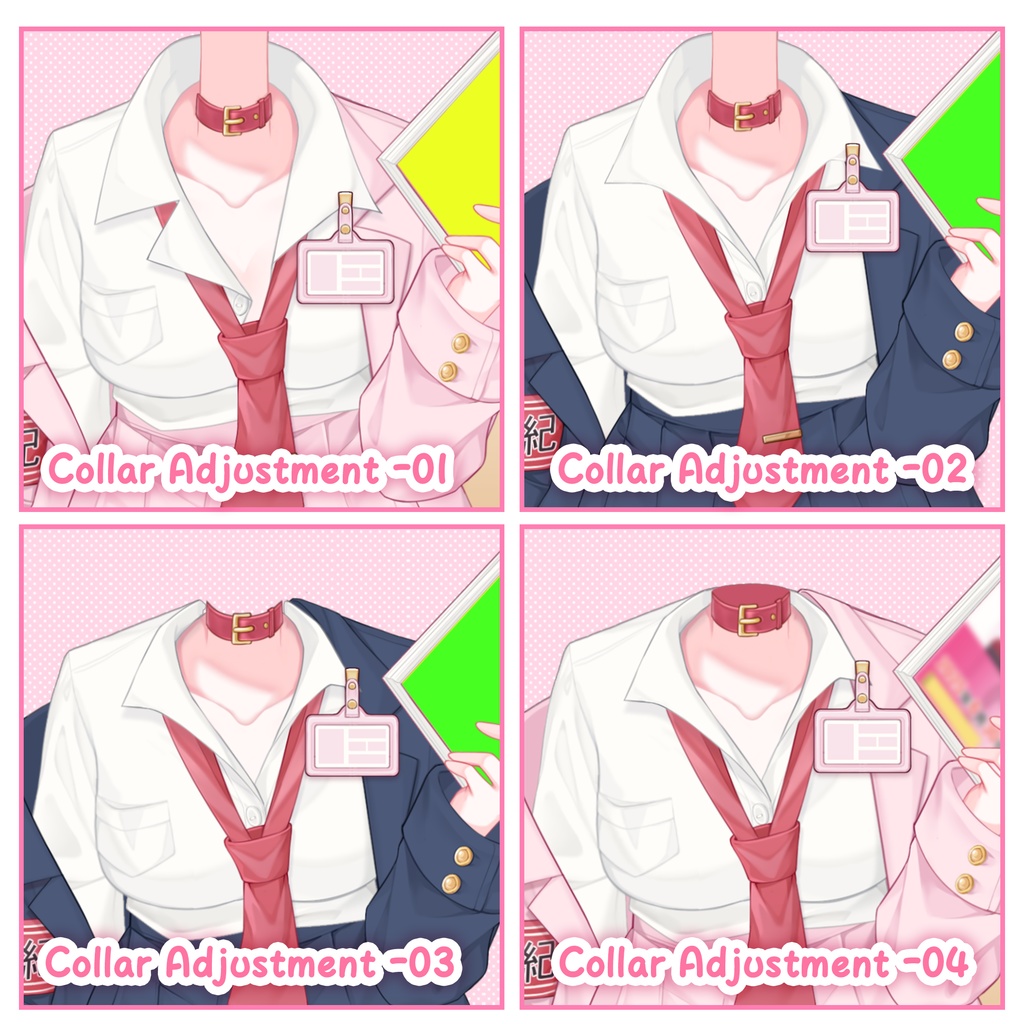
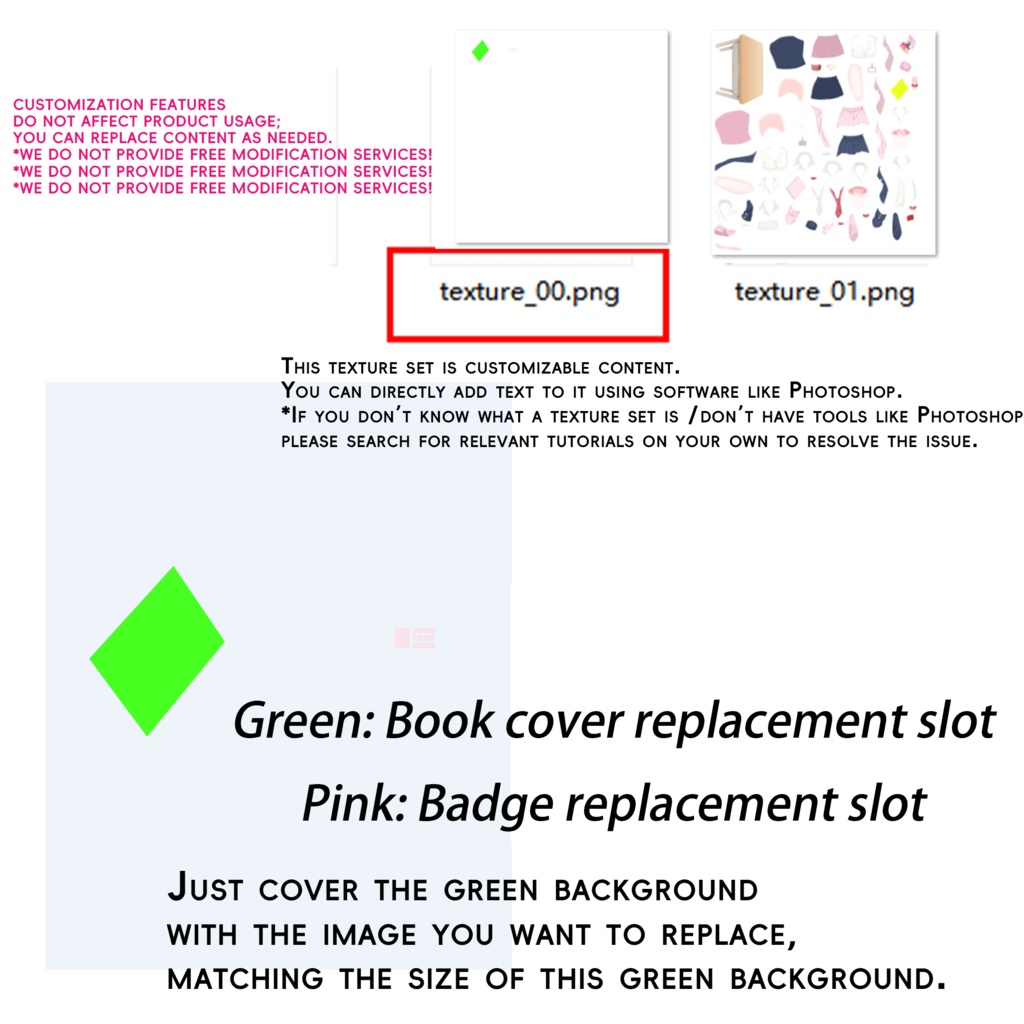


「こんな漫画、読んじゃダメですよ!💢」 ▸マンガから飛び出したようなツンデレ風紀委員📋◂ ✨特典付き!2 色展開の【縦画面】マンガ風 UI~(PSD ファイル同梱、テキスト内容編集可能) 無料コンテンツ(Live2D アクセサリー):ID Card 「自由に修正可能なコンテンツ」本の表紙、ネームプレートには個別のテクスチャセットを用意しており、テキスト & 画像をご自身で変更可能です。 ※修正可能なコンテンツに関する無料の変更サービス/リモート操作支援は提供しません 簡易な図文チュートリアルを同梱|参考に自身で修正可。 💭概要 「2 種類のカラー差分」ピンク & 紺色 「首元の適合性を向上」襟付き / 標準首モデル付き / 襟なし首なし、自由に切り替え可能。肩幅 & 襟の縦横サイズ調整可能 「その他機能」襟の高低調整、机の表示切り替え、3 種類の本の表紙切り替え、本を揺らすミニアニメーション用ショートカット付き~ ご注意:本アクセサリーの使用には「頭部のみ表示」用の切り替えボタンが必要です。 Live2D アクセサリーは全てのモデルに 100% 適合することを保証できません。 ✦ 有料コンテンツ一覧 ✦ ■VTS 衣装アクセサリー(Live2D) ■2 色展開【縦画面】マンガ風 UI(PNG&PSD ファイル) 【🌟】本アクセサリーは操作ショートカットが比較的多いため、表示の競合が発生する場合がございます。アクセサリー標準の首モデルの使用を推奨いたします。 ✦無料コンテンツ一覧 ✦ ・ID Card ■Control Keys■ (Left CTRL + number keys) Left CTRL + M: Desk display toggle Left CTRL + Q: Trigger book-wiggling mini animation Left CTRL + 1: Switch to Navy Blue Left CTRL + 2: Switch to Yellow Book Cover Left CTRL + 3: Switch to Custom Book Cover Left CTRL + 4: Collar Adjustment 1 Left CTRL + 5: Collar Adjustment 2 Left CTRL + 6: Collar Adjustment 3 Left CTRL + 7: Neck Left CTRL + 8: Collar Back Display (only functional when collar is enabled) Left CTRL + 9: ID Card Toggle ※If [action overlap/no response] occurs, please first press Left ALT + P to reset the accessory to its default state, then try the desired hotkey again. ※【アクションの重複 / 反応がない】場合、まず左 ALT + P を押してアクセサリーをデフォルト状態にリセットしてから、再度必要なショートカットをお試しください。 ⚠️ 警告:購入記録なしの無断使用は厳しく処分(通報・公表・10 倍補償含む)。 注:画像 / 動画中の Live2D キャラクターモデルは含まれません(衣装のみ、ヘッド無し)。 ᔦᔧ注意事項: ・色変更可能 ・グッズ印刷可能 ・著作権譲渡禁止 ・一人一用、再配布禁止 ・剽窃・過度な参考・商品の AI 学習利用を厳禁 ・ソフト教学不提供 ・配信・投稿以外の商用利用は必ず DM で授権申請 ᔦᔧ購入時の注意: 購入前に内容をよく確認してください。商品は自動で発送され、返品はできません。 その他の用途や質問がある場合は、事前にホームページのメールでお問い合わせください。 ※ いかなるソフトウェアの操作に関するご質問・ご教学も承っておりませんので、ご利用の配信ソフトに習熟されていることをあらかじめご了承ください。 *ご注意* 動画/画像にあるLive2Dモデルは含まれておらず。 コラボモデル:摘星飞鱼、枫糖可可、细雨气、优诺雅AYA、星光KIRARIN ࿄ཽཽ動画で使用されている Live2D モデルの購入リンク https://zhaixingfeiyu.booth.pm/items/7984556 https://misaki-nya.booth.pm/items/7441779 https://xiyuqi.booth.pm/items/6330457 https://xiyuqi.booth.pm/items/6067151 "Reading this kind of manga is not allowed!💢" ▸A slightly tsundere discipline committee member straight out of a manga📋◂ ✨Bonus included: Two-tone [vertical screen] manga-style UI~ (PSD file included, editable text content) Free(Live2D): ID Card Note: This package does NOT include the Live2D character model shown in images/videos (costumes only, no character body/head). 「Customizable」 Separate texture sets are reserved for the book cover and badge|Edit text & images yourself *Free replacement/remote assistance for customizations not provided, simple graphic tutorial included for self-modification reference. 💭 Overview 「2 Color Variations」Pink & Navy Blue 「Improved Neck Compatibility」Freely switch between Collar/Integrated Neck/No Collar & No Neck. Shoulder and collar width/height are adjustable 「Other Features」Adjustable collar height, desk display toggle, 3 switchable book covers, plus a hotkey for a book-wiggling mini animation~ Please Note: Using this accessory requires a toggle button for head-only display. Live2D accessories cannot guarantee 100% compatibility with every user's model. ✦ Paid Content List ✦ ■VTS Outfit Accessories (Live2D) ■Two-tone [vertical screen] manga-style UI (PNG & PSD files) ■ Includes free version content ■ Free Content List ■ (Live2D) ✦ ID Card ■Control Keys■ (Left CTRL + Top Row Number Keys) Left CTRL + M: Desk display toggle Left CTRL + Q: Trigger book-wiggling mini animation Left CTRL + 1: Switch to Navy Blue Left CTRL + 2: Switch to Yellow Book Cover Left CTRL + 3: Switch to Custom Book Cover Left CTRL + 4: Collar Adjustment 1 Left CTRL + 5: Collar Adjustment 2 Left CTRL + 6: Collar Adjustment 3 Left CTRL + 7: Neck Left CTRL + 8: Collar Back Display (only functional when collar is enabled) Left CTRL + 9: ID Card Toggle ※If [action overlap/no response] occurs, please first press Left ALT + P to reset the accessory to its default state, then try the desired hotkey again. ᔦᔧNotes: ・Recolor allowed|Merch printing allowed|Personal use OK ・No copyright transfer|Personal license only|No redistribution/resale. ・Fit not guaranteed due to model differences. No support for this. ・No refunds. Auto-delivery. ・Does NOT include any Live2D models in videos/images (assets only, no characters). *Notes* We do not provide any tutorials or guidance on software operation. Please make sure you are proficient with your broadcasting software.