

【無料FREE】VRChat OSC Scaler サイズ変更ツール - Standalone Scaling Tool 【全アバター使えます】
- サイズ変更ツールダウンロード商品¥ 0
- 🍓スタバ奢って(中身は同じ)ダウンロード商品¥ 690
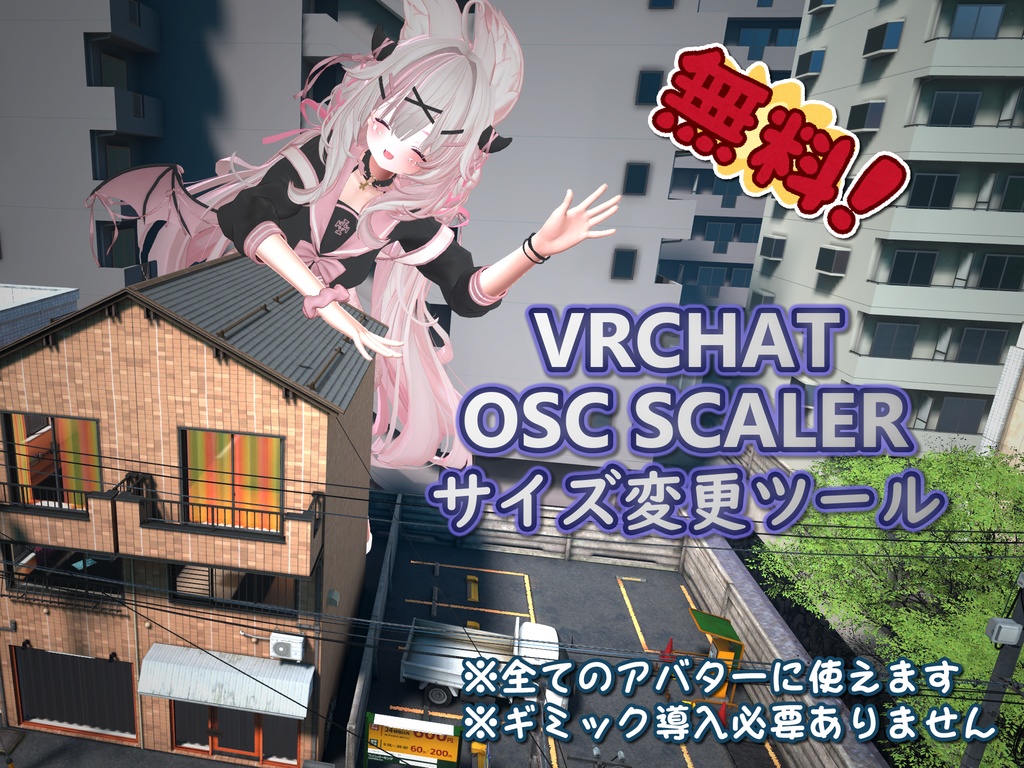
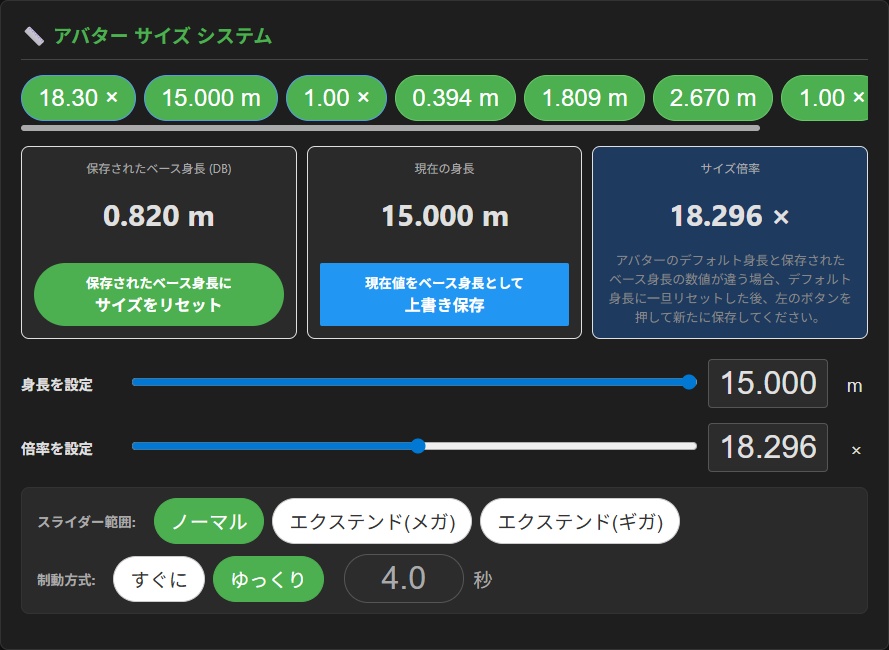
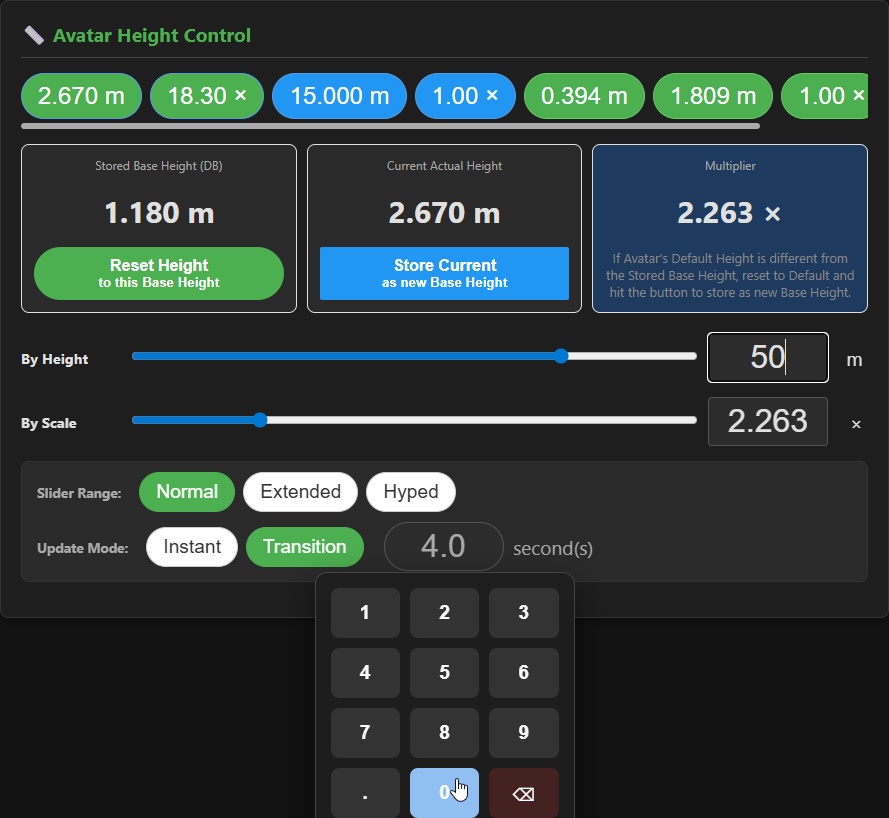
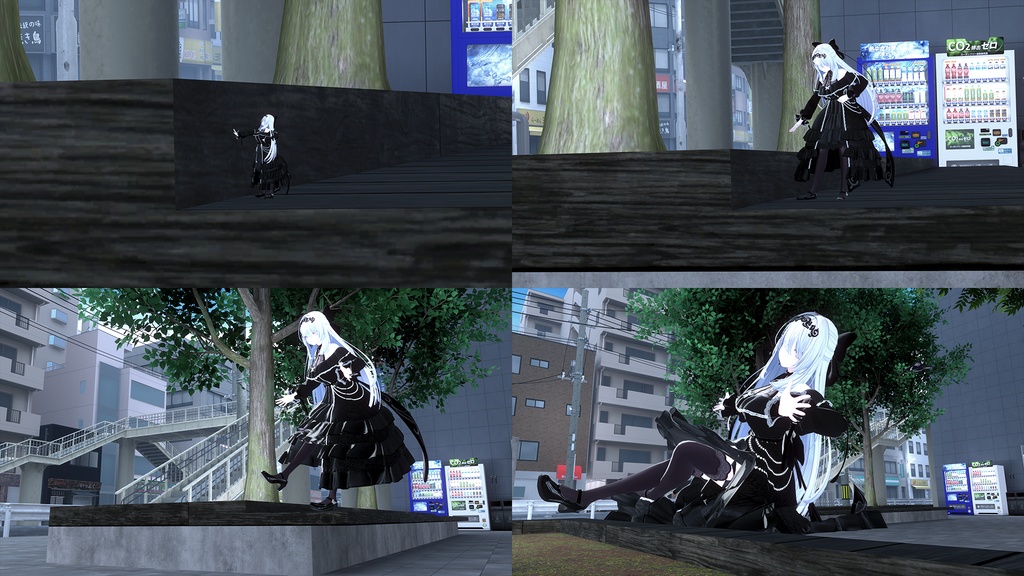
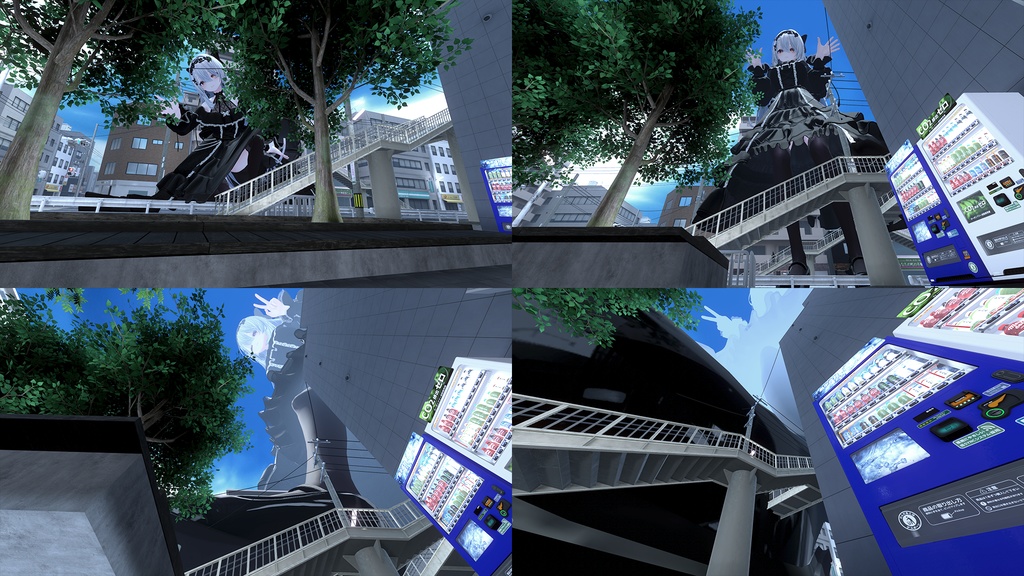
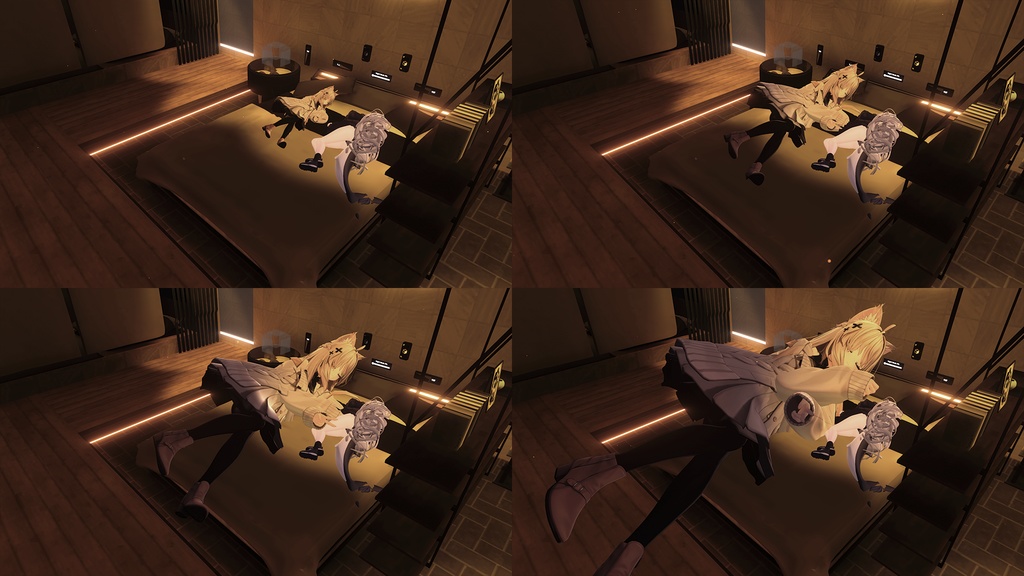
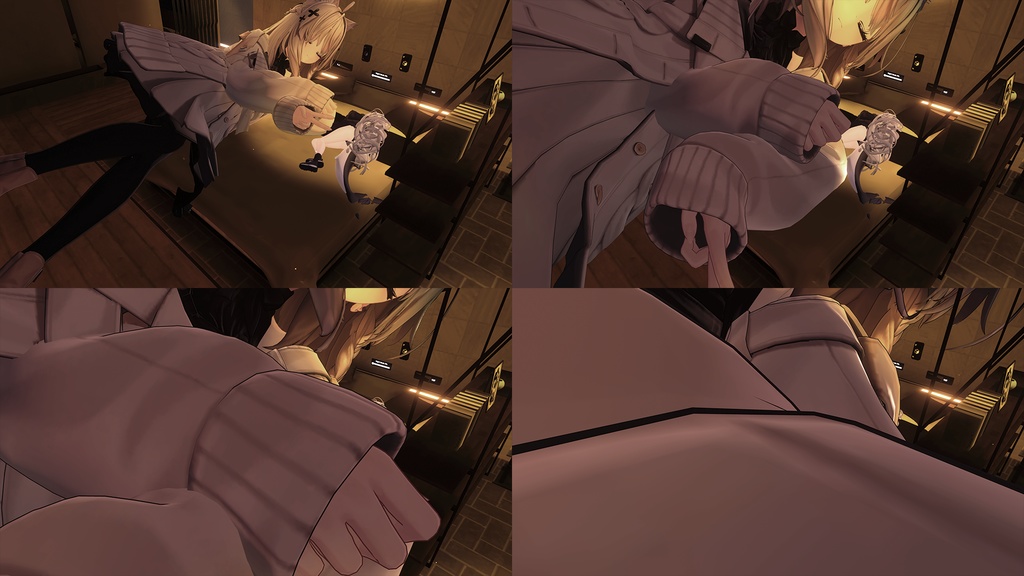
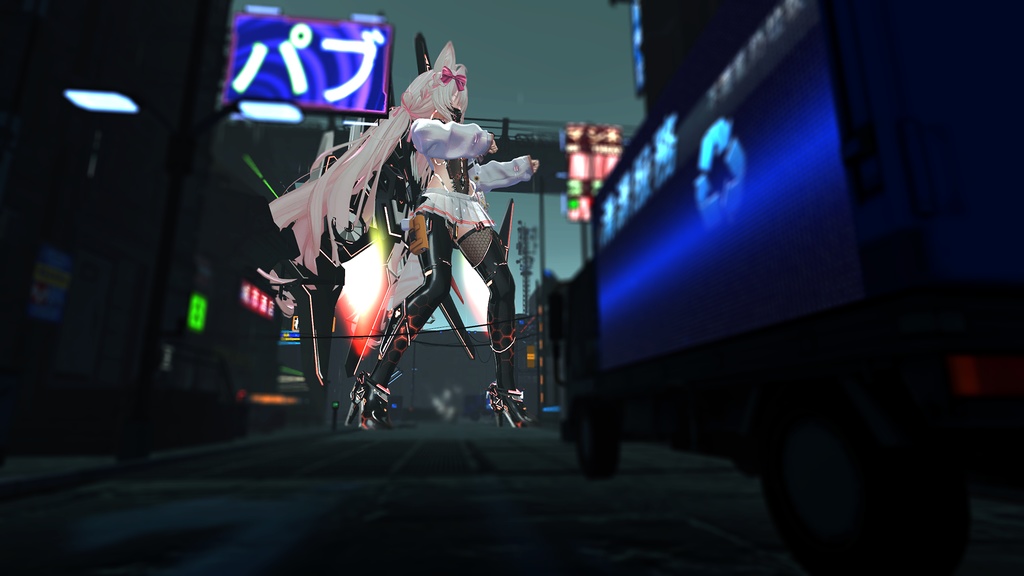
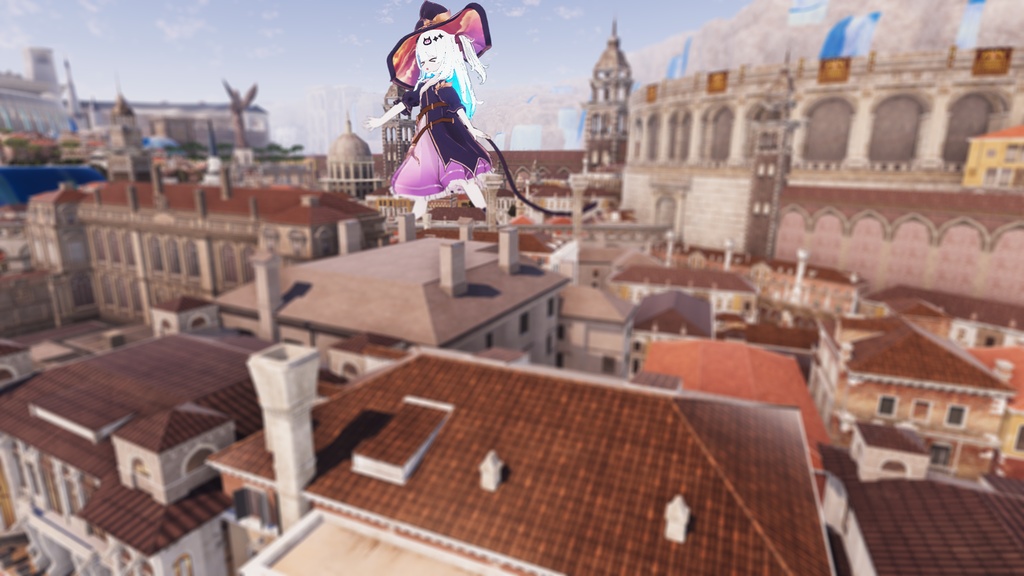
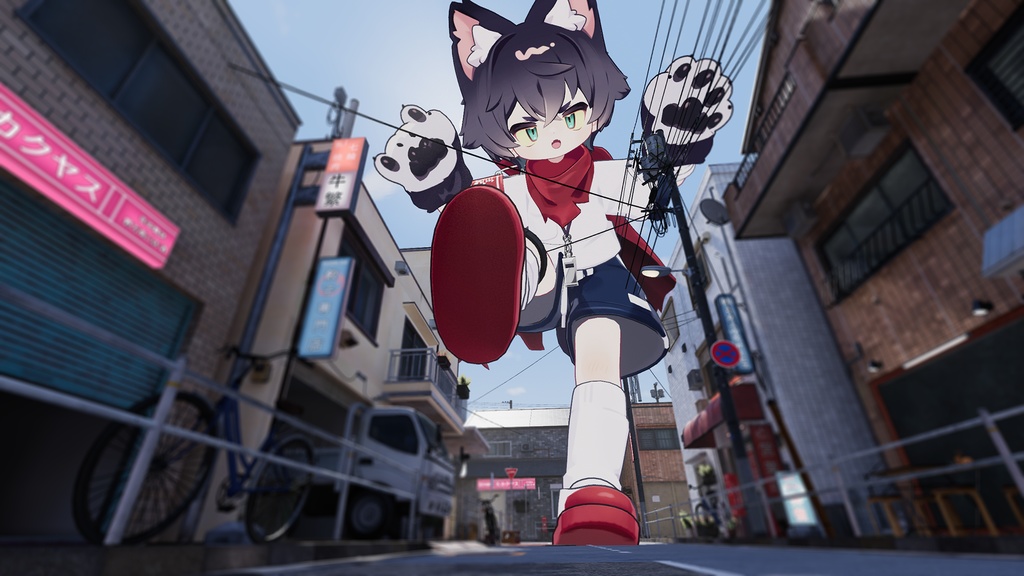


VRChat OSC サイズ変更ツールは、 VRChat ユーザー向けに開発された OSC ツールです。直感的な UI を通じて、アバターのサイズを変更できます。インストール不要でスタンドアローン実行可能。複数言語にも対応しています。 VRChat OSC Scaler is an OSC tool developed specifically for VRChat users. It allows you to adjust your avatar's height through an intuitive UI. This is a standalone tool that requires no installation and supports multiple languages. 【注意事項】 Q: 「ゆっくり」の制動方式に関して、他人から見ると小刻みに大きくなったり小さくなったりします。 A: VRChat の制限で身体の大きさの反映が数瞬遅れるようです。ビューポイントの位置はスムーズに同期してくれますが、身体の大きさについてはワールドギミックから手を付けないとどうしようもありません。この制限は制動時間を長くしておくと目立たなくなります。 [Notes] Q: Under Transition Mode, why growing or shrinking looks glitchy(jitter) from other players? A: Due to VRChat's limitations, while the position of viewpoint is syncing perfectly smooth, but the body size has a delayed sync. There is nothing we can do, but only world gimmick can make it. This limitation becomes less noticeable if you increase the transition duration.
主な特徴 Key Features
📏 サイズの操作 スライダーによる直感的な操作と、数値入力による精密的な操作が可能。制動方式も「すぐに」と「ゆっくり」の 2 つモードがあり、「ゆっくり」は決められる秒数間ゆっくりと目標サイズまで大きくしたり小さくしたりすることもできます。 📏 Height/Size Control Supports intuitive slider control and precise numerical input for height value or scale factor. Features two transition modes: "Instant" for immediate changes and "Transition" for a smooth scaling effect over a set duration. 💝 アバターの改変不要 アバターにギミックを取り込む必要はありません。本ツールさえあればパブリックを含む全アバターがサイズを変更することができます。(サイズの変更が行われるのはツール利用者ご自身だけ) 💝 No Avatar Modification Required There is no need to add any gimmicks or components to your avatar. With this tool, you can scale any avatar, including public ones. (Note: Scaling only affects the tool user's avatar, not other's. Other player will see your size change) 🌐 ワールド依存なし ワールドにサイズ ギミックを取り込まなくても、ほぼ全ワールドで動作します。ジェスチャーによる誤作動もありません。(ワールドが設定により身長が特定の範囲に指定されたり、変更自体が無効になっている場合もございます、その場合はワールドの設定が優先されます) 🌐 World Independent Works in almost all worlds without needing specific world-side scaling systems. It also prevents accidental triggers from gestures gimmick provided from world. (Note: If a world has a fixed height range or has disabled scaling, the world's settings will take priority). 🥽 デスクトップ/VR 両対応 (PC) ゲーム内のエクスプレッション メニューではなく、 VRChat とは別アプリとして動作します。 VR からでも操作しやすいように作られています。 🥽 Desktop/VR Compatible (PC) Operates as a separate application from VRChat rather than an in-game Expression Menu. The UI is designed to be easily operable even from within a VR headset. 🔍 パラメーター モニタリング OSC からキャッチできるパラメーターが、更新した際にリアルタイムでチェックできます。アバター改変のデバッグにもちょっと使えます。 🔍 Parameter Monitoring View OSC parameters in real-time as they update. This feature can also be used for debugging avatar modifications. 🛡️ 外部送受信なし 追加のデータやリソースを外部から引っ張ったり、外部へ送信したりすることなくアプリは全部ローカルで完結します。どこかへログインする必要もありません。(起動時にファイアウォール経由を許可しますかと OS のセキュリティ上確認されますが、許可しなくても問題なく動作します) 🛡️ No External Data Transmission The program does not send any data to external servers. All processing is done locally on your computer. (You will be asked for grant access by the OS firewall when you first run the program, it has no affect to the program even if you decline it.) 🎨 モダン UI ありがちな ライト モード / ダーク モード に対応し、好きな写真を背景画像として設定可能です。 🎨 Modern UI Light theme/Dark theme switchable. And you can set any photo as the background of the tool. 🌐 多言語に対応 しかも自分で言語ファイルを追加したり、修正したりすることもできます。 🌐 Multilingual You can modify the language file or add extra language to suit your situation.
使用方法 How to Use
1. VRChat とサイズ変更ツールはそれぞれ個別で起動します。 2. ツールが初めて起動する時に限り、 OS のセキュリティ上、ファイアウォールの経由を許可するか確認取られますが、許可してもしなくても問題なく動作します。 3. アバターが読み込まれた瞬間にパラメーターは OSC により読み込まれます。 4. 既に VRChat が起動されている場合、ワールドを一度移動する、アバターを着替える、もしくは OSC を一度再有効することで読み込まれます。 5. もし読み込まれなかった場合、ゲーム内でエクスプレッション メニュー(リング メニュー)を開き順番に、上の「オプション」→左下の「OSC」→下の「無効/有効」という設定を「有効」に設定してください。これが「無効」になっている場合は OSC から何も送信されません。 1. Start VRChat and the Scaler tool independently. 2. Only the first time you start the tool, OS firewall will ask you to grant access on a security level, there is no affect to the tool no matter you grant or decline the access. 3. Once any avatar is loaded in game the tool will receive parameters from the game through OSC. 4. If VRChat is already started, the tool will receive parameters any time you (1) move to another world; (2) change to any avatar; or (3) re-enable once the OSC. 5. If the tool is not receiving, check Expression Menu > Option > OSC > Enabled/Disabled. You should set it to "Enabled". The game would not send any data to the tool if this setting is set to "Disabled".
内容物 File Structure
vrchat-osc-scaler.exe (メインプログラム) lang/ (言語ファイルが保存されているフォルダ、これがない場合は初回起動時に自動生成されます) app-config.json (アプリの設定保存ファイル、なくてもデフォルト設定で起動できます) background.jpg (アプリの背景画像、なくても起動できます) README-ja.txt (紹介文) vrchat-osc-scaler.exe (The main program) lang/ (Folder contains all the language file; will be recreated if missing) app-config.json (Application settings; will use defaults if missing) background.jpg (Custom UI background image) README-en.txt (This introduction file)
動作環境 System Requirements
OS:Windows 10 / 11 (64-bit) ブラウザ:Microsoft Edge または Google Chrome (アプリ モードを使用するため) 必須要件:VRChat (OSC 機能が有効であること) OS: Windows 10 / 11 (64-bit) Browser: Microsoft Edge or Google Chrome (Used for App Mode) Requirement: VRChat (OSC must be enabled)
利用規約 Terms of Use
常識的な範囲でご利用してください。 **禁止** 二次配布、再アップロード、転売、本プログラムを他の有料プロジェクトに組み込んで販売すること。 他のプレイヤーのゲーム体験を悪意を持って妨害する行為を固く禁じます。 パブリックでの使用はお控えください。 Please use this tool within the bounds of common sense. **PROHIBITED:** Secondary distribution, re-uploading, resale, or integrating this program into other paid projects for sale. Maliciously interfering with other players' gaming experience is strictly prohibited. Please avoid using this tool in public instances.
免責事項 Disclaimer
- 本ソフトウェアは非公式ツールであり、 VRChat 公式とは一切関係ありません。 - 本ソフトウェアの使用により生じたアカウントの不具合、ゲームのクラッシュ、データの消失などについて、作者は一切の責任を負いません。自己責任でご利用ください。 - Quest/iOS では使用できません。 - ワールドの作者または運営が設定により身長変更を無効にしている場合、本ソフトウェアではその制限を上書きすることはできません。 - This software is an unofficial tool and is not affiliated with VRChat official. - The author is not responsible for any account issues, game crashes, or data loss resulting from the use of this software. Use at your own risk. - Quest/iOS versions are not supported. - If a world has settings with the eyeheight scaling disabled, this software cannot override those restrictions.
更新履歴 Update History
v1.1.2 - 2026/7/24 - パラメータ ページ検索の入力欄にクリア ボタン(×ボタン)を追加 - 特定の条件下でゲーム内身長がうまく反映できない不具合を修正 - パラメータ ページにおいてパラメータ検索結果が正しく表示しなかった不具合を修正 - その他細かいバグの修正 v1.1.0 - 2026/5/11 - データベースに保存する基準身長方式ではなく、パラメーター取得により計算されたデフォルト身長方式に切り替えました - `avatar-height.db` ファイルを削除しても構いません。このツールはもう使いません - アバター切り替え時にデフォルト身長にリセットすることができるオプションを追加 - ゆっくり制動方式は、「○秒で」の他に、「毎秒○メートルで」「毎秒○パーセントで」変化することもできるようになりました - ゆっくり制動時、サイズの変更を中断するボタンを追加 - わかりやすい場所にゆっくり制動時の残り時間を追加 - 一部入力欄を遮らないよう、数字キーボードを右下に移動 - 単位の切り替えをしてる際、数字の表示が不正確がある可能性を修正 - 単位がセンチメートルの時、スライダーのレバー位置が不正確がある可能性を修正 - その他細かいバグの修正 v1.0.1 - 2026/5/8 - ゆっくり制動方式の秒数が特定の条件下で上手く反映されなかった不具合の修正 - ゆっくり制動方式に関する注意事項を記載 - 数字の小数点表示はできるだけ統一してみた - その他細かいバグの修正 v1.0.0 - 2026/5/6 - 初回リリース v1.1.2 - 2026/7/24 - Added Clear ("x") button to the search bar on Parameter Search. - Fixed the height in-game may be not correctly applied in certain circumstances. - Fixed the results of Parameter Search is not correctly displayed in parameter page. - Minor bug fixes. v1.1.0 - 2026/5/11 - Instead of Stored Base Height method tracked in a file locally, change to Default Height method by calculating with obtained parameters. - Now you can free to delete `avatar-height.db` file. We do not use it anymore. - Added an option to automatically reset to Default Height everytime you change your avatar. - Added Transition Basis to Transition Mode, by time, by speed or by percentage. - Added Abort button to stop the Transition. - Added Transition Remaining Time display on somewhere visible. - Moved Numpad to bottom right to prevent it blocking some input box. - Fixed switching unit may have displaying number not properly reflected in some situation. - Fixed under the centimeter the slider was not properly positioning its handle. - Minor bug fixes. v1.0.1 - 2026/5/8 - Fixed the duration of Transition Mode was not properly reflected in some situation. - Added a note about the limitation of Transition Mode. - Tried normalizing the decimal style. - Minor bug fixes. v1.0.0 - 2026/5/6 - Initial Release.
よくある質問 FAQ
Q: 「OSC サーバー ポート (9001) が使われています」と表示されます。 A: 他の OSC ツール(フェイストラッキングツールなど)が起動している可能性があります。「設定」タブで本ツールのサーバーポートを変更するか、他のツールを終了してください。それと、本ツールが複数回起動されている可能性もあります。実行環境をご確認ください。 Q: 身長を変更しても反映されません。 A: ゲーム内で OSC が有効になっているか確認してください。また、現在いるワールドが身長変更を許可しているか確認してください。 Q: 身長がずっと「--」と表示されます。 A: 本ツールを起動した後、ゲーム内で必ず「アバターを一度着替える」か「 OSC を一度再有効」してください。これにより VRChat から OSC 経由でデータが本ツールへ送信されます。また、ゲーム内で OSC が有効になっているか確認してください。 Q: An error occured: "OSC Server Port (9001) is already occupied, go to settings to set another." A: You may have other OSC tools running such as Facial Tracking. Go to settings to set to another port number, or close other OSC tools. Also, please check if you may open multiple times of this program. Q: The height would not change in-game. A: Please check the OSC in-game is enabled. Also, please check the world if its settings allowing users to freely scaling their heights. Q: The height is always showing "--". A: After you starting this tool, you MUST in-game "change your avatar" once or "re-enable the OSC" once to take effect. VRChat will send data through OSC. Please also check your in-game settings enabling OSC.