

【MA】 AO Blocker
- ダウンロード商品¥ 800
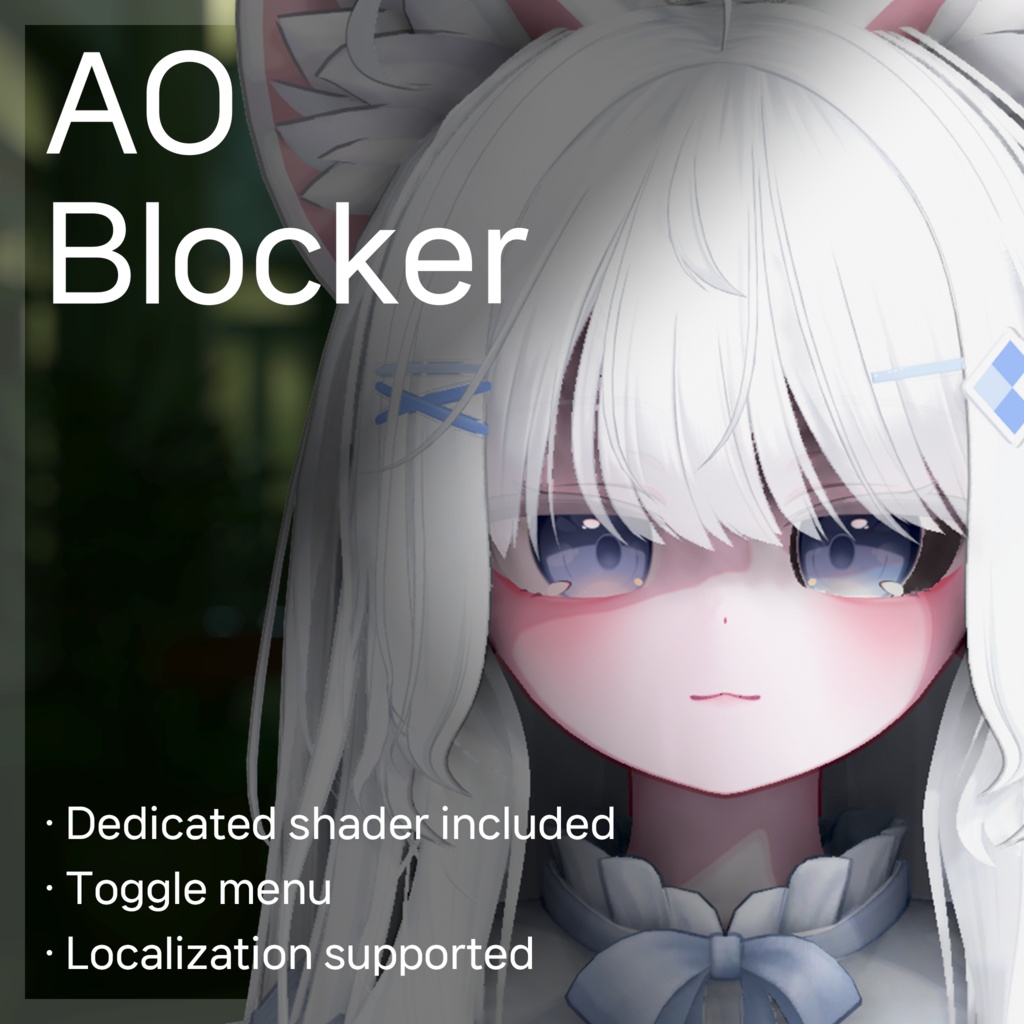
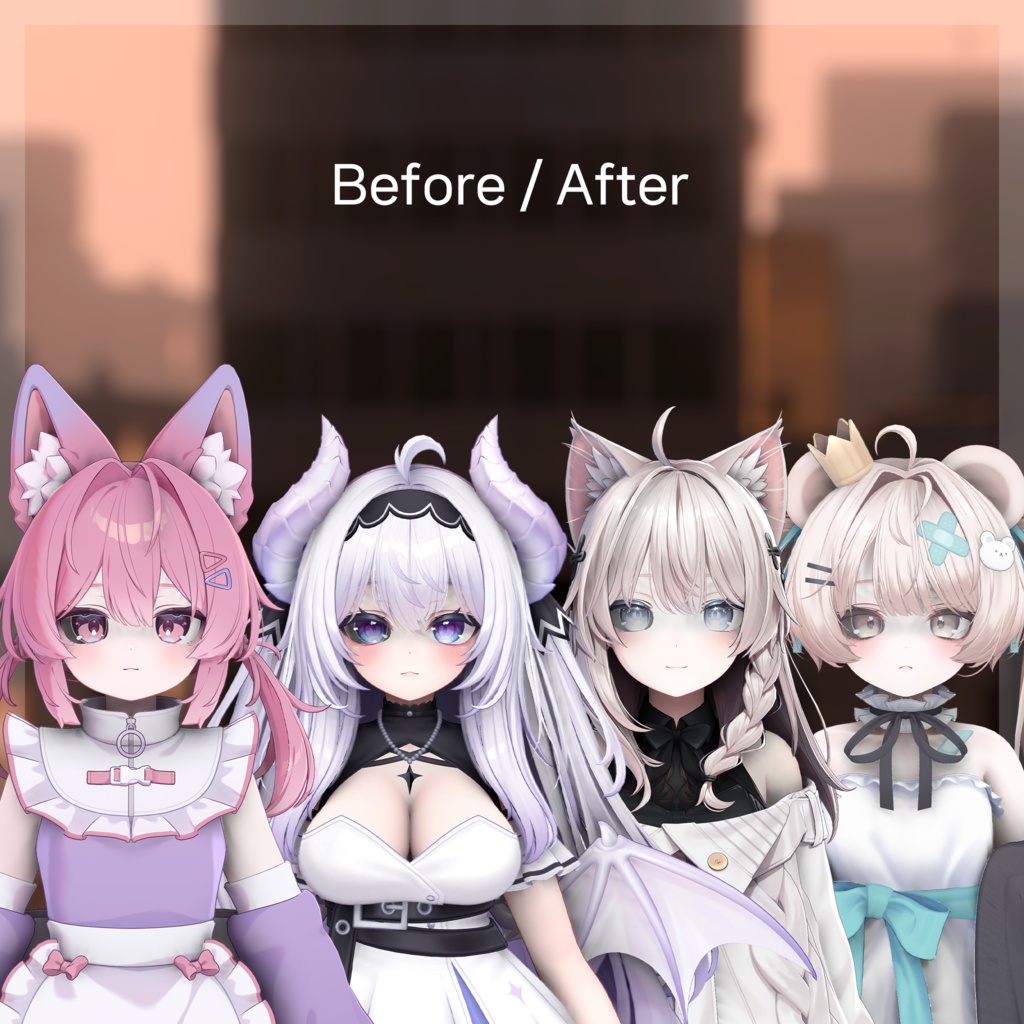


월드 Ambient Occlusion 에 의해 눈이 과하게 어두워지는 것을 방지하는 도구입니다. ワールドAmbient Occlusionは、目が過度に暗くなるのを防ぐツールです。 A tool to prevent excessive darkening of the eyes by World Ambient Occlusion.
# Features · 機能 · 기능
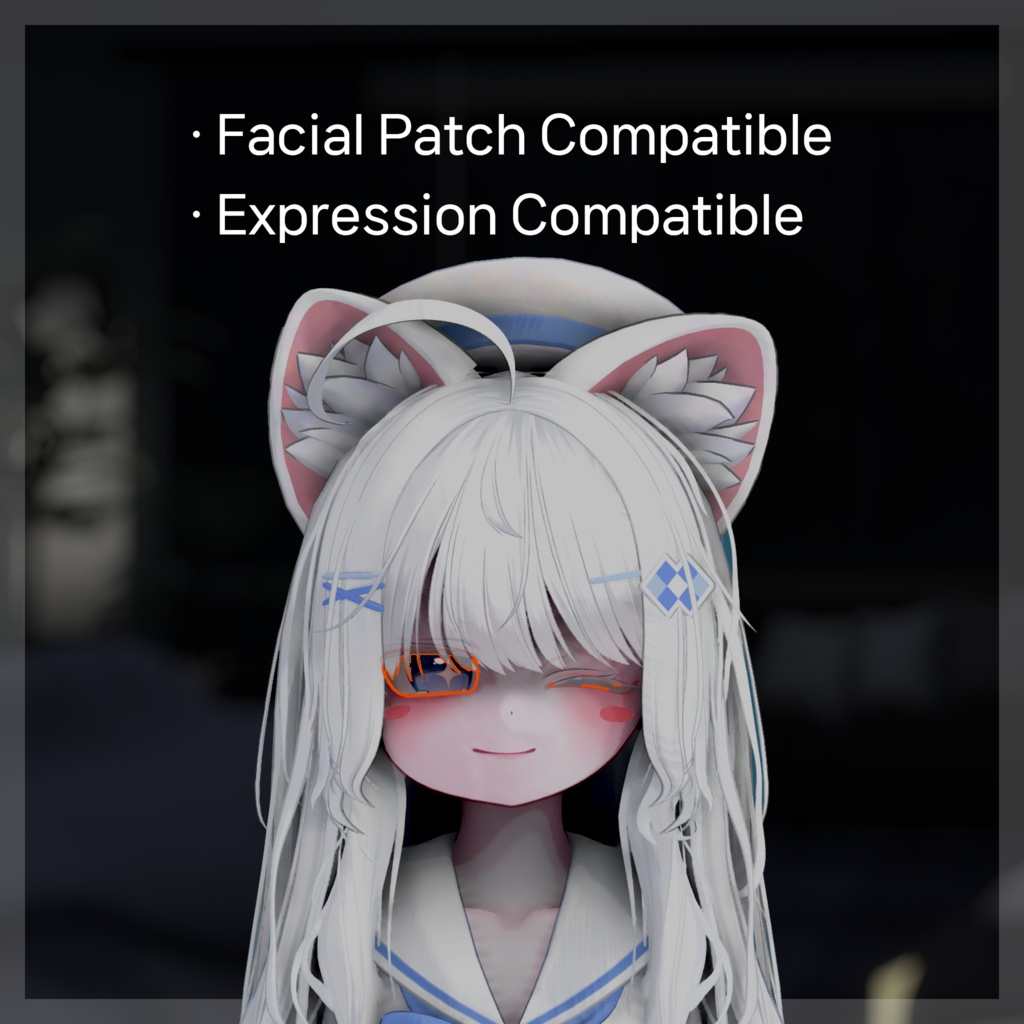
- Modular Avatar를 지원하여 비파괴 방식으로 작동합니다. - 전용 셰이더가 포함되어 있으며, 릴툰 버전과 포이요미 버전의 마테리얼도 제공합니다. - 토글 메뉴도 추가할 수 있습니다. - 페이셜 패치된 아바타에도 작동하며, 표정 및 본 웨이트도 자연스럽게 적용됩니다. - Modular Avatarをサポートし、非破壊的に動作します。 - 専用シェーダーが含まれており、リルトゥーンバージョンとポイヨミバージョンのマテリアルも提供しています。 - トグルメニューも追加できます。 - フェイシャルパッチされたアバターにも機能し、表情やBone Weightも自然に適用されます。 - It supports Modular Avatar and works in a non-destructive manner. - A dedicated shader is included, and we also offer lilToon and Poyomi versions of the material. - You can also add a toggle menu. - It also works with facial patched avatars, and facial expressions and bone weight are naturally applied as well.
# How to use · 導入方法 · 사용법
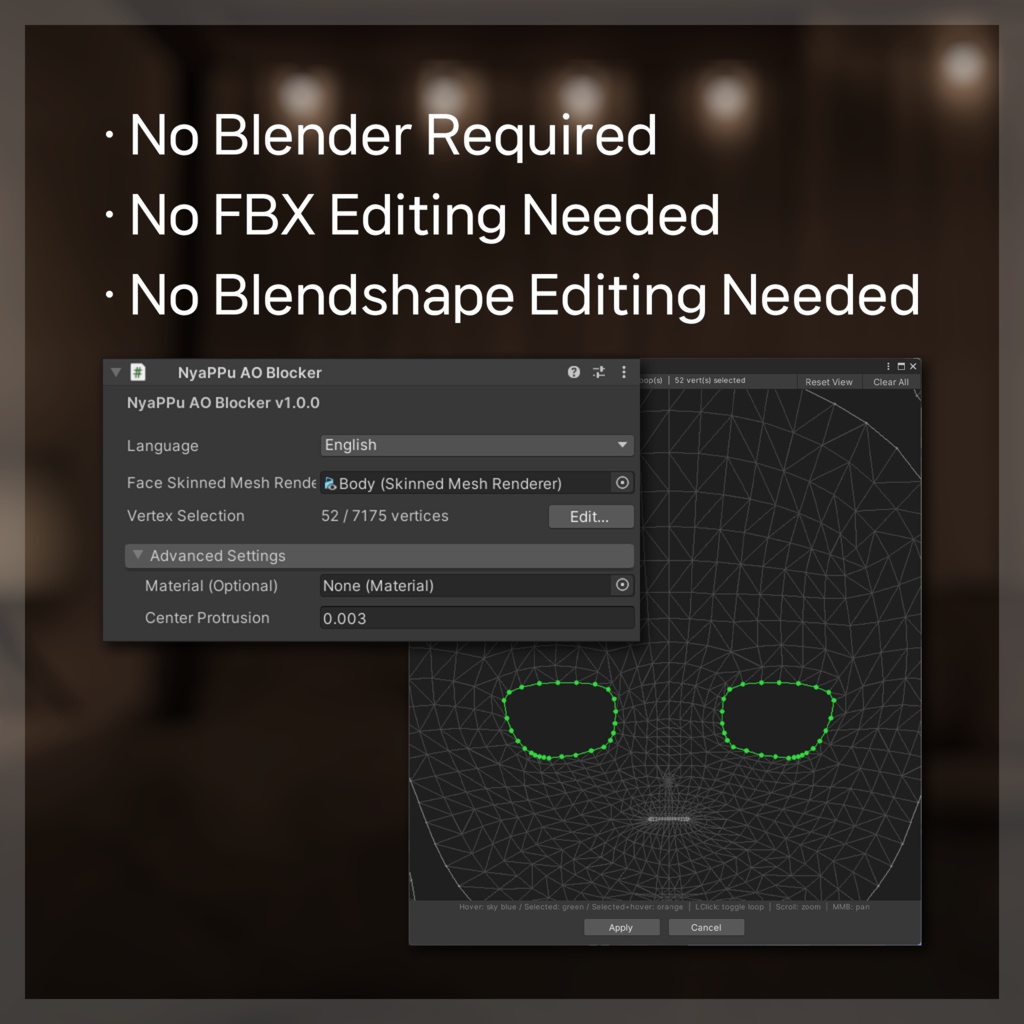
1. unitypackage 파일을 임포트합니다. 2. Assets/NyaPPu/AOBlocker에 있는 프리팹을 아바타 내에 배치합니다. 3. 인스펙터의 얼굴 Skinned Mesh Render 슬롯에 얼굴 매시를 추가합니다. 4. 버텍스 선택 Edit 버튼을 눌러서 버텍스 선택 창을 띄웁니다. 5. UV상에서 얼굴 눈가의 빈 영역을 선택하고 적용 버튼을 누릅니다. 1. unitypackageファイルをインポートします。 2. Assets/NyaPPu/AOBlockerにあるプレハブをアバター内に入れます。 3. NyaPPu AO Blockerスクリプトで、アバターのフェイスメッシュをフェイススキンメッシュレンダラスロットに追加します。 4. バーテックス選択 Editボタンを押してバーテックス選択ウィンドウを開きます。 5. UV上で顔の目元の空白部分を選択し、適用ボタンを押します。 1. Import the unitypackage file. 2. Place the prefabs in the Assets/NyaPPu/AOBlocker Under the avatar hierarchy. 3. In the NyaPPu AO Blocker script, add your avatar's face mesh to the Face Skinned Mesh Renderer Slot. 4. Press the Edit vertex selection button to display the vertex selection window. 5. Select an Empty UV space around the eyes of the face on UV and press the Apply button.
# Precautions · 注意事項 · 주의사항
- 본 에셋은 유니티 Unity 2022.3.22f1 버전, VRChat 플랫폼, Modular Avatar가 설치된 환경에서의 사용을 기준으로 제작되었으며 다른 환경에서의 작동은 보장할 수 없습니다. - 업데이트 시에는 기존에 임포트한 파일을 모두 삭제하고나서 새로운 버전을 임포트해주세요. - 문제가 발생하거나 사용에 어려움이 있으실 경우, 부스 메시지 또는 디스코드 등으로 연락주시면 최대한 도움 드리도록 하겠습니다. - 本アセットは、Unity 2022.3.22f1バージョン、VR Chat プラットフォーム、Modular Avatarが設置された環境での使用を基準に製作されており、他の環境での作動は保障できません。 - アップデート時には、既存のインポートされたファイルをすべて削除してから、新しいバージョンをインポートしてください。 - 問題が発生したり、使用に困難がある場合は、ブースメッセージまたはディスコードなどでご連絡いただければ、最大限お手伝いいたします。 - This asset is based on the Unity 2022.3.22f1 version, VRChat platform, and environment with Modular Avatar installed and cannot be guaranteed to operate in other environments. - When updating, delete all previously imported files and import the new version. - If you have any problems or difficulties using them, please contact us through booth messages or Discord and we will help you as much as possible.
# Terms of Use · 利用規約 · 이용약관
- 커미션에 사용할 경우 작업자와 의뢰자 모두 구매해야합니다. - 재배포, 양도, 공유, 퍼블릭 업로드 금지 - コミッションに使用する場合、作業者と依頼者の両方の購入をお願いします。 - 再配布、譲渡、共有、パブリックアップロード禁止 - When used for commissions, both the operator and the client must purchase. - Do not redistribute, transfer, share, or upload to public
# Changelog · 変更履歴 · 변경내역
2026.05.15 v1.0.0 - 출시 2026.05.30 v1.0.1 - UV선택기에 텍스쳐 보이도록 수정 - UV선택기 브러시 크기 조절 및 크기 표시 추가 - UV선택기 수동모드에서 선택된 엣지도 표시되도록 수정 - 우클릭 NyaPPu > AO Blocker Setup 메뉴 추가 - 기본 제공 Poiyomi Toon 마테리얼 추가 - 일부 조건에서 AOBlocker 셰이더가 뒷 매시를 뚫려보이게 할 수 있었던 문제 수정 - 편의성 및 속도 개선 2026.06.03 v1.0.2 - 미리보기 기능 추가 2026.06.21 v1.0.3 - 일부 BlendShapes가 적용되지 않는 문제 수정 - AAO와 함께 사용 시 형태가 고정될 수 있는 문제 수정 2026.07.13 v1.1.0 - 프리셋 기능 추가 (14 아바타 기본 제공) - 우클릭 메뉴 Setup 선택시 메뉴 항목도 세팅되도록 수정 - 첫 세팅시 자동으로 얼굴 Skinned Mesh Renderer 선택되도록 수정 - AO 적용 모습 미리보기 추가 - 현지화 개선 - readme 추가 2026.07.30 v1.1.1 - 버텍스 선택기 : 이동 시 위치가 어긋날 때가 있던 문제 수정 - 버텍스 선택기 : 가시성 개선 및 커서 내의 영향을 받는 버텍스 강조 표시 - 버텍스 선택기 : 자동 모드에서도 수동 모드에서 선택한 버텍스가 모두 보이도록 수정 - 버텍스 선택기 : 창을 연 상태에서도 프리셋 변경 시 즉시 반영 - Kaguya 프리셋 추가 - NDMF 관련 경고 뜨지 않도록 수정 - 공용 코드 업데이트 2026.08.24 v1.1.2 - 공용 코드 업데이트 - NDMF 최신 환경, 언어 설정 반영