

Frame Bangs 【6+ avatars】
- Frame Bangs - All Prefabsダウンロード商品¥ 1,300
- Frame Bangs - Ayame (アヤメ)ダウンロード商品¥ 1,000
- Frame Bangs - SELESTIA (セレスティア)ダウンロード商品¥ 1,000
- Frame Bangs - Milltina (ミルティナ)ダウンロード商品¥ 1,000
- Frame Bangs - Shinano (しなの)ダウンロード商品¥ 1,000
- Frame Bangs - Mizuki (瑞希)ダウンロード商品¥ 1,000
- Frame Bangs - Lasyusha (ラシューシャ)ダウンロード商品¥ 1,000
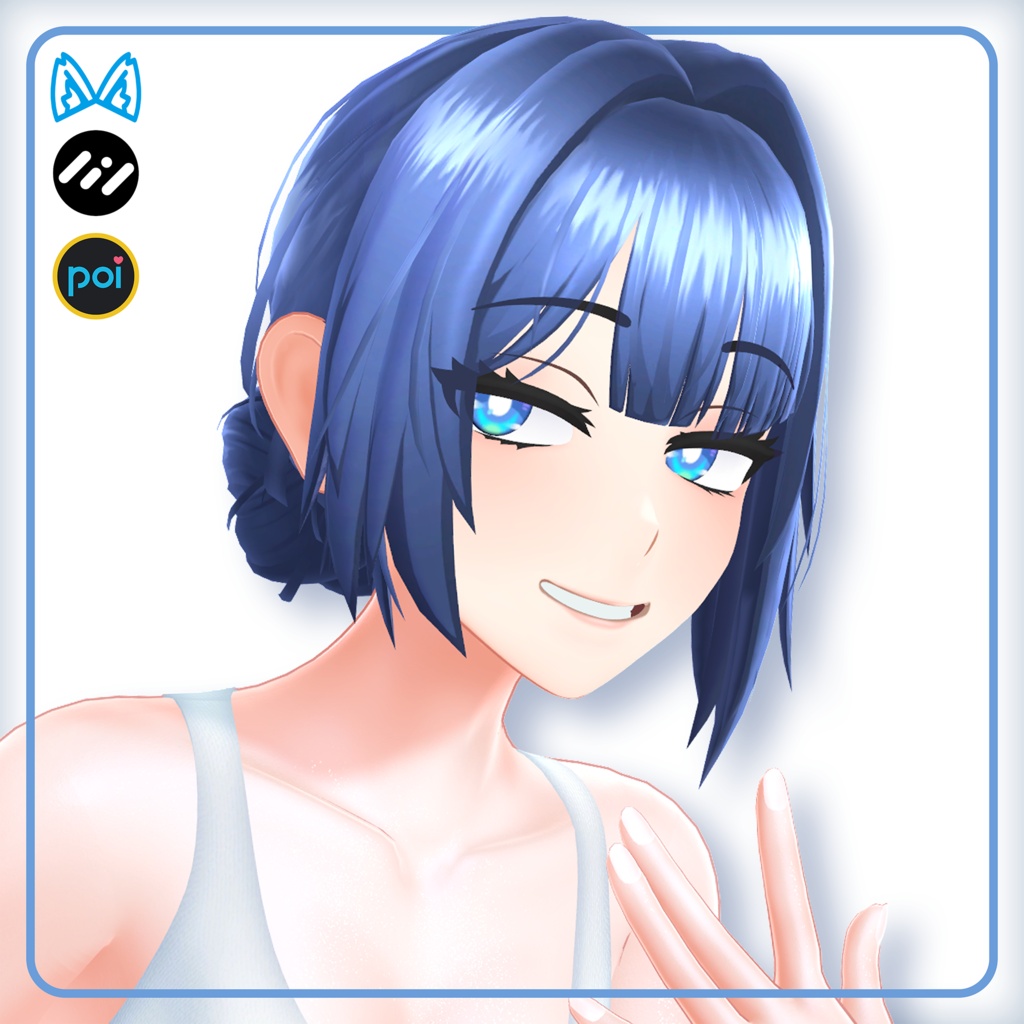
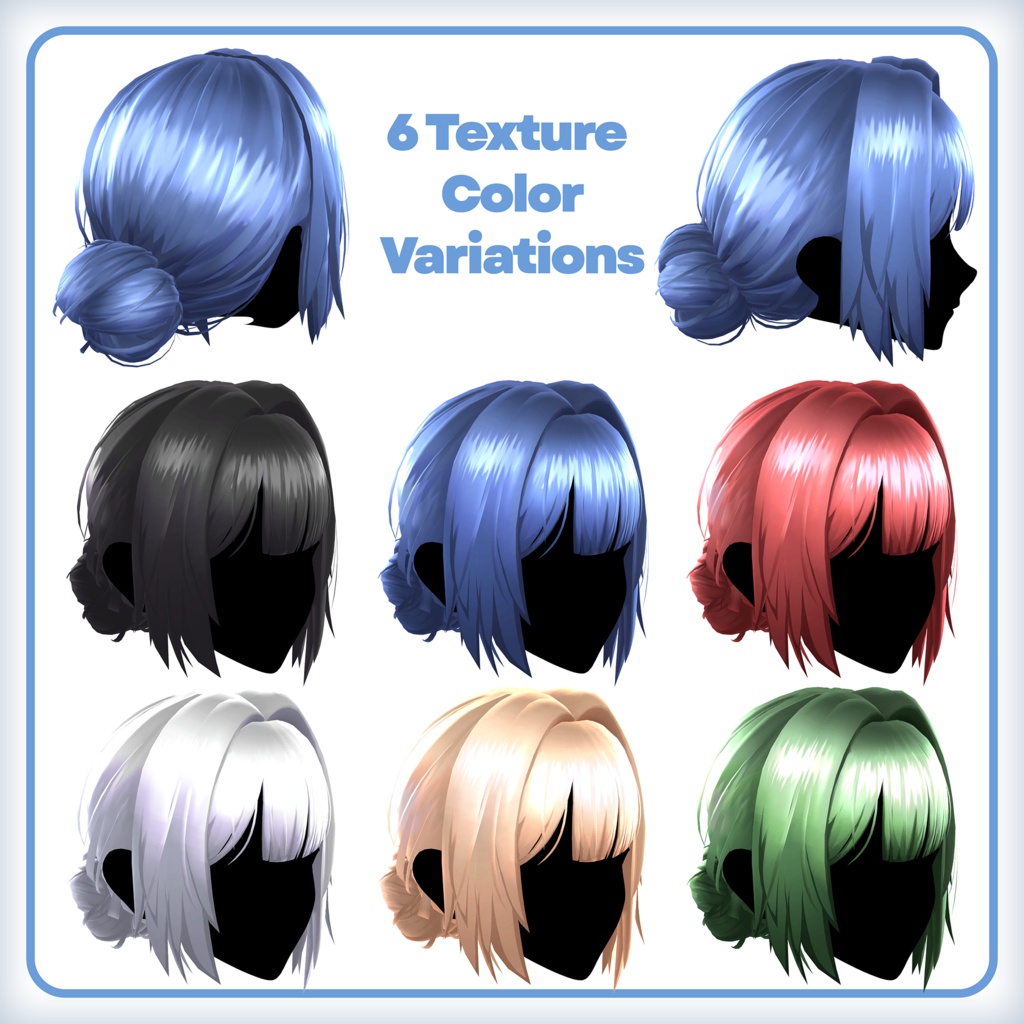
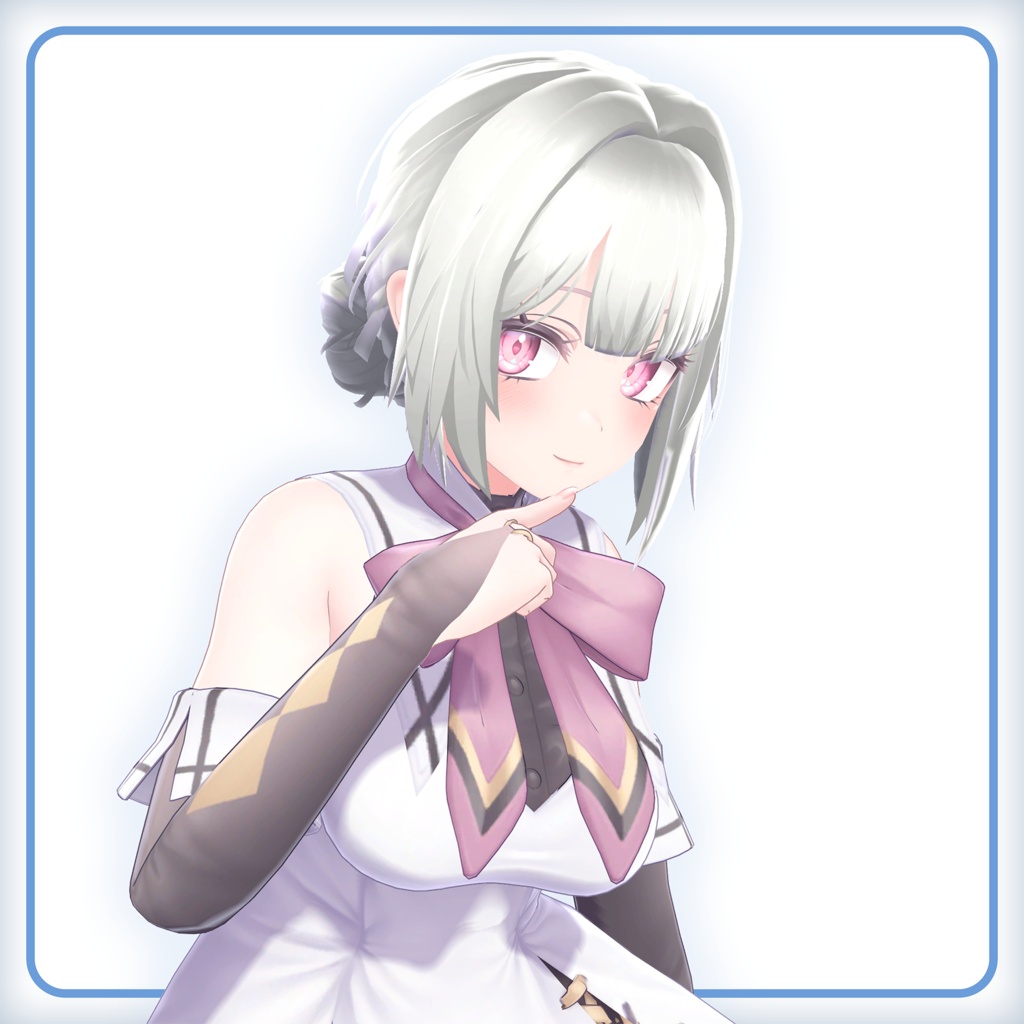
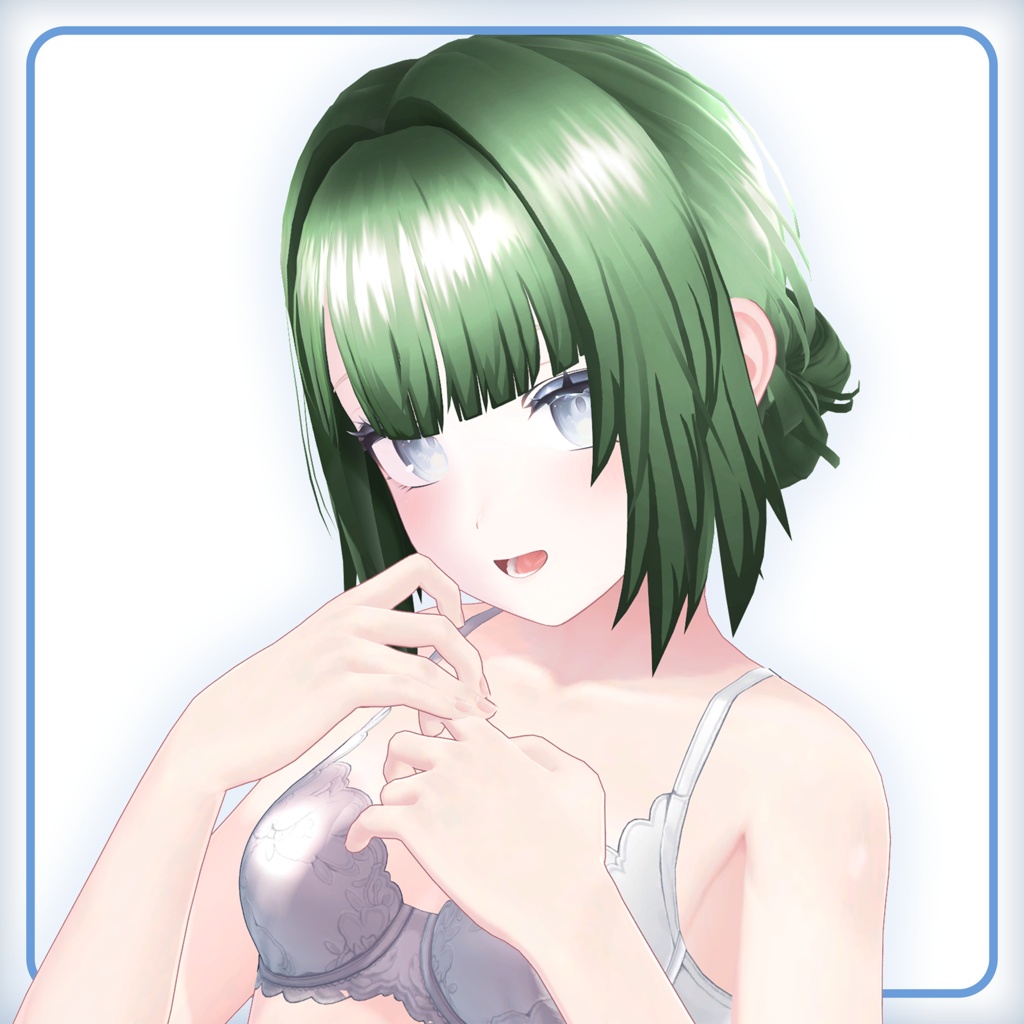
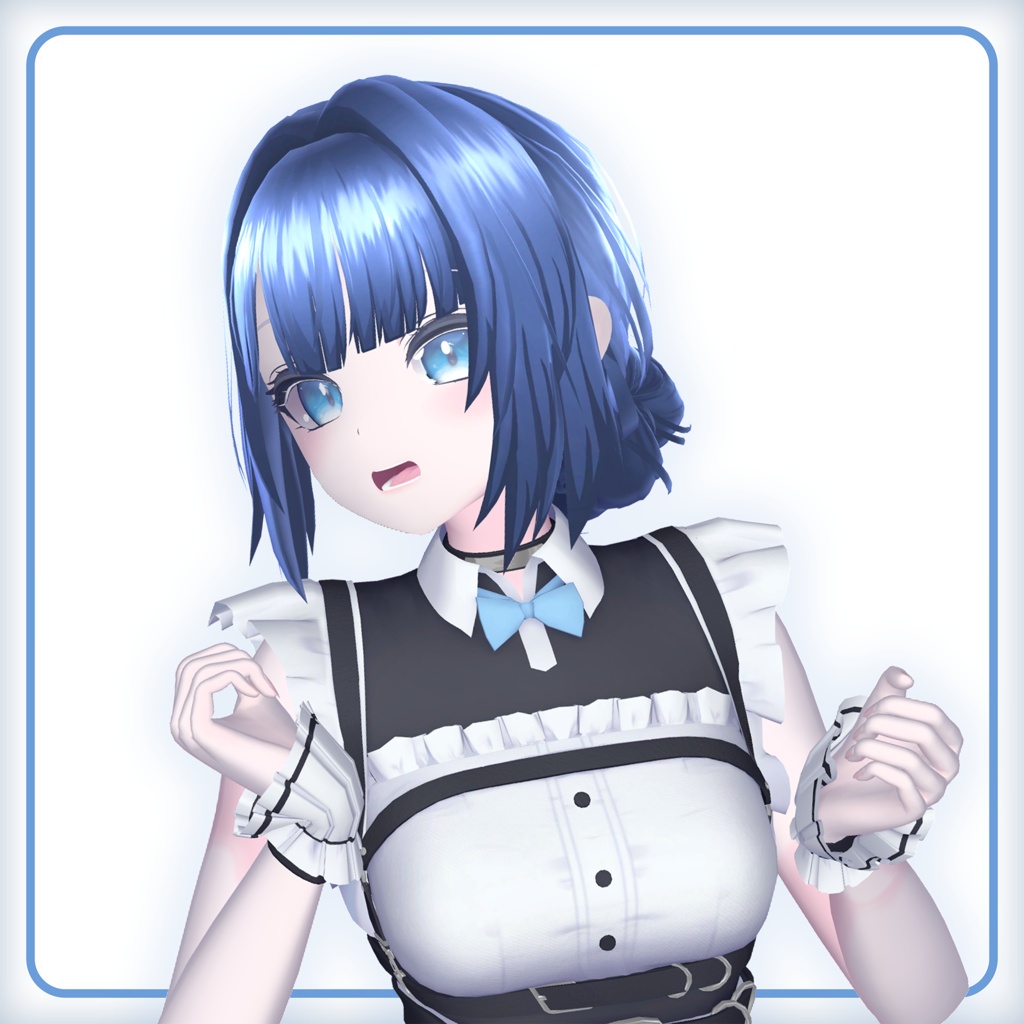
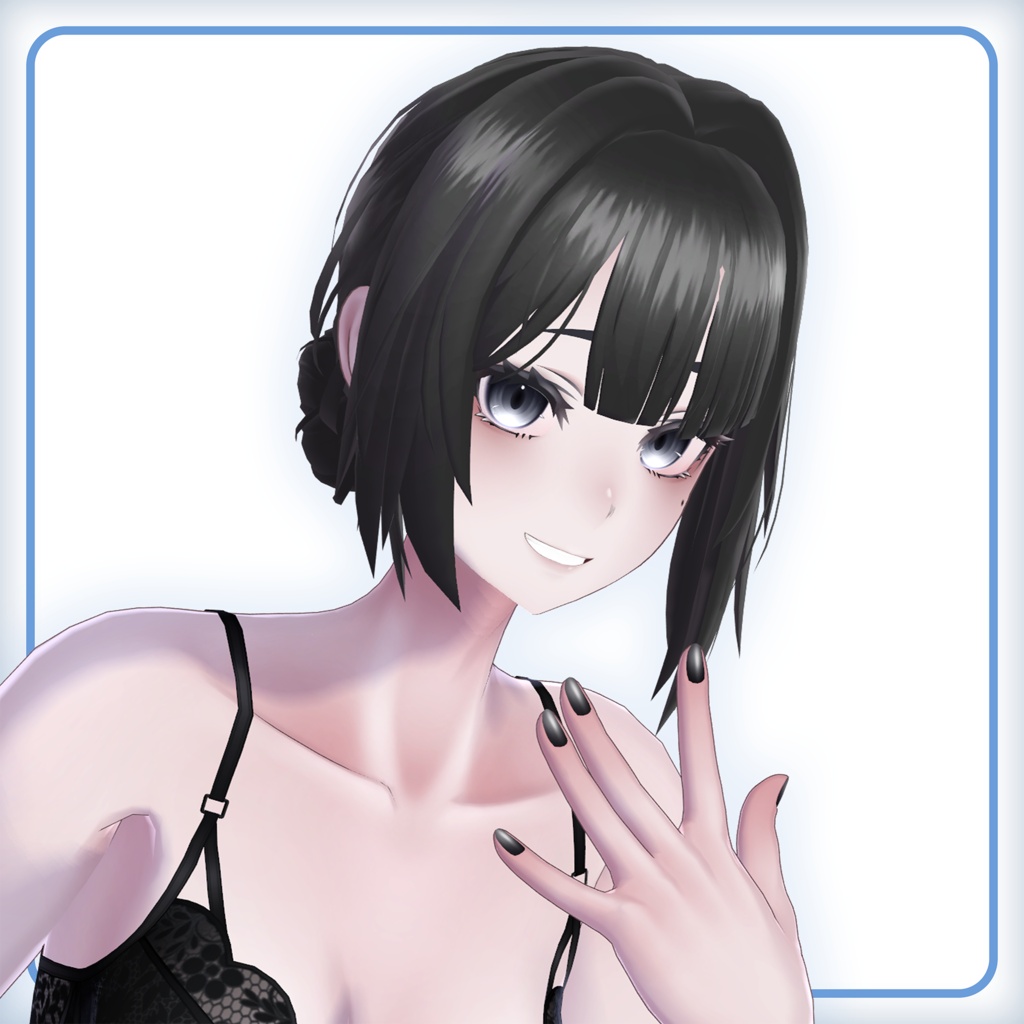
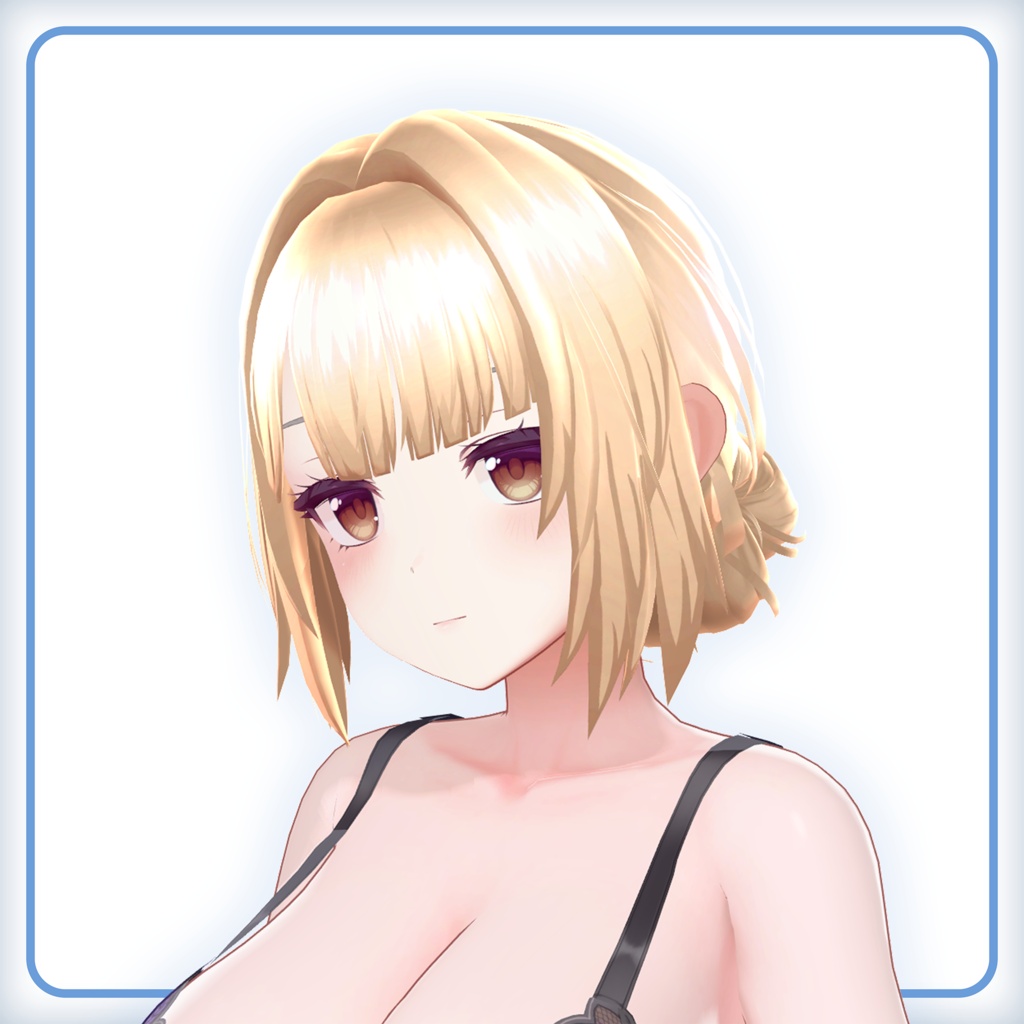


Frame bangs avatar hair asset for VRChat and other uses! I originally made this hair just for my base avatar Ayame, but decided to make shapekeys and prefabs so it could fit on most avatars! Goes well with: ・ Halter Dress - https://cascadian.booth.pm/items/8181763 Please consider joining my community where I'd love to interact with you, get feedback, share pictures, and more! Link at bottom of page. Also please contact me, preferably on my Discord server, if there are any issues I can fix!
◄ Features ►
- A hair mesh with many shape-modifying keys to fit onto your avatar. - 6 Different color texture variations - A PSD file to customize on your own - Drag-and-drop prefabs for supported avatars with preset shapekey settings - Poiyomi and lilToon material presets Stats: ・200+ Shapekeys (Not including face tracking) ・9.8k tris △ ・16 Bones ・3 Skinned Meshes (includes optimal stencil mat) ・3 Materials (includes optimal stencil mesh)
◄ Supported Avatars ►
Supports the following avatars. The hair most likely will support other avatars but you will need to adjust the shapekeys accordingly to fit. Ayame (アヤメ) https://cascadian.booth.pm/items/7846659 Selestia (セレスティア) https://jingo1016.booth.pm/items/4035411 Shinano (しなの) https://ponderogen.booth.pm/items/6106863 Milltina (ミルティナ) https://dolosart.booth.pm/items/6538026 Mizuki (瑞希) https://paryi.booth.pm/items/5132797 Lasyusha (ラシューシャ) https://keenooshop.booth.pm/items/4825073
◄ Setup & Requirements ►
The requirements are: 1. Have the proper version of the Unity Editor recommended by VRChat (https://docs.vrchat.com/docs/current-unity-version) 2. Have the Avatars VRCSDK for VRChat added to your project (https://docs.vrchat.com/docs/setting-up-the-sdk) 3. Install Poiyomi OR lilToon shaders (https://github.com/poiyomi/PoiyomiToonShader) (https://lilxyzw.github.io/lilToon/) 4. Install Modular Avatar (https://modular-avatar.nadena.dev) Setup: 1. Import the Frame Bangs unitypackage. 2. Open the folder under "Cascadian -> Hair -> FrameBangs -> Prefabs" and select the shader type and prefabs needed for your avatar. 3. Drag the prefab onto the root of your avatar- it should line up properly. 4. Hide or delete hair if there is any already on the avatar. 5. From there you can upload the avatar as-is or make any modifications you like, following the Terms of Use.
◄ Licensing & Contact ►
When purchasing this product, it is assumed that you have agreed to this agreement. The contents of the Terms of Use are subject to change, and the latest version shall prevail. This agreement uses the VN3 license ( https://www.vn3.org/ ) License: https://drive.google.com/drive/folders/1VAh2pBfACYvuJ2KUjlYpHPaRhogrZXCM?usp=sharing Contact: Discord Server | https://discord.gg/rdvP9eC Twitter | https://twitter.com/CascadianVR YouTube | https://www.youtube.com/c/Cascadian
◄ Updates ►
【 05/29/26 - V1.0 】 -Initial release