

Microphone with Rigged Cable for VRChat Avatars and Worlds
- ダウンロード商品¥ 100
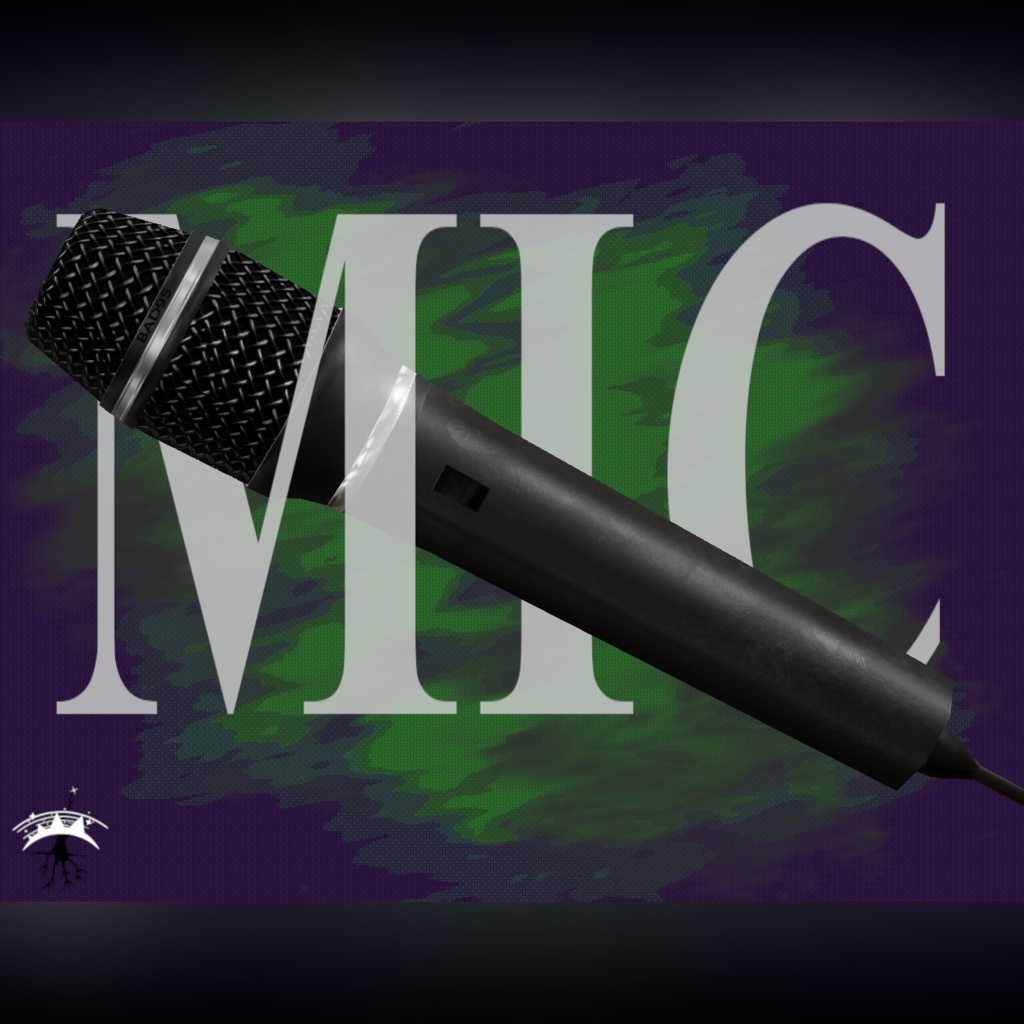
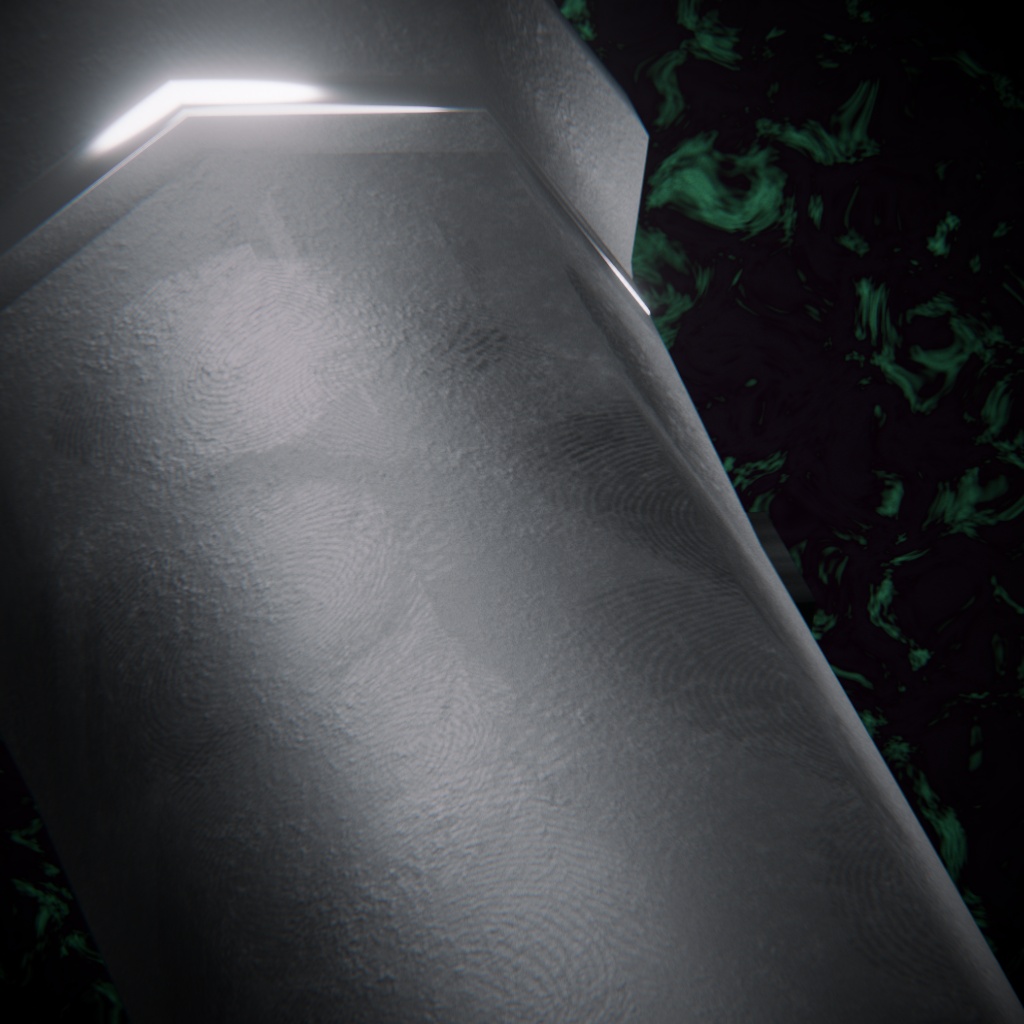
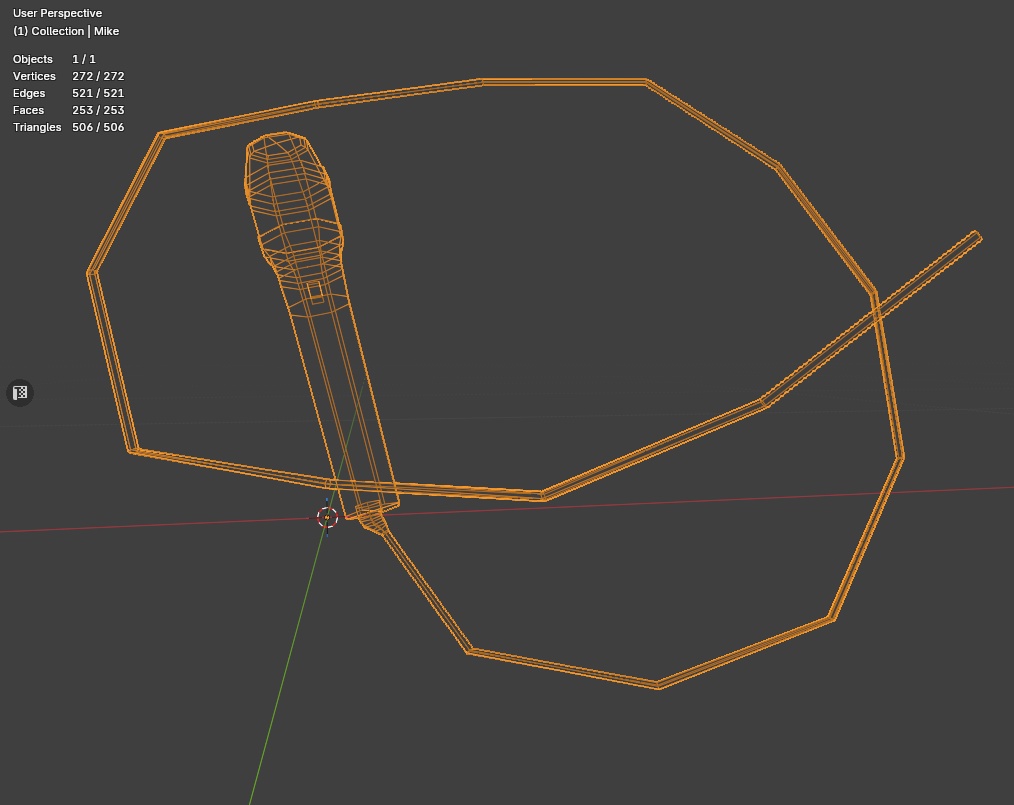
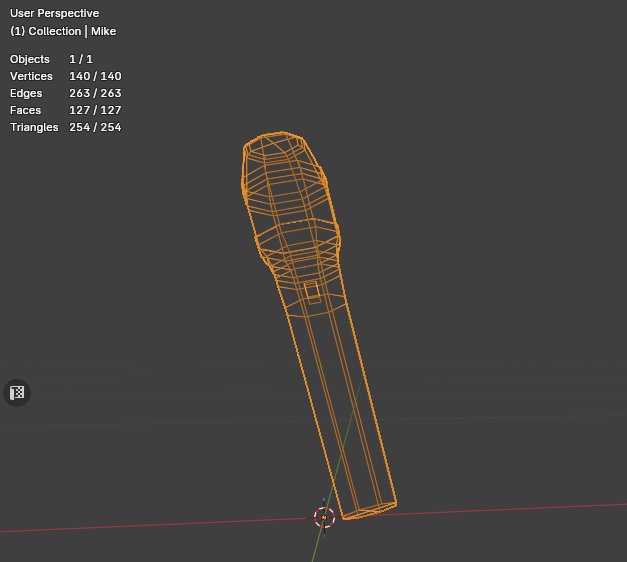


Performance information: Microphone with cable △: 506 Materials: 1 Bones: 17 Physbone Components: 1 Skinned Mesh Renderer: 1 Estimated VRAM Usage: ~1.75mb Microphone without cable △: 254 Materials: 1 Bones: 0 Physbone Components: 0 Mesh Renderer: 1 (no skinned meshes) Estimated VRAM Usage: ~1.75mb Includes: -1 Unity package containing the following: vvvvvvvvvvvvvvvvvvvvvvvvvvvvvvvvvvvvvvvvvvv -Original .blend file I used to make the asset -FBX files: Two FBX files. One with a cable (skinned mesh) and one without (mesh renderer). -2 Prefabs- One for avatar use and one for world use. -2 Material options: One using Poiyomi shader for avatar use, the other using Mochie world shader for world use. -Krita file with the layers setup in the configuration I used to set up the textures -3 Textures ---> Albedo, Normal Map, Packed Metallic/Reflection/Roughness/Spec map -Unity Scene with 3 examples ------------------------------------------------------------- Note: Intended use is for VRChat worlds but feel free to use this for anything! You do not have to credit me but I'd appreciate it if you do! <3 ------------------------------------------------------------- |vvvvvvvvvvvvvvvvvvvvv| |Instructions for use:| |^^^^^^^^^^^^^^^^^^^^^| Before import: Make sure you have the Poiyomi v9.3.64 and Mochie v2.10 shaders or later packages installed in your project prior to use! (I cannot guarantee earlier versions will appear as intended) Avatar version: -In Unity, position the microphone_foravatar_poiyomi.prefab on your avatar's hand or wherever you wish and make sure it is parented to the intended bone in the hierarchy. If you do this in blender, please remember to copy the physbone component from the prefab over before upload. World version: -Drop microphone_forworld_mochie.prefab into your scene wherever you want! If static make sure to mark it as such so that lights are baked properly. Physbones are now supported in VRChat worlds so the component should work with no issues in your world. The world version does not have a floor collider. Cordless version: -Place microphone_nocable.fbx however you like. It has no special features and is just a mesh in case you need to save polygons/skinned meshes/physbones to hit a performance rank. No generative AI was used in the creation of this product!!!! *Thumbnail image captured in-Unity. Wireframe image captured in Blender Please reach out to me if there are any issues with this item.