

Cloth Material Animation Generator
- ダウンロード商品¥ 0
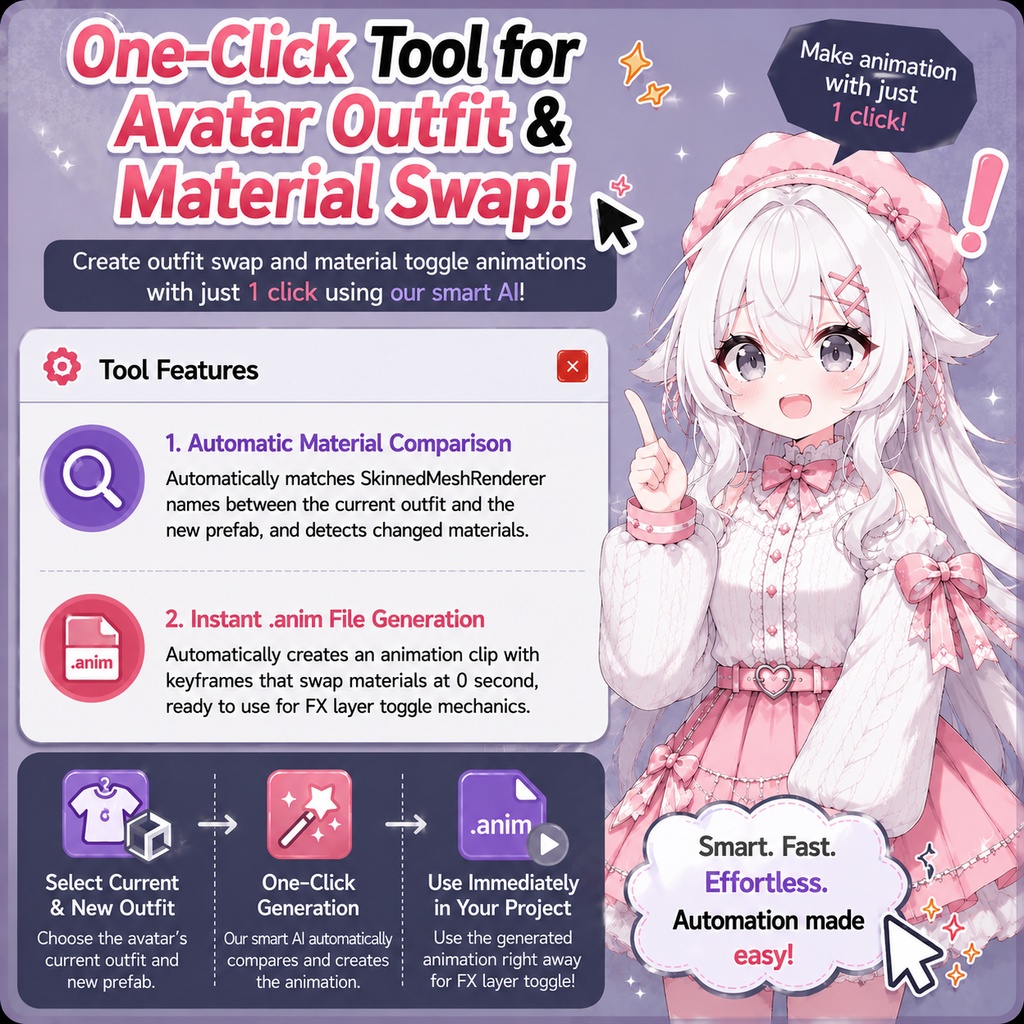
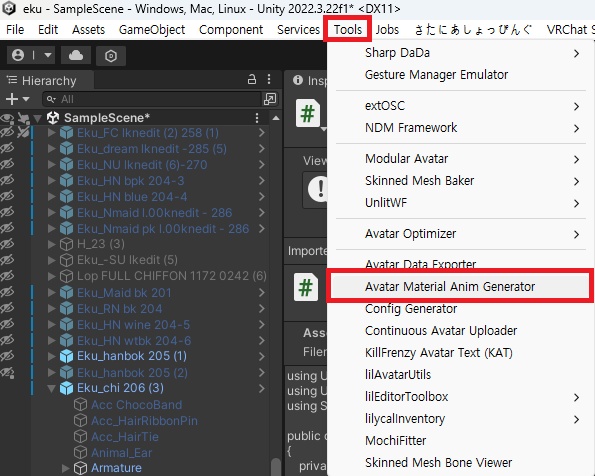
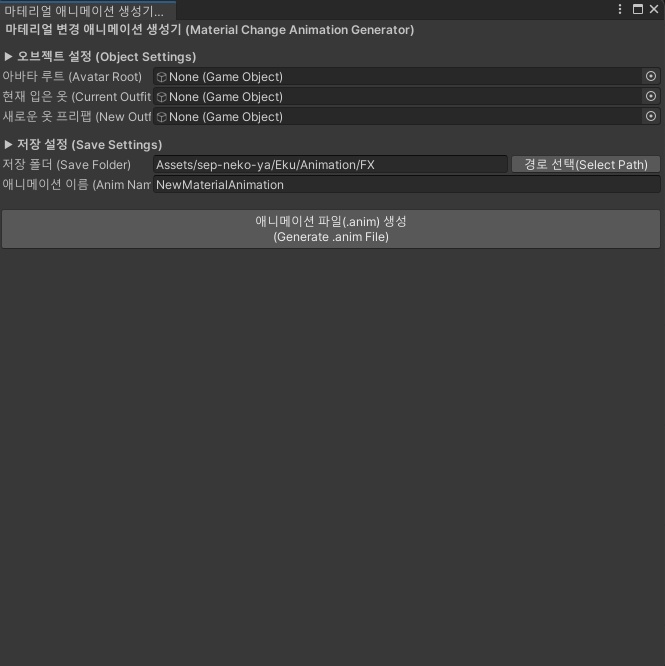


Gemini を活用して、アバター衣装のマテリアル切り替え用トグルアニメーションをワンクリックで生成できる便利な Unity エディターツールを作成しました。現在着用している衣装と新しい衣装プレハブを自動で比較し、アニメーションを作成します。機能概要は以下のとおりです。 - マテリアルの自動比較 現在の衣装と新しいプレハブ内の SkinnedMeshRenderer 名を照合し、変更されたマテリアルを自動で検出します。 - .anim ファイルを即座に生成: 0秒時点でマテリアルが切り替わるキーフレームを持つアニメーションクリップ(.anim)を自動生成します。FXレイヤーのトグルギミックにそのまま利用できます。 ※ 注意事項 現在着用している衣装配下のメッシュ名と、新しいプレハブ内のメッシュ名が完全に一致している必要があります。 マテリアルスロット(Element 0、Element 1...)は、同じインデックス番号同士で比較されます。 EN I used Gemini to create a one-click Material Animation Generator for your avatar outfit and material toggles. You can automatically compare your current outfit with a new prefab to generate .anim files instantly. It detects and processes: - Automatic Material Comparison: Scans and detects modified materials by matching SkinnedMeshRenderer names between the current outfit and the new prefab. - Instant `.anim` Generation: Automatically creates a keyframe at 0s for seamless material/outfit toggling in your FX layer. ※ Notice: Please note that the names of the SkinnedMeshRenderer objects inside the current outfit and the new prefab must match exactly. Material slots (Element 0, 1, etc.) are compared by their corresponding index. //KO 아바타 의상 마테리얼 교체 토글 애니메이션을 원클릭으로 생성해 주는 편리한 툴을 제미나이(Gemini)로 만들어봤습니다. 현재 입은 옷과 새로운 옷 프리팹을 자동으로 비교하여 애니메이션을 만들어 줍니다. 기능 요약은 다음과 같습니다: - 자동 마테리얼 비교: 현재 의상과 새 프리팹의 SkinnedMeshRenderer 이름을 매칭하여 변경된 마테리얼을 자동으로 찾아냅니다. - 즉시 `.anim` 파일 생성: 0초 시점에 마테리얼이 교체되는 키프레임을 가진 애니메이션 클립을 자동 생성하여 FX 레이어 토글 기믹에 바로 활용할 수 있습니다. ※ 주의사항: 현재 입은 옷 하위의 메쉬 이름과 새로운 프리팹 내부의 메쉬 이름이 정확히 일치해야 매칭됩니다. 마테리얼 슬롯(Element 0, 1...)은 동일한 인덱스 번호끼리 비교됩니다.