

Mayo Face, Body Scales Preset
- ダウンロード商品¥ 300
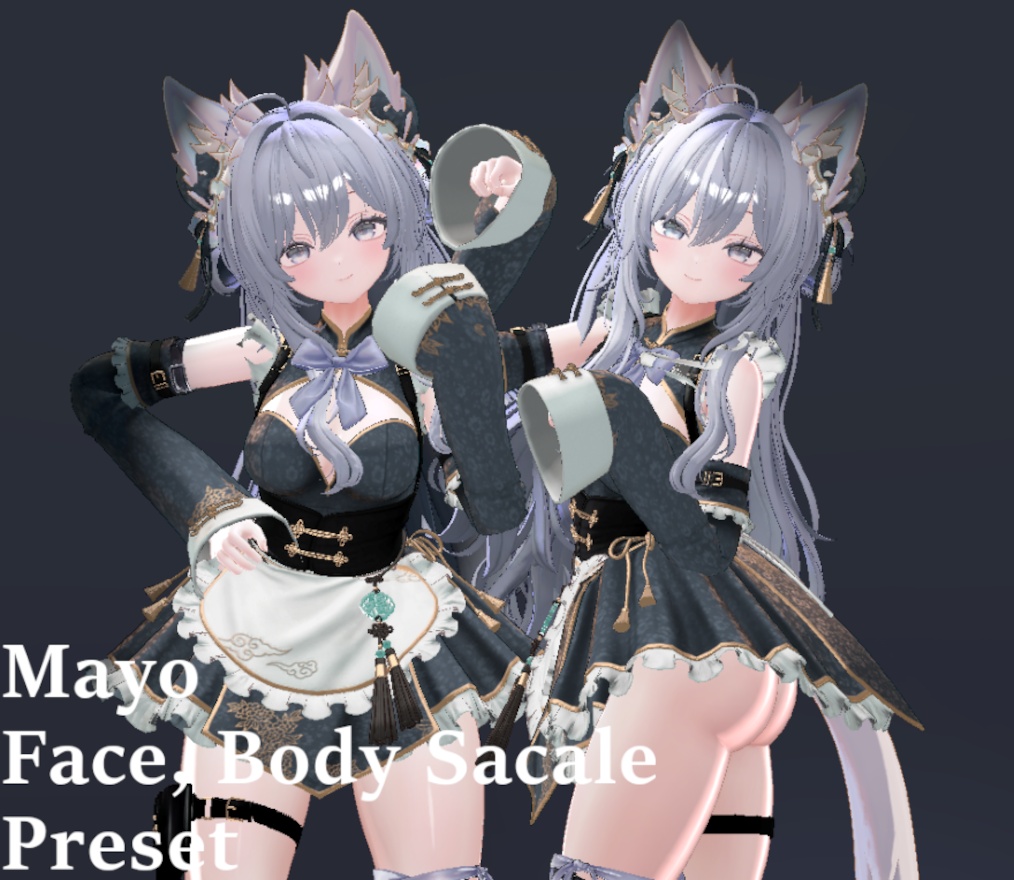
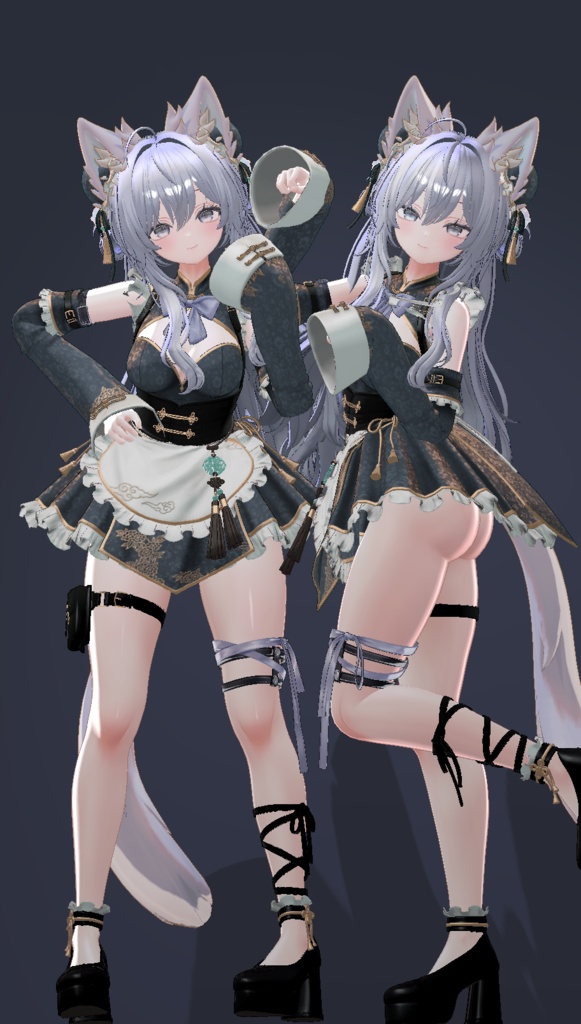
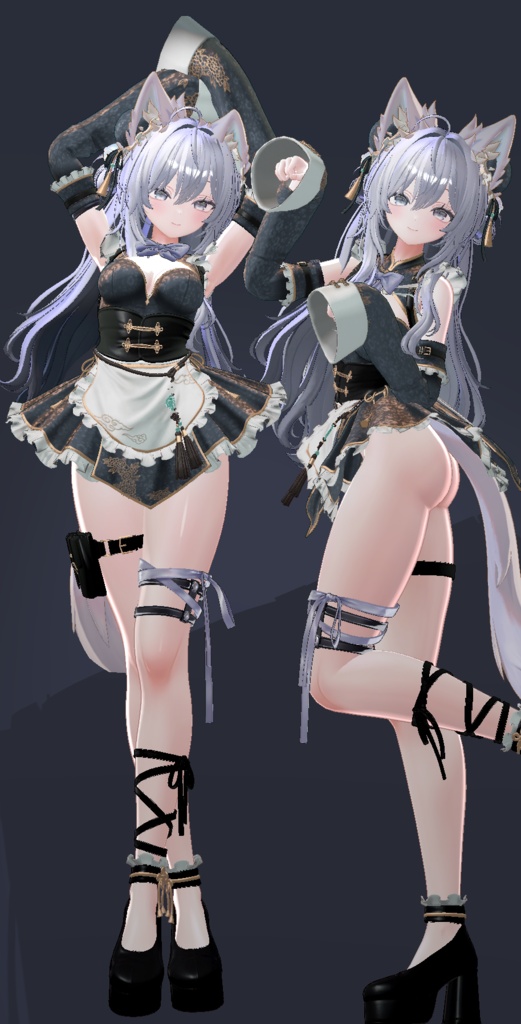
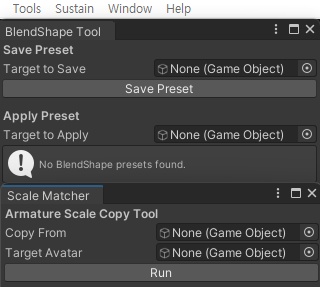


# MAYO フェイス・ボディ用プレハブ **本商品をご利用いただくには、MAYOアバターが必要です。** ご購入前に、必ず下記のMAYOアバターをご購入ください。 https://booth.pm/ko/items/8122803 ーーーーーーーーーーーーーーーーーーーーーーーーーーーーーー ## ■ 更新情報 **Version 1.00** * MAYO_neko.prefab * MAYO_otori.prefab * MAYO_sexy_neko.prefab * MAYO_sexy_otori.prefab ーーーーーーーーーーーーーーーーーーーーーーーーーーーーーー ## ■ 内容 * MAYO_neko.prefab * MAYO_otori.prefab * MAYO_sexy_neko.prefab * MAYO_sexy_otori.prefab * BlendShapeMover.cs * BlendShapePreset.cs * ScaleMatch.cs ーーーーーーーーーーーーーーーーーーーーーーーーーーーーーー ## ■ 使用シェーダー liltoon https://booth.pm/ko/items/3087170 ーーーーーーーーーーーーーーーーーーーーーーーーーーーーーー ## ■ 必要商品 本商品をご利用いただくには、下記のMAYOアバターが必要です。 https://booth.pm/ko/items/8122803 ーーーーーーーーーーーーーーーーーーーーーーーーーーーーーー ## ■ 利用規約 ・本商品の再配布は禁止されています。 ・本商品を使用したアバターをPublic設定でアップロード・共有することは禁止されています。 ・本商品はMAYOアバター所有者向けの製品です。 ーーーーーーーーーーーーーーーーーーーーーーーーーーーーーー ## ■ 使用方法 ### ScaleMatcher ScaleMatcherは、**アバターのScaleを衣装のScaleへコピーするツール**です。 **使い方** 1. Hierarchy内のアバターを**Copy From**へドラッグ&ドロップします。 2. 衣装オブジェクトを**Target Avatar**へドラッグ&ドロップします。 3. Applyボタン(または実行機能)を押すと、アバターのScaleが衣装へ適用されます。 --- ### BlendShape Tool BlendShape Toolは、プリセットのBlendShapeをアバターへ適用するツールです。 **使い方** 1. Hierarchy内のアバターの**Body**または**Face**を**Target to Apply**へドラッグ&ドロップします。 2. 使用したい**Preset**を選択します。 3. プリセットを適用します。 --- ## ■ 同梱スクリプト * BlendShapeMover.cs * BlendShapePreset.cs * ScaleMatch.cs ーーーーーーーーーーーーーーーーーーーーーーーーーーーーーー # MAYO Face & Body Prefabs **Please purchase the MAYO avatar before buying this product.** Required Avatar: https://booth.pm/ko/items/8122803 --- ### Update **Version 1.00** * MAYO_neko.prefab * MAYO_otori.prefab * MAYO_sexy_neko.prefab * MAYO_sexy_otori.prefab --- ## Contents * MAYO_neko.prefab * MAYO_otori.prefab * MAYO_sexy_neko.prefab * MAYO_sexy_otori.prefab * BlendShapeMover.cs * BlendShapePreset.cs * ScaleMatch.cs --- ## Required Shader liltoon https://booth.pm/ko/items/3087170 --- ## Requirements Please make sure you own the **MAYO Avatar** before using this product. Required Avatar: https://booth.pm/ko/items/8122803 --- ## Terms of Use * Redistribution of this product is prohibited. * Uploading or sharing public avatars using this product is prohibited. * This product is intended only for users who own the MAYO avatar. ## Usage ### ScaleMatcher ScaleMatcher automatically copies the avatar's scale to the clothing. **How to use** 1. Drag your avatar from the **Hierarchy** into **Copy From**. 2. Drag the clothing object into **Target Avatar**. 3. Click **Apply** to copy the avatar's scale to the clothing. ーーーーーーーーーーーーーーーーーーーーーーーーーーーーーー ### BlendShape Tool The BlendShape Tool allows you to save and apply BlendShape presets. #### Saving a Preset 1. Drag the face mesh you want to save into **Target to Save**. 2. Enter a preset name if necessary. 3. Click **Save Preset** to create a BlendShape preset. #### Applying a Preset 1. Drag the **Body** mesh and **Face** mesh of the target avatar from the **Hierarchy** into **Target to Apply**. 2. Select one of the saved **Presets**. 3. Click **Apply** to apply the BlendShape preset to the avatar. --- ## Included Scripts * BlendShapeMover.cs * BlendShapePreset.cs * ScaleMatch.cs