
デプスバー・Depth Bar
- ダウンロード商品¥ 600
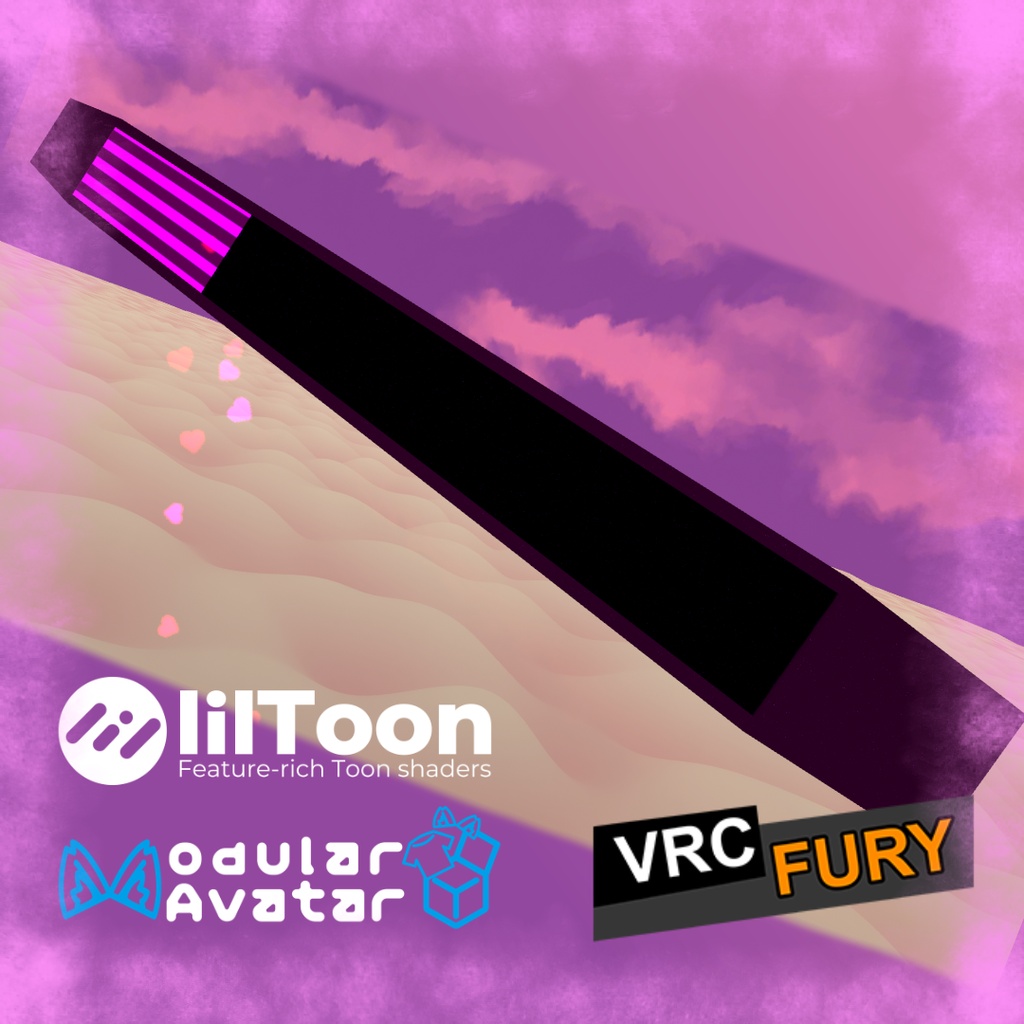
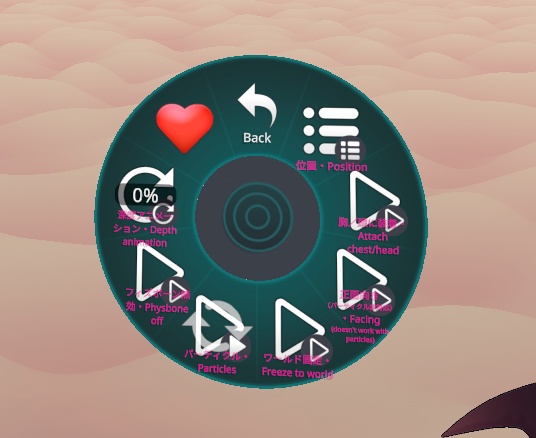
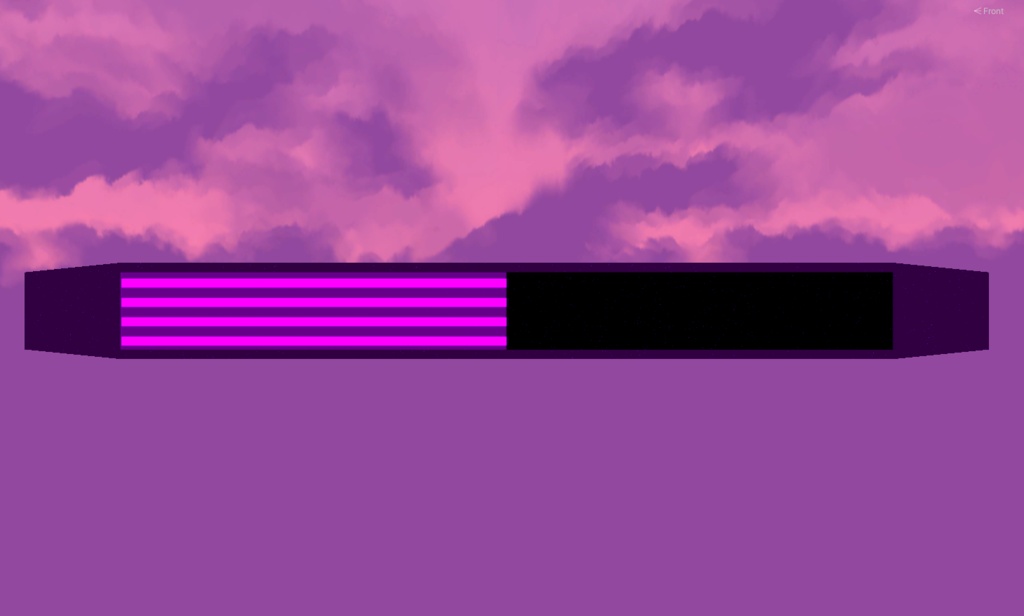
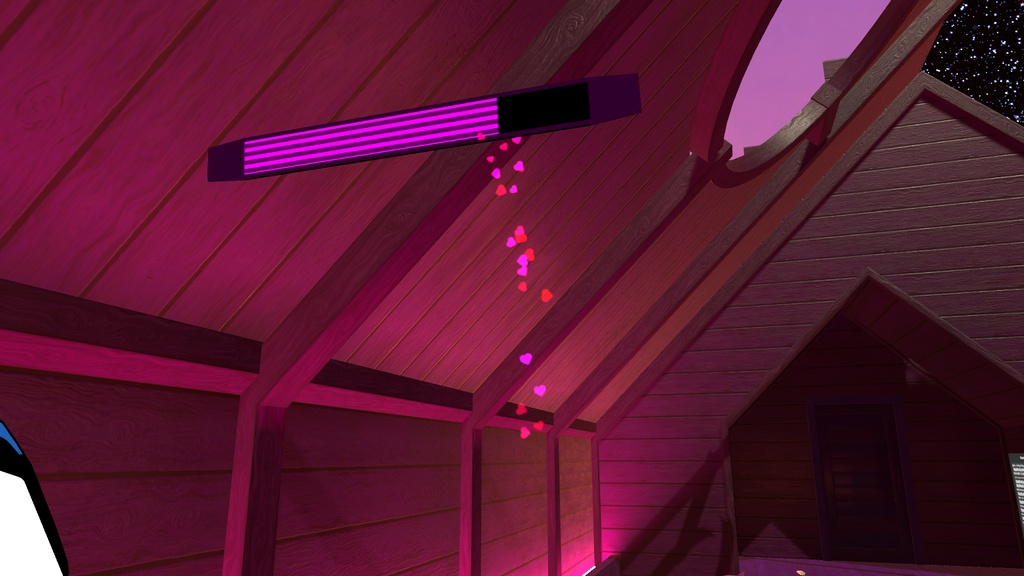
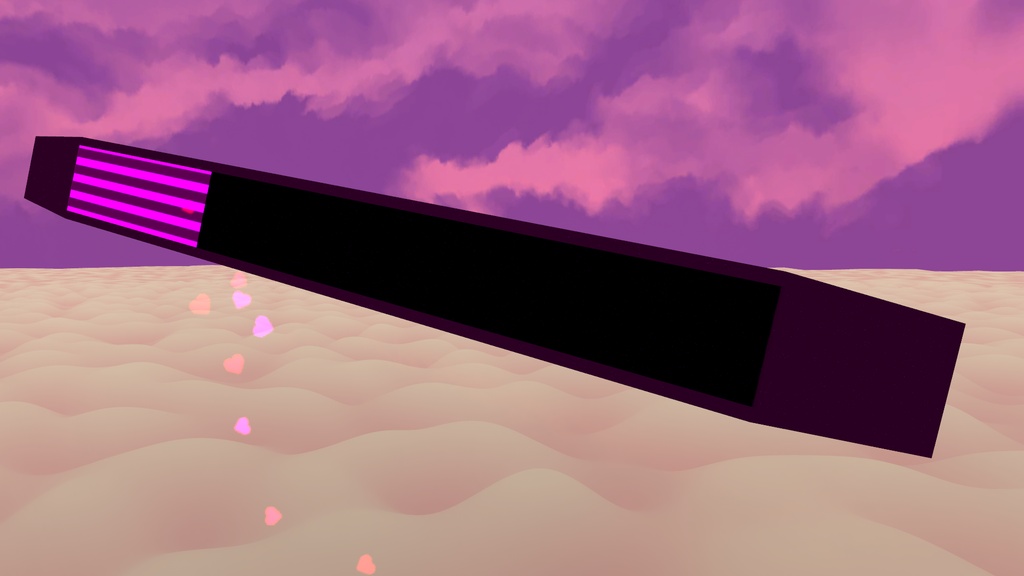


デプスバー(Depth Bar)は、ネオンピンクが映えるVaporwaveデザインのVRChat向け多目的レベルゲージアセットです。 SPS / OGBの深度表示はもちろん、OSCパラメーター、コンタクト、VRC PhysBone、メニューからの手動操作など多彩な用途に対応。アバター直下にドラッグ&ドロップするだけで導入でき、アニメーターの手動編集は不要です。Modular AvatarおよびVRCFuryに対応しています。 【主な機能】 ・滑らかなレベル表示:レベル(0-100%)の上昇に合わせてストライプバーが美しくリアルタイムに伸長 ・浮遊ハートパーティクル:レベルに応じてネオン調のハートパーティクルが飛び出し、高レベルほど演出が激化(メニューからON/OFF可能) ・PhysBone物理&掴み対応:アンテナ支柱が体の動きに合わせて自然にスイングし、手で掴んで動かすことも可能(物理ON/OFF可能) ・追従先&位置切り替え:Chest(胸)/ Head(頭)の追従切り替え、さらにラジアルパペットで6方向(頭・前後左右・顔)へ自在にスライド調整 ・ワールド固定&正面向き:空中にバーを設置できる「ワールド固定」や、どの角度からも視認性を確保する「常時正面向き(ビルボード)」に対応 ・手動コントロール対応:OSCやSPSがなくても、メニューのラジアルパペットから手動でゲージをいつでも自由に操作可能 ・改変用元データ同梱:テクスチャの色替えやカスタマイズが簡単なPSDおよびAffinity Photoファイルを同梱 【使い方】 1. 「(MA)DepthBar」または「(VRCF)DepthBar」をアバター直下にドラッグ&ドロップ 2. 必要に応じて初期位置を調整 3. アップロード後、Expressionsメニューから操作 必要ツール: ・lilToon: https://lilxyzw.github.io/lilToon/ ・Modular Avatar: https://modular-avatar.nadena.dev ・VRCFury: https://vrcfury.com ※「Gesture Manager」が導入されている場合、メニューに専用アイコンが自動で読み込まれます。 ※画像のアバター等は付属しません。 ◆ ENGLISH ◆ Depth Bar is a multi-purpose level gauge asset for VRChat, featuring an aesthetic retro Vaporwave neon pink design. Designed for SPS and OGB penetration depth display, it also works seamlessly with OSC parameters, VRC Contacts, VRC PhysBones, or manual in-game control. Simply drag and drop it onto your avatar with zero manual animator editing required. Fully compatible with Modular Avatar and VRCFury. [Features] - Dynamic Fill Gauge: Striped bar smoothly fills up in real time as the depth level increases (0-100%) - Floating Heart Particles: Glowing hearts spawn and intensify at higher levels, adding visual flair (toggleable via menu) - Interactive PhysBones: Antenna stem sways naturally with movement and can be physically grabbed and pulled by you or friends (physics toggleable) - Attachment & Offset Control: Switch attachment between Chest and Head on the fly, with radial puppet control across 6 positions (Head, Left, Right, Front, Back, Face) - World Freeze & Always-Facing: Freeze the bar in mid-air with World Freeze, or enable Always-Facing (billboard mode) for perfect readability from any angle - Full Manual Control: Freely adjust the gauge from 0% to 100% anytime using the Expressions Menu radial puppet without any external tools - Source Files Included: Includes .psd and .af (Affinity Photo) layered files for easy re-texturing and color customizing [Setup] 1. Drag and drop "(MA)DepthBar" or "(VRCF)DepthBar" onto your avatar 2. Adjust the initial position if desired 3. Upload and control it directly from your Expressions Menu Requirements: - lilToon: https://lilxyzw.github.io/lilToon/ - Modular Avatar: https://modular-avatar.nadena.dev - VRCFury: https://vrcfury.com *Custom menu icons load automatically if "Gesture Manager" is installed in your project. *Avatars and other accessories shown in previews are not included.
利用規約 / Terms of Service
✅ このアセットは、政治的または宗教的な文脈を除き、個人用および商用目的で利用可能です。 ✅ これを改変したり、個々のファイルを利用したりすることができます。 ✅ このアセットを含むアバターをパブリックに設定できます。 ❌ アセットを販売または再配布することはできません。 ❌ 返金を請求することはできません。 クレジット表記は必須ではありませんが、このアセットを自分のものとして主張しないでください。アセットやライセンスに関する質問や問題がある場合は、ご連絡ください。 ◆ ENGLISH ◆ ✅ You may use this asset for personal and commercial purposes, except in political or religious contexts. ✅ You may modify it or use its individual files. ✅ You may set an avatar as public while including this asset. ❌ You may not sell or redistribute the asset. ❌ You may not request a refund. Crediting is not required, but please do not claim the asset as your own. If you have any questions or issues regarding the asset or license, please contact me.
更新情報 / Update information
v2026.10.18 ・ガイドテキストと翻訳の修正、内部設定の最適化。 ・Updated guide text, translations, and internal prefab configuration. v2026.7.23 ・製品リリース。 ・Product release.