

!SALEサングラスの調整・Adapting sunglasses
- ダウンロード商品¥ 400
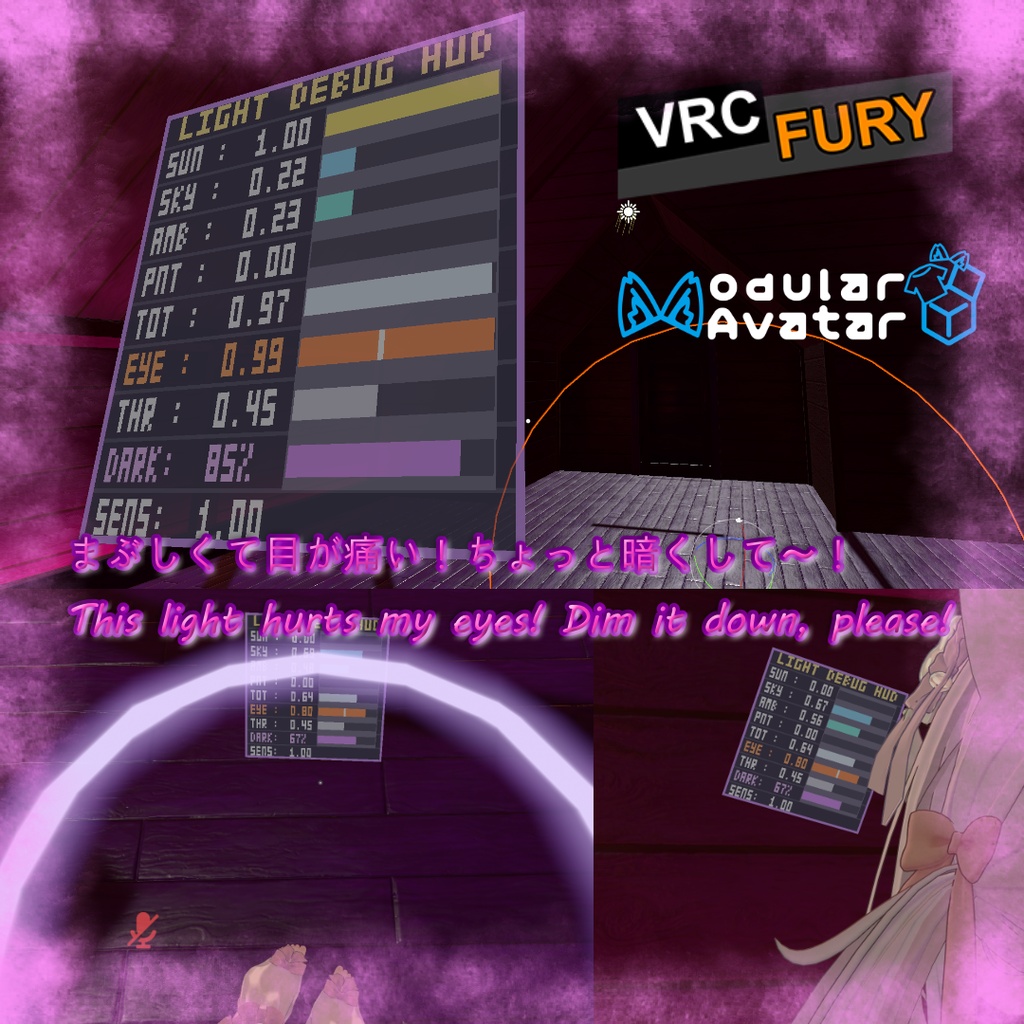
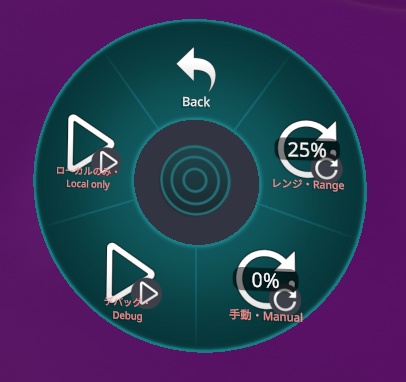
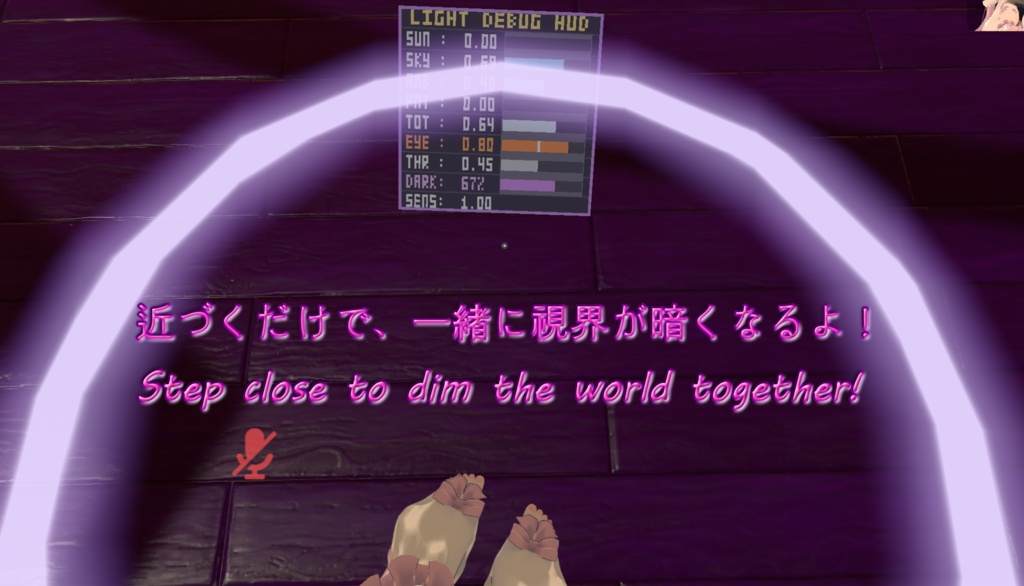
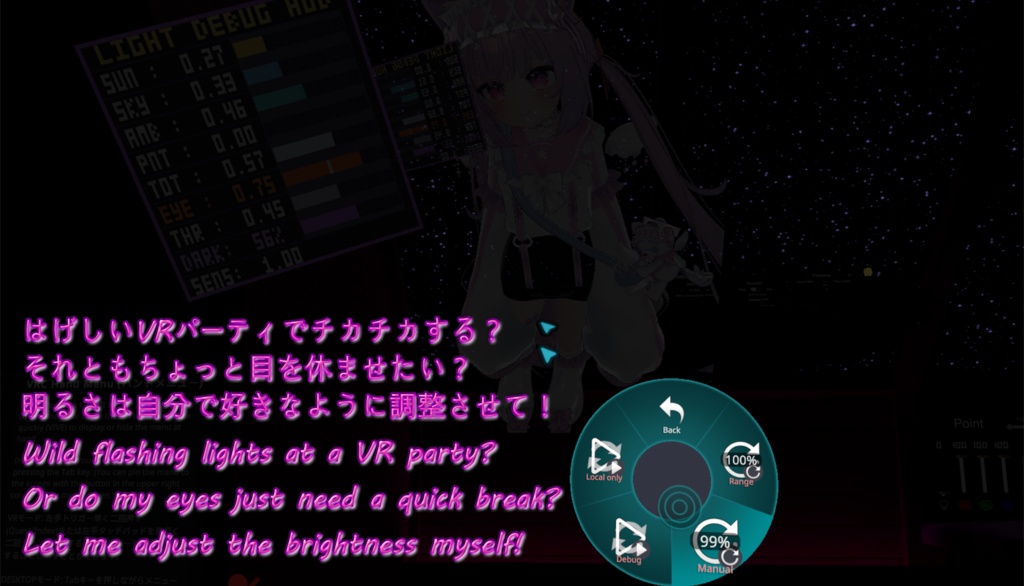
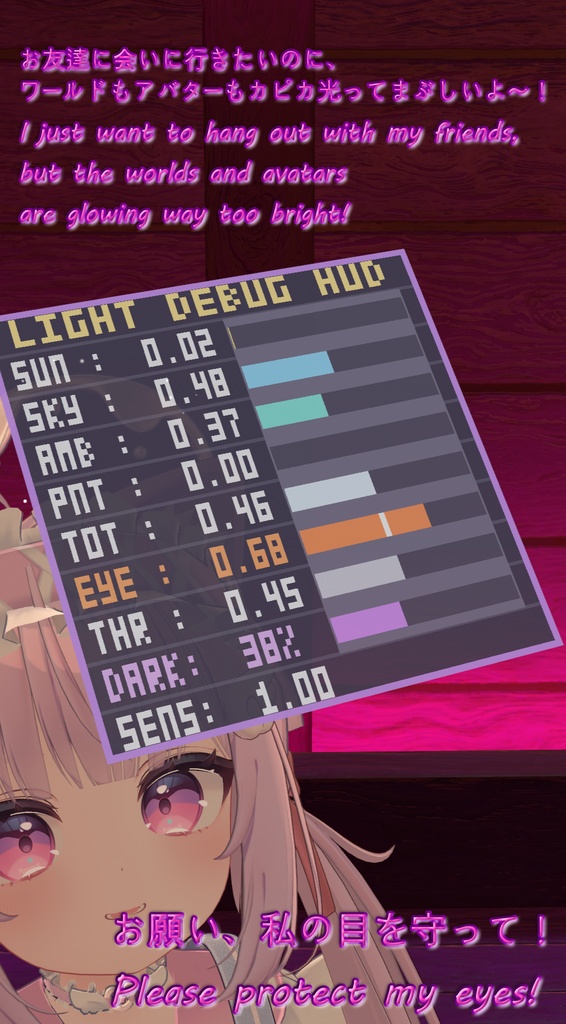
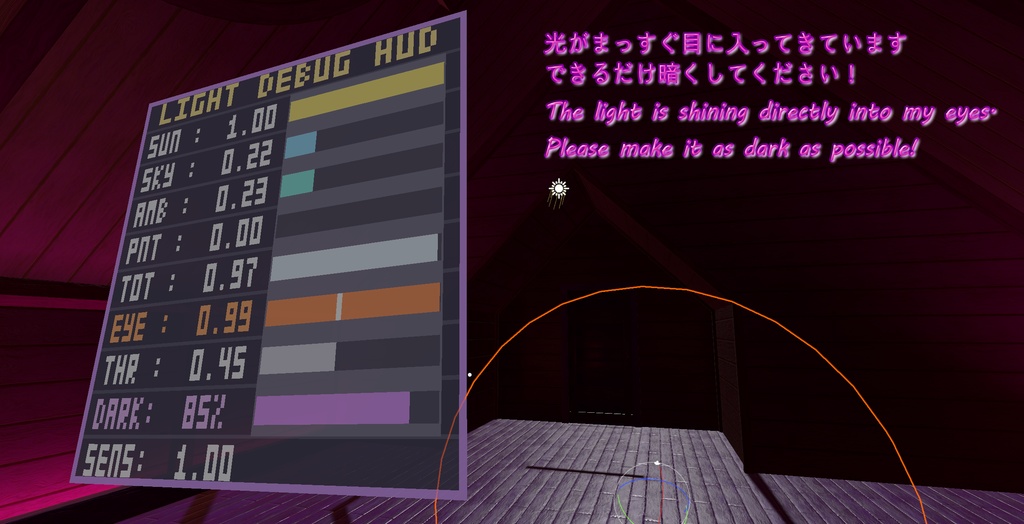
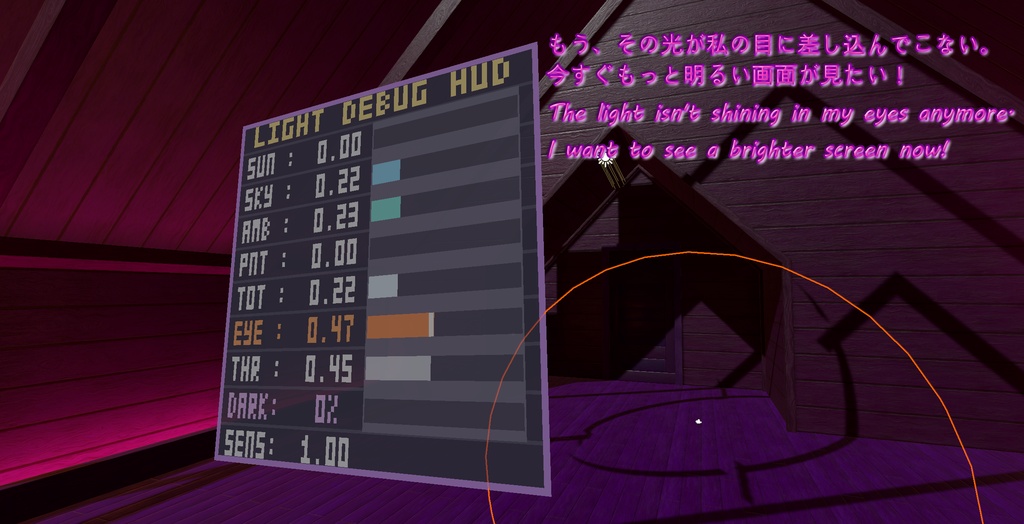
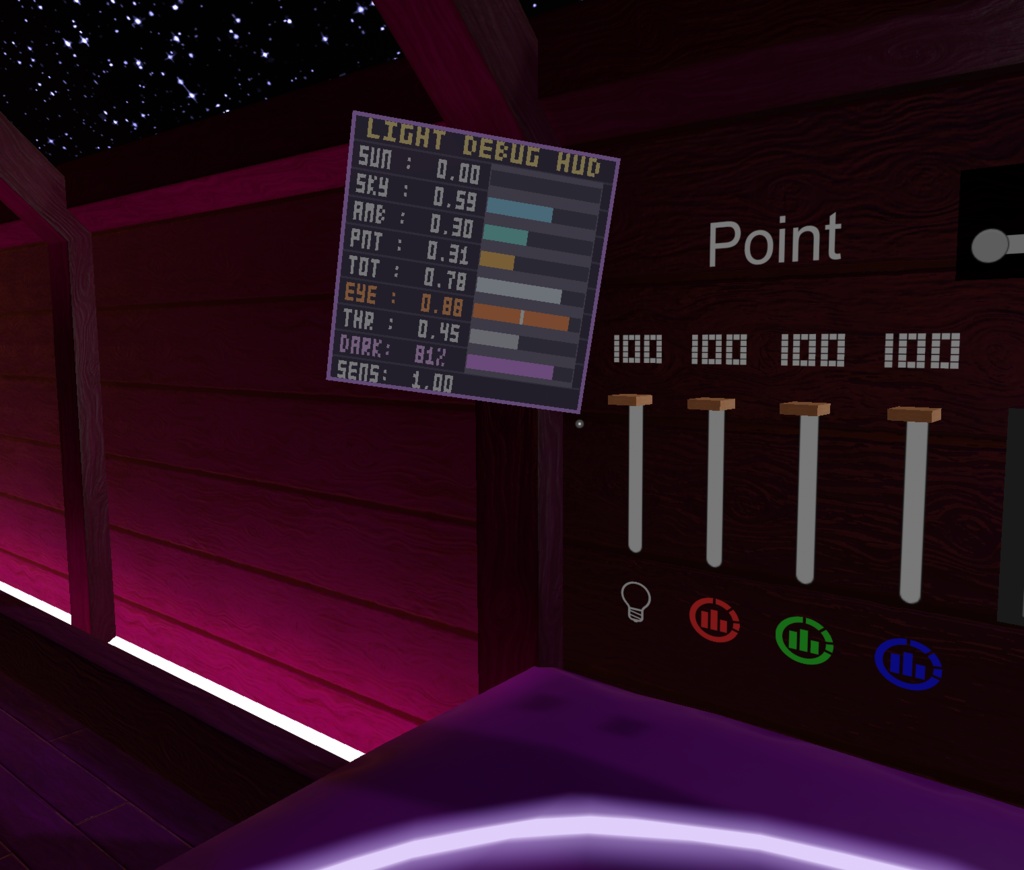
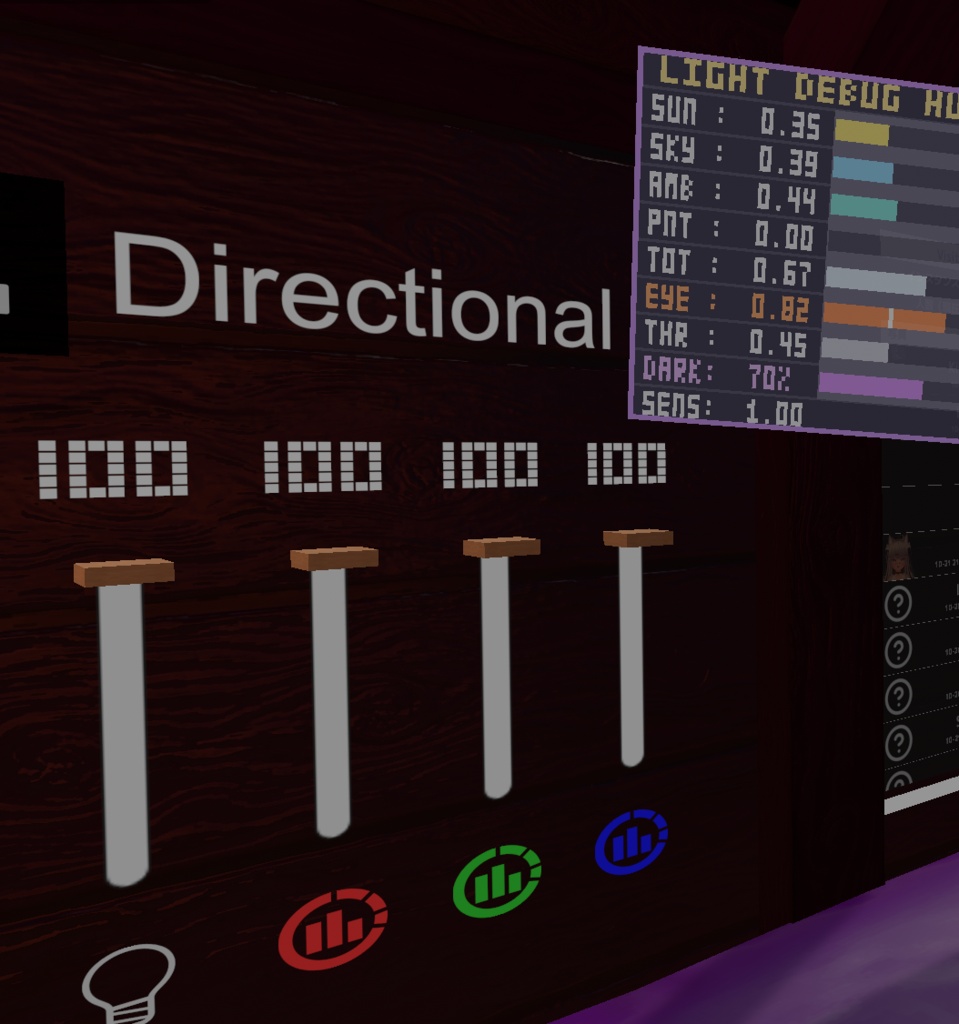
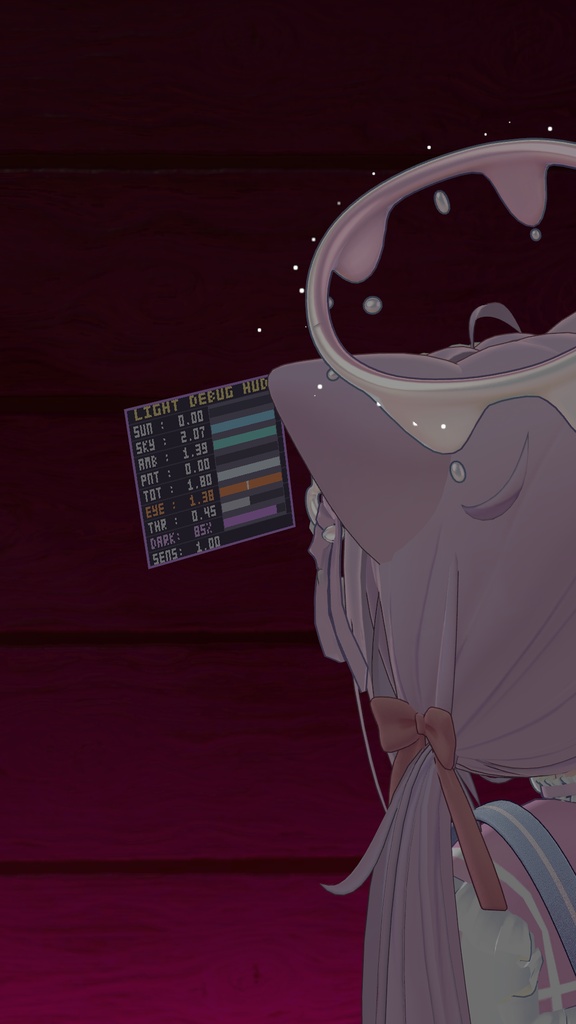
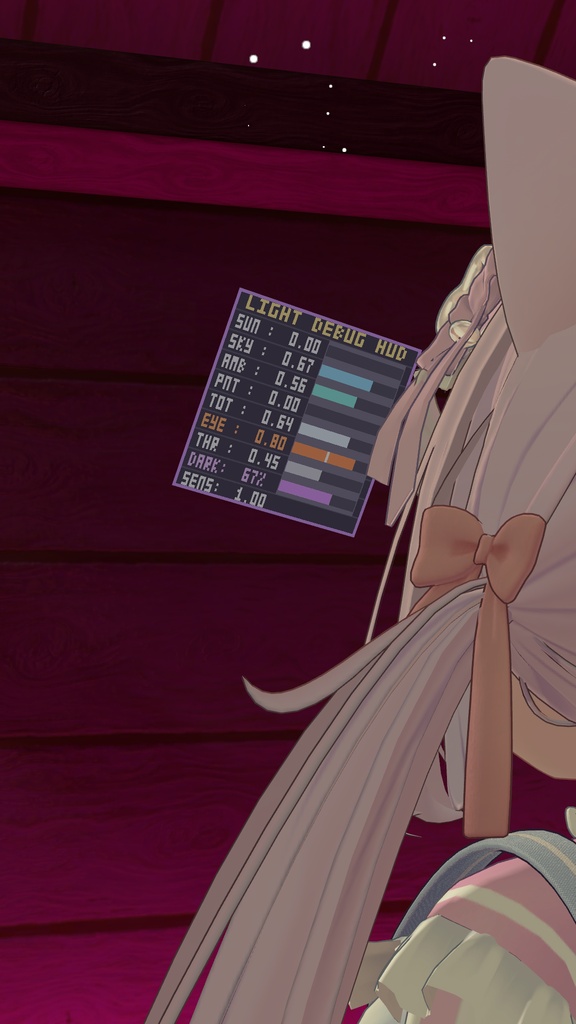


このアセットのリリースを記念して、10月28日まで特別価格でご提供いたします。 To celebrate the release of this asset, a promotional price is available through October 28. 600JPY->400JPY アダプティング・サングラス(Adapting Sunglasses)は、眩しすぎるワールドや突然の強烈な光から視界を守るVRChat向けアセットです。 ワールドの環境光や、自分が向いている方向(視線)の光を自動で検知し、暗さをリアルタイムに自動調整します。Expressionsメニューから手動で自由に暗さを調整することも可能です。Modular AvatarおよびVRCFuryに対応しています。 【主な機能】 ・視線連動の自動調光:顔を向けた方向(視線)の明るさを検知。太陽や明るい空、強い照明に視線を向けると自動でレンズが暗くなり、暗い床や影を向くと自然に明るく戻ります ・360度環境光 & 動的ライト検知:ワールドの環境光(Light Probes)に加え、太陽光やアバターの懐中電灯、ランプなどのポイントライトもリアルタイムに検知 ・人間の目に合わせた調光カーブ:人間の瞳の明暗順応に合わせた知覚カーブ(平方根カーブ)を採用し、不自然な黒つぶれを防ぎます ・手動調整 & 同期切り替え:ExpressionsメニューのRadial Puppetで暗さを無段階に手動調整可能。ローカル専用(自分だけ視界を暗くする)と同期(他の人にも暗さを同期)の切り替えに対応 ・外部近接共有(他人):近づいてきた他のプレイヤーに対して、サングラスの暗度を滑らかな距離フェード(S字カーブ)で自然に共有 ・ミラー対応 & カメラ配慮設計:眩しいミラーでの目の負担を抑えるためミラー描画を標準で有効化。写真撮影時は画面が暗くならないようカメラ描画を標準で除外(設定で変更可能) ・リアルタイム デバッグ機能:ワールドの明るさ数値や視線検知の状態をゲーム内で確認できるデバッグボードを同梱 【使い方】 1. 好みの言語フォルダから「(MA)AdaptingSunglasses」または「(VRCF)AdaptingSunglasses」をアバター直下にドラッグ&ドロップ 2. 頭(Headボーン)に合わせて「AdaptingSunglasses」の位置を調整 3. 調整後、プレハブ内の「ガイド」オブジェクトを非アクティブにしてアップロード 必要ツール: ・Modular Avatar: https://modular-avatar.nadena.dev ・VRCFury: https://vrcfury.com ※「Gesture Manager」が導入されている場合、メニューに専用アイコンが自動で読み込まれます:https://github.com/BlackStartx/VRC-Gesture-Manager ※画像のアバター等は付属しません。 ◆ ENGLISH ◆ Adapting Sunglasses is a VRChat asset designed to protect your eyes from blinding worlds, harsh lighting, and sudden glare. It automatically detects environmental lighting and the light entering your field of view (gaze direction), smoothly darkening your vision in bright areas. You can also adjust the darkness manually at any time via your Expressions Menu. Fully compatible with Modular Avatar and VRCFury. [Features] - Gaze-Aware Auto Dimming: Detects the brightness in the exact direction you are looking. Staring at the sun, bright skies, or lamps dims your vision, while looking away toward dark shadows or the floor naturally clears it up - 360 Ambient & Dynamic Light Detection: Reads world Light Probes (Spherical Harmonics) combined with directional sunlight and nearby dynamic point lights (flashlights, desk lamps, torches) - Human Eye Adaptation Curve: Uses a perceptual brightness curve modeled after human pupil response to prevent harsh or unnatural blackouts - Manual Dimming & Local/Sync Modes: Seamlessly adjust darkness with an Expression Menu Radial Puppet. Switch between Local mode (dims only your own view) and Synced mode whenever you want - Smooth Proximity for Others: Approaching players smoothly experience your actual sunglasses darkness with a gentle S-curve distance fade - Mirror Protection & Camera Isolation: Mirror dimming is enabled by default to protect your eyes from harsh flashing mirrors. Photo cameras remain clean and excluded by default (customizable in tool) - Realtime Debug HUD: Includes an on-mesh digital monitor board to inspect live lighting values, threshold markers, and auto-dimming percentages [Setup] 1. Drag and drop your preferred language version of "(MA)AdaptingSunglasses" or "(VRCF)AdaptingSunglasses" onto your avatar 2. Adjust the position of "AdaptingSunglasses" to match your avatar's head 3. Deactivate the "Guide" object inside the prefab and upload Requirements: - Modular Avatar: https://modular-avatar.nadena.dev - VRCFury: https://vrcfury.com *Custom menu icons load automatically if "Gesture Manager" is installed in your project: https://github.com/BlackStartx/VRC-Gesture-Manager *Avatars and other accessories shown in previews are not included.
利用規約 / Terms of Service
✅アバターへの組み込みおよび個人利用、動画配信・イベントでの商用利用は可能です。 ✅アバター受託制作(コミッション)等での利用は、双方が本アセットを所持している場合のみ許可します。 ❌本アセットの再配布、再販売は改変の有無を問わず禁止します。 ❌パブリックアバターへの組み込み(ペデスタル等への配置)は禁止します。 クレジット表記は必須ではありませんが、このアセットを自分のものとして主張しないでください。不具合報告やご質問は、BOOTHメッセージまたは𝕏(@kitsune_ba)までお気軽にお問い合わせください。 ◆ ENGLISH ◆ ✅Allowed for personal use, avatar integration, and commercial video streaming / events. ✅For avatar commissions, both the creator and client must own a valid license of this asset. ❌Redistribution and resale of this asset (in original or modified form) is strictly prohibited. ❌Uploading to public avatars (pedestals, public clones) is prohibited. Crediting is not required, but please do not claim the asset as your own. For bug reports or questions, feel free to contact me via BOOTH Messages or on 𝕏 (@kitsune_ba).
更新情報 / Update information
v2026.10.21 ・製品リリース。 ・Product release.