

VRChat向け変形片手剣|Aether Rift Blade v1.2【FX/Expression Menu自動設定ツール付き】
- ダウンロード商品¥ 500
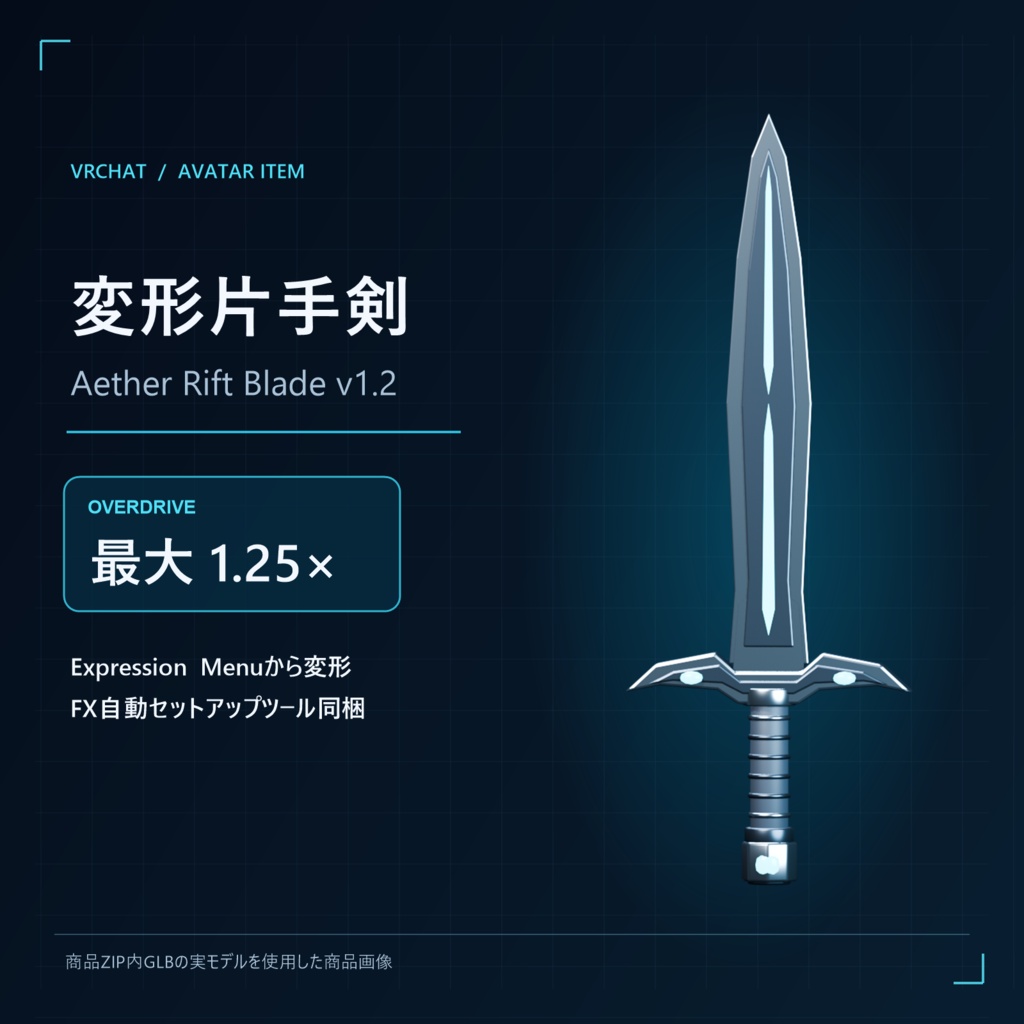
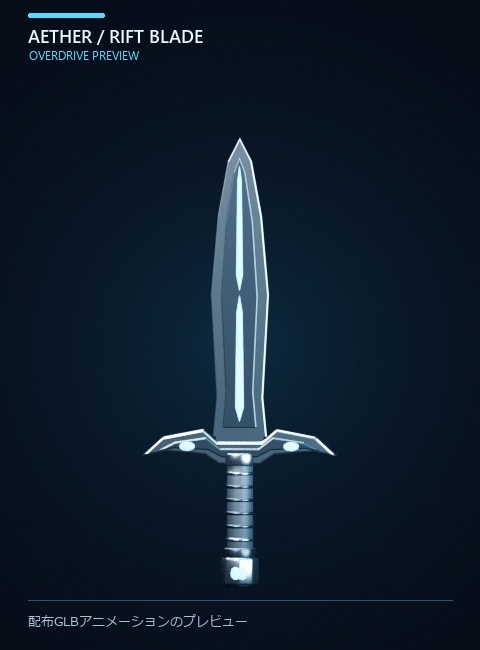


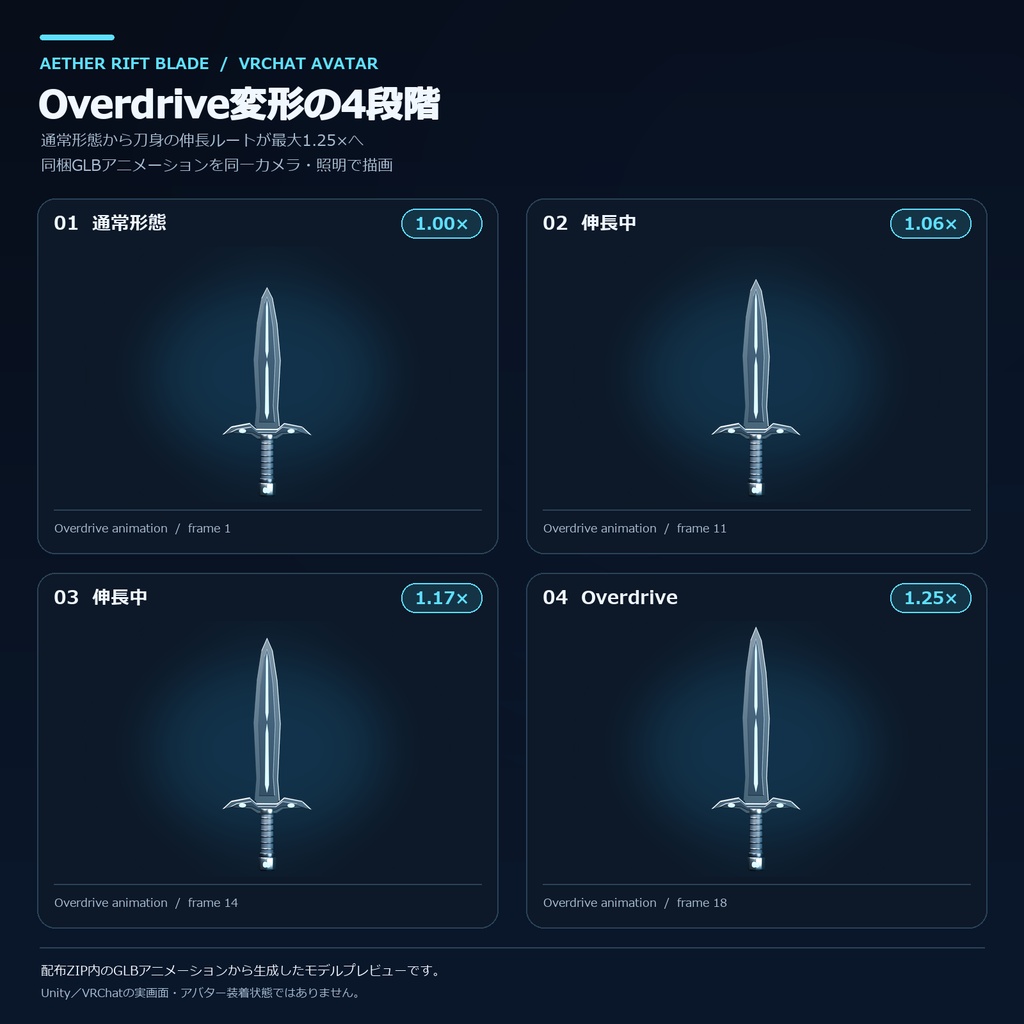
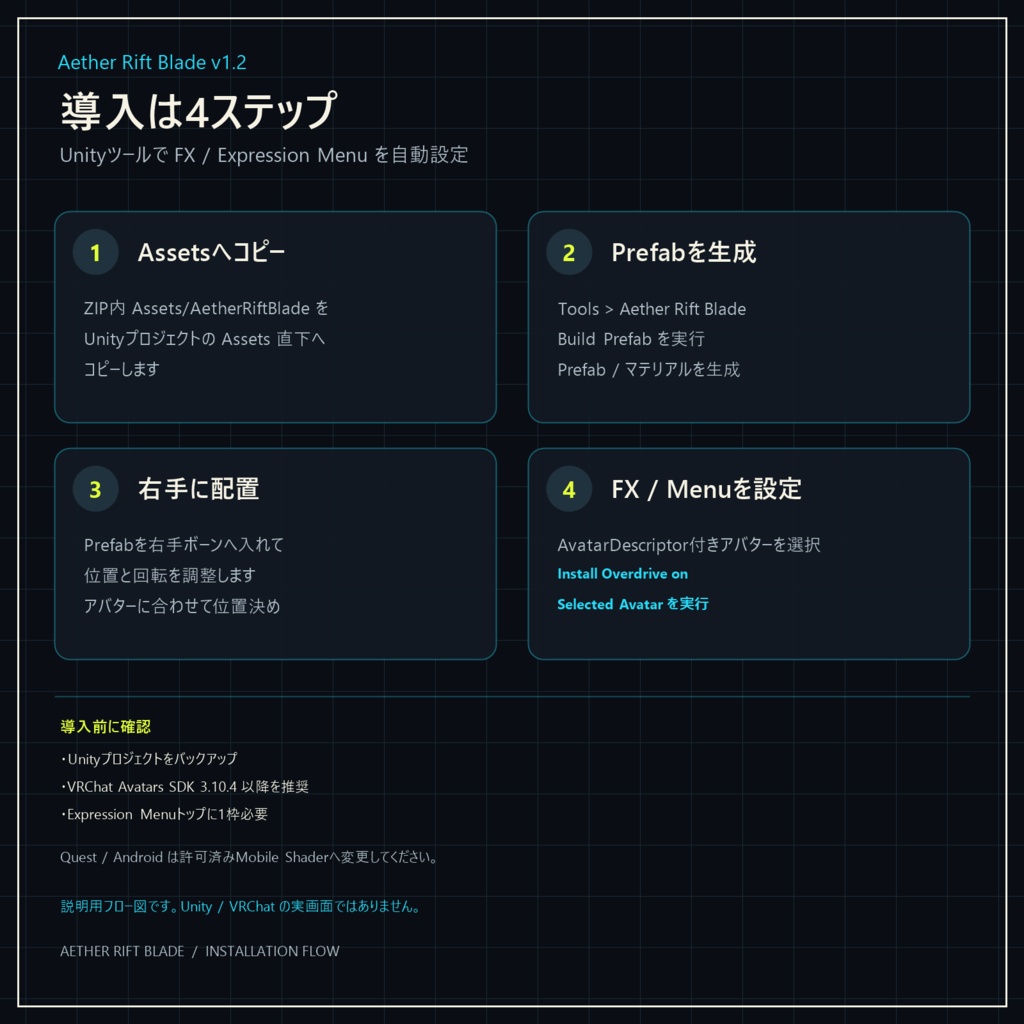


通常形態からOverdriveへ、Expression Menuで切り替えるVRChat向けオリジナル片手剣です。Unity上のセットアップツールがPrefab、FXレイヤー、Boolパラメータ、Expression Menuを生成します。既存FX Controllerは複製してから編集する設計です。 ■ 変形デモを見る 商品画像3枚目は、同梱GLBアニメーションのプレビューGIFです。クリックすると拡大表示で再生されます(Unity/VRChat内の撮影映像ではありません)。 ■ 変形ギミック ・Overdriveで刀身が通常時の約1.25倍(全長約1.72m)へ伸長 ・通常時の全長は約1.423m ・0.18秒で状態遷移し、シアンの発光ラインが1秒周期で脈動 ・Expression MenuのToggleで切り替え。状態は他プレイヤーに同期し、保存されます ■ 同梱内容 ・Unity向けFBX、Prefab/マテリアル生成ツール ・Overdriveアニメーション生成ツール、VRChat用FX/Expression Menu自動インストーラー ・GLB、アニメーション付きGLB、Blender編集ファイル ・README、利用規約、プレビュー用データ ■ 導入手順 1. ZIP内のAssets/AetherRiftBladeをUnityプロジェクトのAssets直下へコピー 2. Tools > Aether Rift Blade > Build Prefabを実行 3. Prefabを右手ボーンへ入れ、位置と回転を調整 4. VRCAvatarDescriptorを持つアバターを選択 5. Tools > Aether Rift Blade > Install Overdrive on Selected Avatarを実行 6. Sceneを保存し、VRChat SDKのBuild & Testで確認 ■ 必要環境・注意 ・VRChat Creator Companionで作成したアバタープロジェクト、VRChat Avatars SDK 3.10.4以降を推奨 ・UnityはVRChat公式指定のバージョンをご利用ください ・Expression Menuのトップに空きが必要です。8項目で埋まっている場合は1項目分空けてからインストーラーを実行してください ・PC向けStandard Shaderを使用。Quest/AndroidではSDK付属の許可済みMobile Shaderへ変更してください。発光の見え方はPC版と異なる場合があります ・アバター本体、シェーダー、音、Particle、Trail描画機能は付属しません(Trail用ポイントはあります) ・アバターや既存メニュー構成によって、位置調整・メニュー整理が必要な場合があります。導入前にUnityプロジェクトをバックアップしてください ・商用動画/配信で利用できます。元データおよび改変データの再配布・再販売は禁止です。詳細は同梱利用規約をご確認ください ■ 3Dファイルを先に確認したい場合 形状や寸法をUnityへ持ち込む前に確認できる、VRM / GLB / FBX / OBJ / STL対応のWindows用ローカルビューアー「Asset Lens 3D」もあります。 https://warrobotsxyz.booth.pm/items/8663146 ■ English description Aether Rift Blade v1.2 — Transforming One-Handed Sword for VRChat An original one-handed sword for VRChat that switches between Standard and Overdrive forms from the Expression Menu. The Unity setup tools generate the prefab, FX layer, Bool parameter, and Expression Menu. The existing FX Controller is duplicated before editing. ■ Overdrive - The blade extends to about 1.25 times its standard length. Overall weapon length is approximately 1.72 m in Overdrive and 1.423 m in Standard. - The transition takes 0.18 seconds. The cyan luminous line pulses once per second. - Toggle the form from the Expression Menu. The state syncs with other players and is saved. ■ Included files and tools - Unity FBX and prefab/material generation tool - Overdrive animation generation tool and VRChat FX / Expression Menu auto-installer - GLB, animated GLB, and Blender edit file - README, license terms, and preview data ■ Setup 1. Copy Assets/AetherRiftBlade from the ZIP into the Assets folder of your Unity project. 2. Run Tools > Aether Rift Blade > Build Prefab. 3. Add the prefab to your avatar's right-hand bone and adjust its position and rotation. 4. Select an avatar with a VRCAvatarDescriptor. 5. Run Tools > Aether Rift Blade > Install Overdrive on Selected Avatar. 6. Save the scene and check it with VRChat SDK's Build & Test. ■ Requirements and notes - A VRChat avatar project created with VRChat Creator Companion. VRChat Avatars SDK 3.10.4 or later is recommended. Use a Unity version specified by VRChat. - One free slot is required in the top-level Expression Menu. If all 8 slots are used, free one before running the installer. - Uses the PC Standard Shader. For Quest / Android, switch to a mobile shader permitted by the VRChat SDK. The glow may look different from the PC version. - The avatar, shaders, sound, particles, and Trail rendering component are not included (Trail points are included). - Positioning or menu adjustments may be needed depending on your avatar and existing menu setup. Back up your Unity project before installation. - Commercial use in videos and streams is allowed. Redistribution or resale of the original or modified files is prohibited. See the included license terms. Need to preview 3D files before importing them into Unity? Asset Lens 3D is a local Windows viewer for VRM, GLB, FBX, OBJ, and STL files: https://warrobotsxyz.booth.pm/items/8663146