
OBS透過デジタル時計 / Transparent Clock for OBS|配信ウィジェット【無料版あり】
- 製品版(全機能)| PRO All featuresダウンロード商品¥ 500
- 無料版(お試し)| FREEダウンロード商品¥ 0
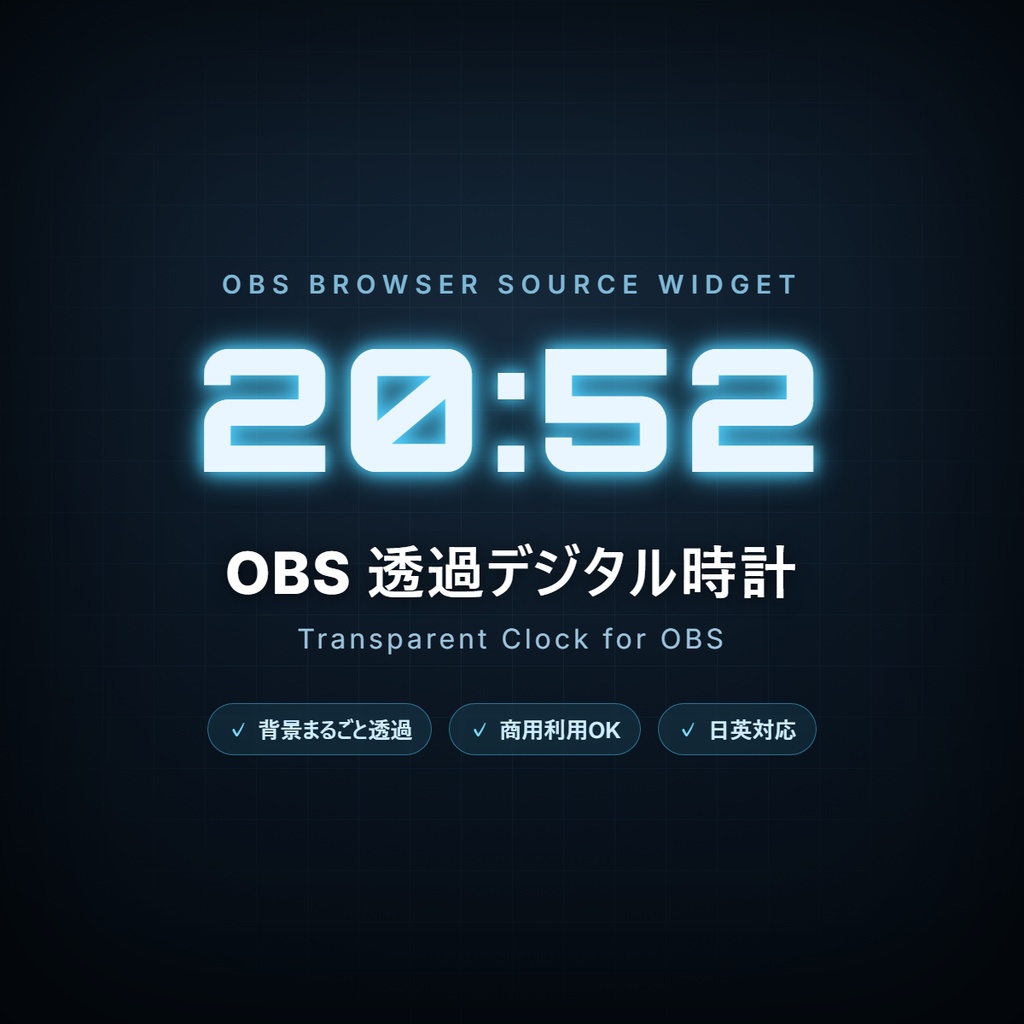
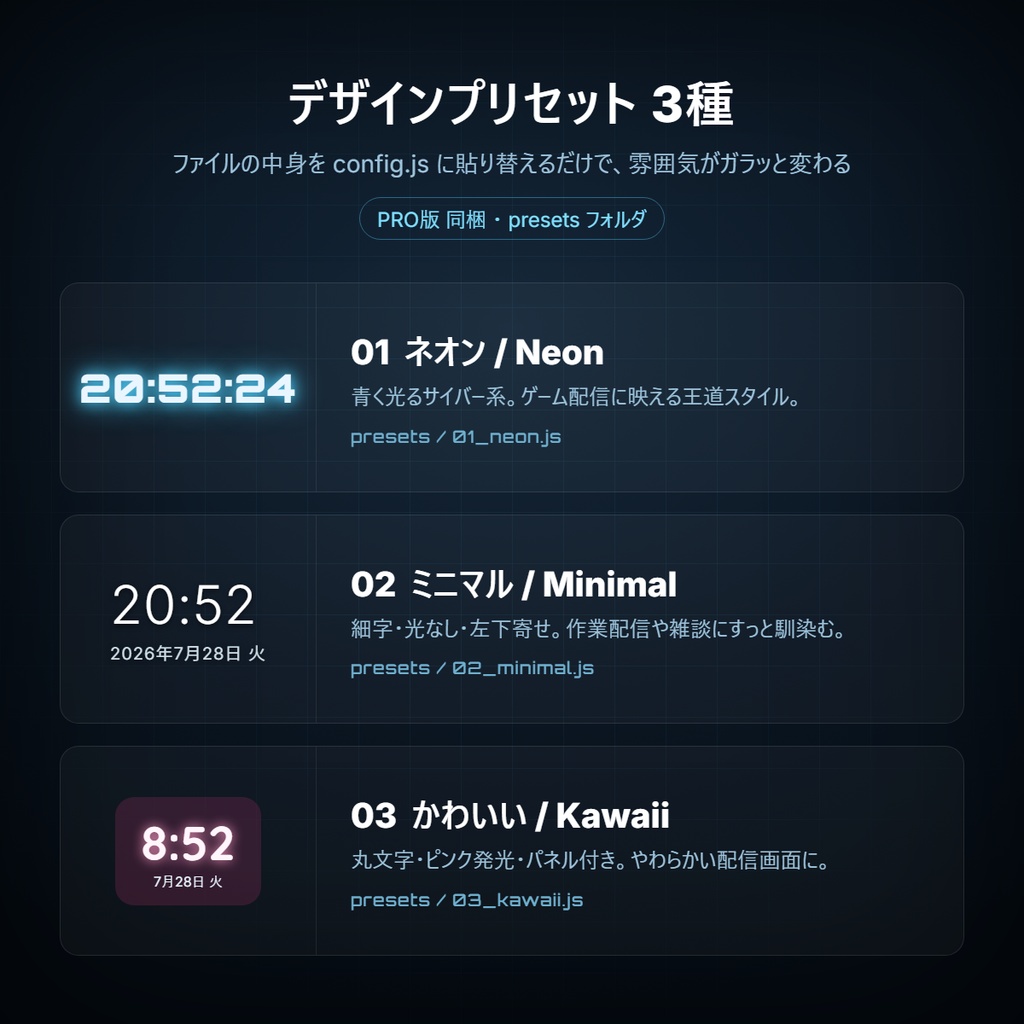
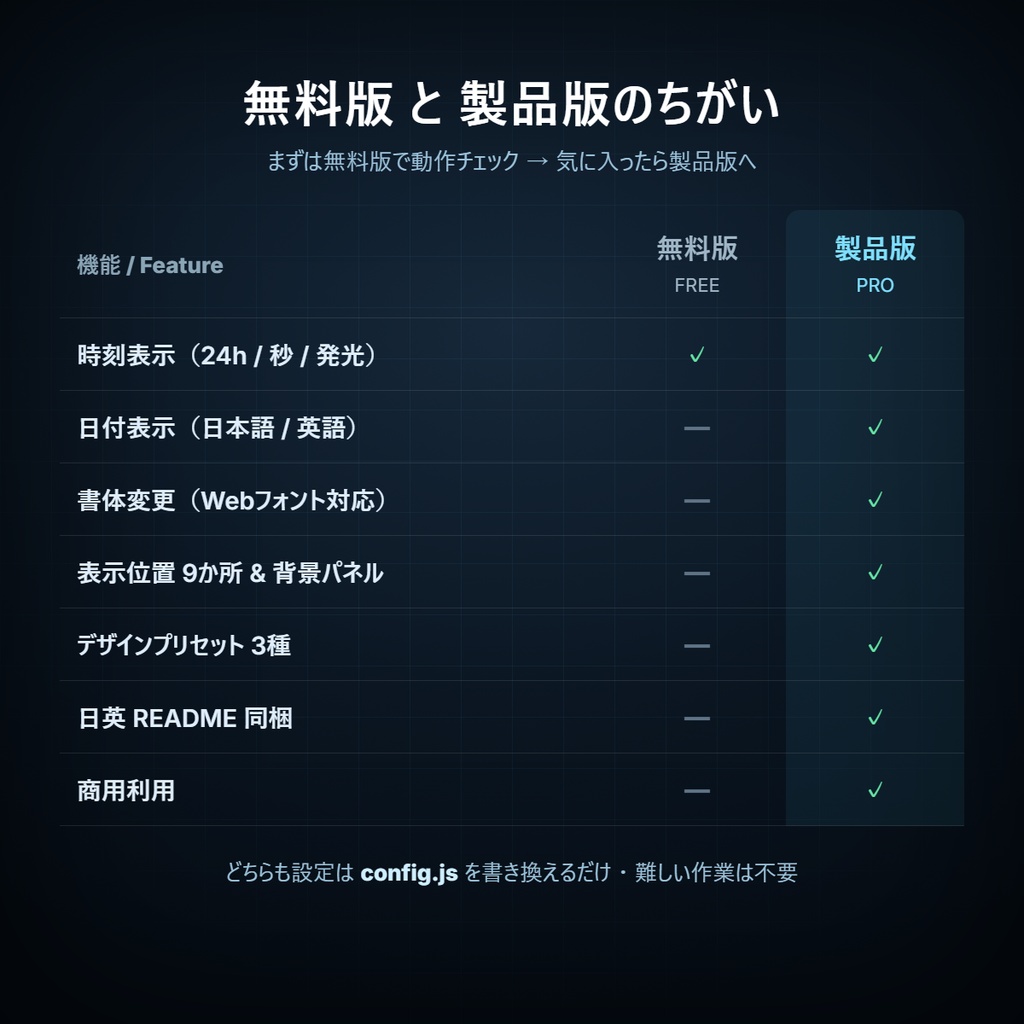
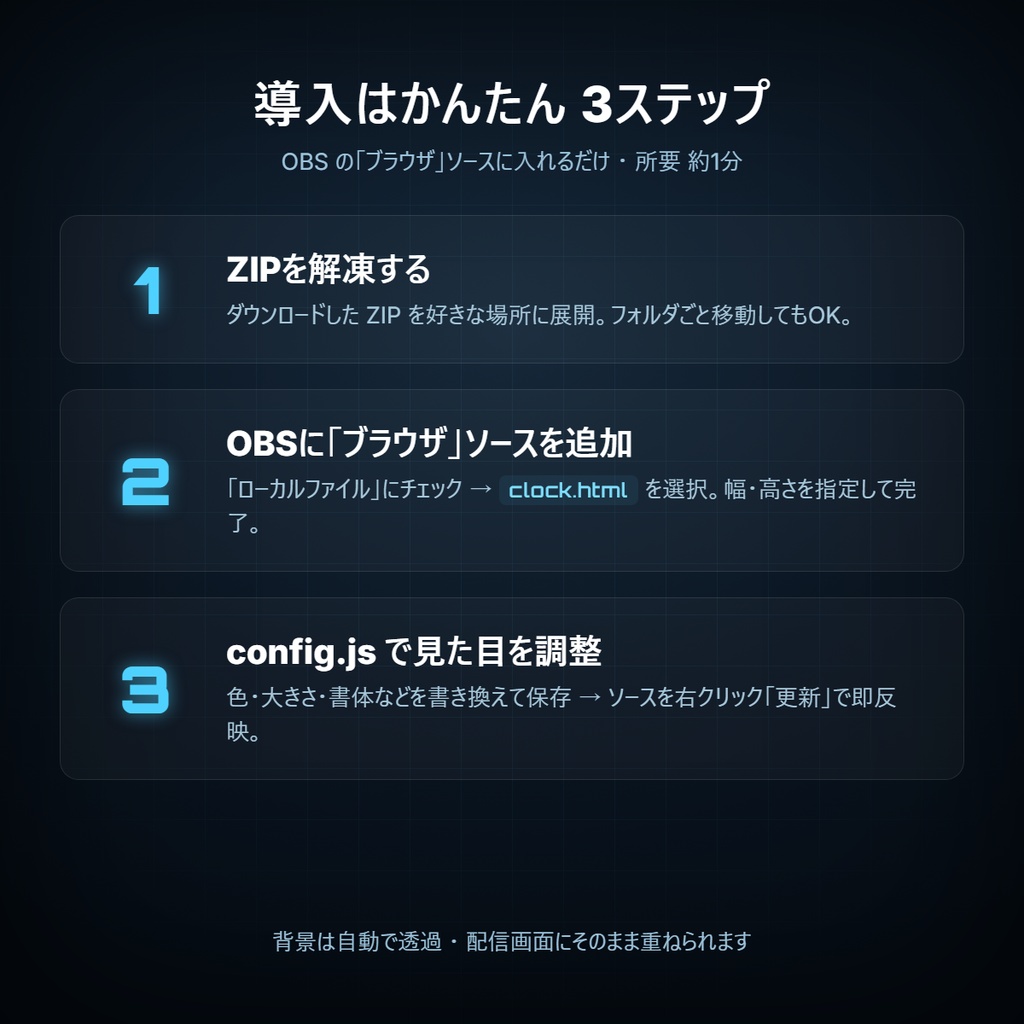
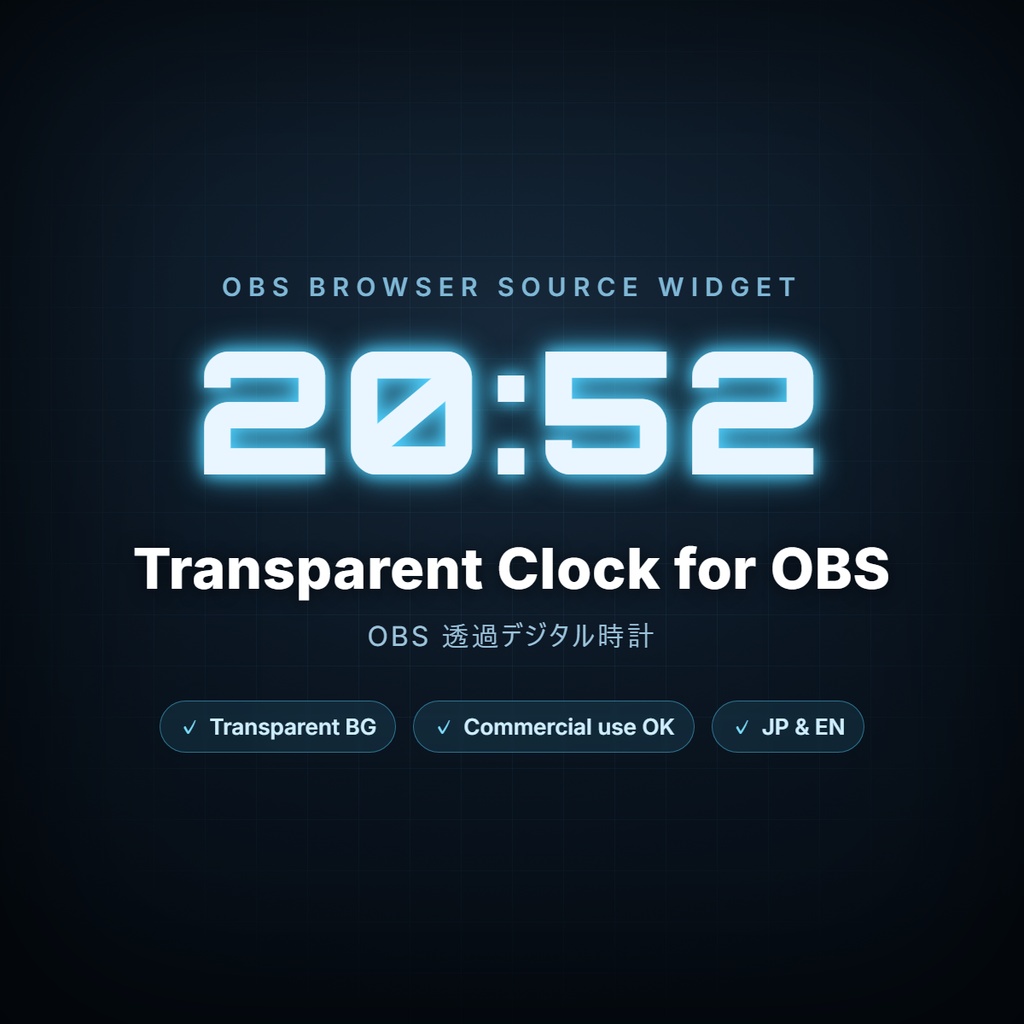
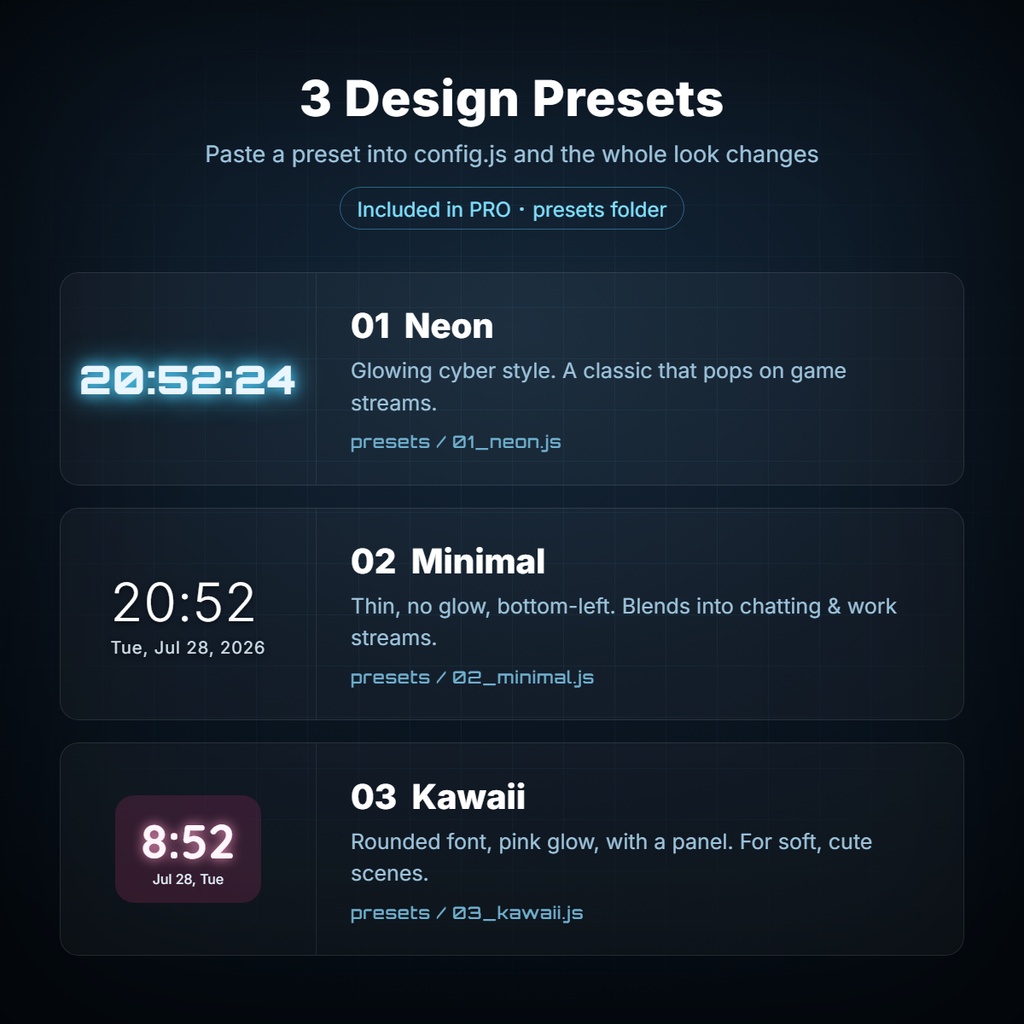
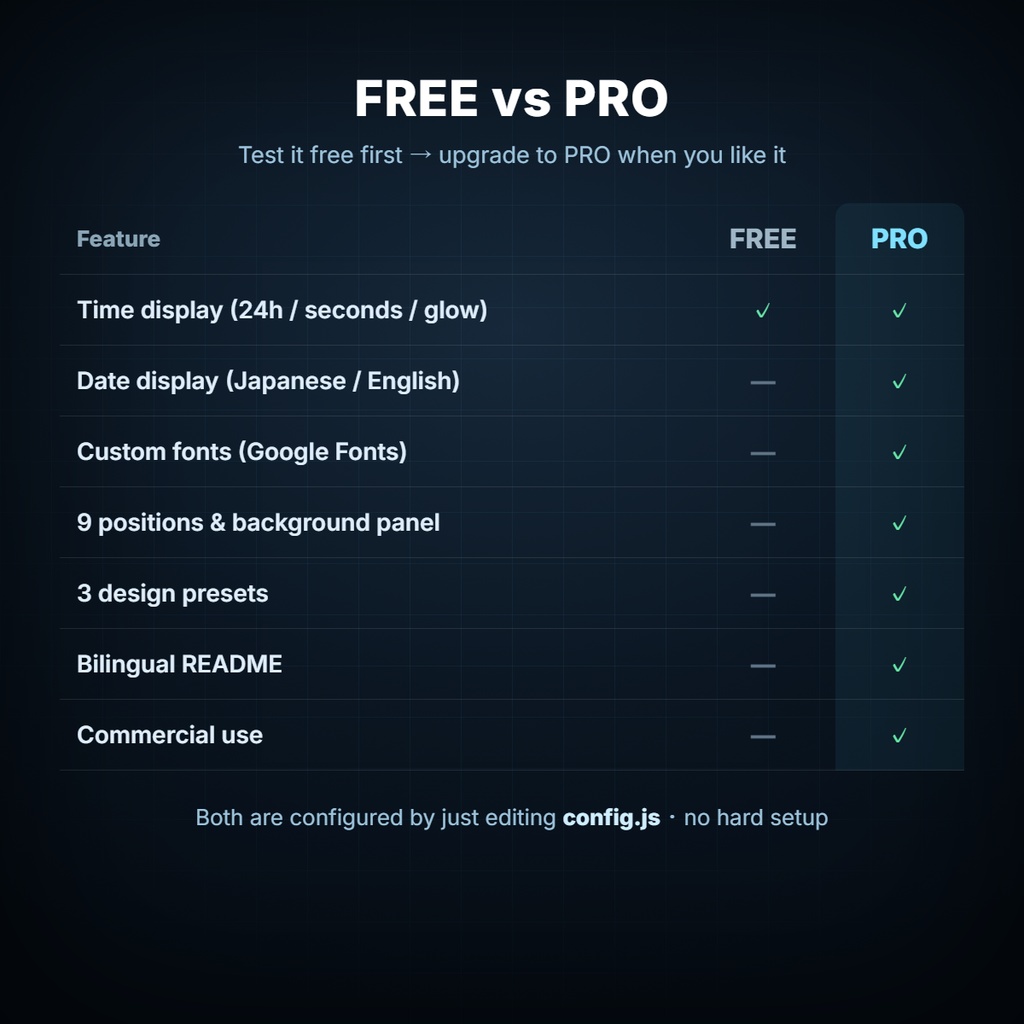
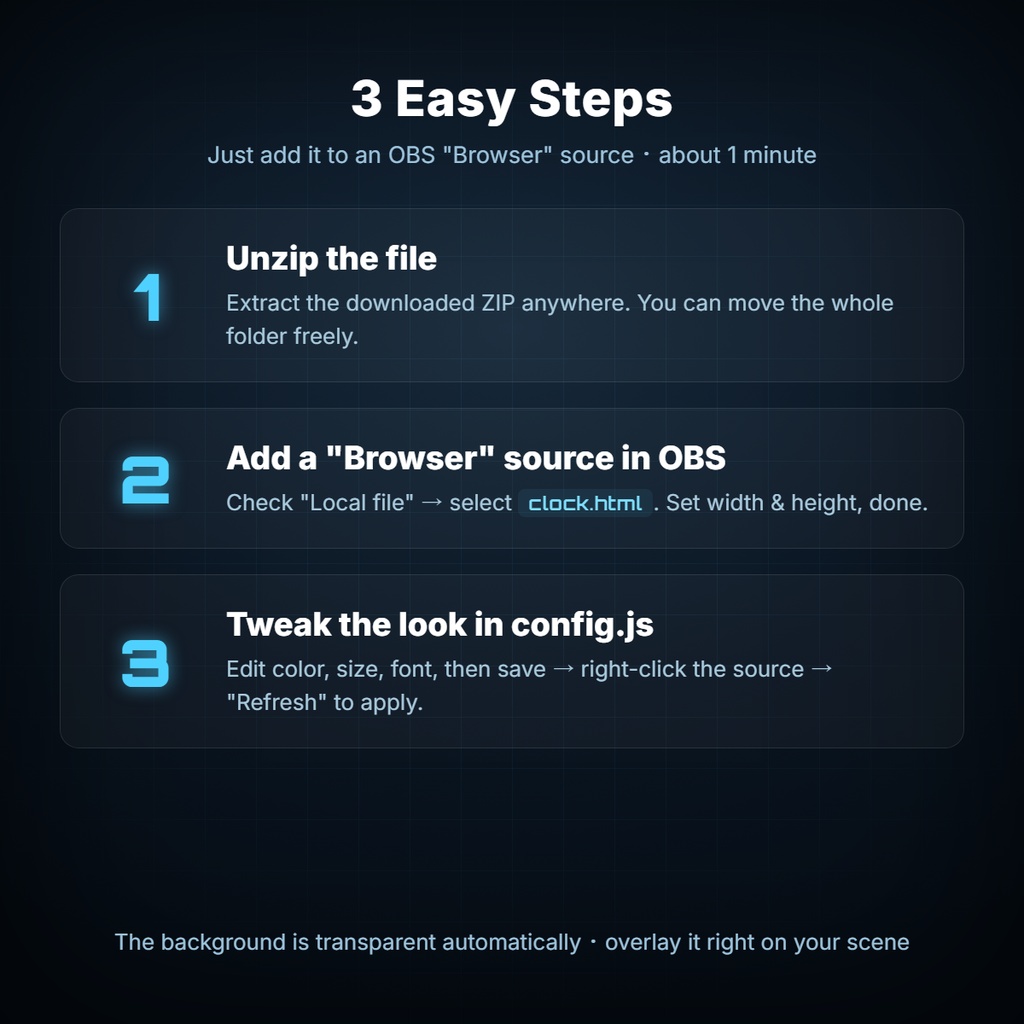


配信画面に、背景が透明なデジタル時計を。 OBSの「ブラウザ」ソースに読み込むだけで使える、透過対応のデジタル時計ウィジェットです。 インストール不要・アカウント登録不要。ファイルを置いて、OBSで開くだけ。 色も大きさも書体も、設定ファイル(config.js)を書き換えるだけで自由にカスタマイズできます。 ━━━━━━━━━━━━━━━━━━━━━━━━━━━━━━━━ ◆ こんな方に ━━━━━━━━━━━━━━━━━━━━━━━━━━━━━━━━ ・配信画面に時計を置きたいけれど、重い配信ソフトやツールは入れたくない ・自分の配信の雰囲気に合わせて、時計の見た目を細かく変えたい ・作業配信・雑談・ゲーム、どんな配信にも馴染む時計がほしい ━━━━━━━━━━━━━━━━━━━━━━━━━━━━━━━━ ◆ 特徴 ━━━━━━━━━━━━━━━━━━━━━━━━━━━━━━━━ ■ 背景まるごと透過 配信画面にそのまま重ねられます。黒い箱は出ません。 ■ 設定はconfig.js を書き換えるだけ 難しい知識は不要。「= の右側」を書き換えて保存するだけ。 ■ 自由にカスタマイズ 時刻(24h / 12h・秒あり / なし)、日付(日本語 / 英語)、 書体、文字色、発光、表示位置9か所、背景パネル ―― 細かく調整できます。 ■ デザインプリセット3種を同梱 「ネオン」「ミニマル」「かわいい」。貼り替えるだけで雰囲気が一変します。 ■ 動作が軽い HTML1枚+設定ファイルだけ。配信の負荷になりません。 ■ 日英READMEつき・商用利用OK 丁寧な説明書を同梱。お仕事の配信でも安心して使えます。 ━━━━━━━━━━━━━━━━━━━━━━━━━━━━━━━━ ◆ 無料版と製品版のちがい ━━━━━━━━━━━━━━━━━━━━━━━━━━━━━━━━ 無料版 製品版 時刻表示(24h/秒/発光) ○ ○ 日付表示(日本語/英語) ― ○ 書体変更(Webフォント) ― ○ 表示位置9か所・背景パネル ― ○ デザインプリセット3種 ― ○ 日英README同梱 ― ○ 商用利用 ― ○ ※ 無料版は、このページから無料でダウンロードできます。 まず無料版で動作をお試しいただき、気に入ったら製品版をご購入ください。 ━━━━━━━━━━━━━━━━━━━━━━━━━━━━━━━━ ◆ 同梱物 ━━━━━━━━━━━━━━━━━━━━━━━━━━━━━━━━ clock.html … 本体 config.js … 設定ファイル(ここを編集します) presets/ … デザインプリセット3種(ネオン / ミニマル / かわいい) README_日本語.txt / README_English.txt … 説明書 ━━━━━━━━━━━━━━━━━━━━━━━━━━━━━━━━ ◆ 使い方(約1分) ━━━━━━━━━━━━━━━━━━━━━━━━━━━━━━━━ 1. ZIPを解凍して、フォルダを好きな場所に置きます。 ※ clock.html と config.js は必ず同じフォルダに入れてください。 2. OBSの「ソース」→「+」→「ブラウザ」を追加。 3. 「ローカルファイル」にチェックを入れ、clock.html を選択。 幅800 / 高さ300 くらいに設定してOK。 4. 画面に時計が表示されます。 5. 見た目を変えたいときは config.js を書き換えて保存 → OBSのソースを右クリック →「更新」で即反映。 ━━━━━━━━━━━━━━━━━━━━━━━━━━━━━━━━ ◆ 動作環境 ━━━━━━━━━━━━━━━━━━━━━━━━━━━━━━━━ ・OBS Studio(「ブラウザ」ソースが使えるバージョン) ・Windows / macOS 対応 ・Webフォントを使う場合はインターネット接続が必要です (オフラインではパソコンにある書体を指定して使えます) ━━━━━━━━━━━━━━━━━━━━━━━━━━━━━━━━ ◆ ライセンス ━━━━━━━━━━━━━━━━━━━━━━━━━━━━━━━━ 【OK】 個人利用 / 商用利用 / 配信・動画での使用 色・サイズ・書体などの改変 法人・事務所での使用 【NG】 ファイルそのものの再配布・販売 素材としての二次配布 / 自作発言 クレジット表記は不要です。 ━━━━━━━━━━━━━━━━━━━━━━━━━━━━━━━━ ◆ ご注意 ━━━━━━━━━━━━━━━━━━━━━━━━━━━━━━━━ ・本商品はデジタルデータです。性質上、購入後の返品・返金はできません。 ・OBS本体は含まれません(無料でご用意ください)。 ・ご不明な点は、同梱のREADMEをご確認ください。
English description
A transparent digital clock for your stream. A clock widget with a fully transparent background — just load it into an OBS "Browser" source and you're done. No installation, no account required. Drop the files in a folder, open it in OBS, and customize the color, size, and font simply by editing one settings file (config.js). ━━━━━━━━━━━━━━━━━━━━━━━━━━━━━━━━ ◆ Great for ━━━━━━━━━━━━━━━━━━━━━━━━━━━━━━━━ ・You want a clock on your stream, without heavy extra software or tools ・You want to fine-tune the look to match your stream's vibe ・You want a clock that fits any stream — chatting, gaming, or working ━━━━━━━━━━━━━━━━━━━━━━━━━━━━━━━━ ◆ Features ━━━━━━━━━━━━━━━━━━━━━━━━━━━━━━━━ ■ Fully transparent background Overlay it directly on your scene — no black box. ■ Configure by editing config.js No coding knowledge needed. Just change the value after "=" and save. ■ Fully customizable Time (24h / 12h, seconds on/off), date (Japanese / English), font, text color, glow, 9 screen positions, background panel — all adjustable. ■ 3 design presets included "Neon", "Minimal", "Kawaii". Swap one in and the whole look changes. ■ Lightweight Just one HTML file and a settings file. It won't slow down your stream. ■ Bilingual README & commercial use OK Comes with clear documentation. Safe to use for professional streams. ━━━━━━━━━━━━━━━━━━━━━━━━━━━━━━━━ ◆ FREE vs PRO ━━━━━━━━━━━━━━━━━━━━━━━━━━━━━━━━ FREE PRO Time (24h / seconds / glow) ○ ○ Date (Japanese / English) — ○ Custom fonts (Google Fonts) — ○ 9 positions & background panel — ○ 3 design presets — ○ Bilingual README — ○ Commercial use — ○ * The FREE version can be downloaded from this same page. Try it first, and purchase the PRO version if you like it. ━━━━━━━━━━━━━━━━━━━━━━━━━━━━━━━━ ◆ What's included ━━━━━━━━━━━━━━━━━━━━━━━━━━━━━━━━ clock.html … the widget config.js … settings file (edit this) presets/ … 3 design presets (Neon / Minimal / Kawaii) README_日本語.txt / README_English.txt … documentation ━━━━━━━━━━━━━━━━━━━━━━━━━━━━━━━━ ◆ How to use (about 1 minute) ━━━━━━━━━━━━━━━━━━━━━━━━━━━━━━━━ 1. Unzip and place the folder anywhere on your PC. * Keep clock.html and config.js in the same folder. 2. In OBS: Sources → "+" → add a "Browser" source. 3. Check "Local file" and select clock.html. Set width 800 / height 300, then OK. 4. The clock appears on screen. 5. To change the look, edit config.js and save, then right-click the source in OBS and choose "Refresh" to apply instantly. ━━━━━━━━━━━━━━━━━━━━━━━━━━━━━━━━ ◆ Requirements ━━━━━━━━━━━━━━━━━━━━━━━━━━━━━━━━ ・OBS Studio (a version that supports the "Browser" source) ・Works on Windows / macOS ・An internet connection is needed to use Google Fonts (offline, you can specify a font installed on your PC) ━━━━━━━━━━━━━━━━━━━━━━━━━━━━━━━━ ◆ License ━━━━━━━━━━━━━━━━━━━━━━━━━━━━━━━━ [OK] Personal & commercial use / use in streams & videos Editing color, size, font, etc. Use by companies and studios [NG] Redistributing or reselling the files themselves Redistributing as an asset / claiming it as your own work No credit required. ━━━━━━━━━━━━━━━━━━━━━━━━━━━━━━━━ ◆ Notes ━━━━━━━━━━━━━━━━━━━━━━━━━━━━━━━━ ・This is digital data. Due to its nature, no returns or refunds after purchase. ・OBS itself is not included (please get it for free separately). ・For any questions, please see the included README.