

【JA,EN,KO】UI&ガイド同梱|瞳あわせ|EyeDock・Unity用
- ダウンロード商品¥ 700
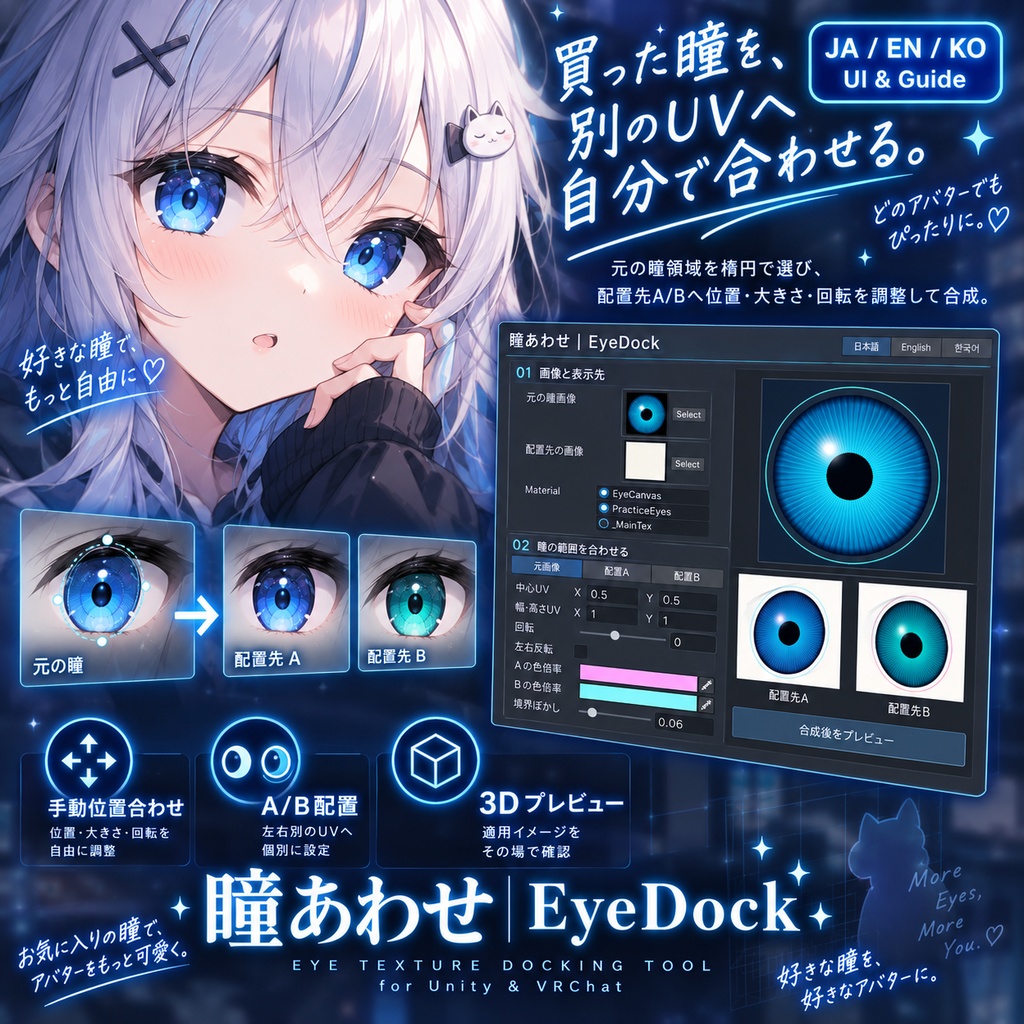
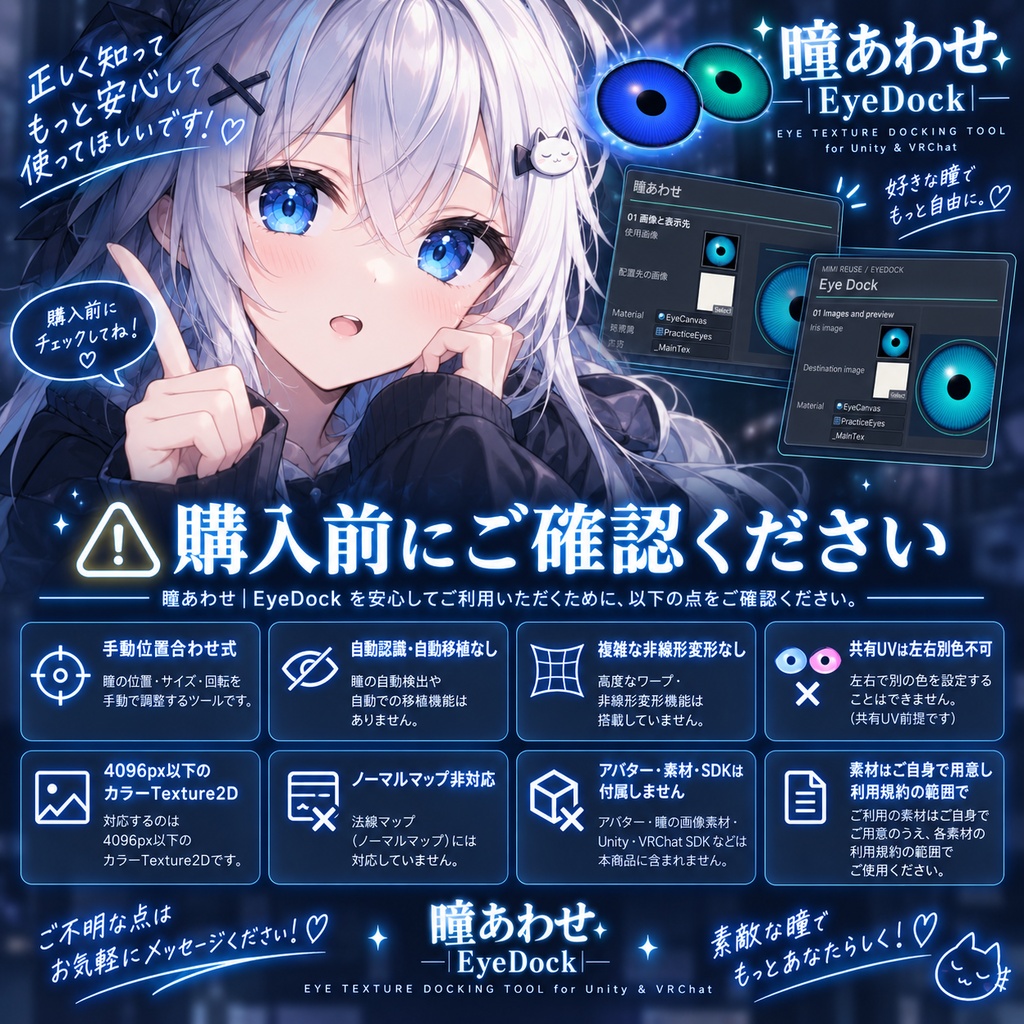
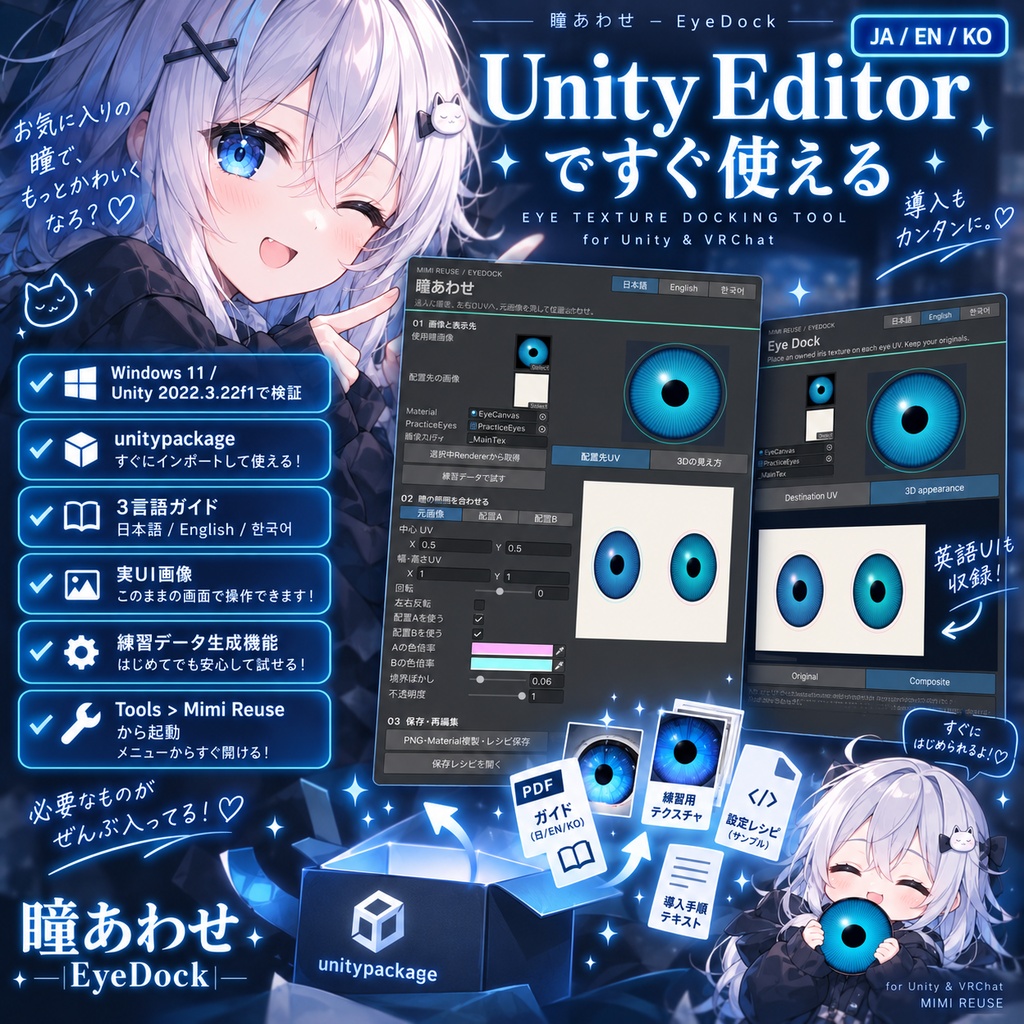
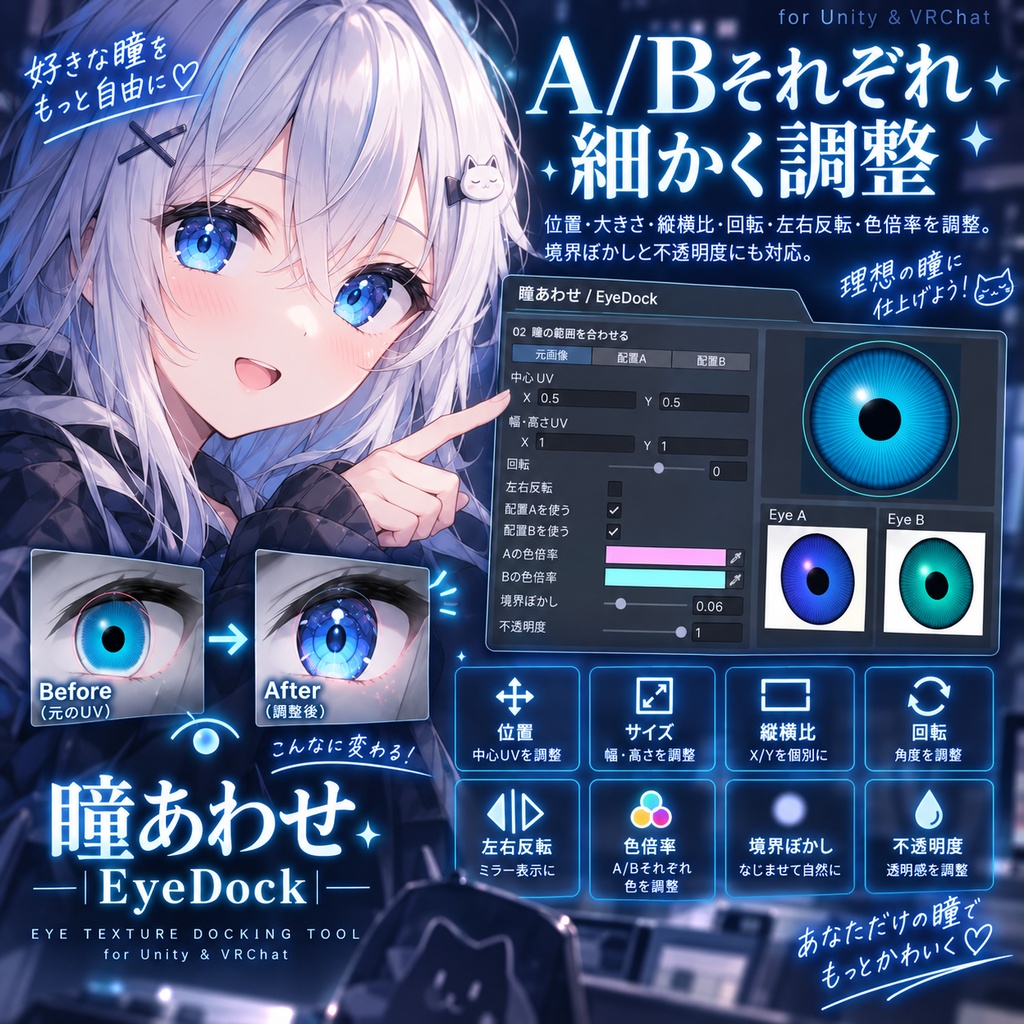
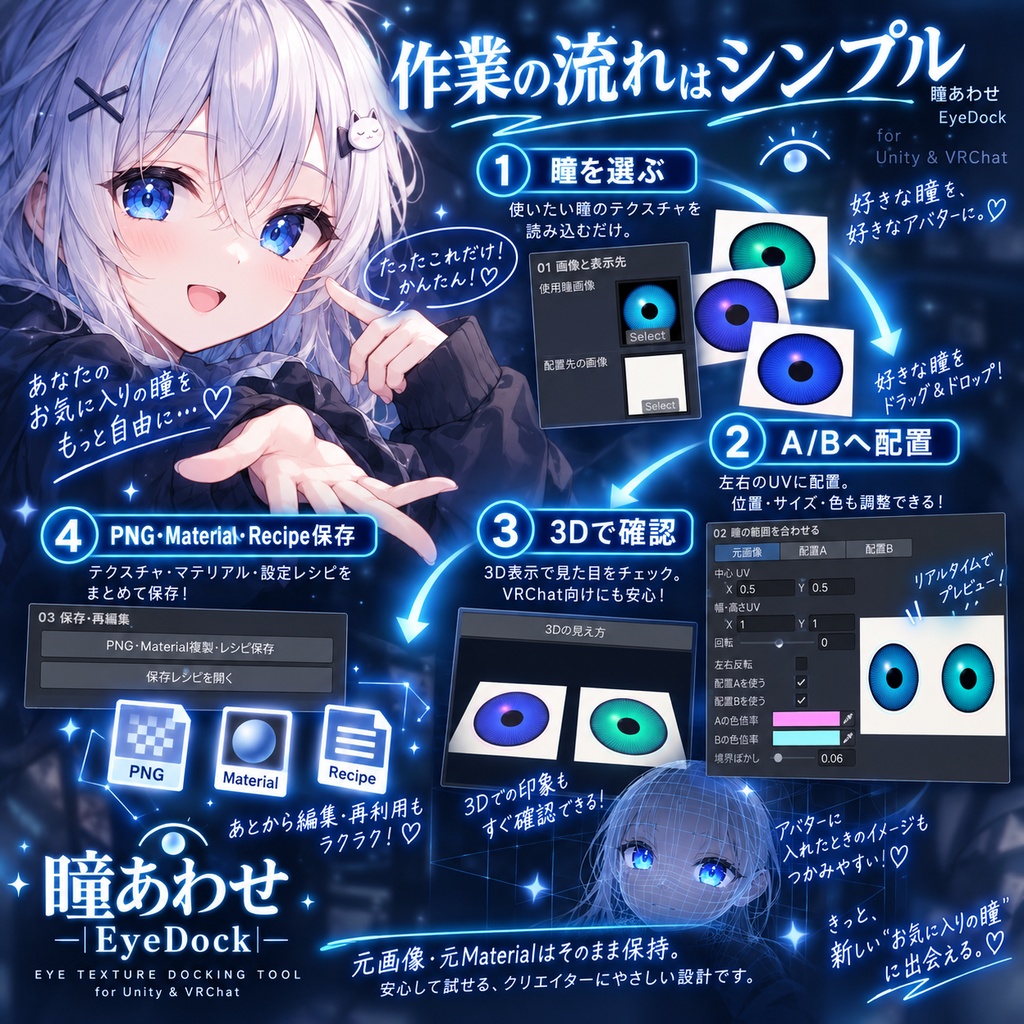
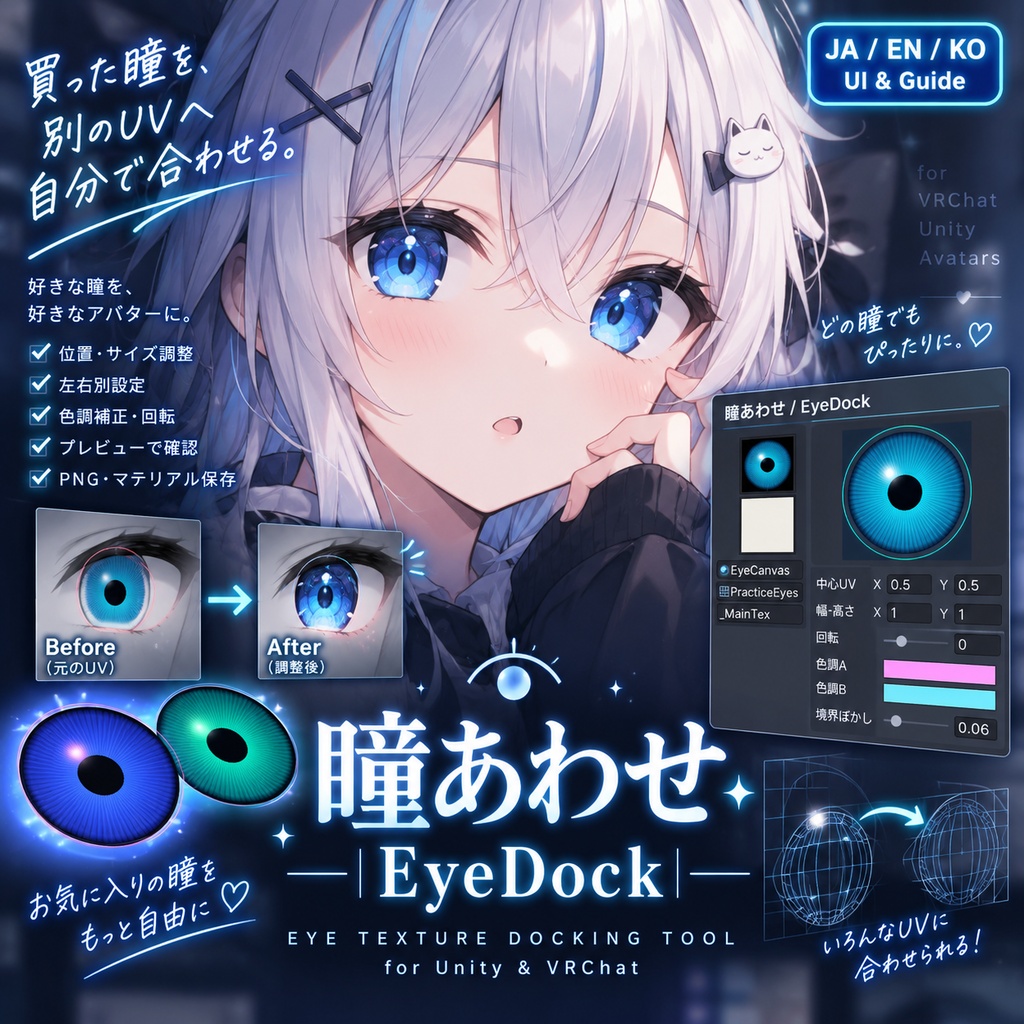


買った瞳を、別のUVへ自分で合わせたい人へ。 瞳あわせ / EyeDockは、元の瞳領域を楕円で選び、配置先のA/Bへ位置・大きさ・回転を調整して合成するUnityツールです。 ■ できること ・A/Bそれぞれの配置、縦横比、左右反転、色倍率を調整 ・境界ぼかしと不透明度、元画像/合成後の切り替え ・選んだMeshとMaterialによる3D確認 ・配置先と同じ解像度のPNG、元Materialの複製、再編集レシピを保存 ・元画像・元Materialを保持 ■ 購入前に確認 手動位置合わせ式です。アバター自動認識、全自動の目検出、対応表による自動移植、複雑な非線形変形はありません。A/BはUV上の配置名です。共有UVでは左右別の色にできません。対象は1辺4096px以下のカラーTexture2D。ノーマルマップは対象外です。素材はご自身で用意し、利用規約の範囲で使用してください。 ■ 環境・同梱 Unity Editor用。Windows 11 / Unity 2022.3.22f1で検証。日本語・English・한국어 UI&ガイドを1回の購入で利用できます。unitypackage、3言語ガイド、実UI画像、ツール内のオリジナル練習データ生成機能を同梱。アバター・市販素材・VRChat SDK・Modular Avatarは同梱しません。 ZIPを展開し、Assets > Import Package > Custom PackageからunitypackageをImport。Tools > Mimi Reuseから開きます。導入前にプロジェクトをバックアップしてください。macOS/Linux、VRChatクライアント内・アップロード、全アバターとの組み合わせは未確認です。 ■ 利用条件 購入者本人の個人・商用制作に使用できます。使用素材の規約を守ってください。本ツールや練習データの再販売・再配布、共有導入は不可。自作または利用許諾のある素材から作った出力は、その素材の規約の範囲で利用できます。 --- English --- Reuse an owned iris texture on a different UV layout, with manual control. EyeDock selects an elliptical iris region and composites it onto destinations A/B with adjustable position, size and rotation. Features • Independent placement, aspect ratio, mirroring and tint multipliers for A/B • Feathered edges, opacity and original/composite comparison • 3D inspection using your selected mesh and material • PNG at destination resolution, a copied material and a reopenable recipe • Original images and materials remain unchanged Before buying Manual alignment is required. No automatic avatar recognition, eye detection, avatar presets or complex nonlinear warping. A/B are UV destinations. Shared UVs cannot hold different left/right colors. Inputs must be color Texture2D assets up to 4096 pixels per side; normal maps are unsupported. Supply your own licensed assets. Environment / Included Unity Editor tool. Tested on Windows 11 / Unity 2022.3.22f1. Japanese, English and Korean UI and guides are included in one purchase. Includes a unitypackage, three-language guides, actual UI images and built-in original practice-data generation. No avatar, commercial asset, VRChat SDK or Modular Avatar included. Extract the ZIP, then import the unitypackage via Assets > Import Package > Custom Package. Open Tools > Mimi Reuse. Back up your project first. macOS/Linux, the VRChat client, uploading and every avatar combination have not been tested. Terms The purchaser may use this tool for personal or commercial creation, subject to the licenses of all input assets. Do not resell, redistribute or share installation of the tool or practice assets. Outputs made from your own or licensed inputs may be used within those input licenses. --- 한국어 --- 구매한 눈 텍스처를 다른 UV에 직접 맞추고 싶은 분을 위한 도구입니다. EyeDock은 타원형 눈 영역을 선택하고 위치·크기·회전을 조절하여 대상 A/B에 합성합니다. 기능 • A/B별 배치·가로세로 비율·좌우 반전·색상 배율 • 경계 흐림·불투명도·원본/합성 결과 비교 • 선택한 Mesh와 Material을 이용한 3D 확인 • 대상 해상도의 PNG, Material 복사본, 다시 여는 레시피 저장 • 원본 이미지와 Material 유지 구매 전 확인 수동 위치 맞추기 방식입니다. 아바타 자동 인식·눈 자동 감지·아바타별 프리셋·복잡한 비선형 변형은 없습니다. A/B는 UV상의 대상입니다. 공유 UV에 좌우 다른 색상을 넣을 수 없습니다. 한 변 4096px 이하의 컬러 Texture2D를 지원하며 노멀 맵은 제외됩니다. 이용 허가를 받은 소재를 직접 준비하세요. 환경 / 구성 Unity Editor용 도구입니다. Windows 11 / Unity 2022.3.22f1에서 검사했습니다. 한 번 구매하면 일본어·영어·한국어 UI와 가이드를 모두 사용할 수 있습니다. unitypackage, 3개 언어 가이드, 실제 UI 이미지, 자체 연습 데이터 생성 기능이 포함됩니다. 아바타·상용 소재·VRChat SDK·Modular Avatar는 포함되지 않습니다. ZIP을 풀고 Assets > Import Package > Custom Package에서 unitypackage를 Import하세요. Tools > Mimi Reuse에서 실행합니다. 먼저 프로젝트를 백업하세요. macOS/Linux, VRChat 클라이언트·업로드, 모든 아바타 조합은 미검사입니다. 이용 조건 구매자 본인의 개인·상업 제작에 사용할 수 있습니다. 입력 소재의 이용 규약을 지켜주세요. 도구·연습 데이터의 재판매·재배포·공유 설치는 금지합니다. 직접 만들었거나 이용 허가를 받은 소재로 생성한 출력은 해당 소재 규약 안에서 이용할 수 있습니다.