
レトロなVCR P-168ジャケット(フード付き) / Retro VCR T-80 pants
- ダウンロード商品¥ 200
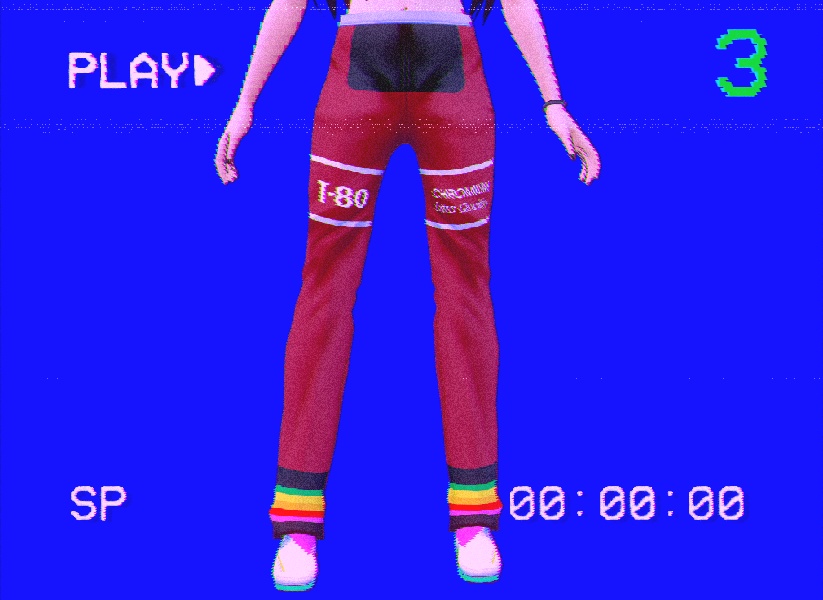
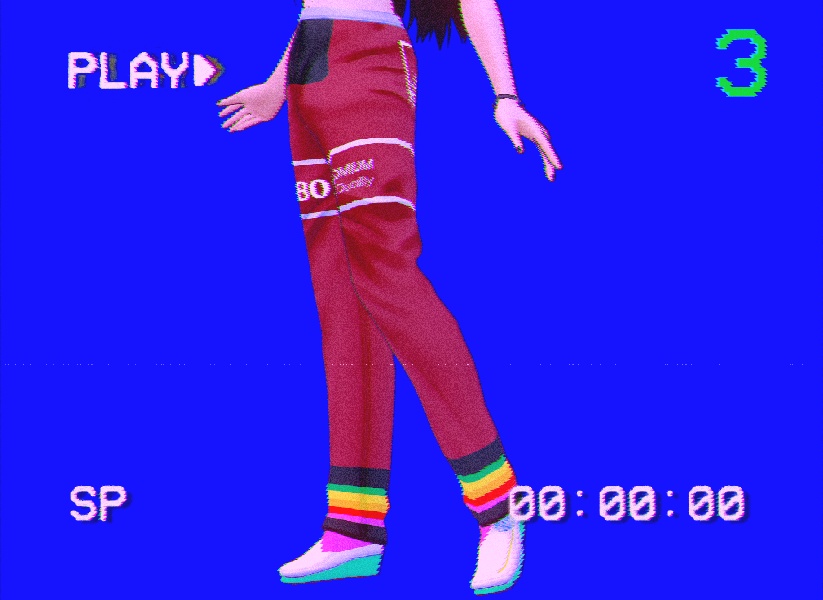
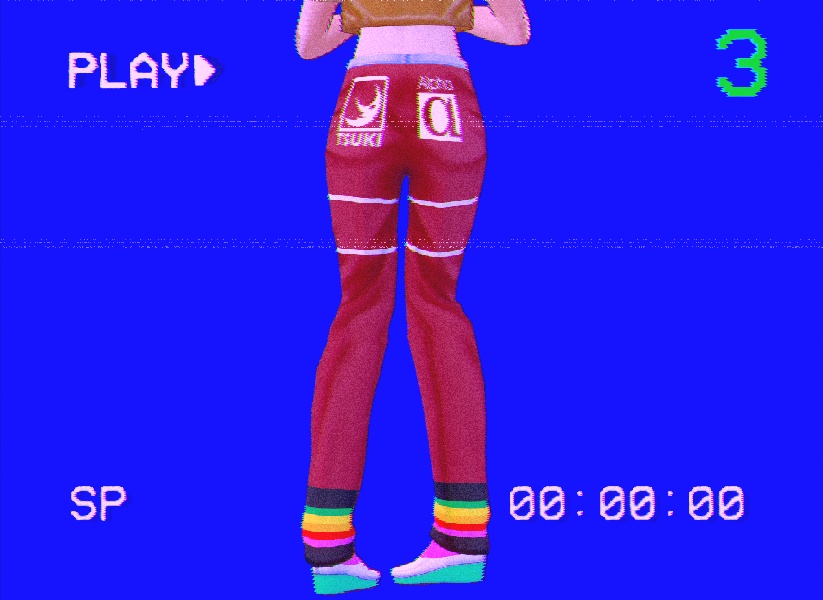
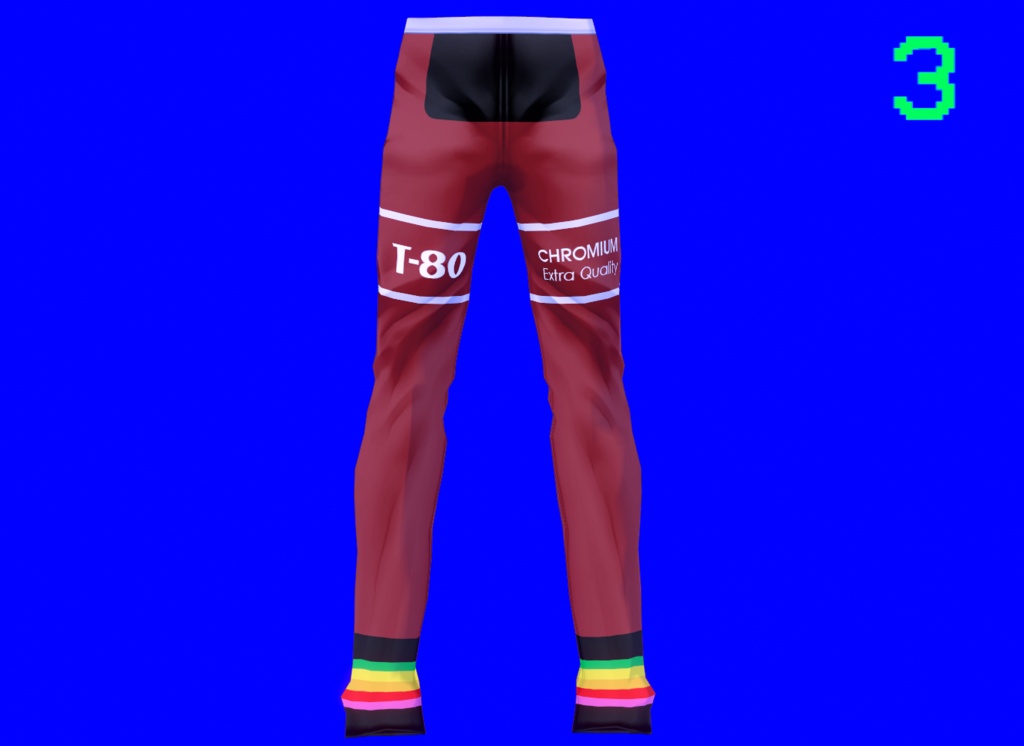
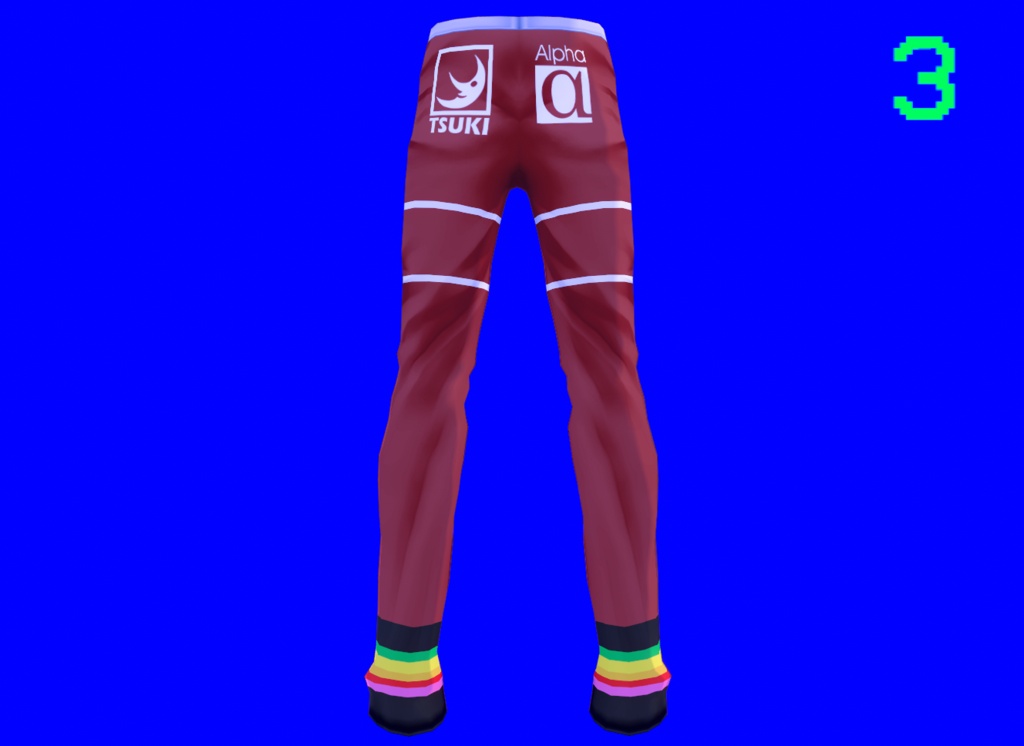
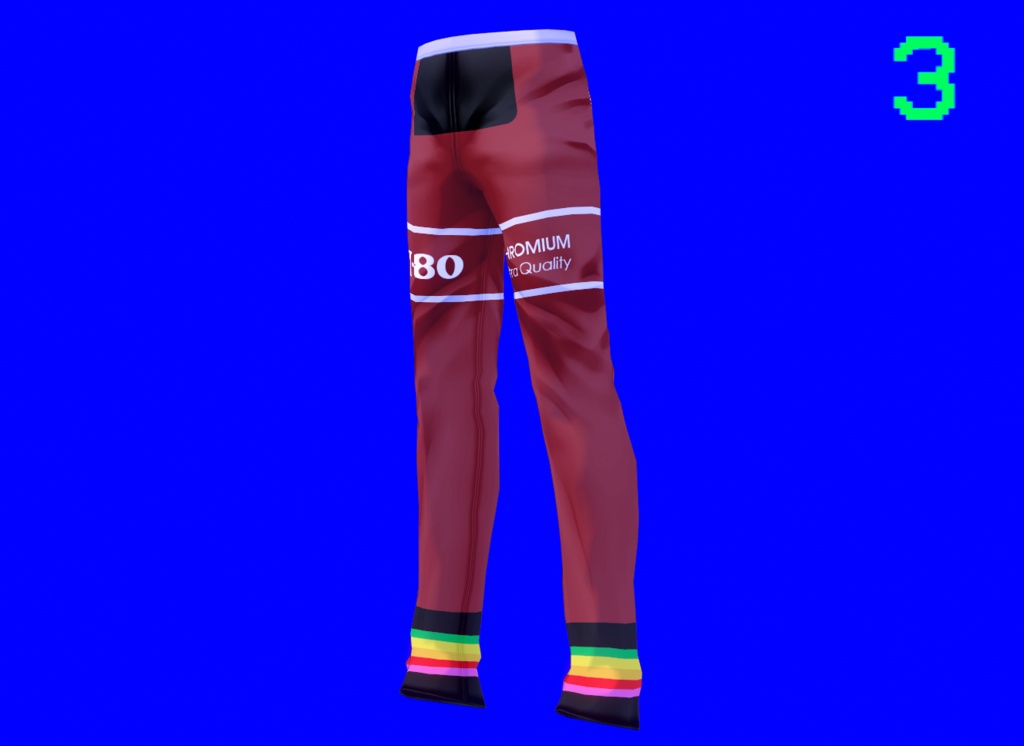


{日本語:} [製品説明] 90年代のHi-Fi(ハイファイ)なレトロ感を演出できるアイテムです! 軽やかで柔らかな着心地に加え、お探しの「ヴェイパーウェイヴ(Vaporwave)」スタイルを完璧に表現してくれます。 Tシャツやセーター、万能な「VCR Hoodie」(Yuki-Tsuki~*作)との相性も抜群です。スニーカーやVansを合わせれば、クールな雰囲気がさらに引き立ちます。 [内容物] - .VROIDCUSTOMITEMファイル x1(「VCR Dynamic pants」設定済み) - .PNGファイル x1(「VCR Dynamic pants」のテクスチャ) - Readmeテキストファイル x1(本情報) - .PNGファイル x1(参考画像と同様の仕上がりにするための設定手順) - .PNGファイル x1(参考画像:Yuki-Tsukiモデルのポーズ画像) [技術仕様] **本テクスチャは、VRoid公式サイト版(2021年実行ファイル版)およびSteam版の両方で動作確認済みであり、いずれも問題なく使用できます。 対応ソフト:VRoid Studio用 形式:素早くインポートできる.vroidcustomitemファイル、およびオリジナルの.pngテクスチャ 汎用性:ほとんどのVRoidベースモデルに対応 [使用方法] .PNGファイルを使用する場合 1. VRoid Studioを起動します。 2. モデルを選択し、「衣装」タブに移動します。 3. パンツをベースにした新しい「ボトムス」を作成します。 4. 対応するレイヤーに.pngテクスチャをインポートします。 5. 「Settings.png」画像のように数値を設定します(またはお好みに合わせて調整してください)。 6. これで完了です! .VROIDCUSTOMITEMファイルを使用する場合 1. VRoid Studioを起動します。 2. モデルを選択し、「衣装」タブに移動します。 3. .vroidcustomitemファイルをインポートします。 4. これで完了です! [利用規約] - 本ファイルの再配布または転売は禁止されています。 - 個人利用は許可されています。 - 本製品をSNSで使用された場合は、私をタグ付けするか、ハッシュタグ #YukiTsukiShop を付けて投稿していただけると嬉しいです。あなたのアバターに装着した様子を拝見したいです! ** 本製品に関する問題がございましたら、ご連絡ください。 {English:} [Product Description] Get into the retro vibe of 90s Hi-Fi with this outfit! These pants will not only feel light and soft, but it will also give them all the vaporwave style you're looking for. This garment goes well with a t-shirt, sweater or the almighty VCR Hoodie (made by Yuki-Tsuki~*), sneakers or Vans, and of course, a cool vibe. [Contents] - 1 .VROIDCUSTOMITEM file with a pre-configured VCR Dynamic pants. - 1 .PNG file with the texture of a VCR Dynamic pants. - 1 "Readme" text file with this information. - 1 .PNG file with configuration instructions for a result similar to the reference image. - 1 .PNG file with the reference image (model: Yuki-Tsuki posing). [Technical Details] **This texture has been tested on the 2021 executable version of the VRoid website and the version downloaded via Steam, working perfectly on both without any issues. Software: Designed for VRoid Studio. Format: .vroidcustomitem file for quick import and original texture in .png format. Versatility: Compatible with most VRoid base models. [Instructions] Using the .PNG 1. Open VRoid Studio. 2. Select your model and go to the Outfit section. 3. Create a new "bottoms" garment based on pants. 4. Import the .png texture onto the corresponding layer. 5. Configure the levels as shown in the "Settings.png" image (or to your liking). 6. You're all set! Using the .VROIDCUSTOMITEM File 1. Open VRoid Studio. 2. Select your model and go to the Outfit section. 3. Import the .vroidcustomitem file. 4. You're all set! [Terms of Use / TOS] - Redistribution or resale of this file is prohibited. - Personal use is permitted. - If you use this product on social media, I'd love for you to tag me or use the hashtag #YukiTsukiShop so I can see how it looks on your avatar! ** For any issues with this product, please contact me.