

「MA」GoGoLoco Fusion「モジュール式でカスタマイズが容易なGogoloco」
- ダウンロード商品¥ 800
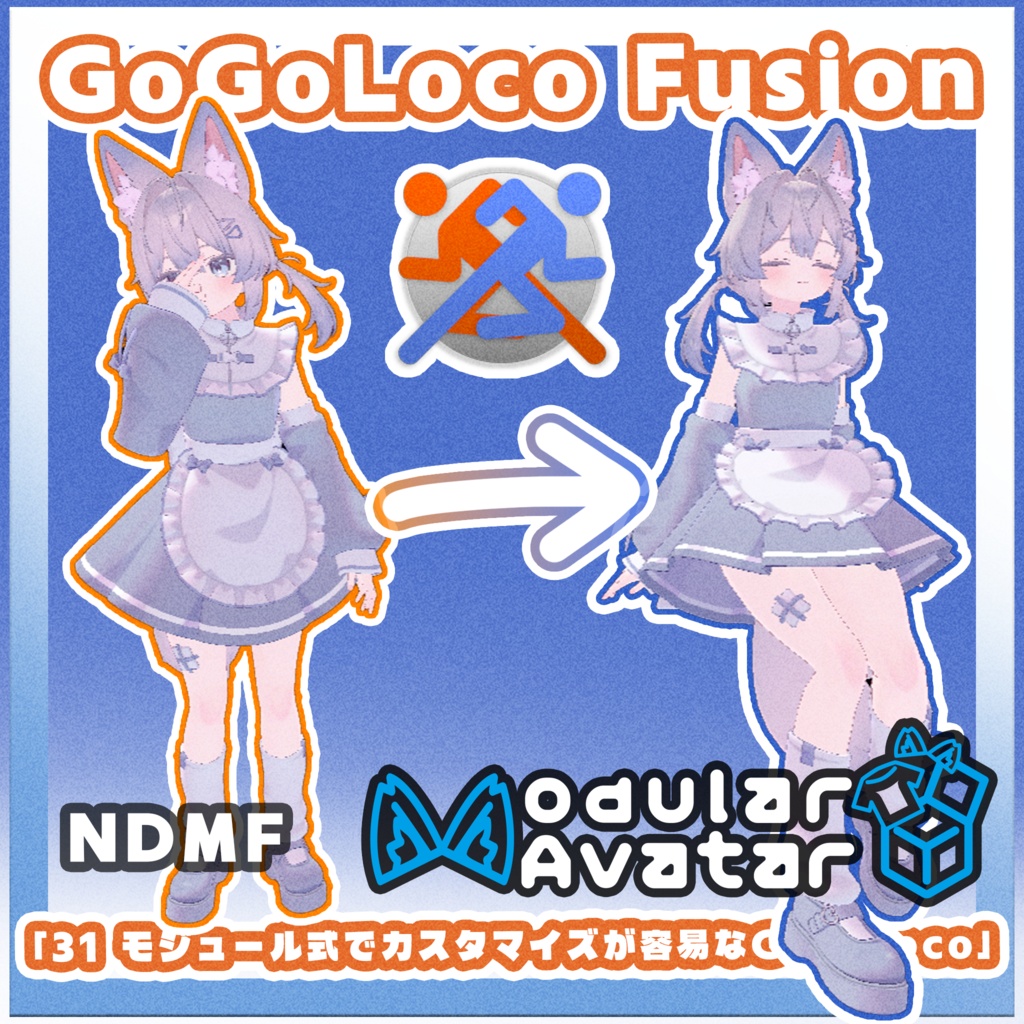
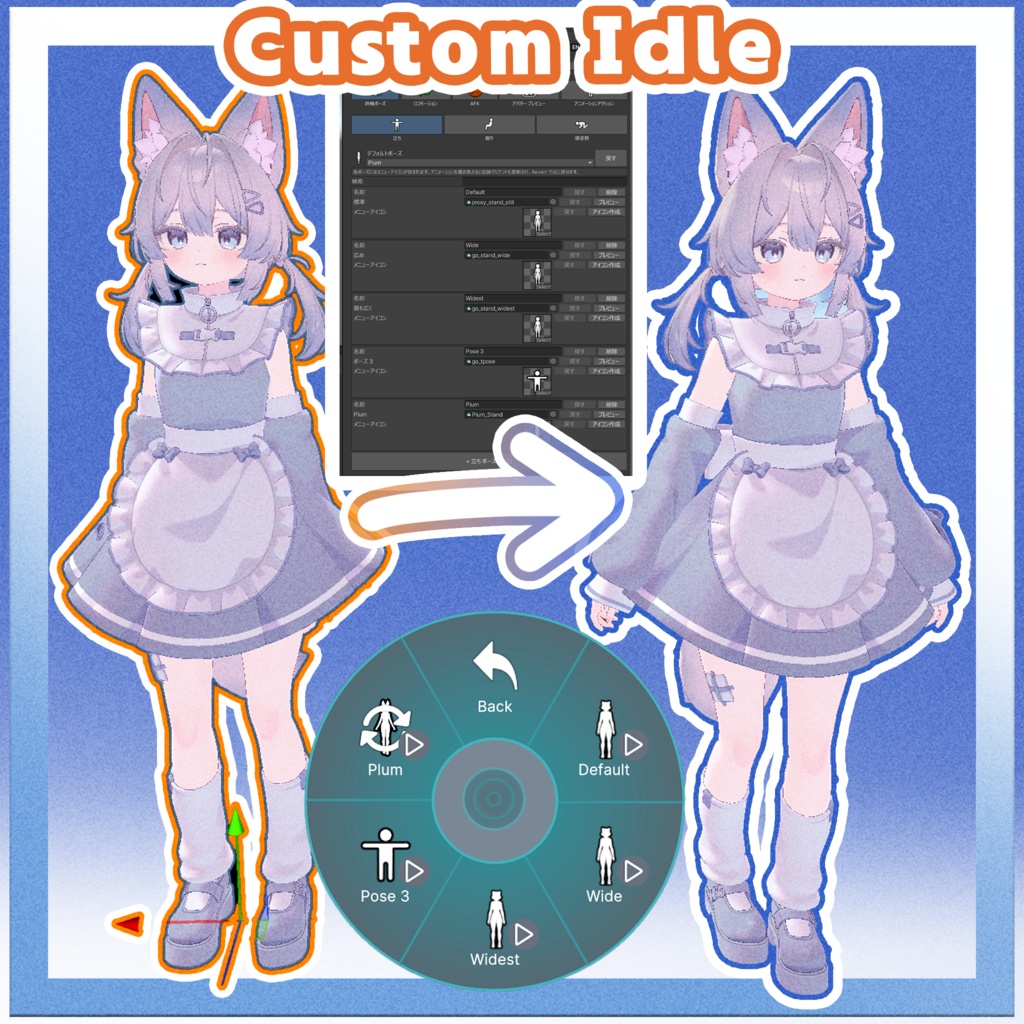
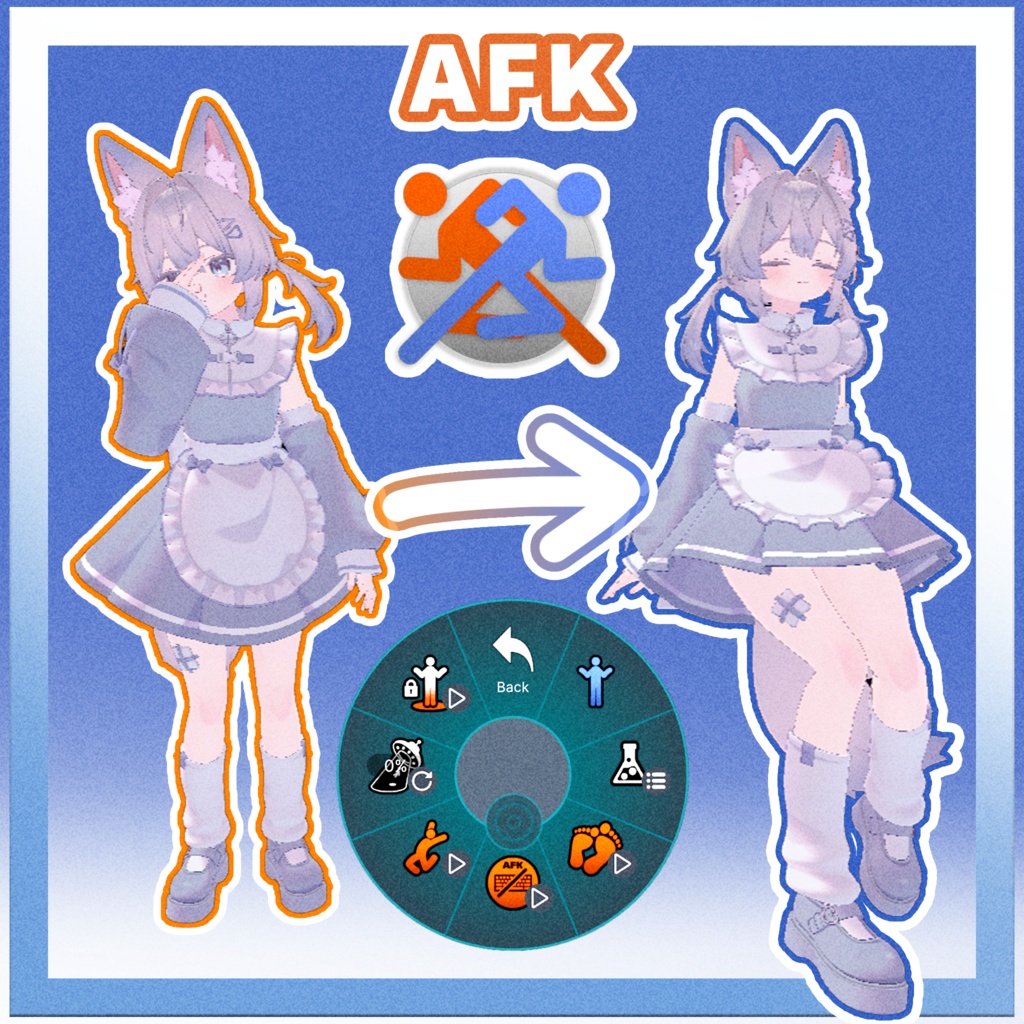
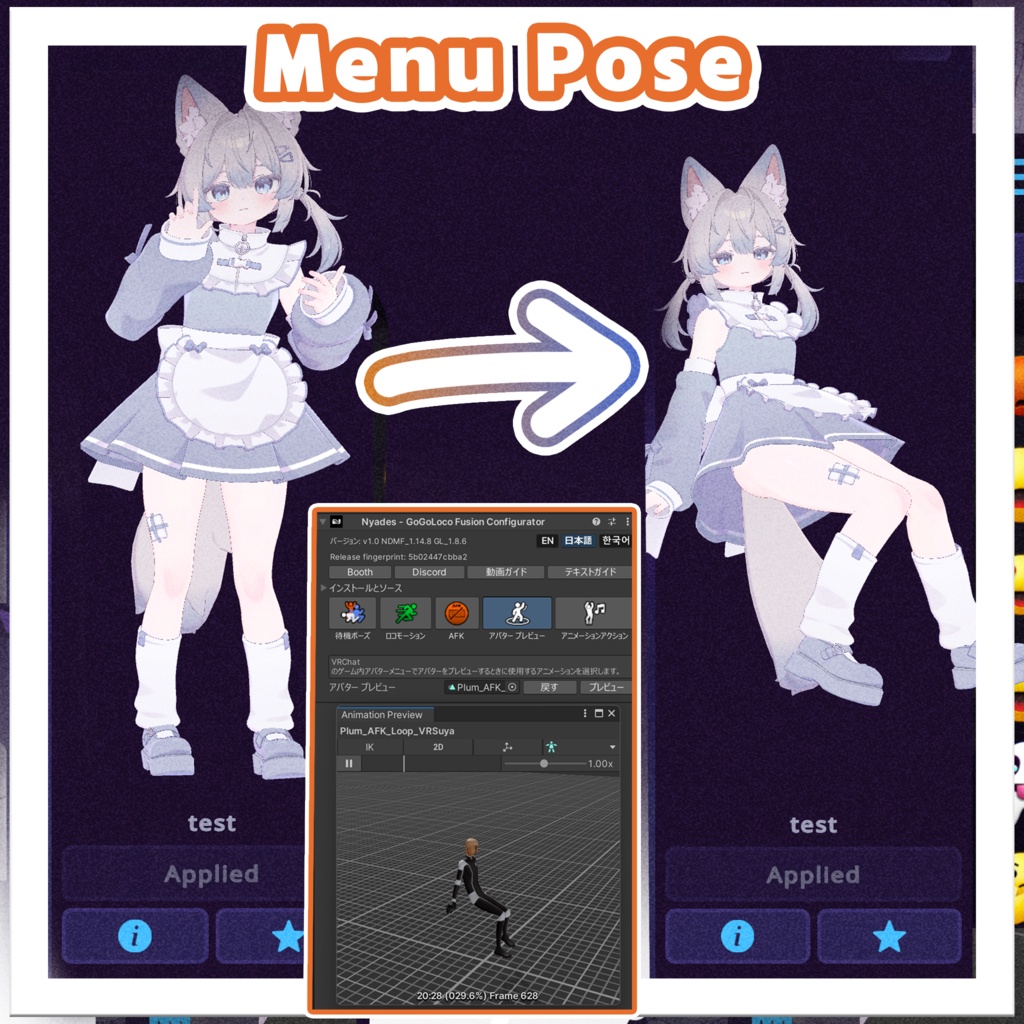
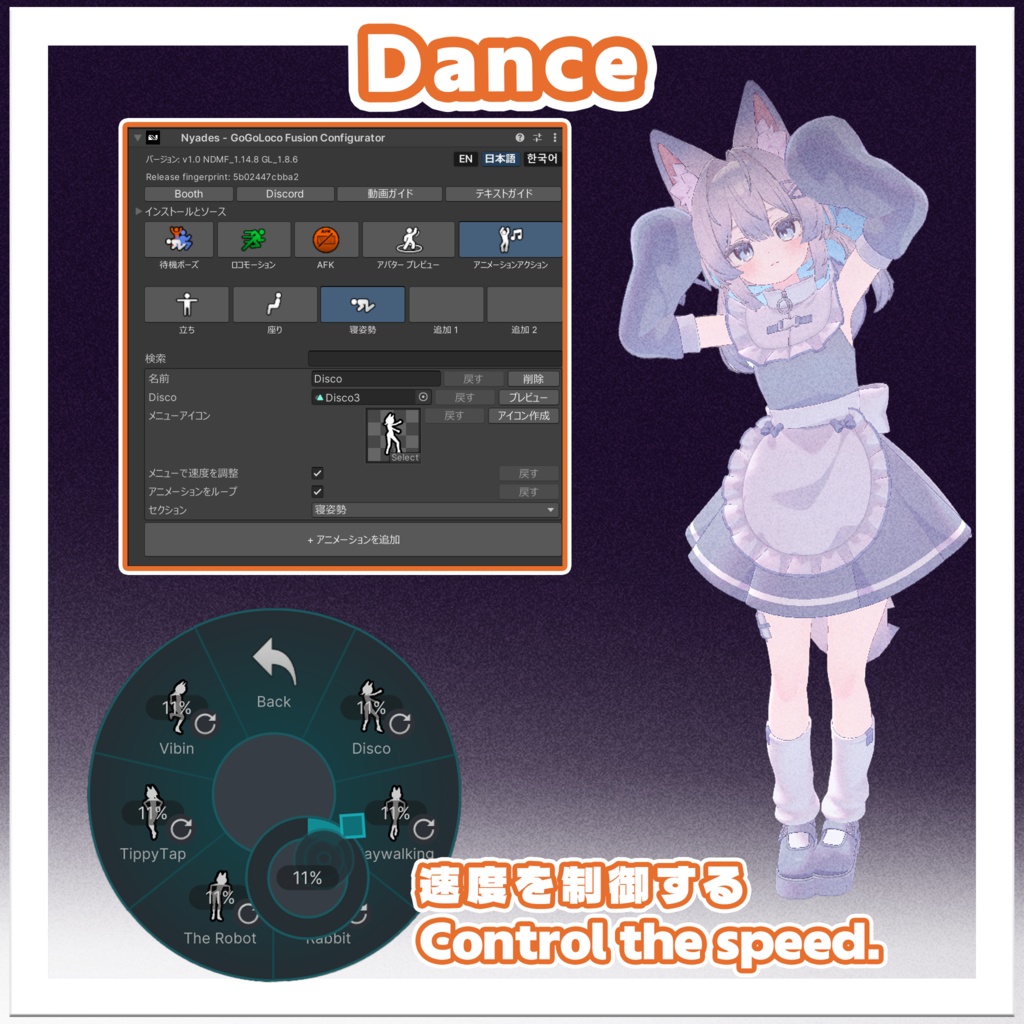
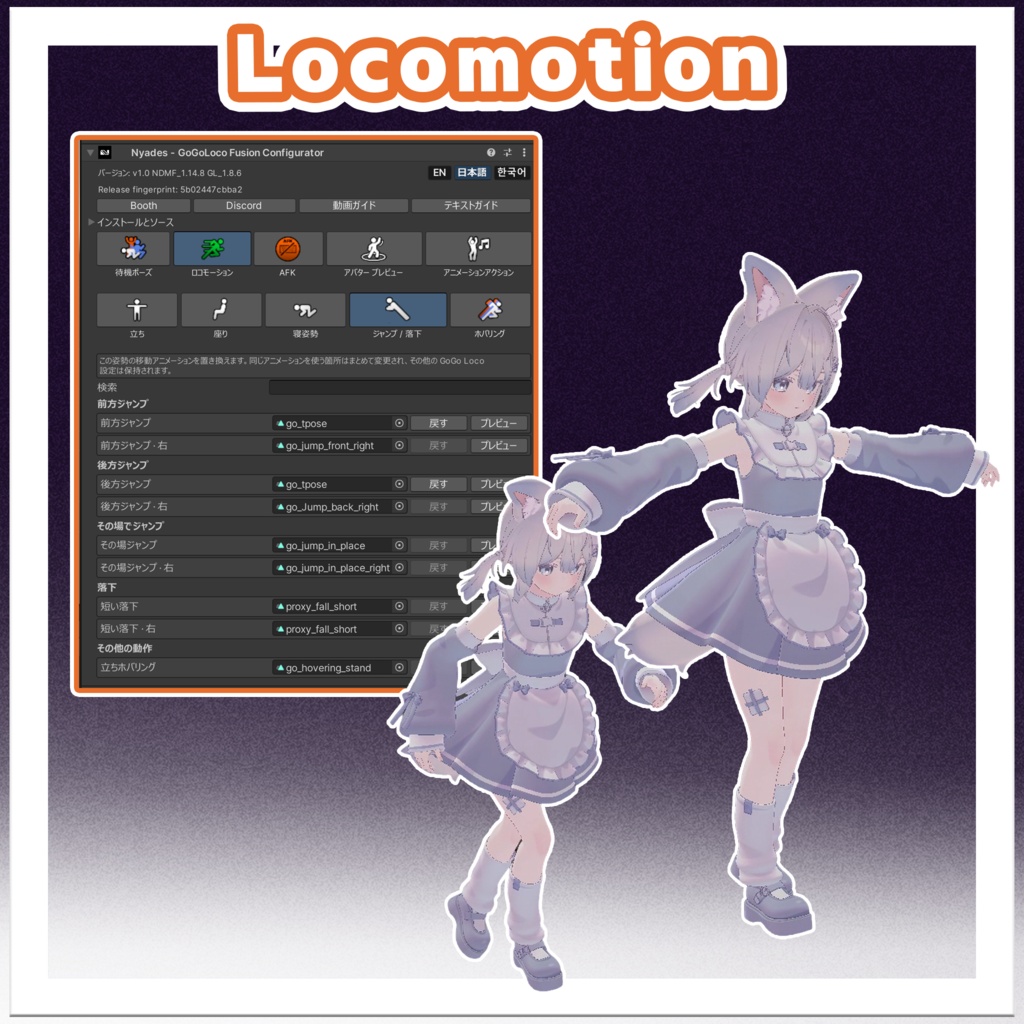


GoGoLoco Fusionは、GoGoLocoのAnimatorステートを簡単に編集・カスタマイズできるツールです。 - アイドルポーズ(座り・立ち・待機・浮遊) - 移動アニメーション(歩き・走り・這い・しゃがみ) - ダンス(速度調整) - AFKアニメーション(開始・ループ・終了) - VRChatアバタープレビューメニュー用アニメーション - アイコンジェネレーター(アニメーションからアイコンを生成) - プレハブ生成(オプション:カスタマイズしたAnimatorを含むGoGoLocoプレハブを生成し、後でアバターを配布する場合に使用できます) ## 必要要件 - Unity 2022.3.22f1 - Modular Avatar 1.19.0 - GoGo Loco 1.8.6 GoGoLoco Fusion is a tool that makes it easy to edit and customize GoGoLoco Animator states. - Idle Poses (Sitting, Standing, Idle, Floating) - Locomotion Animations (Walk, Run, Crawl, Crouch) - Dances (Speed control) - AFK Animation (In, Loop, Out) - VRChat Avatar Preview Menu Animations - Icon Generator (Generate icons from your animations) - Prefab Generation (Optional: Generate a GoGoLoco prefab with your customized animators for later avatar distribution) ## Requirements - Unity 2022.3.22f1 - Modular Avatar 1.19.0 - GoGo Loco 1.8.6
How to Use · 導入方法
HierarchyでVRChatアバターを選択します。 Tools → Nyades → GoGoLoco Fusion を開きます。 選択したアバターにGoGoLoco Fusionを追加します。 アバターの下に新しいGoGoLoco Fusionオブジェクトが追加されます。選択すると、Inspectorで設定を編集できます。 編集したいカテゴリーを選択します。 - Idle Poses — 立ち・座り・寝姿勢などのアイドルポーズを編集 - Locomotion — 歩き・走り・這い・しゃがみなどの移動アニメーションを編集 - AFK — AFKポーズ/アニメーションを差し替え - Animated Actions — ダンスなどのアクションアニメーションを編集 - Avatar Preview — VRChat Avatar Menuに表示されるプレビューアニメーションをカスタマイズ 変更したいAnimation Clipを自分のアニメーションに差し替えます。 Make It Defaultを使用すると、選択したアイドルポーズをデフォルトに設定できます。 Previewで結果を確認し、必要に応じてRevertで元のアニメーションに戻せます。 Make Iconを使用すると、アニメーションからメニューアイコンを生成できます。 VRChat Avatar Menuに表示されるプレビューアニメーションをカスタマイズできます。 (オプション)Bake custom GoGo Loco prefabを使用すると、カスタマイズしたAnimatorを含むGoGo Locoプレハブを生成できます。後でアバターを配布する場合に使用できます。 Select your VRChat avatar in the Hierarchy. Open Tools → Nyades → GoGoLoco Fusion. Add GoGoLoco Fusion to the selected avatar. A new GoGoLoco Fusion object will be added to the avatar. Select it to open the configurator in the Inspector. Choose the category you want to edit: - Idle Poses — edit standing, sitting, lying, and other idle poses - Locomotion — edit movement animations such as walk, run, crawl, and crouch - AFK — replace the AFK pose/animation - Animated Actions — edit dances and other action animations - Avatar Preview — customize the preview animation shown in the VRChat Avatar Menu Replace the target Animation Clip with your own animation. Use Make It Default to set the selected idle pose as the default pose. Use Preview to check the result, and Revert to restore the original animation if needed. Use Make Icon to generate menu icons from your animations. Customize the preview animation shown in the VRChat Avatar Menu. (Optional) Use Bake custom GoGo Loco prefab if you want to generate a custom GoGo Loco prefab for later avatar distribution.
利用規約 / Terms of Service
日本語 利用規約 本ツール(Gogoloco Fusion)自体の再配布および転売は固く禁止されています。 「Nyades - GoGoloco configurator」コンポーネントの「Installation and Source」セクションにある「Bake custom gogoloco prefab」機能を用いて作成されたGogolocoのプレハブは、Gogoloco本体および同梱アニメーションの作者が定めるライセンス条項に従う限り、単体またはアバターの一部としての配布が許可されています。 本コンフィギュレーターの制作者は、Gogoloco Fusionを用いて作成されたコンテンツに関して一切の責任を負いません。 <><><><><><><><><> English Terms of Service The Gogoloco Fusion tool itself is strictly not for redistribution or resale. The Gogoloco prefab generated using the "Bake custom gogoloco prefab" feature (located under the Installation and Source section of the Nyades - GoGoloco configurator component) is permitted for distribution separately or as part of avatars, subject to the license terms set by Gogoloco and the creators of any included animations. The developer of this configurator assumes no liability or responsibility for any content created using the Gogoloco Fusion tool.
Changelog · 更新履歴
v1.1 — 2026/10/13 日本語 - Animated Actionsの直接編集とドラッグによる並べ替えに対応。 - 複数のClip・FBXの一括追加とアイコン自動生成に対応。 - Advancedにカテゴリ名・アイコンの変更とカテゴリのクリアを追加。 - カテゴリごとに新規アニメーションのLoop・Speedのデフォルトを設定可能。 - AFKにオブジェクト・FXの開始・ループ・終了アニメーションを追加。 - GoGoLoco AFKの無効化と全シーケンスのプレビューに対応。 - Inspectorの応答性を改善。 <><><><><><><><><> English - Direct editing and drag reordering in Animated Actions. - Batch Clip/FBX import with automatic icon generation. - Category name/icon editing and category clearing under Advanced. - Per-category Loop/Speed defaults for new animations. - AFK object/FX animations with separate enter, loop, and exit clips. - Improved Inspector responsiveness.