

VRChat World Overlay for OBS | LumaFuda
- ダウンロード商品¥ 100
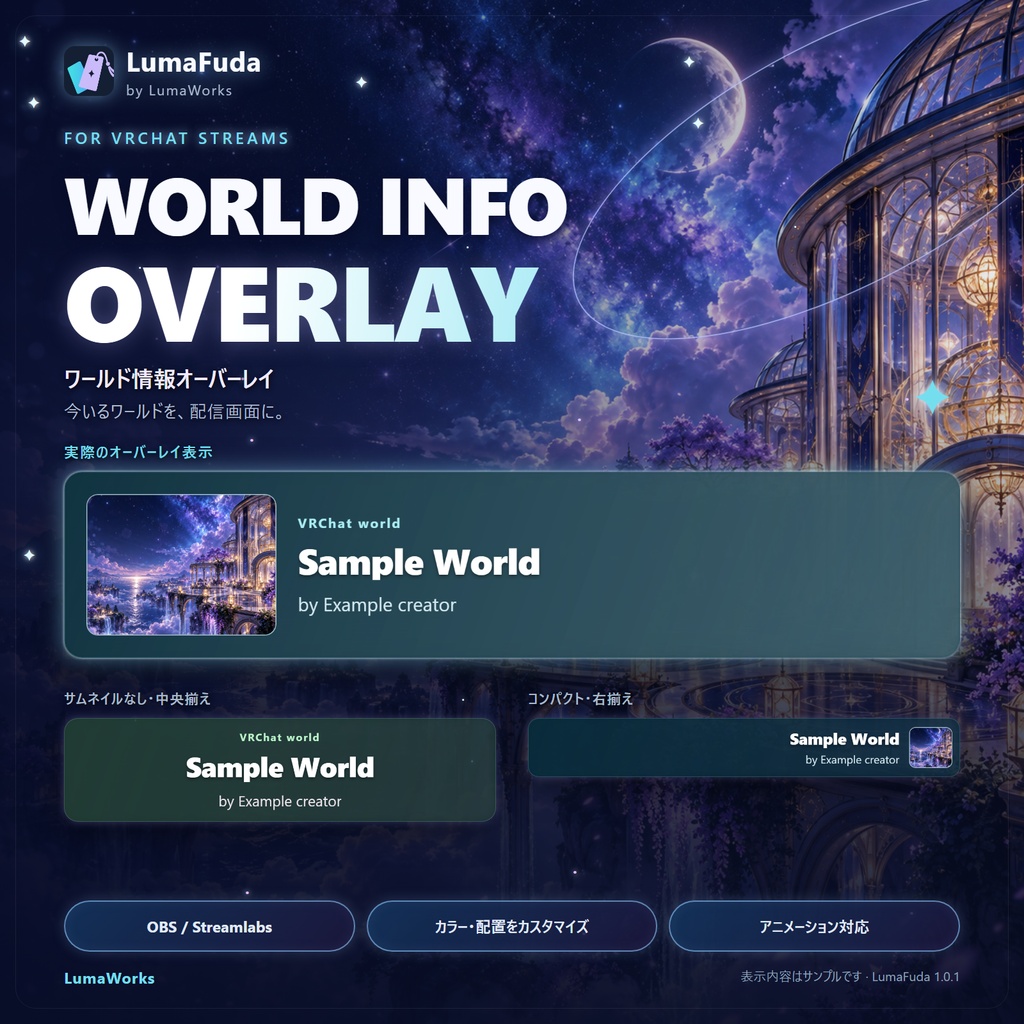
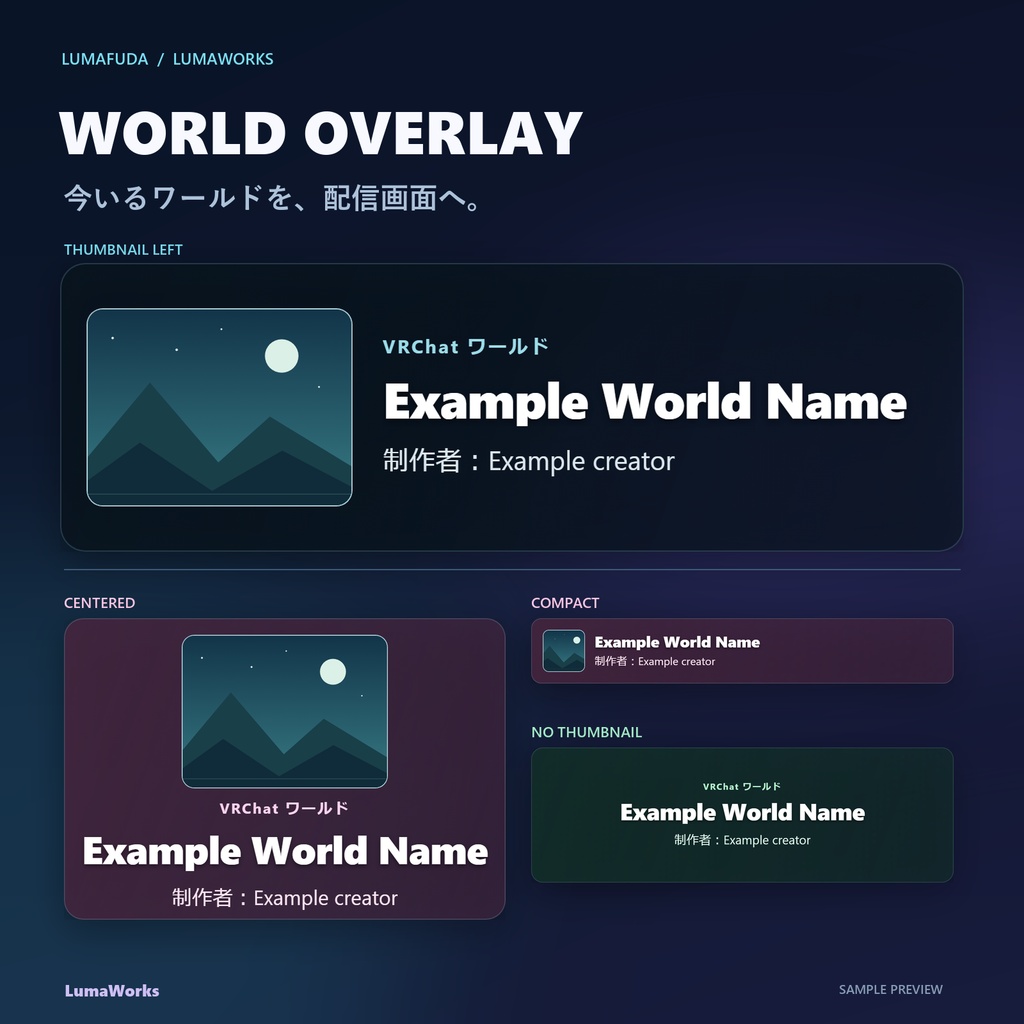
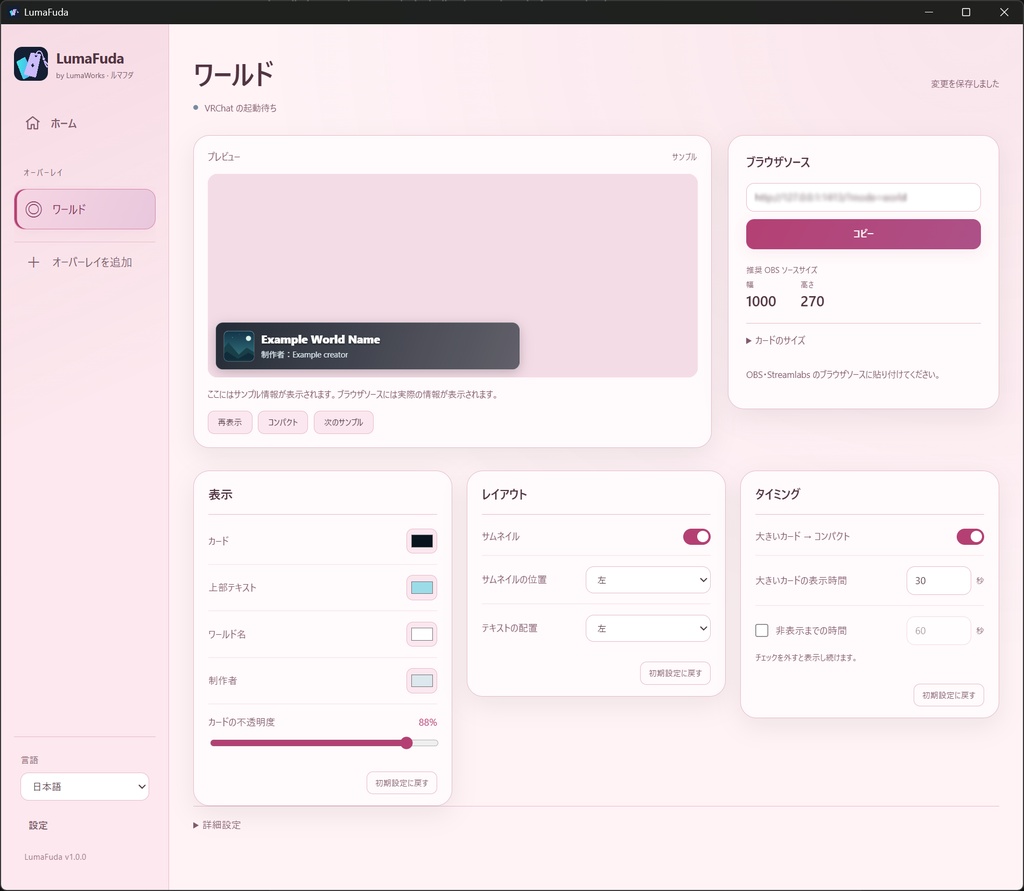
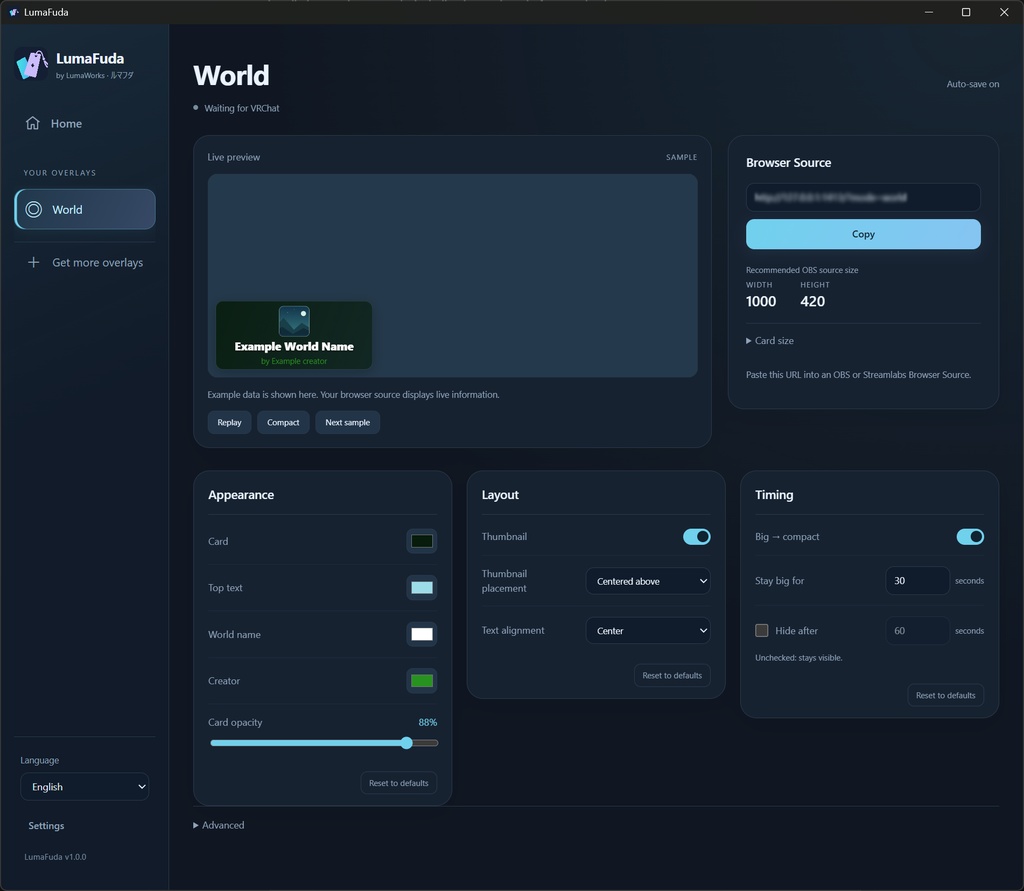


【日本語】 VRChat World Stream Overlay は、現在訪れているVRChatワールドの情報を配信画面に表示できる、VRChat配信者向けのシンプルなストリームオーバーレイです。 視聴者に「今どのワールドにいるのか」を分かりやすく伝えながら、配信画面をすっきりと見やすく保つことができます。 VRChat配信、VTuber配信、ワールド探索配信などにおすすめです。 LumaFuda Companionと連携して動作し、他のLumaFudaモジュールとあわせて使用できます。 ■ こんな方におすすめ ・VRChatのワールド探索を配信している方 ・OBSでVRChat配信をしている方 ・視聴者に現在のワールド情報を見せたい方 ・シンプルで邪魔にならない配信オーバーレイを探している方 VRChat / VRChat配信 / OBS / 配信オーバーレイ / VTuber / Stream Overlay / World Overlay / LumaFuda -------------------------------- 【English】 VRChat World Stream Overlay is a simple stream overlay made for VRChat streamers that displays information about the world you are currently visiting. It helps your viewers quickly understand where you are while keeping your stream layout clean and easy to read. Ideal for VRChat livestreams, VTubers, world exploration streams, and other VR content. The overlay works through LumaFuda Companion and can be used alongside other LumaFuda modules. ■ Recommended for ・VRChat world exploration streamers ・VRChat creators using OBS ・Streamers who want viewers to see their current world ・Anyone looking for a clean and unobtrusive VRChat stream overlay VRChat / VRChat Streaming / OBS / Stream Overlay / VTuber / World Overlay / VR Streaming / LumaFuda
Details
【日本語】 ■ 使い方 1. World Stream Overlayをインストールします。 2. LumaFuda Companionを起動します。 3. World Stream Overlayモジュールを有効にします。 4. OBSなどの配信ソフトにオーバーレイを追加します。 5. VRChatを起動すると、現在のワールド情報が配信画面に表示されます。 ■ 主な機能 ・現在訪れているVRChatワールドの情報を表示 ・配信画面向けのシンプルなデザイン ・LumaFuda Companionから設定・管理 ・他のLumaFudaモジュールと併用可能 ・手動でモジュールフォルダをコピーする必要なし 【English】 ■ How to use 1. Install World Stream Overlay. 2. Open LumaFuda Companion. 3. Enable the World Stream Overlay module. 4. Add the overlay to your streaming software, such as OBS. 5. Launch VRChat and your current world information will appear on stream. ■ Main functions ・Displays information about your current VRChat world ・Clean design made for livestream overlays ・Managed through LumaFuda Companion ・Can be used alongside other LumaFuda modules ・No manual module folder installation required
requirements
【日本語】 ・OS:Windows 10 / 11(64ビット) ・対応ソフト:PC版 VRChat ・配信ソフト:OBS Studio など、ブラウザソースに対応した配信ソフト ・ストレージ:約1GB以上の空き容量 ・インターネット接続:ワールド情報や画像の取得に必要 ・VRChat設定:Full Logging を有効にする必要があります ・VRヘッドセット:任意(デスクトップモードでも使用可能) ※ macOS / Linux には対応していません。 -------------------------------- 【English】 ・OS: Windows 10 / 11 (64-bit) ・VRChat: PC version ・Streaming software: OBS Studio or another application that supports Browser Sources ・Storage: Approximately 1 GB or more of free disk space ・Internet connection: Required to retrieve world information and images ・VRChat setting: Full Logging must be enabled ・VR headset: Optional (Desktop Mode is also supported) ※ macOS and Linux are not supported.
Update informations
v1.0.2 • ブラウザソースを複数追加できるようになりました。デザイン、キャンバスサイズ、配置を個別に設定できます。 • アバター未検出時も OBS にサンプルカードを表示。「テスト」で OBS とプレビューの両方に切り替えアニメーションを再生できます。 • サムネイルの下側への配置と、コンパクト表示時に非表示にする設定を追加しました。 • Prism Sweep の切り替えを修正し、サムネイルの収まり、表示タイミング、設定画面を改善しました。 • 更新確認機能と、インストール後の OBS キャッシュ更新案内を追加しました。 v1.0.1 • カードの切り替えアニメーションを改善し、繰り返し再生や文字のはみ出しを修正しました。 • ドラッグ操作による配置変更、9か所の基準位置へのスナップ、サイズ調整を追加しました。 • ライブプレビューに検出中のワールド情報を表示し、再表示操作がOBSにも反映されるようになりました。 • プレビューの見やすさを改善し、設定画面を整理しました。 • 正確に判定できないワールドの対応プラットフォーム表示を削除しました。 • LumaFudaを任意のフォルダーにインストールした場合の、モジュールのインストール・更新処理を修正しました。 v1.0.2 • Added multiple Browser Sources with independent designs, canvas sizes, and placement. • OBS now displays example cards when no avatar is detected. The new Test button plays transitions in both OBS and the preview. • Added bottom thumbnail placement and an option to hide thumbnails in compact mode. • Fixed Prism Sweep transitions and improved thumbnail fitting, timing, and settings organization. • Added update checking and an OBS cache-refresh reminder after installation. v1.0.1 • Improved card transitions and fixed repeated animations and overflowing text. • Added drag-and-drop positioning with nine anchors and manual resizing. • Live preview now shows detected world information; Replay also works in OBS. • Improved preview visibility and simplified the settings. • Removed unreliable world compatibility badges. • Fixed installation and updates in custom LumaFuda folders.