

VRChat Streaming Overlays | LumaFuda
- カウンターオーバーレイ / Counter Overlayダウンロード商品¥ 0
- イベントオーバーレイ / Event Overlayダウンロード商品¥ 0
- マイクオーバーレイ / Microphone Overlayダウンロード商品¥ 0
- ネームプレートオーバーレイ / Nameplate Overlayダウンロード商品¥ 0
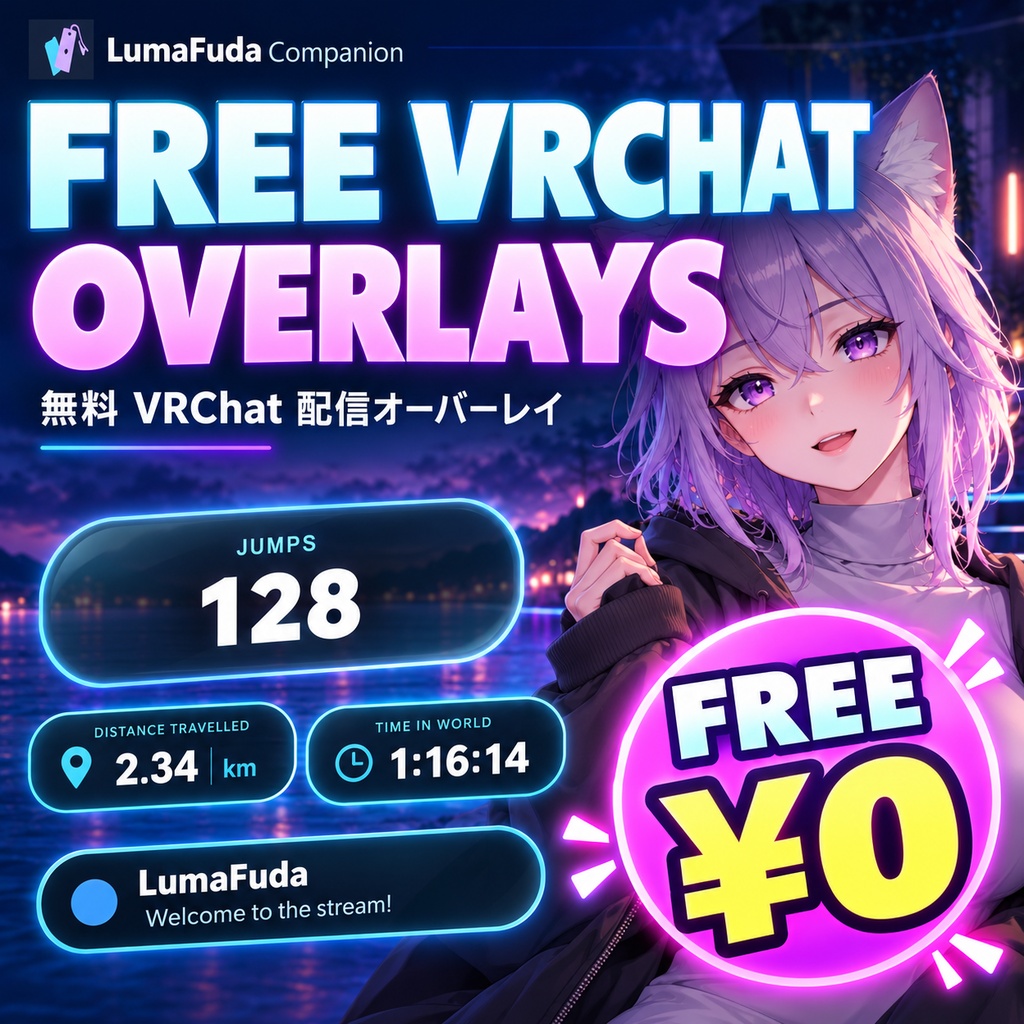
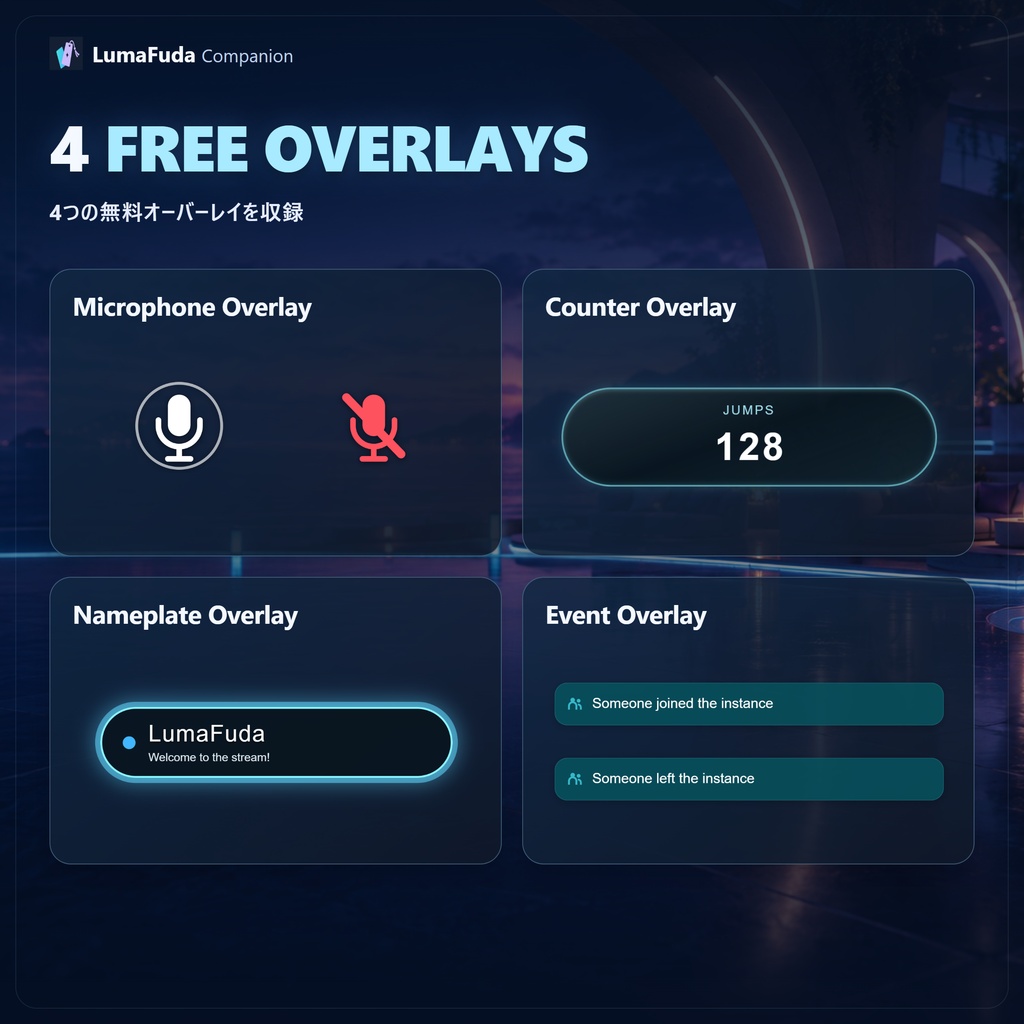
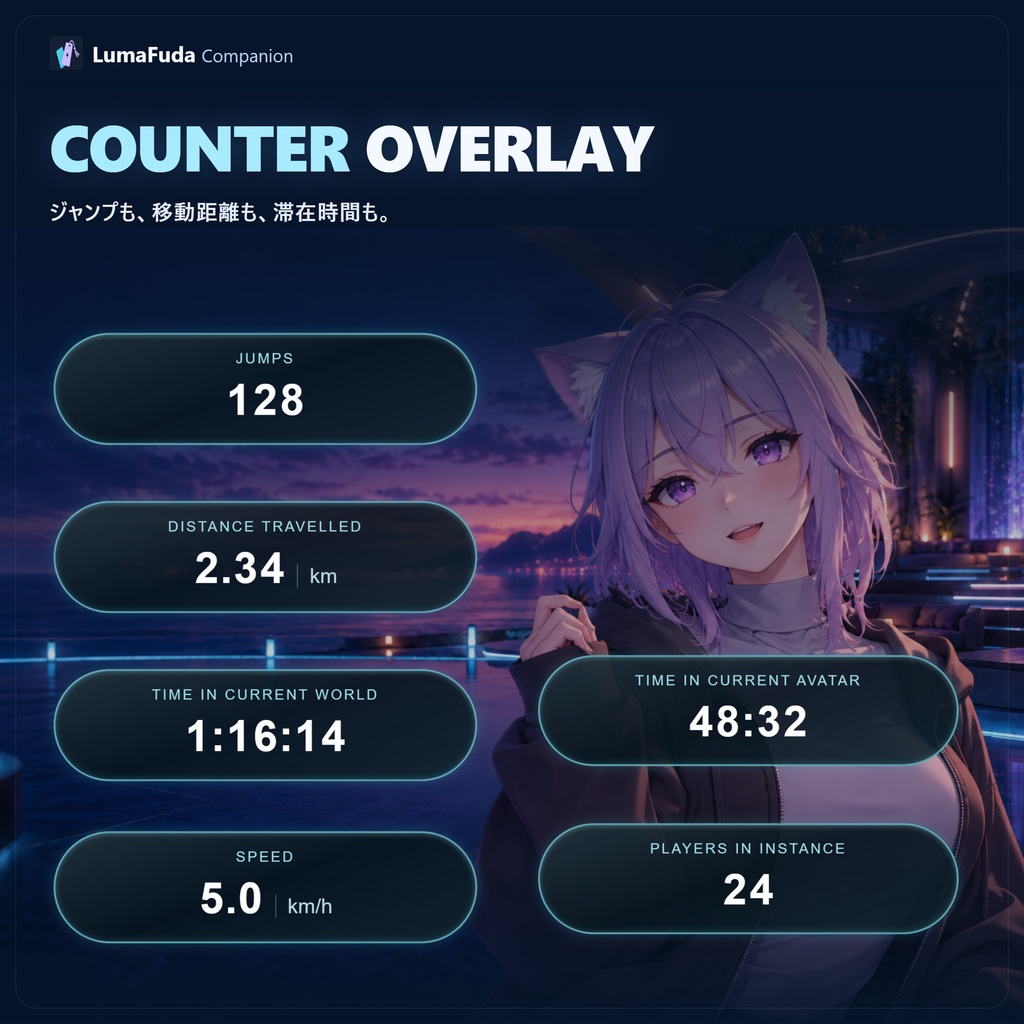
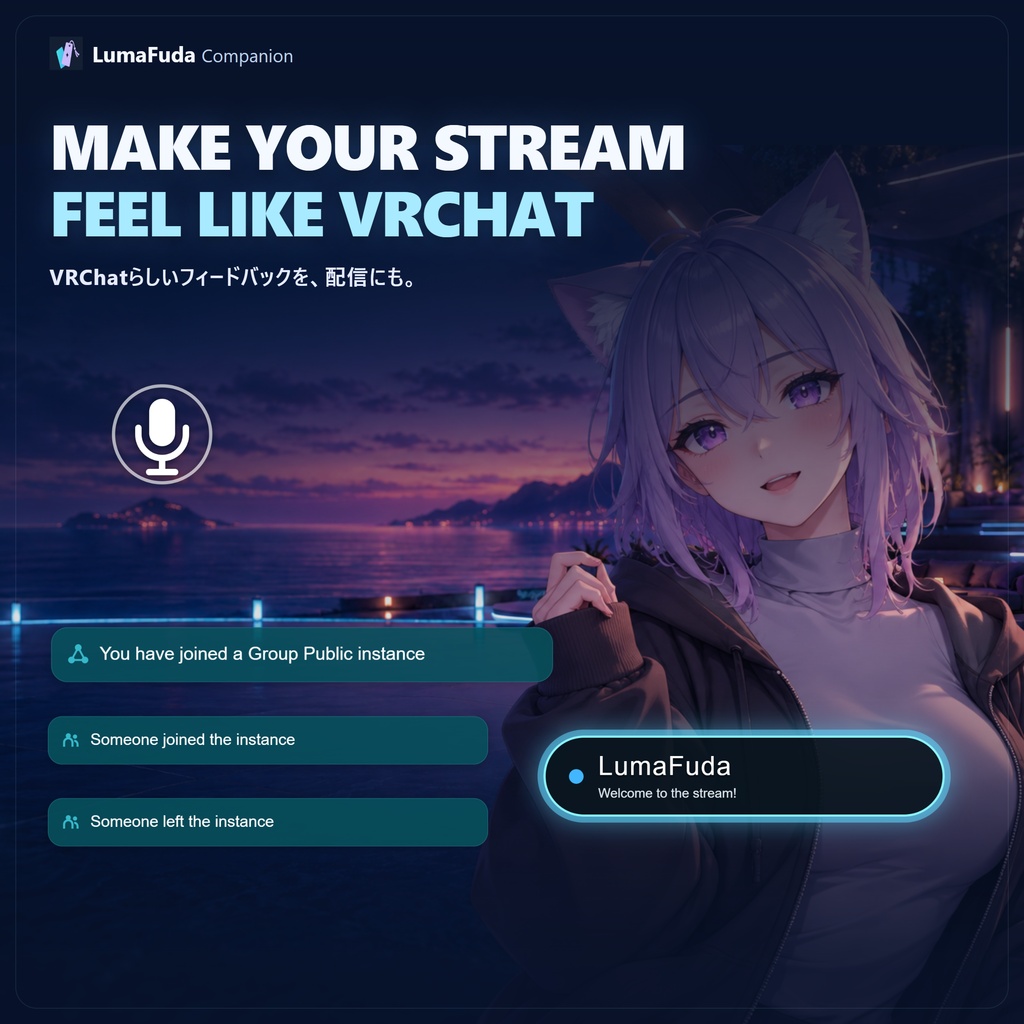
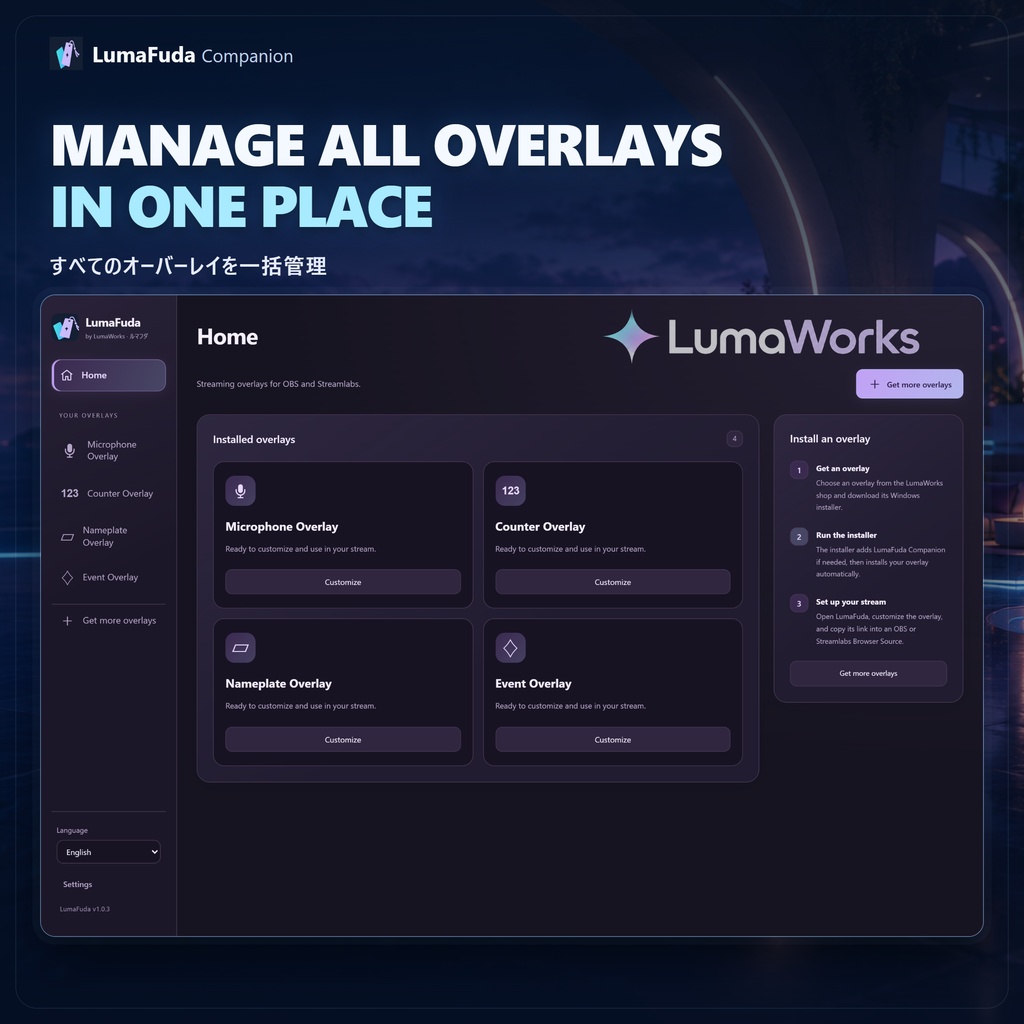
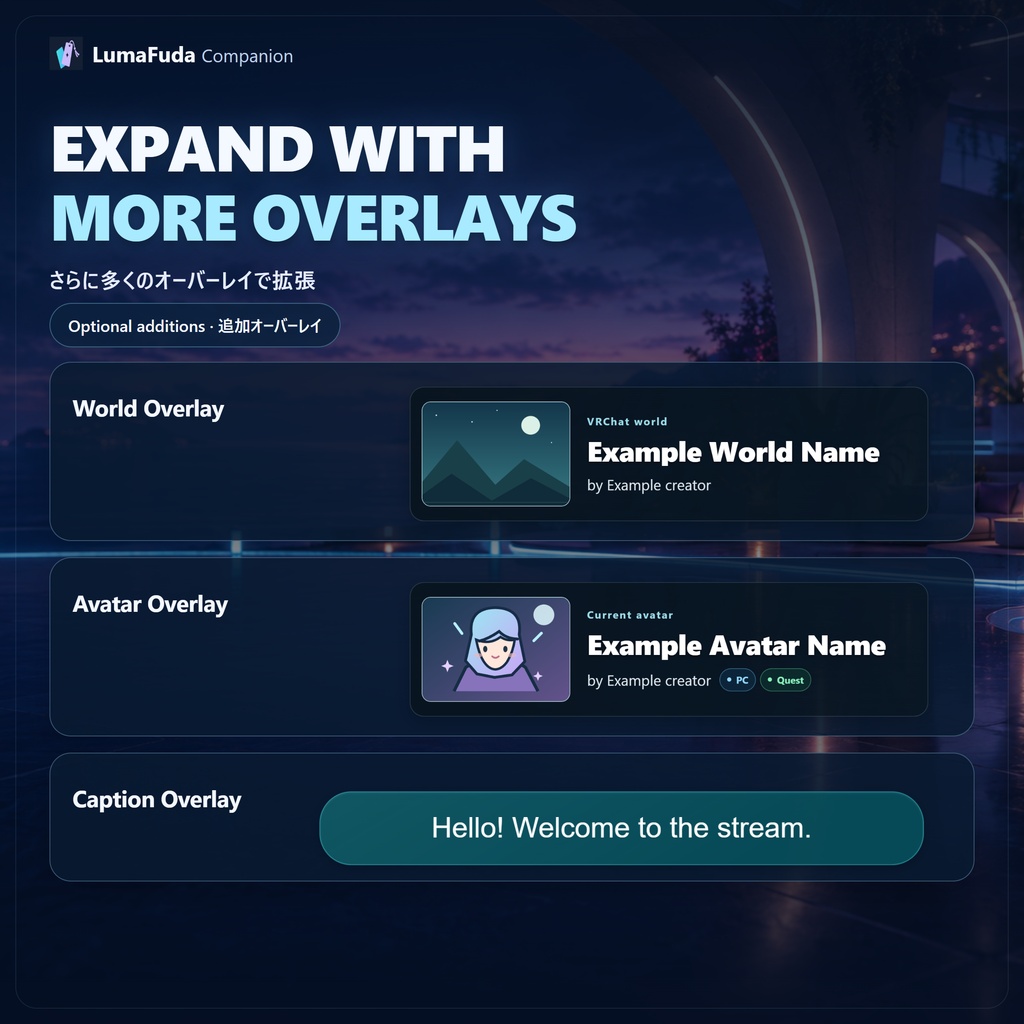
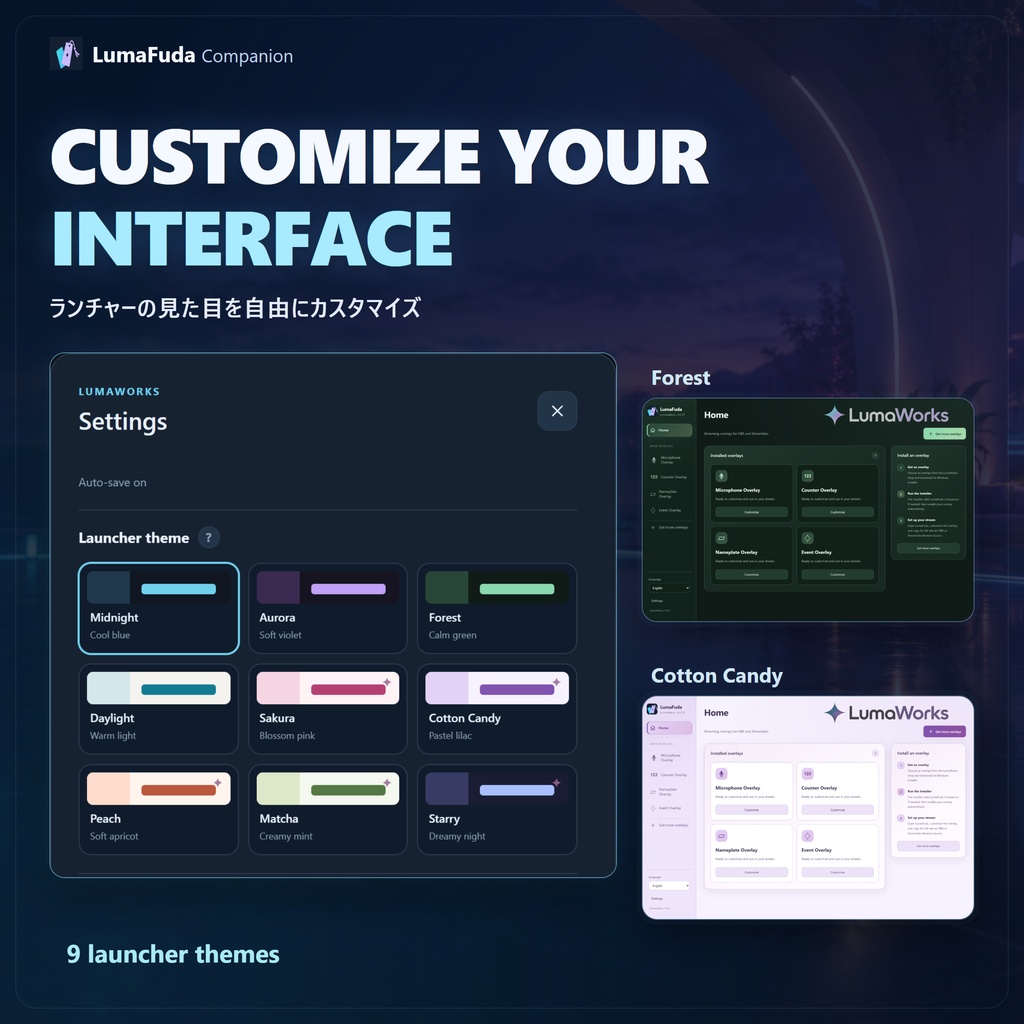
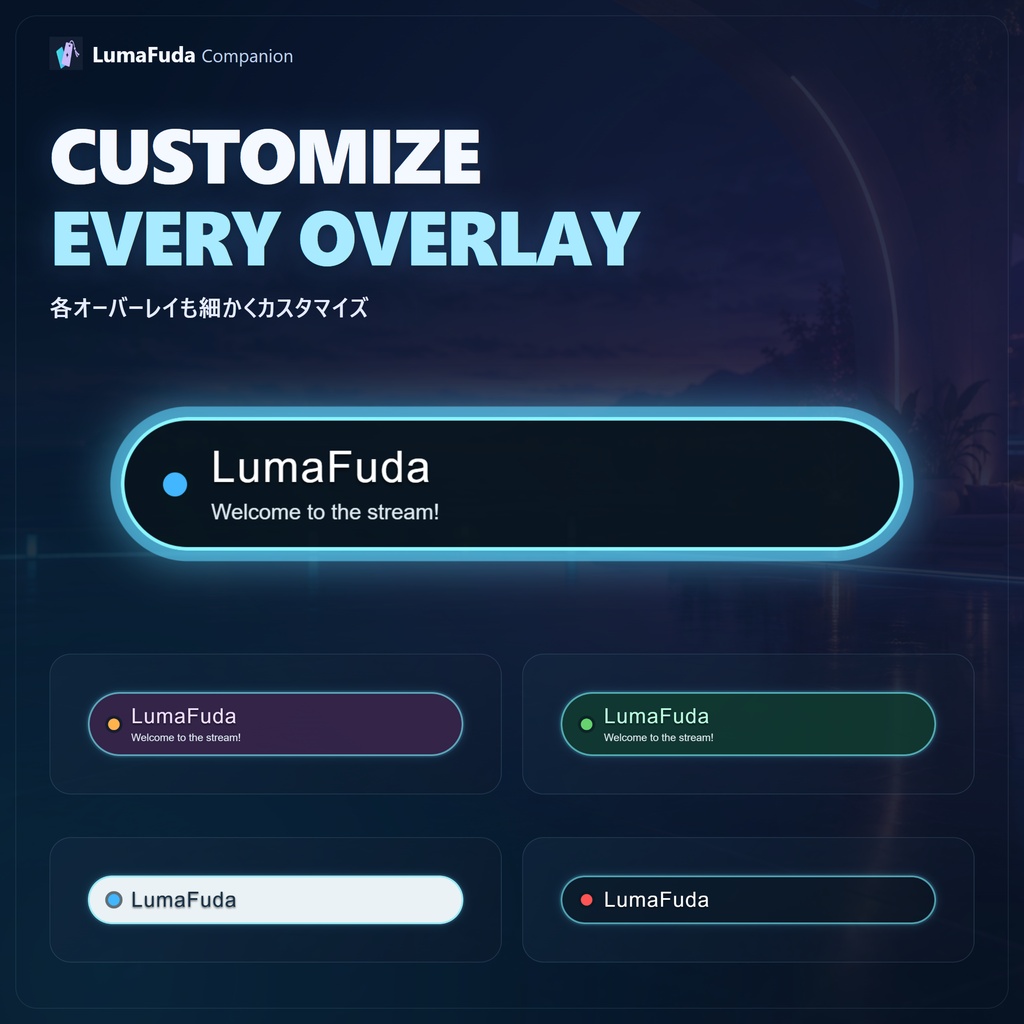


【日本語】 LumaFuda は、VRChat配信向けのオーバーレイをひとつのアプリから管理できる無料コンパニオンアプリです。 この無料版には、すぐに使える4種類のオーバーレイが含まれています。 ■ 無料で使える4つのオーバーレイ ・マイクオーバーレイ VRChatのマイク表示のように、話している間だけマイクアイコンを表示します。 ・カウンターオーバーレイ ジャンプ回数、移動距離、現在のワールド滞在時間、現在のアバター使用時間、移動速度、インスタンス内のプレイヤー数などを表示できます。 表示したい項目は個別に選択できます。 ・ネームプレートオーバーレイ プレイヤー名、ステータステキスト、ステータスバッジを表示できるカスタマイズ可能なネームプレートです。 オプションで、話している時に反応する演出も有効にできます。 ・イベントオーバーレイ インスタンス参加時や、プレイヤーの参加・退出などをVRChat風のポップアップで表示します。 ■ 主な特徴 ・4種類の無料オーバーレイを収録 ・すべてのLumaFudaオーバーレイをひとつのアプリから管理 ・各オーバーレイの外観や動作をカスタマイズ可能 ・複数のLumaFudaインターフェーステーマを選択可能 ・OBSなどで使用するブラウザソースを簡単に確認・コピー ・インストール済みモジュールを自動認識 ・Windows起動時の自動起動に対応 ・バックグラウンドで軽量に動作 LumaFudaはモジュール式に設計されており、World Overlay、Avatar Overlay、Caption Overlayなどの追加オーバーレイも同じアプリ内で管理できます。 ※ World Overlay、Avatar Overlay、Caption Overlayなどの追加モジュールは別製品です。 -------------------------------- 【English】 LumaFuda is a free companion app that lets you manage VRChat stream overlays from one place. This free package includes 4 overlays you can start using right away. ■ 4 free overlays included ・Microphone Overlay Displays a microphone icon while you are speaking, similar to VRChat's microphone indicator. ・Counter Overlay Display stats such as jumps, distance travelled, time in the current world, time using the current avatar, movement speed, and the number of players in the instance. Each counter can be enabled or disabled individually. ・Nameplate Overlay A customizable nameplate that can display your player name, status text, and status badge. An optional voice-reactive effect can also make the nameplate respond while you speak. ・Event Overlay Displays VRChat-style pop-up notifications for events such as joining an instance or players joining and leaving. ■ Main features ・Includes 4 free overlays ・Manage all LumaFuda overlays from one application ・Customize the appearance and behavior of each overlay ・Choose from multiple LumaFuda interface themes ・Quickly view and copy Browser Source URLs for OBS and similar software ・Automatically detects installed modules ・Optional startup with Windows ・Lightweight background operation LumaFuda is built around a modular system, so additional overlays such as World Overlay, Avatar Overlay, and Caption Overlay can also be managed through the same application. ※ Additional modules such as World Overlay, Avatar Overlay, and Caption Overlay are distributed separately.
Details
【日本語】 ■ 使い方 1. 使用したいLumaFudaオーバーレイをダウンロードします。 2. インストーラーを起動します。 3. 必要に応じてLumaFuda Companionが自動的にインストールまたは更新されます。 4. すでに最新バージョンのLumaFudaがインストールされている場合は、そのままオーバーレイのみが追加されます。 5. LumaFudaを起動し、オーバーレイを設定してOBSなどにブラウザソースを追加します。 LumaFuda Companionを事前に手動でインストールする必要はありません。 -------------------------------- 【English】 ■ How to use 1. Download the LumaFuda overlay you want to use. 2. Run the installer. 3. LumaFuda Companion will automatically be installed or updated if required. 4. If the latest version of LumaFuda is already installed, only the overlay will be added. 5. Open LumaFuda, configure the overlay, and add its Browser Source to OBS or another supported streaming application. You do not need to install LumaFuda Companion manually beforehand.
requirements
【日本語】 ■ 動作環境 ・OS:Windows 10 / 11(64ビット) ・ストレージ:約1GB以上の空き容量 ・インターネット接続:一部のモジュール機能や情報取得に必要 ・対応ソフト:PC版 VRChat ・配信ソフト:OBS Studioなど、ブラウザソースに対応したソフト ・VRヘッドセット:任意(デスクトップモードでも使用可能) ※ macOS / Linux には対応していません。 ※ LumaFuda 単体ではオーバーレイは追加されません。 -------------------------------- 【English】 ■ Requirements ・OS: Windows 10 / 11 (64-bit) ・Storage: Approximately 1 GB or more of free disk space ・Internet connection: Required for some module features and information retrieval ・VRChat: PC version ・Streaming software: OBS Studio or another application that supports Browser Sources ・VR headset: Optional (Desktop Mode is also supported) ※ macOS and Linux are not supported. ※ LumaFuda does not include overlay modules by itself.
Update informations
【日本語】 2026-10-10 — v1.0.3 ・LumaFuda Companion 初回公開リリース ・4つの無料オーバーレイを収録:マイク、カウンター、ネームプレート、イベント通知 ・モジュール式オーバーレイ管理に対応 ・インストール済みLumaFudaモジュールの自動検出 ・各オーバーレイの設定・カスタマイズ画面を追加 ・ライブプレビューと表示テストに対応 ・オーバーレイの配置・サイズ・色の調整に対応 ・OBS / Streamlabs用ブラウザソースURLの表示に対応 ・Windows起動時の自動起動とバックグラウンド動作に対応 ・英語 / 日本語表示に対応 -------------------------------- 【English】 2026-10-10 — v1.0.3 ・Initial public release of LumaFuda Companion ・Includes four free overlays: Microphone, Counter, Nameplate, and Events ・Modular overlay management ・Automatic detection of installed LumaFuda modules ・Configuration and customization pages for each overlay ・Live previews and overlay testing ・Adjustable overlay position, size, and colors ・Browser Source URLs for OBS / Streamlabs ・Optional start with Windows and background operation ・English / Japanese interface support