

Cozy Cutout (OG Hobkin, Novabeast 1.2 & KFN)
- Cozy Cutout (OG Hobkin)ダウンロード商品¥ 2,200
- Cozy Cutout (Novabeast 1.2)ダウンロード商品¥ 2,200
- Cozy Cutout (KFN)ダウンロード商品¥ 2,200
- Cozy Cutout (OG Hobkin + Novabeast 1.2)ダウンロード商品¥ 3,200
- Cozy Cutout (OG Hobkin + KFN)ダウンロード商品¥ 3,200
- Cozy Cutout (Novabeast 1.2 + KFN)ダウンロード商品¥ 3,200
- Cozy Cutout (All Three Models)ダウンロード商品¥ 4,100
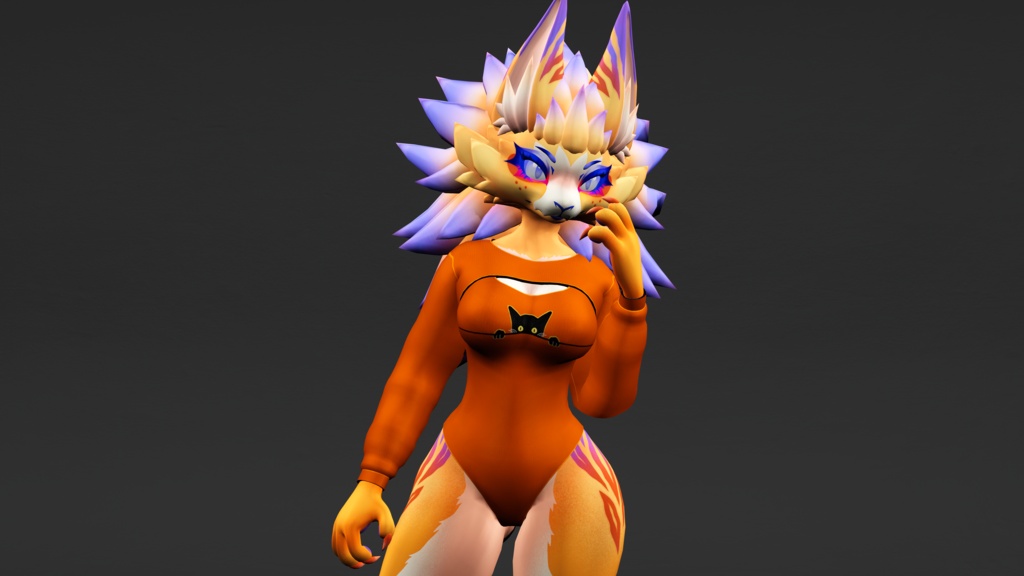
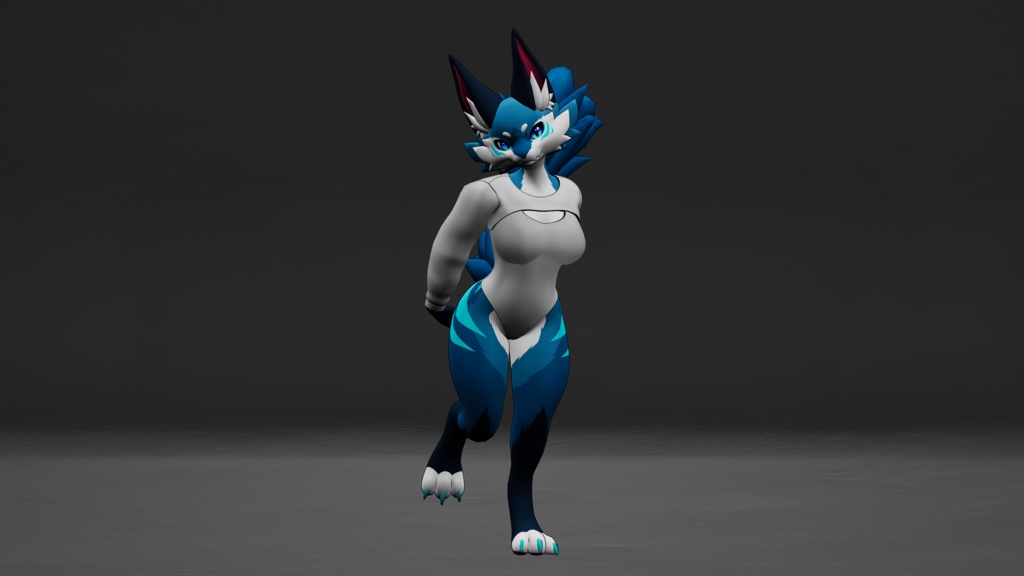
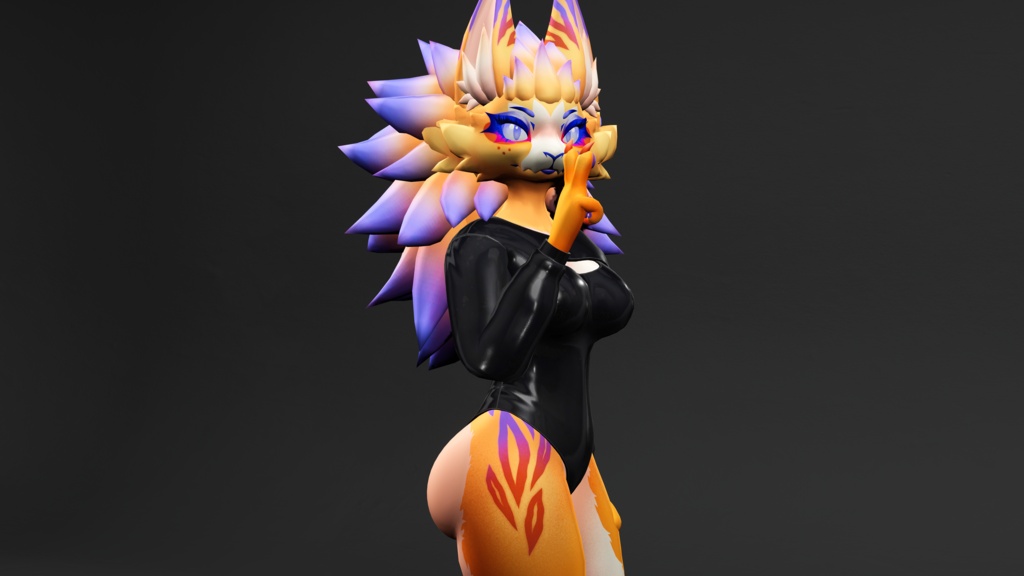
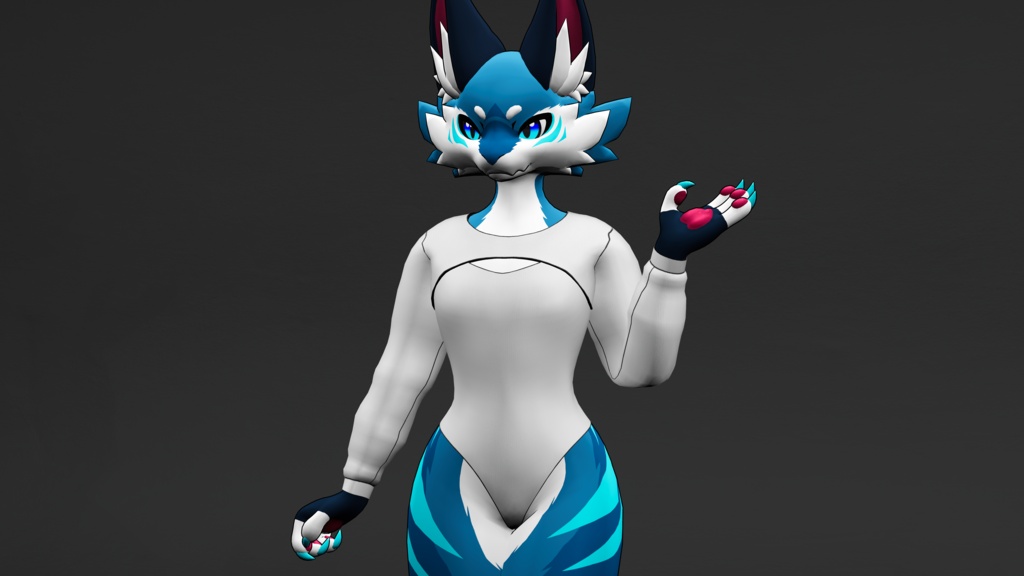
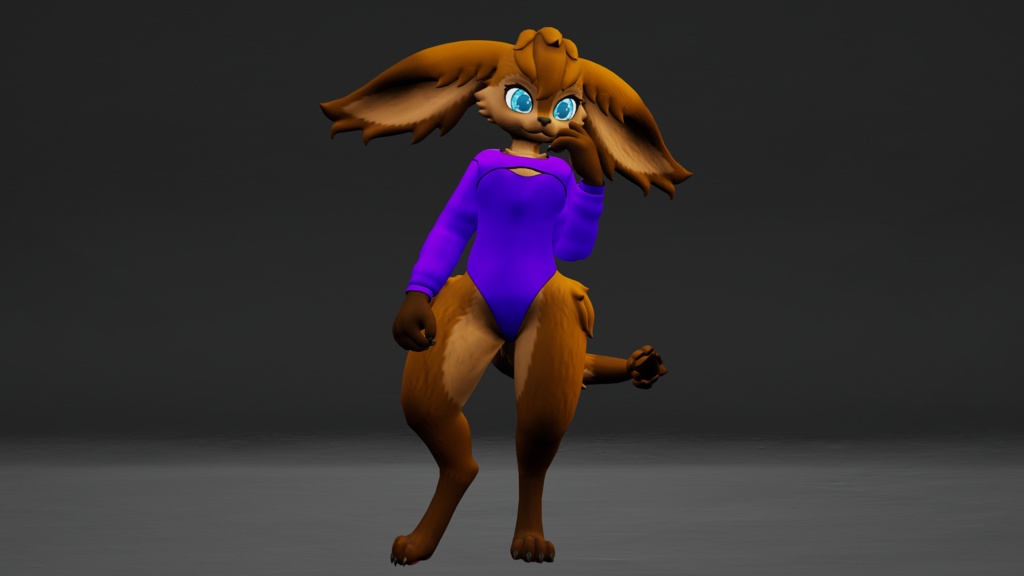
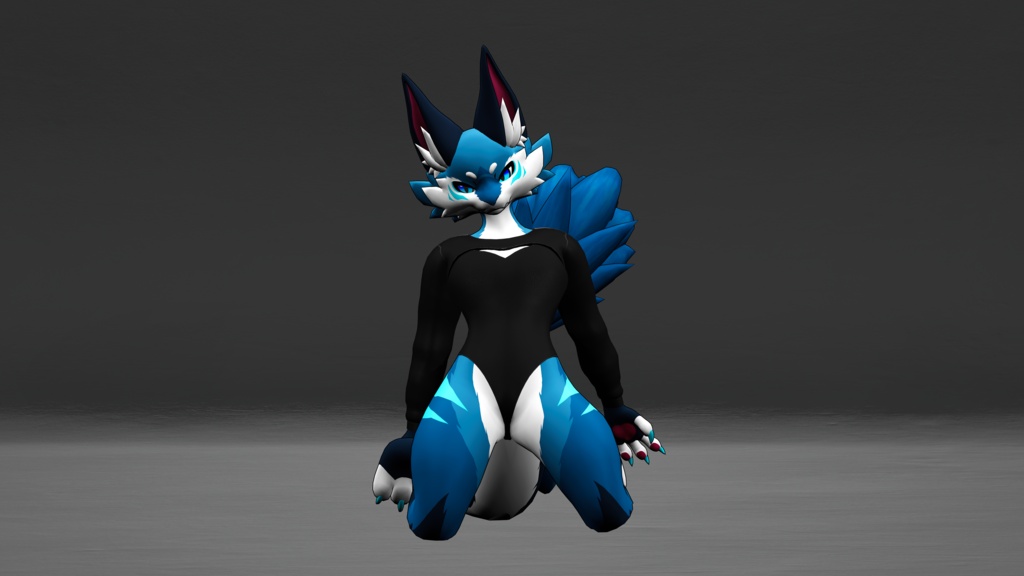
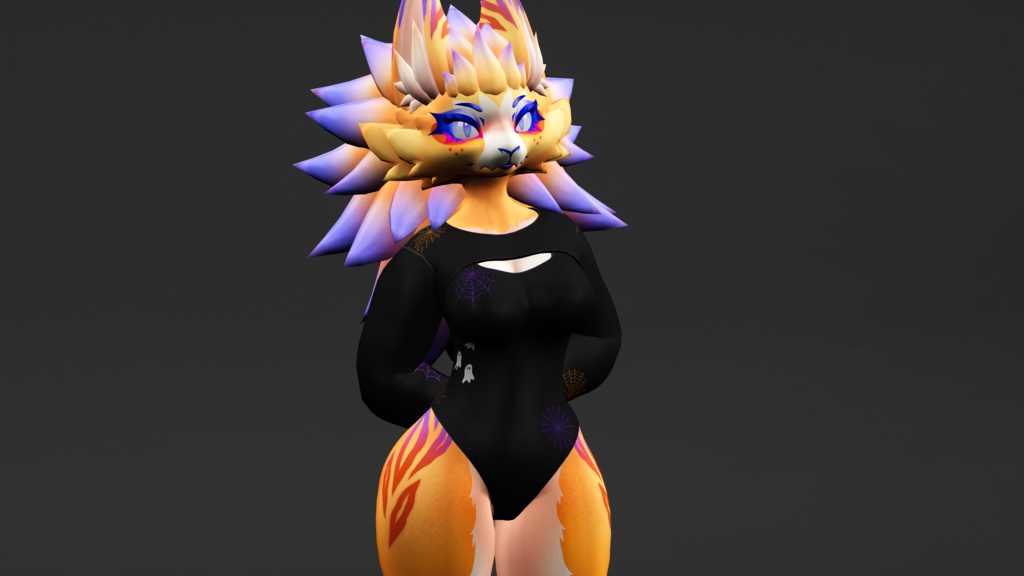
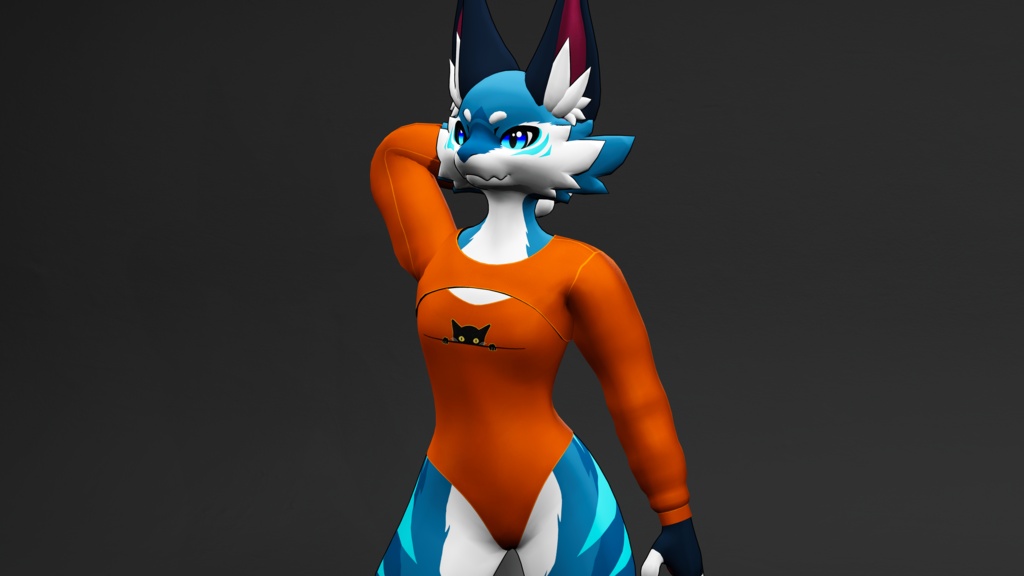


Cozy Cutout Outfit for the OG Hobkin. Novabeast 1.2, and KFN Novabeast!
This clothing is made for my updated OG Hobkin package, Kittomatic's Novabeast (1.2), and Kurai's KFN Novabeast models!
My main store page is over on Jinxxy if you want to stay up to date with everything I do! https://jinxxy.com/Wolfy527 If you need help join my discord server! https://discord.gg/sZydgrnPkV This prefab REQUIRES VRCFury and is a simple drag and drop onto the avatar!
Prefab Stats
Triangles: OG Hobkin --> 9,158 / Nova 1.2 --> 8,372 / KFN & KFN Femboy --> 8,744 Skinned Meshes: 1 Materials: 2 VRAM Usage: Full Halloween Prefab 37.37 MiB (Full Base Prefab 33.55 MiB)
What you get
Unity package Substance Painter Project texture files Blender project with FBX Model-specific fit blendshapes Base red, black, white, and latex textures, as well as two Halloween textures Both pieces are individually toggleable Lighting multiplier slider Lighting add slider
License
Do not resell or claim ownership of this content, even if modified in any form. Do not distribute to anyone in any form, except as described below. This content may be shared between two parties only if both parties have gained access to this content legitimately. If you wish to use this content in a manner not allowed by this license, please contact me.
Credits
Modeling, textures, and Unity setup all done by me!
Instructions
All textures were textured in 4K and exported in 4K from substance painter. If you would like to use any of them in 8K, you can export them as such with the provided substance painter project. Tutorial Video https://youtu.be/DjUDMW6djoc Instructions I highly recommend watching the video tutorial as it is easy and quick to follow along with! Make sure VRCFury is installed in your avatar project. Import the "Cozy Cutout (Novabeast 1.2)", "Cozy Cutout (KFN Novabeast)", or "Cozy Cutout (OG Hobkin)" Unity package into your project The different prefabs can be found under the folder location "Assets/Wolfy_527/Novabeast/Cozy Cutout/Prefabs" for the Novabeast assets or "Assets/Wolfy_527/Cozy Cutout/Prefabs" for the OG Hobkin assets with the following folders corresponding to the version you got! The prefabs can easily be dropped onto the root of your avatar in the hierarchy or on the VRCFury game object on the OG Hobkin All of the models have two prefabs: "00 Full Prefab Halloween Cozy Cutout" and "01 Full Prefab Base Cozy Cutout" Drag and drop either the Halloween or normal prefab onto your avatar (non-Halloween version takes up less texture memory) and you're done! You're ready to upload! If you have any questions or concerns please email me via wolfy527cs@gmail.com or join my discord server with any problems you are having and I'll do my best to help solve them!