

【VRChat・汎用】アバターが乱れるグリッチシェーダー「乱像」(アバター用・PC)
- ダウンロード商品¥ 500
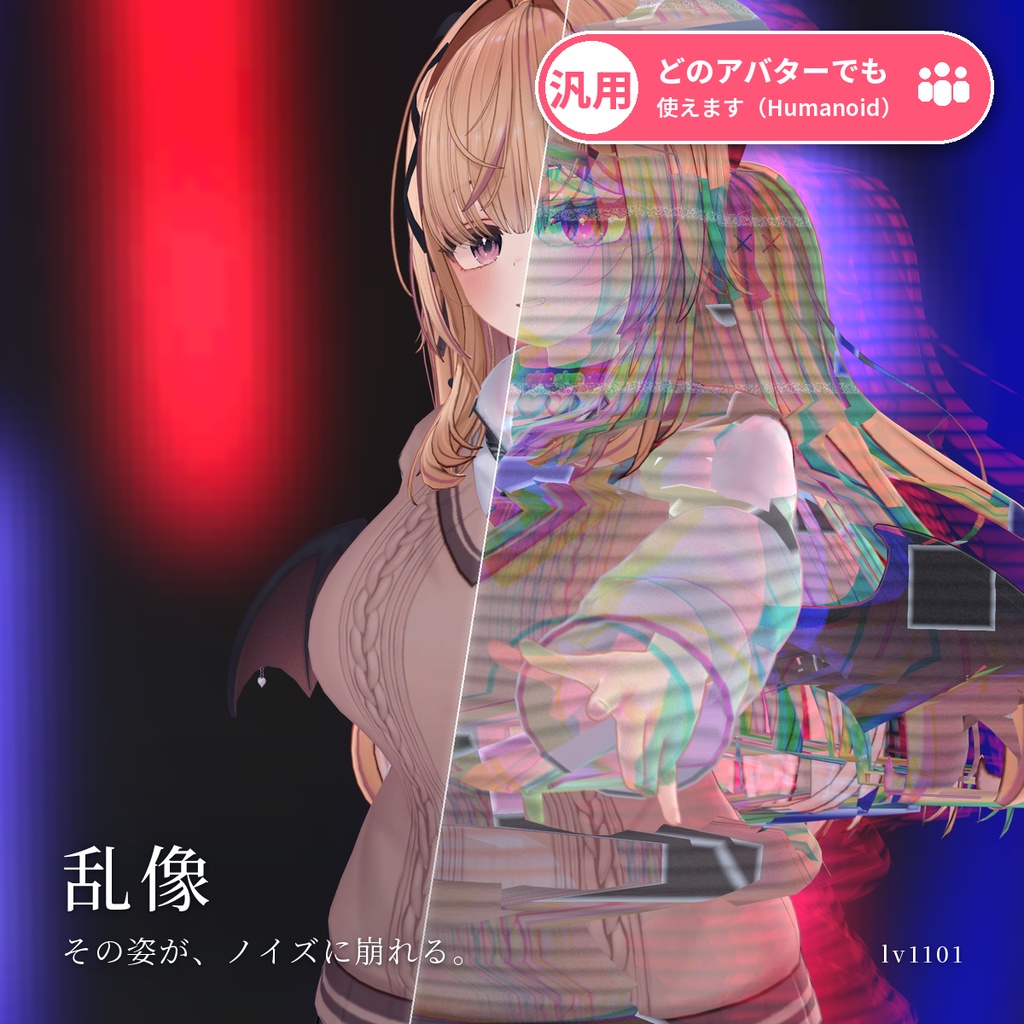
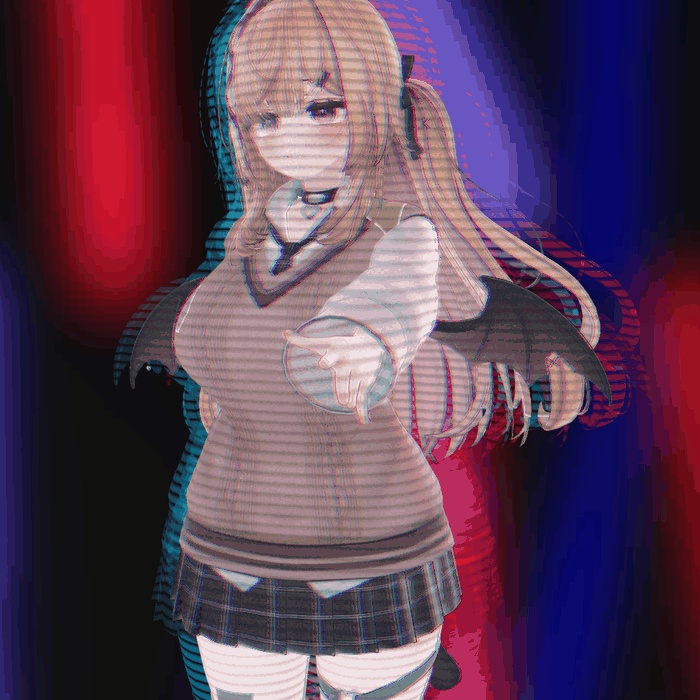
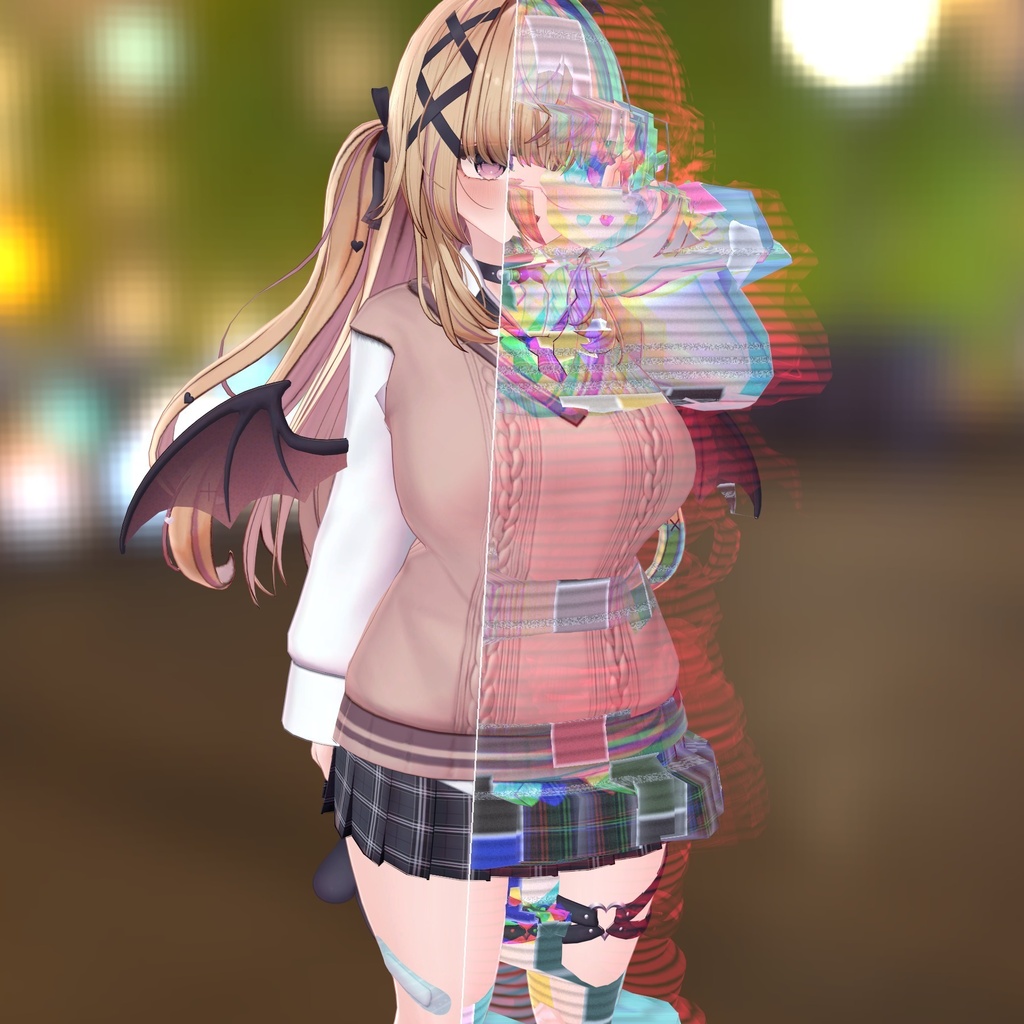
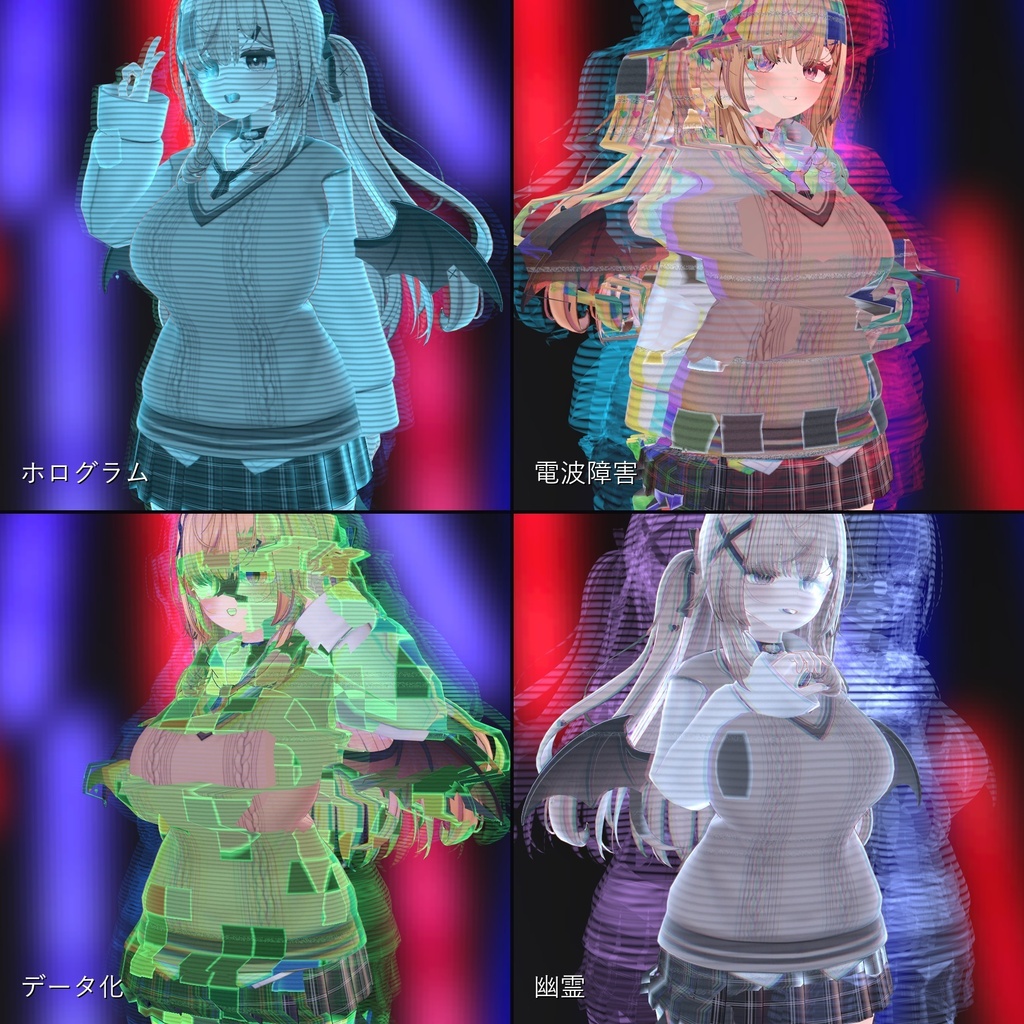
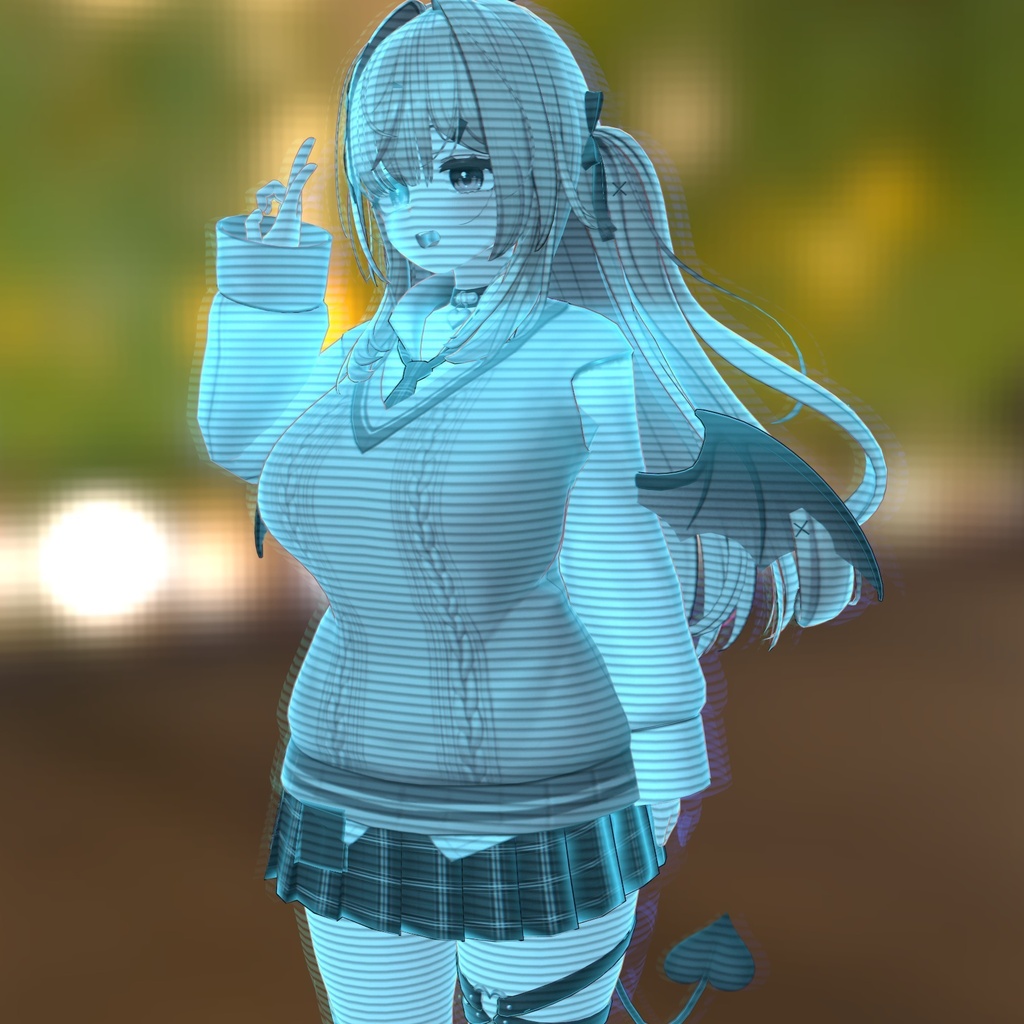
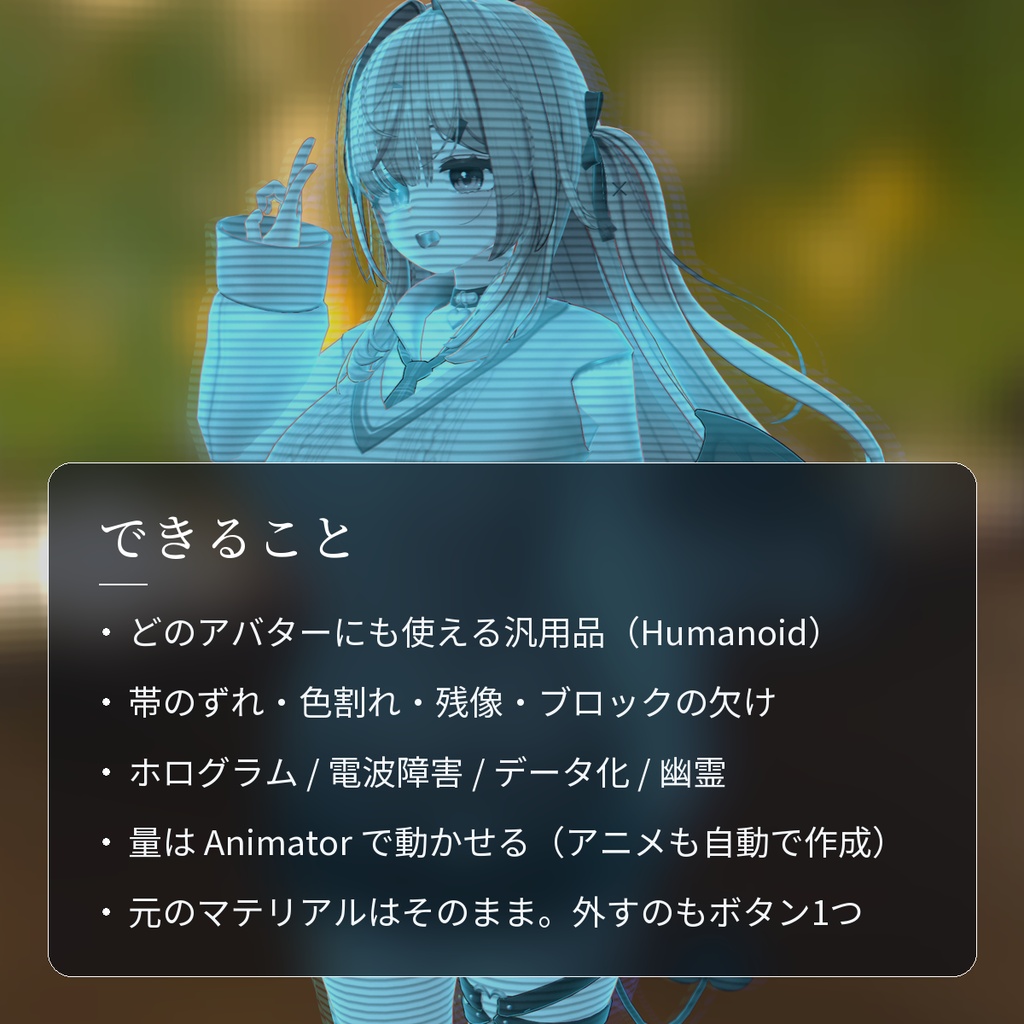
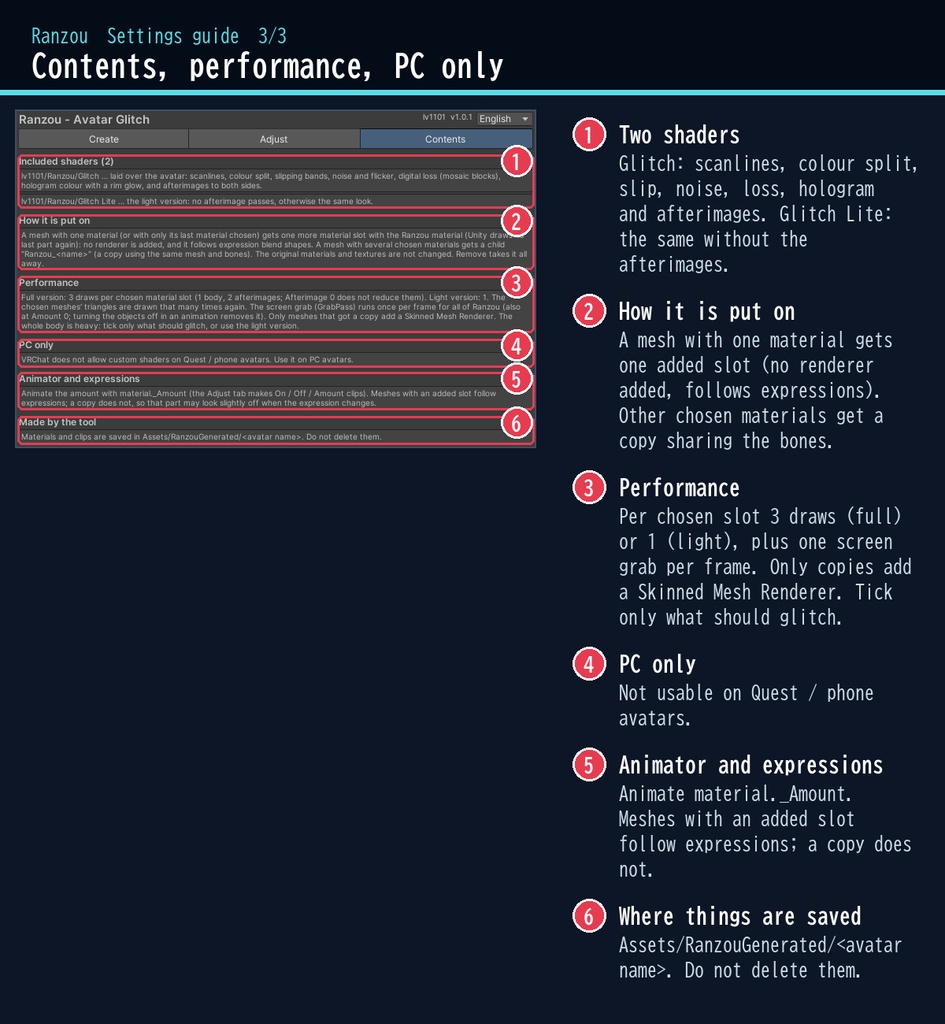
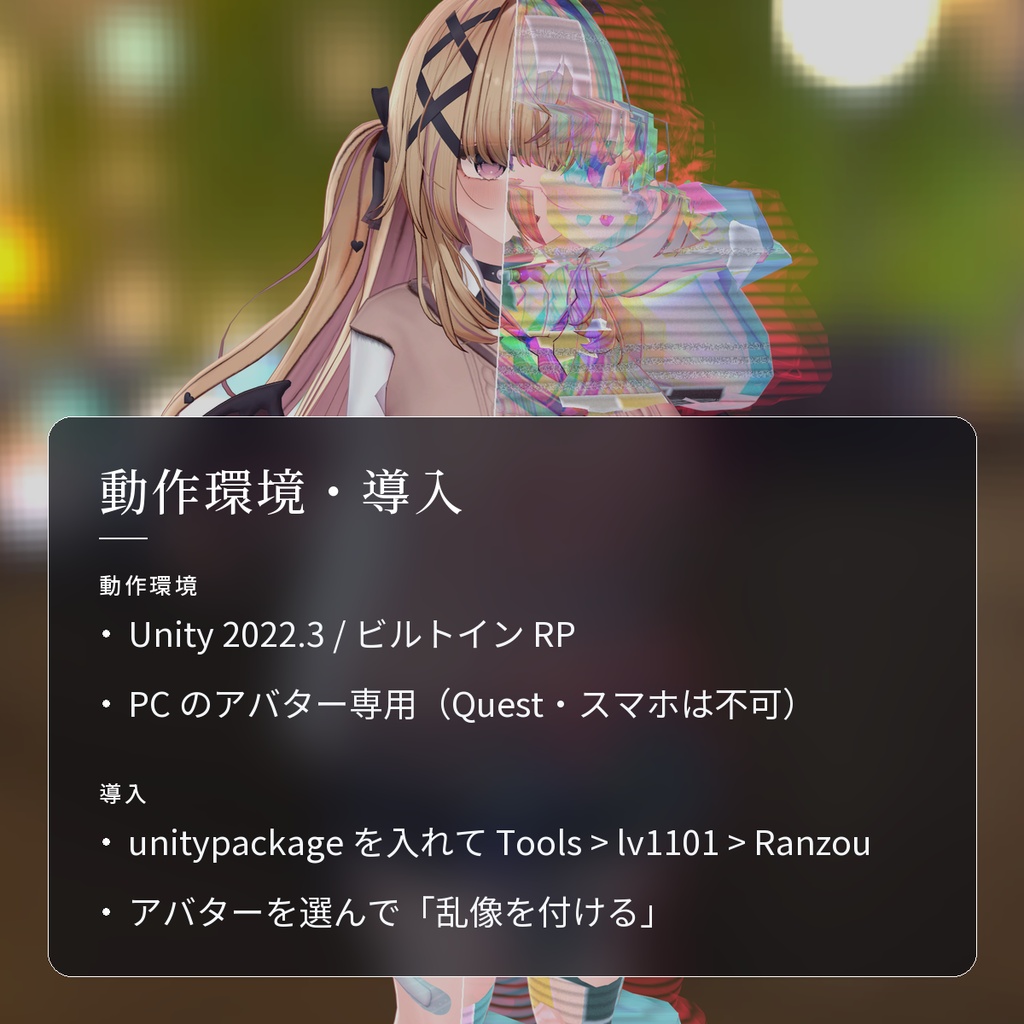
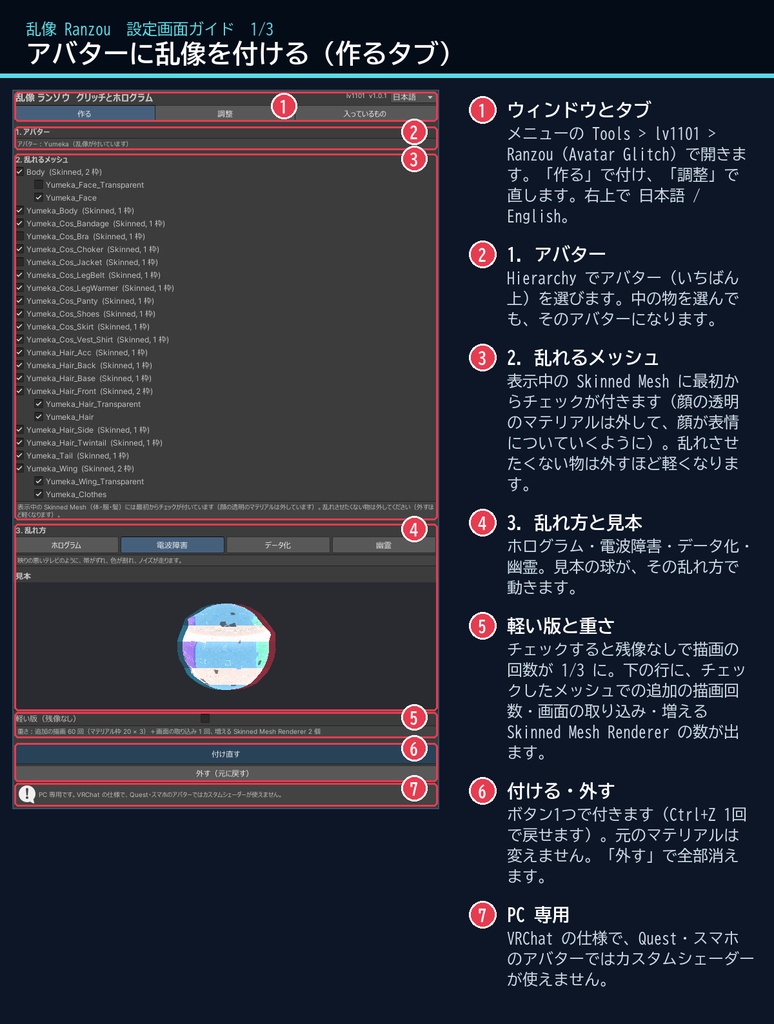
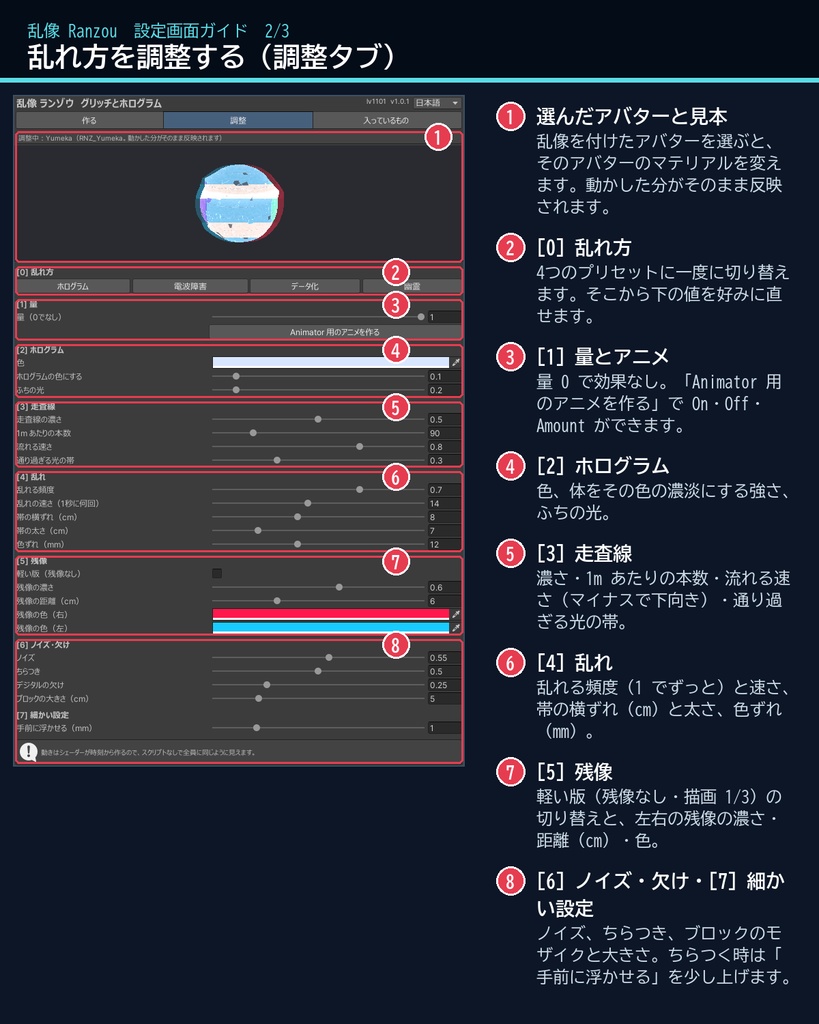
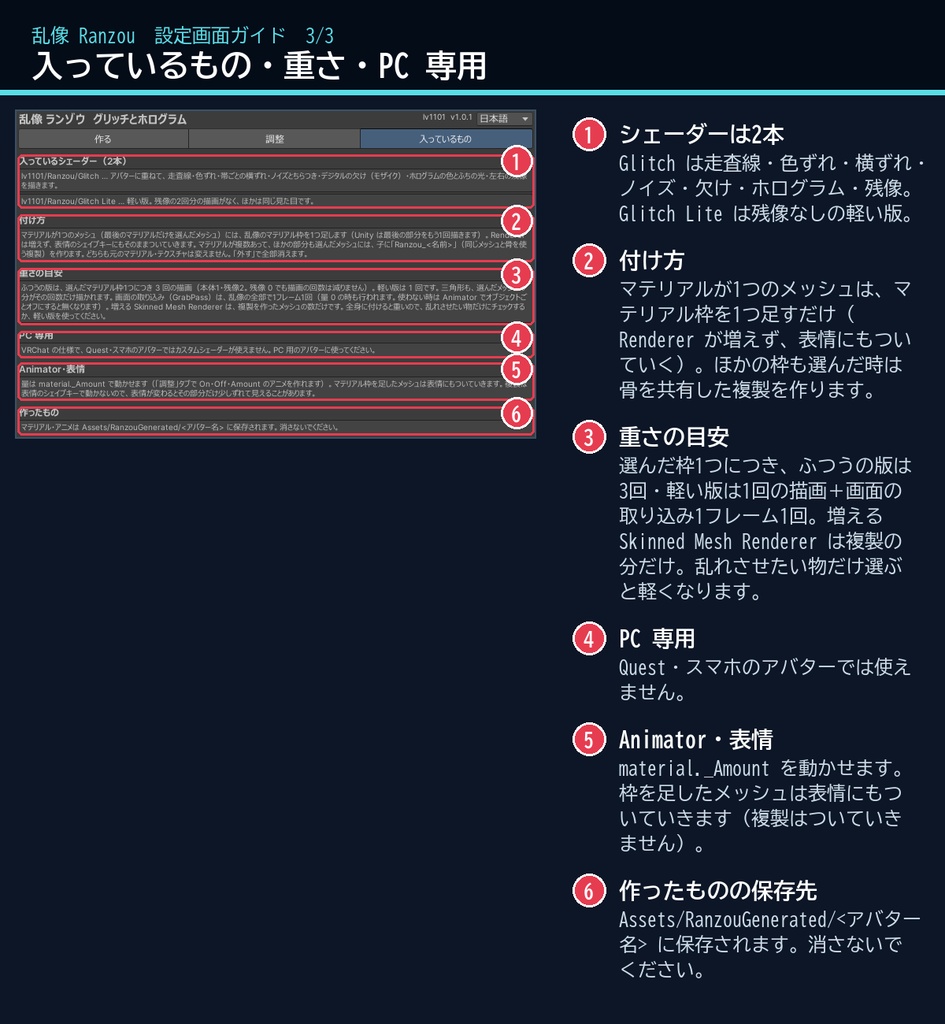
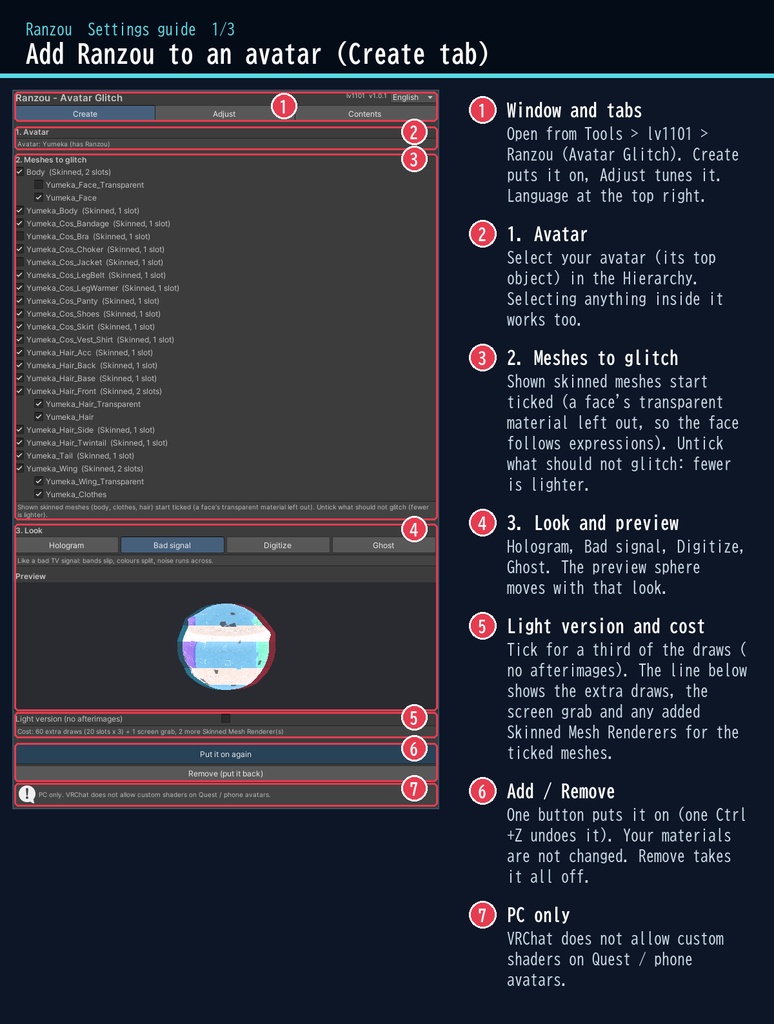
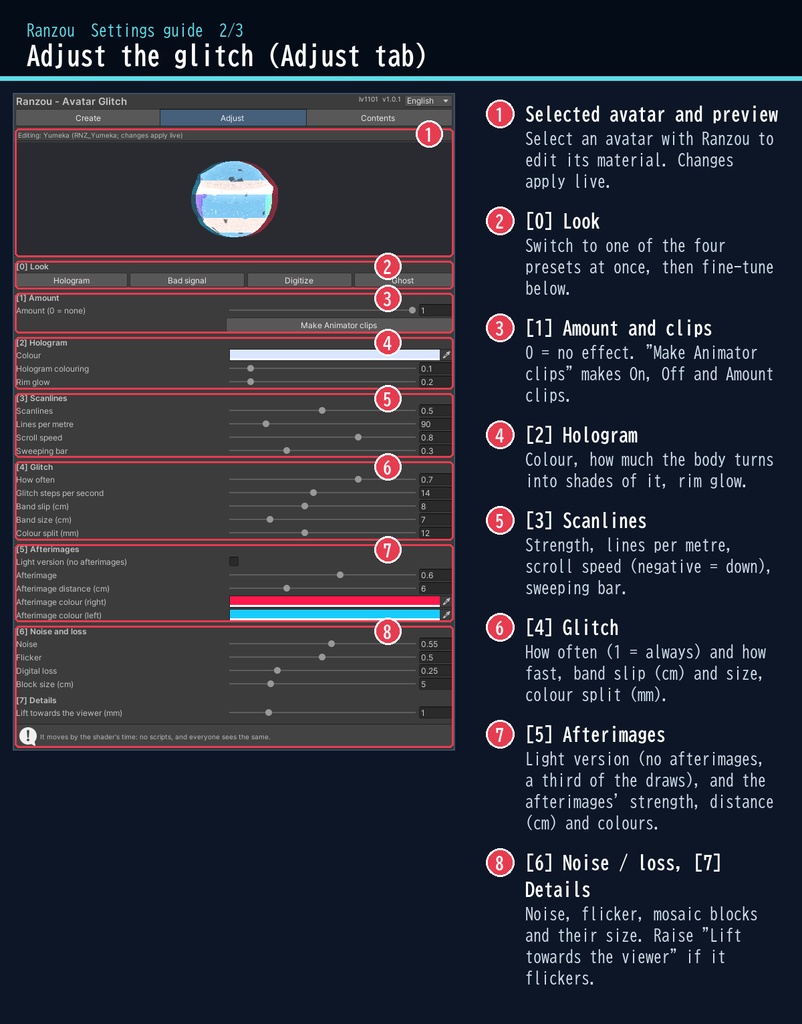


ふとした瞬間、あなたの姿がノイズに崩れる。 「乱像」は、VRChat のアバターにグリッチをかけるシェーダーです。 体が横の帯ごとにずれて、色が赤と青に割れ、左右に残像が走ります。ふだんは静かで、ときどき大きく乱れて、また戻る。その動きを、見ている全員が同じように見られます。 ■ ポイント ・ゆめか専用ではありません。Humanoid のアバターなら、どのアバターにも使える汎用品です ・帯のずれ・色割れ・残像・走査線・ブロックの欠けを体に重ねる ・ホログラム / 電波障害 / データ化 / 幽霊 の4つの見た目 ・lilToon など、今のアバターの見た目のまま乱れる ・量は Animator で動かせる(On / Off / 量のアニメもボタン1つ) ・日本語 / English の専用ウィンドウで、付けるのも外すのもボタン1つ ↓ 動きは2枚目の GIF、くわしくは下へ。 ■ くわしく ・帯の横ずれ:体が横の帯ごとにずれ、輪郭もちぎれます ・色ずれ:赤・緑・青が横に割れます。乱れた瞬間は大きく ・残像:左右にずれた赤と青の残像(色は変えられます) ・走査線と、上へ通り過ぎる光の帯 ・ノイズとちらつき。ときどき消えかける瞬きも ・デジタルの欠け:体がブロックごとにモザイクになったり、暗く欠けたりします(ブロックは体に貼り付くので泳ぎません) ・ホログラムの色とふちの光 ・調整できるもの:乱れる頻度と速さ、横ずれの幅と帯の太さ、色ずれ、残像の濃さ・距離・色、走査線の濃さ・本数・速さ、ノイズ、ちらつき、欠け、ブロックの大きさ、色、ふちの光 ・動きは時刻から作るので、スクリプト(U#)は要りません ・その時の画面を取り込んで描き直す方式なので、アバターのシェーダーの見た目をそのまま使ってずらしたり、色を割ったりします ・付けても元のマテリアル・テクスチャは変わりません。「外す(元に戻す)」で全部外せて、付けるのも Ctrl+Z 1回で取り消せます ■ 動作環境 ・対応アバター:汎用。Humanoid のアバターならどれでも使えます(画像はゆめかで撮影。lilToon 2.3.4 で確認) ・Unity 2022.3(VRChat の使うバージョン)、ビルトイン レンダーパイプライン ・PC のアバター専用です(VRChat の仕様で、Quest・スマホのアバターにはカスタムシェーダーが使えません) ・VRChat SDK3 Avatars(なくてもコンパイルできます。Modular Avatar も要りません) ・深度テクスチャを使わないので、どのワールドでも同じように見えます ■ 導入 1. unitypackage を Unity にドラッグ&ドロップしてインポート 2. メニューの Tools > lv1101 > Ranzou (Avatar Glitch) でウィンドウを開く 3. Hierarchy でアバターを選び、乱れさせるメッシュにチェックを付けて「乱像を付ける」 同梱の README_ja.txt と、商品画像の「設定画面ガイド」(日本語・英語)にくわしい使い方があります。ウィンドウ右上で 日本語 / English を切り替えられます(Auto は PC の言語に合わせます)。 ■ 重さの目安 ・選んだマテリアル枠1つにつき、ふつうの版は3回(本体1・残像2)、軽い版(残像なし)は1回の描画。画面の取り込み(GrabPass)は乱像の全部で1フレーム1回です(量が 0 の時も行われます) ・例:表示中の服・髪・体すべて(18 メッシュ・20 枠)で、ふつうの版は追加 60 回、軽い版は 20 回 ・マテリアルが1つのメッシュは枠を足すだけなので Renderer は増えません(複製を作ったメッシュの分だけ Skinned Mesh Renderer が増えます) ・全身は重いので、乱れさせたい物だけ選ぶか、軽い版がおすすめです。「作る」タブに重さ(追加の描画回数)が出ます ■ 内容物 ・Ranzou_1.0.1.unitypackage(README_ja.txt / README_en.txt 入り) ・利用規約.txt / TermsOfUse_en.txt ■ ご注意 ・体が透けて向こうが見えるタイプのホログラムではありません(体に重ねて、色や形を乱す方式です) ・マテリアル枠を足したメッシュは表情にもついていきます。複製を作ったメッシュは表情(シェイプキー)に追従しないので、表情を大きく変えるとその部分の効果の形が少しずれることがあります ・大きく乱れた瞬間は、ずれた帯のすき間に元の色が見えることがあります(乱れ方の一部です) ※画像のアバター:ゆめか Yumeka(©Arka_X / https://booth.pm/ja/items/8672657 )。商品には含みません。 ※背景の素材:Poly Haven(CC0)。商品には含みません。 ■ 利用規約(概要) ・VRChat のアバター(Public/商用・有料イベントでの使用を含む)で使えます ・改変できます ・シェーダー・スクリプトの再配布、転売はできません(改変したものも含む) ・クレジット表記は任意です(書いていただけると嬉しいです) くわしくは同梱の 利用規約.txt をご覧ください。 ―――――――――――――――― ■ English Works with any avatar (universal, Humanoid avatars) - the images just use Yumeka. Ranzou (Glitch) - a glitch and hologram shader for VRChat avatars (PC only, Built-in RP, Unity 2022.3). Laid over the body, it draws scanlines, colour split, bands that slip sideways, noise and flicker, digital loss (mosaic blocks) and afterimages to both sides. No Udon / U# needed: it moves by time, so everyone sees the same. It takes the screen and draws it again, so it keeps the look of your avatar's own shader (lilToon etc.) while it tears and splits it. Select your avatar in the dedicated window, tick the meshes and press one button. It is non-destructive: a material slot is added to the mesh (it then follows expressions too) or a copy that shares its bones is laid on top; your materials and textures are not changed. "Remove" takes it all off. Presets: Hologram / Bad signal / Digitize / Ghost. Adjust how often and how fast it glitches, band slip and size, colour split, afterimage strength, distance and colours, scanlines, noise, flicker, digital loss, block size, colour and rim glow. Animate _Amount, with On / Off / Amount clips made by one button. PC avatars only: VRChat does not allow custom shaders on Quest / mobile avatars. No depth texture is used, so it looks the same in every world. It is not a see-through hologram. Performance: per chosen material slot 3 draws (full) or 1 (light version, no afterimages); one screen grab per frame for all of Ranzou. All shown meshes of an avatar (e.g. 18 meshes, 20 slots) = 60 extra draws (full) or 20 (light). Meshes with one material get an added slot (no renderer added); only copies add a Skinned Mesh Renderer. - Full English UI: switch Auto / 日本語 / English at the top right of the window - English README (README_en.txt) and Terms of Use (TermsOfUse_en.txt) included - English settings guide images are included in the product images Install: import the unitypackage, open Tools > lv1101 > Ranzou (Avatar Glitch), select your avatar, tick the meshes and press "Add Ranzou". Avatar in the images: Yumeka (©Arka_X), not included. Background assets: Poly Haven (CC0), not included. Terms (summary): usable on VRChat avatars, including public use, commercial use and paid events; modification allowed; redistribution or resale of the shader / scripts (including modified versions) is not allowed; credit is optional. ■ 更新履歴 / Version history 1.0.0 最初の版 / First release 1.0.1 軽くした(枠を足す方式で Renderer が増えない・表情についていく、軽い版を追加、重さの表示) / Lighter: added slots instead of copies (no extra renderers, follows expressions), light version, cost shown