

【VRChat】揺れもの確認・調整ツール「Jiggle」PhysBone Preview Tool
- ダウンロード商品¥ 1,500
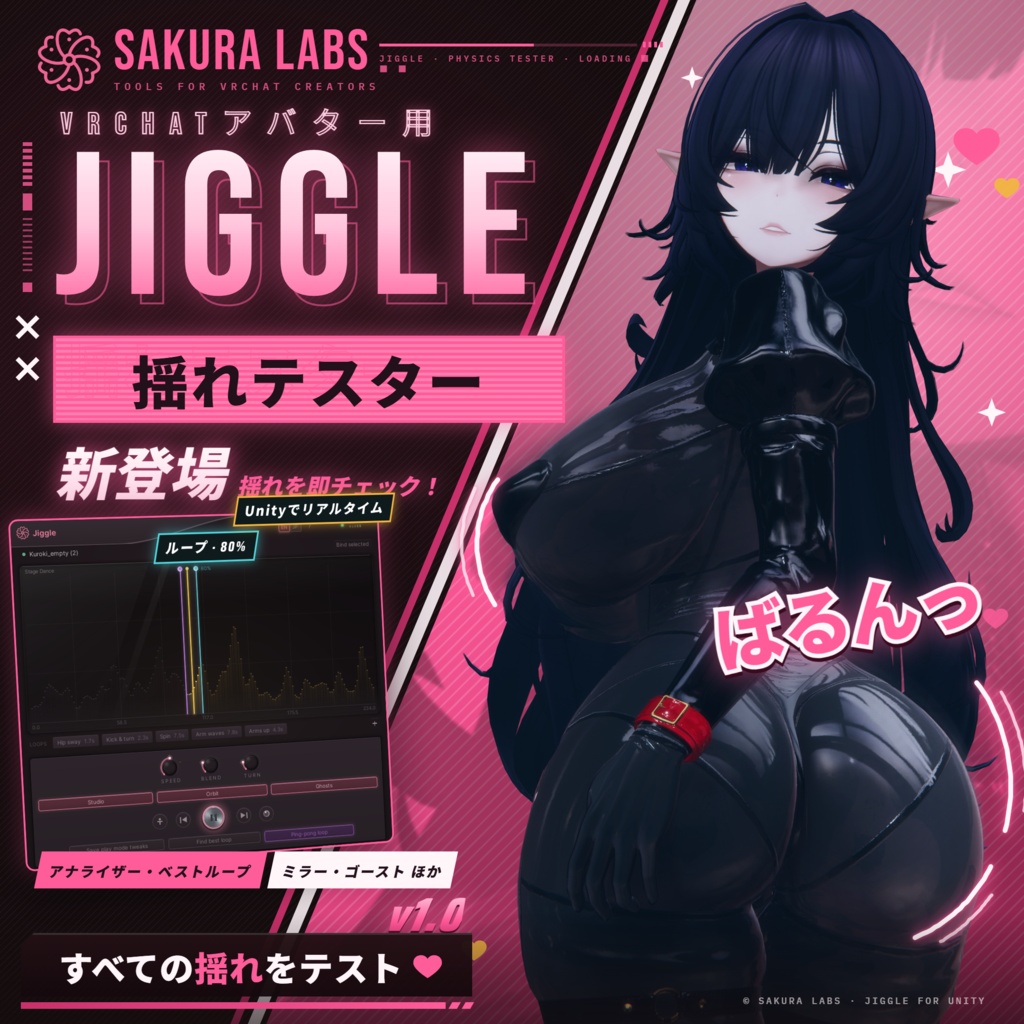
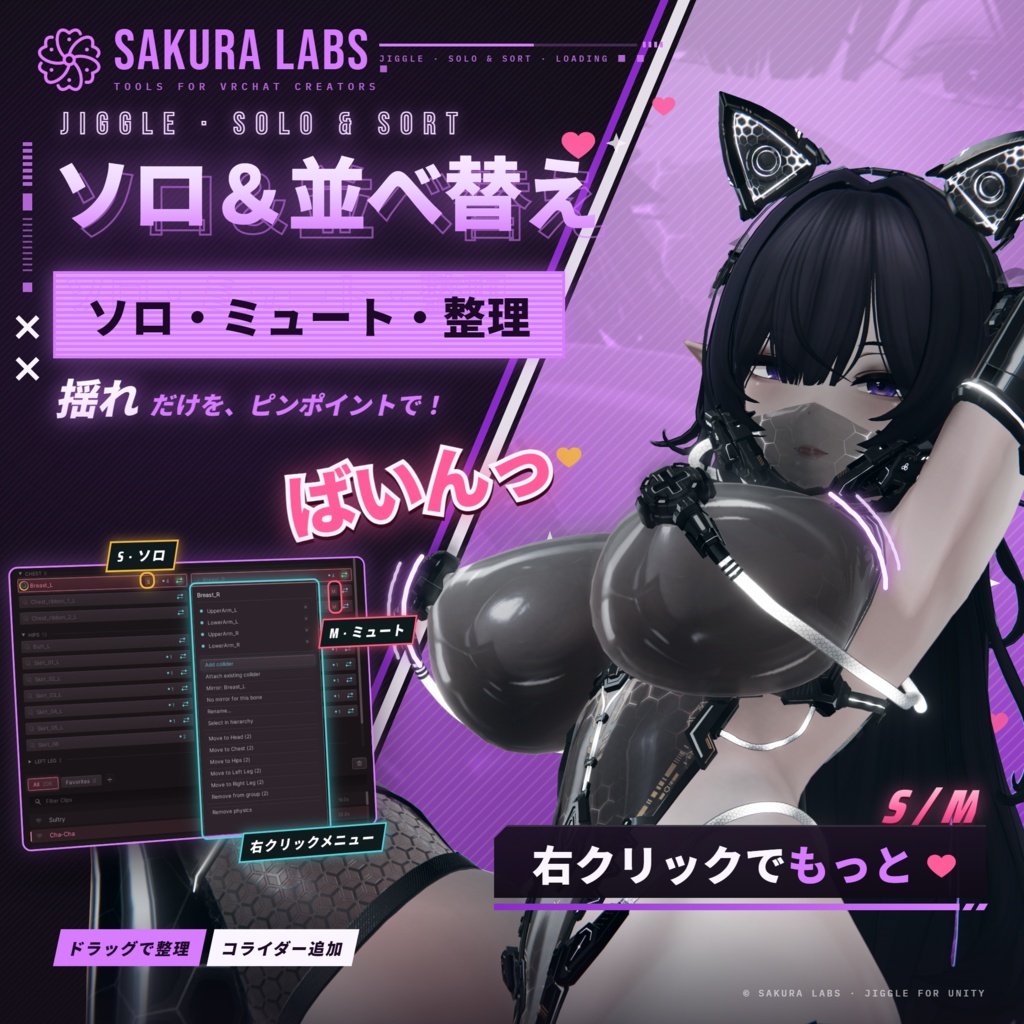
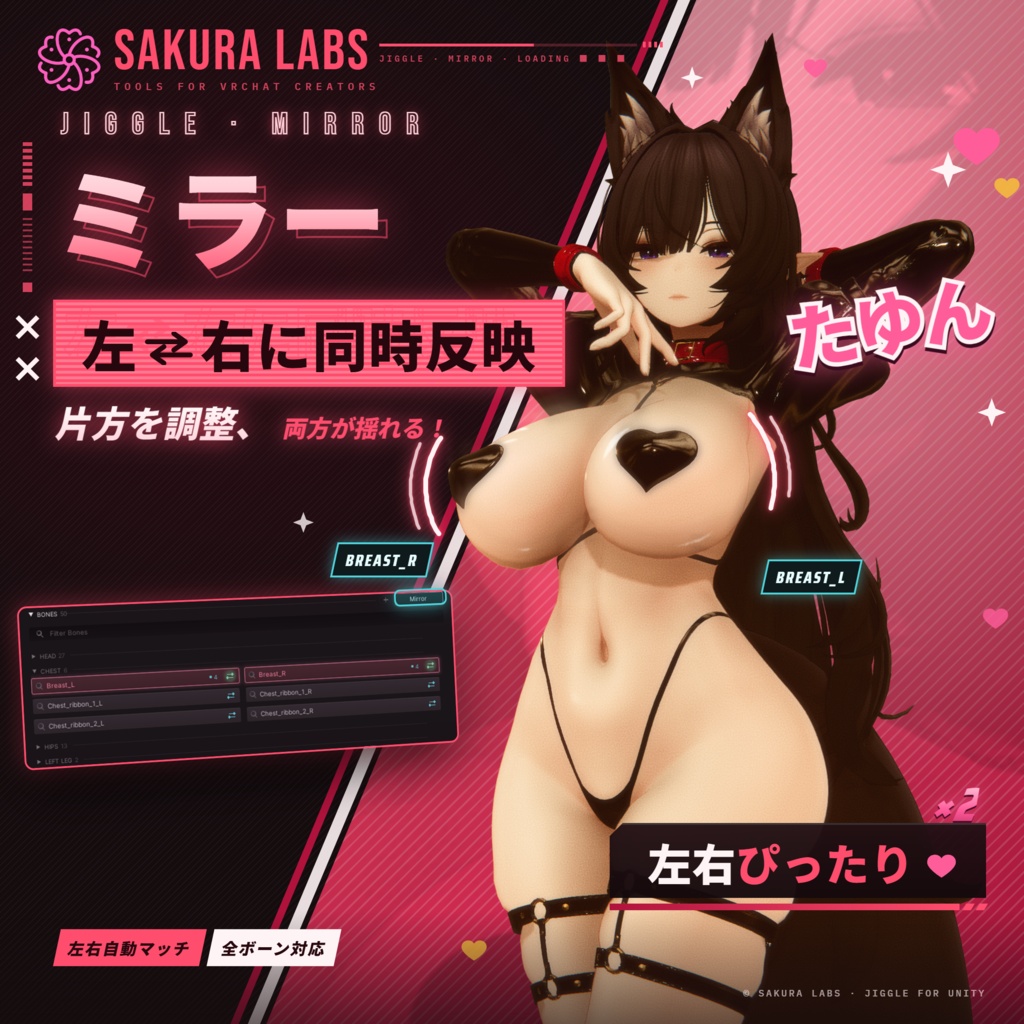
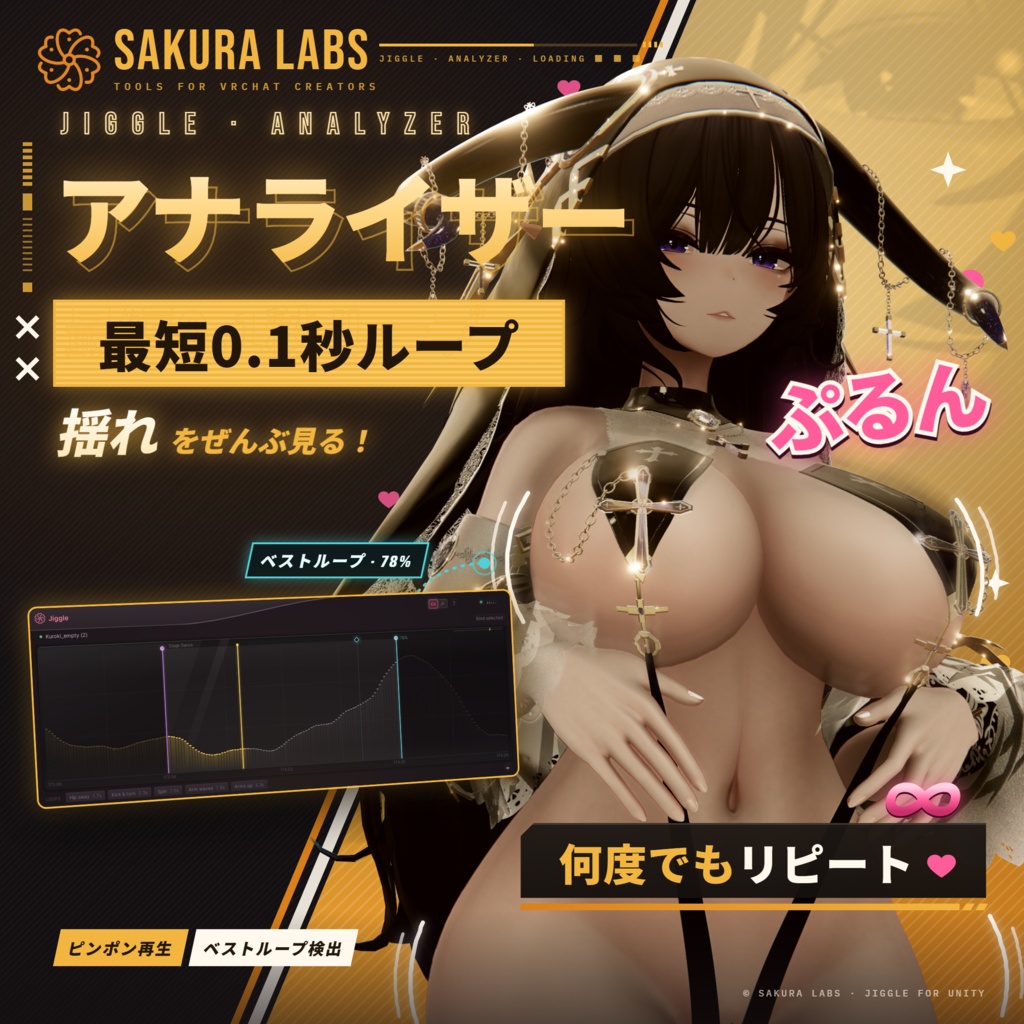
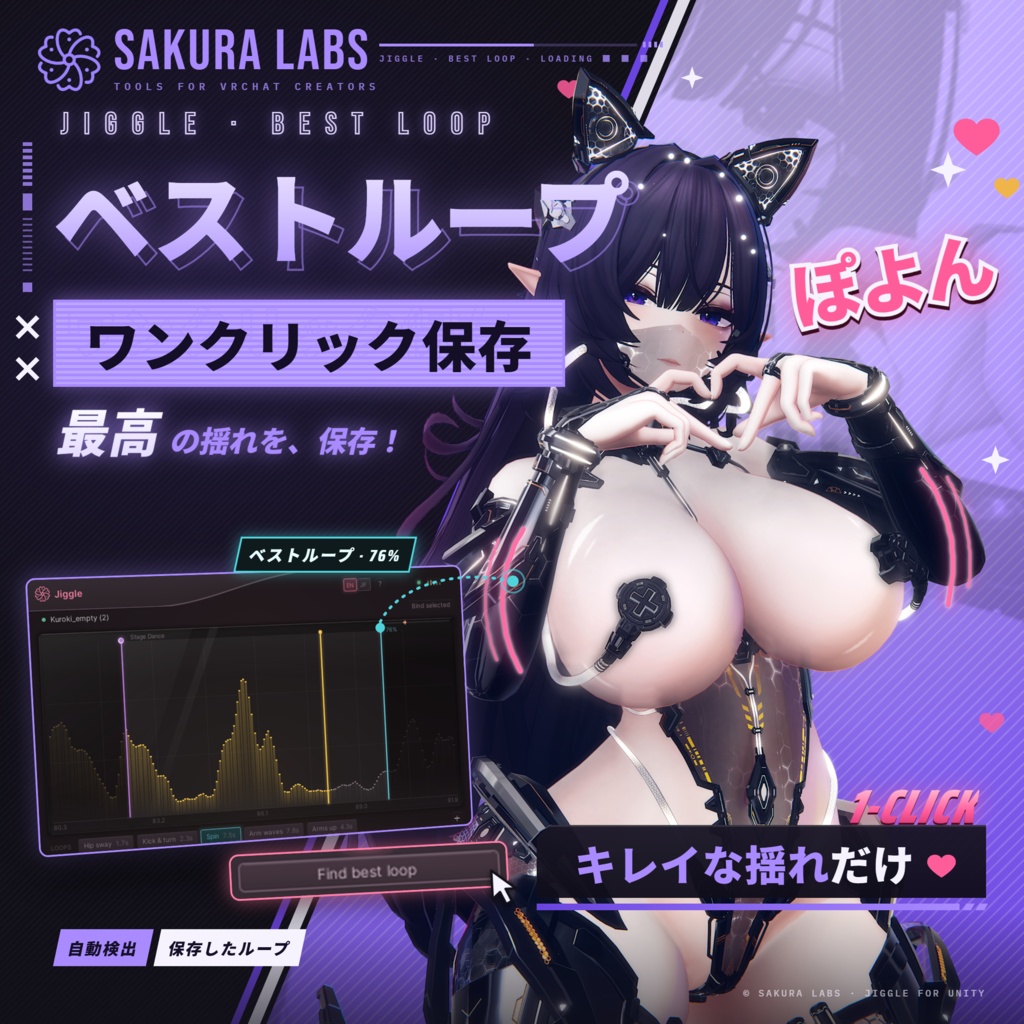
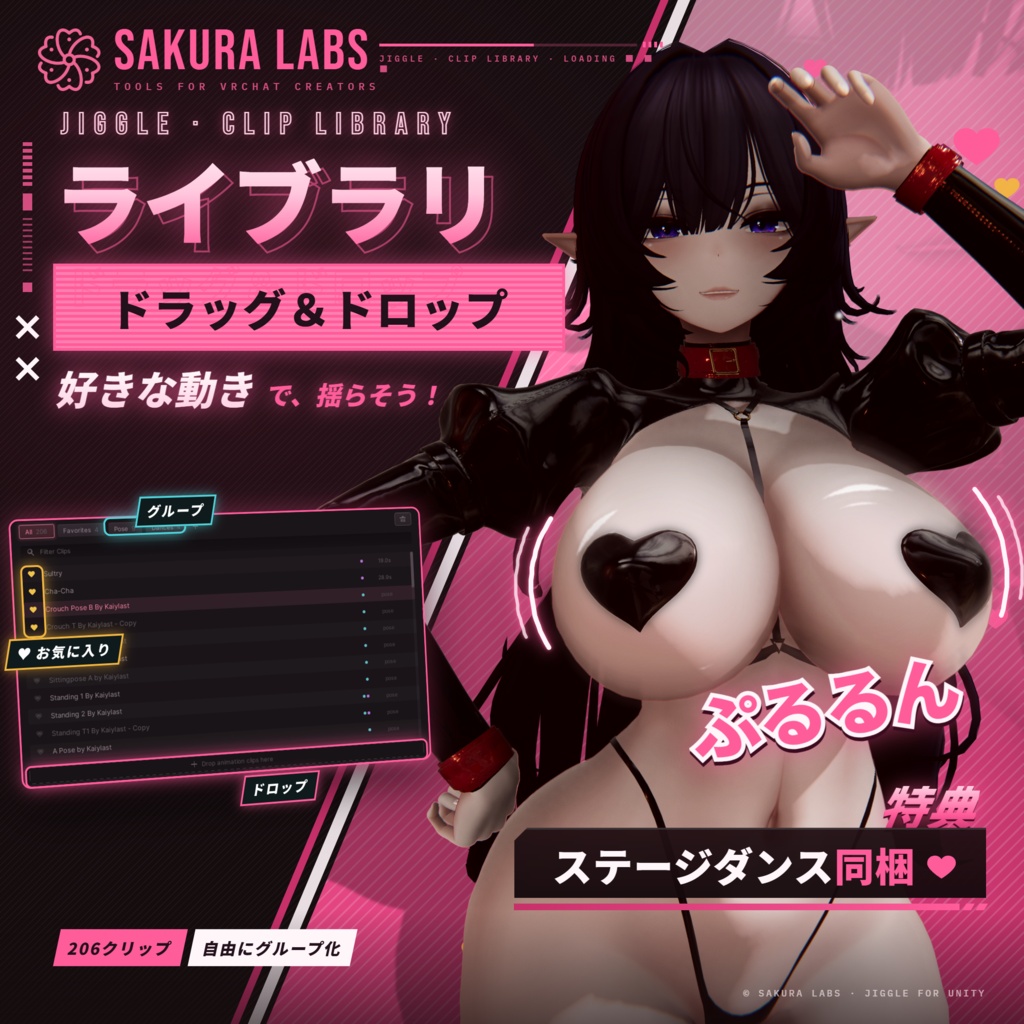
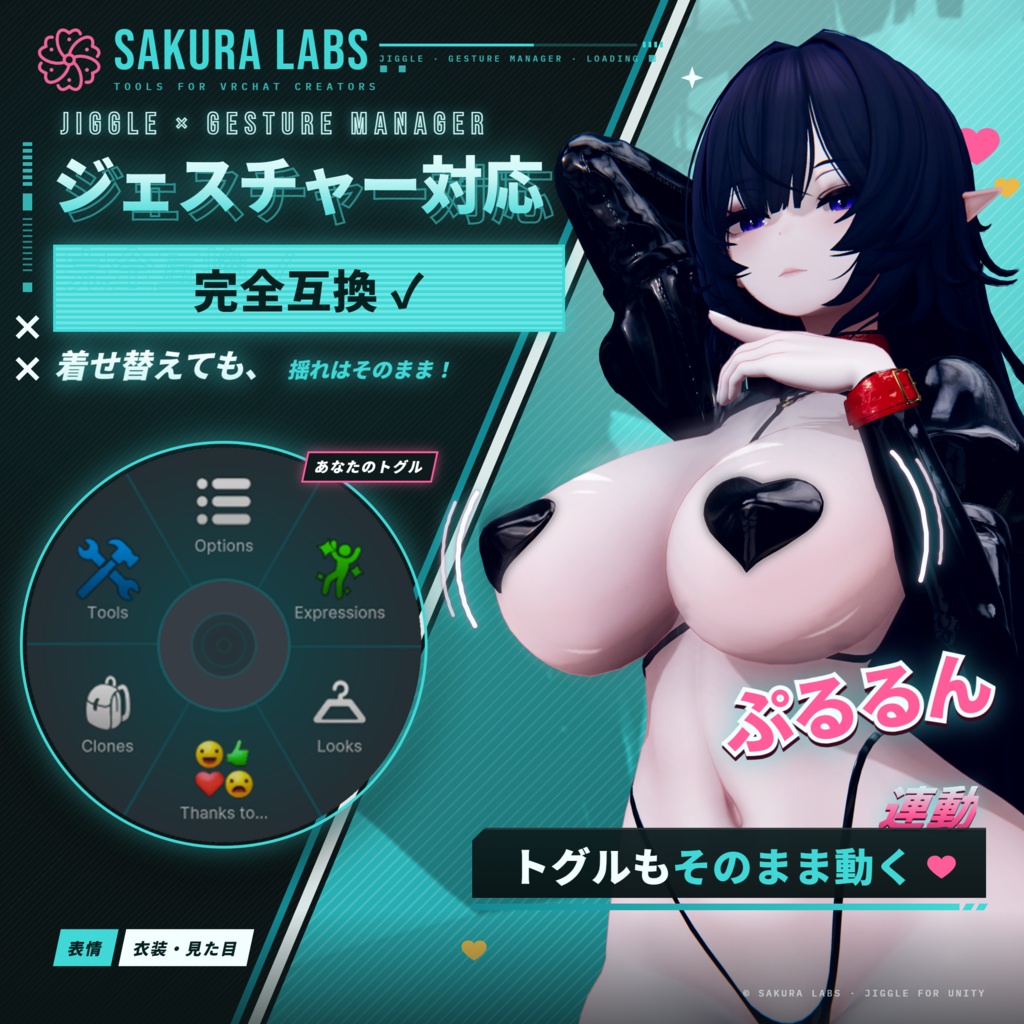
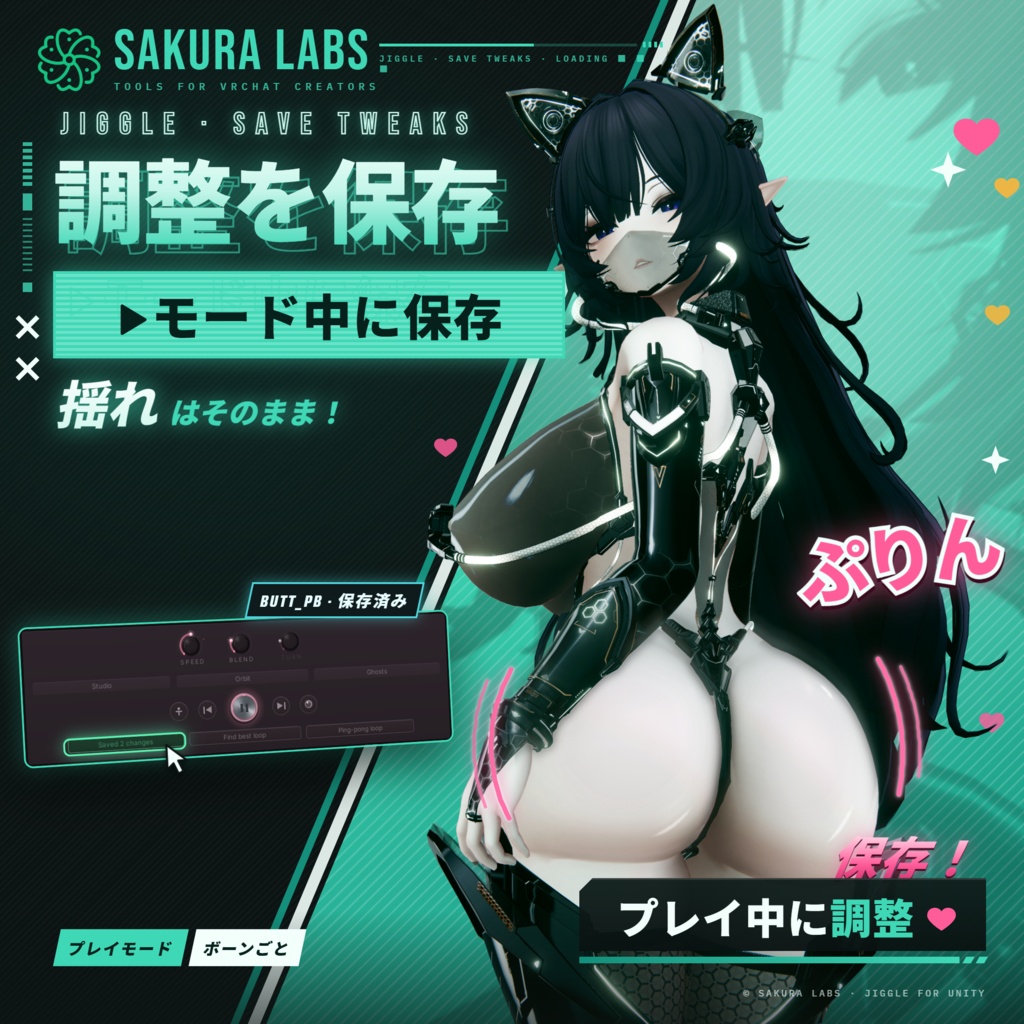
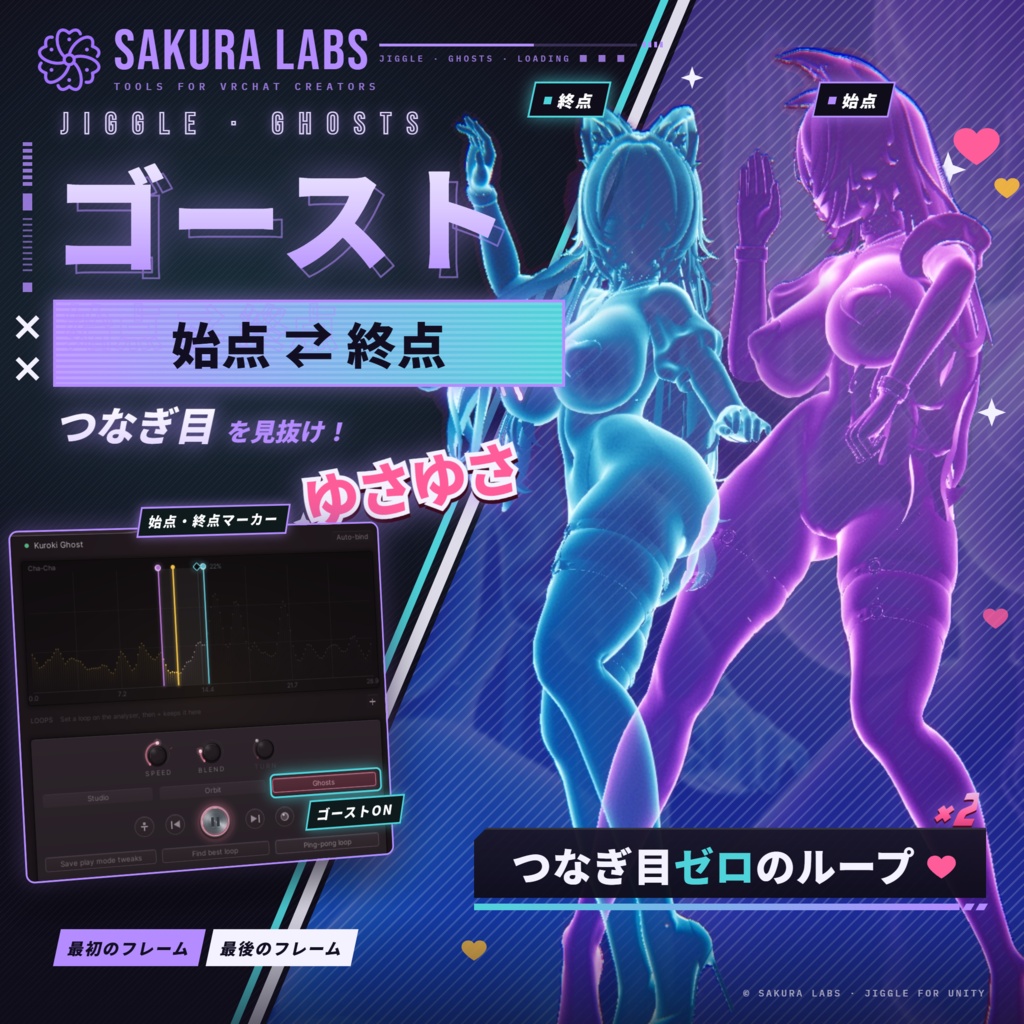


Jiggle(ジグル):揺れもの確認・調整ツール for VRChat アニメーションを再生しながら、アバターの揺れもの(PhysBone)を Unity 上でじっくり確認・調整できるエディタ拡張です。 ループ、スロー再生、往復再生、回転、ゴーストなど、確認に必要な機能を1つのウィンドウにまとめました。 動かして、見て、その場で直す。エディタから離れずに作業が完結します。 表示は日本語/英語に対応しています。 ━━━━━━━━━━━━━━━━━━━━ ■ 再生とループ ・クリップをドロップしてすぐに再生。クリップの切り替えはクロスフェードでなめらかに ・ポーズ集にも対応:1.5秒未満のクリップはポーズとして静止させ、揺れものが落ち着く様子を確認できます ・速度は 0〜200%。スローで揺れの収まり方を、速めて激しい動きでの破綻をチェック ・アナライザーにクリップの動きを波形で表示。右ボタンのドラッグでループ範囲(A/B)を設定 ・ホイールで拡大、中ボタンドラッグで移動。長いクリップでも 0.1 秒の短いループまで詰められます ・「最適ループを探す」:A の姿勢に最も近い瞬間を探して B を移動し、一致率を表示 ・「往復ループ」:B で折り返して A へ。折り返しはブレンドの設定に合わせてなめらかに減速・加速します ・ループは名前を付けて保存でき、クリップごとに記憶。次回からワンクリックで呼び出せます ■ 確認のための機能 ・回転:再生中にアバターを回して全方向から確認。回転の遠心力もボーンにかかります ・ゴースト:ループの両端(A は紫、B は水色)にメッシュの半透明コピーを固定。揺れ幅がひと目で分かります ・スタジオ:グリッドやギズモを隠して、シルエットに集中 ・初期姿勢:ワンクリックでエディットモードの姿勢に戻せます ■ 揺れものの調整 ・アバターの PhysBone を一覧表示。好きなグループに分類でき、リグ別(頭・胸・腰・手足)に自動で振り分けることもできます ・衣装やアクセサリーのプレハブが持ち込んだボーンは、プレハブごとにまとめて表示 ・ソロ/ミュート:1本のボーンだけを動かしたり、特定のボーンを止めたりできます(再生モード中のみ。アバターには保存されません) ・任意のボーンに物理やコライダー(球・カプセル・平面)を追加。既存のコライダーも接続できます ・ミラーをオンにすれば、選択も追加も左右同時に。左右のペアは自動で判別します ・「再生中の調整を保存」:再生モード中に変えた設定を、終了後にそのまま書き戻します ■ プローブ ・コライダーとコンタクトを備えたカプセル型のプローブで、揺れものへの接触やコンタクトの反応をテストできます ■ 使い勝手 ・「?」のヘルプモードで、各ボタンの説明をその場で確認 ・Space で再生/一時停止、← → で前後のクリップへ ・シーンビューを最大化(Shift+Space)しても再生は止まりません ・お気に入りや色分けグループでクリップを整理し、名前で絞り込めます。フォルダ内のアニメーションもまとめて読み込めます ・プローブやゴーストはシーンに保存されず、ウィンドウを閉じれば片付きます ・エディタ専用のため、アップロードするアバターに Jiggle のデータは含まれません(追加した物理やコライダーは通常のコンポーネントとして残ります) ━━━━━━━━━━━━━━━━━━━━ ■ 同梱物 ・Jiggle 本体(unitypackage) ・すぐに試せるステージダンス(約4分)と、継ぎ目のきれいなループ5種 ■ 動作環境 ・Unity 2022.3(VRChat の対応バージョン) ・VRChat SDK(Avatars) ■ 使い方 1. Jiggle.unitypackage をプロジェクトにインポート 2. メニューの「Sakura Labs ▸ Jiggle」を開く 3. ヒエラルキーでアバターを選び「選択中のアバターを設定」を押したら、クリップを選んで再生ボタンを押す ■ 利用規約 ・個人・商用を問わず、アバター制作にお使いいただけます(依頼制作や販売アバターの調整も可) ・ご購入者さまご本人のみご利用いただけます(ご自身の複数の PC での使用は可) ・Jiggle 本体のファイルの再配布・共有・転売は禁止です ・アップデートは BOOTH から無料でダウンロードできます ・本ツールの使用によって生じたいかなる損害についても、作者は責任を負いかねます ・同梱のダンスモーションは、下記のライセンスに従います ■ クレジット 同梱のダンス:ユニティちゃん「Candy Rock Star」のステージダンス © Unity Technologies Japan/UCL(ユニティ・コンパニオン・ライセンス) 本製品は非公式のツールです。VRChat Inc. および Unity Technologies とは関係ありません。 ■ お問い合わせ BOOTH のメッセージ、または X(@SakuraLabsVR)までお気軽にどうぞ。 ■ 更新履歴 v1.0.0 初回リリース ■ 画像のアバターは本製品に含まれません。YaokisubDesign とは関係ありません。」 ━━━━━━━━━━━━━━━━━━━━ English ━━━━━━━━━━━━━━━━━━━━ Jiggle: physics preview and tuning for VRChat avatars A Unity editor window for checking and tuning your avatar's PhysBones while an animation plays. Loops, slow motion, ping-pong, a turntable and ghosts in one window: play it, watch it, fix it. In English and Japanese. ■ Playback and loops ・Drop clips in and play; switching clips crossfades smoothly ・Pose packs work too: clips under 1.5 s are held still so the physics can settle ・Speed 0–200%: slow down to watch a settle, speed up to stress test ・The analyser shows the clip's motion as a waveform; right-drag to set a loop (A/B) ・Scroll to zoom, middle-drag to pan: loops as short as 0.1 s, even on long clips ・Find best loop: moves B to the moment that best matches A, with the match % ・Ping-pong loop: back and forth between A and B, easing into each turn ・Save loops by name, per clip, and recall them with one click ■ Seeing it clearly ・Orbit: turns the avatar while it plays (the spin loads the bones too) ・Ghosts: see-through copies of the mesh at A (purple) and B (cyan) show how far things travel ・Studio: hides the grid and gizmos ・Rest pose: one click back to the edit-mode pose ■ Tuning the physics ・Every PhysBone in one list: your own groups, or auto-grouped by rig (head, chest, hips, limbs) ・Bones from outfit and accessory prefabs are gathered under their prefab ・Solo one bone or mute others (play mode only; never saved) ・Add physics or colliders (sphere, capsule, plane) to any bone, or attach existing ones ・Mirror: select and add on both sides at once; left/right pairs are found automatically ・Save play mode tweaks: changes made in play mode are written back when you leave it ■ Probe ・A capsule with a collider and contacts: poke the physics and test contact reactions ■ Comfort ・Help mode (?) explains any control you hover ・Space plays and pauses; ← → change clip; Shift+Space maximizes the Scene view without stopping playback ・Favorites, color-coded groups and search for clips; import a whole folder at once ・The probe and ghosts are never saved into the scene ・Editor-only: nothing from Jiggle goes into your upload (physics and colliders you add stay as normal components) ■ Included ・Jiggle (unitypackage) ・A four-minute stage dance with five clean loops ■ Requirements ・Unity 2022.3 and the VRChat SDK (Avatars) ■ Getting started 1. Import Jiggle.unitypackage 2. Open Sakura Labs ▸ Jiggle 3. Select your avatar, press Bind selected, pick a clip and press play ■ Terms of use ・Personal and commercial avatar work, including commissions and avatars you sell ・For the buyer only, on any number of your own PCs ・Don't redistribute, share or resell Jiggle's files ・Free updates on BOOTH ・Provided as is; the author accepts no liability for any damage from its use ・The included dance follows its own license, below ■ Credits Included dance: the stage dance from Unity-chan's "Candy Rock Star" © Unity Technologies Japan/UCL (Unity Companion License) Jiggle is an unofficial tool, not affiliated with VRChat Inc. or Unity Technologies. ■ Contact BOOTH messages, or X: @SakuraLabsVR ■ Version history v1.0.0: first release ■ Avatar: Avatar shown: Kuroki by YaokisubDesign (@YaokisubDesign). Not included. Not affiliated with or endorsed by YaokisubDesign.