

【VRChat】アバター撮影用ライティングツール「Studio」Avatar Lighting & Photo Tool
- ダウンロード商品¥ 2,000
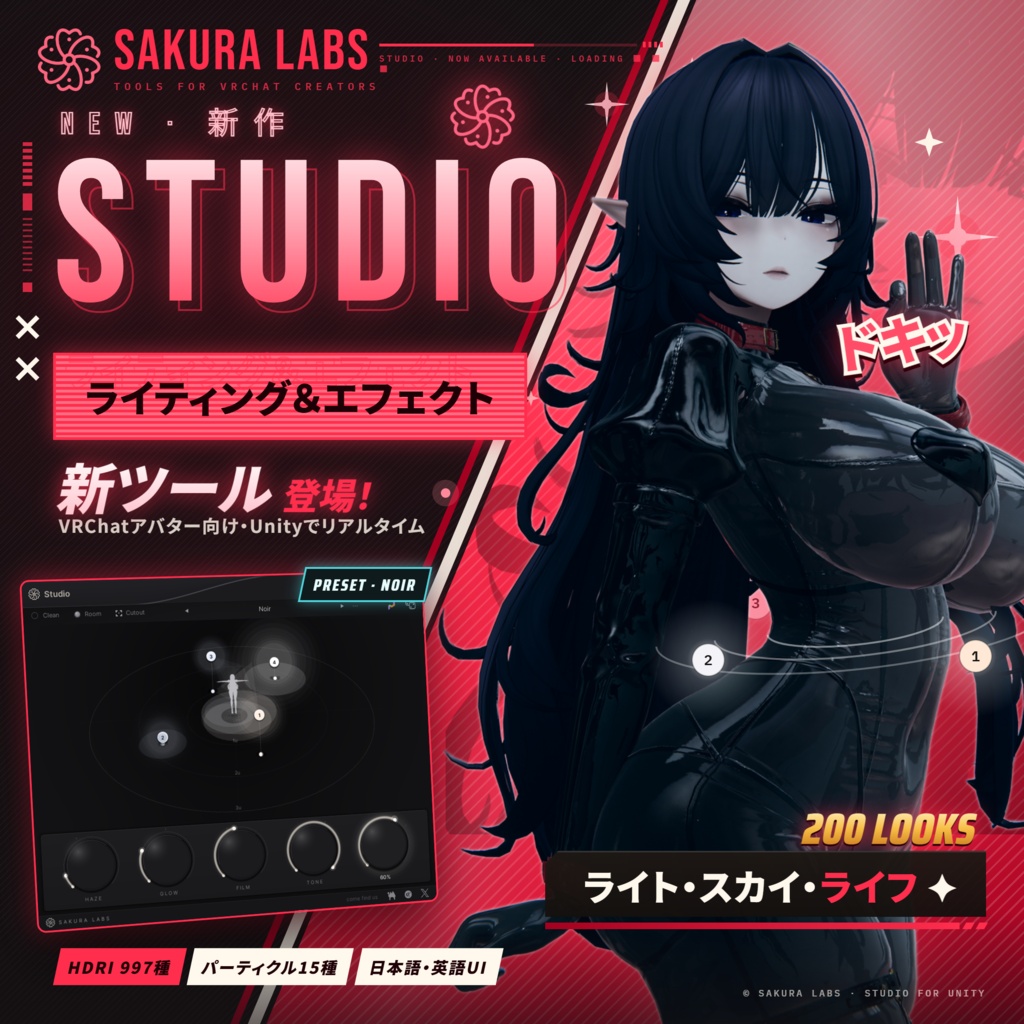
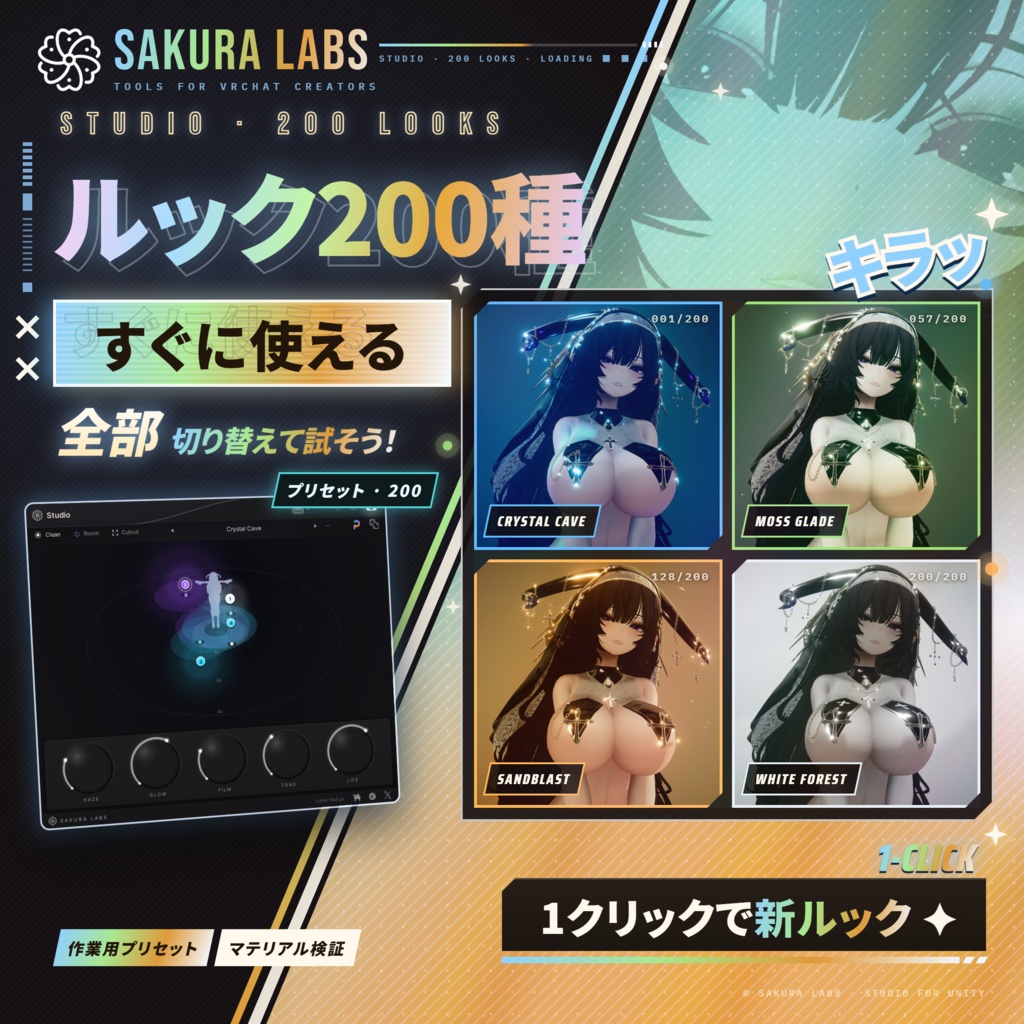
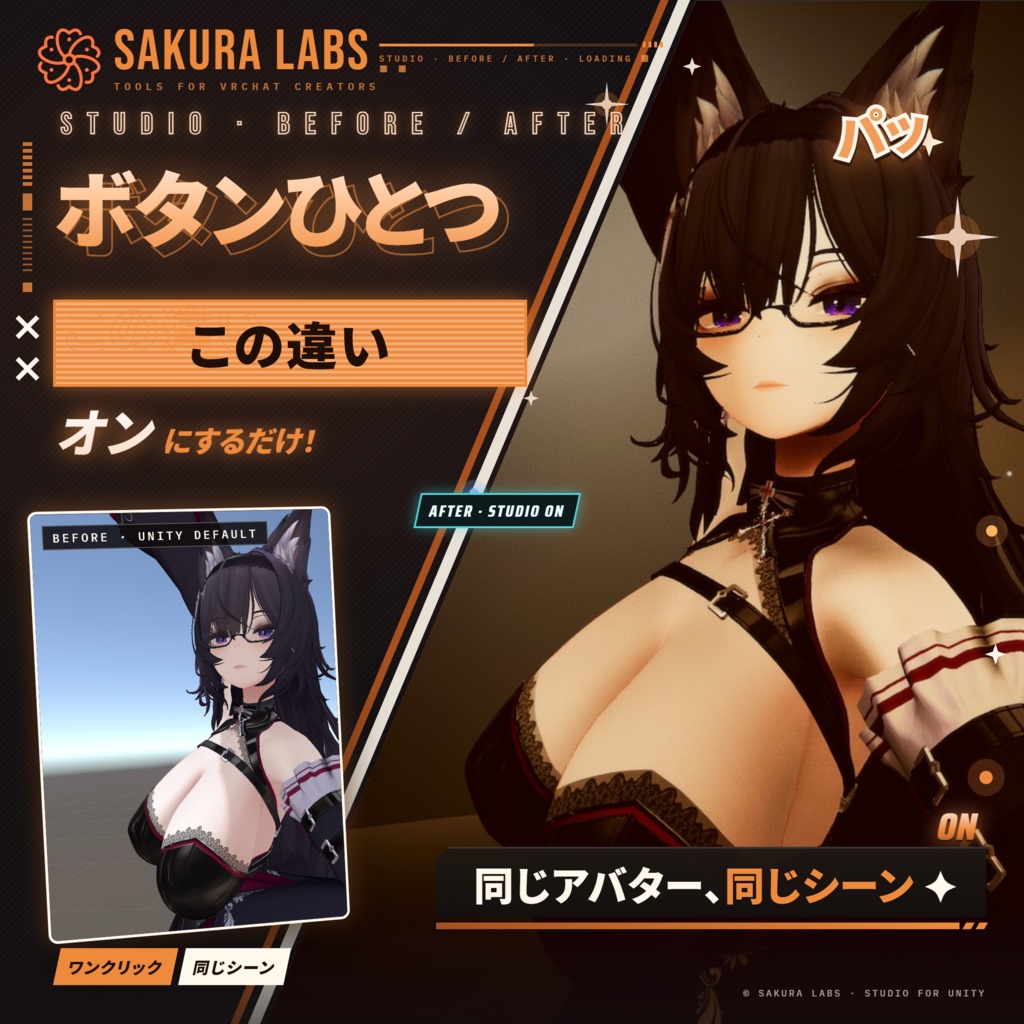
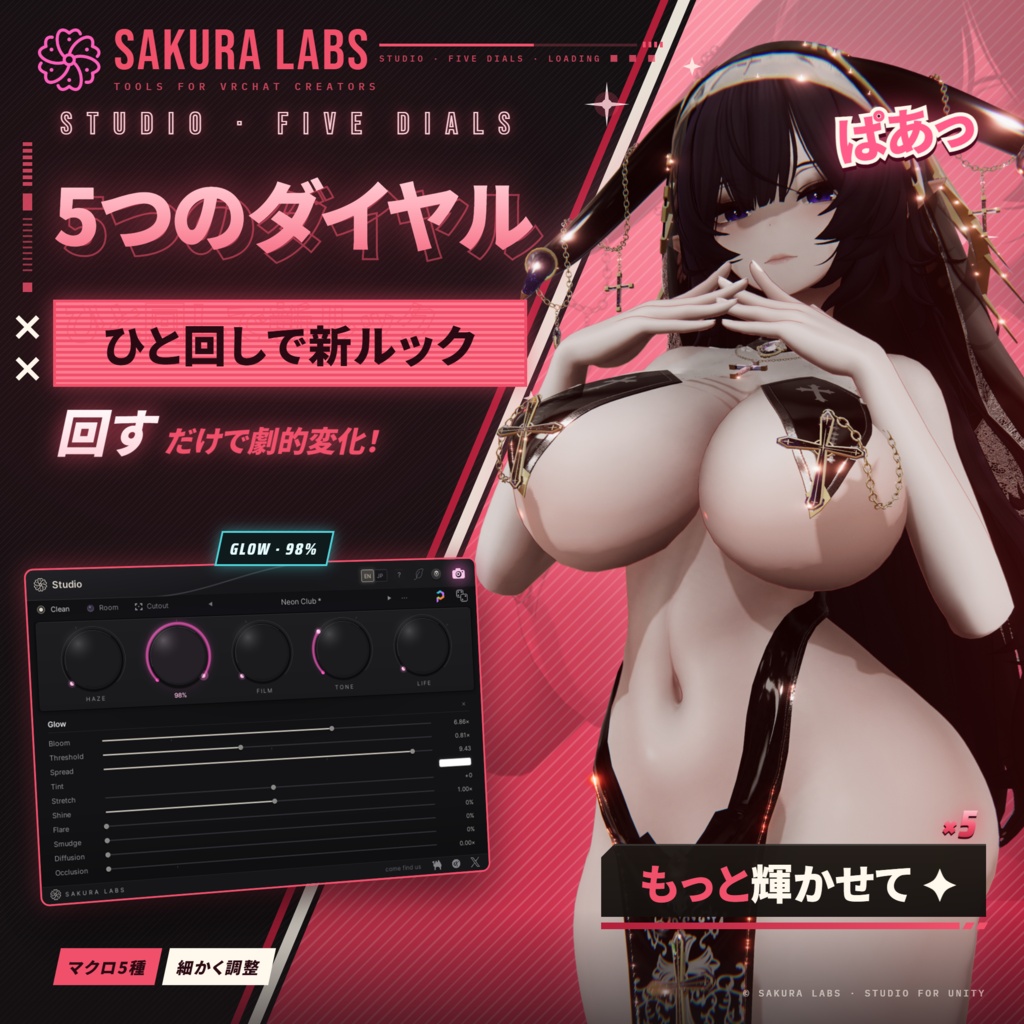
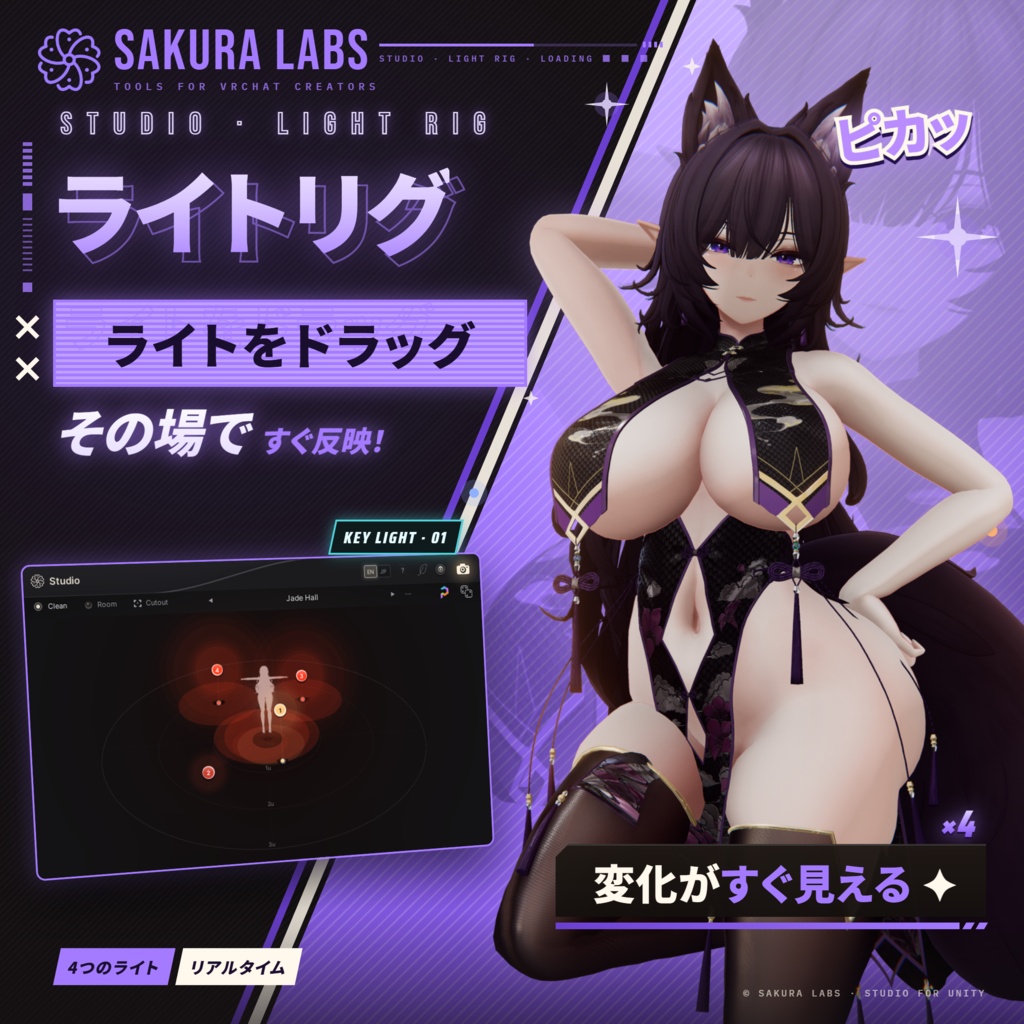
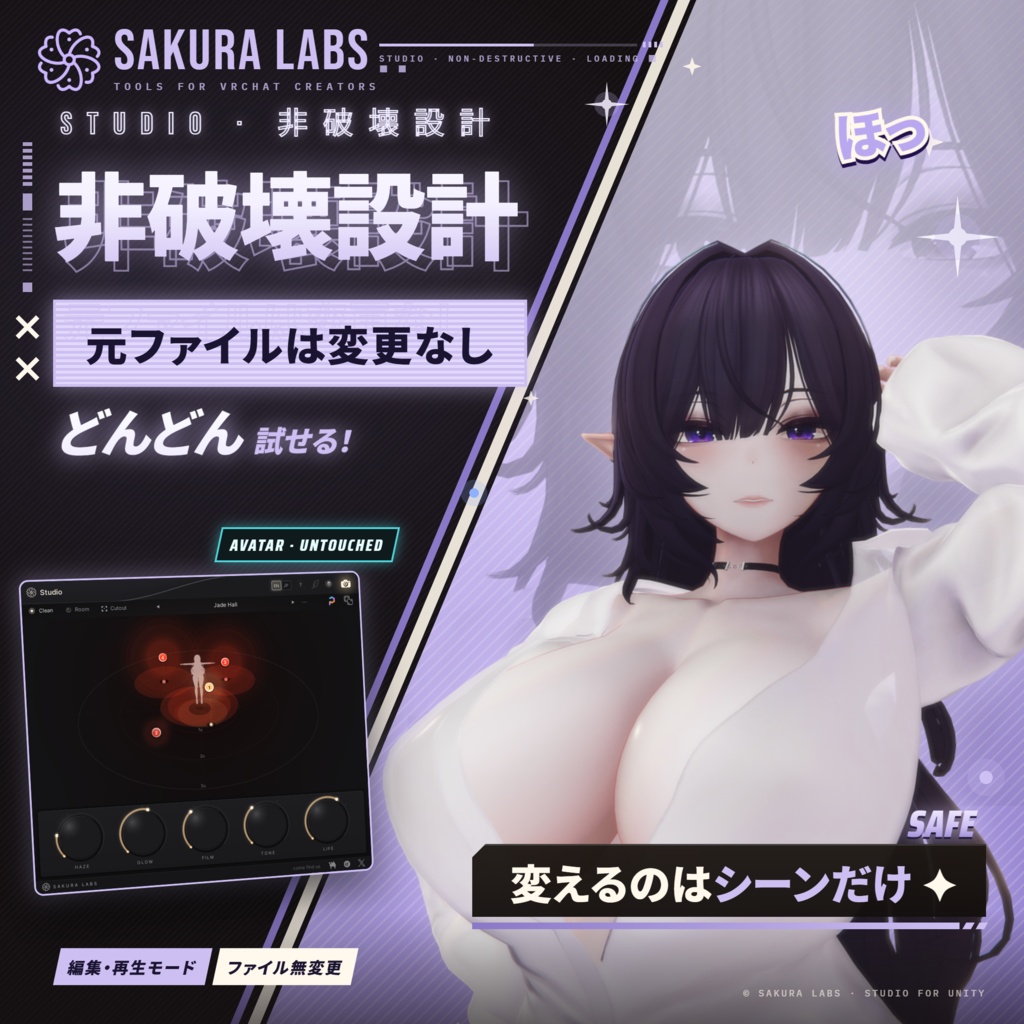
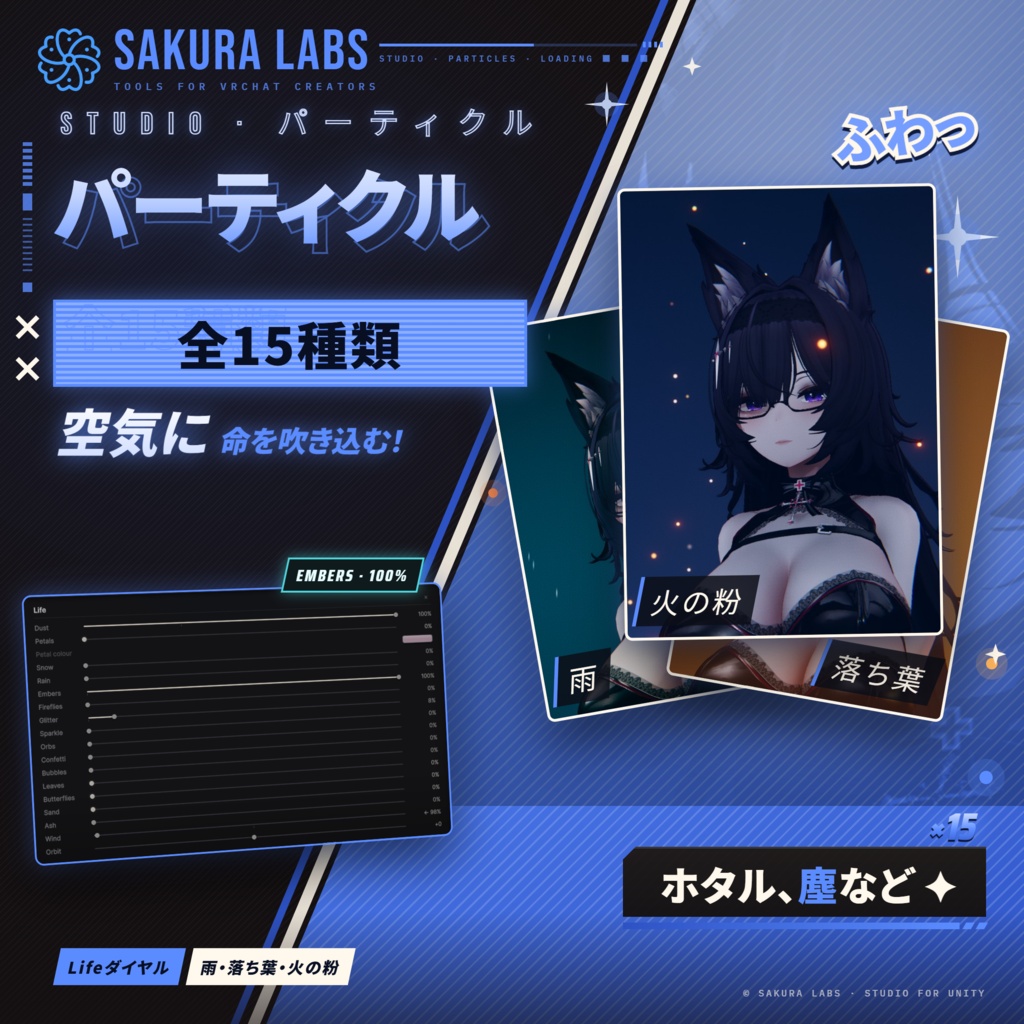
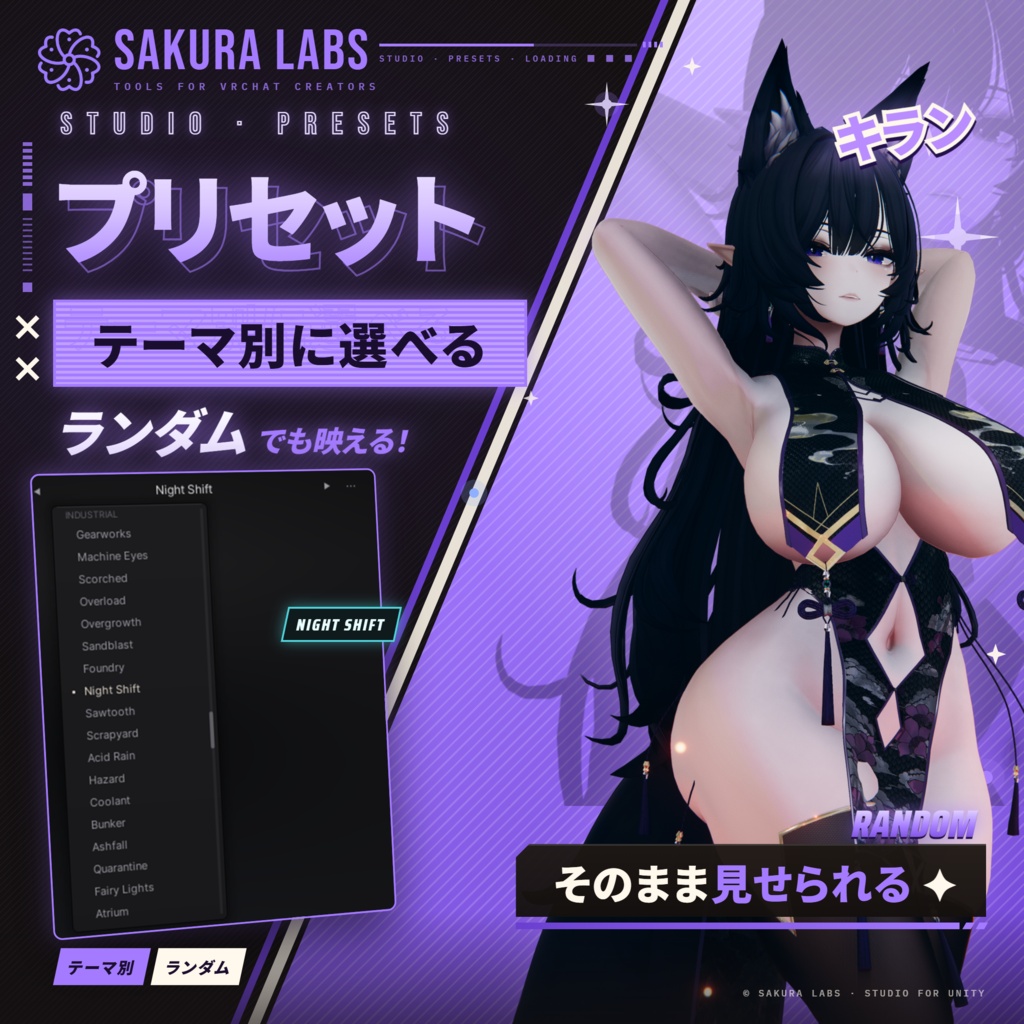
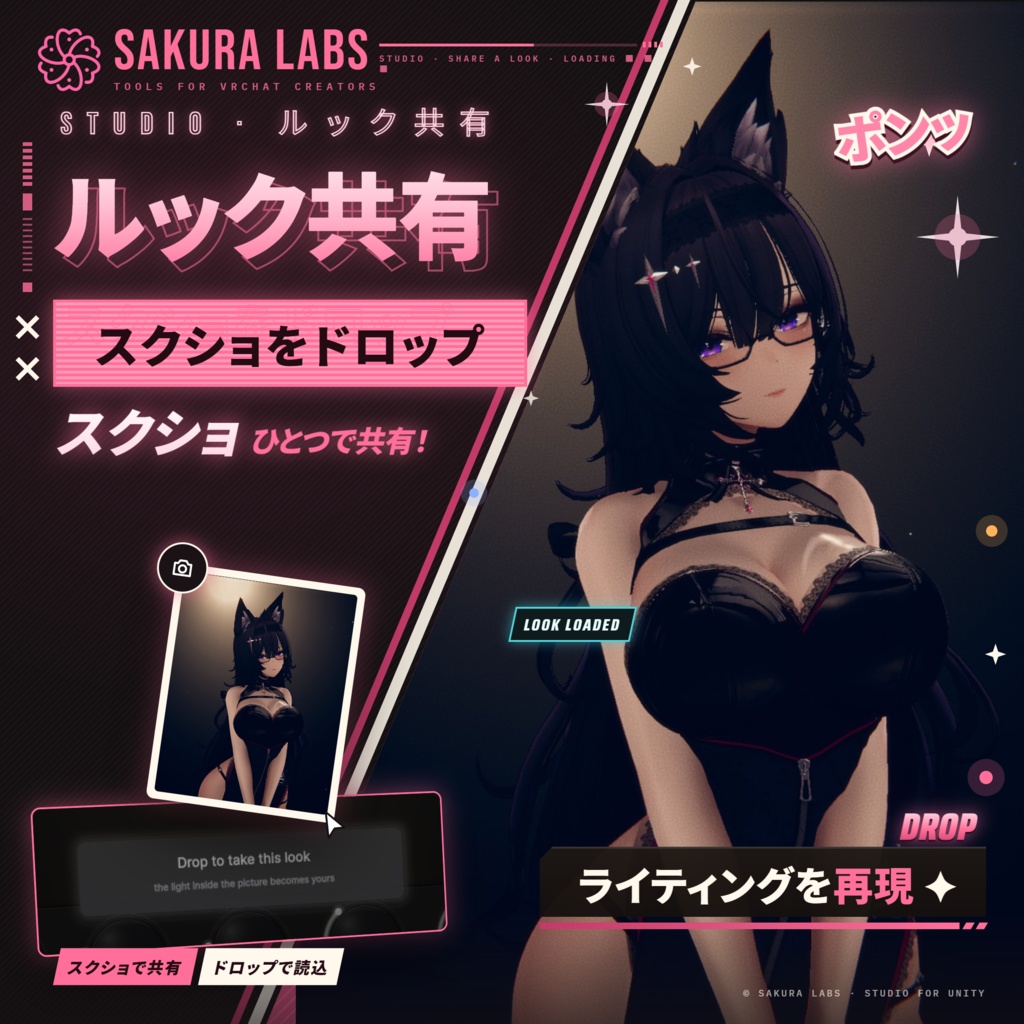
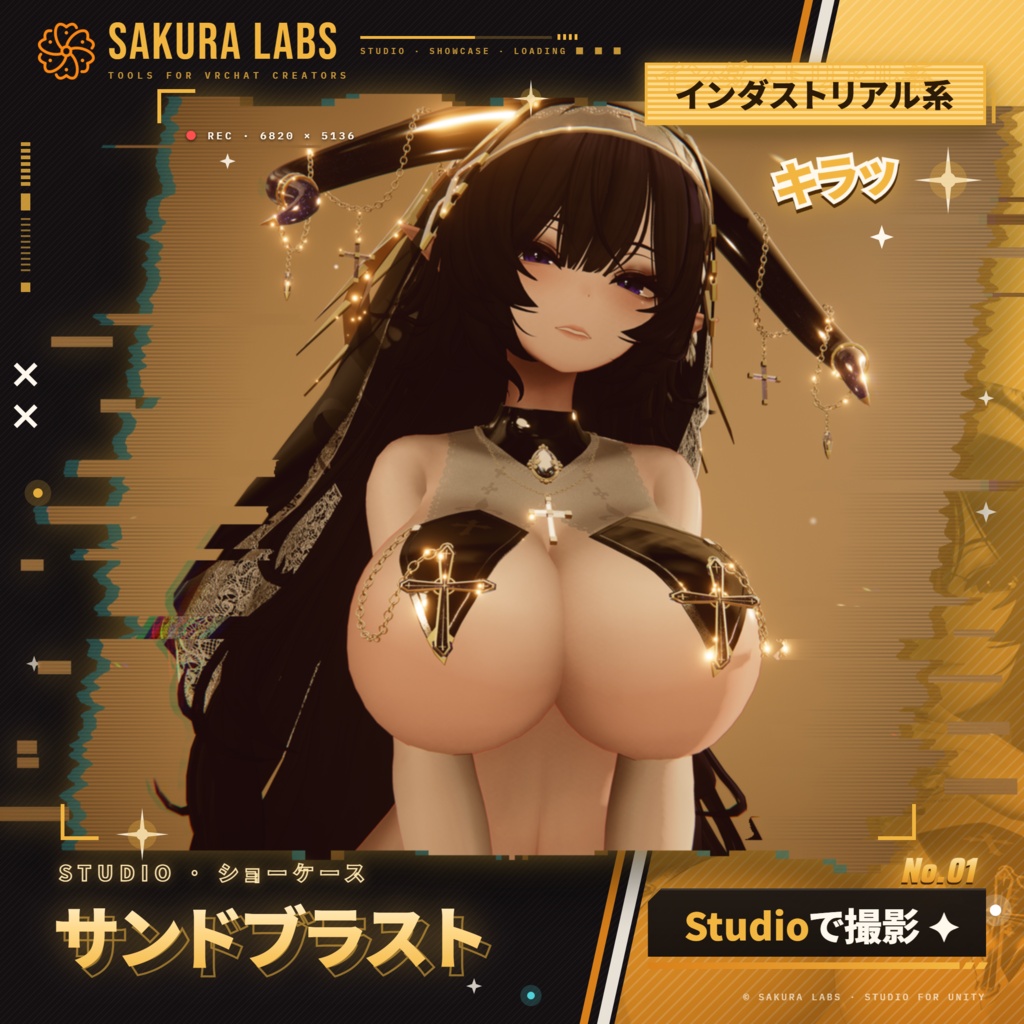
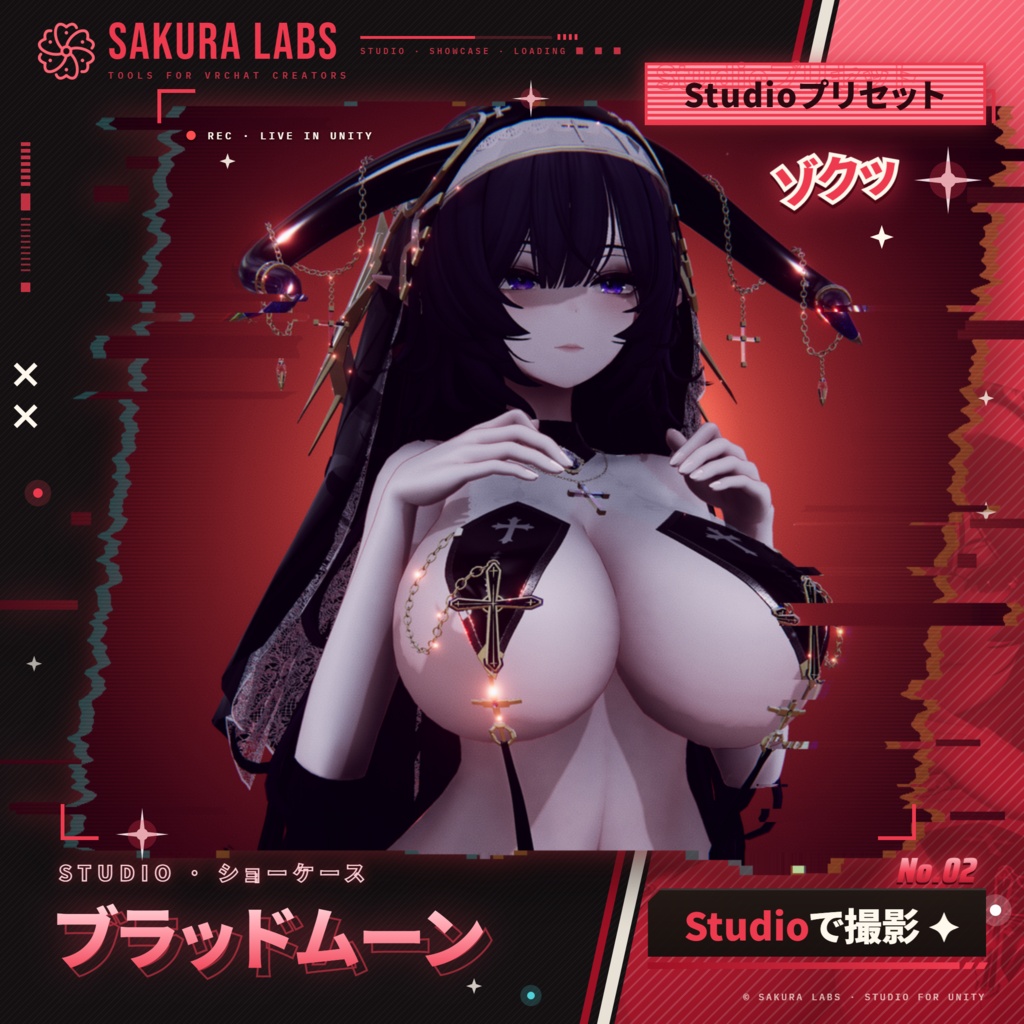
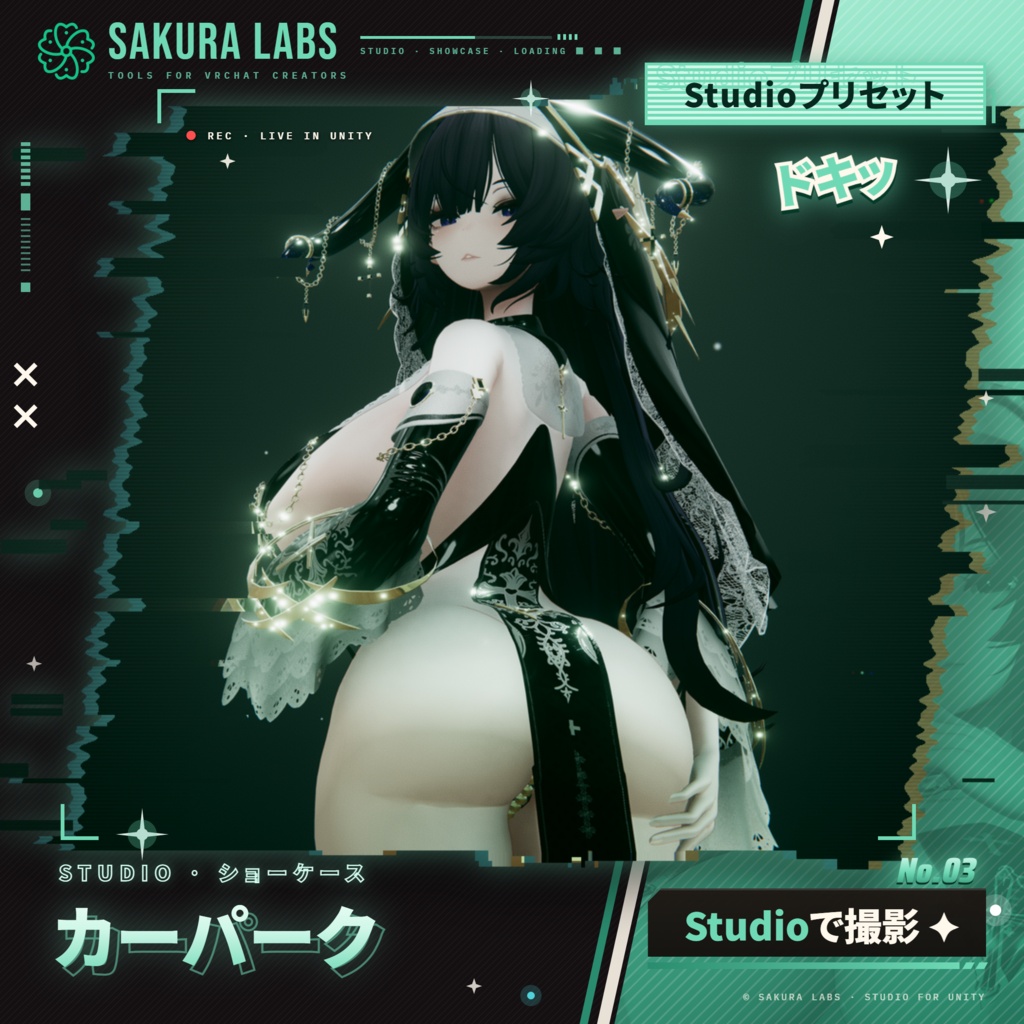
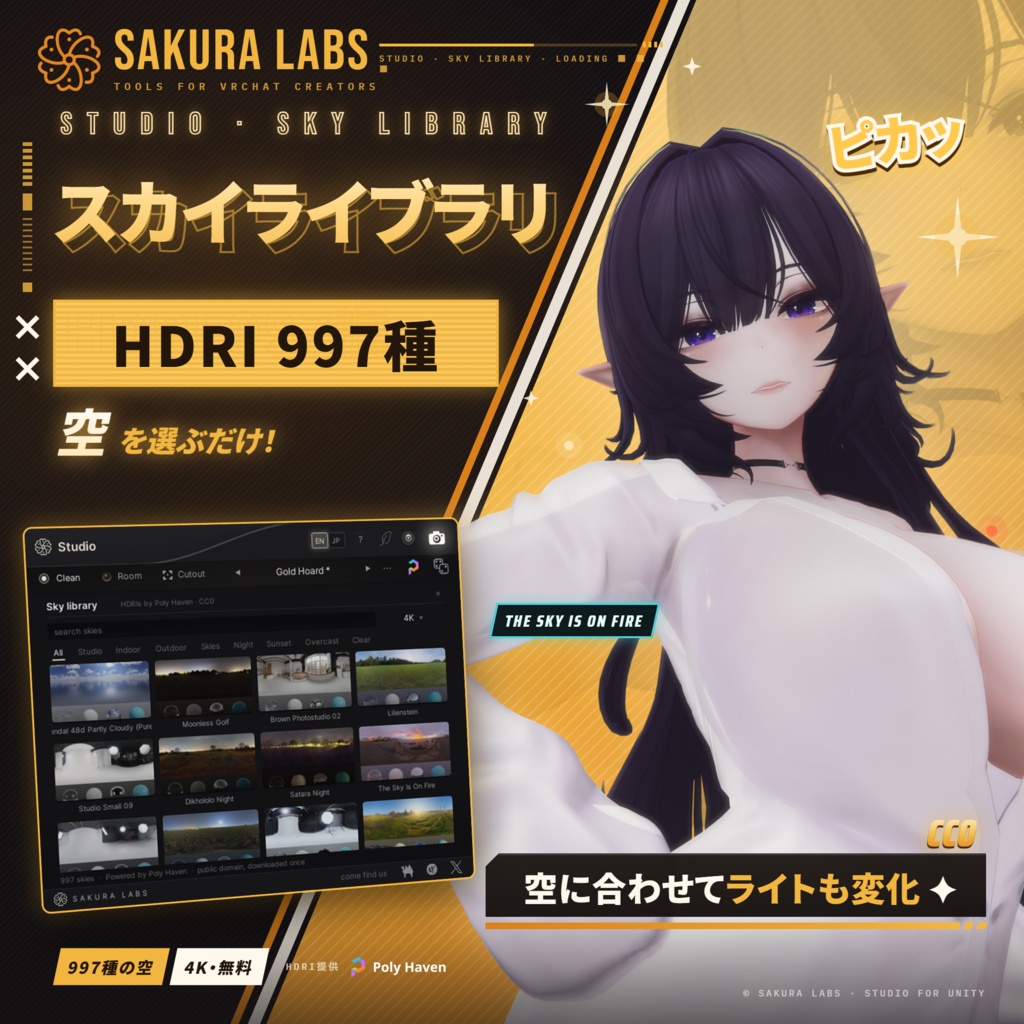


Studio(スタジオ):アバター撮影用ライティングツール for VRChat Unity のエディタ上で、アバターにライティングとポストエフェクトをかけるエディタ拡張です。 電源ボタンを押すだけで、4灯のライト、空、霧、空気中の演出、ポストエフェクトがアバターの周りに組まれ、ポートレートの構図で表示されます。 あとはノブを回して仕上げるだけ。サムネイル撮影から、テクスチャの確認、PV の録画まで。 アバターやシーンには一切手を加えません。オフにすれば元通りです。 表示は日本語/英語に対応しています。 ━━━━━━━━━━━━━━━━━━━━ ■ 200種類のルック ・ワンクリックで切り替わる200種類のライティング(ルック)を12のグループで:作業用、テスト、ワールド、場所、見せる用、シグネチャー、インダストリアル、ファンタジー、夜の街角、アニメ、ホラー、シネマ ・作業用は、テクスチャを正しく判断できる素直な光。テストは、白飛び、真っ暗、逆光など、ワールドが素材に与える厳しい条件を1つずつ(すべてで破綻しなければ、どのワールドでも大丈夫) ・ほかは、夜桜、花火、ネオンの路地、放課後の教室、霧の墓地など、ひと目で印象に残る見せ場の光 ・[ ] キーで順に切り替え。S キーのショーモードでは、ルックが変わりながらアバターの周りを回ります ・サイコロ:ルールに沿って新しいルックをその場で生成。自分で作ったルックも、名前を付けて保存できます ■ ライト ・ステージに、アバター自身のシルエットとライトの位置を立体的に表示。ライトを直接ドラッグして角度・距離・高さを調整 ・縁のぼかし、影の濃さ、減衰、色温度(ろうそく〜青空) ・大きさ:ライトを5灯の集まりにして、本物のやわらかい影と、ソフトボックスのような肌のツヤを ・模様(ブラインド、窓、木漏れ日、水面など)と動き(ろうそくの揺らぎ、ネオンのちらつき、稲妻など) ■ 空と部屋 ・空:シーンの空、単色、グラデーション、マテリアル、またはスカイライブラリから ・スカイライブラリ:Poly Haven の HDRI(CC0)を Studio の中で検索して、ワンクリックで空に ・空を選ぶと、その場所と太陽の位置を読み取って、ライトも空気もその空に合わせて自動で組み直されます ・地面:マット、濡れた床、タイル、影だけ。背景:同じライトで照らされる、アバターの後ろの湾曲した壁 ■ 5つのノブ ・ヘイズ:距離フォグ、足元に溜まる霧、ライトのまわりの光芒 ・グロー:ブルーム、光の筋、肌や金属のツヤ、レンズフレア ・フィルム:グレイン、色収差、周辺減光、シャープ、画角 ・トーン:グレード(ニュートラル・クール・ティール・ウォーム・ノワール)の強さ ・ライフ:塵、花びら、雪、雨、火の粉、ホタル、玉ボケ、シャボン玉、蝶など ■ 撮影と共有 ・ヘッダーのカメラで PNG を保存(1×/2×/4×)。画像にはルックが書き込まれていて、Studio にドロップすればその光がそのまま再現されます ・透過PNG:アバターだけを背景透過の PNG で(4K 横・縦・正方形、または任意のサイズ)。毛先やレースまでなめらかな輪郭で、サムネイルの素材に ・構図ガイド:三分割や黄金螺旋などをビューに重ねて表示(画像には写りません) ・ポージング:Play モード中に関節をクリックして、手でポーズをつけられます。目線も、片目ずつでも両目まとめてでも動かせます ・撮影キー:スペースキー(または好きなキー)ひとつで透過PNGを撮影 ■ 非破壊 ・アバター、プレハブ、シーンのオブジェクトは読み取るだけで、一切変更しません ・Studio が作るものはシーンに保存されません。環境光やフォグなどの設定も、Studio をオフにすれば元通りです ・エディタ専用のため、アップロードするアバターに Studio のデータは含まれません ■ 使い勝手 ・再生モードでもそのまま動作。Game ビューでの録画やカメラワークにも使えます ・「?」のヘルプモードで、各ボタンの説明をその場で確認 ・エコモード:ノート PC でも快適に ━━━━━━━━━━━━━━━━━━━━ ■ 同梱物 ・Studio 本体(unitypackage) ■ 動作環境 ・Unity 2022.3(VRChat の対応バージョン) ・Post Processing(Unity 公式パッケージ):入っていなければ Studio からワンクリックでインストールできます ・スカイライブラリにはインターネット接続が必要です ■ 使い方 1. Studio.unitypackage をプロジェクトにインポート 2. メニューの「Sakura Labs ▸ Studio」を開く 3. 丸い電源ボタン(または P キー)を押す ■ 利用規約 ・個人・商用を問わず、アバター制作や撮影にお使いいただけます(依頼制作や、販売アバターのサムネイル撮影も可) ・Studio で撮影した画像や動画は、商品ページや宣伝も含めて自由にお使いいただけます(写っているアバターや衣装は、それぞれの規約に従ってください) ・ご購入者さまご本人のみご利用いただけます(ご自身の複数の PC での使用は可) ・Studio 本体のファイルの再配布・共有・転売は禁止です ・アップデートは BOOTH から無料でダウンロードできます ・本ツールの使用によって生じたいかなる損害についても、作者は責任を負いかねます ■ クレジット スカイライブラリ:Poly Haven(polyhaven.com)の HDRI を、公式の API を通じて利用しています(CC0)。 本製品は非公式のツールです。VRChat Inc.、Unity Technologies、Poly Haven とは関係ありません。 ■ お問い合わせ BOOTH のメッセージ、または X(@SakuraLabsVR)までお気軽にどうぞ。 ■ 更新履歴 v1.0.0 初回リリース ■ 画像のアバターは本製品に含まれません。YaokisubDesign とは関係ありません。」 ━━━━━━━━━━━━━━━━━━━━ English ━━━━━━━━━━━━━━━━━━━━ Studio: avatar lighting & photo tool for VRChat A Unity editor window that lights your avatar. Press the power button and four lights, a sky, fog and post effects go up around it, framed as a portrait. Then turn the knobs: thumbnails, texture checks, promo videos. Your avatar and scene are never changed, and switching it off puts everything back. In English and Japanese. ■ 200 looks ・200 lighting presets (looks), one click each, in 12 groups: Working, Tests, Worlds, Places, Showing, Signature, Industrial, Fantasy, After Dark, Anime, Horror, Cinema ・If a material reads in all ten Tests, it reads in any world ・[ ] step through them, S runs a show, the dice roll new looks; save your own by name ■ Lights ・Drag lamps on a 3D stage around the avatar's own silhouette, for angle, distance and height ・Feather, shadow, falloff, colour temperature, real soft shadows, patterns in the light (blinds, leaves, water) and motion (flicker, lightning) ■ Sky and room ・The scene's sky, a colour, a gradient, a material, or Poly Haven's HDRIs (CC0), searched inside Studio. Pick a sky and the lights and air are rebuilt to match it ・Floor (matte, wet, tiles or just a shadow) and a curved backdrop lit by the same lamps ■ Five knobs ・Haze, Glow, Film, Tone and Life: fog, bloom, lens flares, grain, the grade, and petals, snow or fireflies in the air ■ Snapshots and sharing ・Snapshots up to 4×, with the look inside: drop one on Studio to get its light ・Cutout: the avatar alone as a transparent PNG (4K or your own size), smooth down to hair tips and lace ・Composition guides over the view, never in the picture ・Pose: in Play mode, pose the avatar joint by joint, the eyes too ・Capture key: Space (or a key of your choice) takes the cutout ■ Non-destructive ・Your avatar and scene are read, never changed; what Studio borrows goes back when you switch it off ・Editor-only: nothing from Studio goes into your upload ■ Comfort ・Works in play mode too; help mode (?) explains any control; Eco mode for laptops ■ Included ・Studio (unitypackage) ■ Requirements ・Unity 2022.3 (the version VRChat uses) ・Post Processing (Unity's official package), which Studio installs in one click ・The sky library needs an internet connection ■ Getting started 1. Import Studio.unitypackage 2. Open Sakura Labs ▸ Studio 3. Press the round power button (or P) ■ Terms of use ・Personal and commercial use, including commissions and thumbnails for avatars you sell ・Pictures and videos you make are yours to use, promotion included (avatars and outfits in them follow their own terms) ・For the buyer only, on any number of your own PCs ・Don't redistribute, share or resell Studio's files ・Free updates on BOOTH ・Provided as is; the author accepts no liability for any damage from its use ■ Credits Sky library: HDRIs by Poly Haven (polyhaven.com) via their official API (CC0). Studio is unofficial and not affiliated with VRChat Inc., Unity Technologies or Poly Haven. ■ Contact BOOTH messages, or X: @SakuraLabsVR ■ Version history v1.0.0: first release ■ Avatar shown: Kuroki by YaokisubDesign (@YaokisubDesign). Not included. Not affiliated with or endorsed by YaokisubDesign.