

【VRChat / PCVR】【FREE】Moon Lamps — 4 Variants|Interactive ON/OFF
- ダウンロード商品¥ 0
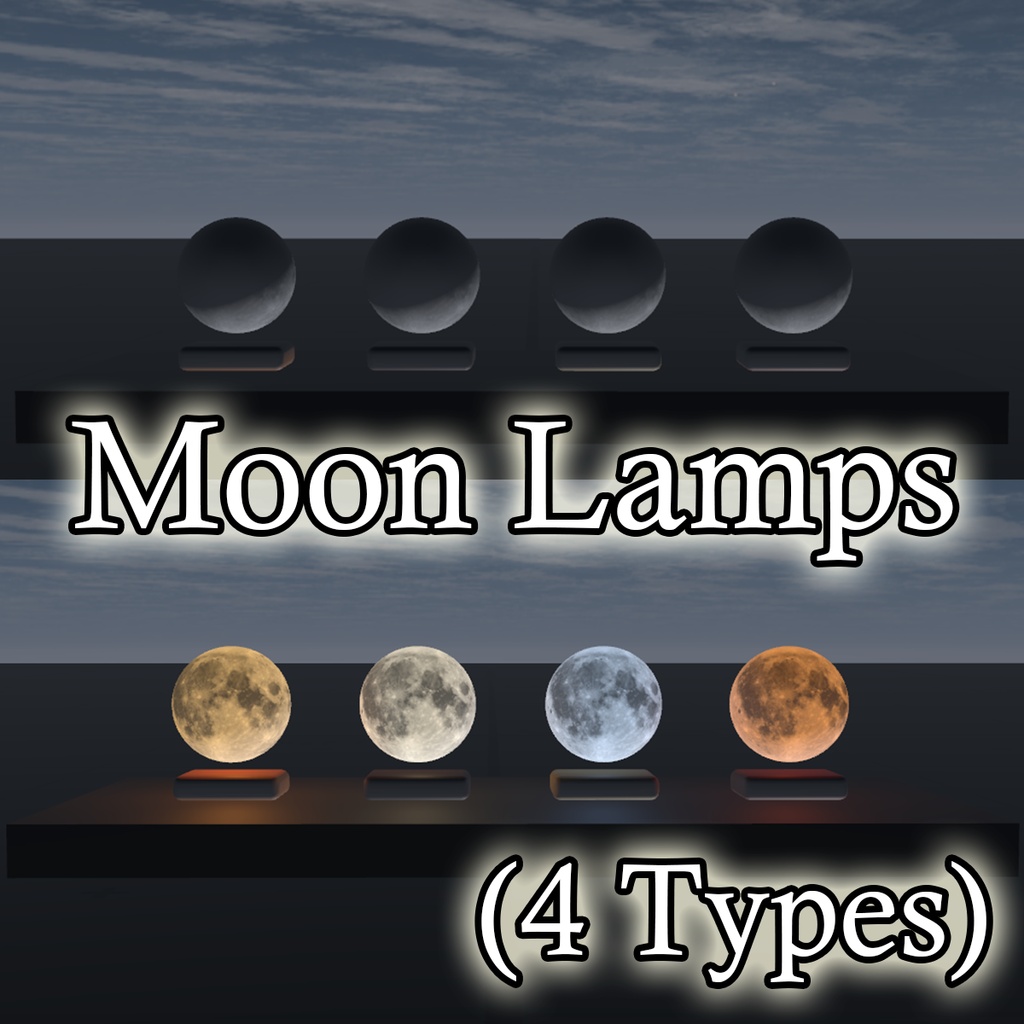
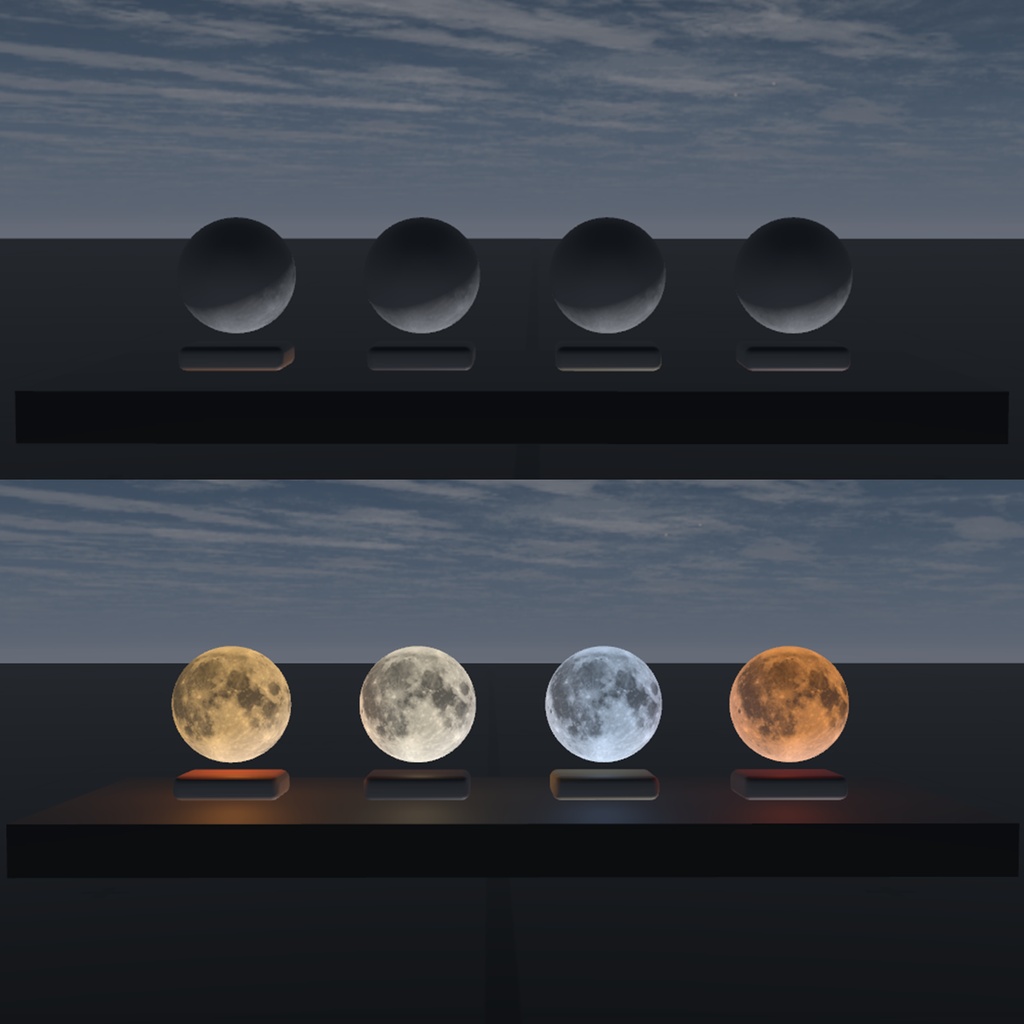
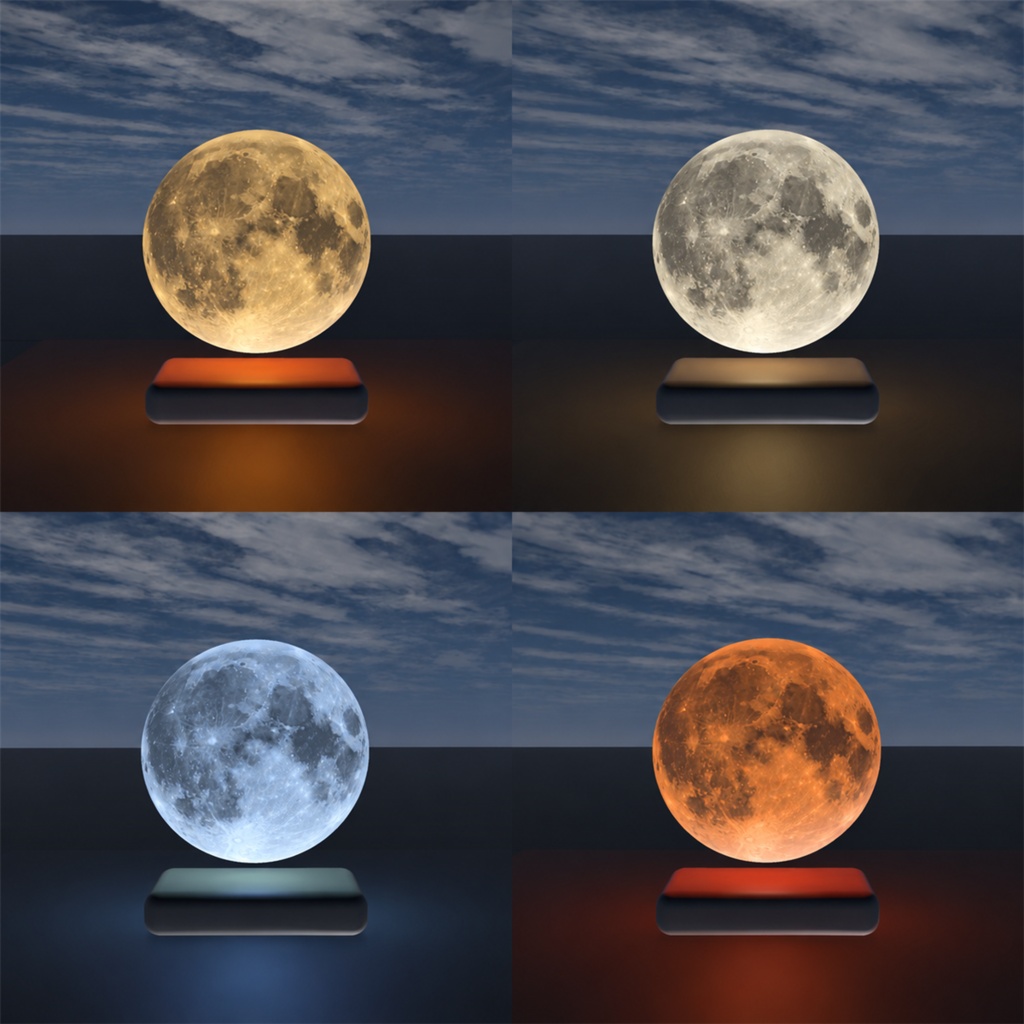


Moon Lamps v1.0.1 — Update Notice Fixed an issue that prevented the Unity package from importing correctly. Please download the updated version. October 15, 2026 — Package import issue fixed. Bring a little moonlight into your space. A collection of four moon lamps featuring detailed lunar surfaces and softly rounded wooden bases. Each variant pairs a distinct moonlight color with a different wood finish, adding a cozy atmosphere to bedrooms, lounges, and relaxing spaces. Point at a lamp and use Interact in VRChat to switch both its emission and nearby lighting on or off. ✦ Variants ・Honey Oak — Warm cream moonlight with oak ・Pearl Walnut — Neutral ivory moonlight with walnut ・Silver Ash — Cool silver moonlight with ash ・Amber Cherry — Soft amber moonlight with cherry ✦ Features & Specifications ・Four lamp variants ・1,980 triangles per lamp, including the moon and base ・One mesh and two material slots per model ・One shared 4096 × 4096 texture atlas for all four variants ・Interact-based light ON/OFF control ・Udon-based light-state synchronization ・Point Light for nearby illumination ・Stationary placement — no pickup or movement interaction ✦ Package Contents ・Unity package ・Four configured prefabs ・Four FBX models ・One 4K texture atlas ・Moon and wood materials ・Custom UdonSharp script and Udon program assets ・English installation guide, license, and terms of use Provided as a RAR archive. Extract it before importing the Unity package. Blender source files, demo scenes, VRChat SDK, and orels shaders are not included. ✦ Requirements ・Windows PC / PCVR VRChat worlds ・Unity 2022.3.22f1 ・VRChat Worlds SDK 3.10.5, including UdonSharp ・orels shaders 7.3.1 These are the versions used for development and testing. Standalone Quest / Android is not supported by this release. ✦ Installation 1. Install the VRChat Worlds SDK and orels shaders in your VRChat Worlds project. 2. Extract the RAR archive and import Moon_Lamps_v1.0.0.unitypackage. 3. Keep all package entries selected and wait for compilation to finish. 4. Place your chosen prefab from Assets/MoonLamps/Prefabs into your world. 5. In VRChat, point at the lamp and use Interact to turn it on or off. ✦ Before Purchase ・This is a digital 3D asset, not a physical product. ・Designed for world placement, not avatar attachment. ・The gap between the moon and its base is part of the design. No floating animation is included. ・Colors and glow vary depending on your world’s lighting and post-processing settings, including Bloom. ・As an optimized model, some silhouette faceting may be visible at close range. ・All four lamps passed ON/OFF interaction tests in Unity ClientSim. Clean-project import, physical VR input, and live multi-client networking have not been separately verified. Please test your world before publishing. ✦ License Summary 【Allowed】 ・Use in personal and commercial VRChat worlds ・Placement in public and private worlds ・Positioning, rotation, and resizing ・Screenshots, videos, and world promotion 【Not Allowed】 ・Asset modifications other than resizing ・Changes to geometry, UVs, textures, materials, scripts, or prefab contents ・Sharing, redistributing, or reselling the original assets or resized copies ・Distribution within editable Unity projects or other asset packages ・Claiming the assets as your own original creation Publishing the lamps as embedded content in a compiled VRChat world is allowed. Sharing editable asset files is not allowed. Please read the included English LICENSE.txt and TERMS_OF_USE.txt for the full conditions. Third-party source materials remain subject to their own applicable terms. ✦ Credits Lunar surface data: NASA’s Scientific Visualization Studio — CGI Moon Kit NASA / GSFC / LRO / LROC / LOLA Visualization: Ernie Wright https://svs.gsfc.nasa.gov/4720/ This product is not affiliated with or endorsed by NASA, VRChat, Unity, or the shader authors. ✦ Version v1.0.0 — Four lamp variants / 1,980 triangles per lamp ⚠️ AI Usage Notice - This product was created with the assistance of AI tools, including AI-generated source artwork used for the decorative textures.