

【VRChat】好きな曲に合わせて光る アバター用ディスコ Avatar Disco Dome【ワンクリック導入・MA不要】
- ダウンロード商品¥ 250
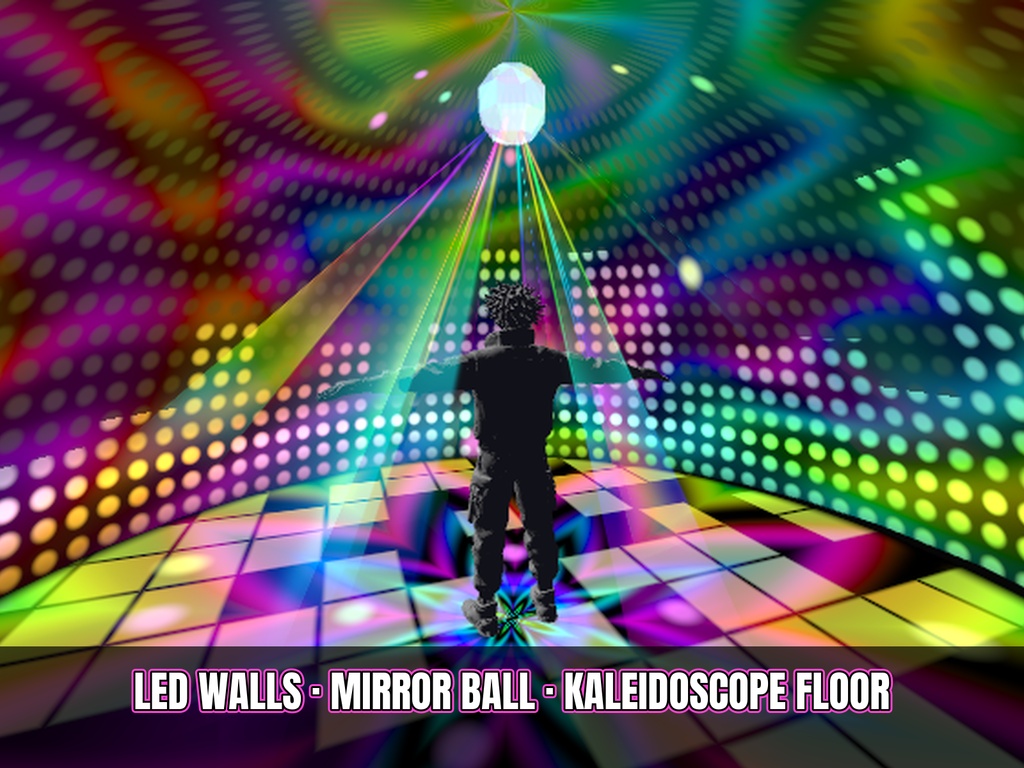
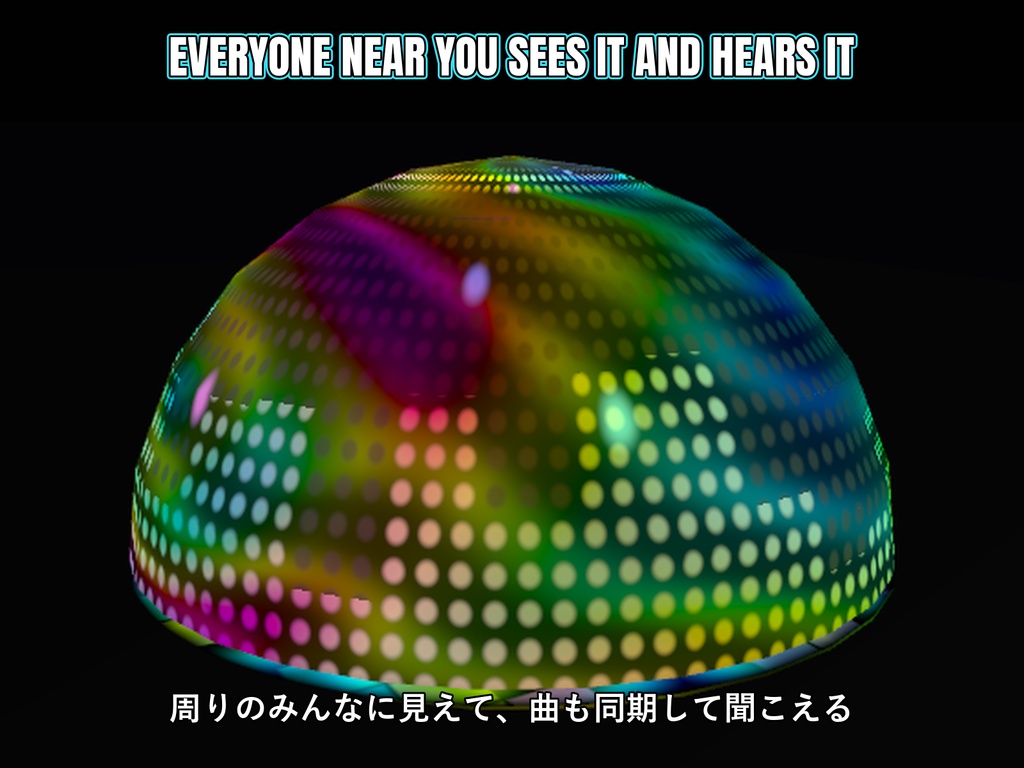
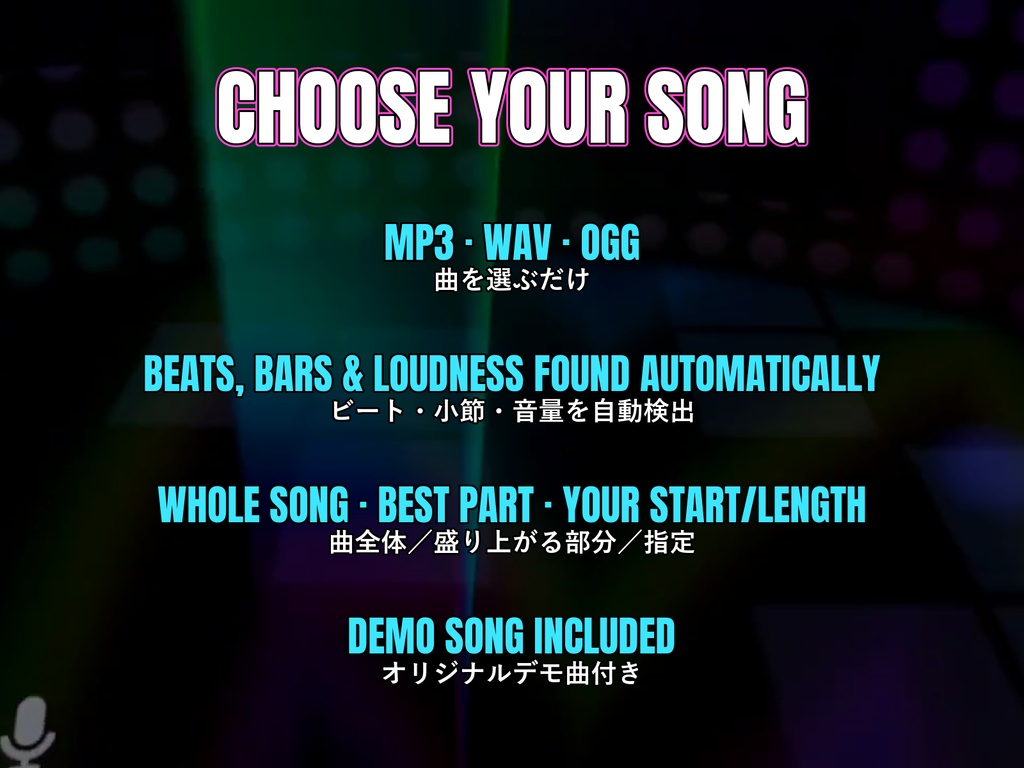
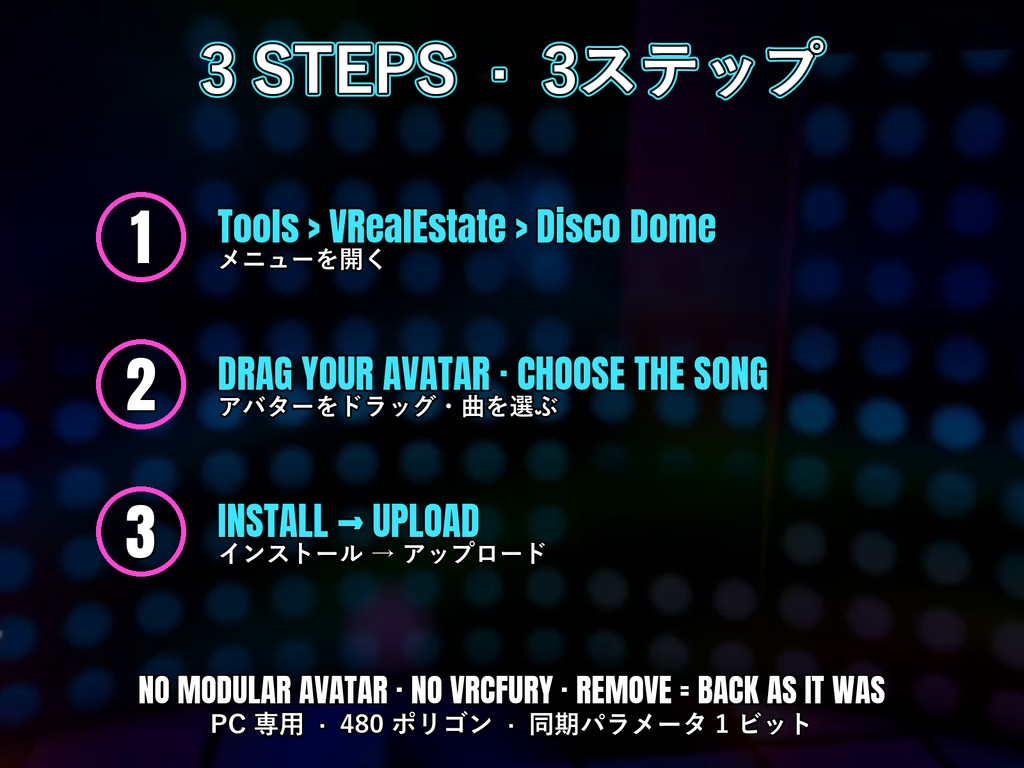


Expression メニューのスイッチ1つで、あなたのまわりに LED ディスコドームが現れる VRChat アバター用ギミックです。 ■ 購入前に試せます(試着用アバター) ・VRChat の公開アバター「Test Avatar VRealEstate」(ロボット)にディスコが入っています ・https://vrchat.com/home/avatar/avtr_7f5817c4-1bd4-4c34-82ee-793b42e3e2de を開いて「Select Avatar」→ Expression メニュー > ディスコ(PC) ■ 好きな曲に合わせて光る ・MP3 / WAV / OGG の曲を選んでインストールを押すだけ ・ビート・小節・音量を自動で検出し、ライトが曲に合わせて光ります(テンポが少し揺れる曲もOK) ・曲全体/盛り上がる部分(自動・約75秒)/開始と長さを指定、から選べます ・オリジナルのデモ曲が1曲付いています ・使用する曲は、ご自身が使用権を持っているものをお使いください ■ 自分の曲を入れる方法(3ステップ) 1. 曲のファイル(MP3 / WAV / OGG)を Unity のプロジェクトにドラッグ 2. Tools > VRealEstate > Disco Dome を開き、「曲」の欄にその曲をドラッグ 3. 「ループする部分」を選んで「インストール」→ いつも通りアップロード ※ 曲を変えるときは、別の曲を選んでもう一度「インストール」を押すだけです ■ 内容 ・LED の壁、万華鏡のダンスフロア、虹色のビームを放つミラーボール(直径 3.6〜9.6 m、サイズ調整可) ・近くのみんなにドームが見えて、曲も同期して聞こえます ・ドームの中からはワールドが隠れて、自分たちだけのディスコに ■ 導入 ・Tools > VRealEstate > Disco Dome を開く → アバターをドラッグ → インストール ・Modular Avatar・VRCFury 不要、他のパッケージは必要ありません ・元の FX・メニュー・パラメータは変更しません(コピーを作成)。「削除」で完全に元通り ・メニューがいっぱいでも自動で「その他」にまとめます ■ 仕様 ・PC 専用(VRChat の Quest アバターは音を出せないため) ・追加:480 ポリゴン、マテリアル 2、オーディオソース 1、同期パラメータ 1 ビット、テクスチャなし ・Unity 2022.3 / VRChat SDK3 Avatars 3.7 以降 ・インストーラー:English / Italiano / 日本語 A disco for your VRChat avatar: one toggle and an LED disco dome opens around you. ■ Try it before you buy (test avatar) - Public VRChat avatar "Test Avatar VRealEstate" (a little robot) with the Disco Dome installed - Open https://vrchat.com/home/avatar/avtr_7f5817c4-1bd4-4c34-82ee-793b42e3e2de, press "Select Avatar", then Expression Menu > Disco (PC) ■ Lights in time with YOUR song - Choose an MP3 / WAV / OGG and press INSTALL - Beats, bars and loudness are found automatically and the lights follow them (songs with a slightly drifting tempo too) - Whole song / best part (automatic, ~75 s) / your own start and length - One original demo song included - Use only songs you have the rights to use ■ How to use your own song (3 steps) 1. Drag your song file (MP3 / WAV / OGG) into your Unity project 2. Open Tools > VRealEstate > Disco Dome and drag the song into the "Song" box 3. Choose the part to loop, press INSTALL → upload the avatar as usual * To change the song, pick another one and press INSTALL again ■ What you get - LED walls, a kaleidoscope dance floor, a mirror ball with rainbow beams (3.6–9.6 m wide, adjustable) - Everybody near you sees the dome and hears the song, in sync - From inside, the world disappears: your own private disco ■ Install - Tools > VRealEstate > Disco Dome → drag your avatar → INSTALL - No Modular Avatar, no VRCFury, no other packages - Your original FX / menu / parameters are never edited (copies). "Remove" = back exactly as it was - Full main menu? It is tidied into a "More" submenu automatically ■ Specs - PC only (VRChat does not allow audio on Quest avatars) - Adds: 480 tris, 2 materials, 1 audio source, 1 synced parameter bit, no textures - Unity 2022.3 / VRChat SDK3 Avatars 3.7+ - Installer: English / Italiano / 日本語 利用規約 / Terms: TERMS_OF_USE.md(同梱 / included)