

【無料】SteamAC Lite|Apple Silicon Mac向けSteamOSランチャー【VRChat向け設定】
- ダウンロード商品¥ 0
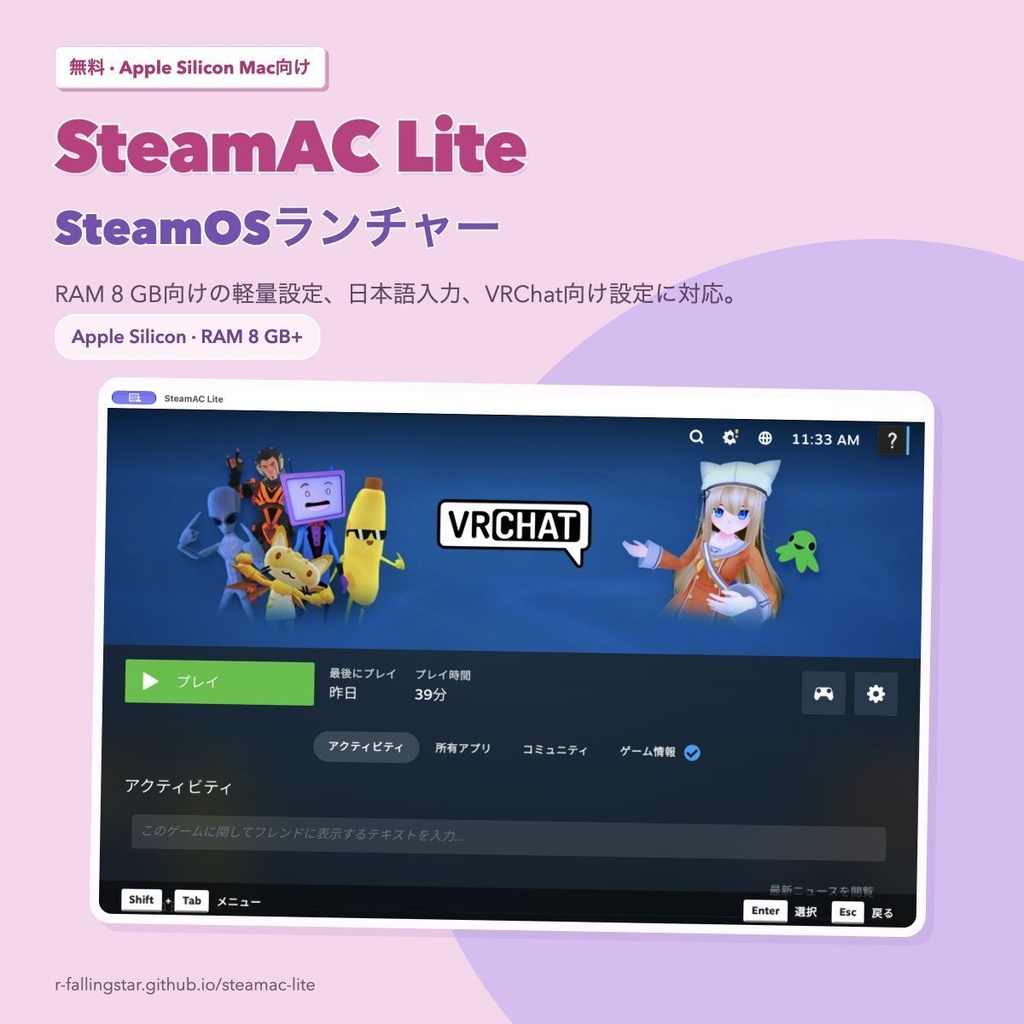
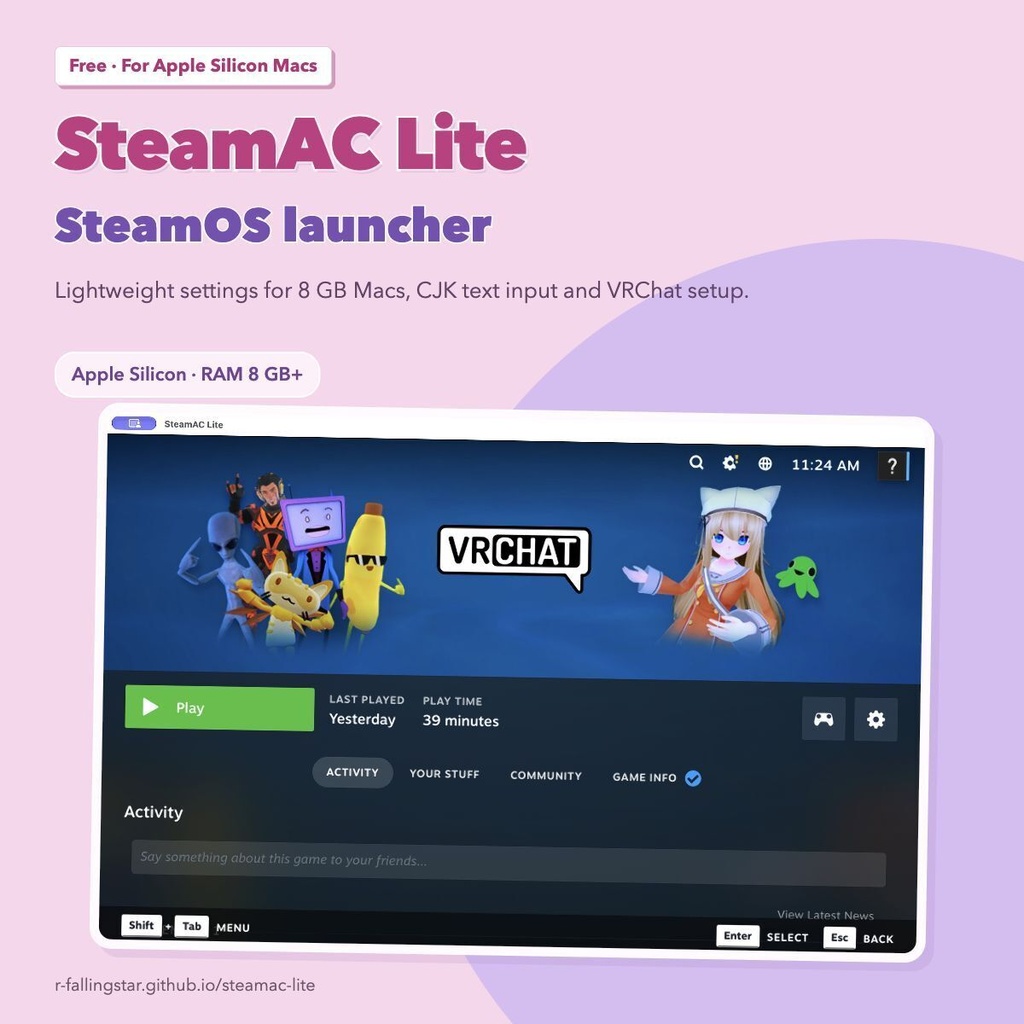
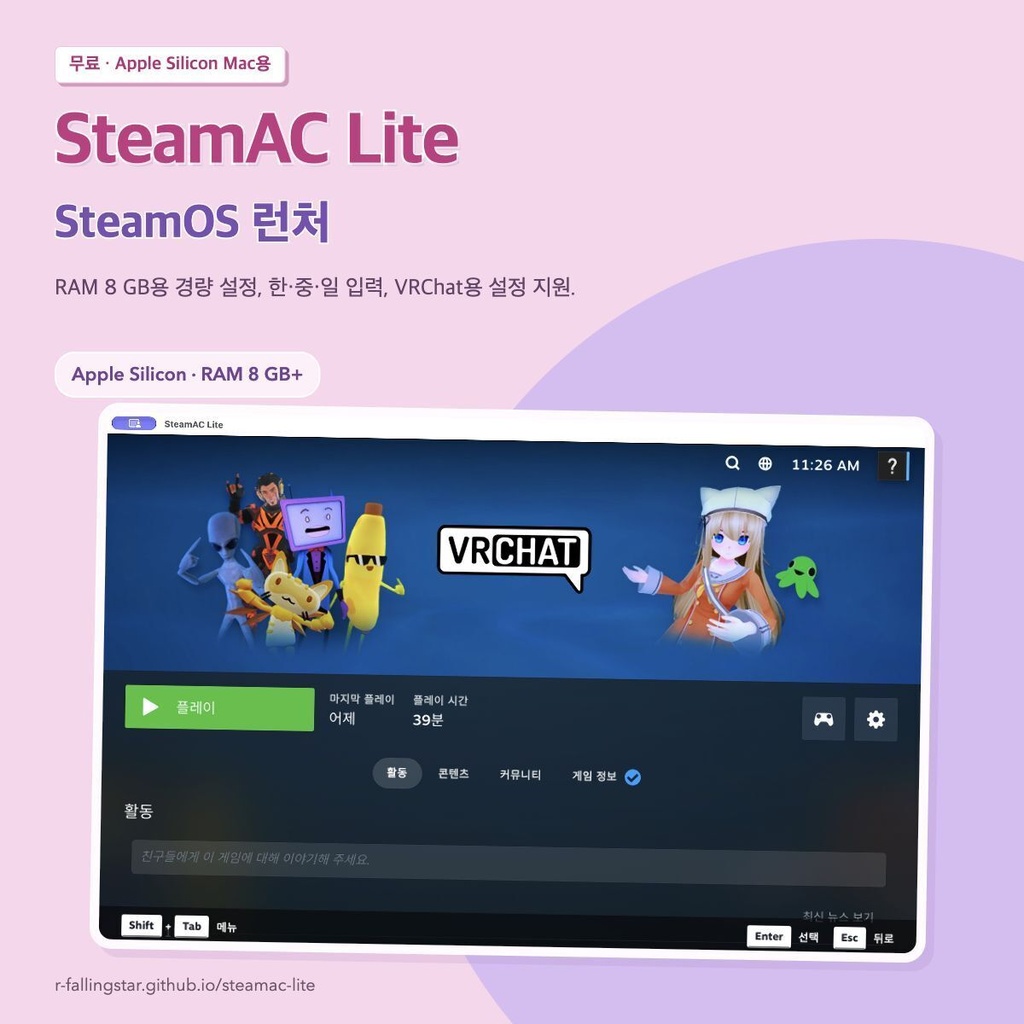
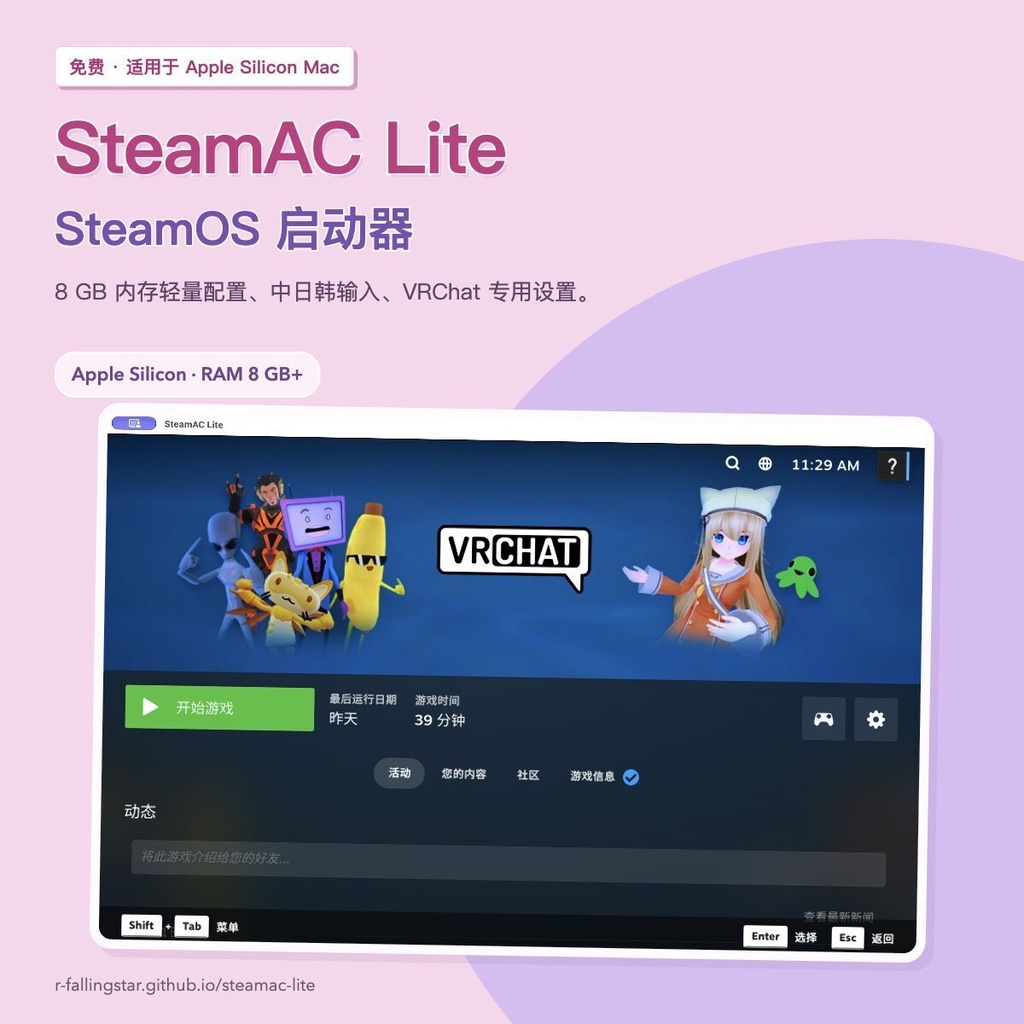


Apple Silicon MacでSteamOSを動かす無料ランチャーです。 SteamACをForkし、RAM 8 GB向けの軽量設定、日本語入力、VRChat向け設定などを追加しました。 このページではネットインストーラーを配布しています。起動するとGitHubからSteamAC Liteの最新版を取得します。 写真付きの導入ガイド https://r-fallingstar.github.io/steamac-lite/?lang=ja 日本語・英語・韓国語・簡体字中国語に対応しています。 作者のM1・RAM 8 GBのMacでVRChatの動作を確認しました。 English / 한국어 / 简体中文 の説明は下の言語別セクションをご覧ください。
主な機能
・MacのRAM容量に合わせたメモリ・解像度の初期設定 ・RAM 8 GB向けの軽量設定とゲスト用スワップ ・画面更新は既定で60 Hz ・日本語・中国語(ピンイン)・韓国語(2ボル式)の入力 ・US/JISの物理配列の自動判別 ・初回はMacの入力ソースを判別。アプリの表示言語とは別に設定 ・本体の表示言語は日本語・英語・韓国語・簡体字中国語・ロシア語 ・Steamへのマイク入力に対応
VRChat向け設定
FEX-Emu、Proton Experimental、Proton EasyAntiCheat Runtime、起動オプションの準備を進めます。Steamへのログインと、Steamに表示されるインストール確認はご自身で操作してください。VRChatは自動では起動しません。 作者のM1・RAM 8 GBのMacでVRChatの動作を確認しました。すべてのMacやワールドでの動作、フレームレートを保証するものではありません。
動作環境
・Apple Silicon Mac(M1以降) ・macOS 15.5以降 ・RAM 8 GB以上 ・初期作成用に20 GB程度と、ゲーム・スワップ用の空き容量 ・インターネット接続とご自身のSteamアカウント Intel Macには対応していません。8 GB向けスワップの初回作成時は、Mac側とSteamOS側の双方に8 GiB以上の空きが必要です。
導入方法
1. ZIPを展開し、Install SteamAC Lite.appを開きます。 2. 「インストール」を押して最新版を取得します。 3. 完了したら「SteamAC Liteを開く」を押し、表示言語、SteamOSの準備、Steamへのログインを進めます。 本体を入れた後の操作は上の導入ガイドをご覧ください。
配布内容
ネットインストーラー:1.0.0 ・Install SteamAC Lite.app ・はじめに、ライセンスとソースコードへのリンク 本体は起動時にGitHub Releaseから最新版をダウンロードします。インターネット接続が必要です。 SteamOSとゲームは本体の導入後に別途ダウンロードします。 インストーラーと本体は実験版です。Appleの公証は受けていません。macOSの確認が表示された場合は、入手元を確認し、導入ガイドに沿ってご自身で許可してください。 既存のSteamOSディスクと設定は引き継ぎます。更新時はSteamAC Liteを終了してください。
開発元・ライセンス
SteamACを元にした非公式のForkです。Valve・VRChat等の公式製品ではありません。 上流プロジェクト:https://github.com/StonkGuy/steamac このForkのソース・更新履歴:https://github.com/r-fallingstar/steamac-lite 最新版:https://github.com/r-fallingstar/steamac-lite/releases インストーラーとランチャーのライセンスはApache License 2.0です。同梱ソフトウェアにはそれぞれのライセンスが適用されます。インストーラーのLICENSE、NOTICEと本体のlicensesフォルダをご確認ください。
English
SteamAC Lite is a free SteamOS launcher for Apple Silicon Macs. It is a fork of SteamAC with lighter defaults for Macs with 8 GB RAM, CJK text input and VRChat setup. I tested VRChat on my own M1 Mac with 8 GB RAM and confirmed that it runs. This is an experimental build; performance in every world, long sessions and compatibility with other Macs have not been verified. Features Memory and resolution defaults follow your Mac's RAM capacity. An 8 GB profile and guest swap are available. Display refresh defaults to 60 Hz; this is not a guarantee of 60 fps in games. The app supports English, Japanese, Korean, Simplified Chinese and Russian. Japanese, Chinese Pinyin and Korean 2-set input are included. Initial setup detects the Mac's selected input source independently of the app language and physical US/JIS keyboard geometry. Existing SteamOS input settings are kept. Microphone input is supported. VRChat setup The app prepares FEX-Emu, Proton Experimental, Proton EasyAntiCheat Runtime and launch options. Sign in to Steam and confirm any installation prompts yourself. VRChat is not started automatically. Requirements Apple Silicon Mac (M1 or later), macOS 15.5 or later, and at least 8 GB RAM. Intel Macs are not supported. Allow about 20 GB for initial setup, plus space for games and swap. Creating the 8 GB profile's swap requires at least 8 GiB free on both the Mac and the SteamOS disk. Internet access and your own Steam account are required. Installation Extract the ZIP and open Install SteamAC Lite.app. Choose Install to download the latest app from GitHub. When it finishes, choose Open SteamAC Lite, then select the app language, prepare the SteamOS disk and sign in to Steam. The guide below explains the steps after installation. The installer and app are not notarized by Apple. If macOS shows a security prompt, check the download source and follow the guide to allow it yourself. Existing SteamOS disks and settings are kept. Quit SteamAC Lite before updating it. English setup guide https://r-fallingstar.github.io/steamac-lite/en/ Download contents Online installer 1.0.0: Install SteamAC Lite.app, a quick-start guide, license notices and source links. The installer checks GitHub releases and downloads the latest app when opened. Internet access is required. SteamOS and games are downloaded separately after installing the app. No SteamOS disk, Steam account data or game files are included. Source and licenses This is an unofficial fork of StonkGuy/steamac and is not an official Valve or VRChat product. The installer and launcher use Apache License 2.0. Components in the downloaded app retain their own licenses. See the installer's LICENSE and NOTICE and the app's licenses folder. Upstream: https://github.com/StonkGuy/steamac Source and updates: https://github.com/r-fallingstar/steamac-lite Latest releases: https://github.com/r-fallingstar/steamac-lite/releases
한국어
SteamAC Lite는 Apple Silicon Mac에서 SteamOS를 실행하는 무료 런처입니다. SteamAC를 포크하여 RAM 8 GB용 경량 설정, 일본어·중국어·한국어 입력과 VRChat용 설정을 추가했습니다. 제 M1·RAM 8 GB Mac에서 VRChat이 동작하는 것을 직접 확인했습니다. 실험 버전이며 모든 월드와 Mac에서의 성능이나 장시간 안정성을 확인한 것은 아닙니다. 주요 기능 Mac의 RAM 용량에 맞는 메모리와 해상도 기본값을 제공합니다. 8 GB용 경량 프로파일과 게스트 스왑을 사용할 수 있습니다. 기본 화면 주사율은 60 Hz이며 게임 내 60 fps를 보장하지는 않습니다. 앱은 일본어·영어·한국어·중국어 간체·러시아어를 지원합니다. 일본어, 중국어 병음과 한국어 두벌식 입력을 사용할 수 있습니다. 처음에는 앱의 표시 언어 및 물리 US/JIS 배열과 별도로 Mac에서 선택한 입력 소스를 감지합니다. 기존 SteamOS 입력 설정은 유지됩니다. 마이크 입력도 지원합니다. VRChat용 설정 FEX-Emu, Proton Experimental, Proton EasyAntiCheat Runtime과 실행 옵션을 준비합니다. Steam 로그인과 설치 확인 창은 직접 조작해 주세요. VRChat은 자동으로 실행하지 않습니다. 동작 환경 Apple Silicon Mac(M1 이상), macOS 15.5 이상, RAM 8 GB 이상이 필요합니다. Intel Mac은 지원하지 않습니다. 초기 설정용으로 약 20 GB와 게임·스왑용 여유 공간이 필요합니다. 8 GB 프로파일의 스왑을 처음 만들 때는 Mac과 SteamOS 디스크 양쪽에 각각 8 GiB 이상의 여유 공간이 있어야 합니다. 인터넷과 본인의 Steam 계정도 필요합니다. 설치 방법 ZIP을 풀고 Install SteamAC Lite.app을 여세요. “설치”를 눌러 GitHub에서 최신 앱을 다운로드하세요. 완료되면 “SteamAC Lite 열기”를 누르고 앱 언어를 선택한 후 SteamOS 준비와 Steam 로그인을 진행하세요. 설치 이후의 과정은 아래 가이드를 참고하세요. 설치 프로그램과 앱은 Apple의 공증을 받지 않았습니다. macOS 확인 창이 표시되면 다운로드 출처를 확인하고 가이드에 따라 직접 허용하세요. 기존 SteamOS 디스크와 설정은 유지됩니다. 업데이트할 때는 SteamAC Lite를 먼저 종료하세요. 한국어 설치 가이드 https://r-fallingstar.github.io/steamac-lite/ko/ 배포 내용 온라인 설치 프로그램 1.0.0: Install SteamAC Lite.app, 시작 안내, 라이선스 안내와 소스 링크가 포함됩니다. 실행하면 GitHub 릴리스를 확인하고 최신 앱을 다운로드합니다. 인터넷 연결이 필요합니다. SteamOS와 게임은 앱 설치 후 별도로 다운로드합니다. SteamOS 디스크, Steam 로그인 정보와 게임 파일은 포함하지 않습니다. 소스와 라이선스 StonkGuy/steamac의 비공식 포크이며 Valve나 VRChat의 공식 제품이 아닙니다. 설치 프로그램과 런처는 Apache License 2.0입니다. 다운로드한 앱에 포함된 소프트웨어에는 각각의 라이선스가 적용됩니다. 설치 프로그램의 LICENSE, NOTICE와 앱의 licenses 폴더를 확인하세요. 원본: https://github.com/StonkGuy/steamac 소스와 업데이트: https://github.com/r-fallingstar/steamac-lite 최신 배포: https://github.com/r-fallingstar/steamac-lite/releases
简体中文
SteamAC Lite 是在 Apple Silicon Mac 上运行 SteamOS 的免费启动器。它基于 SteamAC 的 Fork,增加了适合 8 GB 内存 Mac 的轻量配置、中日韩文字输入和 VRChat 专用设置。 我已在自己的 M1、8 GB 内存 Mac 上确认 VRChat 可以运行。这是实验版本,尚未验证所有世界、其他 Mac 的性能和长时间运行的稳定性。 主要功能 根据 Mac 的内存容量选择初始内存和分辨率,提供 8 GB 轻量配置及虚拟机交换空间。默认显示刷新率为 60 Hz,不保证游戏内达到 60 fps。 应用支持日语、英语、韩语、简体中文和俄语。可使用日语、中文拼音和韩语两套式输入。首次设置会检测 Mac 当前选择的输入源,与界面语言及物理 US/JIS 布局分别处理。已有 SteamOS 输入设置保持不变,也支持麦克风输入。 VRChat 专用设置 应用会准备 FEX-Emu、Proton Experimental、Proton EasyAntiCheat Runtime 和启动选项。请自行登录 Steam,并确认出现的安装提示。不会自动启动 VRChat。 运行要求 Apple Silicon Mac(M1 或更新机型)、macOS 15.5 或更新版本、至少 8 GB 内存。不支持 Intel Mac。初始设置需要约 20 GB 空间,另需预留游戏和交换空间。首次创建 8 GB 配置的交换空间时,Mac 和 SteamOS 磁盘各需至少 8 GiB 可用空间。还需要网络连接和您自己的 Steam 账号。 安装方法 解压 ZIP,打开 Install SteamAC Lite.app。点击「安装」,从 GitHub 下载最新版应用。完成后点击「打开 SteamAC Lite」,选择应用语言、准备 SteamOS 磁盘并登录 Steam。安装后的操作请参阅下方指南。安装器和应用均未经 Apple 公证。若 macOS 显示安全提示,请确认下载来源,并按照指南自行允许。已有的 SteamOS 磁盘和设置会保留。更新前请先退出 SteamAC Lite。 简体中文安装指南 https://r-fallingstar.github.io/steamac-lite/zh-CN/ 下载内容 在线安装器 1.0.0:包含 Install SteamAC Lite.app、入门说明、许可证说明和源代码链接。打开后会检查 GitHub 发布版本并下载最新版应用,需要互联网连接。SteamOS 和游戏在应用安装后另行下载。不包含 SteamOS 磁盘、Steam 登录信息或游戏文件。 源代码和许可证 本项目是 StonkGuy/steamac 的非官方 Fork,并非 Valve 或 VRChat 的官方产品。安装器和启动器使用 Apache License 2.0。下载的应用所含组件各自保留其许可证。详见安装器中的 LICENSE、NOTICE 和应用内的 licenses 文件夹。 上游项目:https://github.com/StonkGuy/steamac 源代码和更新:https://github.com/r-fallingstar/steamac-lite 最新版本:https://github.com/r-fallingstar/steamac-lite/releases