

ミレド Miredo FaceTrackingAddon
- ダウンロード商品¥ 1,000
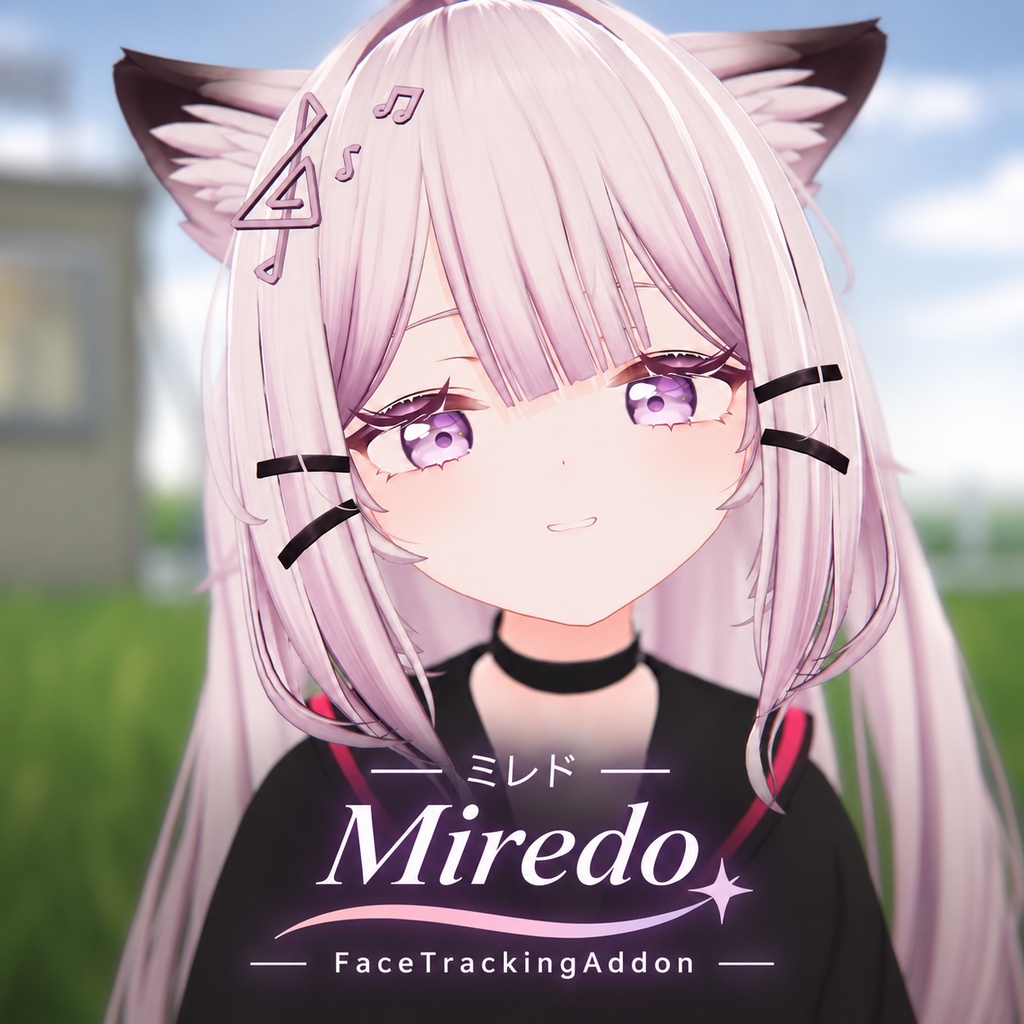
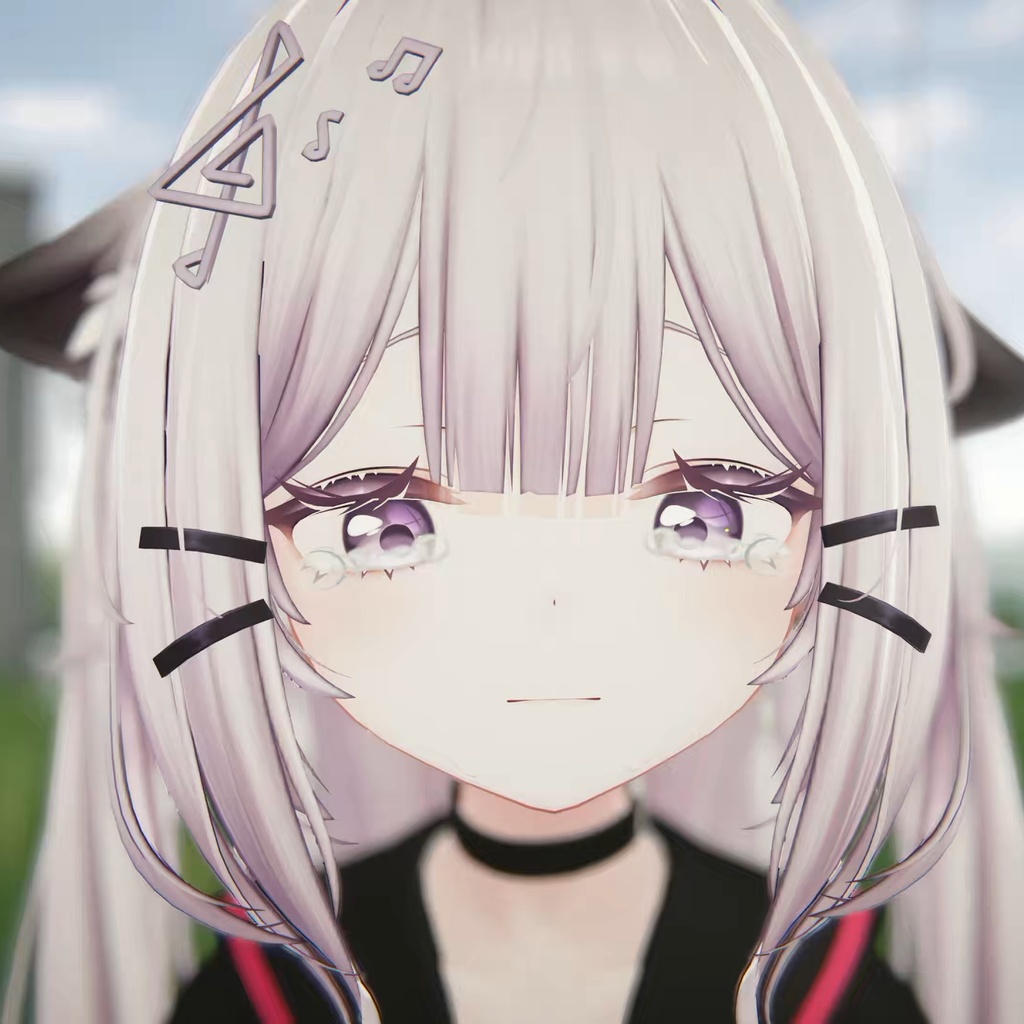
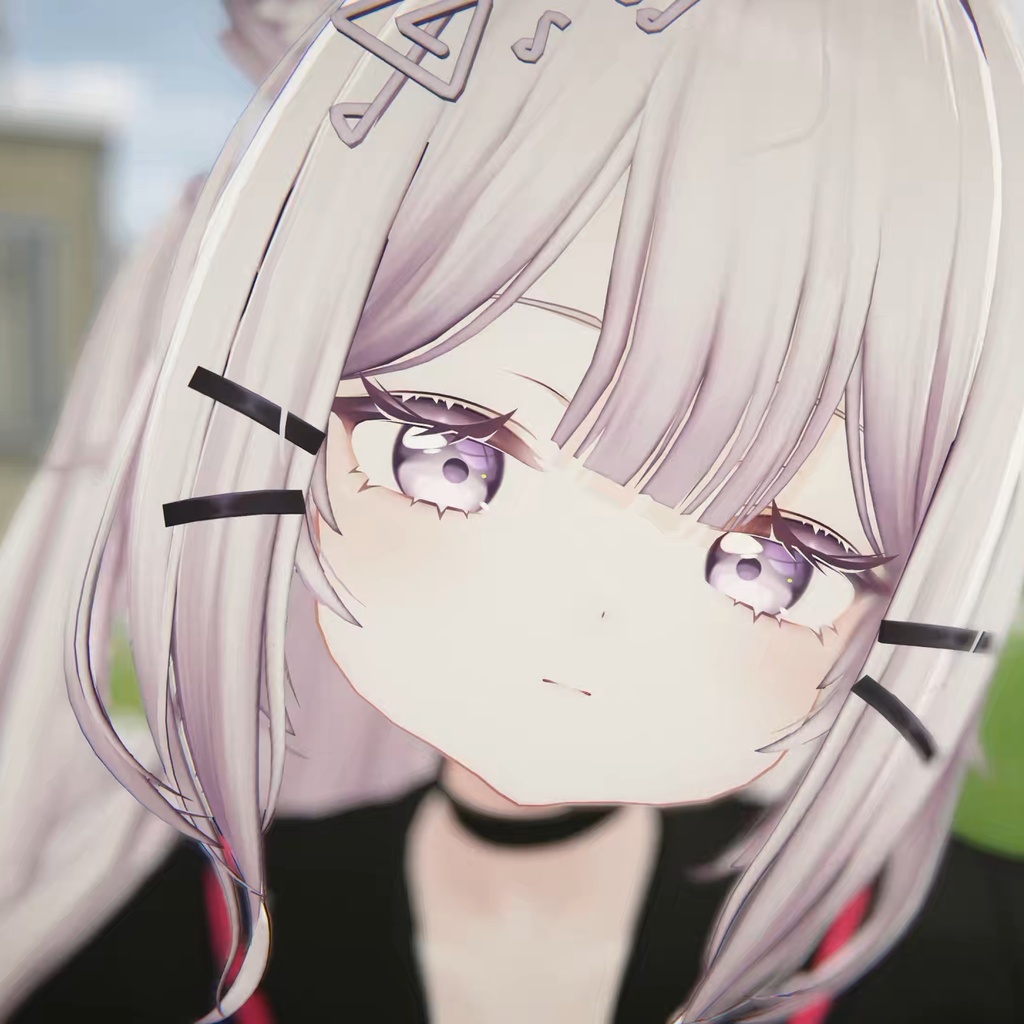
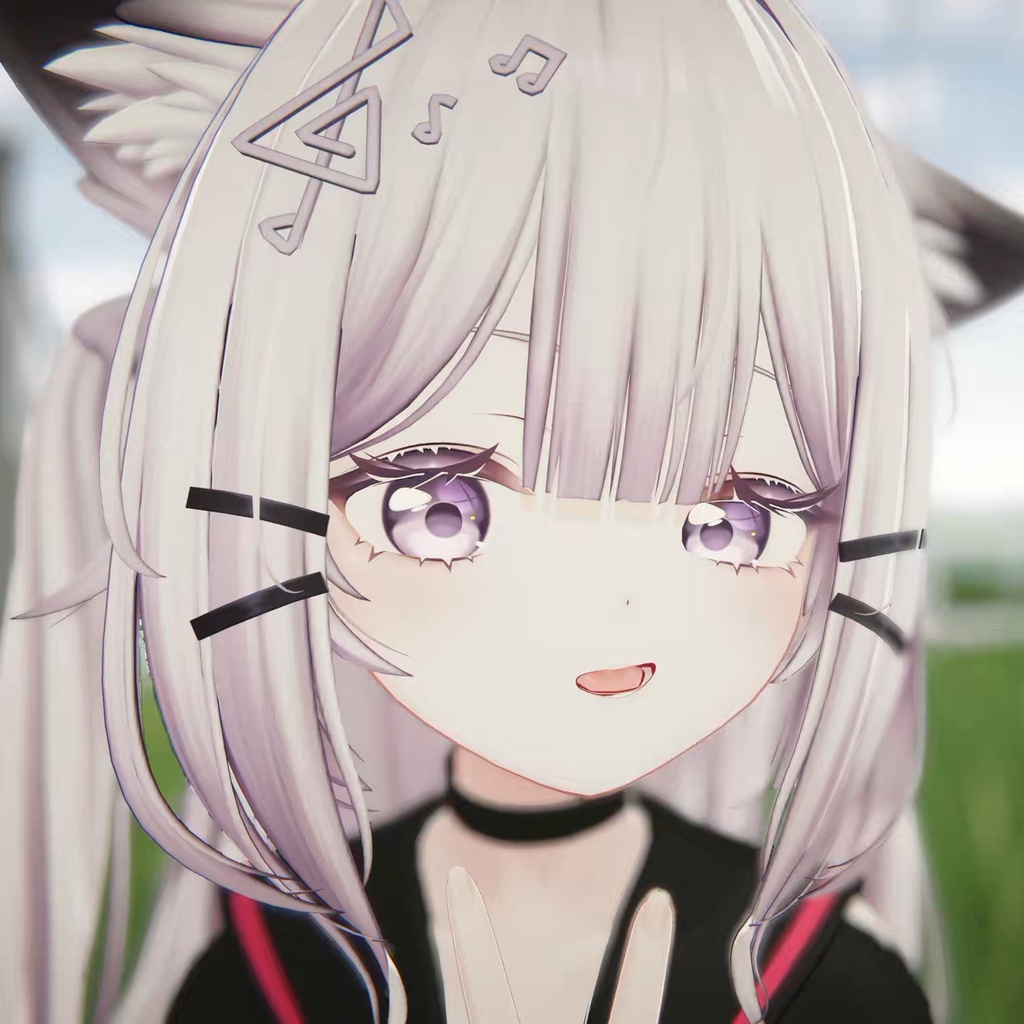


日本語 「ミレド -Miredo-」用のVRChatフェイストラッキング・アイトラッキングアドオンです。 トラッキング機器で取得した表情や視線を Miredo で表現するための設定を提供します。Miredo Prefit/Sotai v1.0.0 に対応し、ネイティブ経路と従来経路の両方を同梱しています。内蔵マッピング、スムージング、モデル補正を組み合わせて動作します。 【ネイティブ経路と従来経路】 ネイティブ経路では VRChat が UE データを受信・同期し、Animator のマッピングとスムージングを組み合わせて動作します。従来経路では旧 FT/v2 のカスタムアバターパラメーターを使用し、Jerry テンプレートが受信・同期を行います。導入時にどちらか一方を選択してください。経路を変更した後は、保存してアバターを再アップロードする必要があります。 【必要なもの】 ・VRChat用オリジナル3Dモデル「ミレド -Miredo-」v1.0.0 をご購入ください: https://booth.pm/zh-cn/items/8906276 ・Unity 2022.3.22f1、VRChat Avatars SDK 3.10.6 または互換性のある更新版、VRCFury、Modular Avatar、lilToon。 ・選択した経路の出力に対応する VRCFaceTracking と必要なデバイスモジュールをインストールし、VRChat で OSC を有効にしてください: https://docs.vrcft.io/ 【導入】 原モデル、依存アセット、本商品の unitypackage を Unity プロジェクトにインポートしてください。Miredo をシーンに配置して選択し、「Tools → shi_yin FT → Install or Refresh」を実行します。ダイアログでネイティブ経路または従来経路を選択し、完了後に保存してアップロードしてください。詳しい導入方法と更新手順は同梱の README をご確認ください。 【ご購入前に】 本商品はモデル対応用リソースのみを提供し、アバター本体やトラッキング機器は付属しません。PC向けです。Android/Quest は未検証です。顔の構造を改変したモデルには追加調整が必要になる場合があります。動作結果は機器やソフトウェアの設定によって異なります。原モデルの利用規約も遵守してください。 【利用規約】 本アドオン独自の内容物の再配布、自作発言を禁止します。第三者のリソースには各ライセンスが適用されます。商品の性質上、返金・補償には対応していません。 制作・設定:shi_yin https://shi-yin.booth.pm/ 翻訳に相違がある場合は中国語版を優先します。 中文 适用于「ミレド -Miredo-」的 VRChat 面部捕捉与眼动追踪插件。 通过配套适配设置,让 Miredo 表现追踪设备采集的面部表情与视线变化。适配 Miredo Prefit/Sotai v1.0.0,内置原生与传统两条路径,配合内置映射、平滑和模型校准。 【原生与传统路径】 原生路径由 VRChat 原生接收与同步 UE 数据,配合 Animator 映射和平滑;传统路径使用旧 FT/v2 自定义 Avatar 参数,由 Jerry 模板接收与同步。安装时二选一,更换路径后需要保存并重新上传。 【使用前准备】 ・购买原版 VRChat 用原创3D模型「ミレド -Miredo-」v1.0.0: https://booth.pm/zh-cn/items/8906276 ・Unity 2022.3.22f1、VRChat Avatars SDK 3.10.6 或更新的兼容版、VRCFury、Modular Avatar、lilToon。 ・安装支持所选路径输出的 VRCFaceTracking 和对应设备模块,并在 VRChat 中启用 OSC: https://docs.vrcft.io/ 【安装方法】 将原模型、依赖和本商品的 unitypackage 导入 Unity 工程。把 Miredo 放入场景,选中模型后执行「Tools → shi_yin FT → Install or Refresh」,在提示框中选择原生或传统路径,完成后保存并上传。详细操作和更新步骤请参阅包内 README。 【购买须知】 本商品仅提供适配资源,不包含模型本体或追踪硬件。面向 PC,Android/Quest 未验证。面部结构经过修改的模型可能需要额外调整,效果取决于设备与软件配置。使用时须同时遵守原模型的条款。 【使用条款】 禁止重新分发本适配独有内容或宣称为自己的作品;第三方资源依各自许可。由于商品性质特殊,不支持退款与补偿。 制作与配置:shi_yin https://shi-yin.booth.pm/ 如翻译内容存在差异,以中文版本为准。 English A VRChat face and eye tracking add-on for “ミレド -Miredo-”. Provides settings that let Miredo reproduce facial expressions and gaze captured by tracking devices. Supports Miredo Prefit/Sotai v1.0.0 and includes both native and traditional paths, with bundled mappings, smoothing, and model calibration. 【Native and Traditional Paths】 The native path uses VRChat to receive and synchronize UE data, together with Animator mappings and smoothing. The traditional path uses legacy FT/v2 custom avatar parameters, received and synchronized by the Jerry template. Choose one path during installation. After changing paths, save and upload the avatar again. 【Requirements】 ・Purchase the original VRChat 3D avatar “ミレド -Miredo-” v1.0.0: https://booth.pm/zh-cn/items/8906276 ・Unity 2022.3.22f1, VRChat Avatars SDK 3.10.6 or a newer compatible version, VRCFury, Modular Avatar, and lilToon. ・Install VRCFaceTracking with output support for the selected path and the required device module, and enable OSC in VRChat: https://docs.vrcft.io/ 【Installation】 Import the original model, dependencies, and this product's unitypackage into your Unity project. Place Miredo in the scene, select the avatar, and run “Tools → shi_yin FT → Install or Refresh.” Choose the native or traditional path in the dialog, then save and upload. See the included README for detailed installation and update instructions. 【Before Purchasing】 This product contains adaptation resources only; the avatar and tracking hardware are not included. It targets PC; Android/Quest is unverified. Avatars with modified facial geometry may need additional adjustments. Results depend on your hardware and software configuration. You must also comply with the original model's terms. 【Terms of Use】 Redistribution of this add-on's original content and claiming authorship are prohibited. Third-party resources remain subject to their respective licenses. Due to the nature of this product, refunds and compensation are unavailable. Created and configured by shi_yin https://shi-yin.booth.pm/ The Chinese text takes precedence if translations differ. Face tracking blendshapes are animated by Adjerry91's Face Tracking Templates: https://github.com/Adjerry91/VRCFaceTracking-Templates