
【Warudo】MINERVA PEEPHOLE|玄関ドアの覗き穴&ドアの隙間マップ
- ダウンロード商品¥ 0
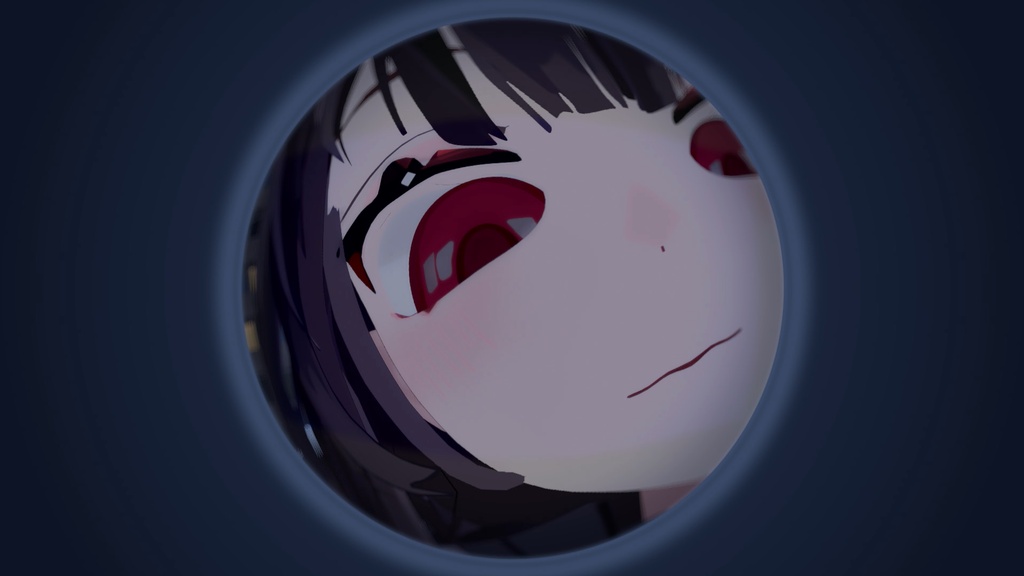
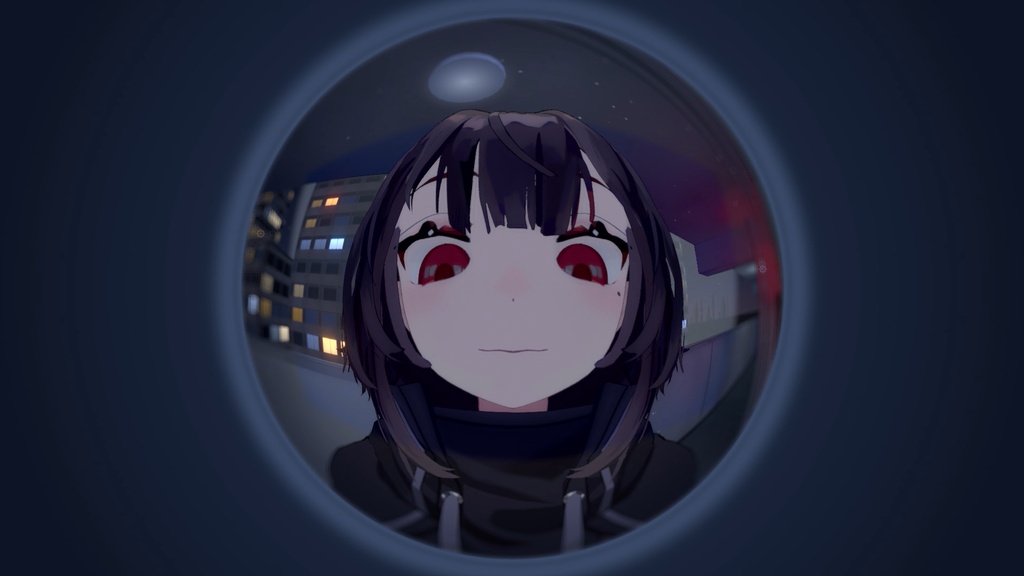
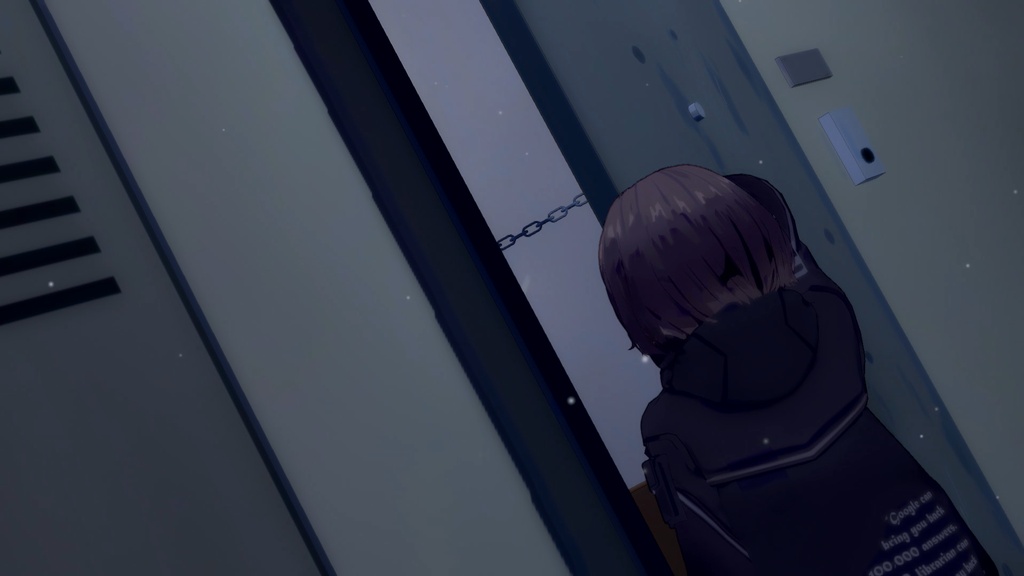
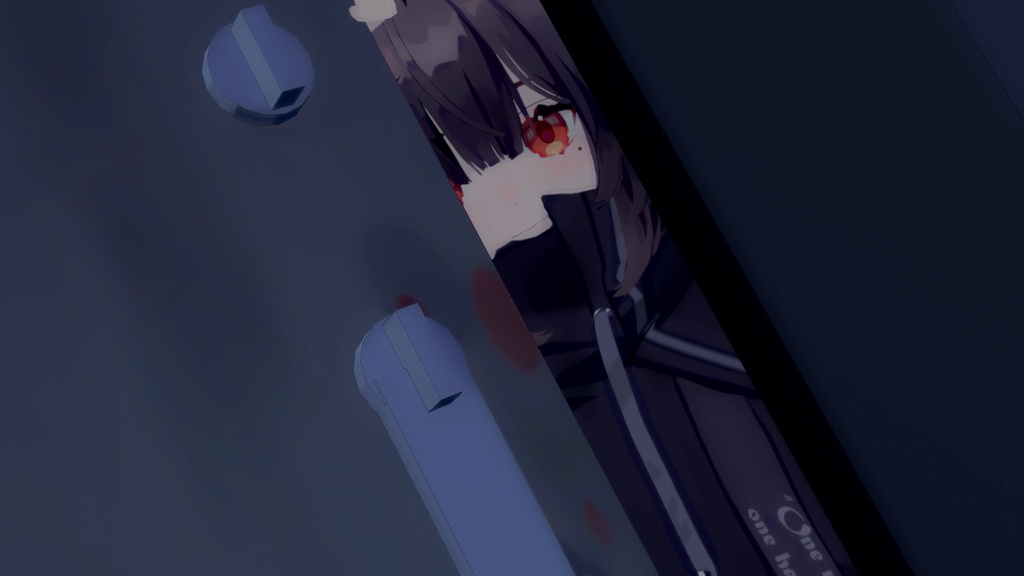
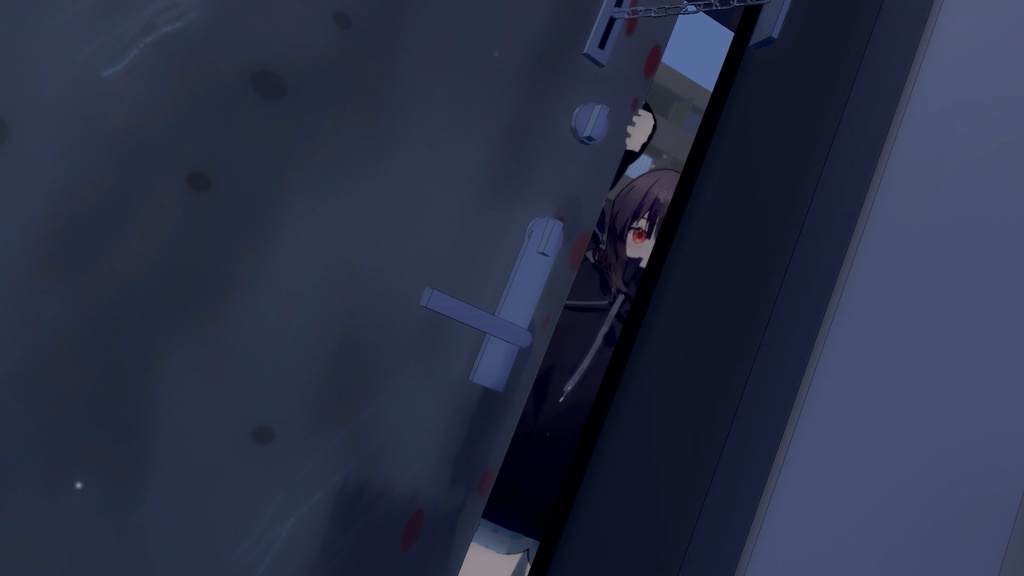


夜のマンション外廊下、玄関ドアの前。 部屋の中から「覗き穴」と「ドアの隙間」越しにあなたのアバターを映す、Warudo 用マップです。 ■ 2つの視点 ・ドアスコープ(覗き穴) 玄関ドアの覗き穴から外を見る魚眼レンズの画面。 中央のふくらみ・傾き・距離を調整でき、片目のどアップから廊下に立つ全身まで撮れます。 ・ドアの隙間 チェーンを掛けたままドアを少し開け、隙間から覗く傾いたアングル。 アバターが自動でドアの縁を手でつかみます。 ■ かんたん操作 「① 視点」と「② 演出」を選ぶだけで、カメラとアバターが自動で位置につきます。 マップを読み込むと操作パネルが自動で追加されるので、入れてすぐ使えます。 ■ 収録演出(プリセット) [ドアスコープ]片目を近づけて(魚眼クローズアップ)/顔いっぱい/廊下に立つ姿 [ドアの隙間]片目+ドアをつかむ手(傾いたアングル)/体をもっと見せる ※ 演出を選んだあとも、各項目を自由に調整できます。 ■ 内容物 ・MinervaPeephole.warudo(マップ) ・MinervaPeepholeControl.warudo(視点操作パネル) ・説明書(日本語/英語/韓国語) ■ 動作環境 ・Warudo 0.15 以上(0.15.1 で制作・動作確認) ・操作パネルは Warudo の言語設定に合わせて日本語/英語/韓国語で表示されます ・アバターは含まれません。お手持ちのアバターでお使いください ■ インストール 1. Warudo を終了 2. Steam ライブラリで Warudo を右クリック → 管理 → ローカルファイルを閲覧 3. MinervaPeephole.warudo を Warudo_Data\StreamingAssets\Environments に、 MinervaPeepholeControl.warudo を Warudo_Data\StreamingAssets\Plugins に入れる 4. Warudo を起動し、「環境」で MinervaPeephole を選ぶ 詳しくは同梱の説明書(README_JA.txt)をご覧ください。 ■ ご注意 ・ドアの隙間の視点では、アバターの「右手 IK」と「右手のポーズ」を一時的に使用します(視点を切り替えると元に戻ります) ・ドアスコープ視点ではカメラを2台使うため、GPU の負荷が少し増えます ■ 利用規約 ・配信・動画・SNS での使用:OK ・ファイルの改変・データの抽出(モデル・テクスチャ等の取り出し):禁止 ・再配布・販売(改変したものを含む):禁止 制作:요망 Yomang(Minerva Library) A Japanese apartment's outdoor corridor at night, right outside the front door. A Warudo map that shows your avatar from inside the apartment — through the door peephole, or through a door opened just a crack. ■ Two views ・Peephole A fisheye lens image looking out through the door viewer. Adjust the centre bulge, tilt and distance — from an extreme one-eye close-up to a full shot standing in the corridor. ・Door gap The door opened a crack on its chain, seen at a tilted angle. Your avatar automatically grips the edge of the door. ■ Easy to use Just pick "① View" and "② Look" — the camera and your avatar move into place automatically. The control panel is added automatically when the map loads, so it works right after installing. ■ Built-in looks (presets) [Peephole] One eye up close (fisheye close-up) / Face fills the lens / Standing in the corridor [Door gap] One eye + hand on the door (tilted angle) / Show more of the body * Every setting can still be fine-tuned after choosing a look. ■ Contents ・MinervaPeephole.warudo (map) ・MinervaPeepholeControl.warudo (view control panel) ・Guides (English / Japanese / Korean) ■ Requirements ・Warudo 0.15 or later (made and tested on 0.15.1) ・The control panel follows Warudo's language setting: English / Japanese / Korean ・No avatar included — use your own ■ Installation 1. Close Warudo 2. Steam Library → right-click Warudo → Manage → Browse local files 3. Put MinervaPeephole.warudo into Warudo_Data\StreamingAssets\Environments and MinervaPeepholeControl.warudo into Warudo_Data\StreamingAssets\Plugins 4. Start Warudo and choose MinervaPeephole in "Environment" See README_EN.txt in the download for details. ■ Notes ・In the door gap view the panel temporarily uses the avatar's Right Hand IK and right hand pose (restored when you switch view) ・The peephole view renders with two cameras, so it uses a little more GPU ■ Terms of use ・Streams, videos and social media: OK ・Modifying the files or extracting data (models, textures, etc.): prohibited ・Redistribution or resale (including modified versions): prohibited Made by Yomang (Minerva Library)