

リアルミラーボールシステム / Realistic Mirror Ball System【VRChat World 向け】
- ダウンロード商品¥ 600
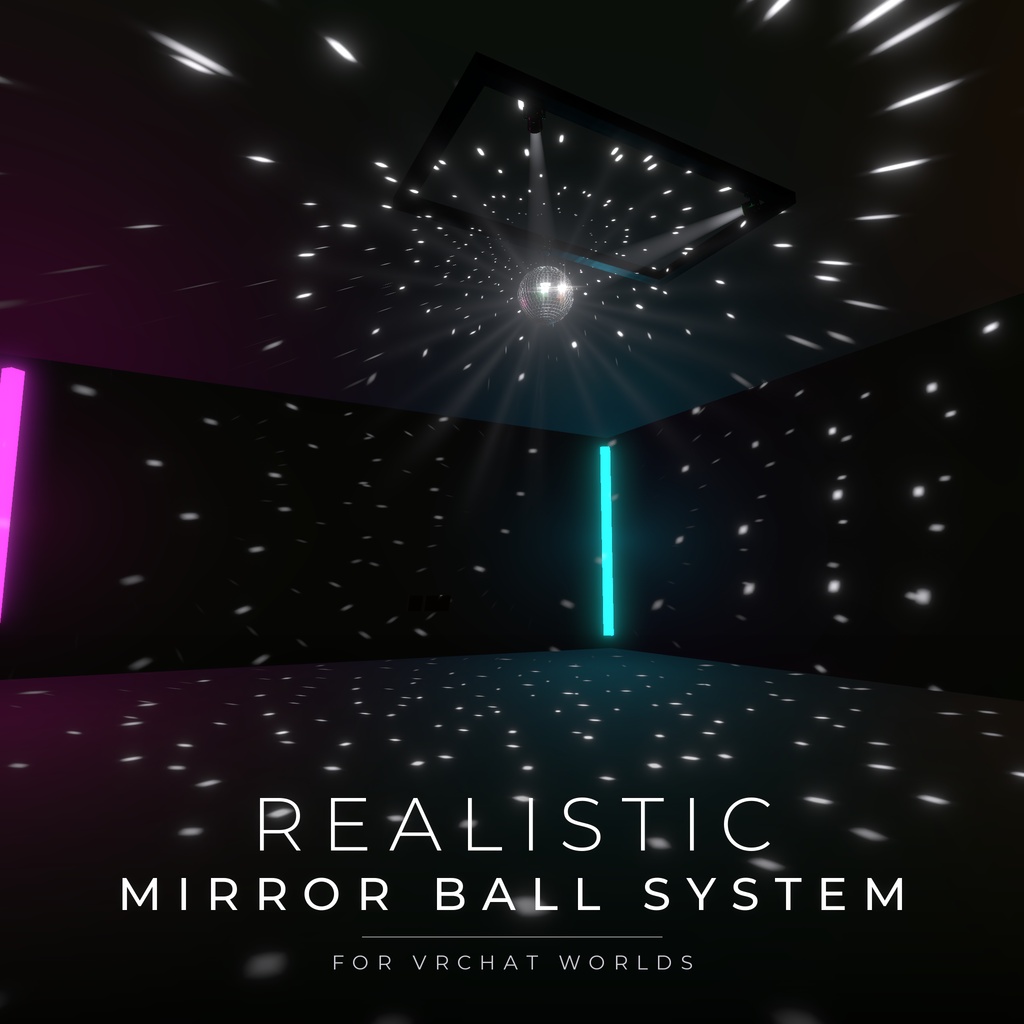
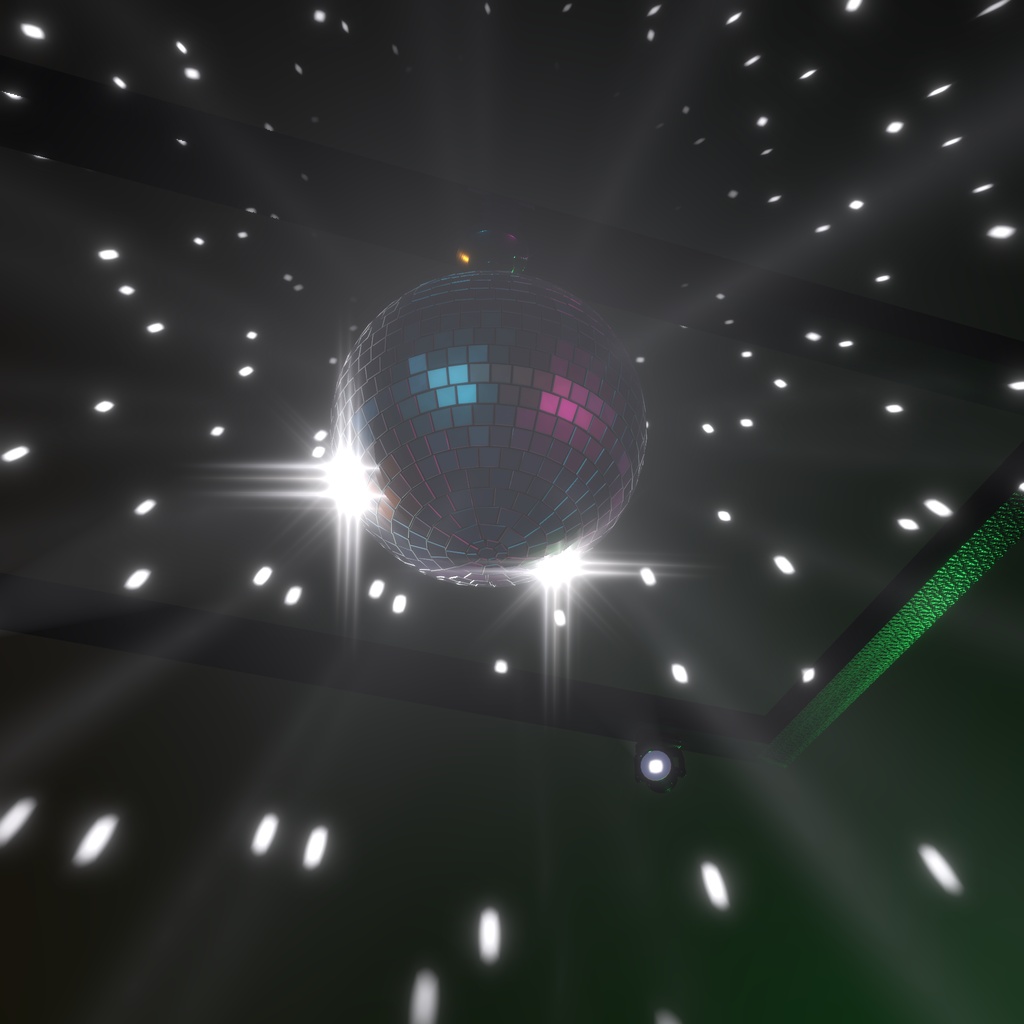
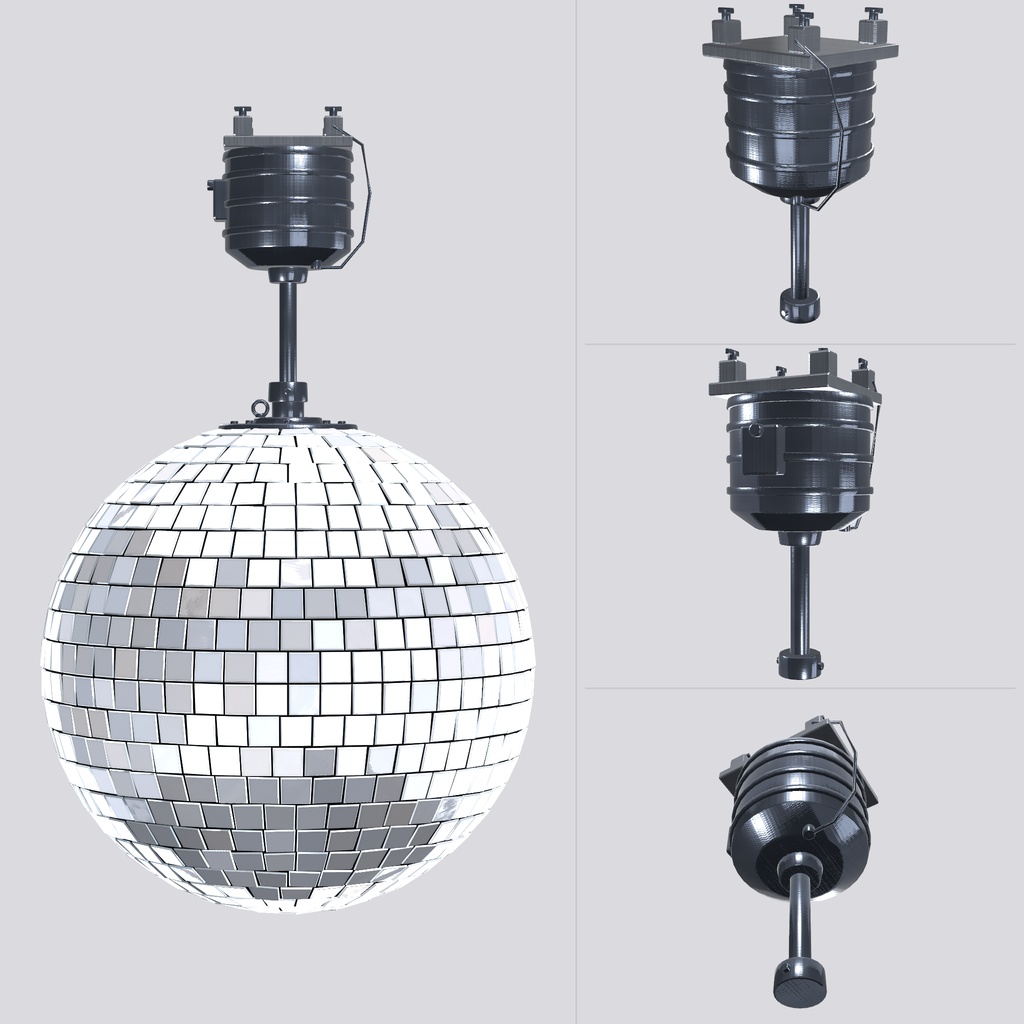
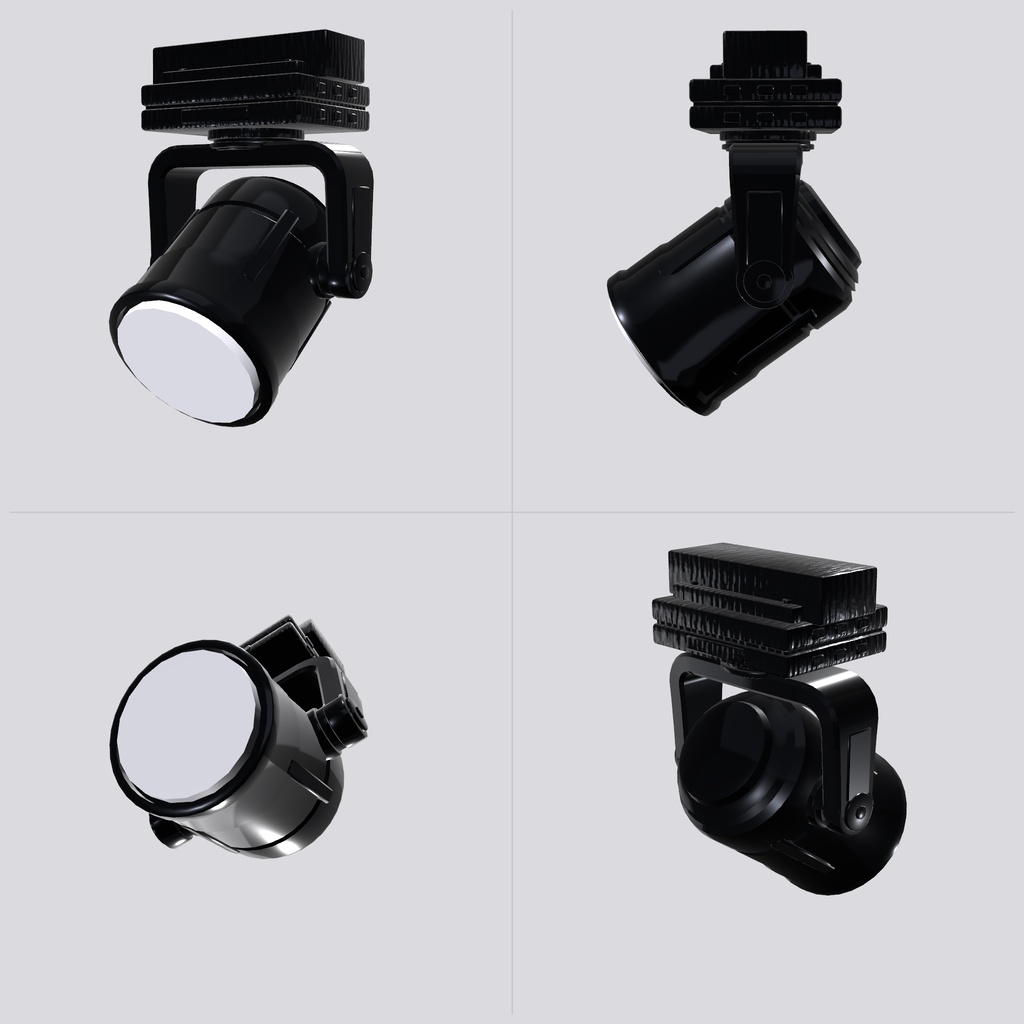


ピンスポットの光を受けたミラーボールが、無数の反射光を部屋中に散らす様子を再現する VRChat ワールド用ギミックです。 部屋を流れる反射光から、ミラーボール本体のきらめきまで、本物のミラーボールのようなリアルな輝きと美しさを追求しました。 ミラーボール本体の 3D モデルと専用シェーダー、ピンスポット、コントロールパネルをセットにしています。 -------------------- A VRChat world gimmick that recreates a mirror ball lit by pin-spots, scattering countless reflections across the room. From the reflections sweeping across the room to the sparkle of the ball itself, it pursues the realistic shine and beauty of a real mirror ball. Includes the mirror ball 3D model, dedicated shaders, pin-spots and a control panel.
デモワールド
VRChat内で実際の動作を確認できるデモワールドを公開しています。 https://vrchat.com/home/launch?worldId=wrld_14f6a5c1-ea53-4a00-baeb-59ce2666e966
主な特徴 / Features
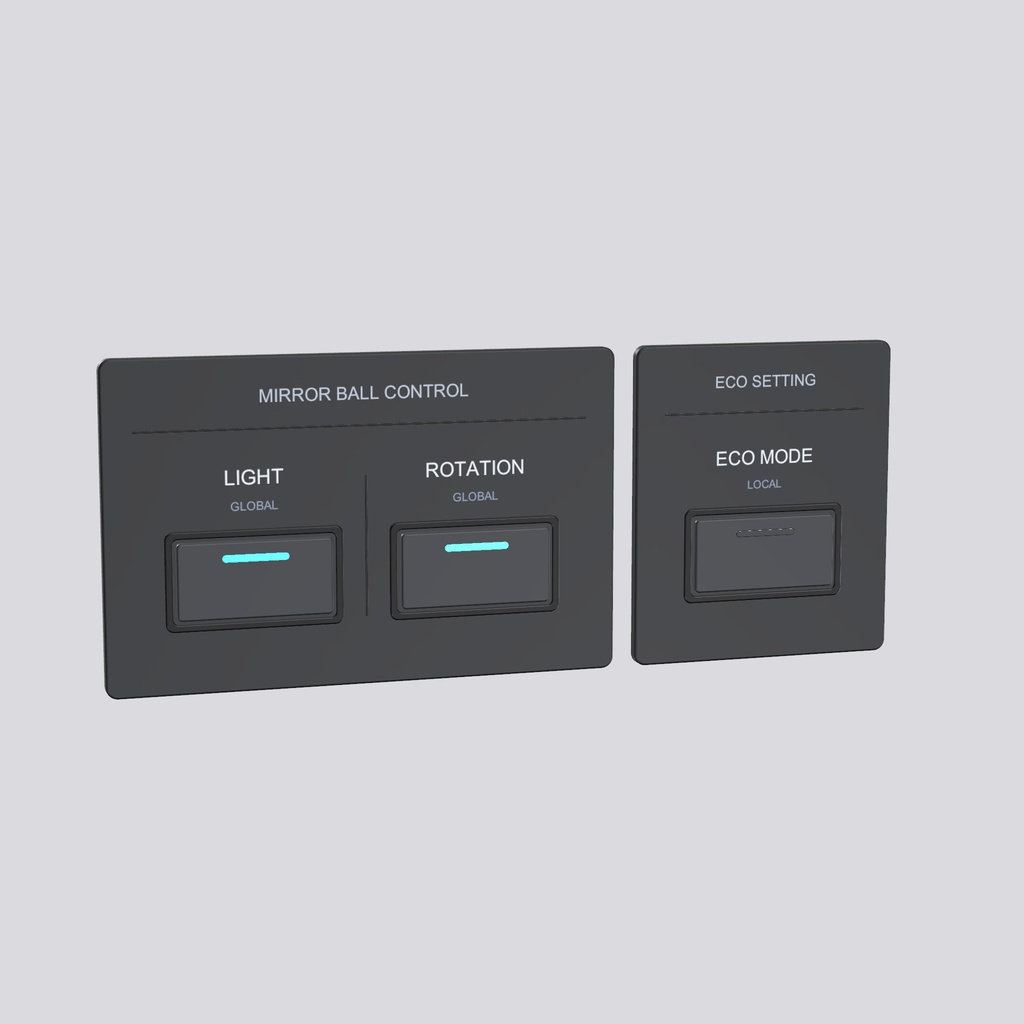
・反射光は部屋全体に広がり、壁・床・天井と、その場にいるアバターにも投影されます。 ・ミラーボール本体のきらめきも再現しています。回転に合わせて、ピンスポットの光を受けたミラーが 美しく輝きます。 ・パン・チルト機能付きの小型ムービングヘッドのピンスポットが付いています。ボタン 1 つでミラーボールへの向き合わせを自動で行うことができます。 ・ピンスポットごとに色を変えられ、最大 4 台分の光がそれぞれの色で反射します。 ・ライトと回転の ON/OFF を切り替えるコントロールパネル(グローバル)と、軽量化用の ECOモード切替スイッチ(ローカル)を同梱しています。 -------------------- - Reflections are projected onto the walls, floor, ceiling and the avatars in the room, regardless of the avatars' shaders. - The sparkle of the mirror ball itself is reproduced: as it turns, each mirror tile catches the pin-spot light and flashes. - Miniature moving-head pin-spots with Pan / Tilt. One button aims them at the mirror ball. - Each pin-spot can have its own color, and up to 4 pin-spots are reflected in their own colors. - Includes a control panel for Light / Rotation ON/OFF (Global) and an ECO mode switch for lighter rendering (Local). - No extra packages needed; VRChat SDK (Worlds) is all you need. Pin-spot beams react to sound if AudioLink is in the project (can be turned on/off per pin-spot). - Editor buttons automate the depth texture setup, linking pin-spots, and creating a reflection probe.
動作環境 / Requirements
・Unity 2022.3.22f1(VRChat 推奨バージョン) ・VRChat Creator Companion(VCC)で作成したワールド用プロジェクト ・VRChat SDK - Worlds(UdonSharp を含む) ・任意:AudioLink -------------------- - Unity 2022.3.22f1 (VRChat recommended version) - A world project created with VRChat Creator Companion (VCC) - VRChat SDK - Worlds (includes UdonSharp) - Optional: AudioLink
同梱物 / Contents
・RealisticMirrorBallSystem_vX.X.X.unitypackage(本体・サンプルワールド入り) ・マニュアル PDF(日本語・英語/Unity の画面写真付き) ・利用規約 PDF(VN3 ライセンス/日本語・英語) -------------------- - RealisticMirrorBallSystem_vX.X.X.unitypackage (includes a sample world) - Manual PDF (Japanese / English, with Unity screenshots) - Terms of use PDF (VN3 License, Japanese / English)
導入手順(簡易版) / Quick setup
1. unitypackage をインポートします。 2. MirrorBall_System と MirrorBall_PinSpot(1〜4 台)をシーンに置きます。 3. MirrorBall_System で「Find & Assign Pin-Spots in Scene」→「Auto-Aim Assigned Pin-Spots」の順に押します。 4. Play で確認します。 コントロールパネルの設置、リフレクションプローブのベイク、Bloom の設定などの詳しい手順は、同梱のマニュアル PDF をご覧ください。 -------------------- 1. Import the unitypackage. 2. Place MirrorBall_System and MirrorBall_PinSpot (1 to 4 units) in your scene. 3. On MirrorBall_System, click "Find & Assign Pin-Spots in Scene", then "Auto-Aim Assigned Pin-Spots". 4. Press Play to check. For the control panels, reflection probe baking, Bloom setup and other details, see the included PDF manual.
ご注意 / Note
・商品画像とサンプルワールドは、Bloom(ポストエフェクト)をかけた状態です。同じ見た目にするには、ワールド側にも Bloom を設定してください(設定方法はマニュアルに記載しています)。 -------------------- - The product images and the sample world use Bloom (a post effect). To get the same look, set up Bloom in your world as well (see the manual).
利用規約 / Terms of use
VN3 ライセンスで提供しています。ご購入・ご利用の前に、利用規約をご確認ください(日本語版が正文、英語版は参考訳です)。 ・VRChat ワールドでの利用:個人・法人、営利・非営利を問わず可能(Public ワールドを含む) ・改変:可能 ・再配布:未改変・改変済みのどちらも禁止 ・クレジット表記:不要(あると嬉しいです) 利用規約本文(PDF) 日本語(正文): https://drive.google.com/file/d/1ubyI7QuHWwqC8bstQzrsIyIxtqit7CJX/view?usp=drive_link 英語(参考訳): https://drive.google.com/file/d/1o_cxBrL86k5ywl66IvNICWFfHd3-qg4p/view?usp=drive_link -------------------- Provided under the VN3 License. Please read the terms of use before purchasing or using it (the Japanese version is authoritative; the English version is a reference translation). - Use in VRChat worlds: allowed for individuals and companies, commercial or non-commercial (including Public worlds) - Modification: allowed - Redistribution: not allowed, whether modified or unmodified - Credit: not required (but appreciated) Full terms of use (PDF) Japanese (authoritative): https://drive.google.com/file/d/1ubyI7QuHWwqC8bstQzrsIyIxtqit7CJX/view?usp=drive_link English (reference translation): https://drive.google.com/file/d/1o_cxBrL86k5ywl66IvNICWFfHd3-qg4p/view?usp=drive_link
お問い合わせ / Contact
Citrus store:https://kankitsu-vr.booth.pm/ X(Twitter):https://x.com/TakeSomeLime
更新履歴 / Version history
v1.0.2(2026年11月17日)ピンスポットのレンズが発光しない不具合と、サンプルワールドのNetwork IDエラーを修正 v1.0.1(2026年11月17日)反射光にAudioLinkが反映されない不具合を修正 v1.0.0(2026年11月17日)初版 -------------------- v1.0.2 (November 17 2026) Fixed the Pin-Spot lens not glowing and a Network ID error in the sample world. v1.0.1 (November 17 2026) Fixed an issue where AudioLink was not reflected in reflected light. v1.0.0 (November 17 2026) First release