

Shoes Off Plugin
- ダウンロード商品¥ 0
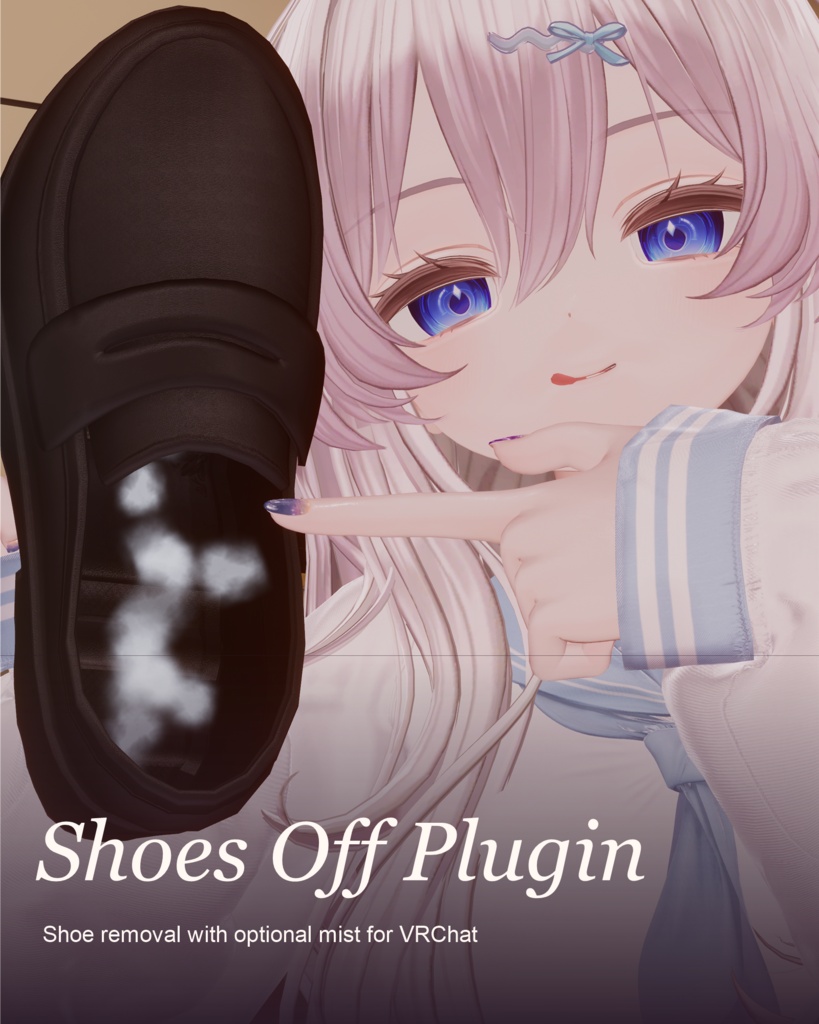
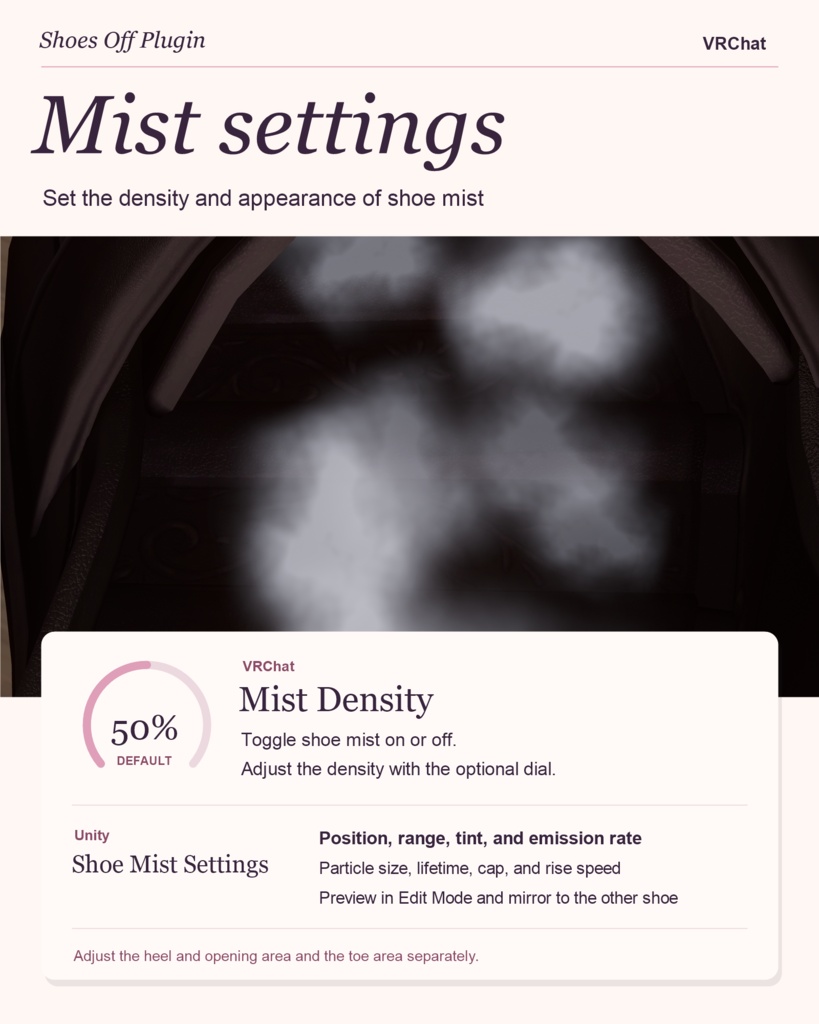
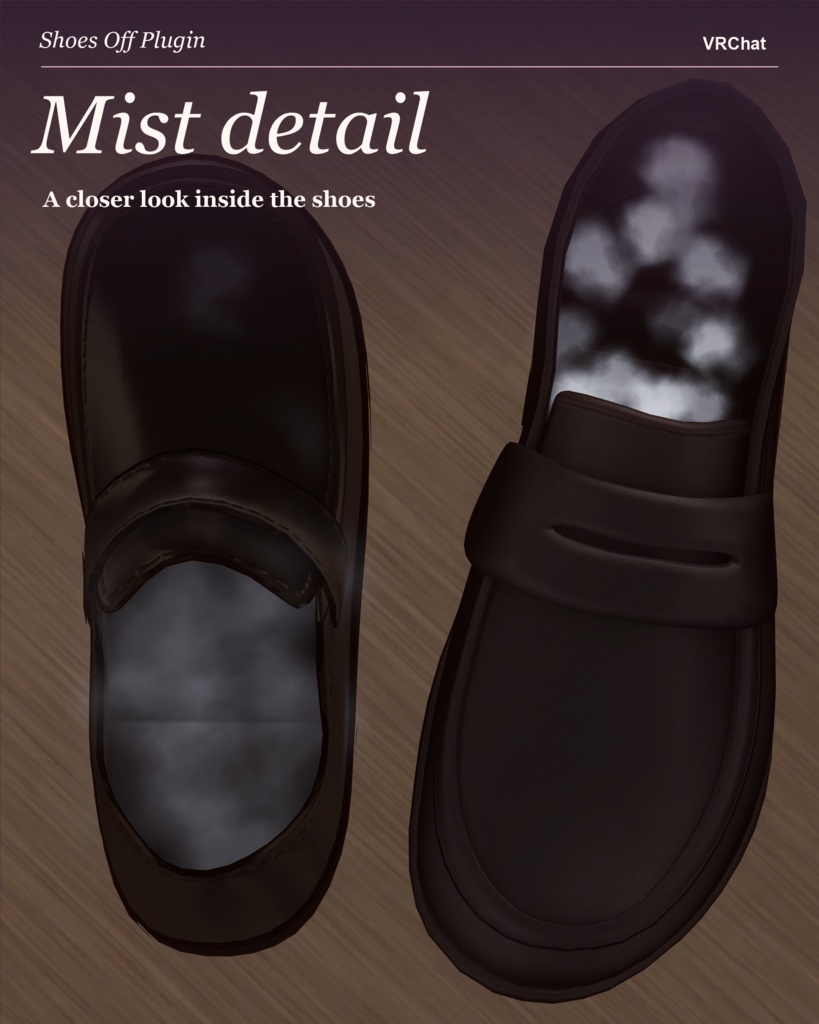


Shoes Off Plugin アバターの靴を片方ずつ脱いでその場に置いたり、手に取って投げたりできます。靴の内側に立ちのぼるミストと、脱いだ靴に追従する座席も追加できます。 Unity での導入 Shoes Off Plugin > Installer を開き、アバターと靴のレンダラーを指定します。左右一体の靴メッシュにも対応します。必要な機能を選び、「靴を生成してインストール」を押します。靴とボディは別メッシュにしてください。 片方ずつ脱ぐ・履き直す 両足をインストールすると「靴の操作 · 接頭辞」に「左靴」「右靴」が並びます。片方を選び、「ワールドに固定」で現在の姿勢のままその場に残せます。「固定を解除して履き直す」を押すと足に戻ります。位置調整を追加した場合は「固定位置の調整」で「右靴を調整(オフで左靴)」を切り替え、X・Y・Z を調整できます。 手に取る・投げる 「掴む」を追加すると、各靴に「自分で靴を掴む」「他の人が靴を掴めるようにする」が現れます。掴む機能だけなら、手を離した靴は足に戻ります。「投げる・着地する」も追加すると、静かに離せば落下し、手を振って離せばその動きに応じて飛びます。接地面を検出すると着地します。 ミストの調整 脱いだ靴のミストは履き直すと消えます。両足の「靴のミスト」と、任意の「ミストの濃度」ダイヤルはペアで共通です。Unity では履き口側とつま先側を別々にプレビューし、位置・範囲・色・毎秒の発生数を調整できます。粒子サイズ、寿命、上限数、上昇速度も変更でき、発生位置を反対側へミラーできます。 カスタムチェア Shoes Off Plugin > Chair Setup で「チェアを追加」。アバターのルートやボーンに取り付けるか、「脱げる靴に追従」で靴を選びます。Scene ビューで座る位置・向き・降りる位置を設定します。ゲーム内の「チェア」では「チェアの位置を表示」で自分用の目印を表示できます。調整を有効にした座席は、座席名の下に選択した軸のダイヤルが表示されます。 Take off one shoe and leave it where you stand, pick it up, or toss it. Add mist that rises inside the detached shoe, or attach a custom seat that moves with it. Set up in Unity Open Shoes Off Plugin > Installer, select your avatar and shoe renderer, choose your features, then click Generate and Install Shoes. Both shoes can share one mesh. The footwear must be separate from the body mesh. Take off and put back each shoe For a pair, open Shoe Controls · <prefix> and choose Left Shoe or Right Shoe. Freeze in World leaves that shoe in its current pose. Press Put Shoes Back to release it and return it to your foot. With position adjustment installed, open Fixed Position. Turn Adjust Right (Off: Left) on for the right shoe or off for the left, then use the X, Y, and Z dials. Pick up and throw Installing Pickup adds the modes Grab Shoes Yourself and Allow Others to Grab. With Pickup alone, letting go returns the shoe to the foot. Add Physical Throw and Landing to drop the shoe from a still hand or toss it with a flick. It settles when a supporting surface is detected. Adjust the mist Mist appears inside a detached shoe and disappears when worn. A pair shares one Shoe Mist toggle and an optional Mist Density dial. In Unity, preview the opening and toe zones separately. Adjust the emitter position, range, color, and particles per second, or fine-tune size, lifetime, particle limit, and rise speed. Mirror to Other Shoe copies the emitter placement across. Create a custom seat Open Shoes Off Plugin > Chair Setup and click Add Chair. Anchor the seat to the avatar root or a bone, or select Follow detachable shoe. Set the sitting position, facing direction, and exit point in the Scene view. In-game, Chairs > Show Chair Positions displays local markers. Seats with adjustable axes appear by name, with a dial for each enabled axis. 把一只鞋脱下来留在原地,或用手拿起,松手丢下。你还可以让雾气从鞋内升起,或在鞋上设置一个随鞋移动的座位。 在 Unity 中安装 打开 Shoes Off Plugin > Installer,指定角色和鞋子渲染器。如果左右鞋共用一个网格,勾选「同一网格包含左右两只鞋」。选好功能后点击「生成并安装鞋子副本」。鞋子与身体需要是独立网格。 左右鞋独立脱下与穿回 成对安装后,打开「鞋子控制 · 参数前缀」,进入「左鞋」或「右鞋」。「当前姿态世界固定」会把这一只鞋留在原地;按「穿回并解除固定」即可收回。选装位置微调后,回到这双鞋的上层菜单,进入「固定位置微调」。打开「调整右鞋(关闭为左鞋)」调右鞋,关闭时调左鞋,再用 X、Y、Z 轮盘移动。 抓取与物理丢弃 安装「拾取」后,每只鞋会出现「自己抓鞋」和「允许他人抓鞋」两种抓取模式。只装拾取时,松手会让鞋回到脚上。同时勾选「物理丢弃与落地」后,手停住再松开,鞋子会向下落;挥手松开,鞋子会顺着动作抛出,检测到支撑面后落下停稳。 鞋内雾气与调节 雾气在脱下的鞋内出现,穿回后消失。成对安装时,左右鞋共用「鞋内雾气」开关和选装的「雾气浓度」轮盘。在 Unity 里可以分别预览鞋口与前掌区域,调整局部位置、生成范围、颜色和每秒生成数量。高级选项可调粒子大小、寿命、数量上限与上浮速度。「镜像到另一只鞋」会镜像发射位置。 自定义座椅 打开 Shoes Off Plugin > Chair Setup,点击「添加椅子」。座椅可挂到角色根节点或骨骼,也可通过「随可脱鞋移动」选择鞋子。在场景视图里设置座位位置、朝向和离座点。游戏内打开「显示座椅位置」可显示仅自己可见的标记。启用「游戏内 XYZ 微调」后,在座椅菜单里选择椅子名称,即可看到为它开启的轴轮盘,例如只开 Y 轴来调高度。 模特 Hoshira_Astral https://x.com/Hoshira_Astral 主体代码由codex完成 The main code was done by Codex