
【VRoid】レイヤーボブ|Lune Bob – Layered Bob Hair Preset
- ダウンロード商品¥ 100
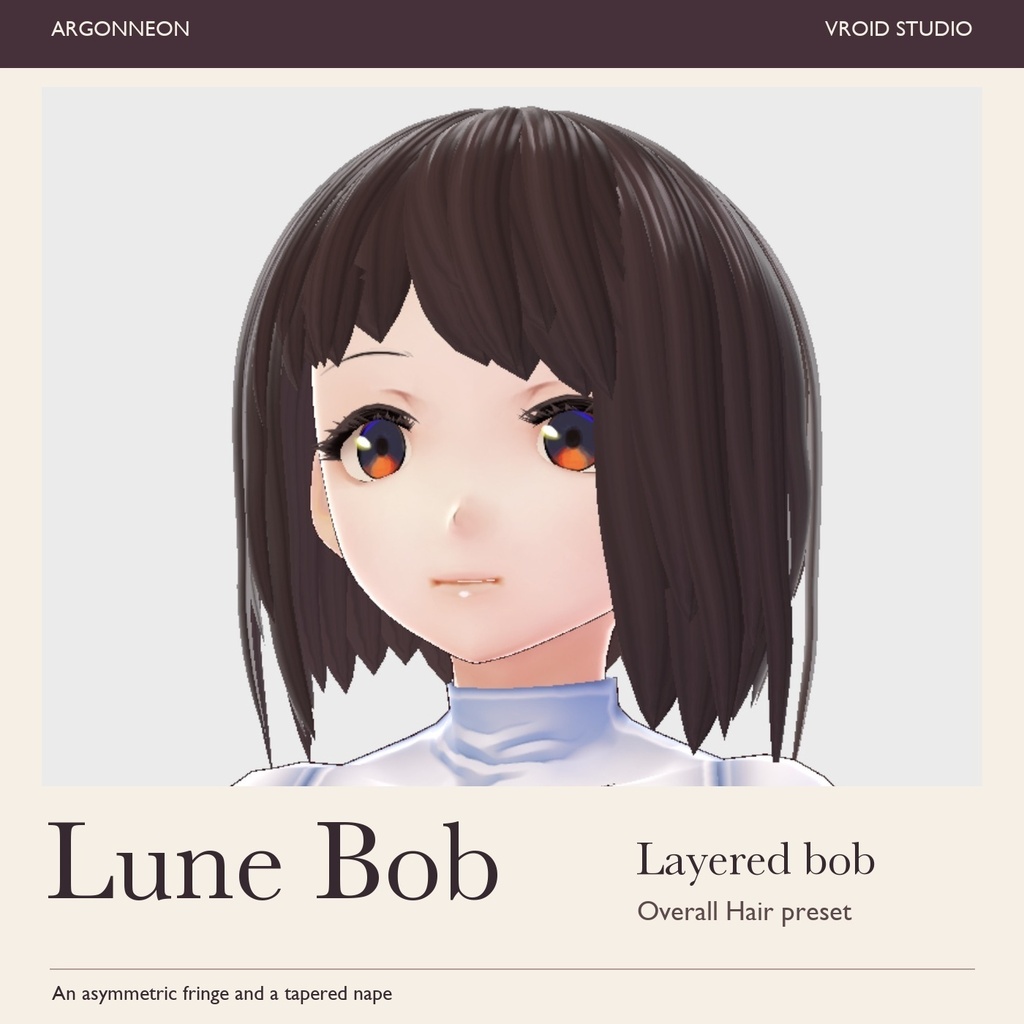
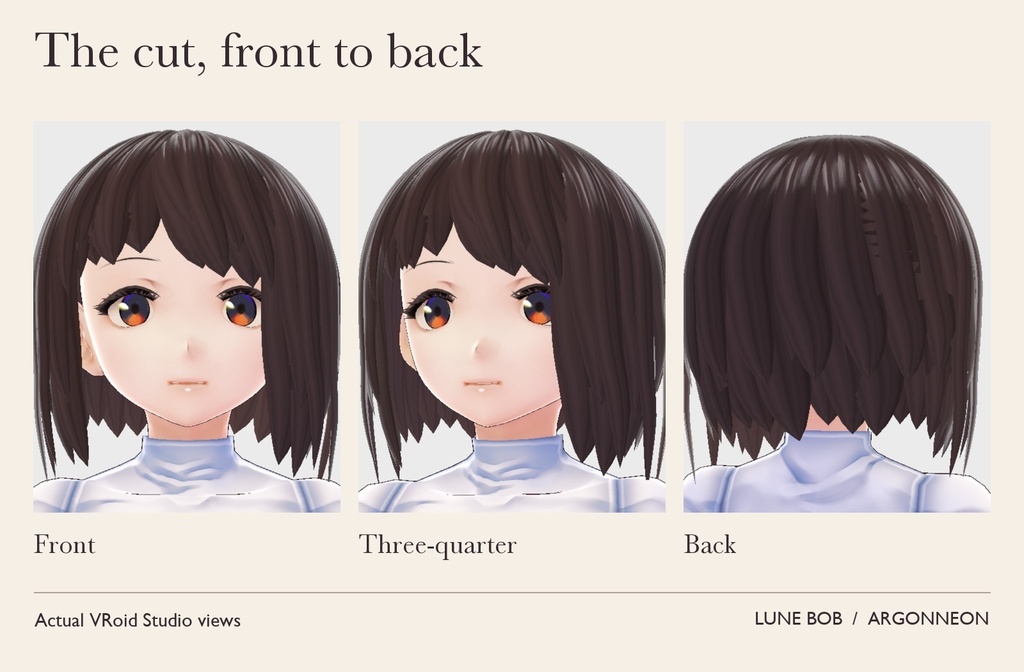


短めのアシンメトリーな前髪に、頬からあごのラインに沿って長めの毛束を残したレイヤーボブです。後ろは襟足に向かって二段に重なるカットで、横顔と後ろ姿で異なるシルエットを楽しめます。掲載画像はVRoid Studioでの実際の着用例です。 【セット内容】 ・Lune Bob.vroidcustomitem(一体型の髪型プリセット。全60束を3グループに分けて編集できます) ・Lune_Strand_Grayscale.png(色の調整に使える512 × 512 pxのグレースケールテクスチャ) ・導入方法と利用条件のテキスト(英語・韓国語) ※着用例のアバターと衣装は付属しません。 【導入方法】 ZIPを解凍し、VRoid Studioでお使いのアバターを開きます。左上のメニューから「カスタムアイテムをインポート」を選び、Lune Bob.vroidcustomitem を開いて「すぐに着用する」を選んでください。macOS版VRoid Studio 2.16.0の新規アバターで着用を確認しています。 【利用条件】 ご購入者ご自身のアバターに合わせて、髪型や色を変更できます。収益化した配信・動画・スクリーンショット・レンダリング作品にもご利用いただけます。プリセットやテクスチャの再販売・再配布(改変したものを含む)、髪データを取り出せる状態でのモデル配布は禁止です。クレジット表記は任意です。 English Lune Bob frames the face with a short, asymmetric fringe and longer strands at the cheeks. From the back, two tiers of tapered ends reveal the nape. The preview shows the actual hairstyle in VRoid Studio. Inside the ZIP • Lune Bob.vroidcustomitem — one editable Overall Hair preset with 60 locks in three groups • Lune_Strand_Grayscale.png — a 512 × 512 texture for recoloring • English and Korean installation guide and usage terms How to wear it Unzip the files. Open your avatar and go to Hairstyle → Overall Hair → Custom → Import. Select Lune Bob.vroidcustomitem and choose Wear now. Tested on a fresh avatar in VRoid Studio 2.16.0 for macOS. The avatar and clothing in the photos are for display only. Usage You may edit the hair for your own avatars and wear it in monetized streams, videos, screenshots and rendered artwork. Please keep the editable files for your own use. Resale, redistribution and sharing models with the recoverable hair asset are prohibited. Credit is welcome. 한국어 안내 비대칭 앞머리, 턱선을 감싸는 긴 옆머리, 짧게 층을 낸 뒷머리가 특징인 일체형 단발입니다. 압축을 풀고 헤어 → 일체형 → 사용자 지정 → 불러오기에서 프리셋을 선택하세요. 구매자 본인의 수익화 방송과 영상에 사용할 수 있습니다. 파일 재판매·재배포는 금지합니다.